Sample Letter for Medical Records Release in Social Security Disability Action
Overview of this form
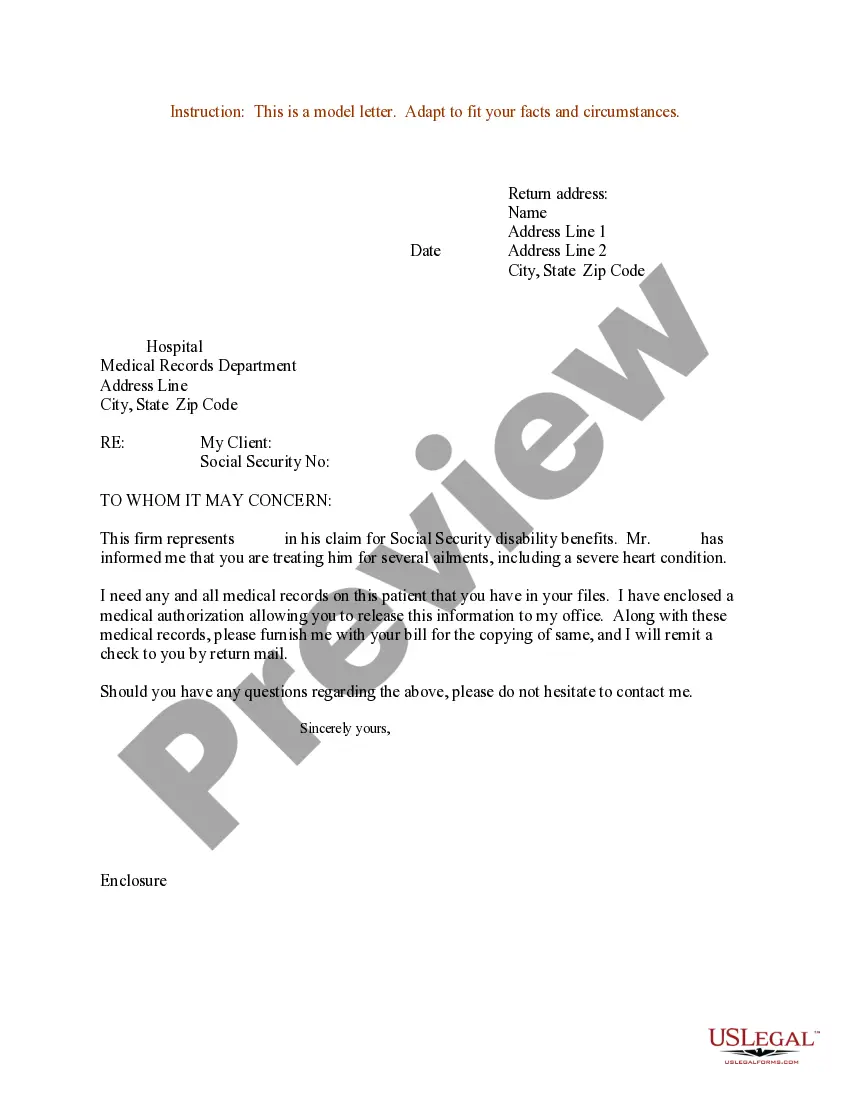
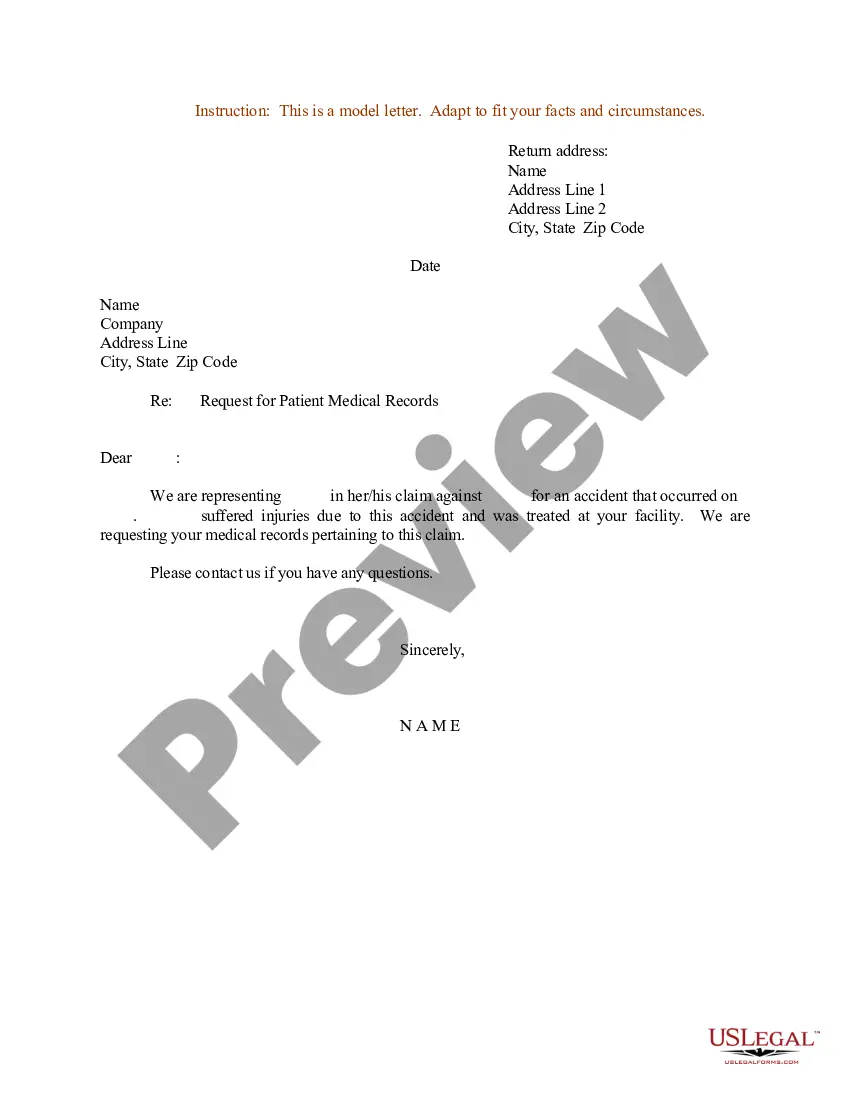
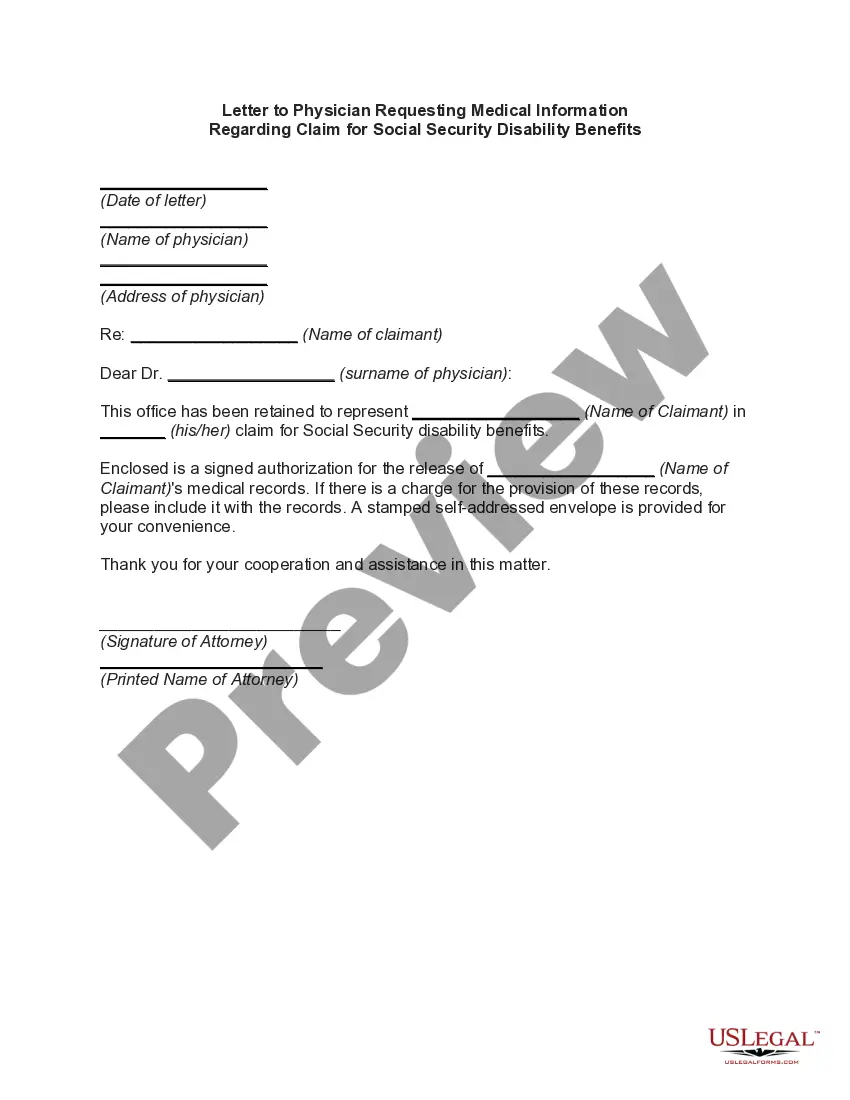
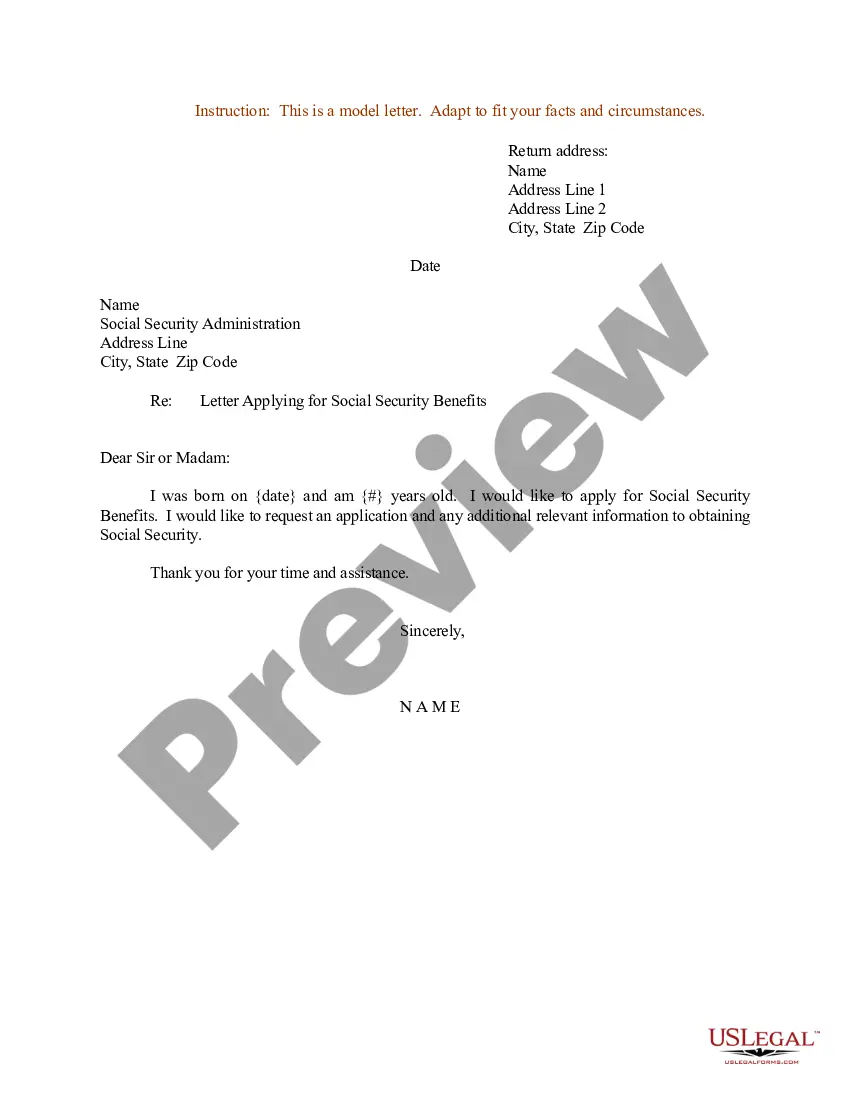
This Sample Letter for Medical Records Release in Social Security Disability Action is a template that facilitates the request for medical records necessary for a Social Security disability claim. This letter is distinct in its focus on obtaining medical records specifically for disability purposes, ensuring that the correct information is gathered to support the claim process.
Main sections of this form
- Return address: Identifies the sender's information.
- Date: Records when the request is made.
- Recipient details: Specifies the healthcare provider or records custodian.
- Request for records: Clearly states the type of medical records being requested.
- Signature line: Space for the requester to sign and date the letter.
Situations where this form applies
This form should be used when an individual is pursuing a Social Security disability claim and needs to obtain their medical records from healthcare providers. It is particularly useful when the Social Security Administration requires proof of medical conditions to evaluate the claim.
Intended users of this form
- Individuals applying for Social Security disability benefits.
- Healthcare professionals providing records for such claims.
- Legal representatives assisting clients with disability claims.
Completing this form step by step
- Identify the parties involved: Fill in the return address and recipient details.
- Enter the date: Include the date on which the letter is being sent.
- Specify the records requested: Clearly state which medical records are necessary.
- Sign the letter: Ensure that you sign and date the letter in the designated place.
- Send the letter: Deliver it to the appropriate healthcare provider or institution.
Notarization requirements for this form
This form does not typically require notarization to be legally valid. However, some jurisdictions or document types may still require it. US Legal Forms provides secure online notarization powered by Notarize, available 24/7 for added convenience.
Get your form ready online
Our built-in tools help you complete, sign, share, and store your documents in one place.
Make edits, fill in missing information, and update formatting in US Legal Forms—just like you would in MS Word.
Download a copy, print it, send it by email, or mail it via USPS—whatever works best for your next step.
Sign and collect signatures with our SignNow integration. Send to multiple recipients, set reminders, and more. Go Premium to unlock E-Sign.
If this form requires notarization, complete it online through a secure video call—no need to meet a notary in person or wait for an appointment.
We protect your documents and personal data by following strict security and privacy standards.

Make edits, fill in missing information, and update formatting in US Legal Forms—just like you would in MS Word.

Download a copy, print it, send it by email, or mail it via USPS—whatever works best for your next step.

Sign and collect signatures with our SignNow integration. Send to multiple recipients, set reminders, and more. Go Premium to unlock E-Sign.

If this form requires notarization, complete it online through a secure video call—no need to meet a notary in person or wait for an appointment.

We protect your documents and personal data by following strict security and privacy standards.
Avoid these common issues
- Failing to include all requested information such as the return address or specific records needed.
- Not signing the letter before sending it.
- Using vague language that could lead to misinterpretation of the request.
Advantages of online completion
- Convenience: Easily download and complete the form from home.
- Editability: Customize the template to fit your specific needs.
- Reliability: Ensure that you are using a professionally drafted legal form tailored for your situation.
Looking for another form?
Form popularity
FAQ
Generally, it takes about 3 to 5 months to get a decision. However, the exact time depends on how long it takes to get your medical records and any other evidence needed to make a decision. How does Social Security make the decision? We send your application to a state agency that makes disability decisions.
Indicate Your Name and Claim Number at the Top. Point Out Any Mistakes or Oversights. Supply Missing Medical Information. Attach Medical Records or Any Additional Evidence. Stick to the Point. Be as Detailed as Possible. Be Polite and Professional.
To get your records, simply request them from your doctor's office. You may have to pay a fee for copying. If your doctor refuses to give you your records after you explain you need them to apply for disability benefits, consider finding a new doctor.
SSA and its affiliated State disability determination services use Form SSA-827, "Authorization to Disclose Information to the Social Security Administration (SSA)" to obtain medical and other information needed to determine whether or not a claimant is disabled.