Vermont Subcontractors Package
What is this form package?
The Vermont Subcontractors Package is a comprehensive set of essential documents designed specifically for subcontractors in Vermont. This package includes a variety of forms aimed at helping subcontractors effectively manage their construction projects while safeguarding their legal rights. Unlike generic form packages, this one features a subcontractor's agreement that complies with Vermont state law, ensuring that users are following the necessary legal guidelines for their specific jurisdiction.
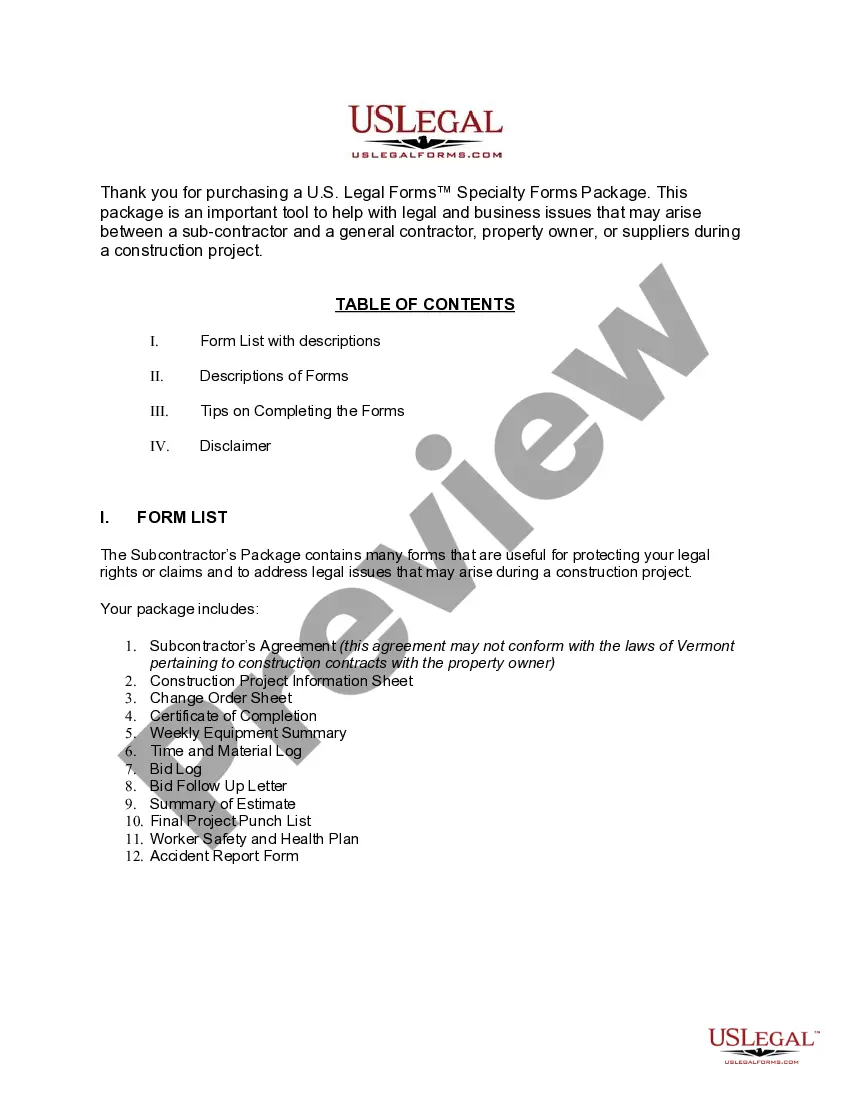
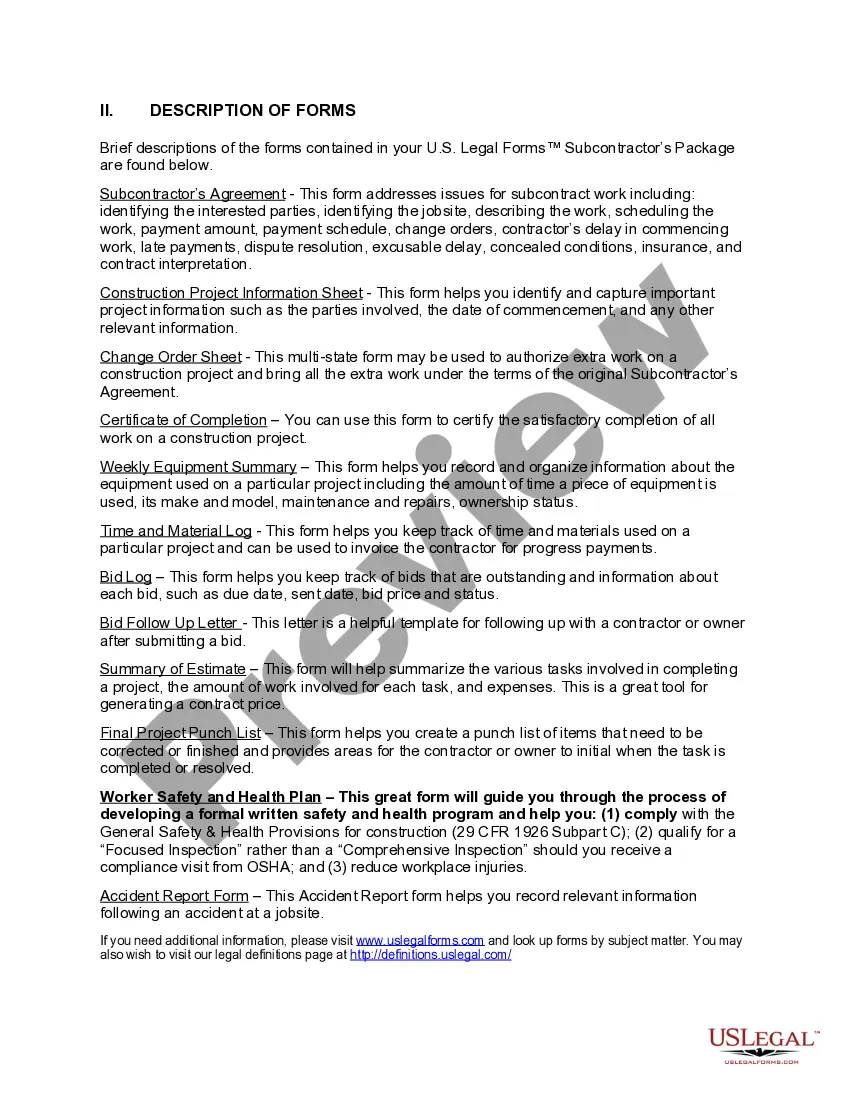
Forms you’ll find in this package
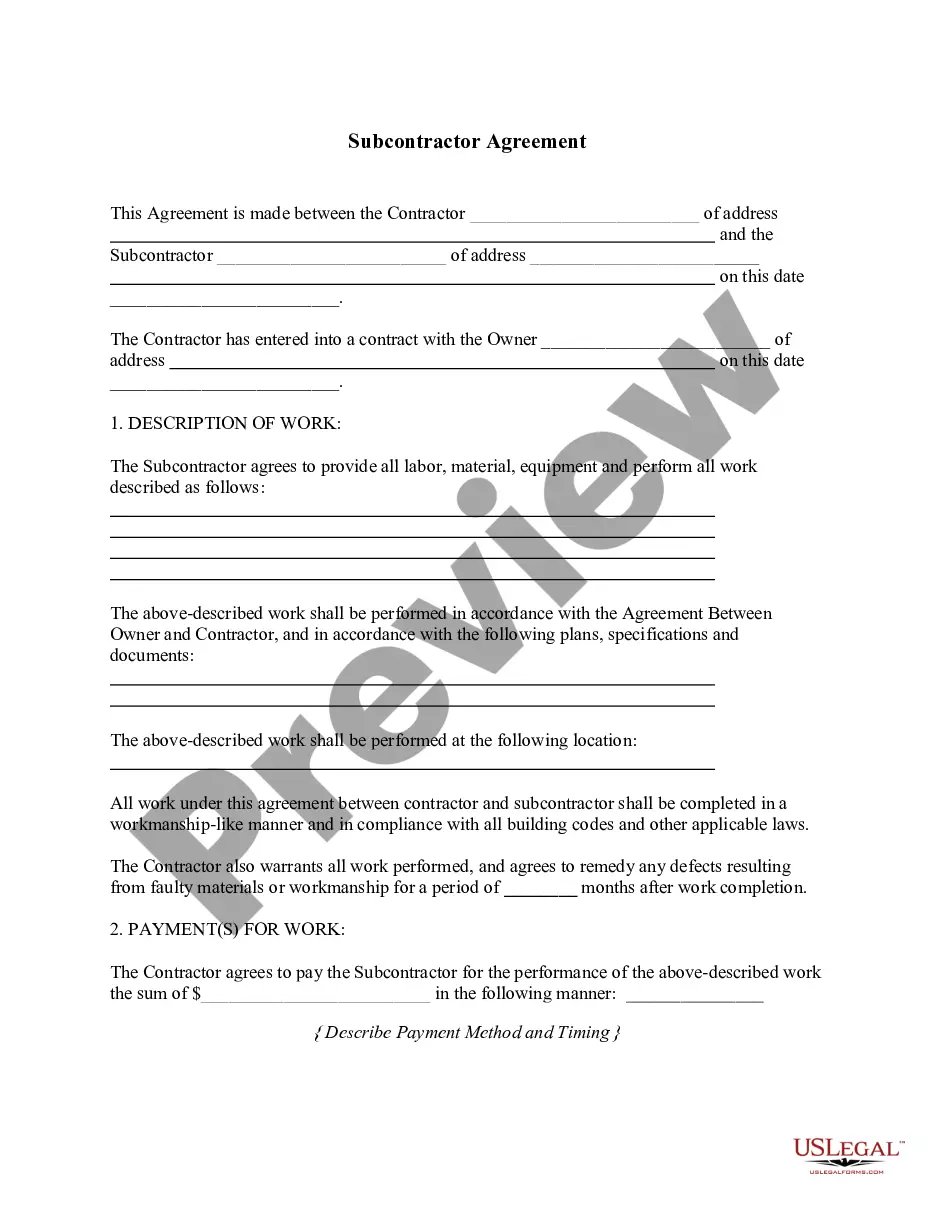
- Subcontractor's Agreement
- Contractor's Weekly Equipment Summary
- Contractor's Time and Materials Log
- Contractor's Bid Log
- Contractor's Bid Follow Up Letter
- Contractor's Summary of an Estimate
- Contractor's Final Punch List
- Construction Accident Report
- Construction Safety and Health Plan
- Change Order for Construction or Repairs by Contractor
- Certification of Completion by Contractor
- Construction Project Information Sheet
When this form package is needed
This form package is useful in several situations, including:
- When entering a subcontracting agreement with a contractor.
- During construction projects that require detailed documentation.
- When changes need to be made to the original scope of work.
- For tracking equipment usage and labor hours on job sites.
- When ensuring compliance with worker safety regulations.
Intended users of this form package
- Subcontractors working on construction projects in Vermont.
- Small business owners in the construction industry.
- Independent contractors seeking formal agreements.
- Property owners wanting to document subcontractor agreements.
- Construction project managers needing organized documentation.
Instructions for completing these forms
- Review included forms to understand their purpose and requirements.
- Identify the parties involved in the subcontractor agreement.
- Enter relevant details, including project timelines and payment terms.
- Document any changes or extra work using the Change Order Sheet.
- Compile records of materials and labor through the various tracking sheets.
Do forms in this package need to be notarized?
Notarization is not commonly needed for forms in this package. However, if your state’s laws require it, our notarization service, powered by Notarize, allows you to finalize documents online 24/7 without in-person visits.
Get your form ready online
Our built-in tools help you complete, sign, share, and store your documents in one place.
Make edits, fill in missing information, and update formatting in US Legal Forms—just like you would in MS Word.
Download a copy, print it, send it by email, or mail it via USPS—whatever works best for your next step.
Sign and collect signatures with our SignNow integration. Send to multiple recipients, set reminders, and more. Go Premium to unlock E-Sign.
If this form requires notarization, complete it online through a secure video call—no need to meet a notary in person or wait for an appointment.
We protect your documents and personal data by following strict security and privacy standards.

Make edits, fill in missing information, and update formatting in US Legal Forms—just like you would in MS Word.

Download a copy, print it, send it by email, or mail it via USPS—whatever works best for your next step.

Sign and collect signatures with our SignNow integration. Send to multiple recipients, set reminders, and more. Go Premium to unlock E-Sign.

If this form requires notarization, complete it online through a secure video call—no need to meet a notary in person or wait for an appointment.

We protect your documents and personal data by following strict security and privacy standards.
Avoid these common issues
- Failing to enter complete information on forms.
- Not updating the Change Order Sheet as changes occur.
- Neglecting to keep records of time and materials accurately.
- Forgetting to sign and date agreements.
- Overlooking safety plan requirements that may impact project compliance.
Why use this package online
- Convenience of downloading and printing forms from home or the office.
- Editable documents allowing customization to specific project needs.
- Access to legally vetted forms by licensed attorneys, increasing reliability.
- Time-saving compared to lengthy consultations with legal professionals.
Legal use & context
- The forms provided are designed to protect your legal rights and address potential issues that may arise during a construction project.
- Using these forms can help clarify obligations and expectations between subcontractors and general contractors.
- While these documents serve as a solid foundation, it is recommended to consult with an attorney for complex projects or legal questions.
Looking for another form?
Form popularity
FAQ
Payments to contractors are liable for payroll tax unless an exemption applies. To determine if an exemption applies, first check: if the contractor is an employee, even if they have an ABN or call themselves a contractor or.
Subcontractors do not get benefits, office space or equipment. Hiring contractors also relieves you of having to pay employee taxes and a full-time salary. When all is said and done, hiring a subcontractor is about 20 to 30 percent more cost effective than hiring full-time additional staff.
Furthermore, independent contractors are not eligible to receive tax-free benefits from the organization. If the company chooses to offer health care benefits to an independent contractor, the contractor must pay income taxes on the value of the benefit.
In short, someone who sets their wage, hours, and chooses the jobs they take on is a subcontractor, while someone whose employer specifies their wage, hours, and work tasks is an employee.
1099 Employees and Benefits If you hire a worker as a 1099 contractor, you are not required under law to offer the contractor the same benefits you provide to your actual employees. However, regulations do allow you to offer self-employed health insurance if you choose to do so.
You give a Form 1099 to a subcontractor showing the amounts you paid him. The subcontractor is responsible for keeping his or her own records and paying his or her own income and self-employment taxes.The difference between an employee and a subcontractor depends on your right to direct and control the worker.
Since they're not deemed employees, you don't pay them wages or a salary. Instead, you pay the 1099 worker according to the agreement you strike with them. In addition, you don't have to worry about withholding income taxes, withholding and paying Social Security and Medicare taxes, or paying unemployment taxes.
In short, someone who sets their wage, hours, and chooses the jobs they take on is a subcontractor, while someone whose employer specifies their wage, hours, and work tasks is an employee.
Contractors and subcontractors don't affect your payroll, because they're not employees.When it comes to tax obligations, both the contractor and the subcontractor are responsible for paying their own taxes. Typically, you would provide the contractor with a IRS Form 1099 for the work they did for you.