Change Order for Construction or Repairs by Contractor
What is this form?
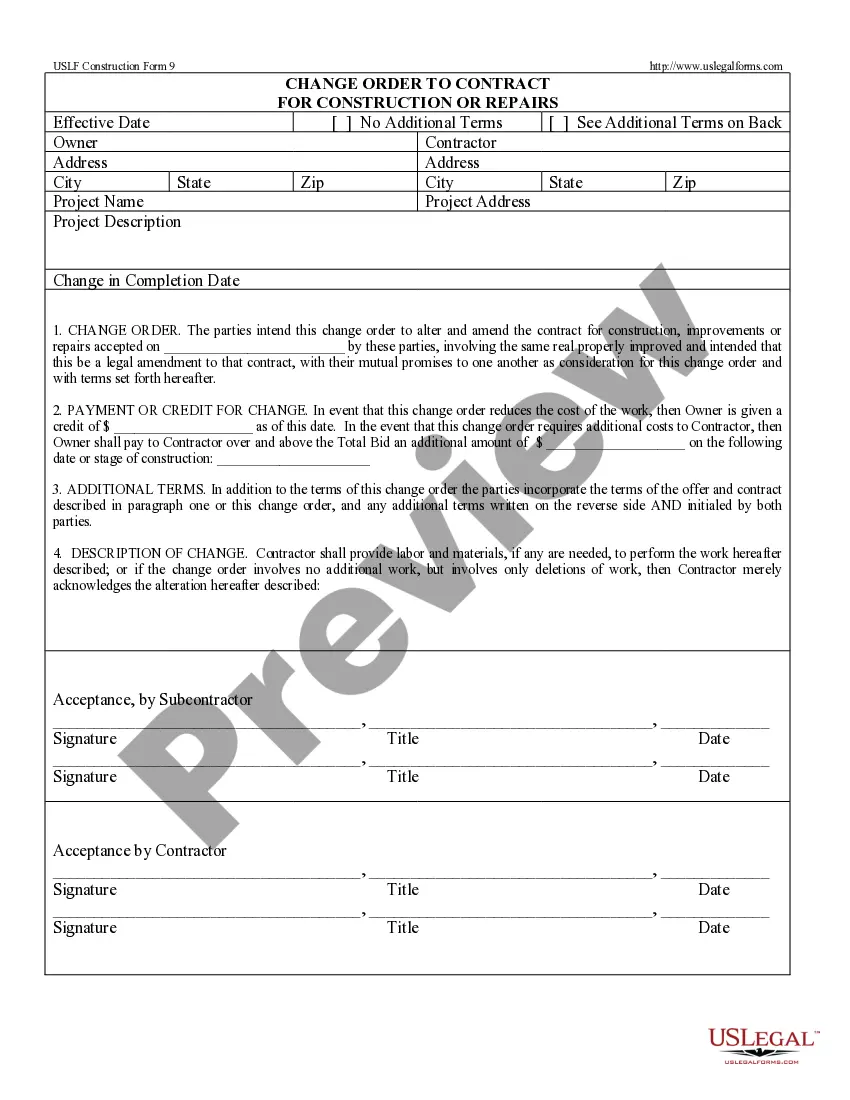
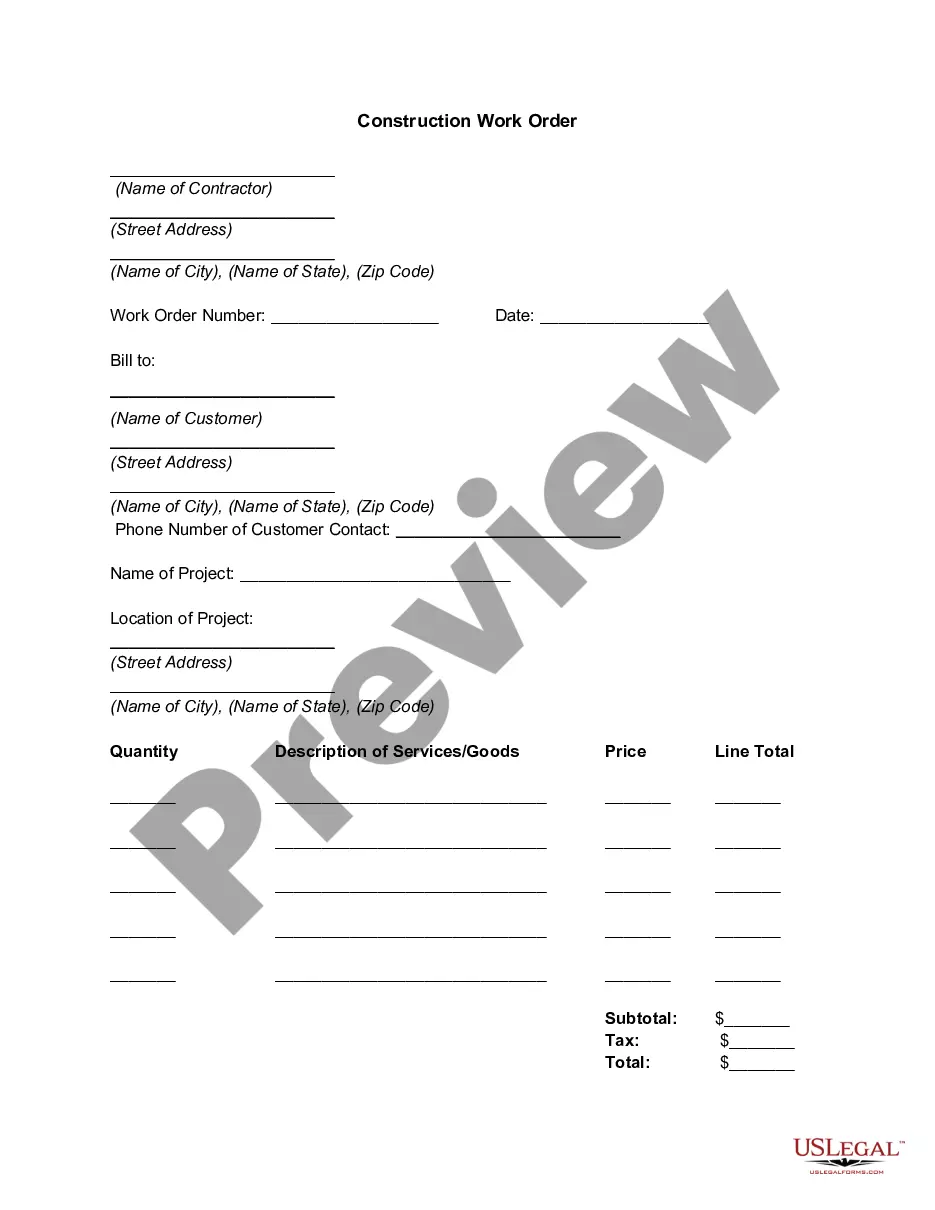
The Change Order for Construction or Repairs by Contractor is a legal document used to modify what was agreed upon in the original construction contract. This form specifically facilitates changes between a contractor and subcontractor, allowing for adjustments in project scope, completion dates, or associated costs. It differs from other forms as it is directly focused on amendments to these agreements, indicating that the contractor may be acting on behalf of the owner in specific circumstances.
What’s included in this form
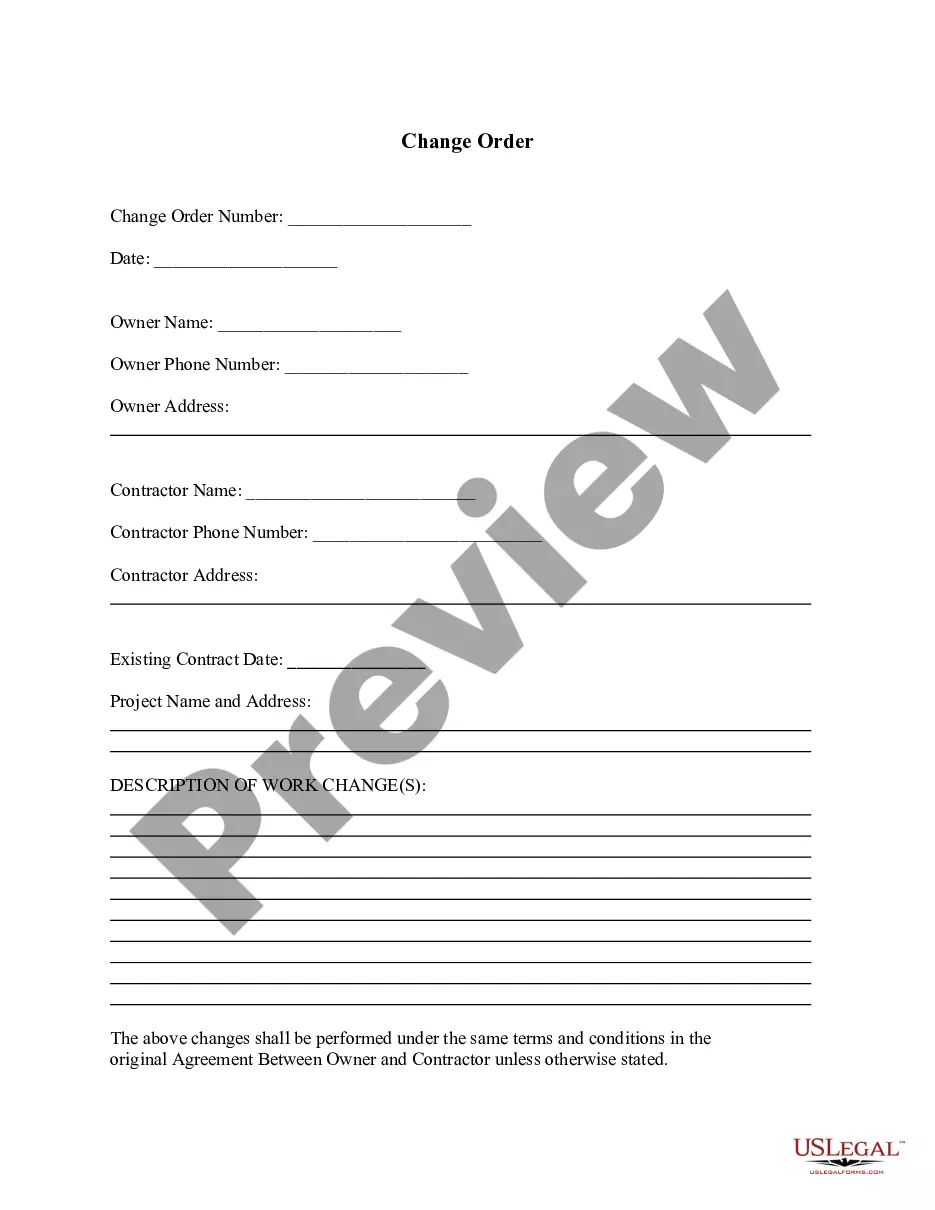
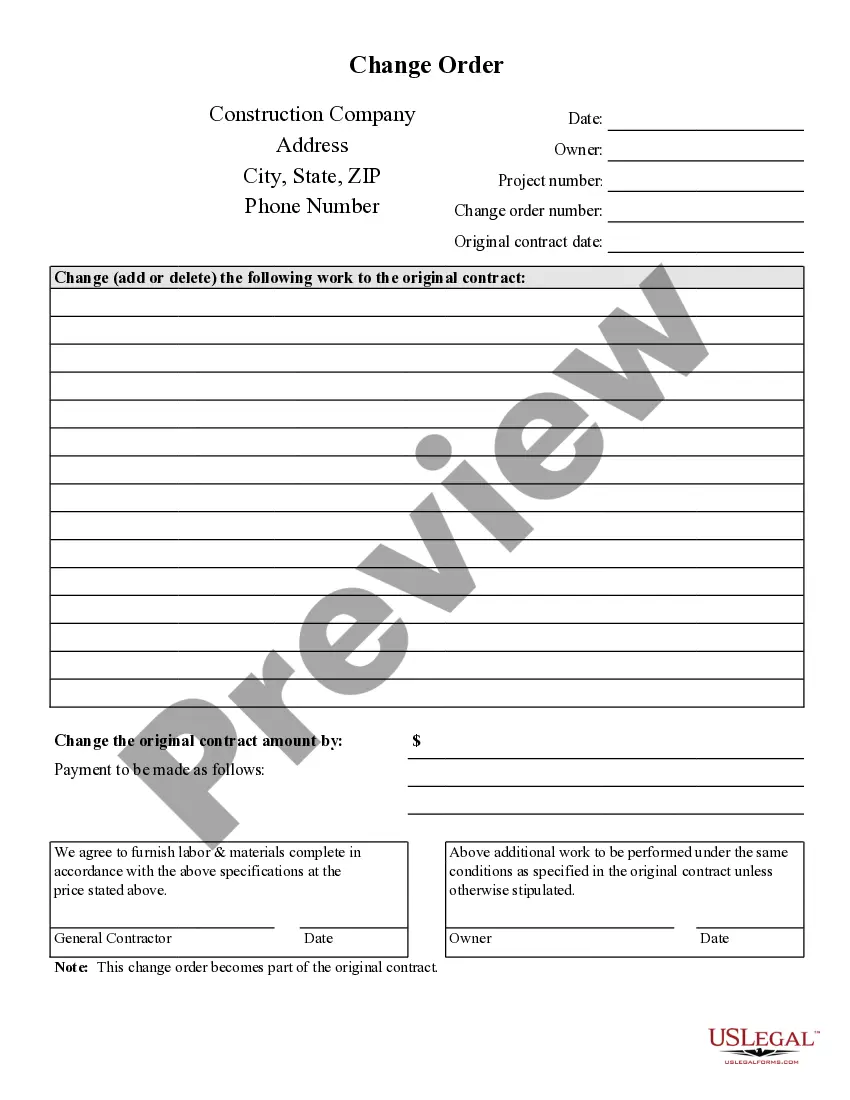
- Effective Date: The date when the change order takes effect.
- Owner and Contractor Details: Names and addresses of the involved parties.
- Project Name and Address: Identification of the project to which the change order pertains.
- Change in Completion Date: Specific adjustments to the anticipated completion date.
- Payment or Credit: Details about changes in cost due to the adjustment in the contract.
- Acceptance Signatures: Required signatures from both the contractor and subcontractor for validation.
Situations where this form applies
This form should be used when there are changes to the scope of work, costs, or timelines in a construction contract. For example, if a subcontractor needs to add additional materials or if the parties agree to delay the completion date, this change order will formally document those amendments.
Who needs this form
- Contractors who need to amend agreements with subcontractors.
- Subcontractors who are making requests for changes in a project.
- Owners who want to approve changes in the construction agreement through their contractor.
Completing this form step by step
- Identify the parties involved: Fill in the names and addresses of the owner and contractor.
- Specify the project details: Enter the project name and address for clarity.
- Adjust the completion date: Document the new completion date if applicable.
- Outline payment or credit: Clearly state any financial adjustments resulting from the change.
- Gather required signatures: Ensure all parties sign and date the form to validate the changes.
Notarization guidance
This form usually doesn’t need to be notarized. However, local laws or specific transactions may require it. Our online notarization service, powered by Notarize, lets you complete it remotely through a secure video session, available 24/7.
Get your form ready online
Our built-in tools help you complete, sign, share, and store your documents in one place.
Make edits, fill in missing information, and update formatting in US Legal Forms—just like you would in MS Word.
Download a copy, print it, send it by email, or mail it via USPS—whatever works best for your next step.
Sign and collect signatures with our SignNow integration. Send to multiple recipients, set reminders, and more. Go Premium to unlock E-Sign.
If this form requires notarization, complete it online through a secure video call—no need to meet a notary in person or wait for an appointment.
We protect your documents and personal data by following strict security and privacy standards.

Make edits, fill in missing information, and update formatting in US Legal Forms—just like you would in MS Word.

Download a copy, print it, send it by email, or mail it via USPS—whatever works best for your next step.

Sign and collect signatures with our SignNow integration. Send to multiple recipients, set reminders, and more. Go Premium to unlock E-Sign.

If this form requires notarization, complete it online through a secure video call—no need to meet a notary in person or wait for an appointment.

We protect your documents and personal data by following strict security and privacy standards.
Common mistakes
- Failing to include the date the change order takes effect.
- Not specifying all changes clearly, leading to ambiguity.
- Forgetting to obtain signatures from all necessary parties.
Why complete this form online
- Convenience of immediate download without waiting for mailed forms.
- Editability to customize the document for your specific needs.
- Access to legal expertise, ensuring the form is accurate and compliant.
Main things to remember
- The Change Order for Construction or Repairs is crucial for officially modifying construction contracts.
- Be thorough in detailing the changes, costs, and timelines.
- Ensure all relevant parties sign to validate the changes.
Looking for another form?
Form popularity
FAQ
A Change Order represents the mutual consensus between the parties on a change to the work, the price, the schedule, or some other term of the contract. As such, a change order must be written out and approved by all parties, which can take time, money, and patience to complete.
A Change Order is the mechanism used to modify any Purchase Order (PO) that has been sent to. a vendor, including amendments to term contracts.
The contractor prepares a change order proposal quoting a price for the extra work. Once the owner and contractor have agreed on scope, price, and schedule, a formal, written change order is prepared and signed by all parties. Then, the contractor proceeds to perform the changed work.
A change order is simply an addendum or amendment to the original construction contract and scope of work and can be initiated by the owner or the contractor.
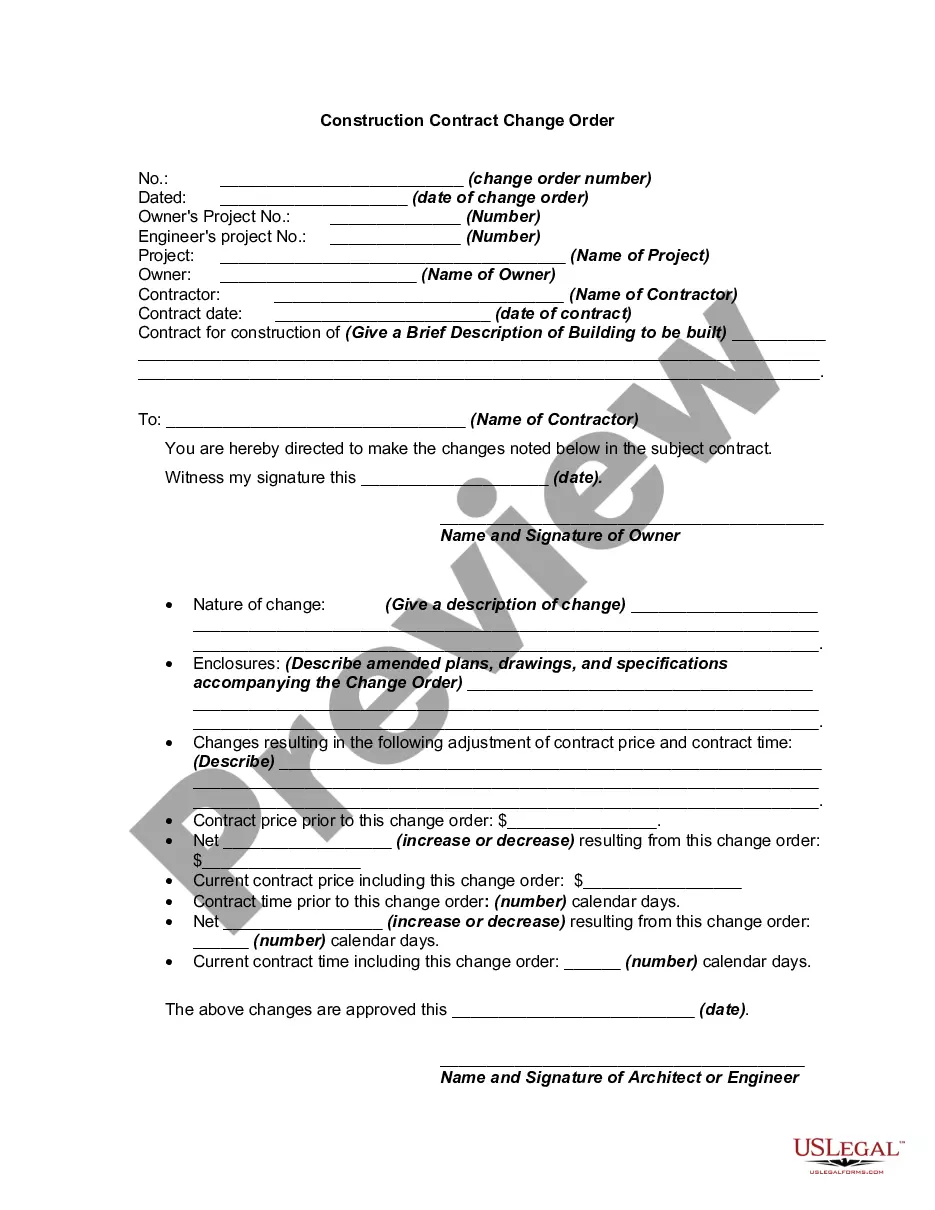
A change order is a document used to alter the original agreement on a construction project. It details the changes in the scope of work, cost, and schedule that are required.The contract should provide specific guidelines on how to manage and process the change order.
7.2. 1 " A change order is written instrument prepared by the architect and signed by the owner, contractor, and architect..."
First, let's start with the fact that there is no law that says that you have to have changes or change orders in a construction contract.Contractors are not banks, yet they are routinely used as such by owners who order changes, but refuse to execute change orders, which can then be billed.