Construction Work Order
About this form
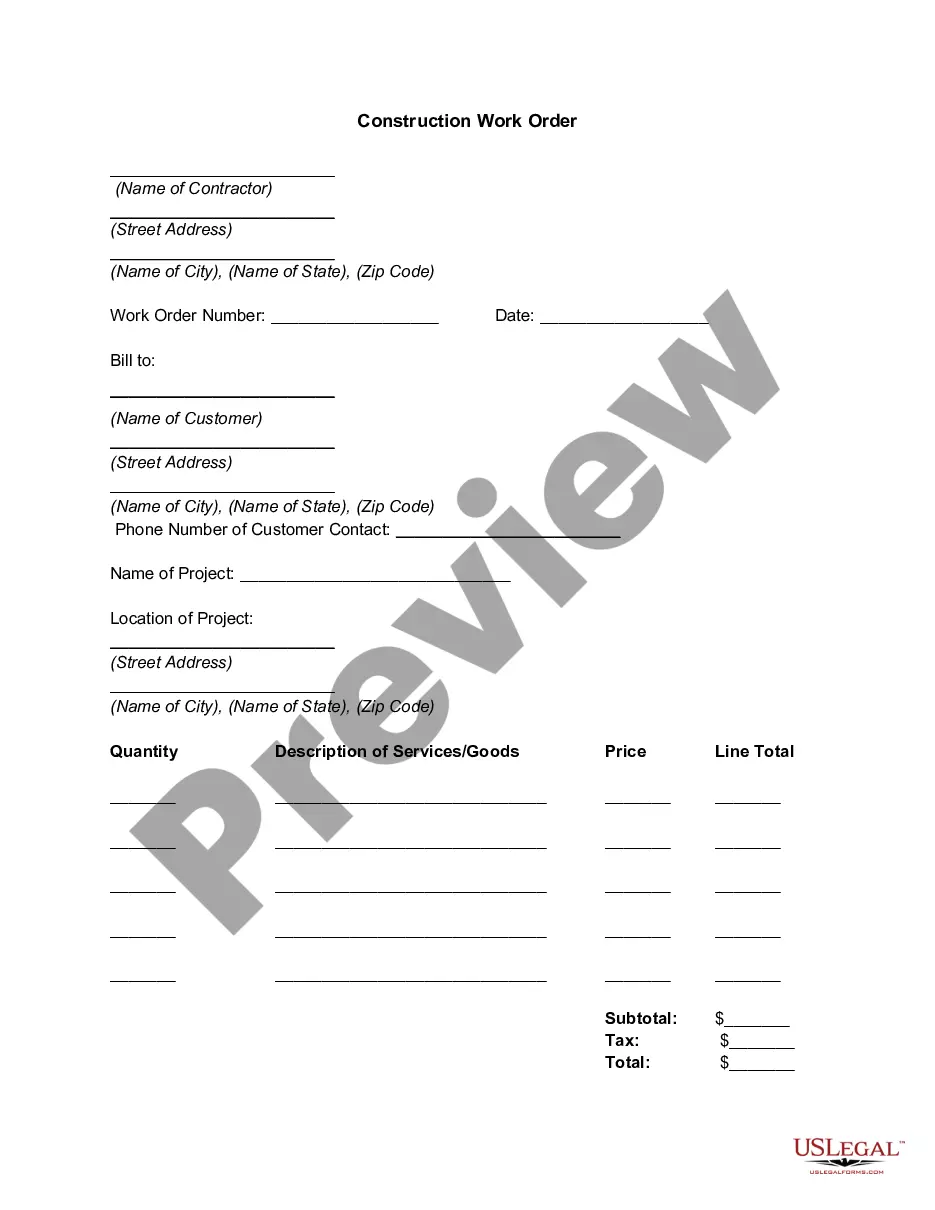
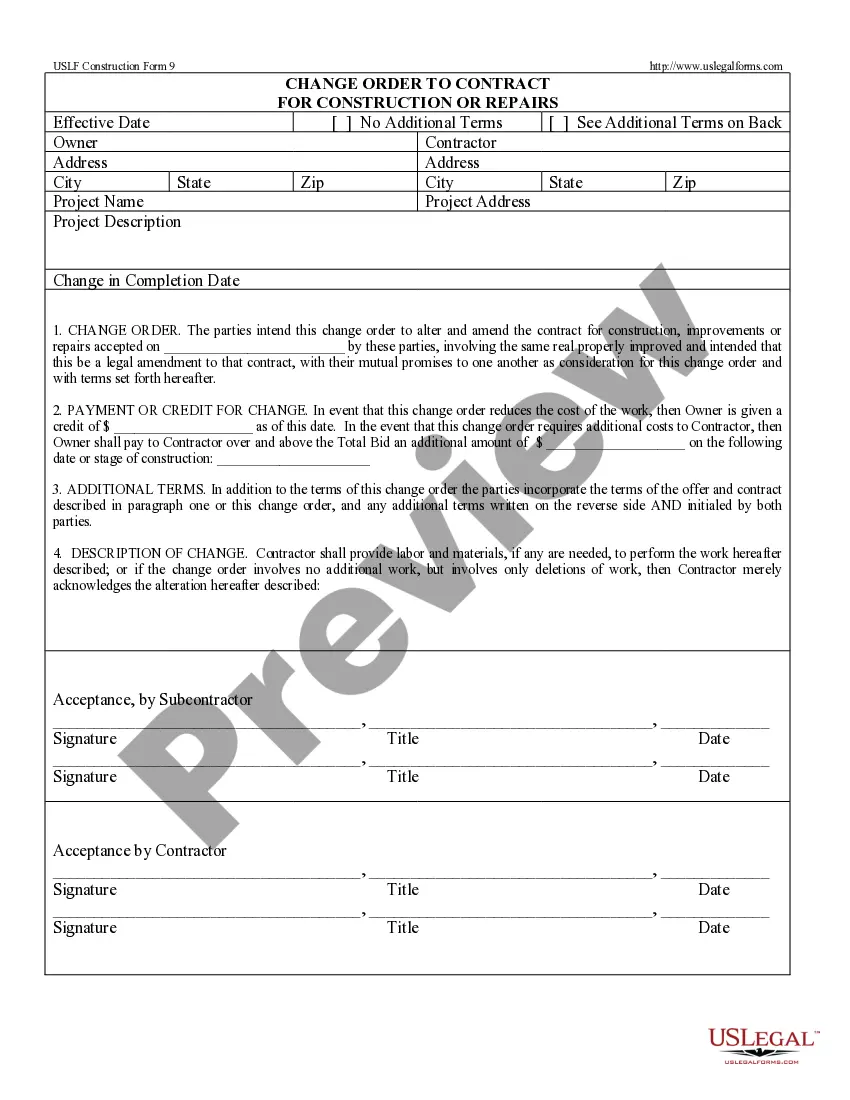
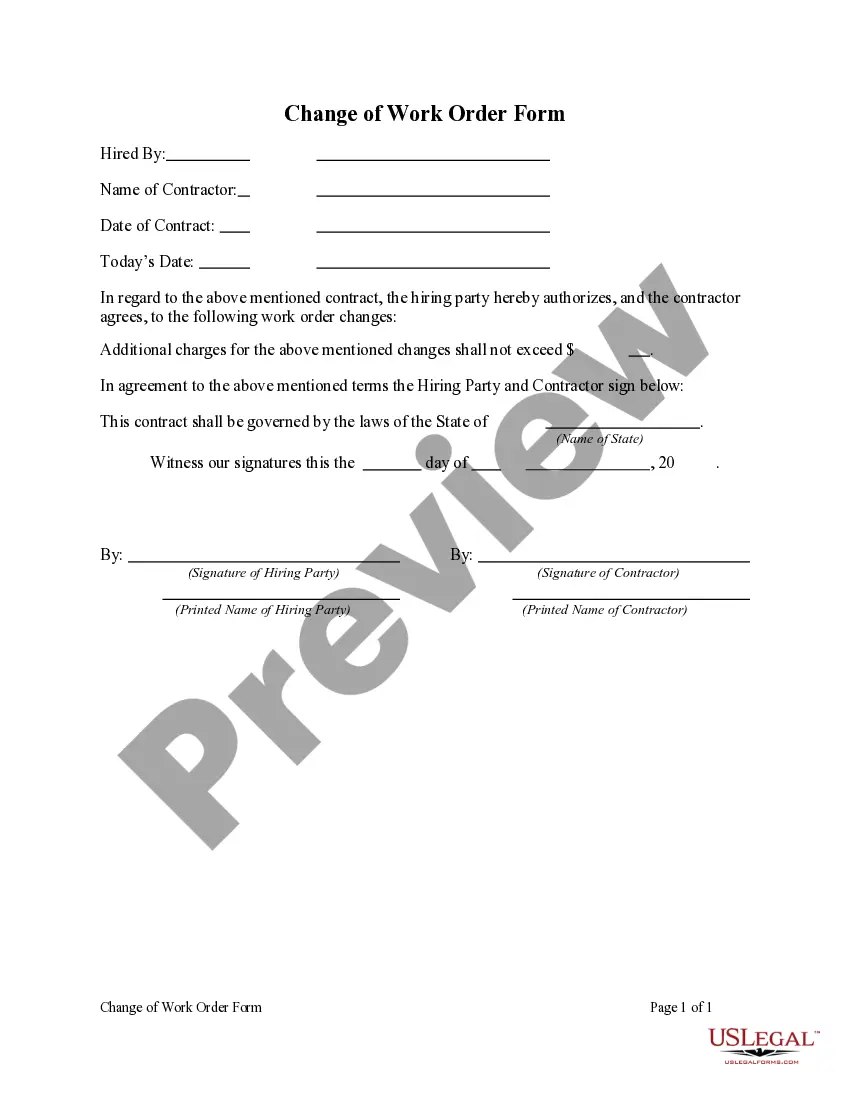
The Construction Work Order is a formal document used by contractors to communicate important details about a construction project to clients. This form outlines the scope of work, cost estimates, and authorization to proceed with the project. Unlike general service agreements, a work order is specifically tailored for construction tasks, ensuring both parties understand the specifics of the job to be completed.
Form components explained
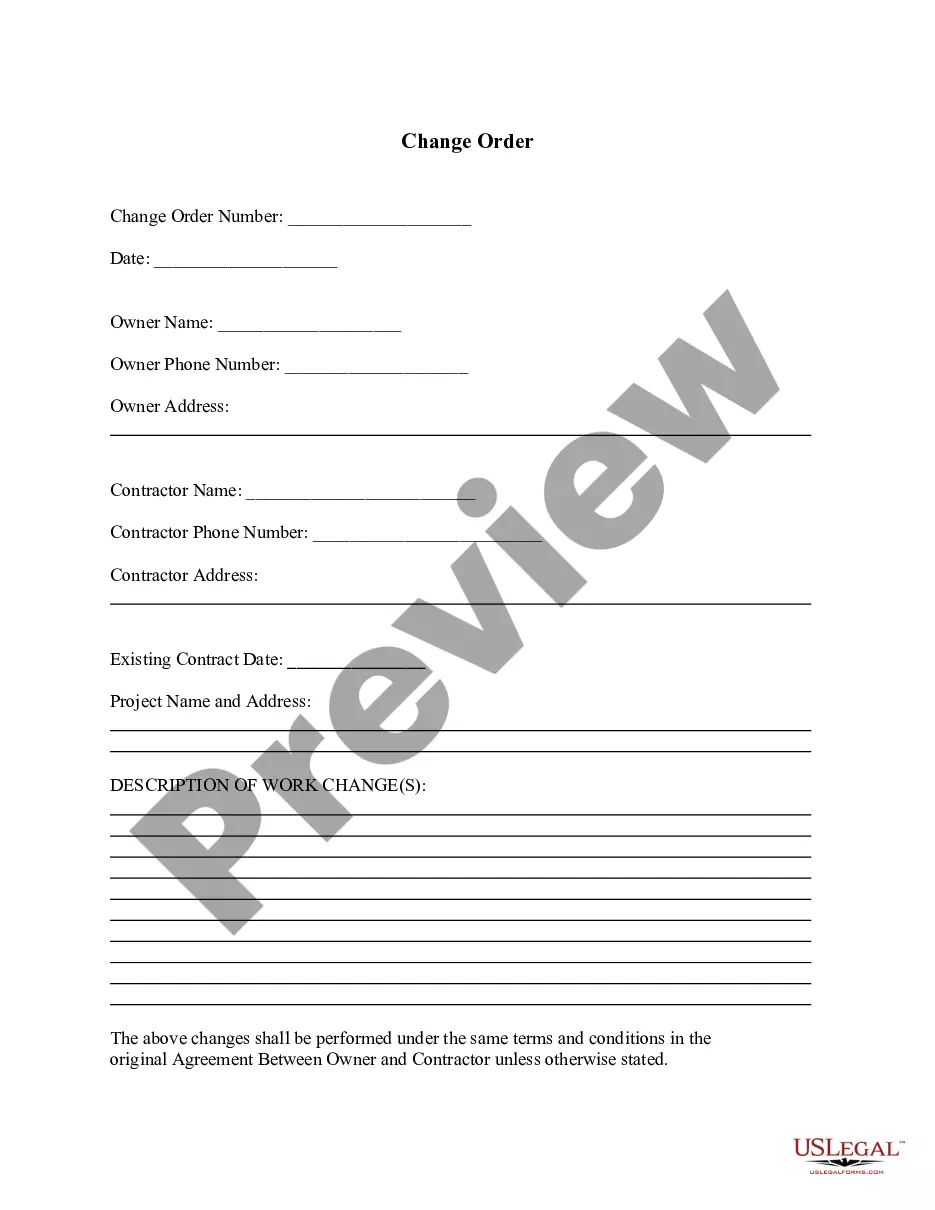
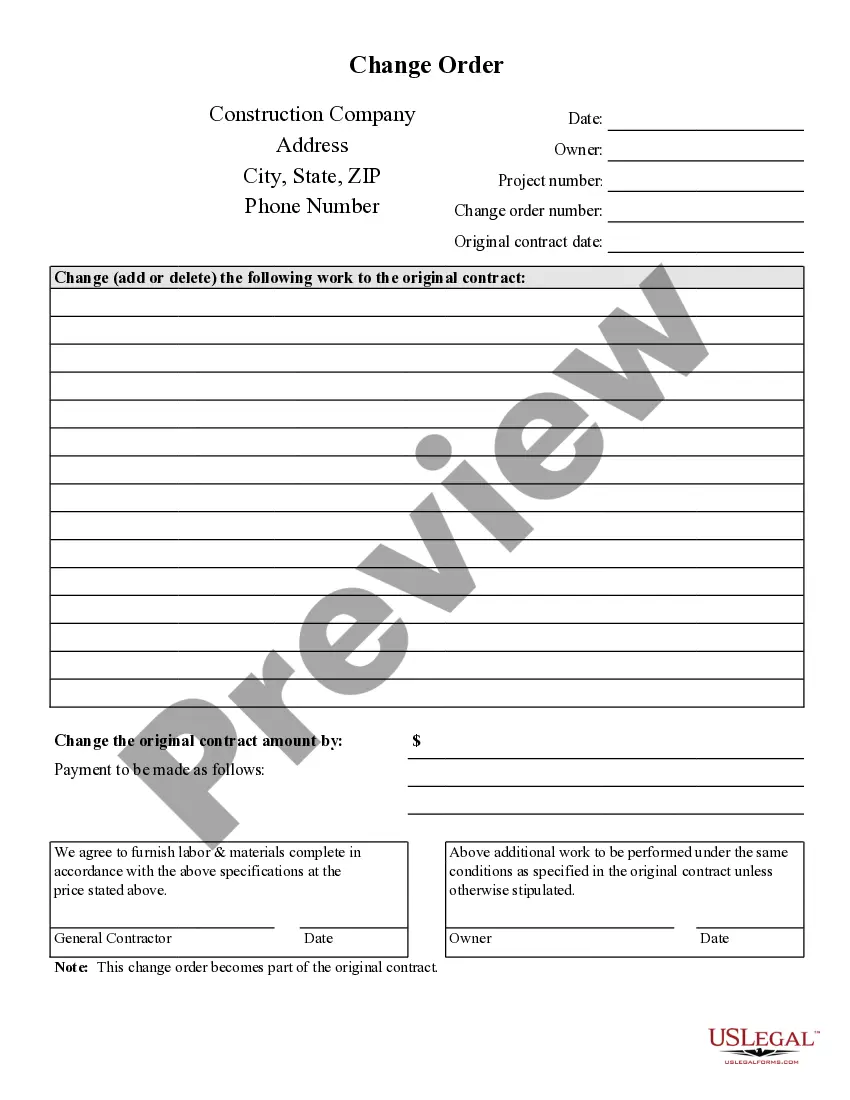
- Name and address of the contractor
- Work order number and date
- Name and address of the customer
- Project name and location
- Description of services or goods, including quantities and pricing
- Remarks and signatures of contractor representatives

Situations where this form applies
You should use the Construction Work Order when a contractor is ready to begin work on a specific project. It serves as a clear authorization for the contractor to proceed and provides the customer with a detailed outline of the services to be rendered. This document is useful for ensuring all parties are aligned on expectations, costs, and timelines.
Who this form is for
This form is intended for:
- Contractors overseeing construction projects
- Clients or customers hiring contractors for specific work
- Property managers coordinating services for multiple properties
- Subcontractors involved in larger construction projects
How to complete this form
- Identify and fill in the contractorâs name and address at the top of the form.
- Enter the work order number and date.
- Provide the customerâs name, address, and phone number.
- Specify the project name and location with complete address details.
- List the quantities and descriptions of services or goods, along with their respective prices.
- Calculate and fill in the subtotal, tax, and total costs before collecting the necessary signatures.
Notarization requirements for this form
This form does not typically require notarization unless specified by local law. However, getting it notarized can enhance its credibility in case of disputes.
Get your form ready online
Our built-in tools help you complete, sign, share, and store your documents in one place.
Make edits, fill in missing information, and update formatting in US Legal Forms—just like you would in MS Word.
Download a copy, print it, send it by email, or mail it via USPS—whatever works best for your next step.
Sign and collect signatures with our SignNow integration. Send to multiple recipients, set reminders, and more. Go Premium to unlock E-Sign.
If this form requires notarization, complete it online through a secure video call—no need to meet a notary in person or wait for an appointment.
We protect your documents and personal data by following strict security and privacy standards.

Make edits, fill in missing information, and update formatting in US Legal Forms—just like you would in MS Word.

Download a copy, print it, send it by email, or mail it via USPS—whatever works best for your next step.

Sign and collect signatures with our SignNow integration. Send to multiple recipients, set reminders, and more. Go Premium to unlock E-Sign.

If this form requires notarization, complete it online through a secure video call—no need to meet a notary in person or wait for an appointment.

We protect your documents and personal data by following strict security and privacy standards.
Typical mistakes to avoid
- Failing to include complete addresses for both the contractor and the customer.
- Not specifying the project name, leading to confusion on the scope of work.
- Incorrectly calculating the subtotal, tax, or total amounts.
- Neglecting to obtain signatures from both contractor employee and supervisor.
Why use this form online
- Convenient access to the form for instant downloading and use.
- Editability, allowing customization to fit specific project needs.
- Reliability, ensuring compliance with legal standards created by licensed attorneys.
Looking for another form?
Form popularity
FAQ
Company name. Start with your company name, typically in one of the upper corners. Company address. Below the company name, include your address. Work order number. Assign a number to the work order. Work order title. Work order description. Priority level. Work location. Worker's name.
First, what is a Stop Work Order? It is a contractual legal device used in the construction industry to suspend work until a decision or an agreement between the contracted parties is able to be reached.
A job order refers to the job posting or requisition. In Fieldglass, once a candidate has been selected and the terms of the assignment (e.g., start and end dates, hourly billing rate) have been mutually agreed to by the hiring manager and the supplier, the Job Order becomes a Work Order.
A work order process is the systematic way in which a new job and its tasks are moved through your various operational steps. It begins when a customer calls in with a job and ends once that job has been completed and paid for. Your work order process is the blueprint for business success.
Work Order Completion Form allows you to collect the completion date, additional work required for the job, related pictures about the work and technician information.
A work order is a document that provides all the information about a maintenance task and outlines a process for completing that task. Work orders can include details on who authorized the job, the scope, who it's assigned to, and what is expected.
On the Order Form worksheet, select cells B10:B14. On the Excel Ribbon's Data tab, click Data Validation. From the Allow dropdown, choose List. In the Source box, type: =ProductList. Click the OK button.
Work Order Completion Form allows you to collect the completion date, additional work required for the job, related pictures about the work and technician information.
A work order is usually a task or a job for a customer, that can be scheduled or assigned to someone. Such an order may be from a customer request or created internally within the organization. Work orders may also be created as follow ups to Inspections or Audits. A work order may be for products or services.