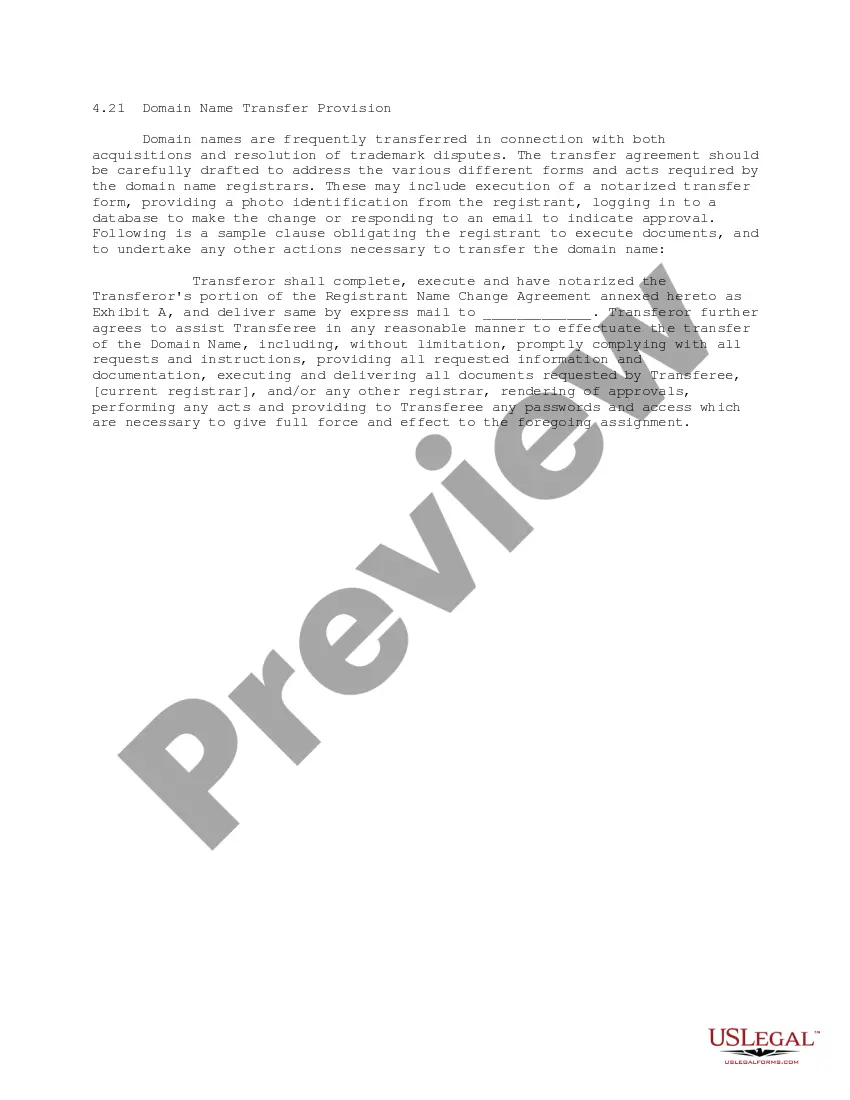
Domain Name Transfer Provision
Overview of this form
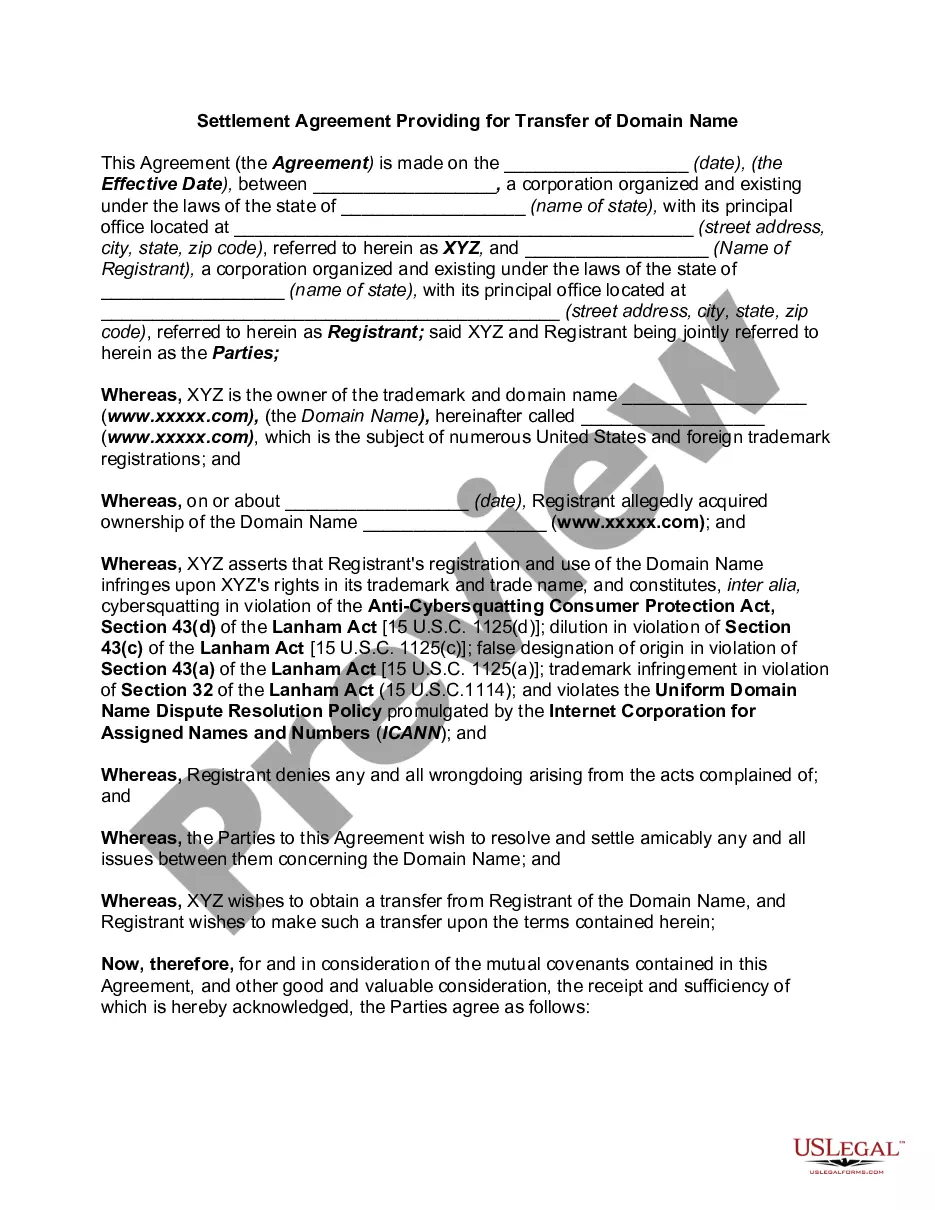
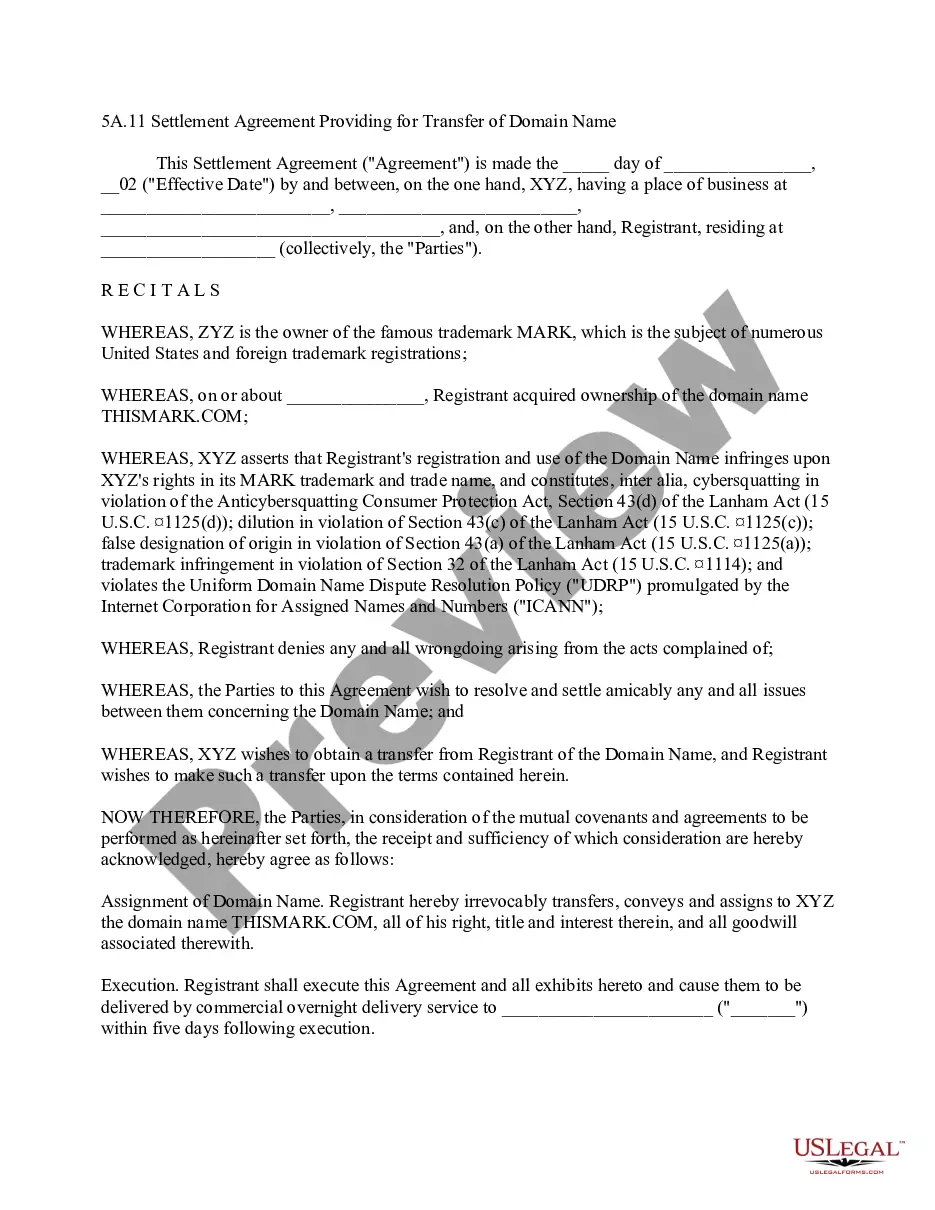
The Domain Name Transfer Provision is a legal document used to facilitate the transfer of ownership of a domain name during transactions such as acquisitions or the resolution of trademark disputes. This form obligates the current registrant to take necessary actions, like executing required documents, to ensure a seamless transfer of the domain name, distinguishing it from other contractual forms that may not specifically address domain name transfers.
Key parts of this document
- Identification of transferor and transferee
- Obligations of the transferor to execute and notarize necessary documents
- Instructions for assistance in completing the transfer process
- Detailing of any required information for the registrars
- Provision for compliance with requests from registrars and transferee

When to use this form
This form should be used when transferring a domain name as part of a business acquisition, during the settlement of trademark disputes, or when ownership change arises for any other legal reason. It is especially relevant when the domain name is associated with a business identity that requires clear legal documentation for successful transfer.
Who should use this form
- Business owners engaged in acquisitions that involve domain names
- Individuals resolving trademark disputes involving domain ownership
- Legal professionals assisting clients with domain transfers
- Anyone needing to document the transfer of a domain name in a legal context
How to complete this form
- Identify the parties involved in the transfer - the transferor and transferee.
- Ensure all necessary documentation is gathered for notarization.
- Complete the Transferors portion of the Registrant Name Change Agreement.
- Obtain notarization where required.
- Submit the executed agreement to the specified address via express mail.
- Be ready to assist in the transfer process by providing any passwords or approvals needed.
Is notarization required?
Notarization is required for this form to take effect. Our online notarization service, powered by Notarize, lets you verify and sign documents remotely through an encrypted video session, available 24/7.
Get your form ready online
Our built-in tools help you complete, sign, share, and store your documents in one place.
Make edits, fill in missing information, and update formatting in US Legal Forms—just like you would in MS Word.
Download a copy, print it, send it by email, or mail it via USPS—whatever works best for your next step.
Sign and collect signatures with our SignNow integration. Send to multiple recipients, set reminders, and more. Go Premium to unlock E-Sign.
If this form requires notarization, complete it online through a secure video call—no need to meet a notary in person or wait for an appointment.
We protect your documents and personal data by following strict security and privacy standards.

Make edits, fill in missing information, and update formatting in US Legal Forms—just like you would in MS Word.

Download a copy, print it, send it by email, or mail it via USPS—whatever works best for your next step.

Sign and collect signatures with our SignNow integration. Send to multiple recipients, set reminders, and more. Go Premium to unlock E-Sign.

If this form requires notarization, complete it online through a secure video call—no need to meet a notary in person or wait for an appointment.

We protect your documents and personal data by following strict security and privacy standards.
Common mistakes
- Failing to notarize the required documents when necessary.
- Not providing all requested information to the registrars.
- Overlooking the need for timely action to complete the agreement.
- Not understanding the distinction between the roles of transferor and transferee.
Why use this form online
- Convenient access to legal forms anytime, from anywhere.
- Editable templates that allow customization to fit specific needs.
- Reliable forms drafted by licensed attorneys for accuracy.
- Immediate download options to expedite the transfer process.
Legal use & context
- Ensures proper documentation for the transfer of domain names.
- Clarifies the responsibilities of both parties to prevent disputes.
- Provides a clear legal framework for enforceability in court.
What to keep in mind
- The Domain Name Transfer Provision is crucial for transferring domain names legally.
- Understanding the obligations and processes is essential for successful transfers.
- Proper completion and notarization ensure the document holds up legally.
Looking for another form?

Form popularity
FAQ
To transfer your domain name to another registrant, you can initiate a change of registrant by contacting your current registrar. Your registrar will then ask for your confirmation via a secure mechanism (which typically will take the form of an email to the registered name holder).
As it can be reversed by the registrar, some will allow this to be done almost immediately. Most transfers take no longer than 2-3 days; 5 days is already a stretch signaling some kind of problem with the transfer, while 7 days means the transfer got screwed up and the provider must be contacted.
Domains are often purchased from hosting providers that offer the required online storage space for your website.So there's good news if you're dissatisfied with your current domain provider: you can easily transfer your domain to another internet service provider.
When you transfer a domain name, you're telling ICANN the Internet Corporation for Assigned Names and Numbers, that you want an alternative registrar to manage your domain. You may or may not decide to change your hosting provider at the same time.
Transfers from most registrars usually take at least five days. When is a domain ready to transfer? Before you can transfer your domain, you'll need to make sure the domain is unlocked. You'll also need to ask your registrar for your authorization code and may need to check a few other settings.
Yes. The Inter-Registrar Transfer Policy, applicable to all ICANN-accredited registrars, provides that registered name holders must be able to transfer their domain name registrations between registrars. You must wait 60 days after the initial registration or any previous transfers to initiate a transfer.
You cannot transfer a domain name to a different registrar within 60 days of making changes to the registrant name, organization or email address (or the Administrative Contact email address, if there is no registrant email address).
On the domain manager panel of GoDaddy, you need to click on the domain name which you wish to transfer to Google domains or any other domain registrar.You can login to your Google domains account from here. Once you are inside your Google domains dashboard, you will see an option to Transfer in domains.
What is a 60-day transfer lock? Under the existing transfer policy, if you transfer a domain, it will be locked for 60 days. This is an ICANN policy so it affects all accredited registrars and domainsand is not specific to only Name.com. We are unable to lift these locks or make any exceptions.