Employee News Form
Understanding this form
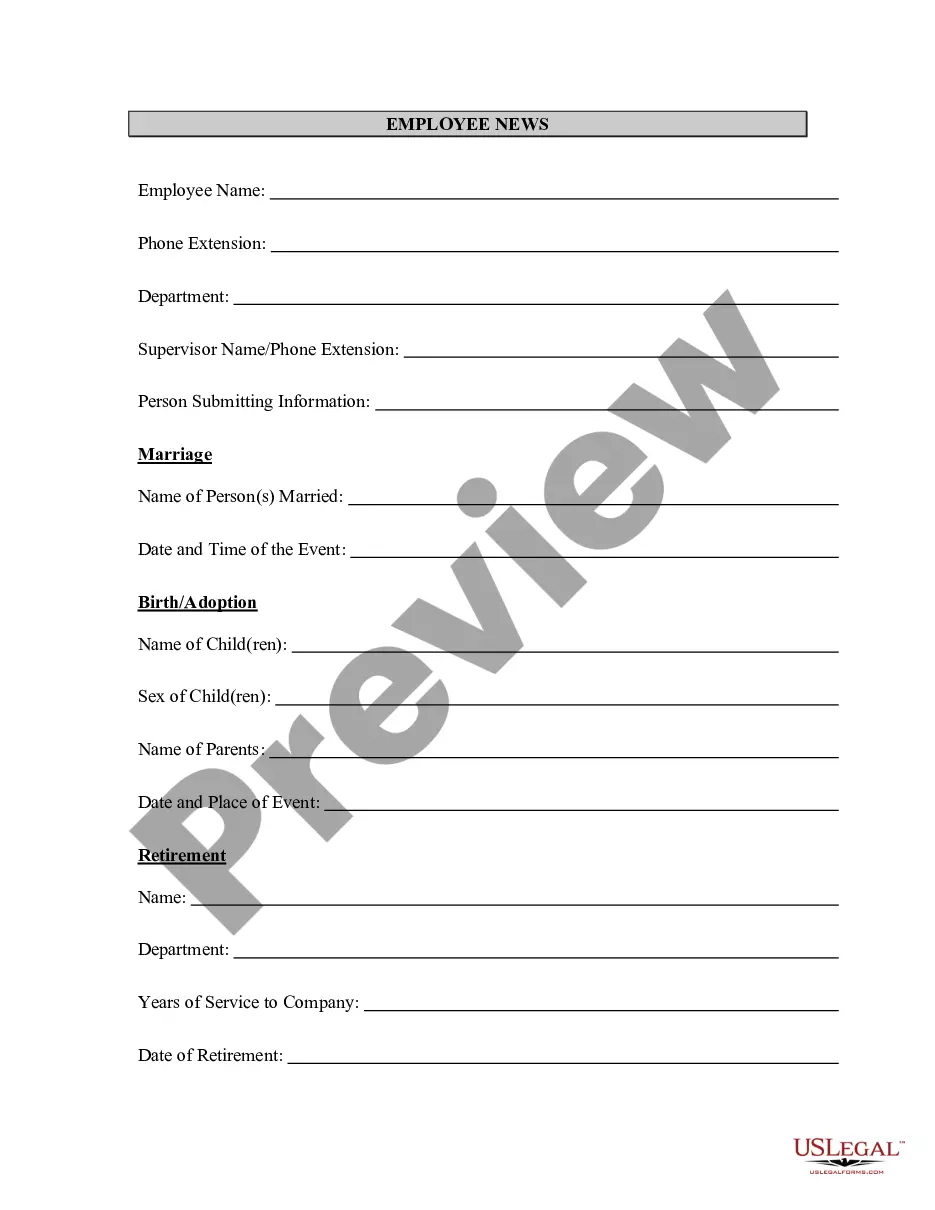
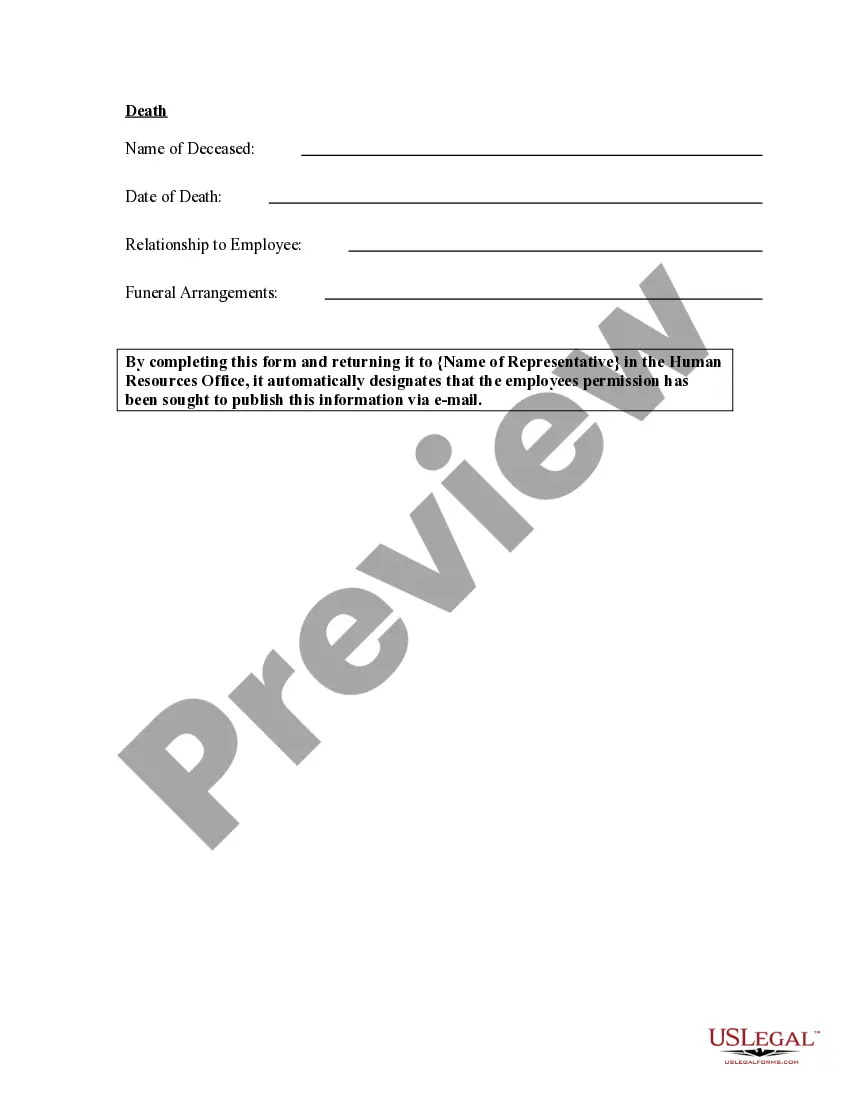
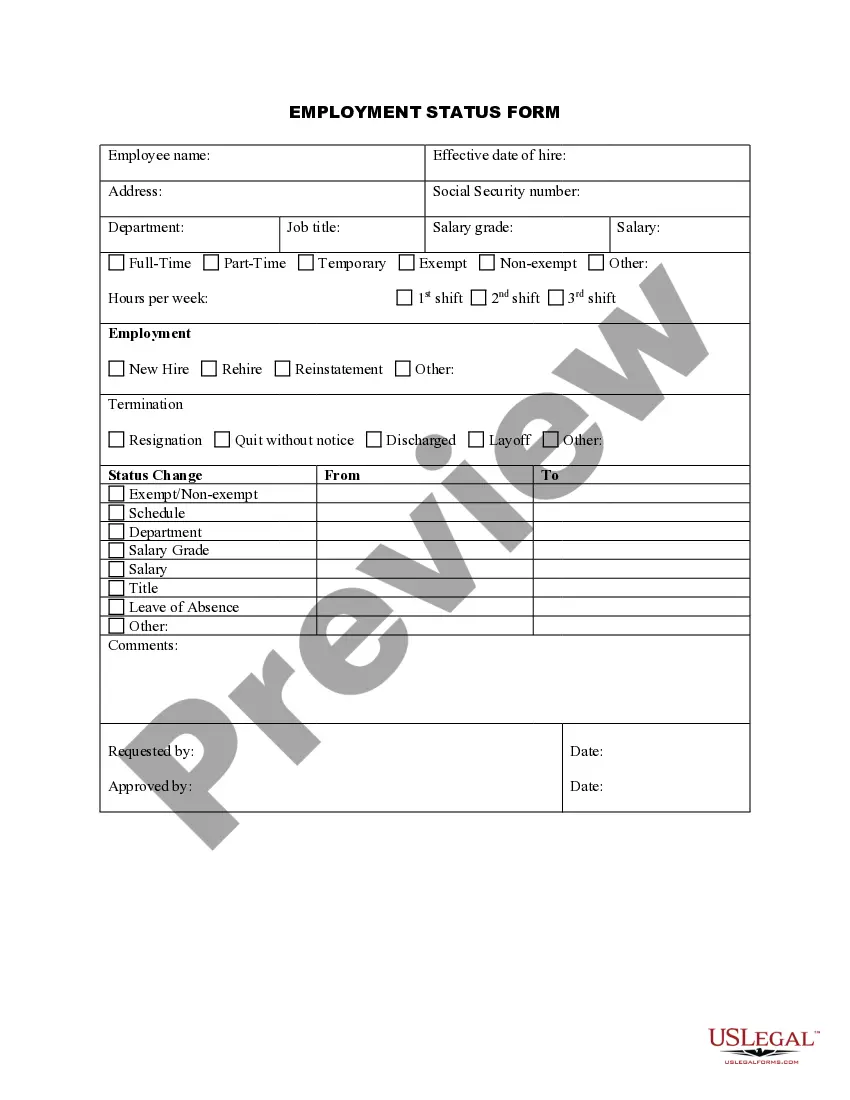
The Employee News Form is a document used to officially submit and communicate special events related to employees within an organization. This includes significant milestones such as weddings, births, retirements, and other noteworthy occurrences that impact the workforce. It helps ensure that important news is shared effectively among colleagues and management, differentiating it from informal announcements or newsletters.
Key parts of this document
- Employee's name and identification details
- Type of event (e.g., weddings, births, retirement)
- Date of the event
- Any additional comments or information to be included



Situations where this form applies
This form should be used whenever there is a significant event involving an employee that is to be recognized or celebrated by the company. Examples include announcing an employee's wedding, celebrating the arrival of a new baby, or acknowledging an employee's retirement. Such notifications can enhance workplace culture and foster a sense of community among staff.
Who this form is for
- HR representatives responsible for employee communications
- Managers who wish to announce significant employee milestones
- Team members wanting to share news about their colleagues
How to prepare this document
- Provide the employee's full name and identification information.
- Select the type of event being reported from the provided options.
- Enter the date when the event will occur or has occurred.
- Add any relevant notes or details that may be important for all staff.
- Submit the form to the designated HR personnel for processing.
Is notarization required?
Notarization is not commonly needed for this form. However, certain documents or local rules may make it necessary. Our notarization service, powered by Notarize, allows you to finalize it securely online anytime, day or night.
Get your form ready online
Our built-in tools help you complete, sign, share, and store your documents in one place.
Make edits, fill in missing information, and update formatting in US Legal Forms—just like you would in MS Word.
Download a copy, print it, send it by email, or mail it via USPS—whatever works best for your next step.
Sign and collect signatures with our SignNow integration. Send to multiple recipients, set reminders, and more. Go Premium to unlock E-Sign.
If this form requires notarization, complete it online through a secure video call—no need to meet a notary in person or wait for an appointment.
We protect your documents and personal data by following strict security and privacy standards.

Make edits, fill in missing information, and update formatting in US Legal Forms—just like you would in MS Word.

Download a copy, print it, send it by email, or mail it via USPS—whatever works best for your next step.

Sign and collect signatures with our SignNow integration. Send to multiple recipients, set reminders, and more. Go Premium to unlock E-Sign.

If this form requires notarization, complete it online through a secure video call—no need to meet a notary in person or wait for an appointment.

We protect your documents and personal data by following strict security and privacy standards.
Avoid these common issues
- Failing to include the employee's full name and details.
- Not specifying the type of event clearly.
- Omitting the date of the event.
- Providing incomplete or unclear additional comments.
Benefits of using this form online
- Convenient access from anywhere with an internet connection.
- Editable fields allow for easy updates to information.
- Secure storage and submission processes enhance confidentiality.
Legal use & context
- This form serves as an official record of employee events within an organization.
- Proper use of this form can improve transparency and communication in workplace environments.
- Documents submitted are subject to company policies regarding employee recognition.
Looking for another form?

Form popularity
FAQ
Click the link to the Form I-9 you wish to download. Click the arrow that displays in the PDF file download box that will appear in the bottom left-hand corner. Select "Show in folder" from the drop-down that appears. Open the form that appears in your Download folder.
You are required to complete and retain a Form I-9 for every employee you hire for employment in the United States, except for:Independent contractors or individuals providing labor to you if they are employed by a contractor providing contract services (for example, employee leasing or temporary agencies).
Use Form I-9 to verify the identity and employment authorization of individuals hired for employment in the United States. All U.S. employers must properly complete Form I-9 for each individual they hire for employment in the United States.On the form, an employee must attest to his or her employment authorization.
You are required to complete and retain a Form I-9 for every employee you hire for employment in the United States, except for:Independent contractors or individuals providing labor to you if they are employed by a contractor providing contract services (for example, employee leasing or temporary agencies).
You may not use the I-9 form as part of the applicant screening process or background check;If the new hire does not present acceptable identification documents by the end of three business days after the first day of work for pay, you may terminate the employee for failing to complete the I-9 form.
ID card issued by federal, state or local government agencies or entities, provided it contains a photograph or information such as name, date of birth, gender, height, eye color and address. School ID card with a photograph. Voter registration card. U.S.military card or draft record.
If you've ever gotten a job or hired an employee in the United States you've filled out an I-9 form. The form is used to verify a new hire's identification and their right to work in the States.
I-9 Employment Eligibility Verification form. State Tax Withholding form. Direct Deposit form. E-Verify system: This is not a form, but a way to verify employee eligibility in the U.S.
Employers must have a completed Form I-9, Employment Eligibility Verification, on file for each person on their payroll (or otherwise receiving remuneration) who is required to complete the form. Employers must also keep completed Forms I-9 for a certain amount of time after their employees stop working for them.