Telecommuting Worksheet
Overview of this form
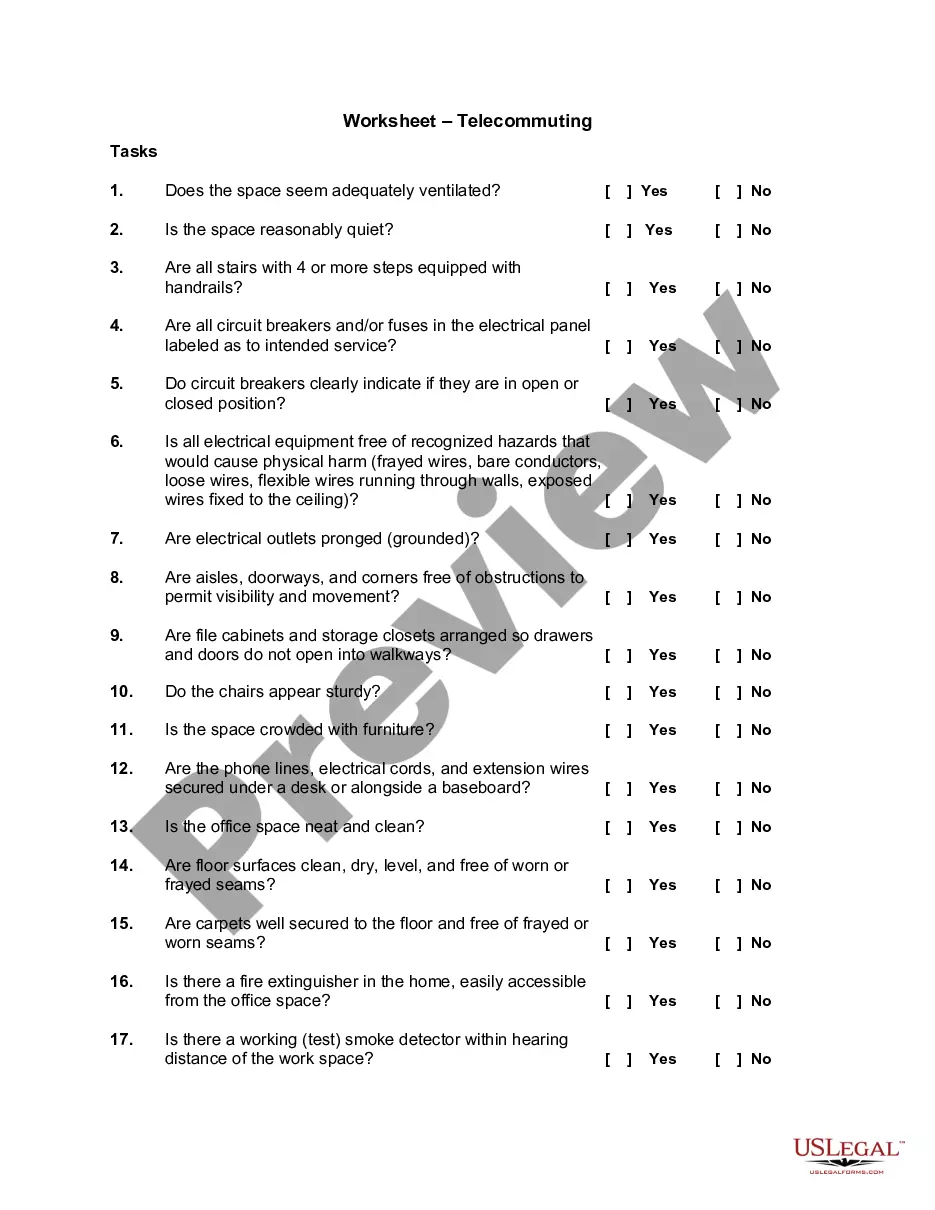
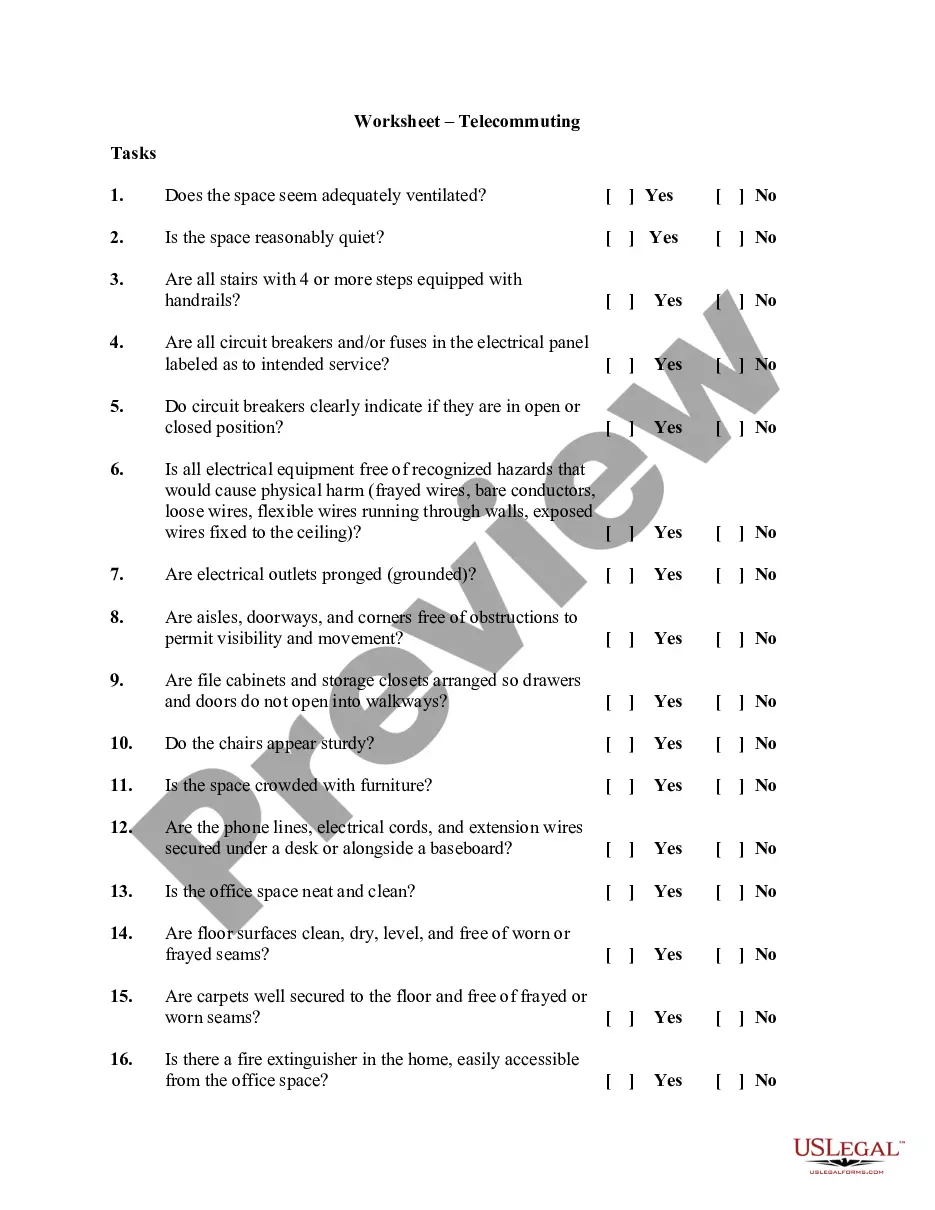
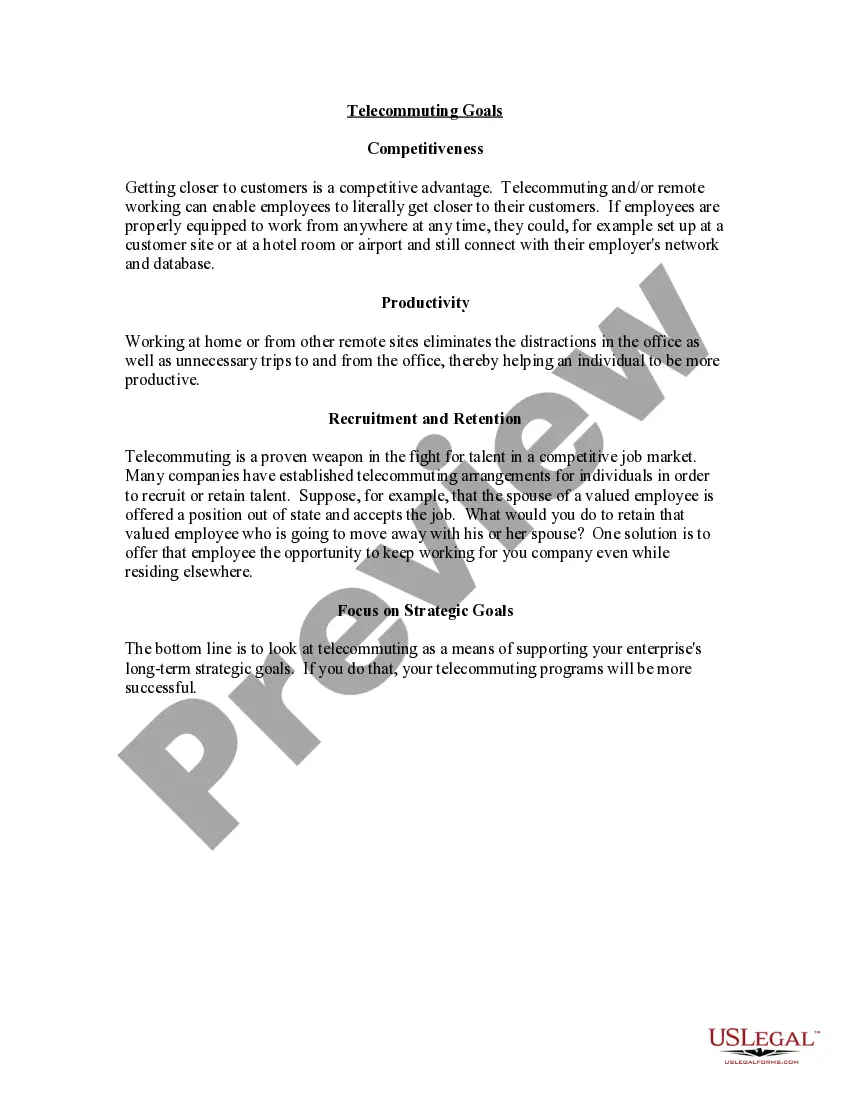
The Telecommuting Worksheet is a formal agreement between an employee and their employer that outlines the specific tasks and performance outcomes expected from the employee while working remotely. This form helps to clarify responsibilities and establish a work-from-home arrangement, differentiating it from general employment agreements by focusing specifically on telecommuting conditions and expectations.
Form components explained
- List of proposed tasks that will be completed at the telecommuting site.
- Evaluative criteria for performance assessment.
- Address of the proposed telecommuting site.
- Proposed schedule of work hours.
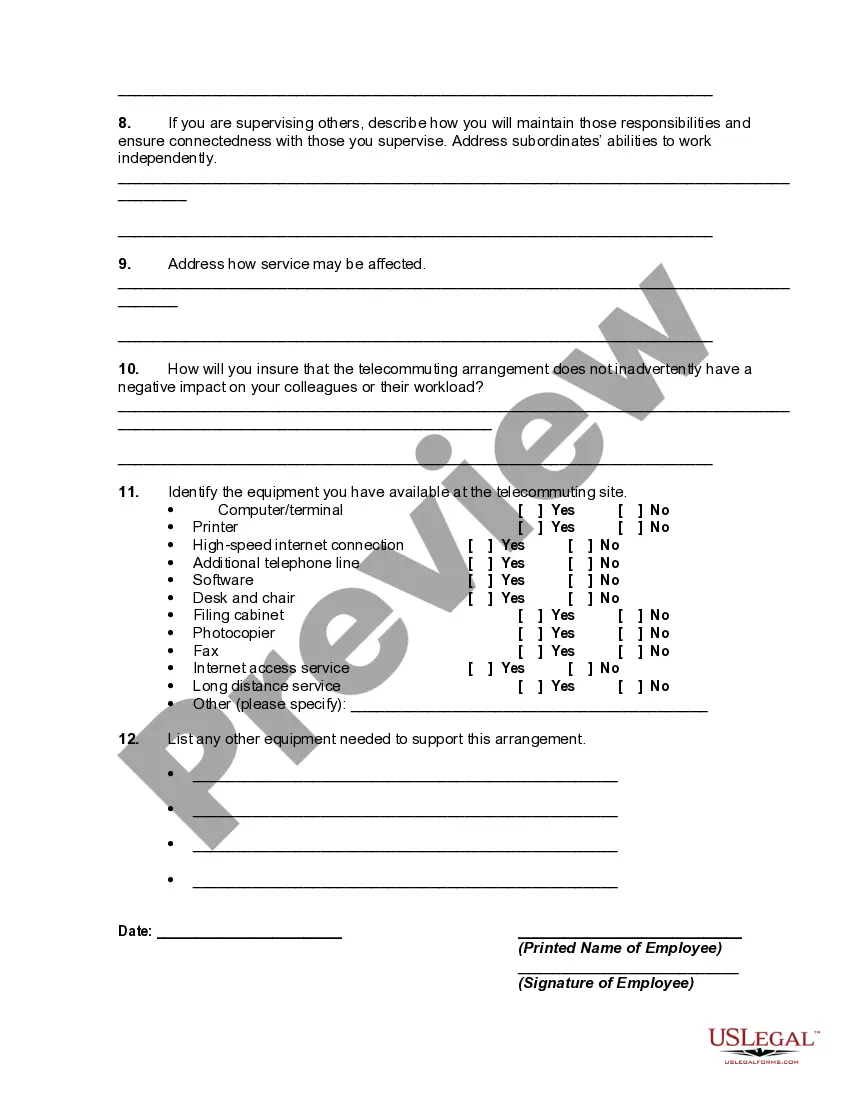
- Description of the telecommuting work site and security measures for confidential information.
- Plans for attending staff meetings and maintaining communication with colleagues.
- Discussion of potential distractions and how to manage them.
- Equipment inventory available at the telecommuting site.




When to use this form
This form is used when an employee seeks approval from their employer to work remotely on a regular basis. It is particularly useful in situations where an employee's job responsibilities can be fulfilled outside of the traditional office environment, allowing for flexibility in work arrangements and ensuring that both the employee and employer have a mutual understanding of expectations and outcomes.
Intended users of this form
- Employees who wish to propose a telecommuting arrangement to their supervisors.
- Employers needing a structured plan for monitoring employee performance while working from home.
- Human resource professionals looking to standardize telecommuting requests across the organization.
How to complete this form
- Identify and list the specific tasks you will be performing while telecommuting.
- Determine evaluative outcomes and metrics to measure your performance.
- Provide the address where you will be working remotely.
- Outline your proposed work schedule, including hours of availability.
- Describe your telecommuting work site and security measures for sensitive information.
- Identify any potential distractions and your strategies for managing them.
Is notarization required?
This form usually doesn’t need to be notarized. However, local laws or specific transactions may require it. Our online notarization service, powered by Notarize, lets you complete it remotely through a secure video session, available 24/7.
Get your form ready online
Our built-in tools help you complete, sign, share, and store your documents in one place.
Make edits, fill in missing information, and update formatting in US Legal Forms—just like you would in MS Word.
Download a copy, print it, send it by email, or mail it via USPS—whatever works best for your next step.
Sign and collect signatures with our SignNow integration. Send to multiple recipients, set reminders, and more. Go Premium to unlock E-Sign.
If this form requires notarization, complete it online through a secure video call—no need to meet a notary in person or wait for an appointment.
We protect your documents and personal data by following strict security and privacy standards.

Make edits, fill in missing information, and update formatting in US Legal Forms—just like you would in MS Word.

Download a copy, print it, send it by email, or mail it via USPS—whatever works best for your next step.

Sign and collect signatures with our SignNow integration. Send to multiple recipients, set reminders, and more. Go Premium to unlock E-Sign.

If this form requires notarization, complete it online through a secure video call—no need to meet a notary in person or wait for an appointment.

We protect your documents and personal data by following strict security and privacy standards.
Common mistakes
- Failing to clearly define tasks and objectives.
- Neglecting to address equipment availability and technological requirements.
- Overlooking potential distractions and not having a plan to manage them.
- Submitting the form without ensuring it is reviewed by a supervisor or HR.
Why use this form online
- Easy access to download and complete the form at any time.
- Edit and customize the worksheet to fit specific telecommuting conditions.
- Secure and reliable format that ensures proper documentation for both employees and employers.
Looking for another form?



Form popularity
FAQ
The term telecommuting was first coined in 1972 by Jack Nilles. At that time, Nilles was working remotely on a complex NASA communication system. He told people what he was doing was Telecommuting, and the phrase was born.
Telecommuting is defined as a work arrangement in which some or all of the work is performed at an off-campus work site such as the home or in office space near home. Communication may be by phone, e-mail, fax, and pager. Equipment may be owned and maintained by the employee or by the University.
Definition & Examples of TelecommutingTelecommuting is an employment arrangement in which the employee works outside of the employer's office. Often this means working from home or at a location close to home, such as a coffee shop, library, or co-working space.
Telecommuting (also known as teleworking) refers to the act of completing work assignments from a location other than an office via an internet and phone connection.Some companies are going so far as to consist entirely of a remote workforce everyone on staff is a telecommuter.
Slack. Slack is one of the easiest telecommuting tools to use. You can either log in with a browser or download the app to your computer or smartphone. The messaging program is primed for teams, especially those with a telecommuting focus.
Telecommuting is a voluntary agreement between the manager/supervisor and the telecommuter.Employee initiated schedule changes must be with advanced approval by the manager. 3. The duties, obligations, responsibilities and conditions of the telecommuter's employment with the EMPLOYER remain unchanged.
Definition & Examples of TelecommutingTelecommuting is an employment arrangement in which the employee works outside of the employer's office. Often this means working from home or at a location close to home, such as a coffee shop, library, or co-working space.
Remote work and telecommuting are often used interchangeably, but there can be small differences between the two. Remote work suggests that the employee is just thatremotely located.Telecommuting, also called telework, can mean that the employee might be working on-site some of the time.
The official definition of "telework" can be found in the Telework Enhancement Act of 2010: "the term 'telework' or 'teleworking' refers to a work flexibility arrangement under which an employee performs the duties and responsibilities of such employee's position, and other authorized activities, from an approved