Telecommuting Application Form
About this form
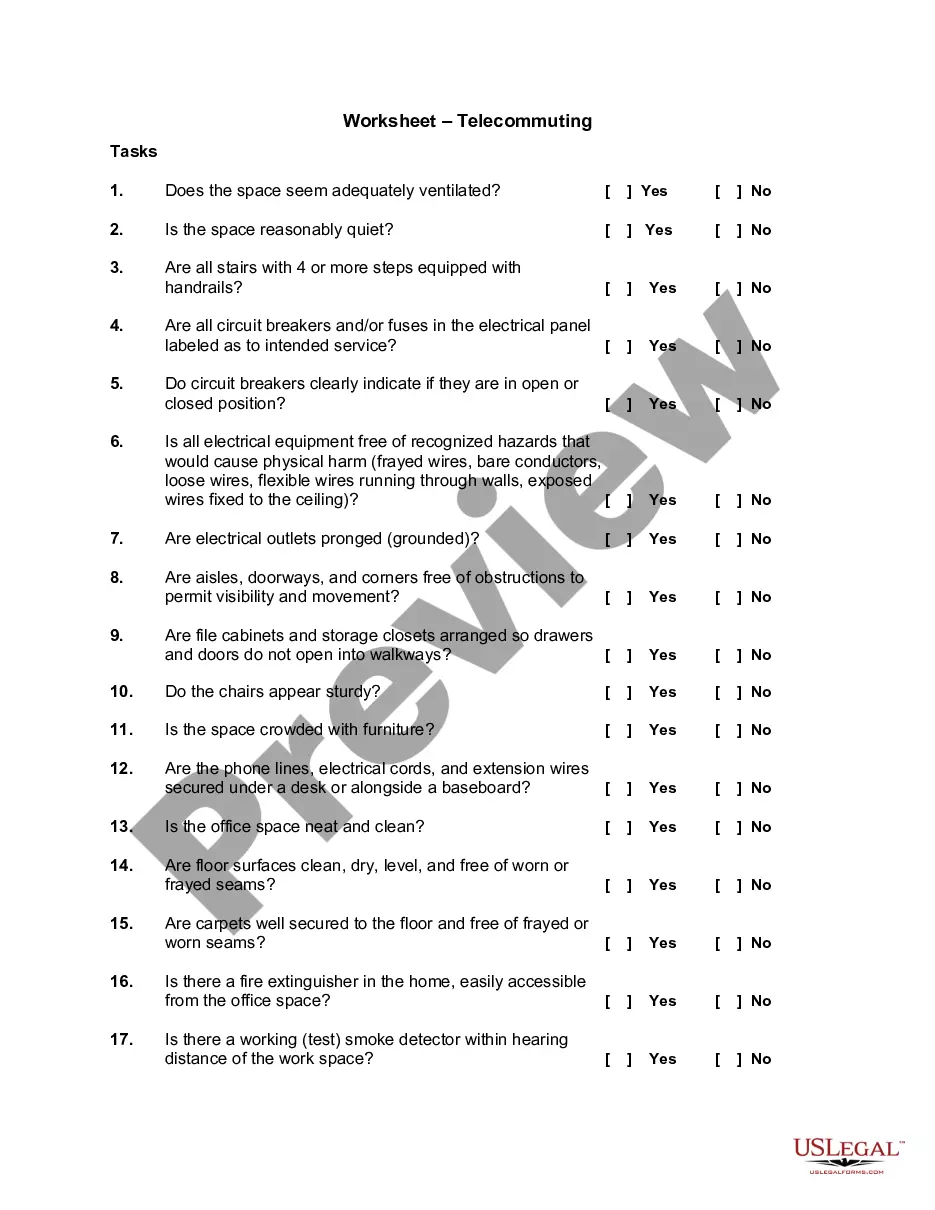
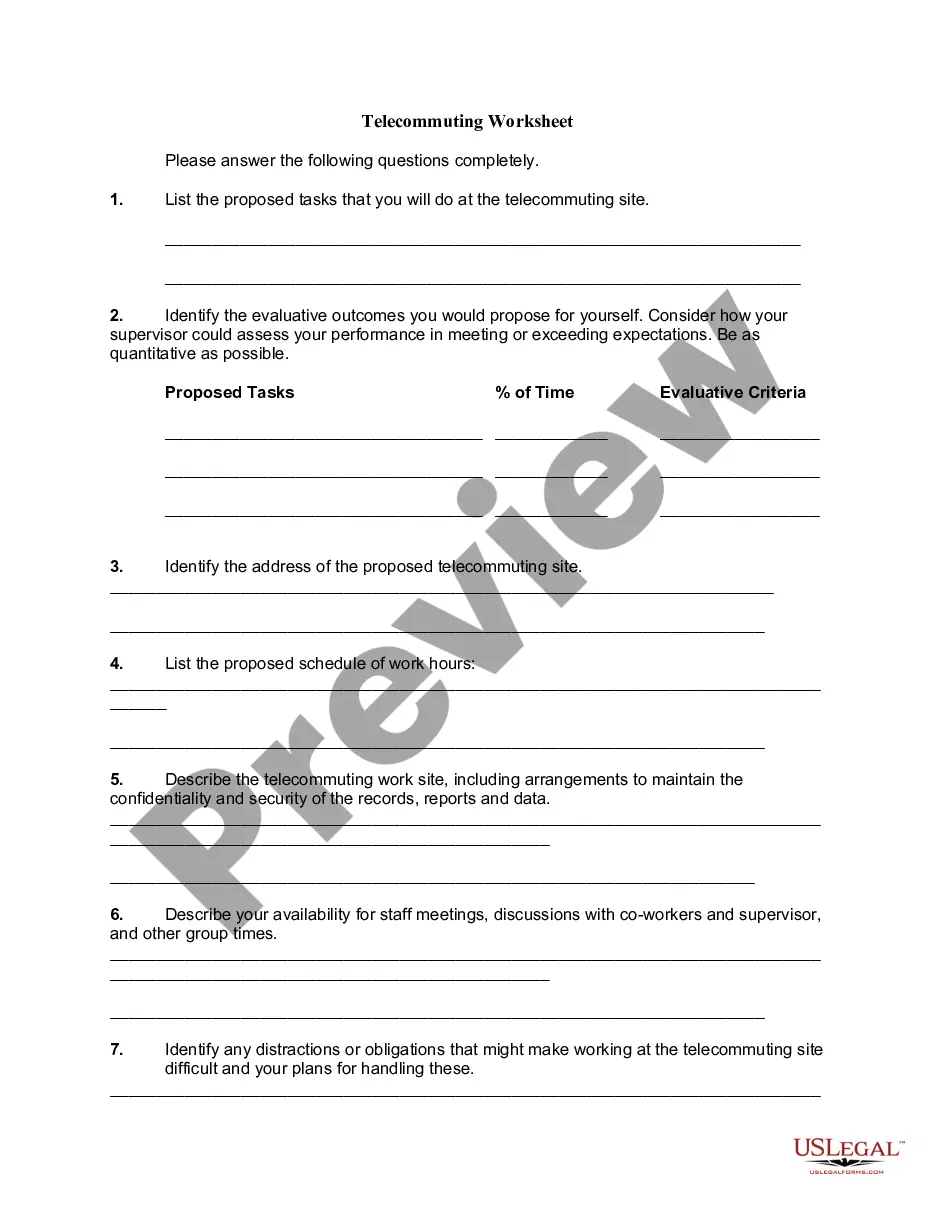
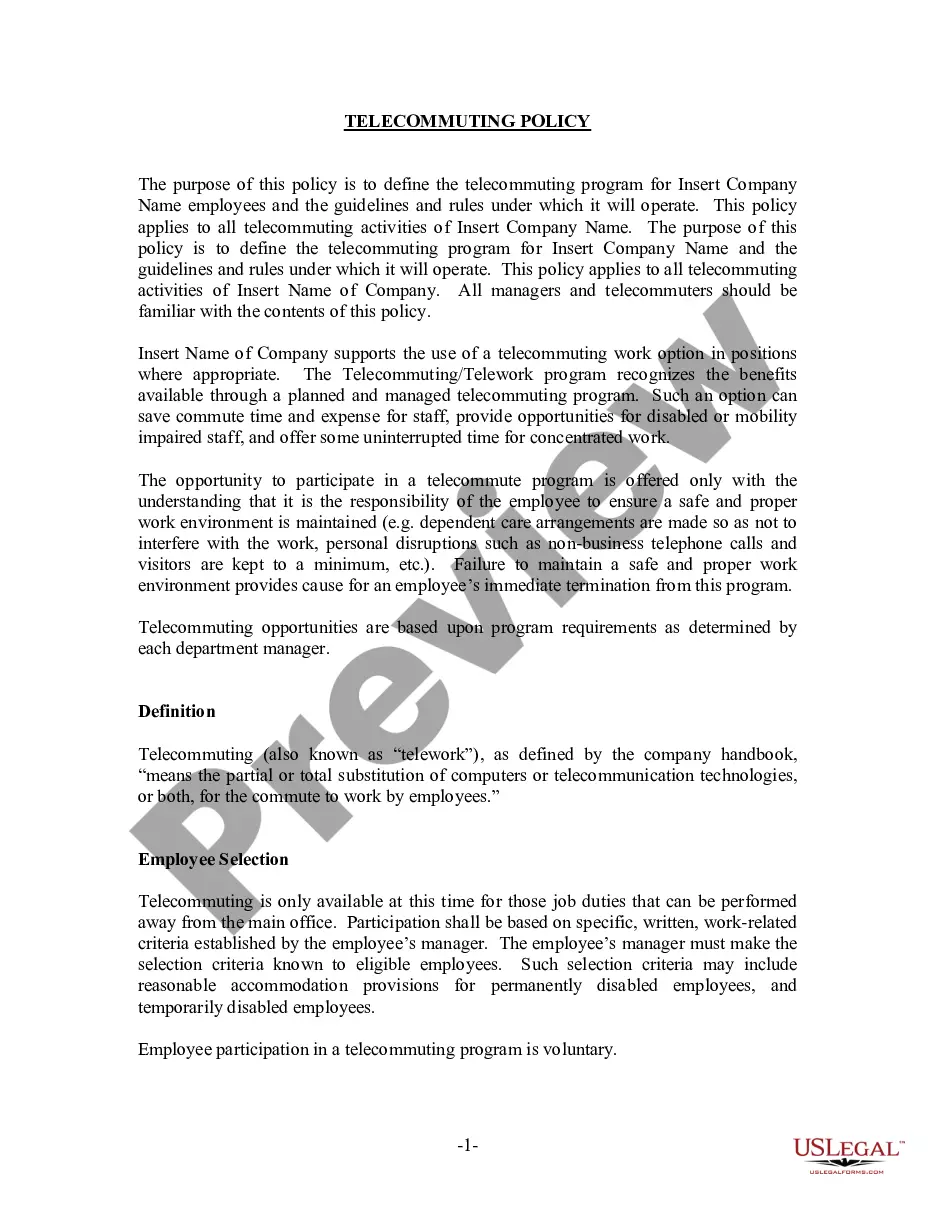
The Telecommuting Application Form is a document required by employees who wish to request the option to work from home. This form serves as a formal request for telecommuting, enabling supervisors to assess the proposal based on the employee's role and the company's policies. It is essential for ensuring that both the employee and the employer have a clear understanding of the telecommuting arrangement.
Key components of this form
- Name of the employee
- Department
- Supervisor's name
- Office phone number
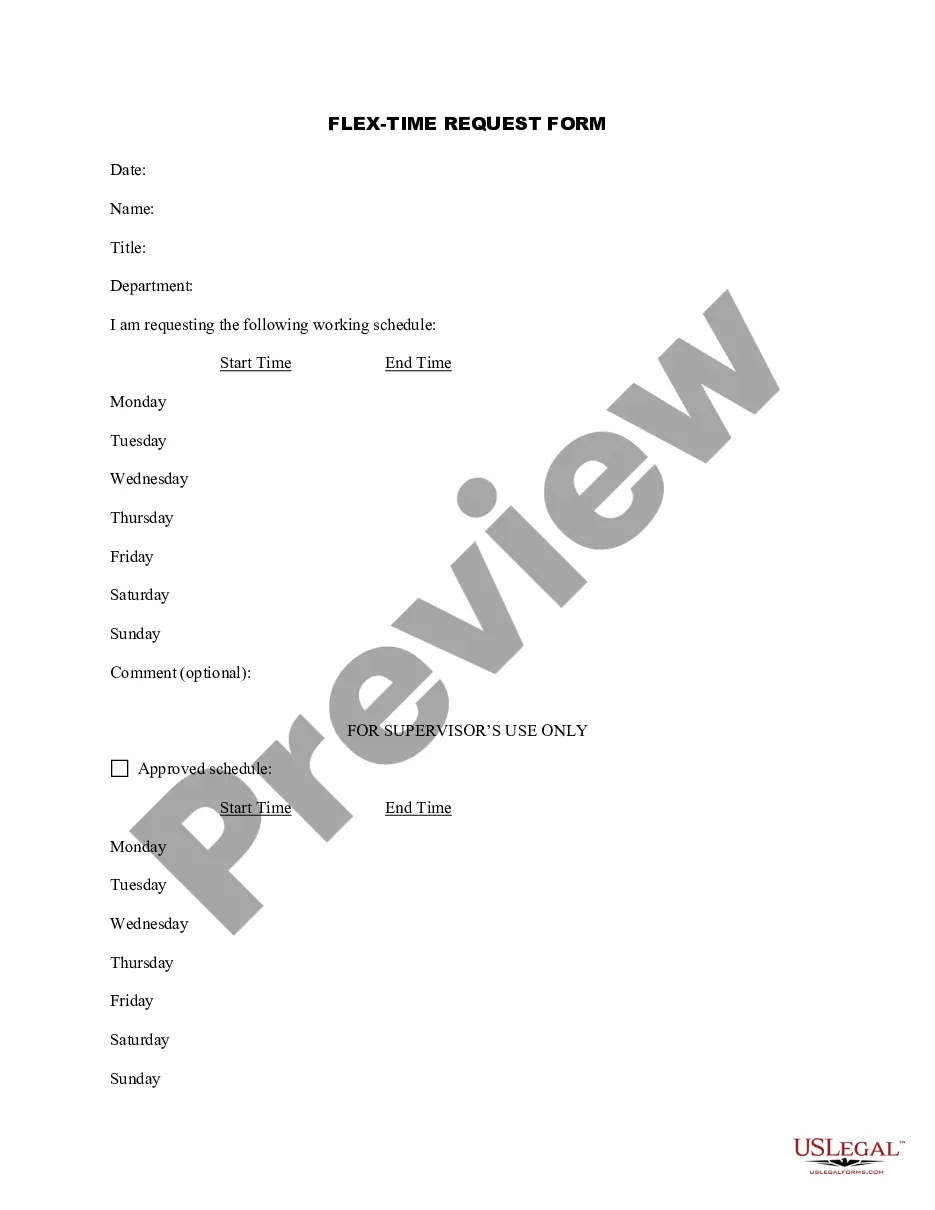
- Proposed telecommuting schedule
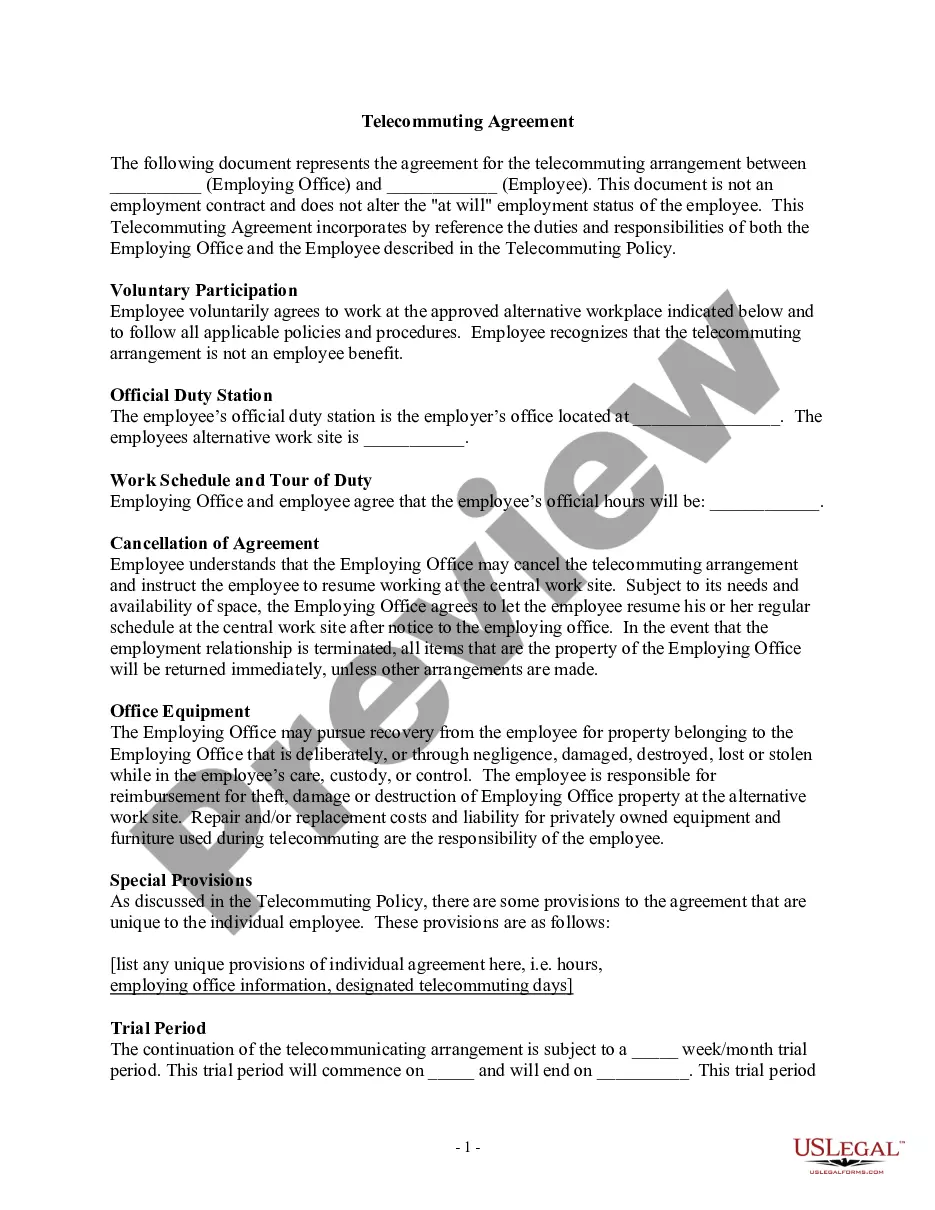
- Equipment needs and provision details
- Justification for telecommuting
- Comments regarding discussions with supervisor
When to use this document
This form should be used when an employee wants to formalize a request to work remotely. Common scenarios include needing to care for dependents, managing health-related issues, or simply preferring to have a flexible work schedule. It helps set clear expectations for both the employee's responsibilities while telecommuting and the level of supervision required.
Who this form is for
- Employees who are interested in telecommuting arrangements.
- Workers needing to balance personal responsibilities with their job duties.
- Individuals whose roles are suitable for remote work and seek flexibility in their work environment.
How to prepare this document
- Fill in your name and department in the designated fields.
- Provide your supervisor's name and office phone number.
- Outline your proposed telecommuting schedule, including days of the week and hours.
- Indicate the equipment you will need to telecommute and who will provide it (company or employee).
- Write a justification for why you believe telecommuting will benefit you and the company.
- Discuss your application with your supervisor and include any comments they provide.
Notarization requirements for this form
This form does not typically require notarization unless specified by local law. However, it is always wise to check with your employer or relevant state laws for any specific requirements.
Get your form ready online
Our built-in tools help you complete, sign, share, and store your documents in one place.
Make edits, fill in missing information, and update formatting in US Legal Forms—just like you would in MS Word.
Download a copy, print it, send it by email, or mail it via USPS—whatever works best for your next step.
Sign and collect signatures with our SignNow integration. Send to multiple recipients, set reminders, and more. Go Premium to unlock E-Sign.
If this form requires notarization, complete it online through a secure video call—no need to meet a notary in person or wait for an appointment.
We protect your documents and personal data by following strict security and privacy standards.

Make edits, fill in missing information, and update formatting in US Legal Forms—just like you would in MS Word.

Download a copy, print it, send it by email, or mail it via USPS—whatever works best for your next step.

Sign and collect signatures with our SignNow integration. Send to multiple recipients, set reminders, and more. Go Premium to unlock E-Sign.

If this form requires notarization, complete it online through a secure video call—no need to meet a notary in person or wait for an appointment.

We protect your documents and personal data by following strict security and privacy standards.
Common mistakes to avoid
- Not discussing the proposal with your supervisor before submitting the form.
- Failing to clearly outline how telecommuting will enhance work performance.
- Leaving out necessary details about equipment needs.
- Submitting the form without a clear telecommuting schedule or justification.
Why use this form online
- Quick and easy access to necessary documents without physical paperwork.
- Ability to edit and customize the form to fit personal needs and circumstances.
- Instant submission and confirmation receipt, eliminating waiting time.
Legal use & context
- Telecommuting agreements should be established to protect both employee rights and employer interests.
- Ensure that the arrangement does not violate any existing company policies or state regulations.
What to keep in mind
- The Telecommuting Application Form is essential for documenting requests to work from home.
- Understanding the requirements and components of the form can facilitate smoother approval processes.
- Clear communication with supervisors is crucial for a successful telecommuting arrangement.
Looking for another form?



Form popularity
FAQ
Co-create. Teamwork. Virtual presence. Customer service. IT support. Trust. Get together. Office space options.
We'd bring over the family, telecommute to California. Young mothers can telecommute and start businesses out of their homes. McDonald's can't exactly let its clerks telecommute. Hundreds of employers already have agreed to participate in Telecommute America Week. "I wouldn't like to telecommute exclusively,"
Create a work routine. Take charge of your time. Prioritize focus. Check in with your team regularly. Turn off when you're not at work. Set clear expectations. Respect employees' time. Stay in touch, but don't over-communicate.
Most telecommuting companies will require that you have the latest version of Microsoft Windows, some sort of antivirus software (I recommend Norton), Adobe Flash (free), and Acrobat Reader (free). If you need word processing software, you can use Google Docs, which is free for personal use.
Computer: laptops in every category. Keyboard: Bluetooth and wireless keyboards or ergonomic keyboards. Mouse: wireless mouse. Docking station or USB hub: USB-C hubs and docks. Headphone or headset: noise-cancelling headphones, wireless headset, or USB headset.
Separate work life from home life. Get ready for work. Establish office hours. Divide up your day. Set up the proper environment. Keep the lines of communication open. Don't constantly monitor your cellphone. Get out of the house.
Use company-issued equipment when possible. Be responsible with your home equipment. Always use the company portal to access the corporate servers. Use a Virtual Private Network (VPN) to log onto the internet. Working from home doesn't mean heading to the local coffee shop.
Maintain Regular Hours. Set a schedule, and stick to it... Create a Morning Routine. Set Ground Rules With the People in Your Space. Schedule Breaks. Take Breaks in Their Entirety. Leave Home. Don't Hesitate to Ask for What You Need. Keep a Dedicated Office Space.
High School Diploma/GED. Able to work a set schedule which often includes weekends & full-time training hours. PC (no MAC) with minimum 1.6 GHz processor, 2 GB RAM and 40 GB free space. Excellent computer navigation skills (move between multiple windows and programs)