Telecommuting Agreement
What this document covers
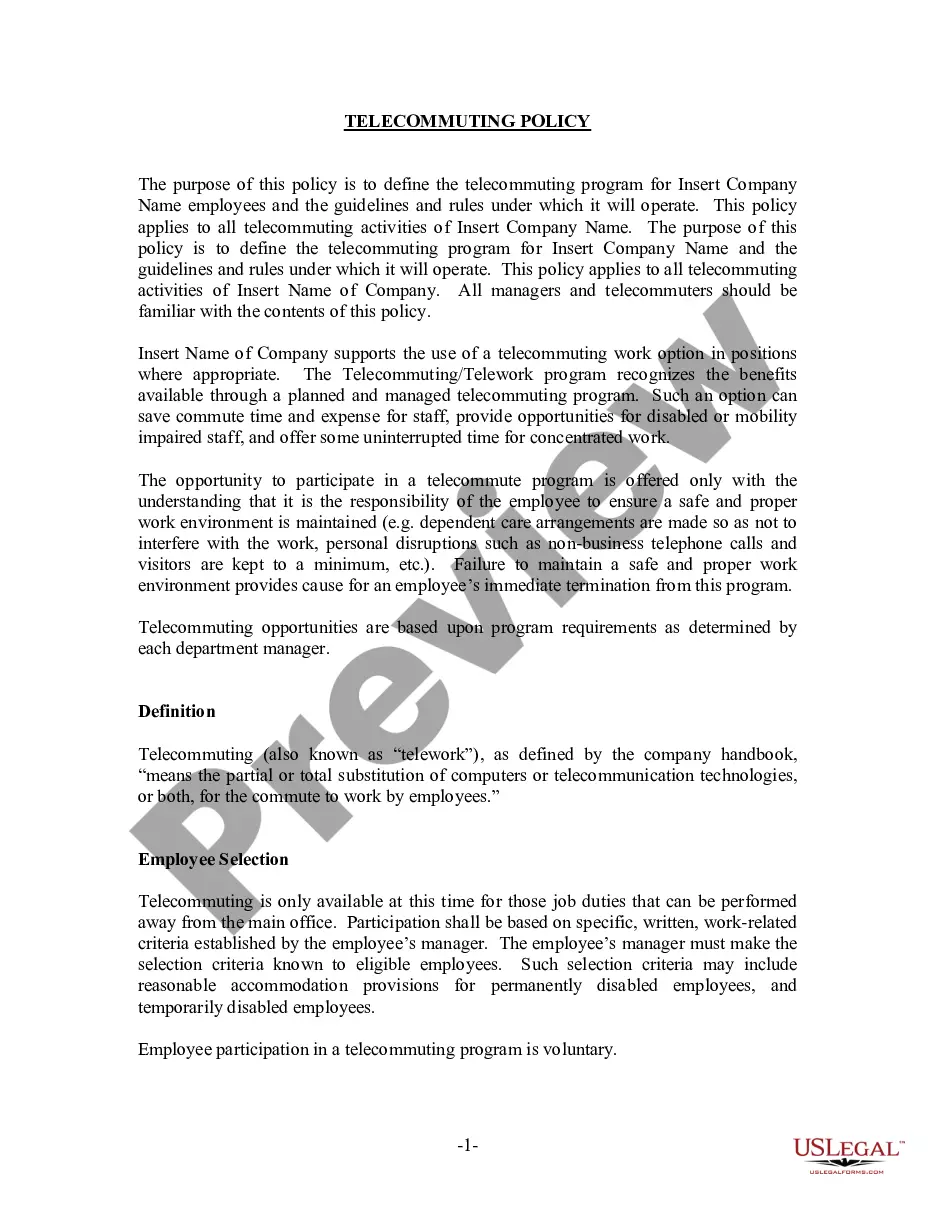
The Telecommuting Agreement allows employers and employees to formalize a work-from-home arrangement. This form outlines responsibilities, work schedules, and policies for remote work, distinguishing it from standard employment contracts. It ensures both parties understand their obligations and provides clarity on the telecommuting process.
What’s included in this form
- Identification of the employing office and employee
- Statement of at-will employment status
- Official duty station and alternative work site
- Work schedule and tour of duty
- Conditions for cancellation of the agreement
- Equipment responsibility and reimbursement provisions
- Trial period for telecommuting arrangement
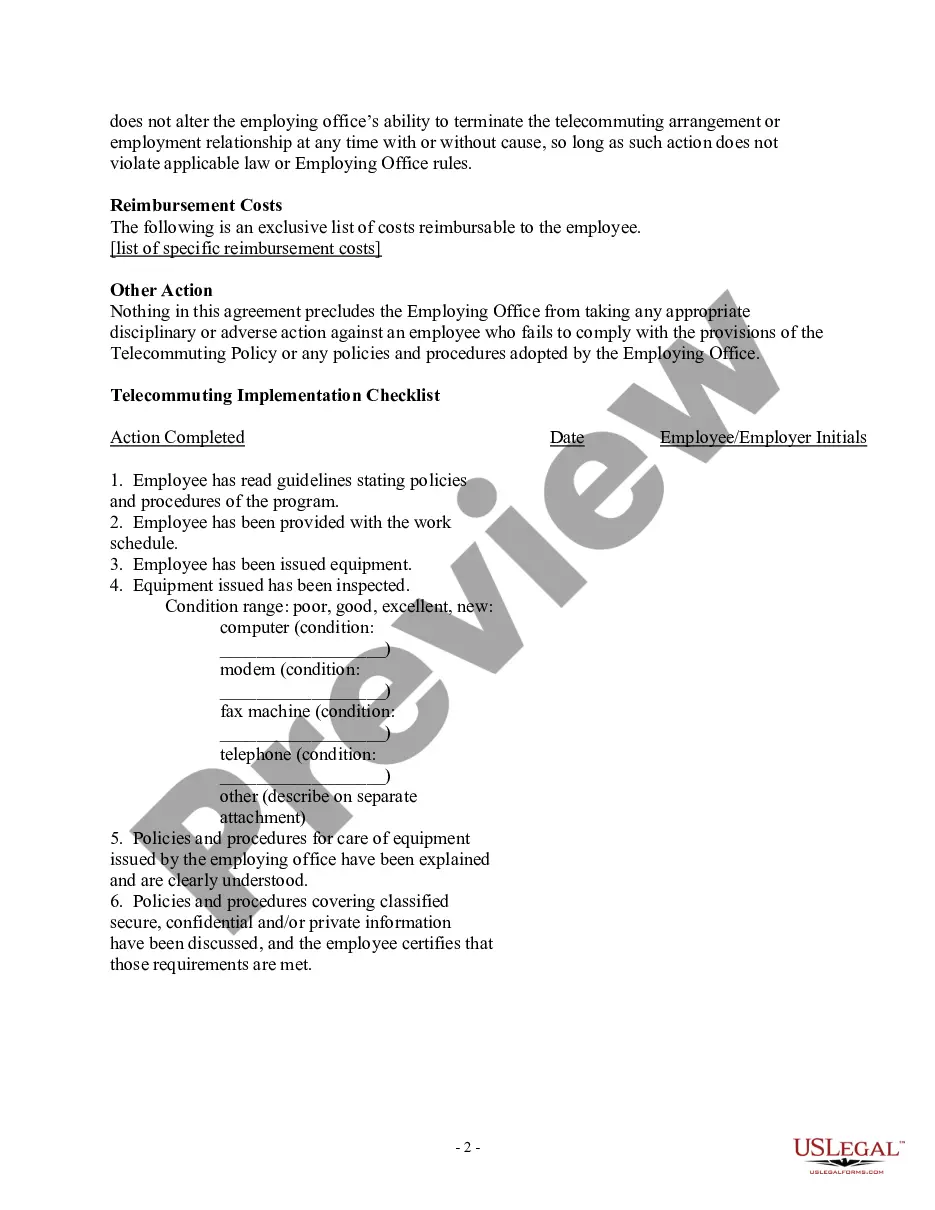
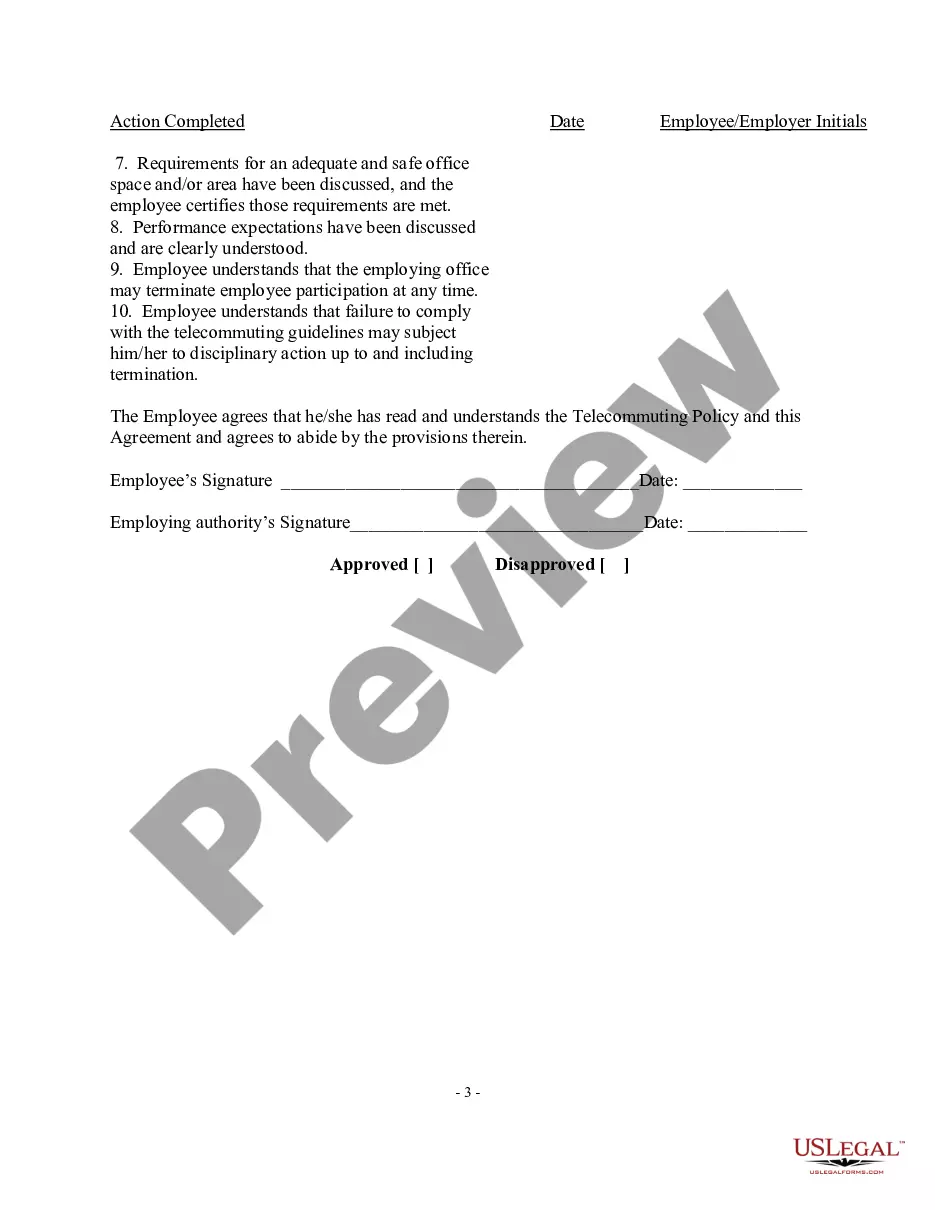
- Implementation checklist for employee and employer




Common use cases
This Telecommuting Agreement is useful when an employer seeks to establish a formal remote work policy with an employee. It is applicable for situations such as transitioning fully or partially to telecommuting, offering flexible work arrangements, or when remote work is necessary and beneficial for both the employer and employee.
Who can use this document
- Employers seeking to formalize telecommuting arrangements with employees
- Employees who have been approved for remote work opportunities
- Human resources personnel managing telecommuting policies
Instructions for completing this form
- Identify the parties involved by entering the employing office and employee names.
- Specify the official duty station and alternative work site addresses.
- Enter the agreed work schedule and hours.
- Outline any unique provisions that are specific to the employee's arrangement.
- Complete the telecommuting implementation checklist to ensure compliance with policies.
- Collect signatures from both the employee and employer to finalize the agreement.
Notarization requirements for this form
This form does not typically require notarization unless specified by local law. However, having it notarized may add an extra level of validation for both parties.
Get your form ready online
Our built-in tools help you complete, sign, share, and store your documents in one place.
Make edits, fill in missing information, and update formatting in US Legal Forms—just like you would in MS Word.
Download a copy, print it, send it by email, or mail it via USPS—whatever works best for your next step.
Sign and collect signatures with our SignNow integration. Send to multiple recipients, set reminders, and more. Go Premium to unlock E-Sign.
If this form requires notarization, complete it online through a secure video call—no need to meet a notary in person or wait for an appointment.
We protect your documents and personal data by following strict security and privacy standards.

Make edits, fill in missing information, and update formatting in US Legal Forms—just like you would in MS Word.

Download a copy, print it, send it by email, or mail it via USPS—whatever works best for your next step.

Sign and collect signatures with our SignNow integration. Send to multiple recipients, set reminders, and more. Go Premium to unlock E-Sign.

If this form requires notarization, complete it online through a secure video call—no need to meet a notary in person or wait for an appointment.

We protect your documents and personal data by following strict security and privacy standards.
Typical mistakes to avoid
- Failing to clarify the official duty station and alternative work site
- Not specifying unique provisions that apply to the employee's telecommuting arrangement
- Ignoring the trial period stipulations and performance expectations
- Not completing the implementation checklist prior to remote work
Why complete this form online
- Easy access and the ability to download the agreement immediately
- Editability to customize the form to meet specific needs
- Reliability, knowing the form is drafted by licensed attorneys
Looking for another form?
Form popularity
FAQ
Telework can be a reasonable accommodation if someone has a disability and a medical need to work at home because of the disability, and the essential job functions can be done at home, said David Fram, director of ADA services at the National Employment Law Institute in Golden, Colo.
The Act mandates that each teleworker and his/her manager must enter into a written telework agreement for every type of telework, whether the employee teleworks regularly or not.The telework schedule. Telework contact information (e.g., what phone number to use on the telework day)
Remote work and telecommuting are often used interchangeably, but there can be small differences between the two. Remote work suggests that the employee is just thatremotely located.Telecommuting, also called telework, can mean that the employee might be working on-site some of the time.
So, what is the difference between telecommuting and teleworking? In a telecommuting job, you work from home, without traveling by car, bus, or train. In a teleworking job, you may or may not travel. All telecommuting jobs are teleworking jobs, but not all teleworking jobs are telecommuting jobs.