Telecommuting Site Checklist and Agreement
What this document covers
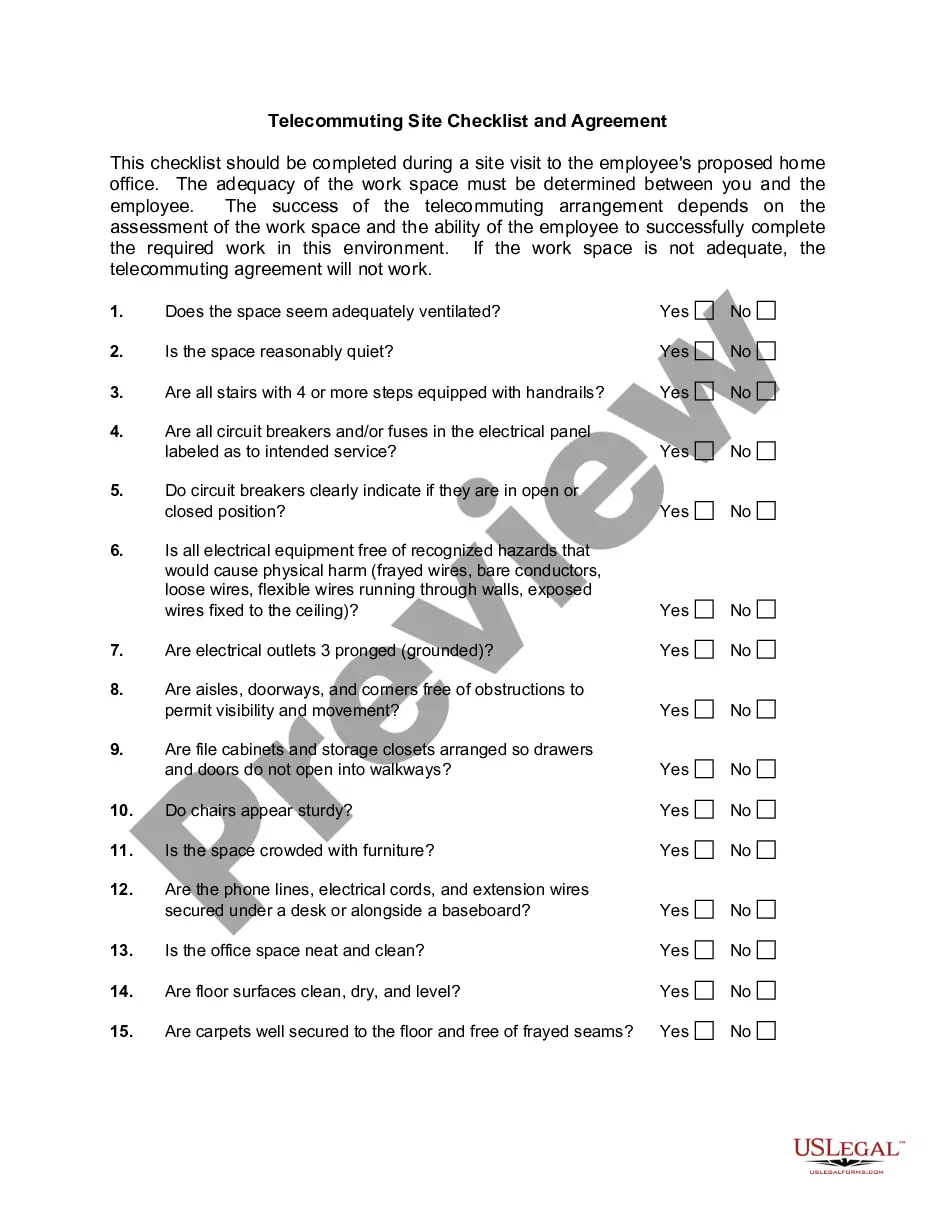
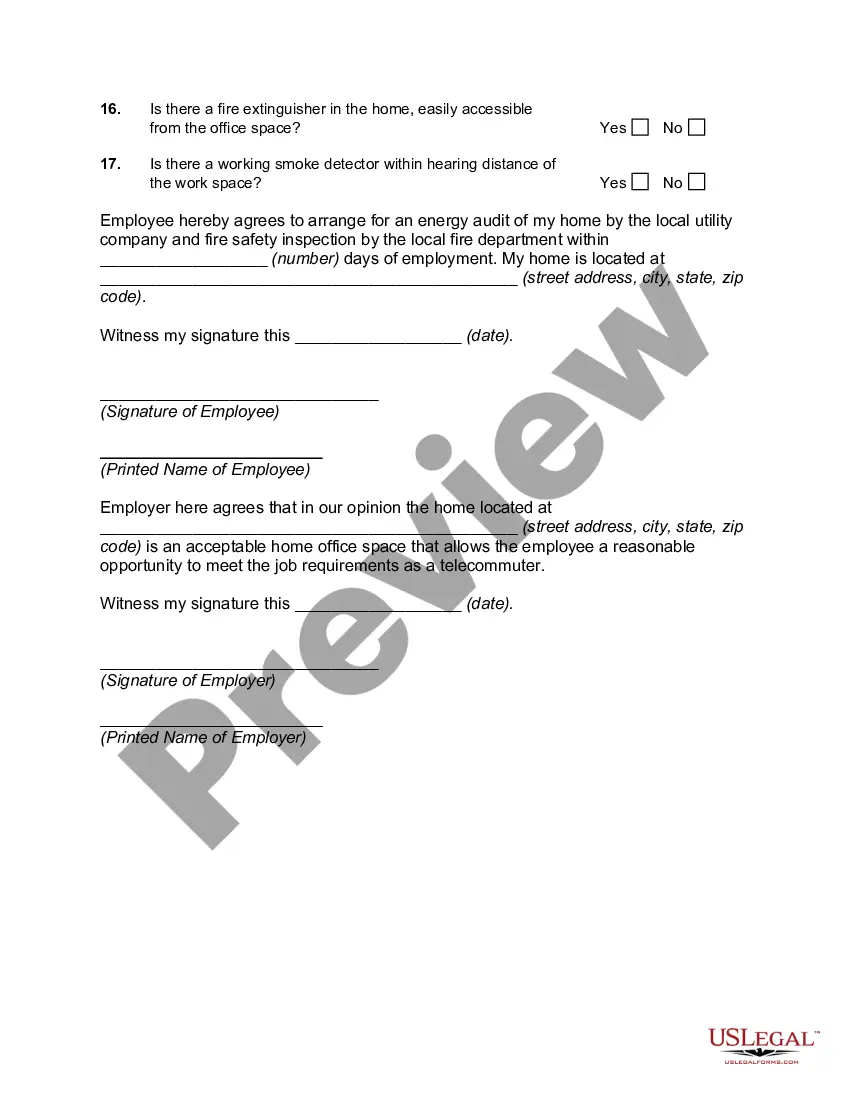
The Telecommuting Site Checklist and Agreement is a legal document used to assess the suitability of an employee's home office for telecommuting. This form facilitates communication between the employer and employee, ensuring that the workspace meets health and safety standards. It differs from other telecommuting forms by focusing specifically on the physical environment of the home office, which is essential for successful remote work arrangements.
Form components explained
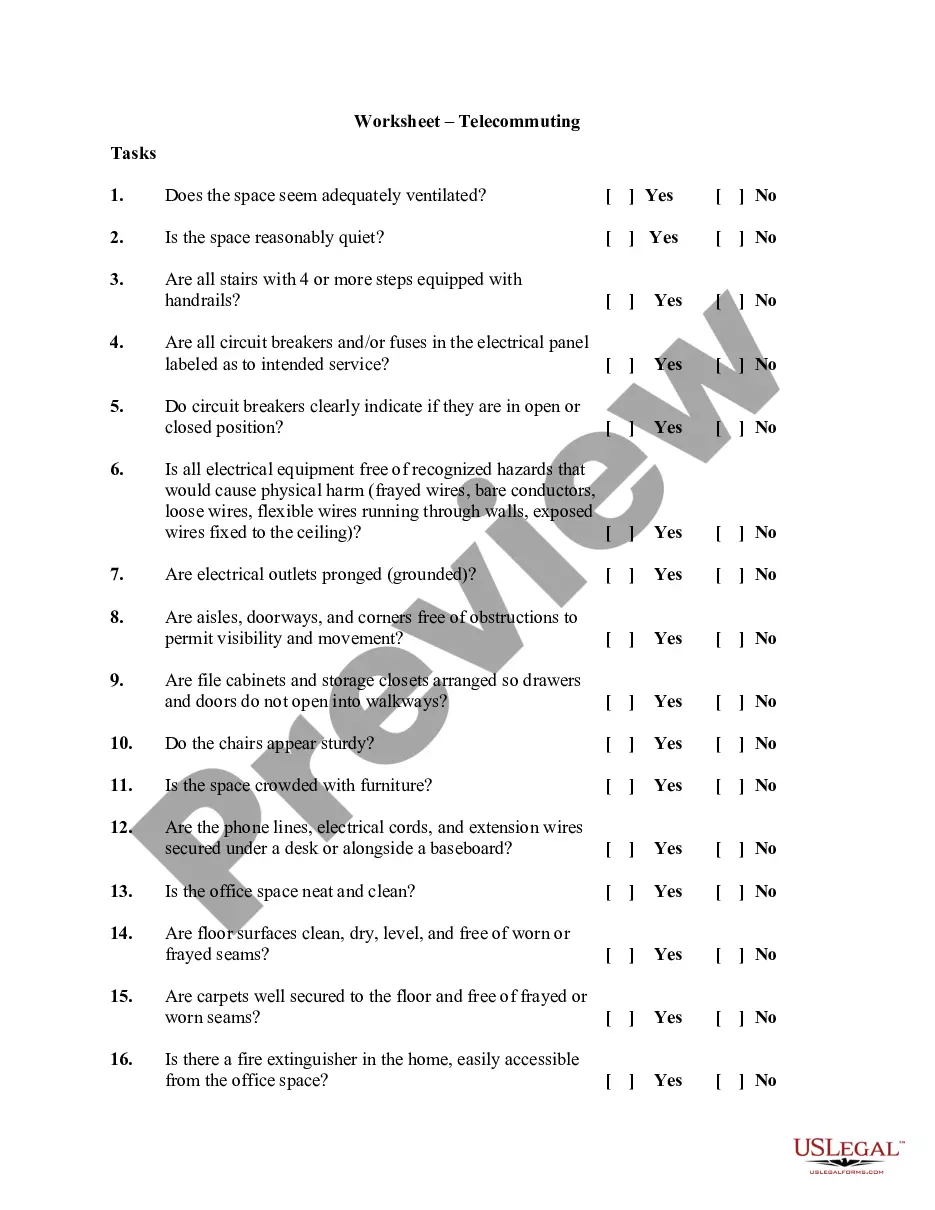
- An assessment checklist covering ventilation, noise levels, and electrical safety.
- Agreements between the employee and employer regarding energy audits and fire safety inspections.
- Signature sections for both the employee and employer, along with date fields for validation.




Situations where this form applies
This form should be used when an employee wishes to work remotely and the employer needs to evaluate if the home office is an acceptable work environment. It is particularly relevant during the hiring process or when transitioning to remote work arrangements. It helps ensure that both parties agree on safety and functionality requirements before commencing telecommuting.
Who this form is for
This form is ideal for:
- Employers with employees working remotely.
- Employees seeking to set up a home office for telecommuting.
- Human resource professionals responsible for remote work policies.
Instructions for completing this form
- Begin with the checklist to assess each aspect of the home office space, marking "Yes" or "No" for each item.
- Document any specific issues or considerations in the provided spaces, particularly for energy and fire safety inspections.
- Ensure that both the employee and employer read and understand the agreement before signing.
- Both parties should sign and date the form to provide legal acknowledgment of the workspace's suitability.
- Keep a copy of the completed form for future reference and compliance with telecommuting policies.
Does this document require notarization?
This form does not typically require notarization unless specified by local law. It is important to verify any specific requirements that may apply in your location.
Get your form ready online
Our built-in tools help you complete, sign, share, and store your documents in one place.
Make edits, fill in missing information, and update formatting in US Legal Forms—just like you would in MS Word.
Download a copy, print it, send it by email, or mail it via USPS—whatever works best for your next step.
Sign and collect signatures with our SignNow integration. Send to multiple recipients, set reminders, and more. Go Premium to unlock E-Sign.
If this form requires notarization, complete it online through a secure video call—no need to meet a notary in person or wait for an appointment.
We protect your documents and personal data by following strict security and privacy standards.

Make edits, fill in missing information, and update formatting in US Legal Forms—just like you would in MS Word.

Download a copy, print it, send it by email, or mail it via USPS—whatever works best for your next step.

Sign and collect signatures with our SignNow integration. Send to multiple recipients, set reminders, and more. Go Premium to unlock E-Sign.

If this form requires notarization, complete it online through a secure video call—no need to meet a notary in person or wait for an appointment.

We protect your documents and personal data by following strict security and privacy standards.
Mistakes to watch out for
- Failing to complete all items on the checklist.
- Not scheduling required inspections within the agreed timeframe.
- Neglecting to retain a copy of the signed agreement for records.
Benefits of using this form online
- Convenience of downloading or printing the form instantly.
- Editability allows for easy updates if work conditions change.
- Reliable and secure storage through online access and digital filing options.
Looking for another form?

Form popularity
FAQ
The Bad of Telecommuting Many lack the self-discipline to clearly delineate and stick to set work hours. 40% say they work longer hours and note a significant increase in stress while experiencing a decrease in time not thinking about work.
The Act mandates that each teleworker and his/her manager must enter into a written telework agreement for every type of telework, whether the employee teleworks regularly or not.The telework schedule. Telework contact information (e.g., what phone number to use on the telework day)
Telecommuting is an employment arrangement in which the employee works outside of the employer's office. Often this means working from home or at a location close to home, such as a coffee shop, library, or co-working space.
Have a fast, reliable, secure internet connection. Set a specific, quiet home office space. Invest in gadgets to focus and communicate. Set clear communication protocols. Establish boundaries when working.
The official definition of "telework" can be found in the Telework Enhancement Act of 2010: "the term 'telework' or 'teleworking' refers to a work flexibility arrangement under which an employee performs the duties and responsibilities of such employee's position, and other authorized activities, from an approved
Remote work and telecommuting are often used interchangeably, but there can be small differences between the two. Remote work suggests that the employee is just thatremotely located.Telecommuting, also called telework, can mean that the employee might be working on-site some of the time.
Telecommuting is a voluntary agreement between the manager/supervisor and the telecommuter.Employee initiated schedule changes must be with advanced approval by the manager. 3. The duties, obligations, responsibilities and conditions of the telecommuter's employment with the EMPLOYER remain unchanged.
Determine how employees will work remotely. Provide the right tools for successful and secure work. Establish clear rules about working from home. Plan time for collaborating and socializing. Clearly outline the legal rights that remote workers have. Discuss compensation and benefits that employees will receive.
Decide Who Can Work From Home. Not every employee can work effectively with little supervision. Define Expectations. Be sure to set clear expectations for all remote workers. Choose Means of Communication. Ensure Data and Device Security. Clarify What Expenses You're Going to Cover. Final Thoughts.