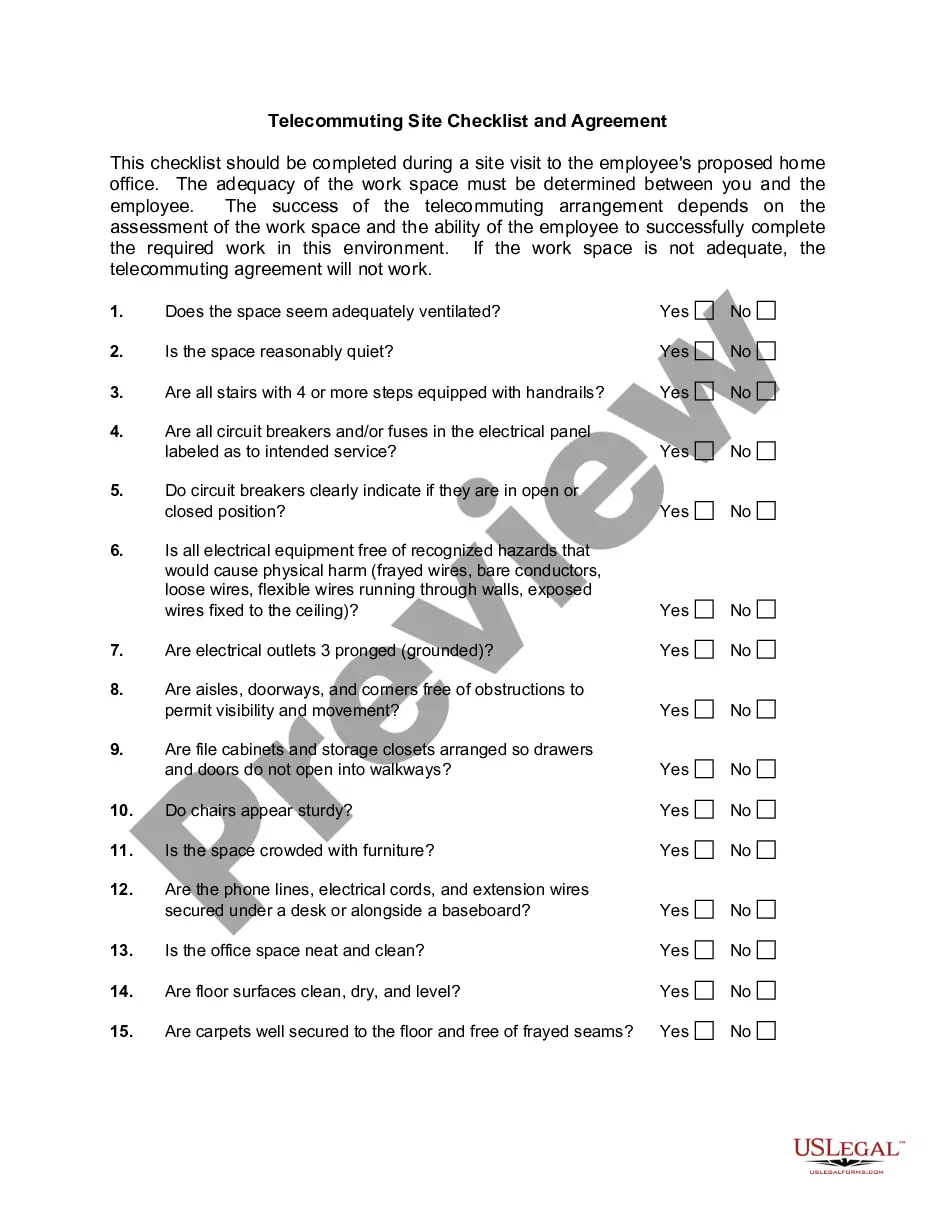
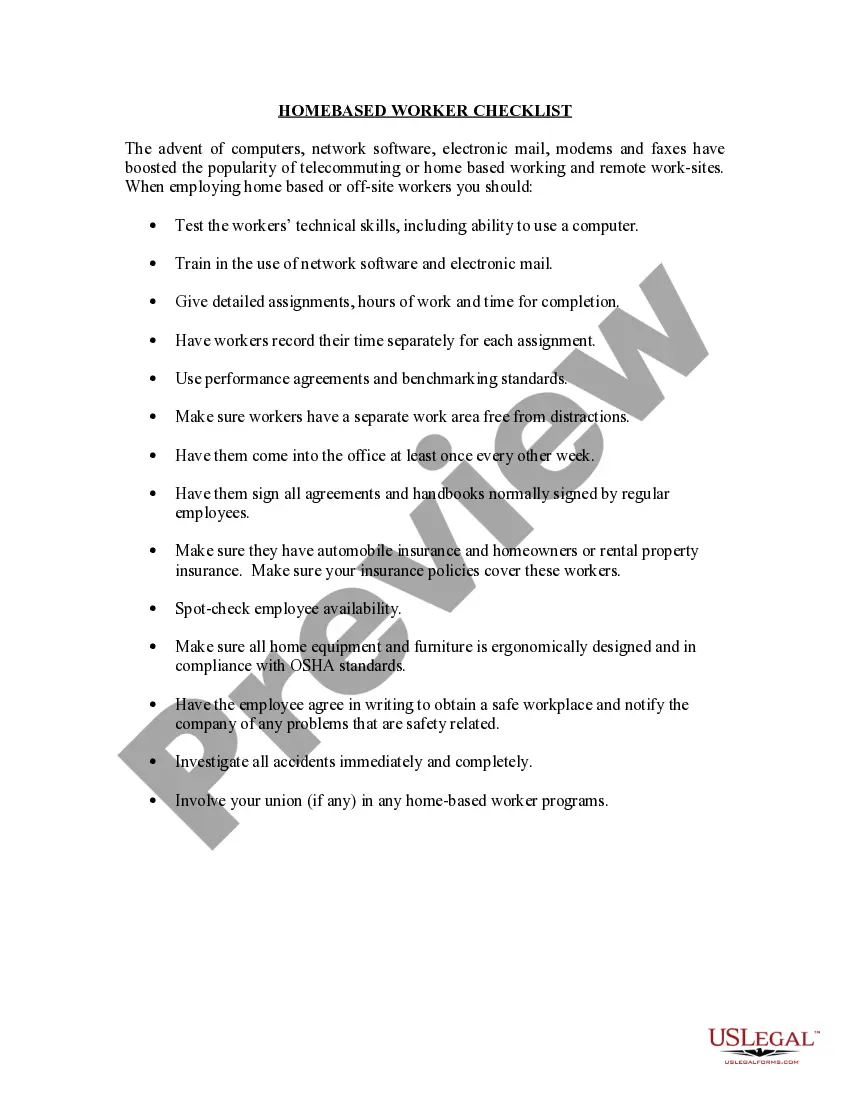
Checklist for Telecommuting Agreement
About this form
The Checklist for Telecommuting Agreement is a legal document that outlines the terms and conditions for employees working remotely. This form helps employers and employees establish clear expectations regarding work hours, pay, equipment usage, and liability, distinguishing it from other types of employment agreements by focusing on telecommuting specifics.
Form components explained
- Duration of the telecommuting agreement
- Work hours and attendance policies
- Pay structure and leave entitlements
- Guidelines on overtime and business-owned equipment
- Inspection procedures and liability agreements
- Reimbursement policies and workersâ compensation
- Work assignments and employee evaluation criteria
- Records management and conditions for curtailment of the agreement
- Locations for primary business and telecommuting


When to use this document
This form is essential when an employer decides to implement a telecommuting policy or when an employee requests the option to work from a remote location. It should be used to formalize the telecommuting arrangement and clarify each partyâs responsibilities and expectations in scenarios where regular in-office work is not feasible.
Who should use this form
This form is intended for:
- Employers looking to set up telecommuting arrangements with their employees
- Employees who are transitioning to or requesting remote work situations
- HR professionals responsible for drafting or managing telecommuting policies
- Legal representatives advising on employment agreements
Completing this form step by step
- Identify the parties involved in the agreement (employer and employee).
- Specify the duration of the telecommuting arrangement.
- Detail work hours, attendance policies, and pay structure.
- Outline equipment usage and liability clauses.
- Include terms for reimbursement and workersâ compensation.
- Ensure both parties sign and date the agreement to formalize it.
Does this document require notarization?
This form does not typically require notarization unless specified by local law. However, it is essential to verify if your jurisdiction has specific requirements related to telecommuting agreements.
Get your form ready online
Our built-in tools help you complete, sign, share, and store your documents in one place.
Make edits, fill in missing information, and update formatting in US Legal Forms—just like you would in MS Word.
Download a copy, print it, send it by email, or mail it via USPS—whatever works best for your next step.
Sign and collect signatures with our SignNow integration. Send to multiple recipients, set reminders, and more. Go Premium to unlock E-Sign.
If this form requires notarization, complete it online through a secure video call—no need to meet a notary in person or wait for an appointment.
We protect your documents and personal data by following strict security and privacy standards.

Make edits, fill in missing information, and update formatting in US Legal Forms—just like you would in MS Word.

Download a copy, print it, send it by email, or mail it via USPS—whatever works best for your next step.

Sign and collect signatures with our SignNow integration. Send to multiple recipients, set reminders, and more. Go Premium to unlock E-Sign.

If this form requires notarization, complete it online through a secure video call—no need to meet a notary in person or wait for an appointment.

We protect your documents and personal data by following strict security and privacy standards.
Common mistakes to avoid
- Failing to specify work hours and expectations clearly.
- Not addressing equipment ownership and liability issues.
- Overlooking state-specific employment regulations that may apply.
- Neglecting to include terms for curtailment of the agreement.
Benefits of using this form online
- Convenient access to download and customize the agreement.
- Easily editable format to meet specific needs.
- Reliability of templates drafted by licensed attorneys.
- Time-efficient to complete and implement.
Looking for another form?


Form popularity
FAQ
The four pitfalls of telecommuting are family turf problems, social isolation, staying focused and being visible.
Telecommuting is a voluntary agreement between the manager/supervisor and the telecommuter.Employee initiated schedule changes must be with advanced approval by the manager. 3. The duties, obligations, responsibilities and conditions of the telecommuter's employment with the EMPLOYER remain unchanged.
Lack of Community and Team Work. Lack of Motivation. Unmonitored Performance and those Frequent Breaks. Lack of Office Equipment and Security Concerns. Distractions and Lack of a Good Working Environment. Burnout. Risk to Productivity.
Decide Who Can Work From Home. Not every employee can work effectively with little supervision. Define Expectations. Be sure to set clear expectations for all remote workers. Choose Means of Communication. Ensure Data and Device Security. Clarify What Expenses You're Going to Cover. Final Thoughts.
Scope and eligibility. The request process. Attendance and Availability Standards. Productivity measures. Equipment and Tech support. Response measures. Compensation and Benefits. Rightful Termination.
The employee has less personal contact with managers and coworkers, hindering communication. It can be more difficult for managers to supervise someone working from home. The worker may have more disruptions at home, resulting in reduced productivity. You might miss the social aspect of working with peers.
Most telecommuting companies will require that you have the latest version of Microsoft Windows, some sort of antivirus software (I recommend Norton), Adobe Flash (free), and Acrobat Reader (free). If you need word processing software, you can use Google Docs, which is free for personal use.
Less face time with managers and peers can be a major communication roadblock. Employers can't control how workers use their time. When this benefit is available to selected staff only, jealousy and resentment can cause an adverse working environment and can affect morale.
The Bad of Telecommuting Many lack the self-discipline to clearly delineate and stick to set work hours. 40% say they work longer hours and note a significant increase in stress while experiencing a decrease in time not thinking about work.