Home based Worker Checklist
Understanding this form
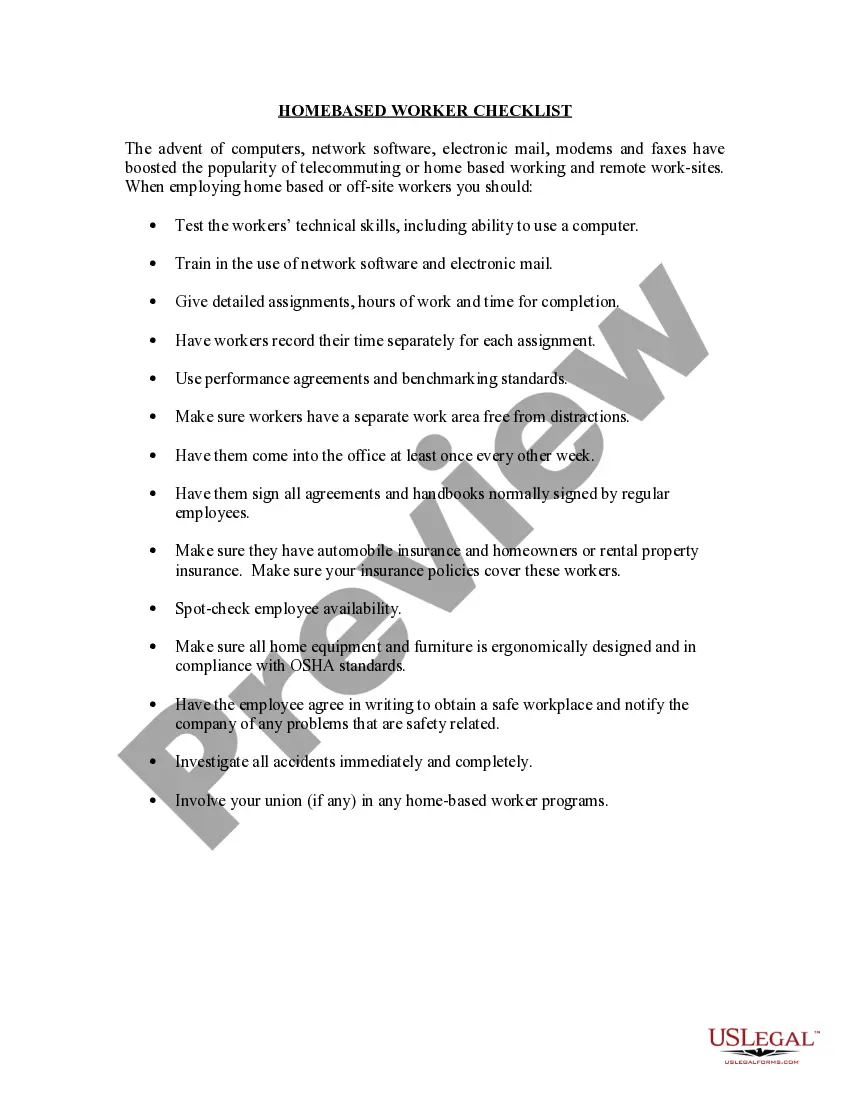
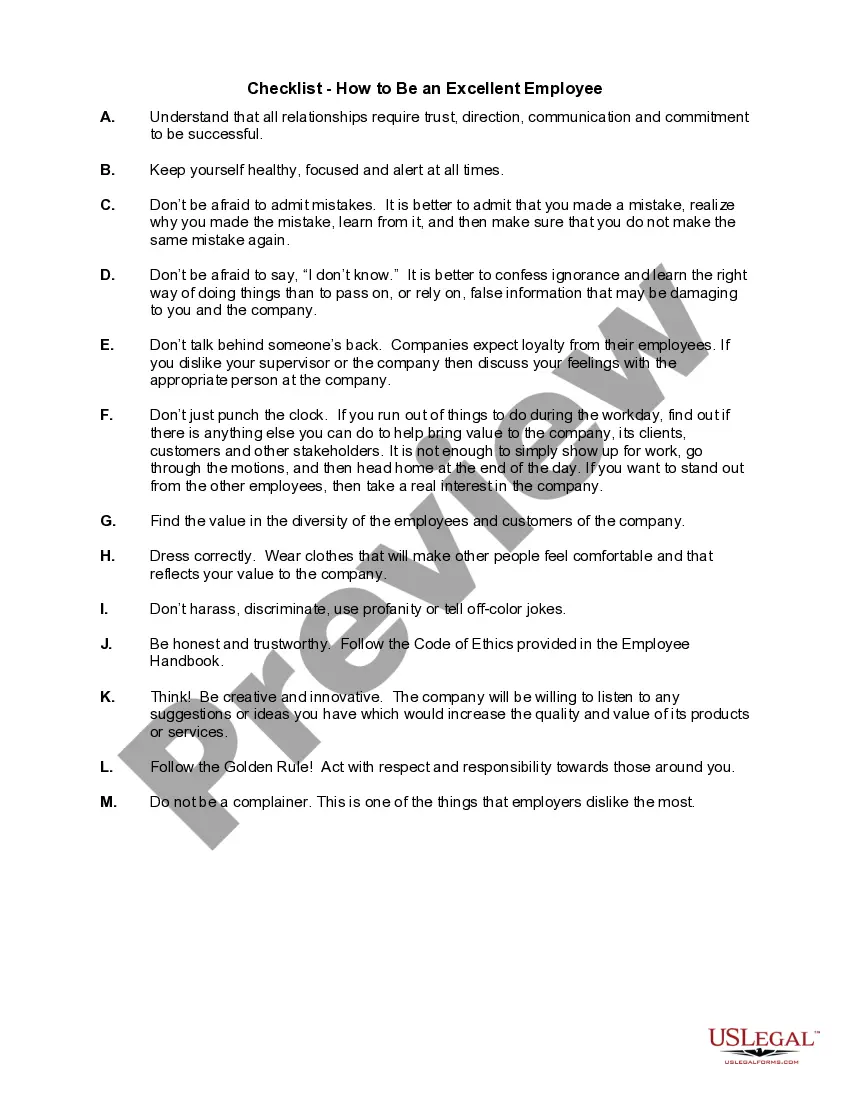
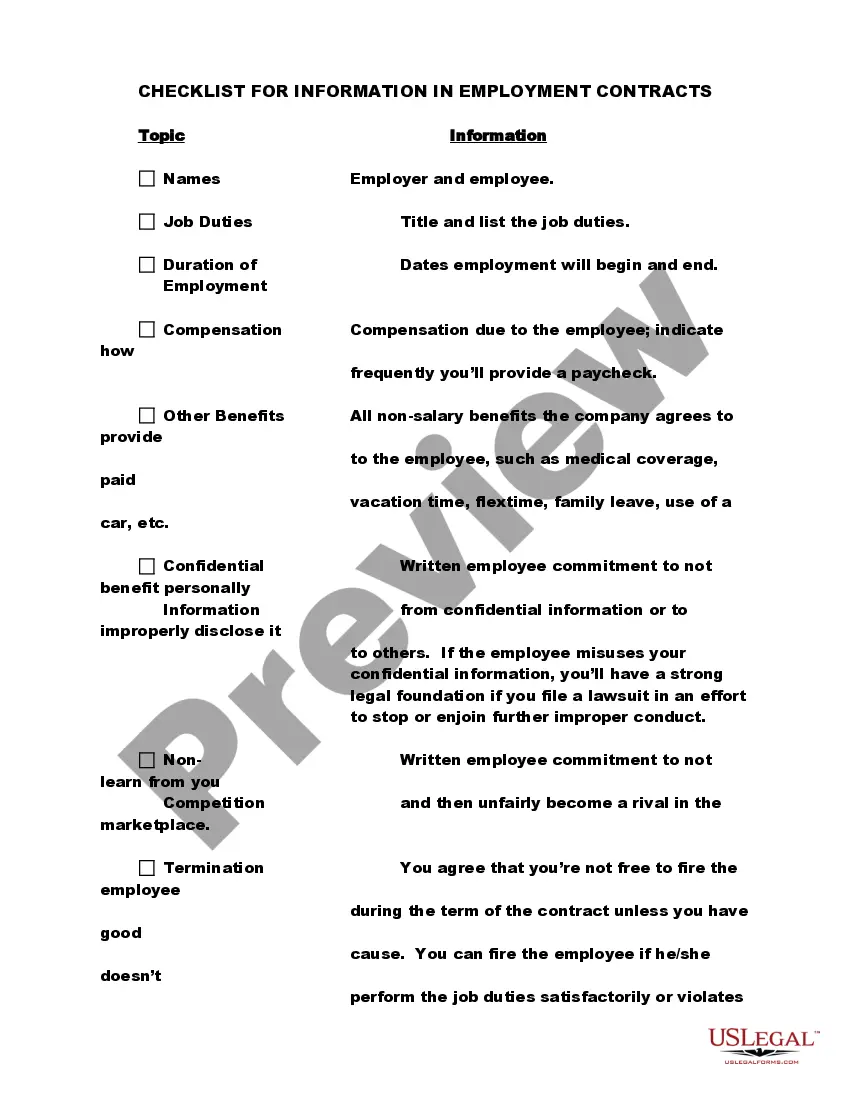
The Home Based Worker Checklist is a vital tool for employers who manage home-based or telecommuting employees. This checklist outlines key considerations and best practices for ensuring a successful remote work environment. Unlike other employment forms, this checklist focuses specifically on the unique challenges and requirements of managing workers outside a traditional office setting.
What’s included in this form
- Assessment of technical skills, including computer proficiency.
- Guidance on training for network software and email usage.
- Instructions for providing detailed assignments and deadlines.
- Requirements for time tracking and performance agreements.
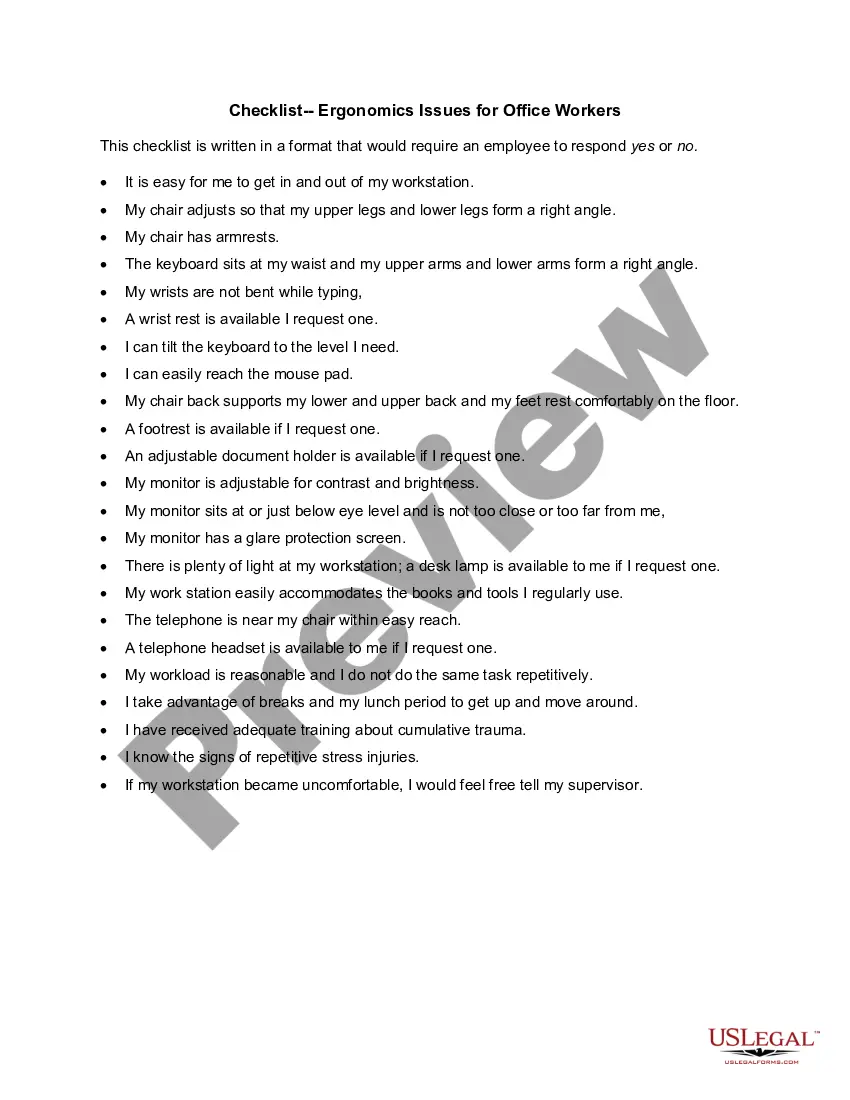
- Safety and ergonomics compliance in the home workspace.
- Protocol for regular in-office visits and safety communications.

Common use cases
This checklist should be utilized when an employer decides to hire remote or home-based workers. It becomes essential to establish clear expectations and safety protocols to ensure that all employees are set up for success in their roles. Use this form to create a structured onboarding process tailored for telecommuting environments.
Intended users of this form
- Employers hiring home-based workers.
- Managers supervising remote teams.
- Human resources professionals developing remote work policies.
- Small business owners seeking to optimize telecommuting practices.
How to prepare this document
- Assess the technical skills of potential employees using the checklist.
- Provide training instructions for necessary software and communication tools.
- Specify work assignments and deadlines clearly within the document.
- Set up procedures for safe work environments and ergonomics.
- Establish regular check-ins and performance benchmarks to monitor progress.
Does this document require notarization?
In most cases, this form does not require notarization. However, some jurisdictions or signing circumstances might. US Legal Forms offers online notarization powered by Notarize, accessible 24/7 for a quick, remote process.
Get your form ready online
Our built-in tools help you complete, sign, share, and store your documents in one place.
Make edits, fill in missing information, and update formatting in US Legal Forms—just like you would in MS Word.
Download a copy, print it, send it by email, or mail it via USPS—whatever works best for your next step.
Sign and collect signatures with our SignNow integration. Send to multiple recipients, set reminders, and more. Go Premium to unlock E-Sign.
If this form requires notarization, complete it online through a secure video call—no need to meet a notary in person or wait for an appointment.
We protect your documents and personal data by following strict security and privacy standards.

Make edits, fill in missing information, and update formatting in US Legal Forms—just like you would in MS Word.

Download a copy, print it, send it by email, or mail it via USPS—whatever works best for your next step.

Sign and collect signatures with our SignNow integration. Send to multiple recipients, set reminders, and more. Go Premium to unlock E-Sign.

If this form requires notarization, complete it online through a secure video call—no need to meet a notary in person or wait for an appointment.

We protect your documents and personal data by following strict security and privacy standards.
Common mistakes to avoid
- Neglecting to verify the employee's technical skills before hiring.
- Failing to provide adequate training for remote work tools.
- Not outlining clear expectations regarding work assignments and time frames.
- Overlooking safety protocols for home workspaces.
Benefits of completing this form online
- Convenient access to downloadable formats for easy customization.
- Reliable templates drafted by licensed attorneys to ensure legal compliance.
- Effortless editing capabilities, allowing users to tailor the checklist for their specific needs.
- Instant availability without the need for physical meetings or appointments.
Legal use & context
The Home Based Worker Checklist serves as a guideline to comply with labor laws and ensure a safe work environment. It helps employers establish best practices and can serve as evidence of compliance in case of disputes.
What to keep in mind
- The Home Based Worker Checklist ensures effective monitoring of remote employees.
- Clear guidelines help improve productivity and safety compliance.
- This form is a crucial resource for employers adapting to remote work environments.
Looking for another form?
Form popularity
FAQ
Consider Your Company Policy. Make Sure the Employee Has the Right Qualities. Think About the Rest of Your Staff. Weigh the Pros and the Cons. Communicate Openly. Make the Decision.
Have set hours for your working schedule. Give yourself pre-set break times. Have a backup plan for your workspace. Always be in continuous communication with your manager and colleagues. Have a designated office space. If possible, keep your normal office hours. Use apps to stay organized.
Decide Who Can Work From Home. Not every employee can work effectively with little supervision. Define Expectations. Be sure to set clear expectations for all remote workers. Choose Means of Communication. Ensure Data and Device Security. Clarify What Expenses You're Going to Cover. Final Thoughts.
DO: Set regular work hours and stick to them. DON'T: Force yourself to work 9-5. DO: Make a list of everything you need to do in a day. DON'T: Fall down a social media spiral. DO: Plan meals and snacks. DON'T: Work in your pyjamas. DO: Define your office boundaries. DON'T: Forget to move.
Computer: laptops in every category. Keyboard: Bluetooth and wireless keyboards or ergonomic keyboards. Mouse: wireless mouse. Docking station or USB hub: USB-C hubs and docks. Headphone or headset: noise-cancelling headphones, wireless headset, or USB headset.
Set expectations early and often. Be organized and flexible. Adapt the length of your meetings. Track your workers' progress. Emphasize communication. Remember to listen. Build connections and be available to your team. Provide a way to collaborate.
Keep Regular Work Hours. Separate Work Time and Personal Time. Plan Your Workflow. Break up the Day. Dress Like You're at Work. Create an At-Home Office. Don't Allow Roomies. Be Your Own Janitor.
Separate phones. You need a phone that you can switch off when you stop work. Keep work and home separate. Ideally, you need a separate room or outbuilding for work. Stay green. Office stuff. Business class IT. Everywhere is your office. Be businesslike. Be like a small big business.
Don't work from the couch. Don't do household chores during work time. Don't let work time invade personal time. Don't forget to take breaks. Don't forget to socialize with coworkers, even from afar.