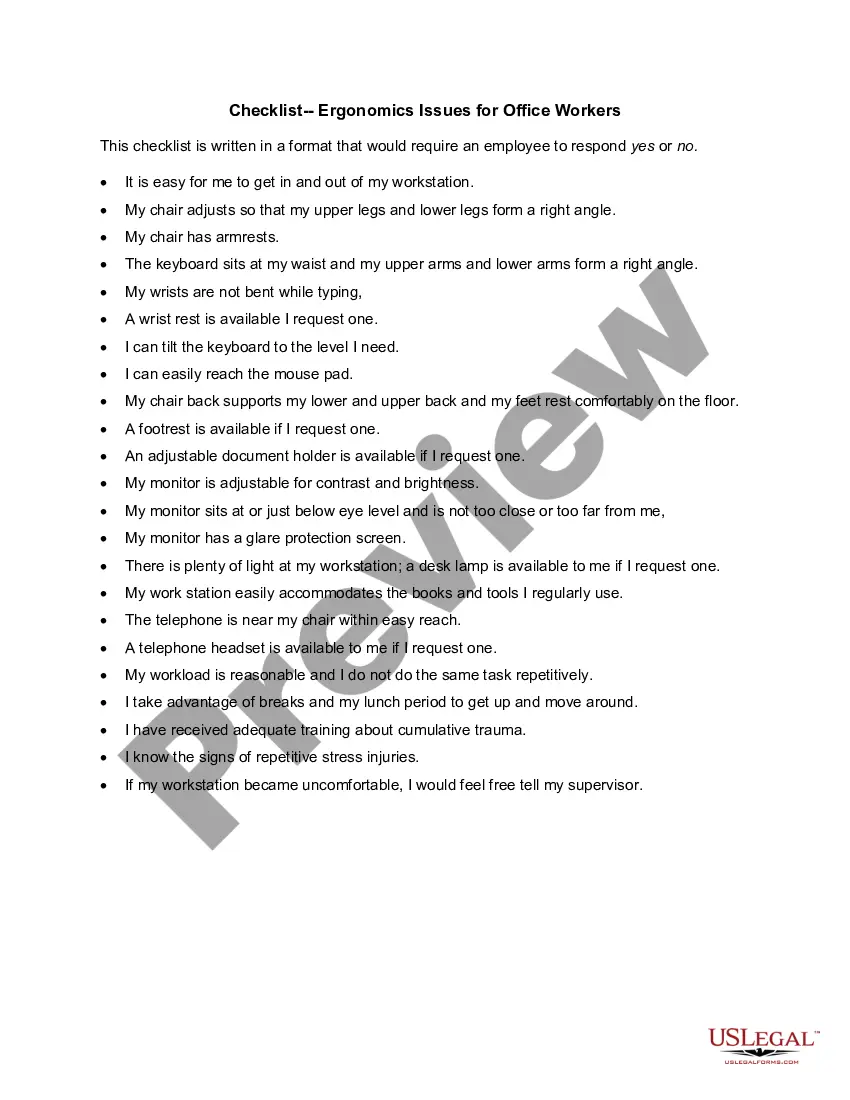
Checklist - Ergonomics Issues for Office Workers
About this form
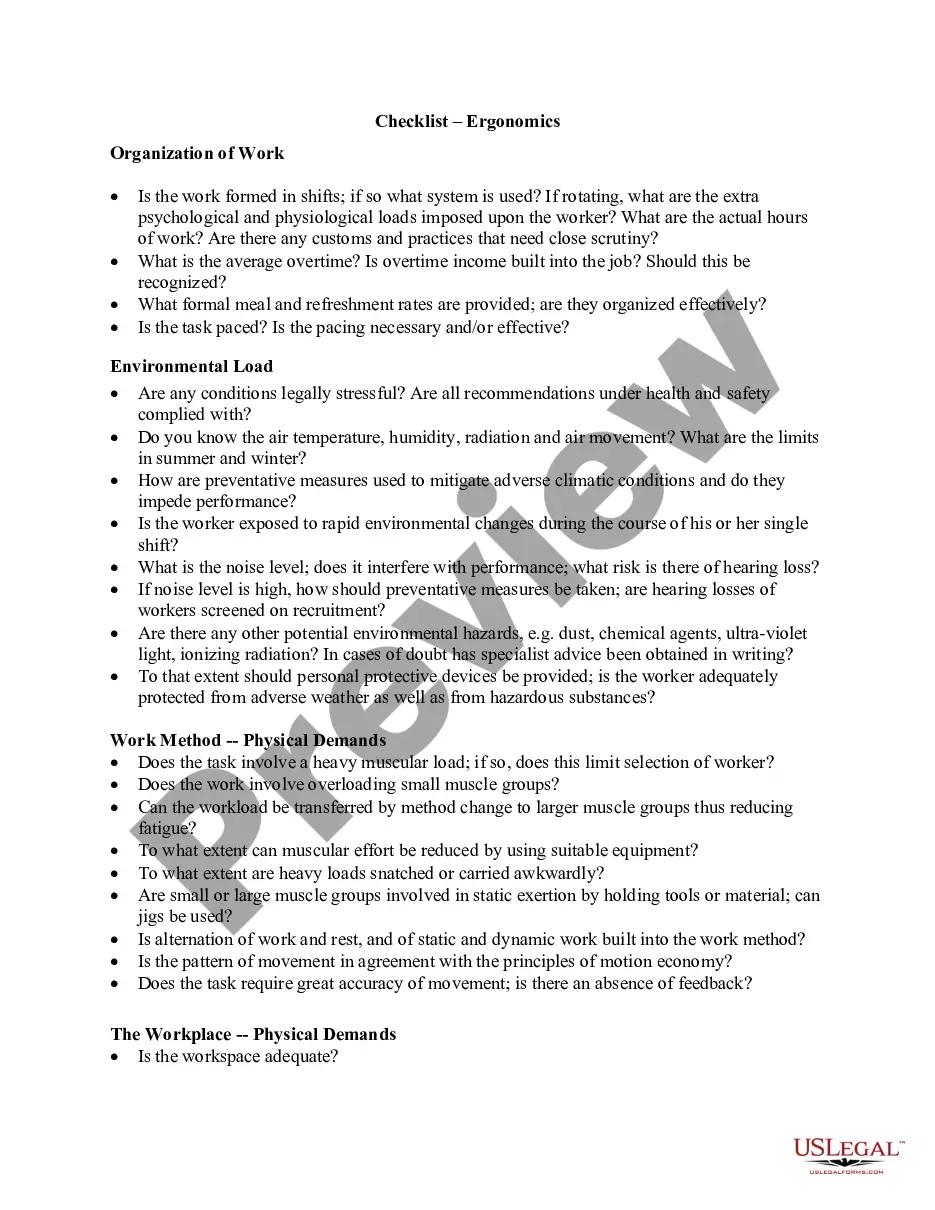
The Checklist for Ergonomics Issues for Office Workers is a practical tool designed to evaluate the ergonomics of an office workspace. This form helps ensure that your work environment is optimized for comfort and safety, minimizing the risk of repetitive strain injuries, such as carpal tunnel syndrome. Unlike general workplace safety forms, this checklist specifically addresses the ergonomic setup, offering a focused approach to creating a healthier work atmosphere for employees.
Form components explained
- A series of yes/no questions covering various ergonomic aspects of the workstation.
- Assessments related to chair adjustability, keyboard positioning, and monitor height.
- Evaluation of available ergonomic tools, such as footrests and document holders.
- Guidelines for taking breaks and recognizing signs of repetitive stress injuries.
- Encouragement to communicate workstation discomfort to a supervisor.

When this form is needed
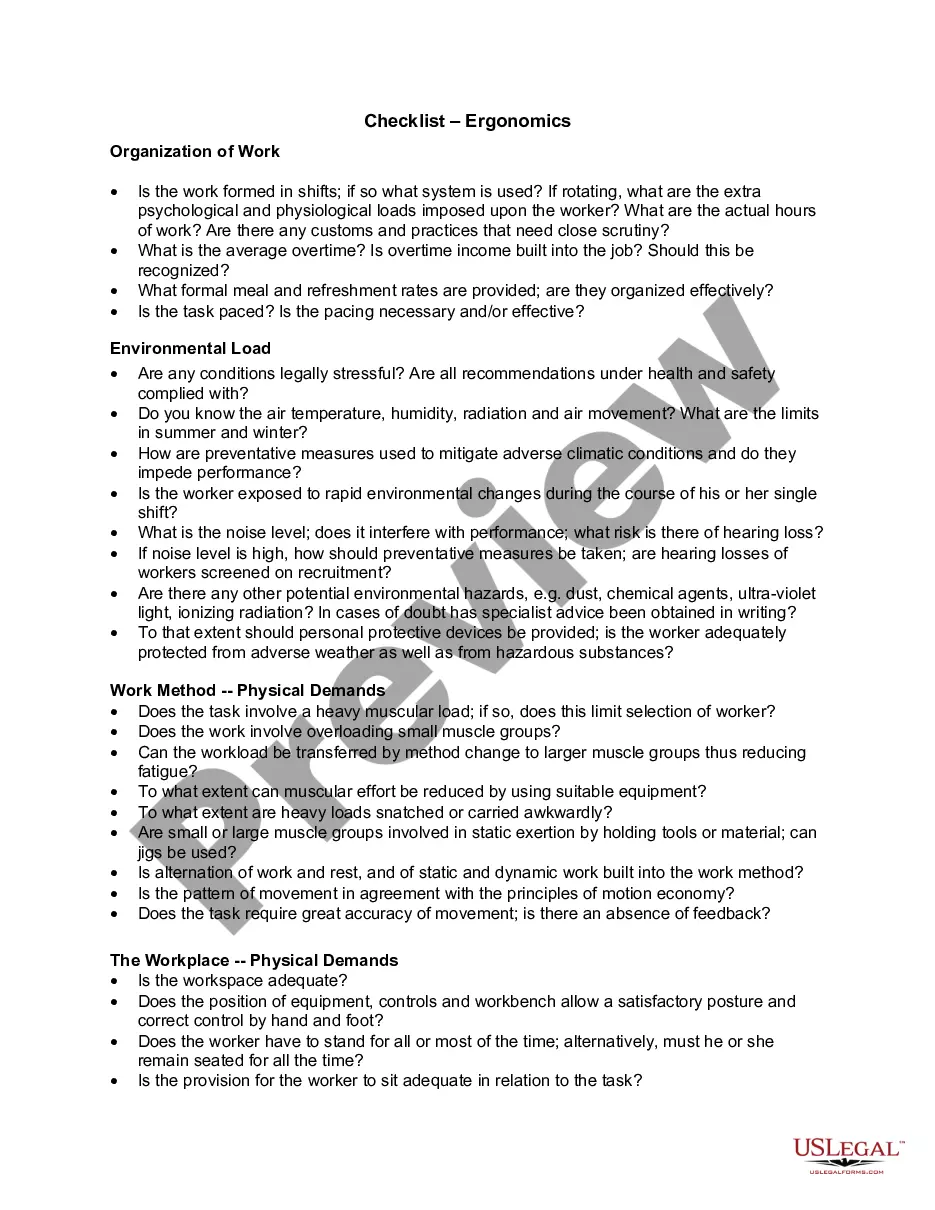
This checklist is ideal when setting up a new office, evaluating an existing workspace for ergonomic compliance, or addressing any discomfort experienced by employees. It can also be used during team training sessions on workplace ergonomics, ensuring that all employees understand the importance of a well-structured workspace. Regular assessments can help identify problem areas and promote a culture of safety and well-being in the office.
Who can use this document
Eligible users of this checklist include:
- Office workers looking to assess and improve their ergonomic workstation setup.
- Managers and supervisors responsible for workplace safety and employee well-being.
- Health and safety officers conducting ergonomic evaluations in the workplace.
- Human resources professionals implementing employee wellness programs.
Instructions for completing this form
- Begin by answering each question with a yes or no response based on your current workstation setup.
- Evaluate the adjustability of your chair and ensure your arms form a right angle when sitting.
- Check the placement of your keyboard and monitor for proper alignment with your body.
- Identify the availability of ergonomic tools like footrests and document holders, and request them if necessary.
- Consider your workload and the frequency of breaks to manage repetitive stress risks.
Does this document require notarization?
Notarization is generally not required for this form. However, certain states or situations might demand it. You can complete notarization online through US Legal Forms, powered by Notarize, using a verified video call available anytime.
Get your form ready online
Our built-in tools help you complete, sign, share, and store your documents in one place.
Make edits, fill in missing information, and update formatting in US Legal Forms—just like you would in MS Word.
Download a copy, print it, send it by email, or mail it via USPS—whatever works best for your next step.
Sign and collect signatures with our SignNow integration. Send to multiple recipients, set reminders, and more. Go Premium to unlock E-Sign.
If this form requires notarization, complete it online through a secure video call—no need to meet a notary in person or wait for an appointment.
We protect your documents and personal data by following strict security and privacy standards.

Make edits, fill in missing information, and update formatting in US Legal Forms—just like you would in MS Word.

Download a copy, print it, send it by email, or mail it via USPS—whatever works best for your next step.

Sign and collect signatures with our SignNow integration. Send to multiple recipients, set reminders, and more. Go Premium to unlock E-Sign.

If this form requires notarization, complete it online through a secure video call—no need to meet a notary in person or wait for an appointment.

We protect your documents and personal data by following strict security and privacy standards.
Avoid these common issues
- Neglecting to adjust the chair height for optimal support.
- Failing to take regular breaks during extended periods of work.
- Overlooking the arrangement of tools and materials on the desk.
- Not communicating discomfort to a supervisor.
Advantages of online completion
- Convenient access to a printable checklist that can be completed easily.
- Ability to edit and customize the form to fit specific workplace needs.
- Reliable source of ergonomic guidance drafted by licensed attorneys.
- Ensures employees are informed about ergonomics and risk management.
Quick recap
- This checklist is a valuable tool for evaluating and improving office ergonomics.
- Regular use can help prevent workplace injuries related to poor ergonomics.
- Encouraging open communication about discomfort can enhance workplace safety.
- It is suitable for any office environment across multiple states.
Looking for another form?
Form popularity
FAQ
Maintain proper posture, paying careful attention to positioning of head, neck/spine, arms/wrists, hips/thighs and feet. Basically, ensure the small of your back is supported, your shoulders relaxed (not slumped, not elevated), and that there is no pressure under your thighs.
Find Your Natural Posture. Adjusting Your Keyboard and Mouse. Adjusting Your Screens. Adjusting Your Chair. Don't Sit Around All Day - Stand Up and Move!
Several common work activities pose repetitive stress ergonomic hazards. Examples include typing and mousing, which can result in carpal tunnel syndrome. According to Nolo.com, other work-related actions that cause repetitive stress injuries include: Overhead work.
Ergonomics comprise three main fields of research: physical, cognitive and organizational ergonomics.
Ergonomics can roughly be defined as the study of people in their working environment. More specifically, an ergonomist (pronounced like economist) designs or modifies the work to fit the worker, not the other way around. The goal is to eliminate discomfort and risk of injury due to work.
For example, ergonomics is often used to create comfortable workstations for employees. This may involve choosing customized desks and chairs that fit each individual's body type. It may also include providing employees with ergonomic keyboards and wrist rests that provide better typing posture.
Chair. Ideally, use a swivel chair that has 5 feet. Monitor. The monitor should be roughly an arm's length away. Desk. Keyboard. Wrist rests. Mouse. Phone. Laptop computers and notebooks.
Review any Existing Data. The first step to any ergonomics assessment is to take a workplace history and ensure that you understand your baseline. Choose your Tools. Gather Subjective Data. Gather Objective Data. Analyze All Data and Prioritize Risk.
DON'T hunch over your laptop. DO work at an appropriate height. DO use an office chair if possible. DON'T give up on your current chair. DON'T let your feet dangle. DO follow the 20/20/20 rule. DON'T turn your couch into a workstation. DO customize a space to fit you.