Application for Employment
About this form
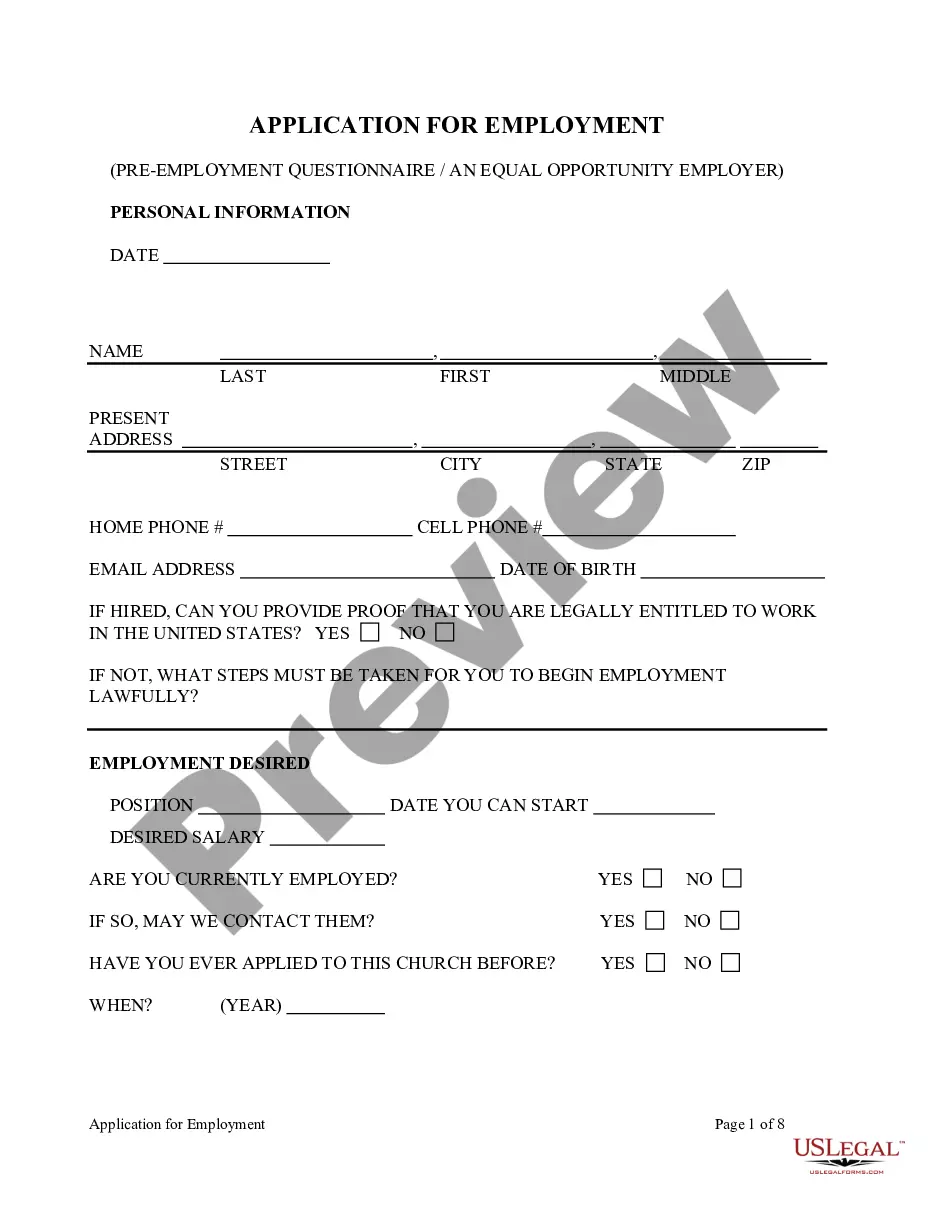
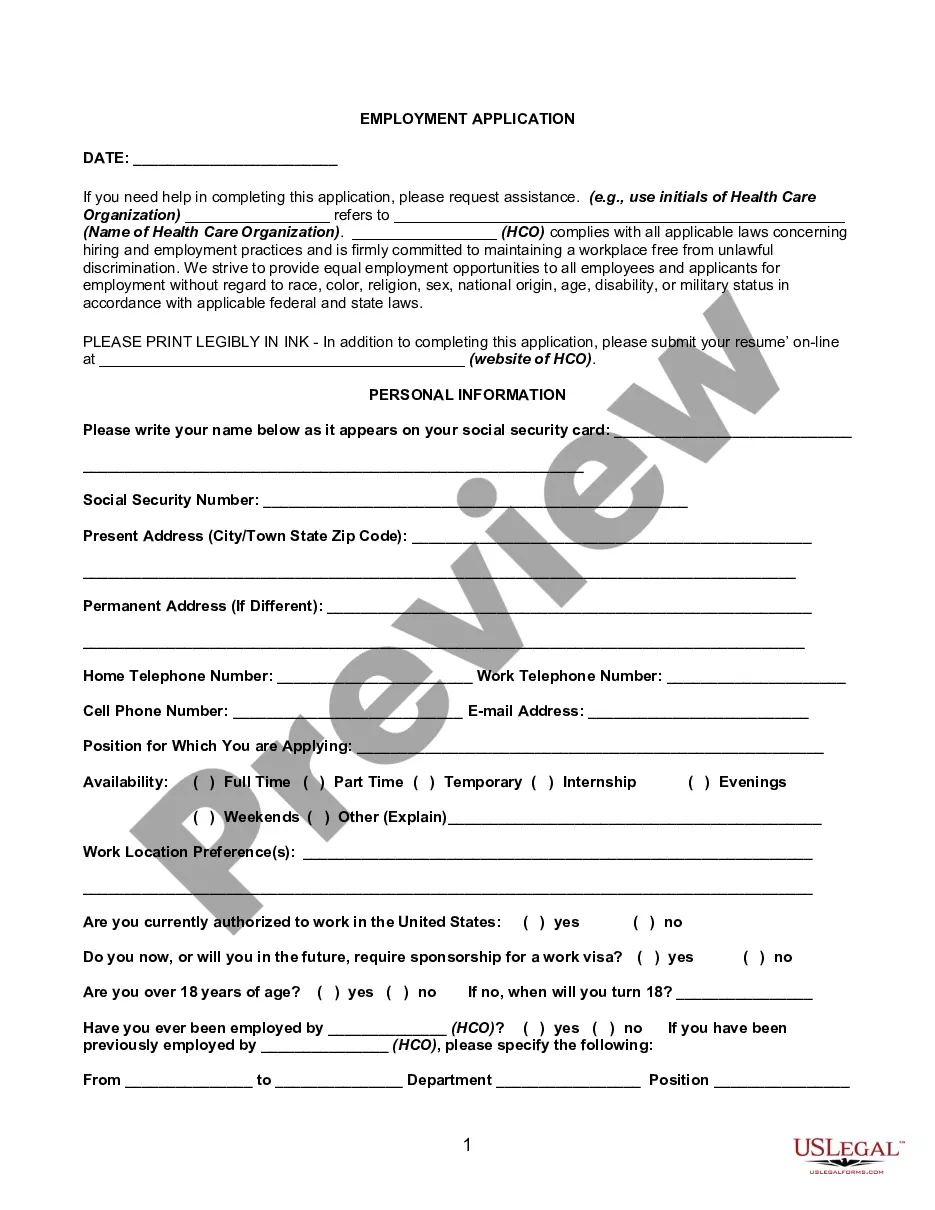
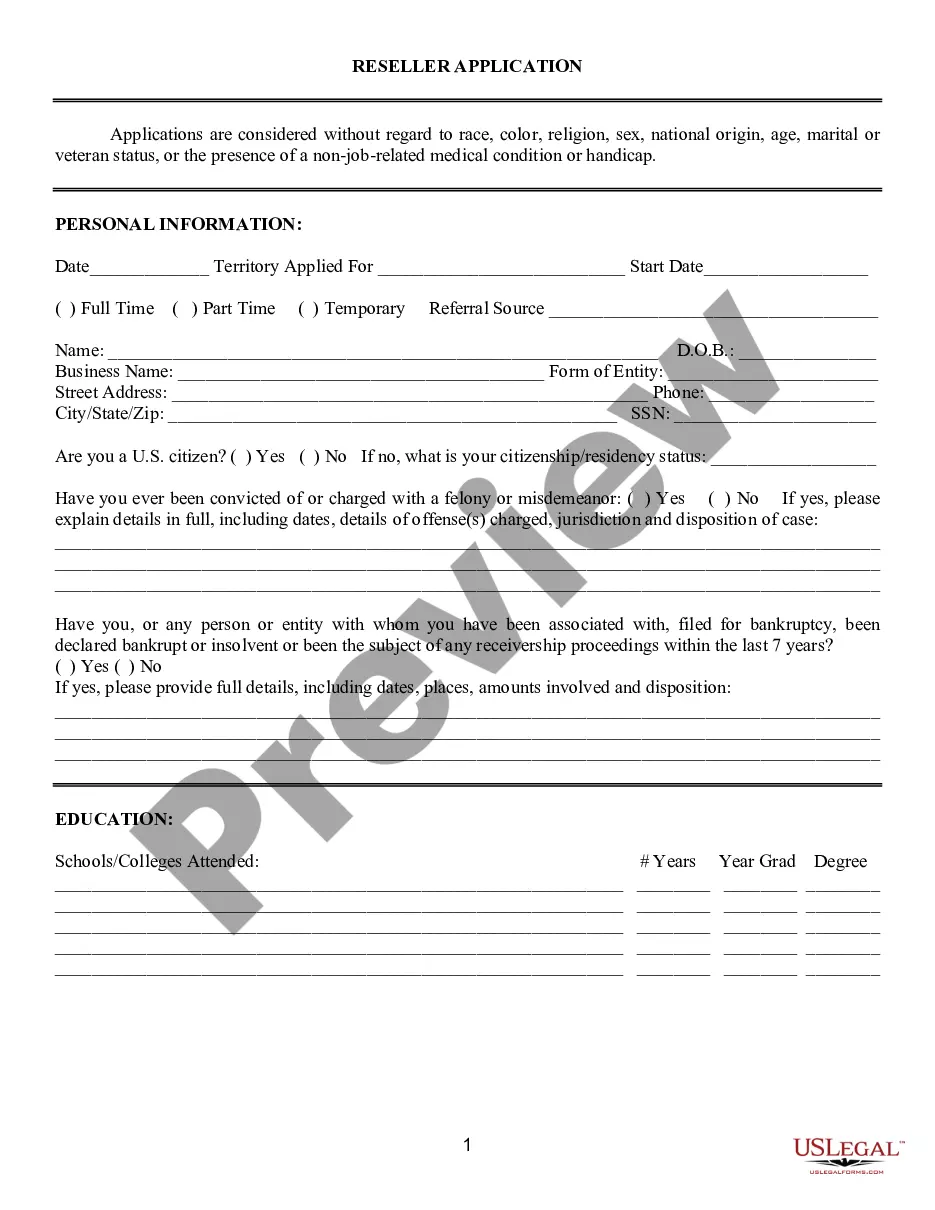
The Application for Employment is a standardized document used by employers to collect uniform information from job applicants. This form simplifies the hiring process by allowing employers to compare applicants' qualifications impartially. Unlike personalized resumes, this form focuses on essential information, helping employers evaluate candidates fairly and efficiently.
What’s included in this form
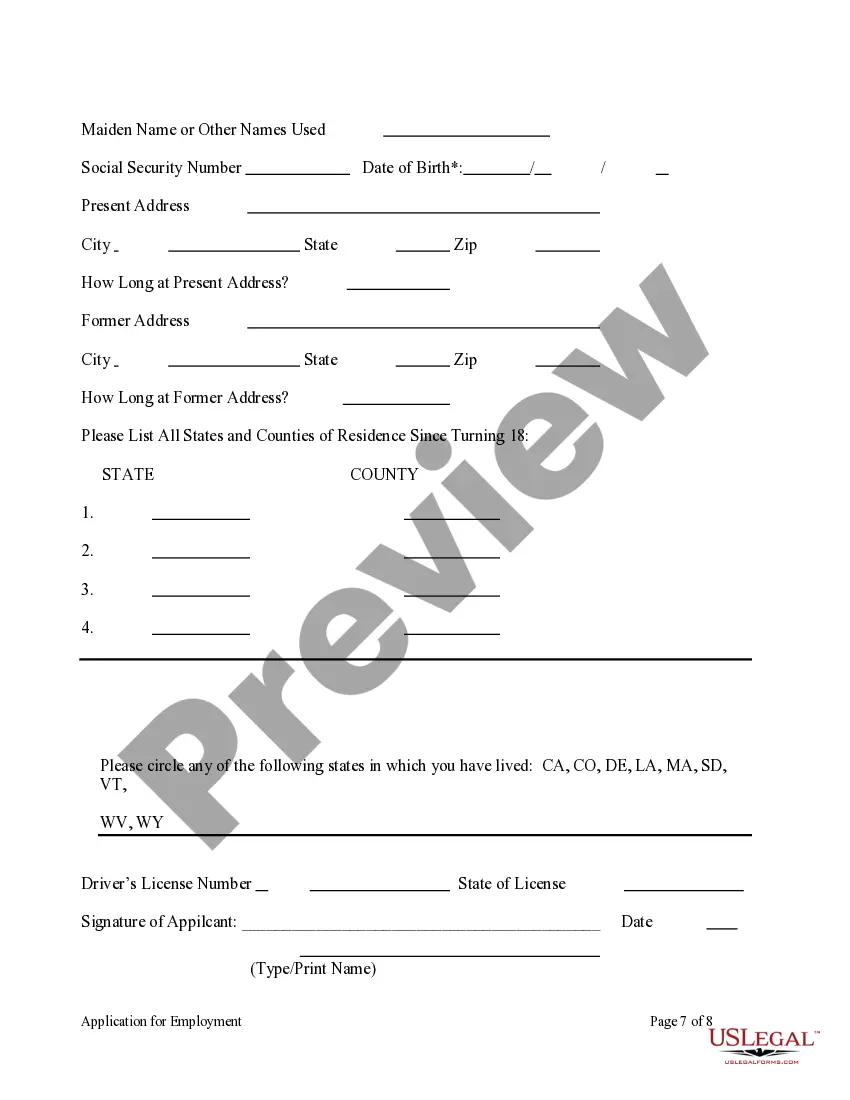
- Contact information for the applicant
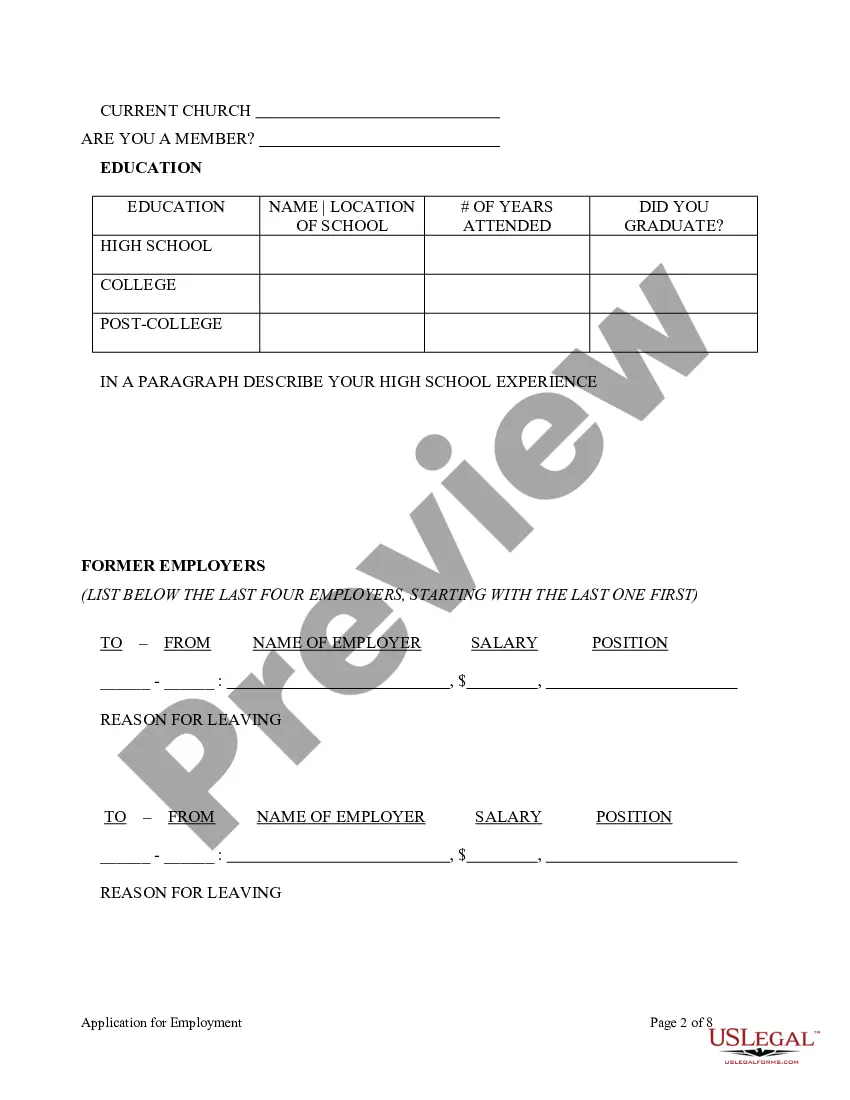
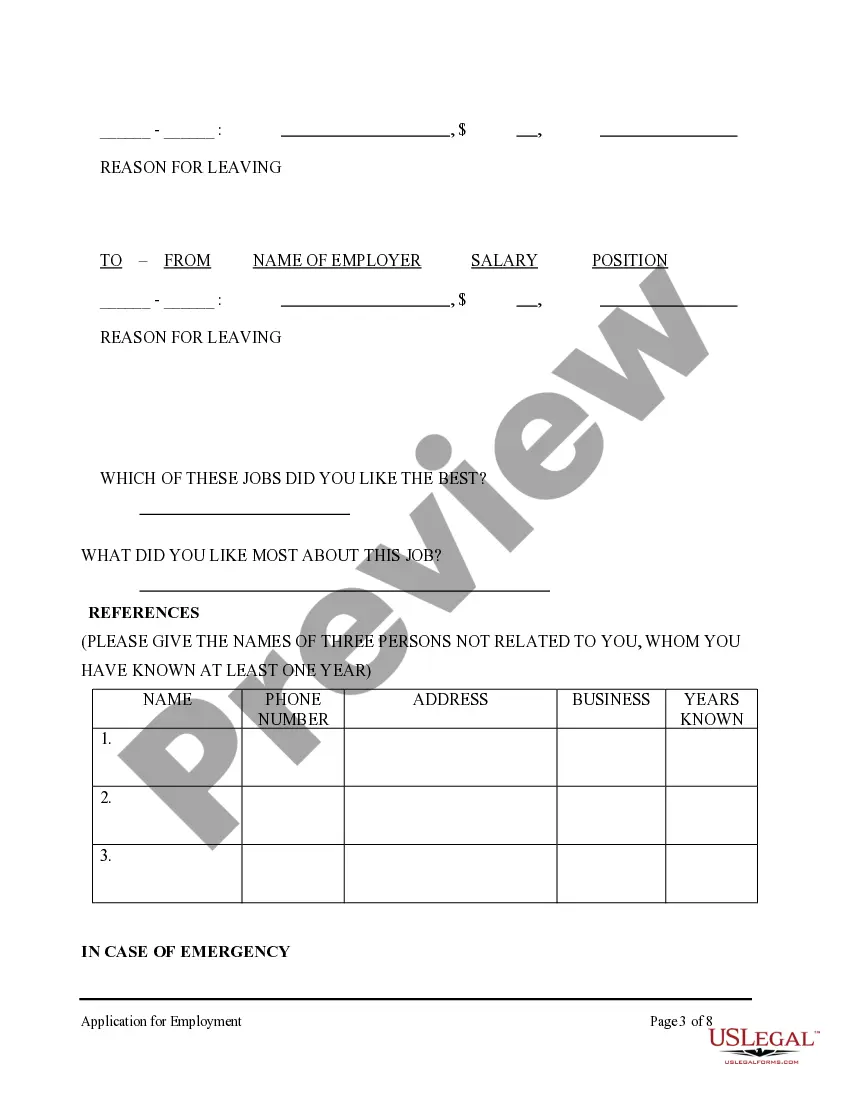
- Employment history and references
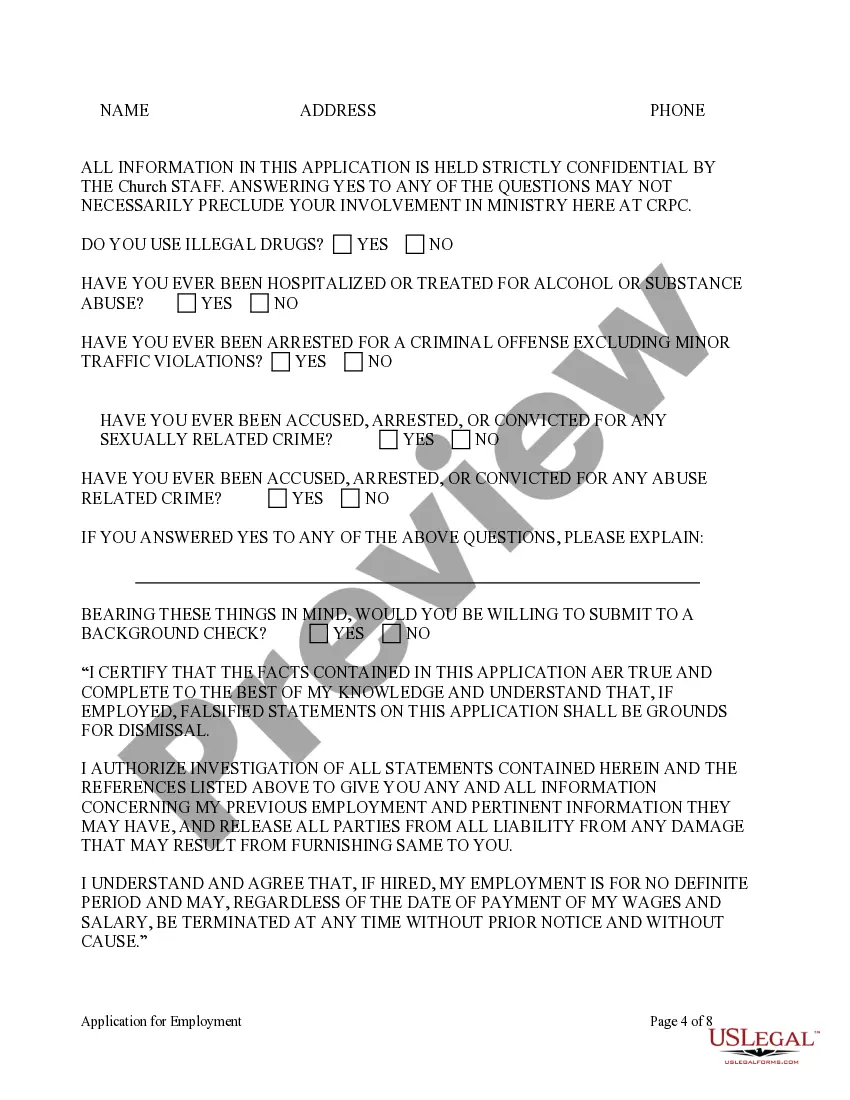
- Questions regarding criminal history and substance abuse
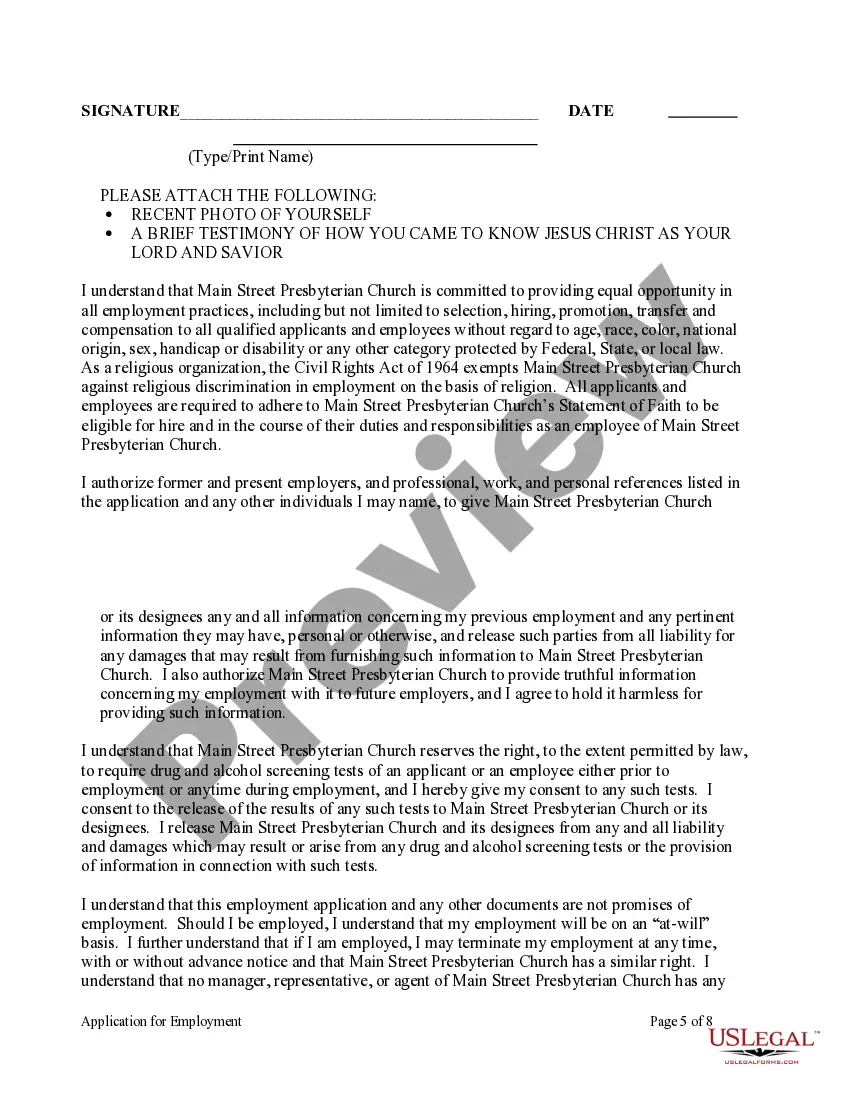
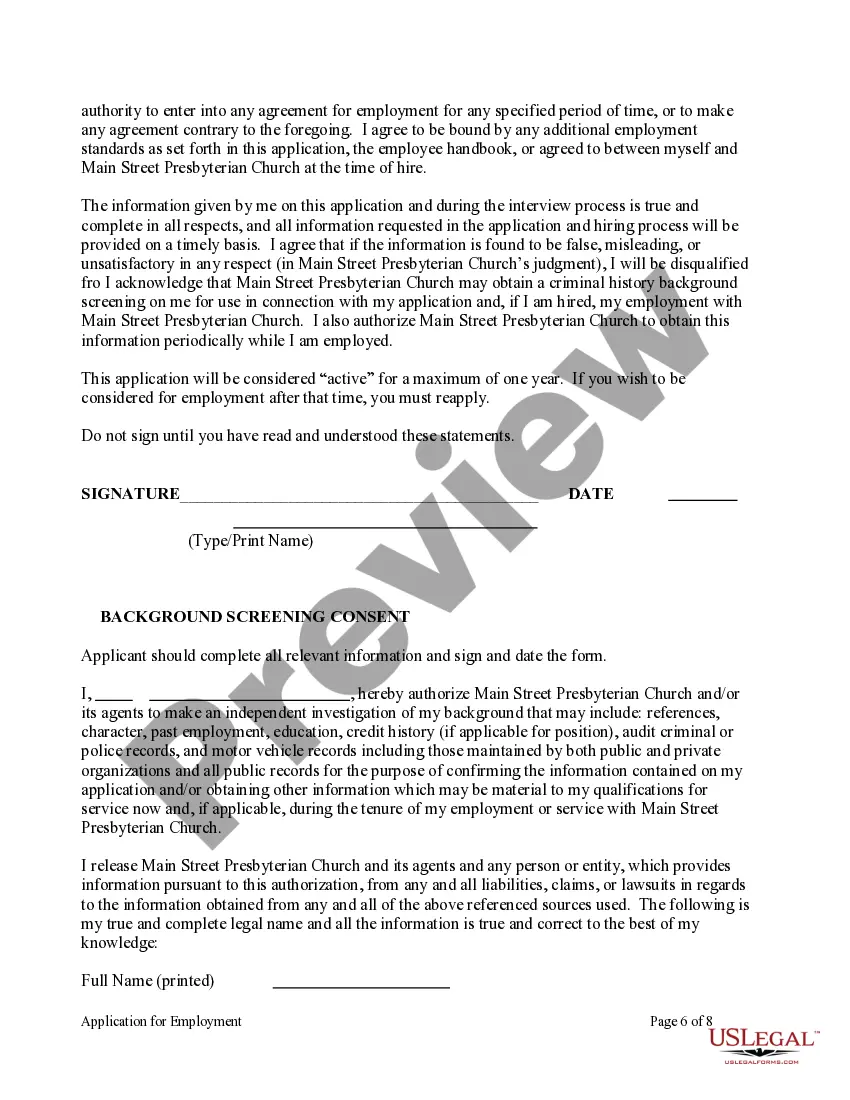
- Authorization for background checks and reference validation
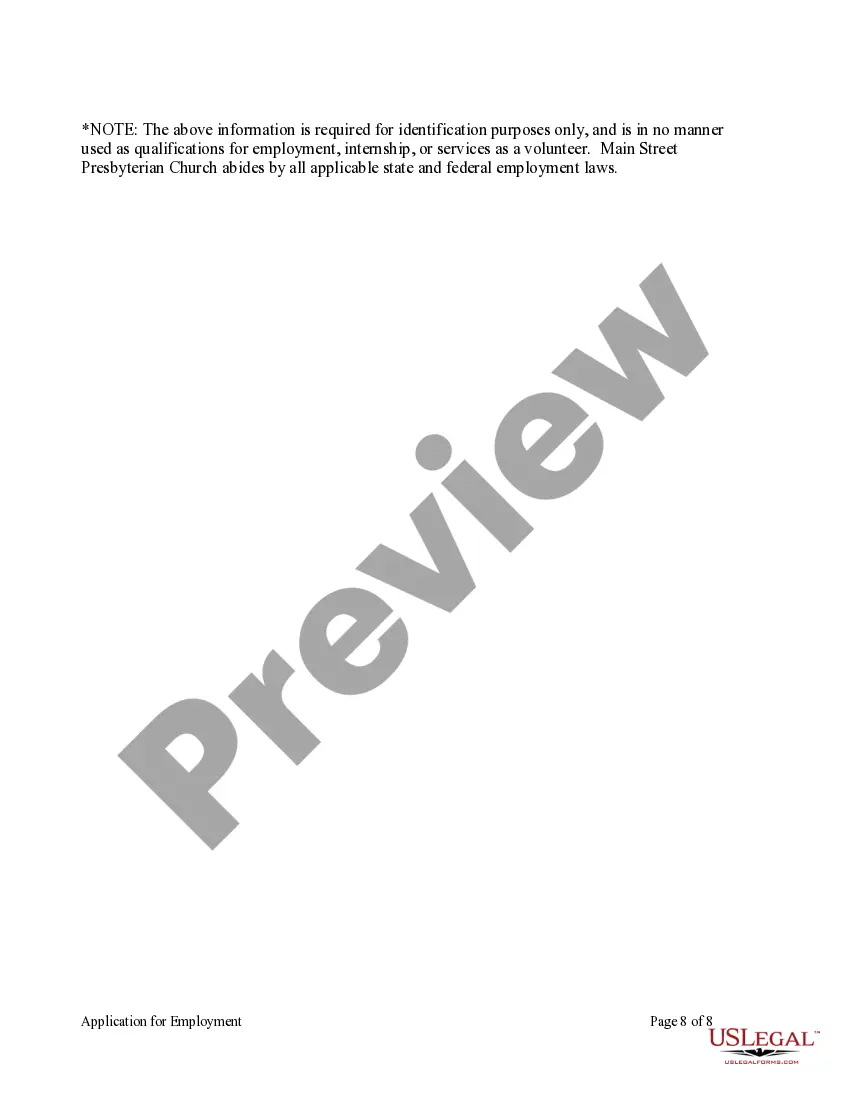
- Equal opportunity statement and acknowledgment of church policies
- Certification of truthfulness regarding the provided information



When to use this document
This form is essential when hiring for any open position within an organization, particularly in churches or religious institutions. It is used to gather important employment-related information from candidates, facilitating an organized selection process. Employers should utilize this form anytime they are ready to evaluate potential employees for consistency and compliance with institutional policies.
Who should use this form
This application should be used by:
- Employers in religious organizations or churches
- HR professionals managing recruitment processes
- Long-term and short-term staff hiring committees
- Anyone interested in creating a fair and standardized hiring approach
How to prepare this document
- Fill in your contact information at the top of the form.
- List your employment history, ensuring to include dates and references.
- Answer all questions regarding criminal history and substance abuse truthfully.
- Sign the authorization for background checks and release of information.
- Attach any required documents, including a recent photo and a personal testimony if needed.
- Review the application for accuracy before submission.
Notarization guidance
This form usually doesn’t need to be notarized. However, local laws or specific transactions may require it. Our online notarization service, powered by Notarize, lets you complete it remotely through a secure video session, available 24/7.
Get your form ready online
Our built-in tools help you complete, sign, share, and store your documents in one place.
Make edits, fill in missing information, and update formatting in US Legal Forms—just like you would in MS Word.
Download a copy, print it, send it by email, or mail it via USPS—whatever works best for your next step.
Sign and collect signatures with our SignNow integration. Send to multiple recipients, set reminders, and more. Go Premium to unlock E-Sign.
If this form requires notarization, complete it online through a secure video call—no need to meet a notary in person or wait for an appointment.
We protect your documents and personal data by following strict security and privacy standards.

Make edits, fill in missing information, and update formatting in US Legal Forms—just like you would in MS Word.

Download a copy, print it, send it by email, or mail it via USPS—whatever works best for your next step.

Sign and collect signatures with our SignNow integration. Send to multiple recipients, set reminders, and more. Go Premium to unlock E-Sign.

If this form requires notarization, complete it online through a secure video call—no need to meet a notary in person or wait for an appointment.

We protect your documents and personal data by following strict security and privacy standards.
Typical mistakes to avoid
- Leaving sections incomplete or not answering questions fully.
- Providing false information, which can lead to disqualification.
- Not signing or dating the application.
- Forgetting to include required attachments like a photo.
Why complete this form online
- Convenience of filling out the form from any device.
- Editable fields allow for easy updates without starting over.
- Secure storage of completed forms for record-keeping.
- Streamlined process for both applicants and hiring organizations.
Legal use & context
- The form is compliant with equal opportunity employment laws.
- It ensures a fair hiring process by standardizing applicant information.
- Truthful and complete forms protect against potential legal liabilities related to hiring practices.
What to keep in mind
- The Application for Employment is essential for standardizing the hiring process.
- Completing the form accurately is critical to avoid common mistakes.
- This form is adaptable for use in various states with attention to local laws.
- Using this form online offers added convenience and security.
Looking for another form?
Form popularity
FAQ
Information Required to Complete a Job Application. Personal Information. 200bEducation and Experience. Employment History. Resume and Cover Letter. References. Availability. Certifications.
Do not copy your resume. A cover letter is a sales pitch. Tailor each application letter to the job. Be professional. Carefully proofread. Follow business letter format. Decide whether to send a hard copy or email. Employer Contact Information (if you have it) Salutation.
Update your resume. Update your profile on professional networking platforms. Use keywords. Use job search engines and company websites. Be selective. Draft a separate cover letter for each application. Complete an online job application. Make sure your responses are error-free, accurate and fully completed.
Sell Your Skills, Not Your Experience. Showcase Your Volunteer Work or Academic Projects. Write a Killer Cover Letter. Include a Clear Career Goal. Don't Wait for Your References to Be Called.
Information Required to Complete a Job Application. Personal Information. 200bEducation and Experience. Employment History. Resume and Cover Letter. References. Availability. Certifications.
Be Prepared. Make sure you know the correct names, dates, places and other information you will need. Ask If You May Take A Blank Application Home. Read The Form. Be Neat. Answer All Questions Completely And Correctly. Be Positive. Be Clear. Alert References Beforehand.
Do not copy your resume. A cover letter is a sales pitch. Tailor each application letter to the job. Be professional. Carefully proofread. Follow business letter format. Decide whether to send a hard copy or email. Employer Contact Information (if you have it) Salutation.
Type "Employment Application" in the "Templates on Office Online" box and click the "Search" button. Select "Employment Application 2-pp Online Form" in the "Search Results" list. Click the "Download" button, and an application will open as a new Word document.
Tutor. Busser. Car Wash Attendant. Lawn Caretaker. Document and Photo Scanner/Archiver. House Cleaner. Babysitter. Pet Sitter.