Checklist - Ergonomics
What this document covers
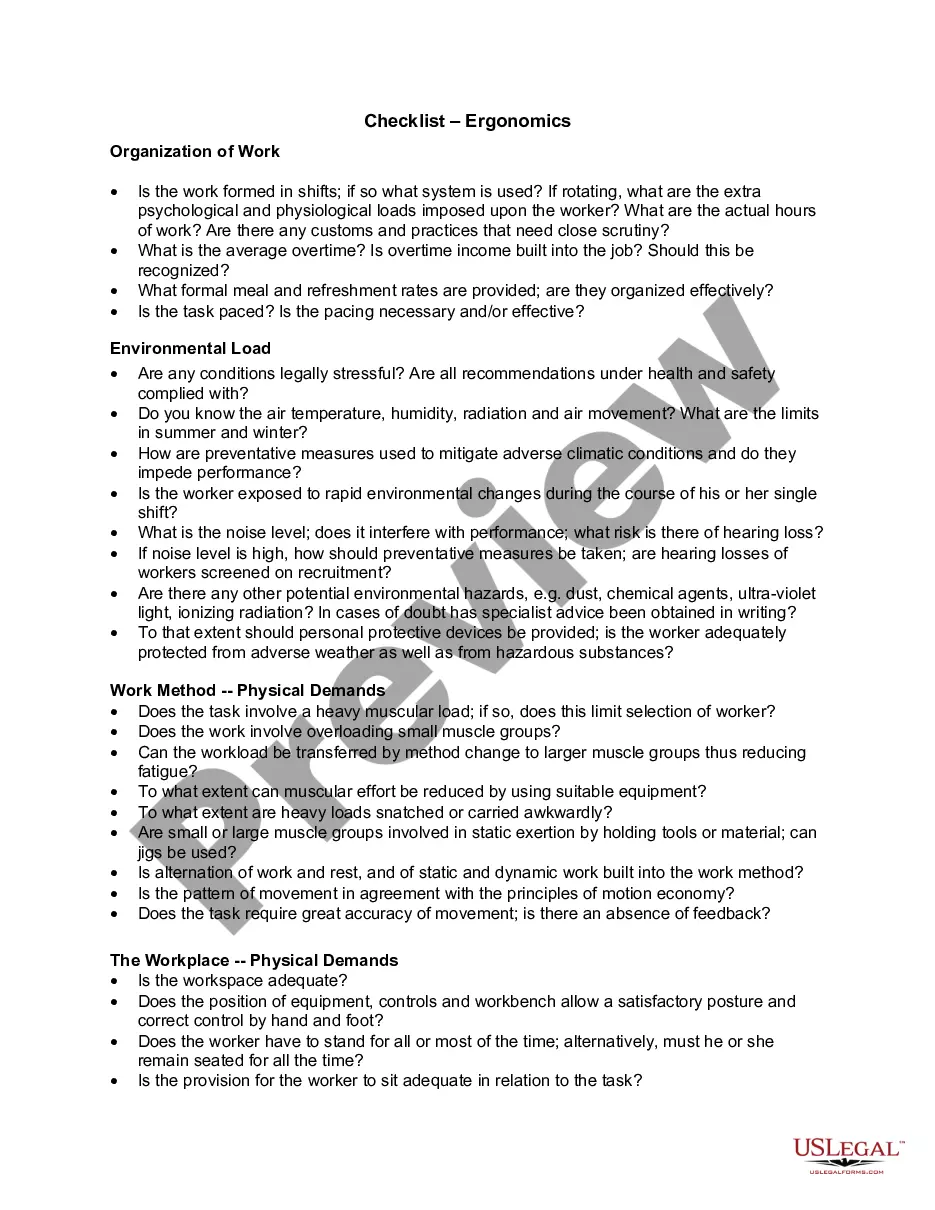
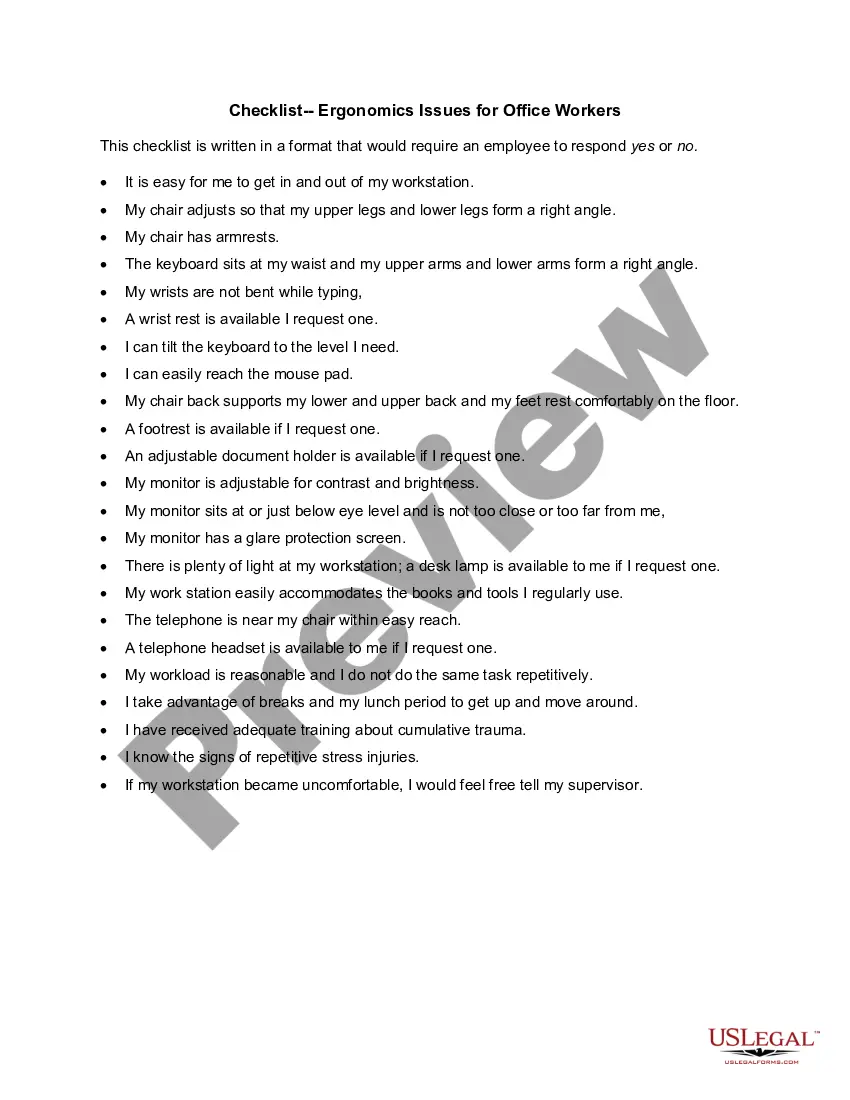
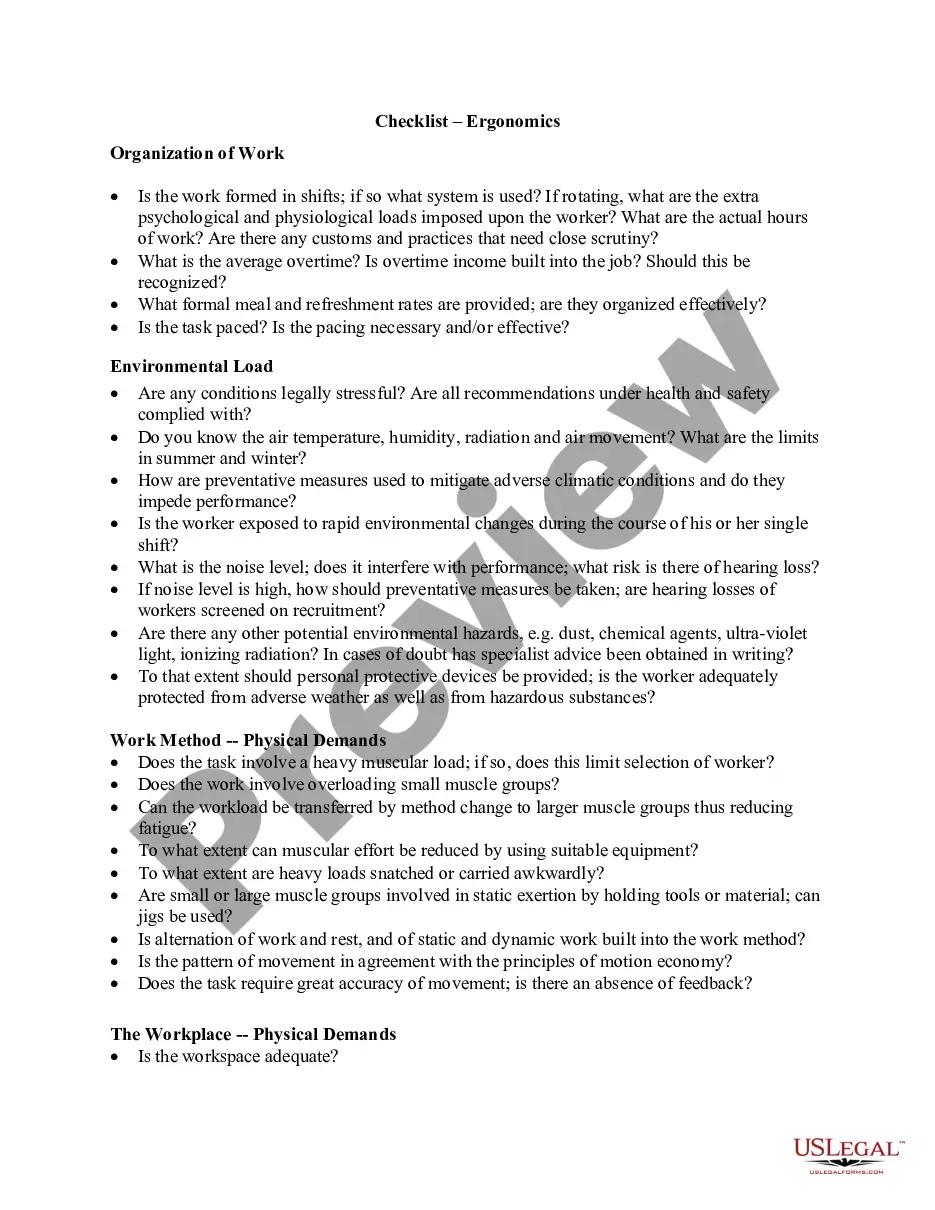
The Checklist - Ergonomics is a comprehensive tool designed to assess and enhance workplace ergonomics. It focuses on aligning job demands with worker capabilities to minimize musculoskeletal disorders (MSDs). Unlike general safety checklists, this form provides specific guidelines tailored to various industrial and task-specific settings, making it essential for employers looking to establish effective ergonomic programs.
Key parts of this document
- Organization of work: Evaluates work shifts, hours, meal breaks, and overtime.
- Environmental load: Assesses workplace conditions including temperature, noise, and potential hazards.
- Work method: Analyzes physical demands and suitability of equipment used.
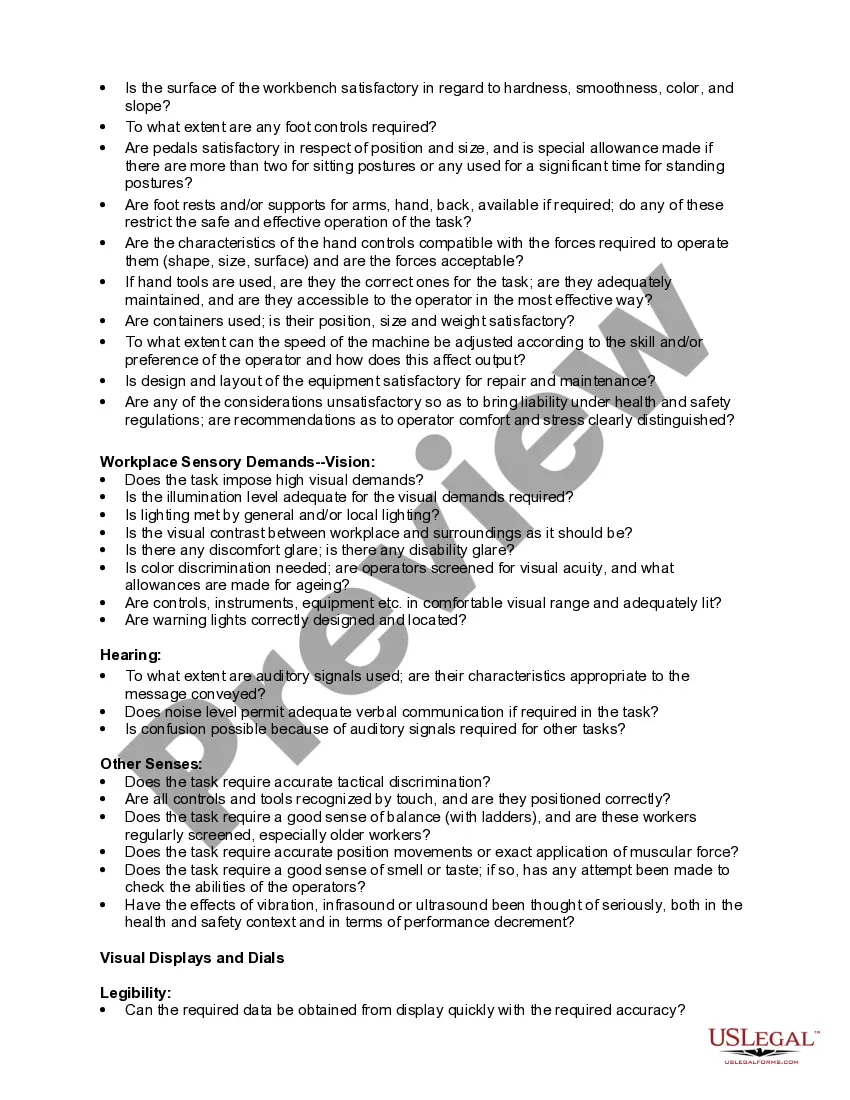
- Workplace physical demands: Focuses on workspace adequacy, posture, and ergonomics of controls.
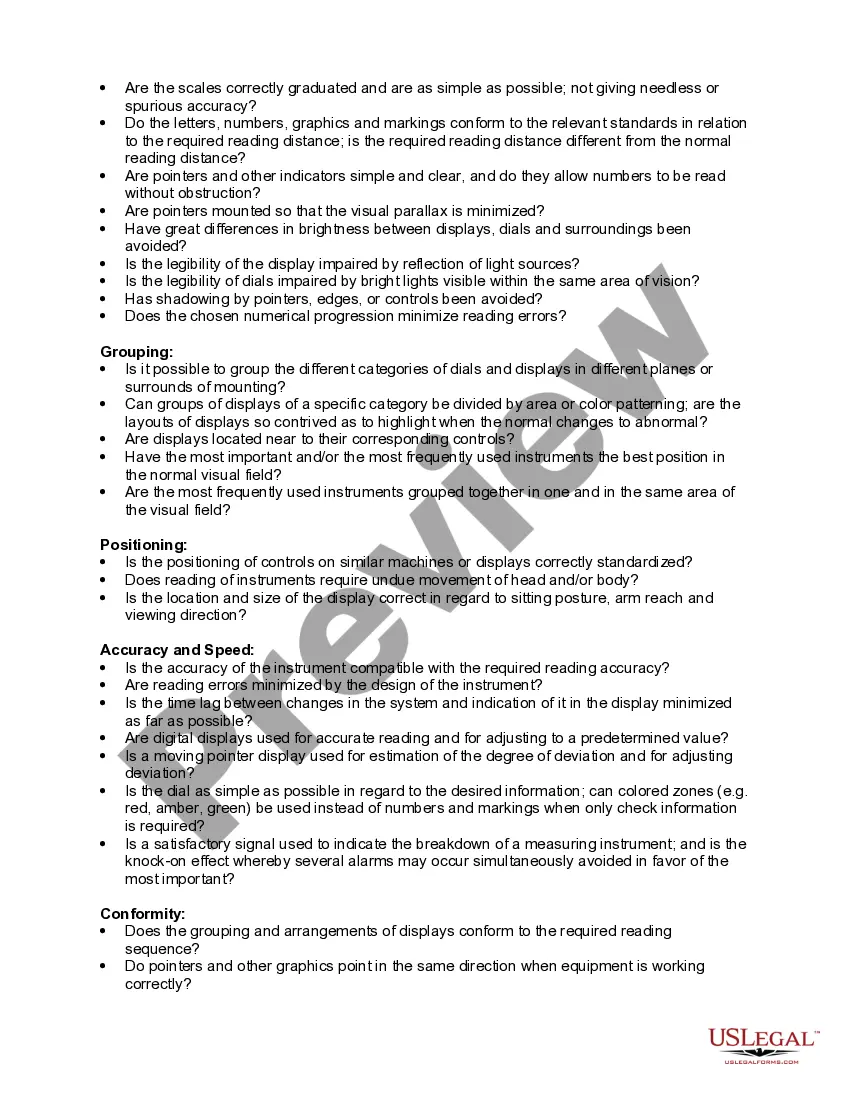
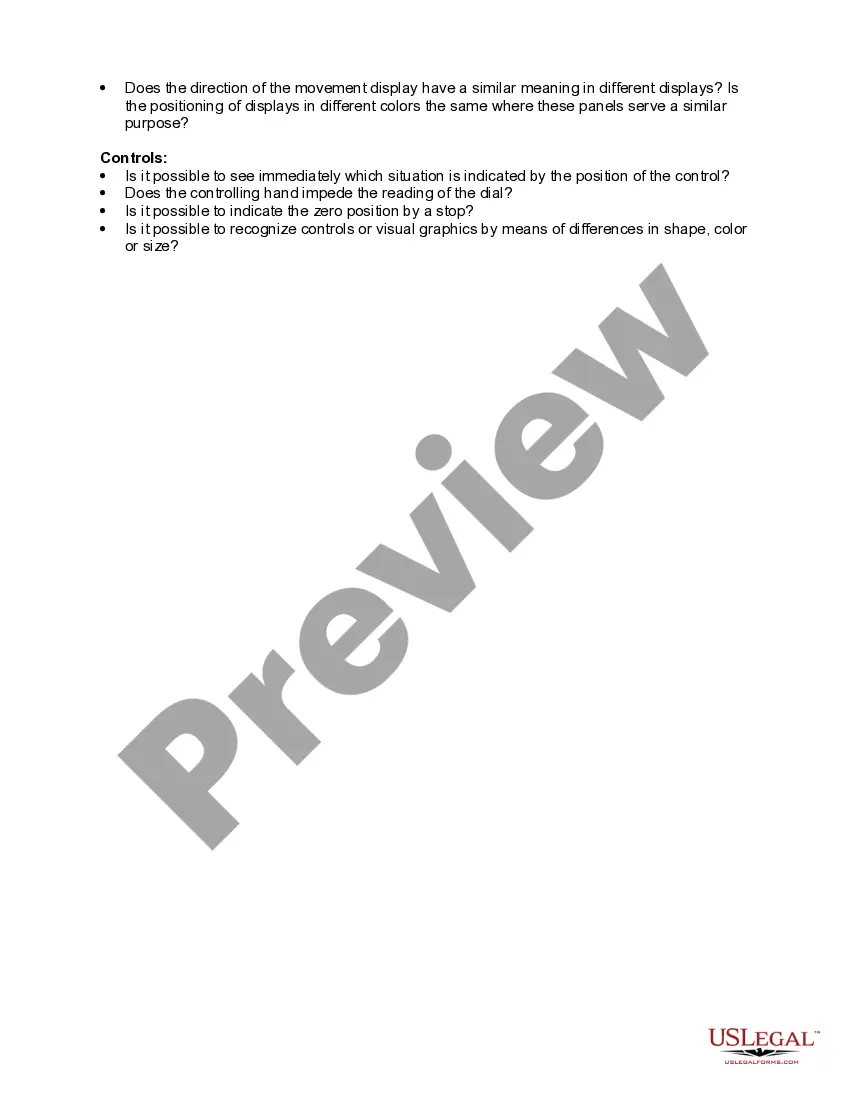
- Workplace sensory demands: Reviews visual, auditory, and tactile requirements for tasks.
Situations where this form applies
This form should be used during workplace assessments when establishing or revising safety protocols. It is particularly useful in industries where physical tasks are prevalent and when introducing new equipment or processes that may impact worker comfort and safety. Employers can also utilize this checklist during training sessions to create awareness about ergonomic practices.
Who this form is for
- Employers in any industry looking to implement ergonomic practices.
- Human resource managers responsible for workplace safety and employee well-being.
- Safety officers conducting risk assessments and workplace evaluations.
- Ergonomists and health professionals working with organizations to improve job designs.
- Employees wishing to identify ergonomic risks in their work environment.
How to prepare this document
- Identify the specific work environment and job tasks being evaluated.
- Assess the organization of work including hours, shifts, and breaks.
- Evaluate the environmental load by measuring noise levels, temperature, and potential hazards.
- Examine the physical demands of the work method and the adequacy of equipment used.
- Review sensory requirements to ensure visual and auditory conditions are optimal for performance.
Does this form need to be notarized?
Notarization is not commonly needed for this form. However, certain documents or local rules may make it necessary. Our notarization service, powered by Notarize, allows you to finalize it securely online anytime, day or night.
Get your form ready online
Our built-in tools help you complete, sign, share, and store your documents in one place.
Make edits, fill in missing information, and update formatting in US Legal Forms—just like you would in MS Word.
Download a copy, print it, send it by email, or mail it via USPS—whatever works best for your next step.
Sign and collect signatures with our SignNow integration. Send to multiple recipients, set reminders, and more. Go Premium to unlock E-Sign.
If this form requires notarization, complete it online through a secure video call—no need to meet a notary in person or wait for an appointment.
We protect your documents and personal data by following strict security and privacy standards.

Make edits, fill in missing information, and update formatting in US Legal Forms—just like you would in MS Word.

Download a copy, print it, send it by email, or mail it via USPS—whatever works best for your next step.

Sign and collect signatures with our SignNow integration. Send to multiple recipients, set reminders, and more. Go Premium to unlock E-Sign.

If this form requires notarization, complete it online through a secure video call—no need to meet a notary in person or wait for an appointment.

We protect your documents and personal data by following strict security and privacy standards.
Typical mistakes to avoid
- Neglecting to involve workers in the assessment process.
- Failing to update the checklist regularly based on changes in the workplace.
- Overlooking environmental factors like temperature and noise levels.
- Inadequate follow-up on identified risks and recommendations.
Benefits of completing this form online
- Convenience of downloading and printing the checklist at any time.
- Editability allows for customization to fit specific workplace needs.
- Access to the latest guidelines and legal requirements from licensed attorneys.
- Easy sharing and collaboration with team members for comprehensive assessments.
Legal use & context
- The checklist aids in compliance with occupational health and safety regulations.
- Documentation from using this form can serve as evidence in legal proceedings regarding workplace safety.
- Employers can use the checklist to demonstrate proactive measures in protecting employee health.
Main things to remember
- The Checklist - Ergonomics is essential for assessing workplace ergonomics.
- Using the checklist helps mitigate risks of workplace injuries.
- Engaging employees in the ergonomic evaluation process leads to better outcomes.
Looking for another form?



Form popularity
FAQ
Ergonomics is the science of designing the workstation to fit within the capabilities and limitations of the worker. The goal of office ergonomics is to design your office work station so that it fits you and allows for a comfortable working environment for maximum productivity and efficiency.
Ergonomics looks at efficiently tailoring your personal work environment for your comfort and safety while you perform your job. Things you may consider could include: Your posture when operating your computer. The height of your chair, as well as the seat and back adjustment.
Chair. Ideally, use a swivel chair that has 5 feet. Monitor. The monitor should be roughly an arm's length away. Desk. Keyboard. Wrist rests. Mouse. Phone. Laptop computers and notebooks.
Review any Existing Data. The first step to any ergonomics assessment is to take a workplace history and ensure that you understand your baseline. Choose your Tools. Gather Subjective Data. Gather Objective Data. Analyze All Data and Prioritize Risk.
There are five aspects of ergonomics: safety, comfort, ease of use, productivity/performance, and aesthetics. Based on these aspects of ergonomics, examples are given of how products or systems could benefit from redesign based on ergonomic principles.
Ergonomic conditions are disorders of the soft tissues, specifically of the muscles, nerves, tendons, ligaments, joints, cartilage, blood vessels and spinal discs.
Step 1: Assess Risk Factors. Step 2: Control Risk Factors. Step 3: Get the Right Equipment. Step 4: Apply Design Principles.
An ergonomic assessment, also referred to as a workstation assessment, analyzes a person's workstation to ensure it is designed to minimize injury and maximize productivity. The assessments are conducted by occupational therapists and assess a number of key factors that can impact your ability to work comfortably.
Ergonomics can roughly be defined as the study of people in their working environment. More specifically, an ergonomist (pronounced like economist) designs or modifies the work to fit the worker, not the other way around. The goal is to eliminate discomfort and risk of injury due to work.