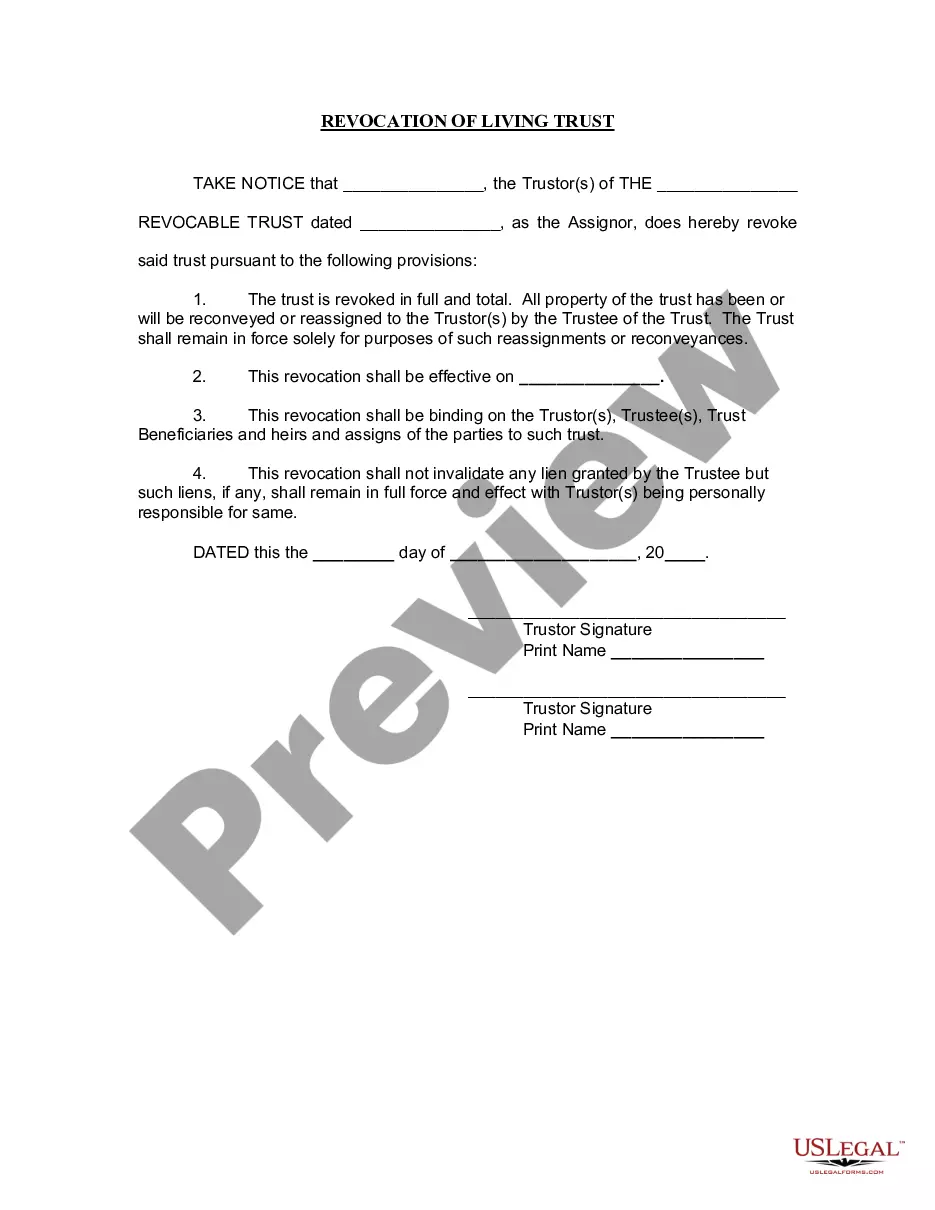
Worksheet - Telecommuting
Overview of this form
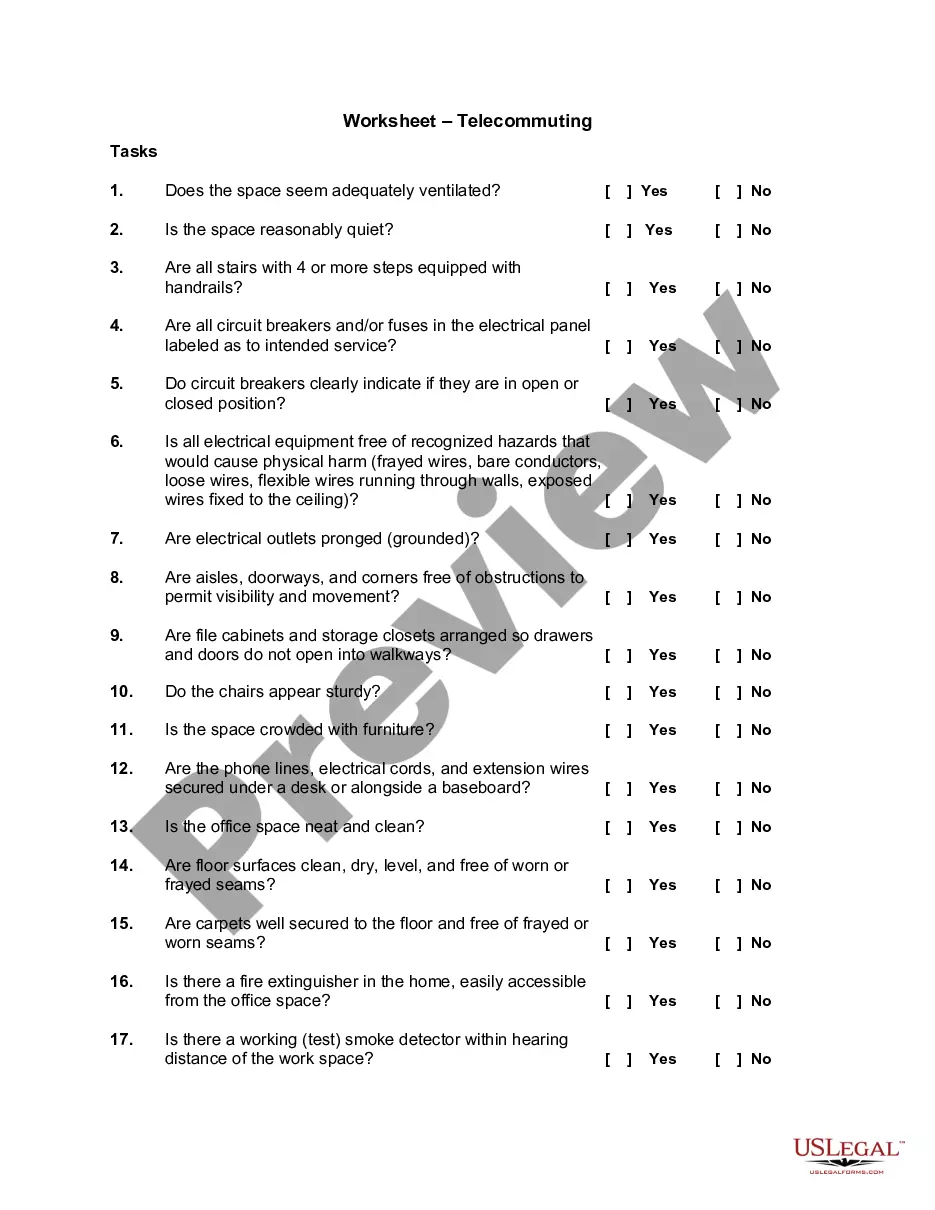
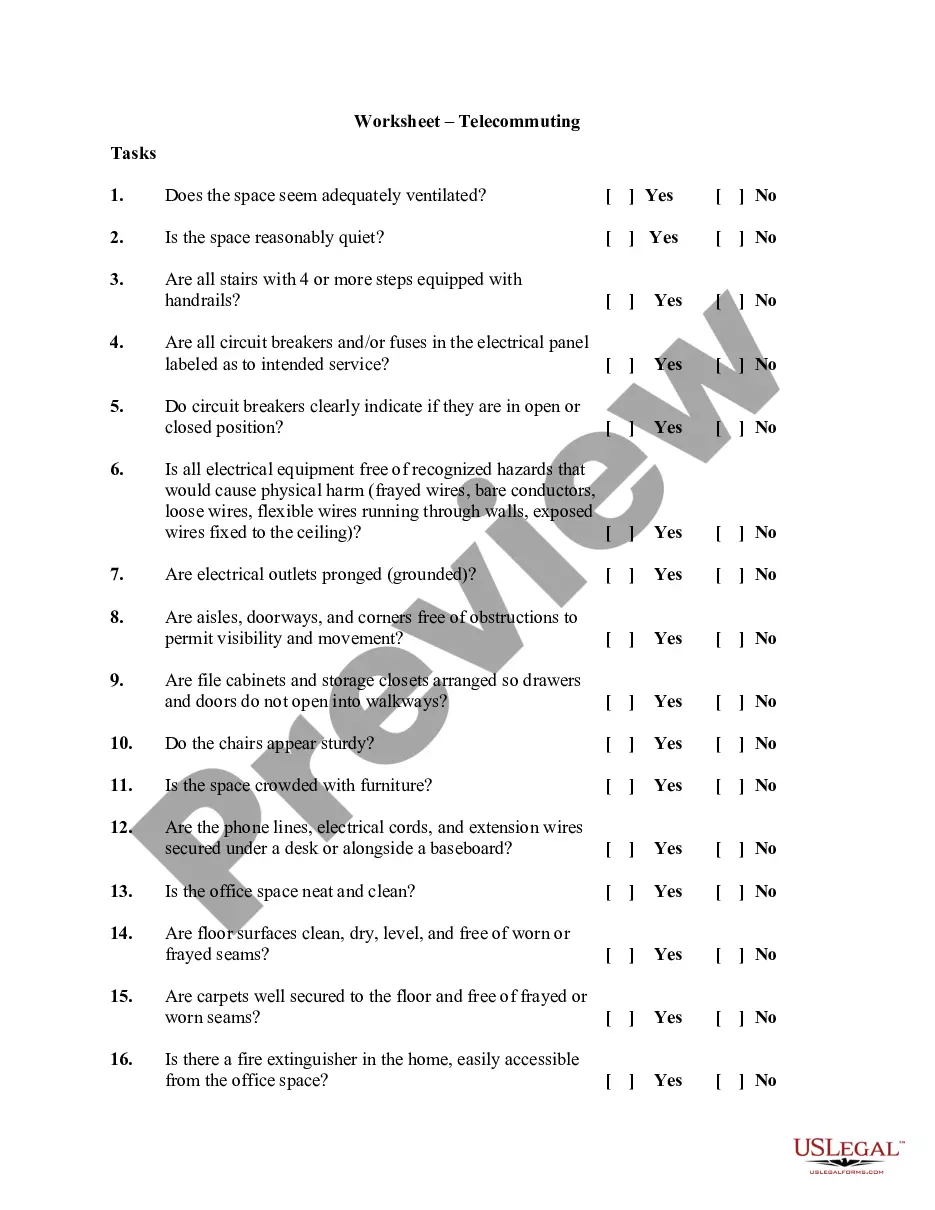
The Telecommuting Worksheet is a document designed to facilitate a cooperative agreement between an employee and their employer regarding remote work arrangements. This form serves as a checklist to assess the suitability of a home office environment for telecommuting. Unlike other employment forms, this worksheet specifically focuses on the physical workspace and safety considerations necessary for effective remote work.
Form components explained
- Evaluation of ventilation and noise levels in the workspace
- Assessment of safety features such as handrails and electrical safety
- Verification of organizational aspects like obstructions and clutter in the office
- Checklist for necessary fire safety measures, including smoke detectors
- Agreement confirmation on the workspace's adequacy for job requirements


Situations where this form applies
This worksheet should be completed prior to establishing a telecommuting arrangement. It is particularly useful for employers looking to implement or manage remote work policies. By assessing the home office setup, employers can ensure that employees have an appropriate work environment that supports productivity and safety.
Who can use this document
This form is intended for:
- Employers considering telecommuting options for employees
- Employees seeking to establish a remote work agreement
- HR professionals overseeing workplace safety and telecommuting policies
Steps to complete this form
- Begin by inspecting the workspace to evaluate its ventilation and noise levels.
- Check all safety features such as handrails for stairs and the labeling of circuit breakers.
- Ensure that the work area is organized and free from obstructions.
- Assess the fire safety measures, ensuring access to fire extinguishers and functional smoke detectors.
- After evaluation, both the employee and the employer should sign the form to confirm agreement on the workspace's adequacy.
Does this form need to be notarized?
This form does not typically require notarization unless specified by local law.
Get your form ready online
Our built-in tools help you complete, sign, share, and store your documents in one place.
Make edits, fill in missing information, and update formatting in US Legal Forms—just like you would in MS Word.
Download a copy, print it, send it by email, or mail it via USPS—whatever works best for your next step.
Sign and collect signatures with our SignNow integration. Send to multiple recipients, set reminders, and more. Go Premium to unlock E-Sign.
If this form requires notarization, complete it online through a secure video call—no need to meet a notary in person or wait for an appointment.
We protect your documents and personal data by following strict security and privacy standards.

Make edits, fill in missing information, and update formatting in US Legal Forms—just like you would in MS Word.

Download a copy, print it, send it by email, or mail it via USPS—whatever works best for your next step.

Sign and collect signatures with our SignNow integration. Send to multiple recipients, set reminders, and more. Go Premium to unlock E-Sign.

If this form requires notarization, complete it online through a secure video call—no need to meet a notary in person or wait for an appointment.

We protect your documents and personal data by following strict security and privacy standards.
Common mistakes to avoid
- Failing to properly evaluate all safety features in the home office.
- Not signing the form, which can lead to misunderstandings about the workspace's suitability.
- Overlooking local regulations that may affect telecommuting arrangements.
Benefits of completing this form online
- Easy accessibility and download of customizable worksheets.
- Quick completion with guided checklists that enhance workspace evaluation.
- Secure storage and retrieval options for future reference.
Legal use & context
- The worksheet serves as an assessment tool to ensure a safe and efficient remote work environment.
- While this form is foundational for establishing telecommuting, it does not replace full telecommuting agreements that may outline additional terms and responsibilities.
What to keep in mind
- The Telecommuting Worksheet is essential for assessing home office safety and adequacy.
- Both employees and employers should collaboratively complete and sign the form.
- Careful consideration of safety and operational needs will enhance telecommuting success.
Looking for another form?



Form popularity
FAQ
Time Doctor. Time Doctor is one of the most powerful time tracking tools for 2019. Toggl. Toggl is a great virtual software to see if remote employees are working. RescueTime. Unlike the other tools in the article, RescueTime isn't a time-tracking app per se. Hours. Timely. Harvest. Everhour. Timeneye.
As a general rule, when using your employer's equipment while on your employer's network, your employer will have the right to monitor what you do. If you're on your own device and using your own Internet connection, it's less likely to be legal if your employer monitors you, although it still is often perfectly legal.
Co-create. Teamwork. Virtual presence. Customer service. IT support. Trust. Get together. Office space options.
Create a work routine. Take charge of your time. Prioritize focus. Check in with your team regularly. Turn off when you're not at work. Set clear expectations. Respect employees' time. Stay in touch, but don't over-communicate.
Maintain Regular Hours. Set a schedule, and stick to it... Create a Morning Routine. Set Ground Rules With the People in Your Space. Schedule Breaks. Take Breaks in Their Entirety. Leave Home. Don't Hesitate to Ask for What You Need. Keep a Dedicated Office Space.
Separate work life from home life. Get ready for work. Establish office hours. Divide up your day. Set up the proper environment. Keep the lines of communication open. Don't constantly monitor your cellphone. Get out of the house.
Create a policy for measuring work-from-home and remote employee productivity. Define key performance indicators (KPIs) for each role in your remote team. Create milestones for each task you assign to an employee. Use a task or project management software to track work and create visibility.
Make Your Proposal Align With Employer Objectives. Explain Your Telecommuting Weekly Plan. Explain How Your Job Is Compatible. Explain How Your Telecommuting Will Affect Others. Listing All Possible Problems & Coming Up With Solutions. Explain How You Will Keep In Contact. List Your Accomplishments.
We'd bring over the family, telecommute to California. Young mothers can telecommute and start businesses out of their homes. McDonald's can't exactly let its clerks telecommute. Hundreds of employers already have agreed to participate in Telecommute America Week. "I wouldn't like to telecommute exclusively,"