Daily Time Sheet
What is this form?
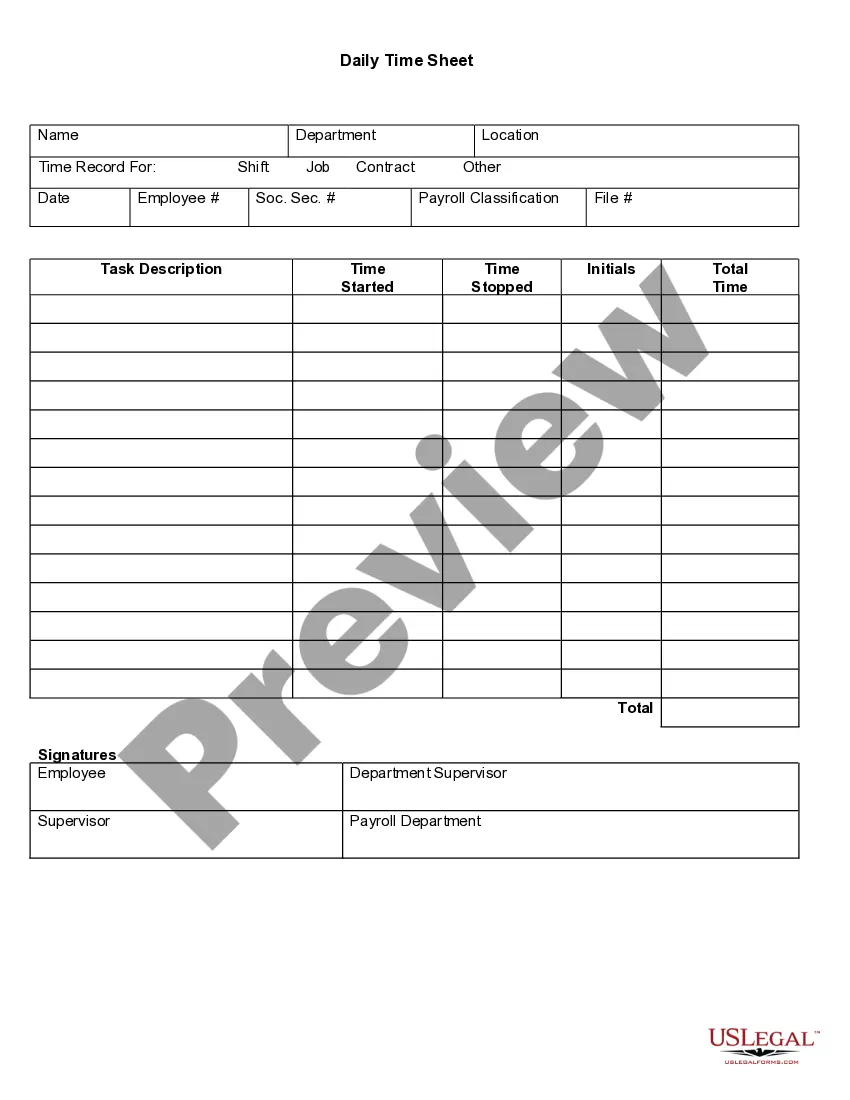
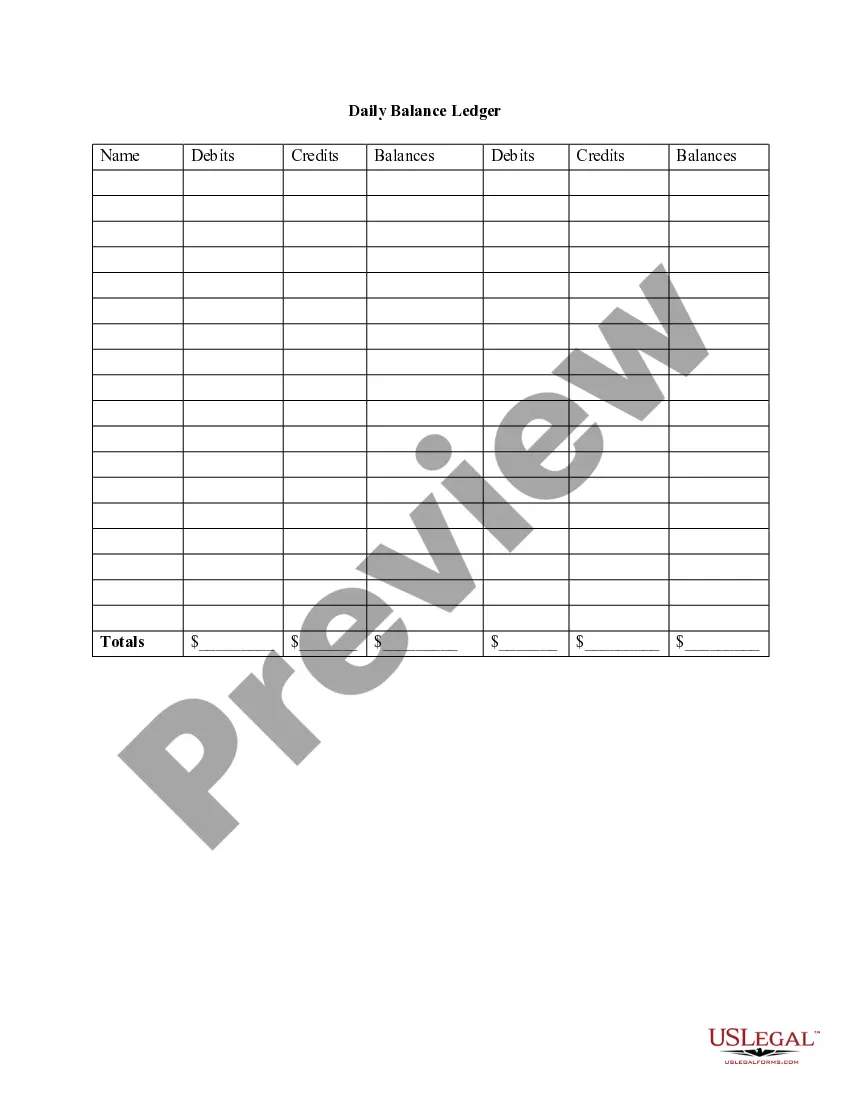
The Daily Time Sheet is a document used to track and document work hours for various tasks and projects. Originally created for payroll purposes, it now serves multiple functions, including client billing and project management. Unlike other time-tracking forms, this sheet allows for detailed logging of tasks and their durations, making it essential for employers and employees alike.
What’s included in this form
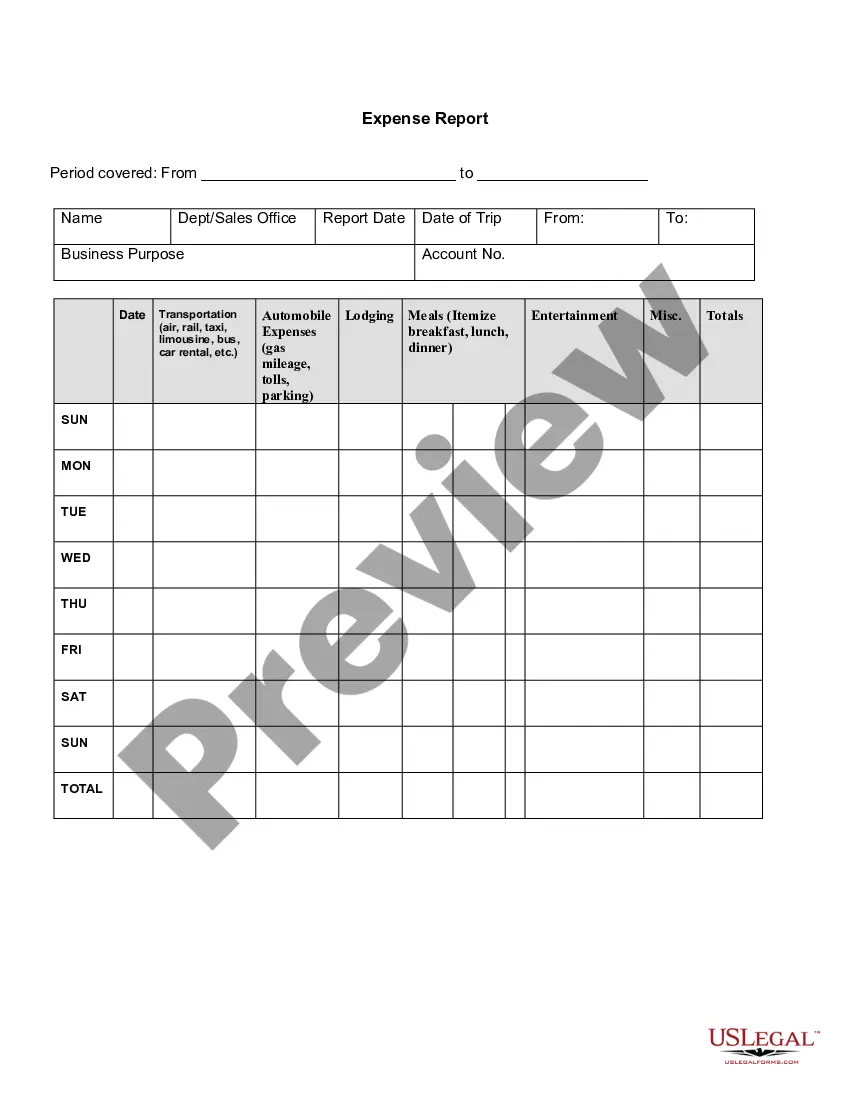
- Name: Captures the employee's name for identification.
- Department: Specifies the department to which the employee belongs.
- Location: Indicates where the employee is working.
- Time Record For: Clarifies the period for which the timesheet applies.
- Shift/Job/Contract: Records the specific job or shift details.
- Date: Denotes the date of the work recorded.
- Task Description: Elaborates on the tasks completed.
- Time Started/Stopped: Logs the start and end times of tasks.
- Total Time: Summarizes the total hours worked.
- Signatures: Requires signatures from the employee and supervisors to validate the timesheet.

When to use this document
This form should be used when employees need to track their work hours and tasks for payroll processing, client billing, or project management. It is particularly useful for freelancers, contractors, and employees who need to provide detailed accounts of their work for supervision or project evaluation.
Who this form is for
- Employers needing to document employee work hours for payroll.
- Freelancers tracking billable hours for clients.
- Project managers overseeing task completion and time allocation.
- Employees who need a structured way to report their working hours and tasks.
Steps to complete this form
- Identify the employee's name, department, and location.
- Enter the date and period for which the timesheet is being filled out.
- Detail task descriptions, including start and stop times for each task.
- Calculate the total time worked and write it in the designated section.
- Obtain signatures from the employee and their supervisor to validate the form.
Notarization guidance
Notarization is generally not required for this form. However, certain states or situations might demand it. You can complete notarization online through US Legal Forms, powered by Notarize, using a verified video call available anytime.
Get your form ready online
Our built-in tools help you complete, sign, share, and store your documents in one place.
Make edits, fill in missing information, and update formatting in US Legal Forms—just like you would in MS Word.
Download a copy, print it, send it by email, or mail it via USPS—whatever works best for your next step.
Sign and collect signatures with our SignNow integration. Send to multiple recipients, set reminders, and more. Go Premium to unlock E-Sign.
If this form requires notarization, complete it online through a secure video call—no need to meet a notary in person or wait for an appointment.
We protect your documents and personal data by following strict security and privacy standards.

Make edits, fill in missing information, and update formatting in US Legal Forms—just like you would in MS Word.

Download a copy, print it, send it by email, or mail it via USPS—whatever works best for your next step.

Sign and collect signatures with our SignNow integration. Send to multiple recipients, set reminders, and more. Go Premium to unlock E-Sign.

If this form requires notarization, complete it online through a secure video call—no need to meet a notary in person or wait for an appointment.

We protect your documents and personal data by following strict security and privacy standards.
Avoid these common issues
- Not filling out all fields completely, leaving out crucial information.
- Failing to document start and stop times accurately.
- Omitting signatures, which may lead to disputes over recorded hours.
- Inaccurate calculations of total time worked.
Why use this form online
- Convenience: Easily accessible and can be filled out from anywhere.
- Editability: Allows for modifications without the need for physical copies.
- Reliability: Maintains accurate records that can be saved and retrieved as needed.
Summary of main points
- The Daily Time Sheet is essential for documenting work hours and tasks.
- It is valuable for employers, freelancers, and project managers alike.
- Accurate completion of the form is crucial to avoid common mistakes.
Looking for another form?
Form popularity
FAQ
5 minutes = .08. 10 minutes = .17. 15 minutes = .25. 20 minutes = .33. 25 minutes = .42. 30 minutes = .50. 35 minutes = .58. 40 minutes = .67.
To complete a timesheet: Simply write in the dates of the end of the 1. weeks (always the Saturday date) and then fill in the number of hours you worked per day If you worked zero hours on Monday, 2022 leave the space for Monday blank.
Click Payroll in the menu at the left side of your screen, then Timesheets. If your employee worked any overtime hours, used any paid vacation hours or paid sick time hours, input those hours in the Overtime Pay, Vacation Pay, or Sick Time Pay rows. Click Save.
Timesheets let you know exactly what your employees are working on. They track efficiency of workers by comparing the amount of time they work with the output they produce. Timesheets help spot employees that perform poorly and cost your company money.
Keep It Simple. Make Submissions Easy. Explain WIIFM (What's In It For Me?) Be Flexible about How the Time is Tracked. Limit the Number of Time Tracking Items. Automate Time Tracking. Use Automated Reminders. Don't Penalize People for Being Honest.
Employee's name. Pay period. Date worked. Day worked. Hours worked. Total workweek hours.
But in order to be able to perform the above in the right manner, your employees have to fill in timesheets on a regular basis. It's best if they do it every day. It's then possible to keep a hand on all processes taking place in the company. The best part about it is that their work will become smooth and productive.