Child Support Transmittal #2 - Subsequent Actions and Instructions
About this form
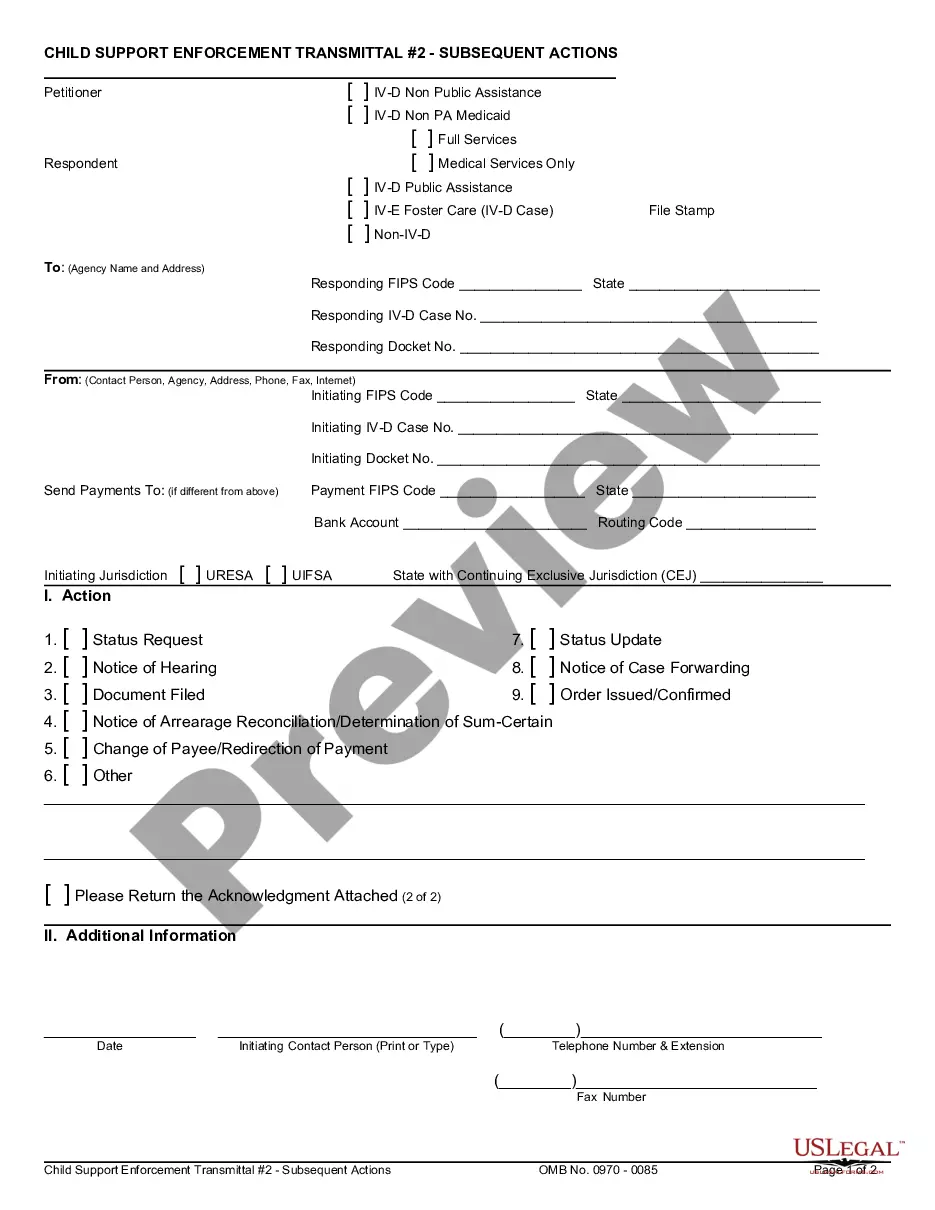
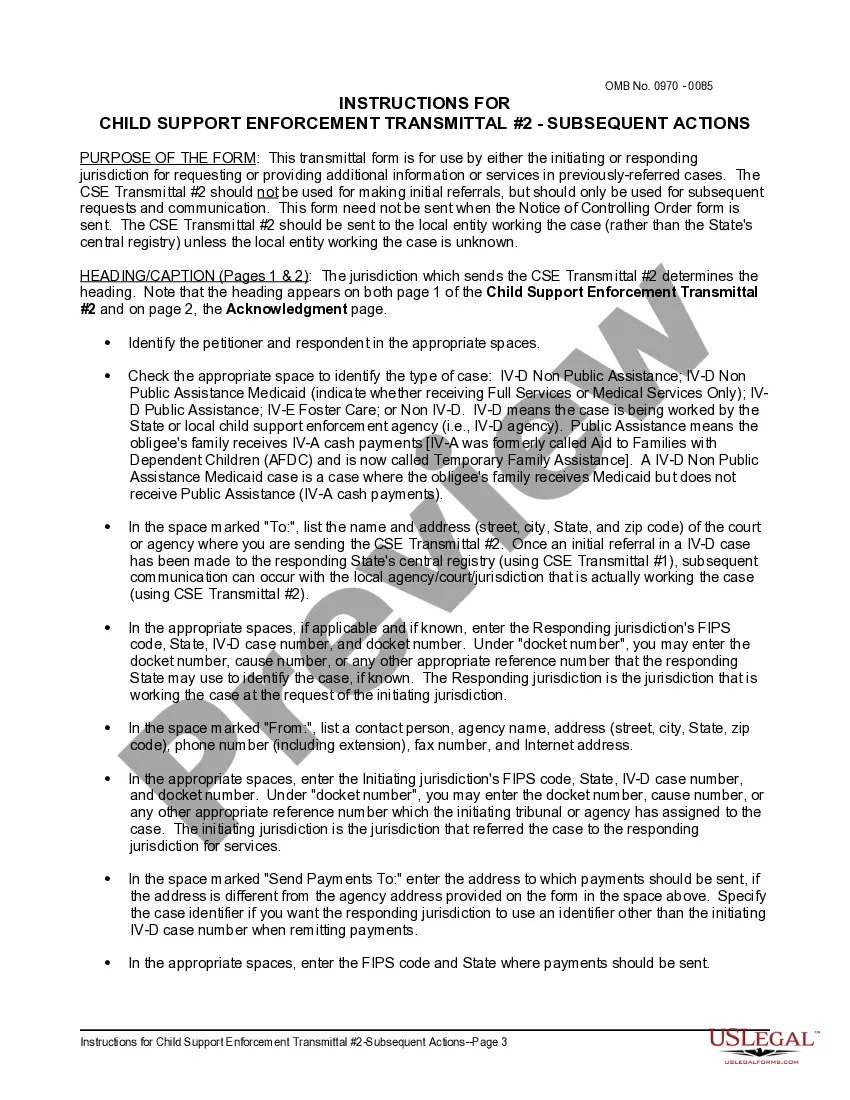
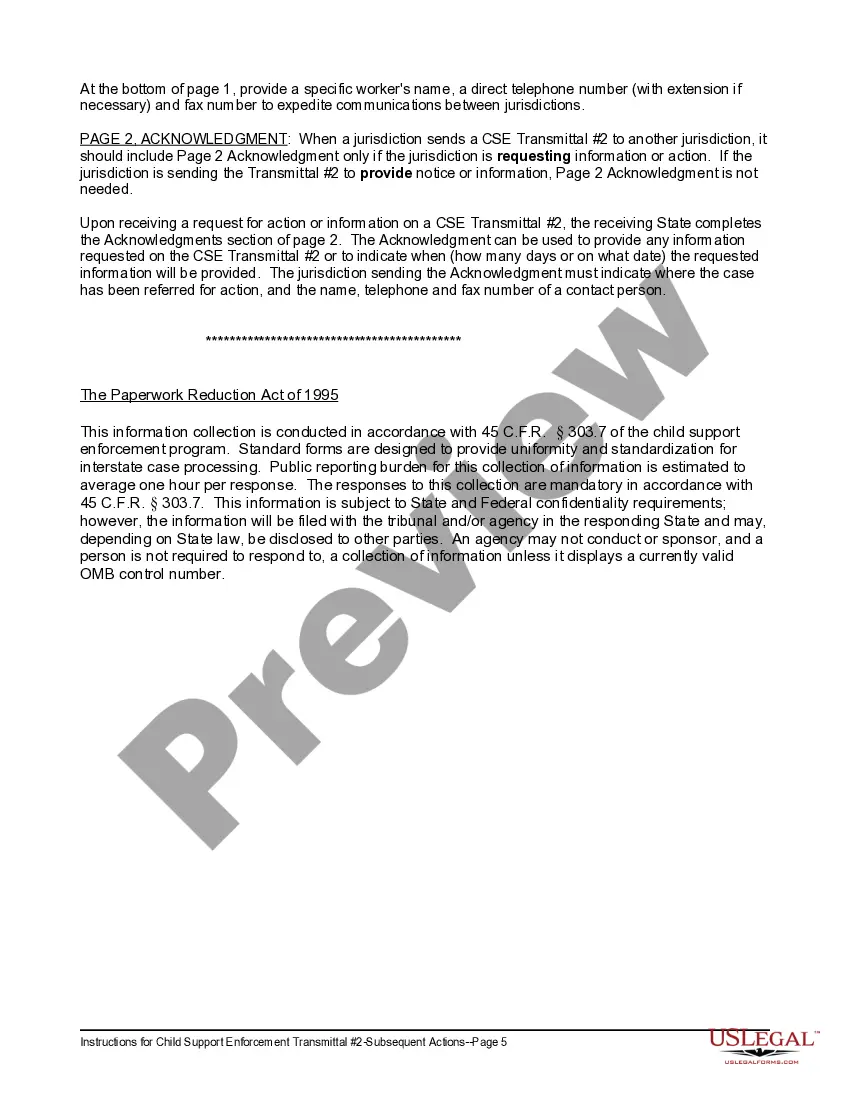
The Child Support Transmittal #2 - Subsequent Actions is a federal form used in the Child Support Enforcement (CSE) process to request or provide additional information about previously referred child support cases. This form differs from initial referral forms by focusing on ongoing communications and actions required by either the initiating or responding jurisdiction, ensuring the enforcement of existing child support orders from noncompliant parents.
Key parts of this document
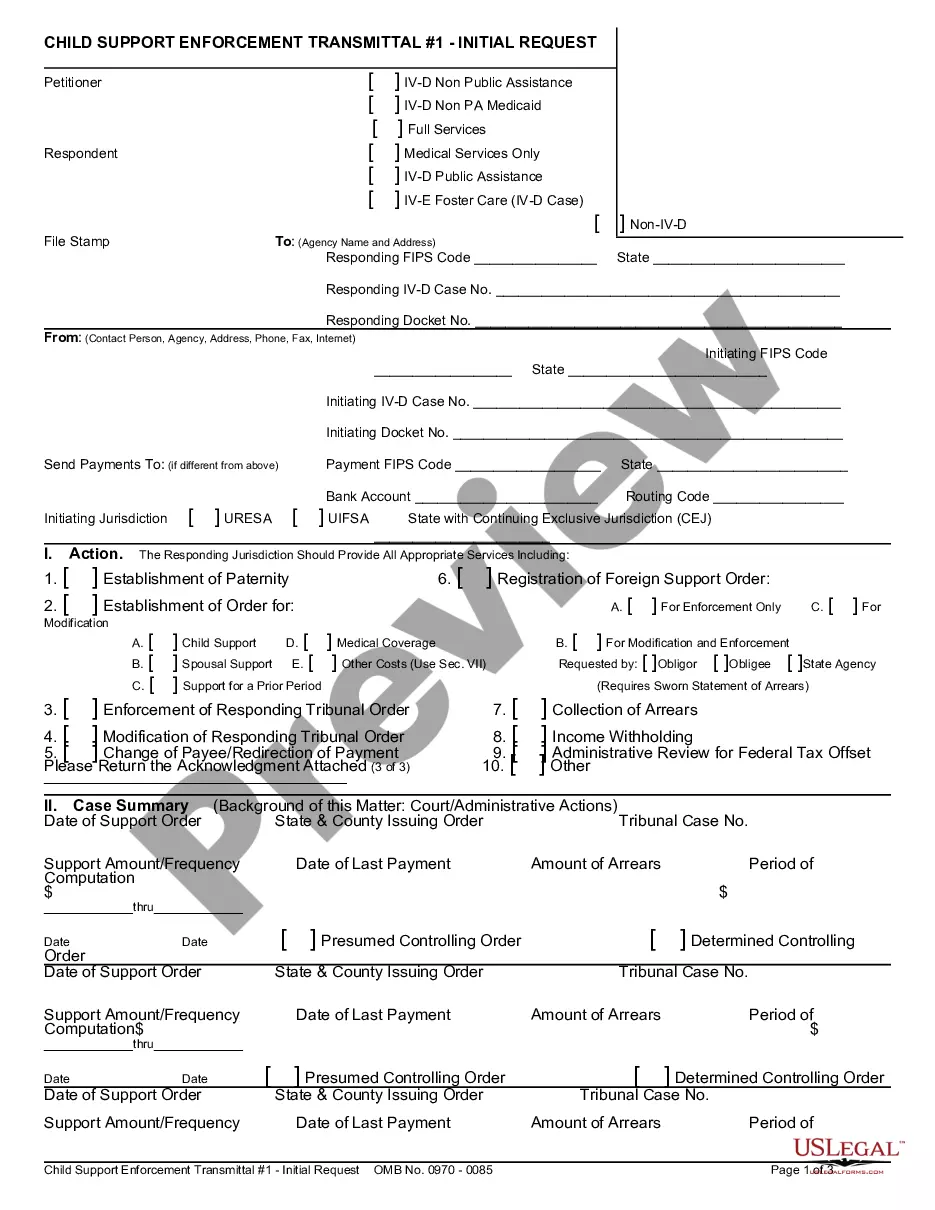
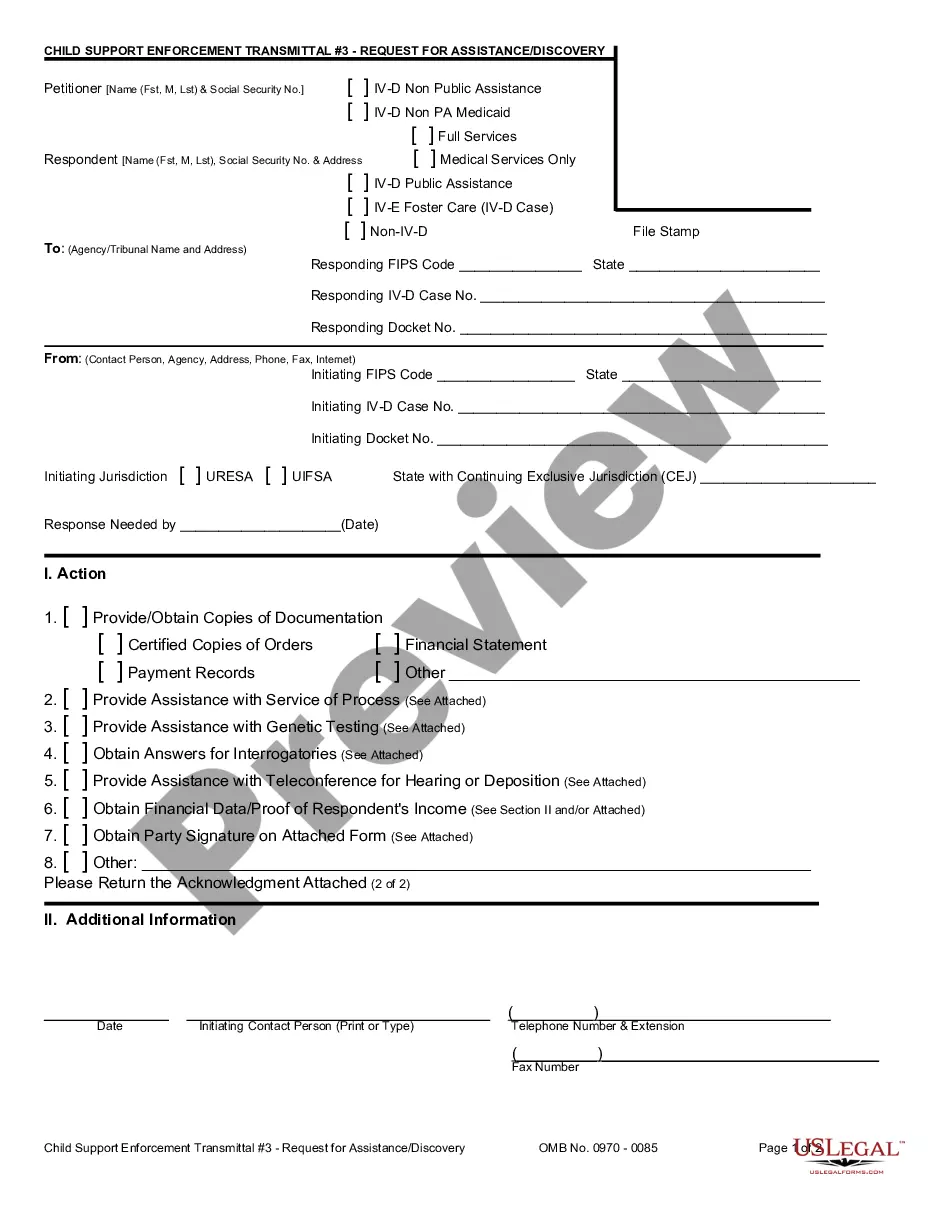
- Petitioner and respondent identification fields.
- Jurisdiction details, including FIPS codes and case numbers.
- Actions requested or information provided regarding the case status.
- Section for additional information and contact details.
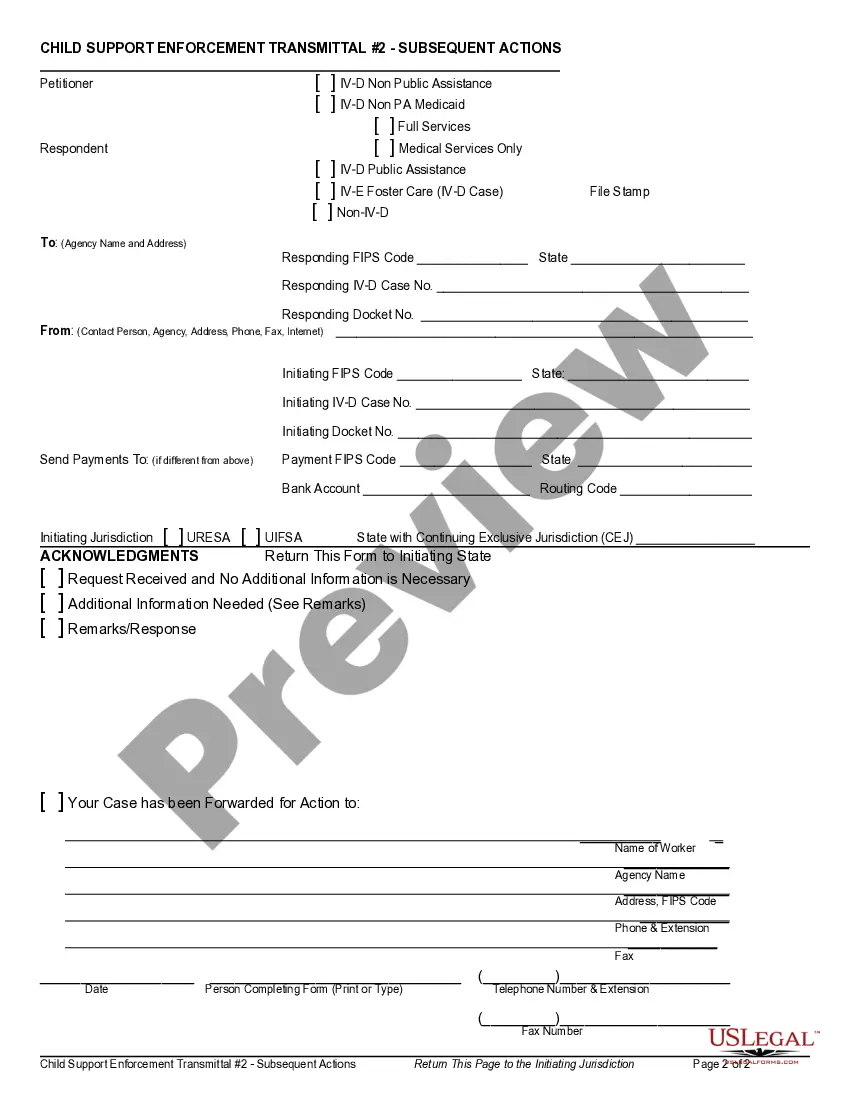
- Acknowledgment section for confirming receipt of the transmittal.

When to use this document
This form should be used when there is a need to communicate about a child's support case that has already been referred to another jurisdiction. Typical situations include requesting an update on the status of the case, providing information about a hearing, or notifying about a change of payee. It is essential for ensuring continued compliance and coordination between jurisdictions regarding child support enforcement.
Who needs this form
- Petitioners (typically custodial parents) seeking enforcement of child support orders.
- Respondents (typically non-custodial parents) involved in child support cases.
- Child support enforcement agencies and legal representatives operating across jurisdictions.
How to complete this form
- Identify and fill in the names of the petitioner and respondent in the designated fields.
- Provide the correct FIPS codes, case numbers, and docket numbers for both initiating and responding jurisdictions.
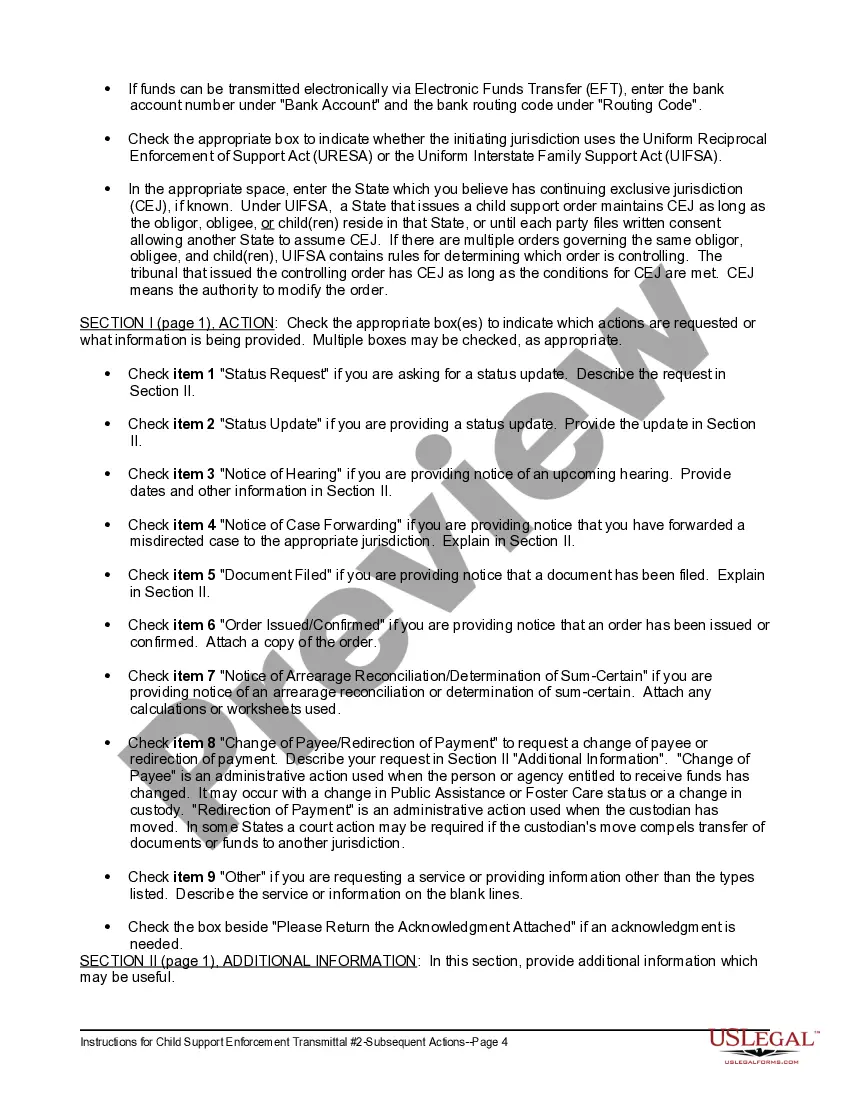
- Check the appropriate action boxes to indicate requests for status updates or other information.
- Include any additional information that may assist in the processing of the case.
- Ensure the acknowledgment section is completed for confirmation of receipt by the responding agency.
Does this form need to be notarized?
This form does not typically require notarization unless specified by local law. It is advisable to confirm specific requirements based on the jurisdiction involved in the child support case.
Get your form ready online
Our built-in tools help you complete, sign, share, and store your documents in one place.
Make edits, fill in missing information, and update formatting in US Legal Forms—just like you would in MS Word.
Download a copy, print it, send it by email, or mail it via USPS—whatever works best for your next step.
Sign and collect signatures with our SignNow integration. Send to multiple recipients, set reminders, and more. Go Premium to unlock E-Sign.
If this form requires notarization, complete it online through a secure video call—no need to meet a notary in person or wait for an appointment.
We protect your documents and personal data by following strict security and privacy standards.

Make edits, fill in missing information, and update formatting in US Legal Forms—just like you would in MS Word.

Download a copy, print it, send it by email, or mail it via USPS—whatever works best for your next step.

Sign and collect signatures with our SignNow integration. Send to multiple recipients, set reminders, and more. Go Premium to unlock E-Sign.

If this form requires notarization, complete it online through a secure video call—no need to meet a notary in person or wait for an appointment.

We protect your documents and personal data by following strict security and privacy standards.
Common mistakes
- Failing to provide complete jurisdiction details like FIPS codes or case numbers.
- Not checking the appropriate action boxes or neglecting to describe the requested information.
- Missing signatures or contact information in the acknowledgment section.
- Using this form for initial referrals instead of subsequent actions.
Why complete this form online
- Convenient access to the form, allowing for easy completion and submission.
- Editable fields that ensure accurate and up-to-date information is provided.
- Secure processing that enhances confidentiality and legal compliance.