Texas Subcontractors Package
Overview of this form package
The Texas Subcontractors Package is a comprehensive set of legal documents tailored for subcontractors operating in the construction industry. This package is designed to help you manage your construction project effectively while safeguarding your legal rights. Unlike generic forms, the Texas Subcontractors Package includes specific agreements and documentation that comply with state laws, ensuring you meet all legal requirements throughout your project.
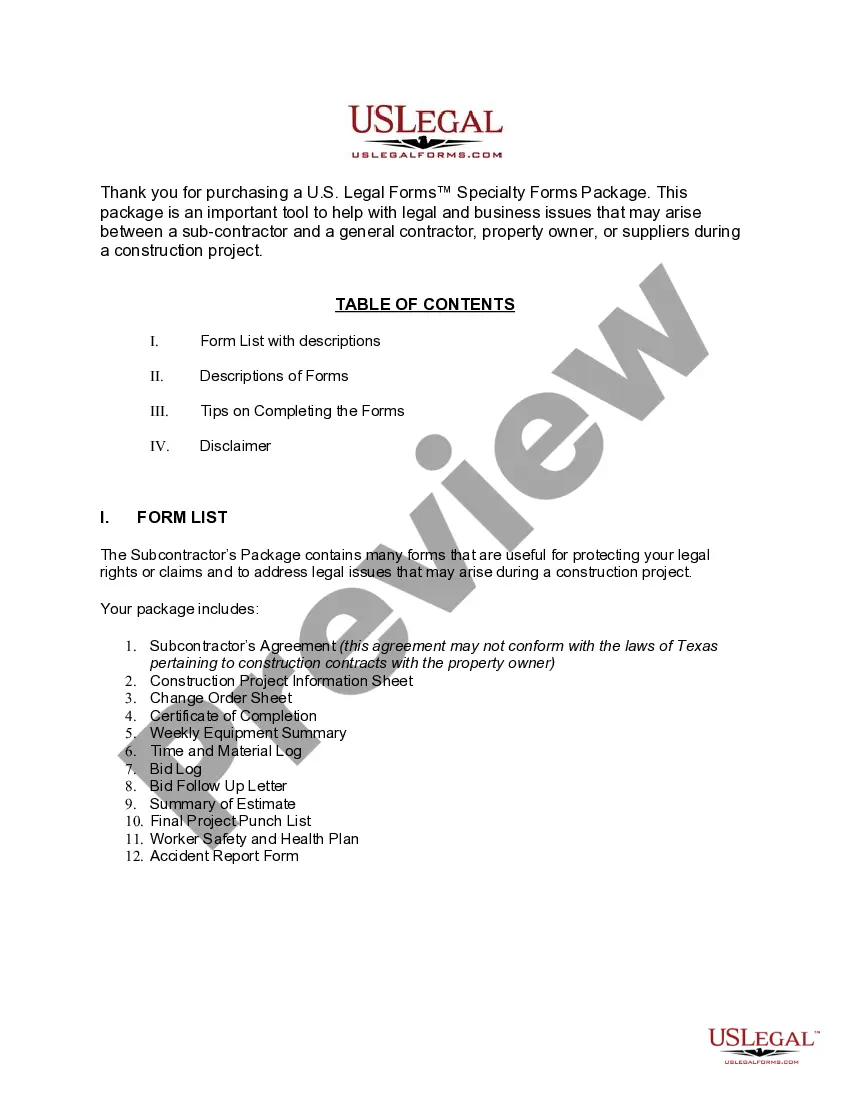
Documents contained in this package
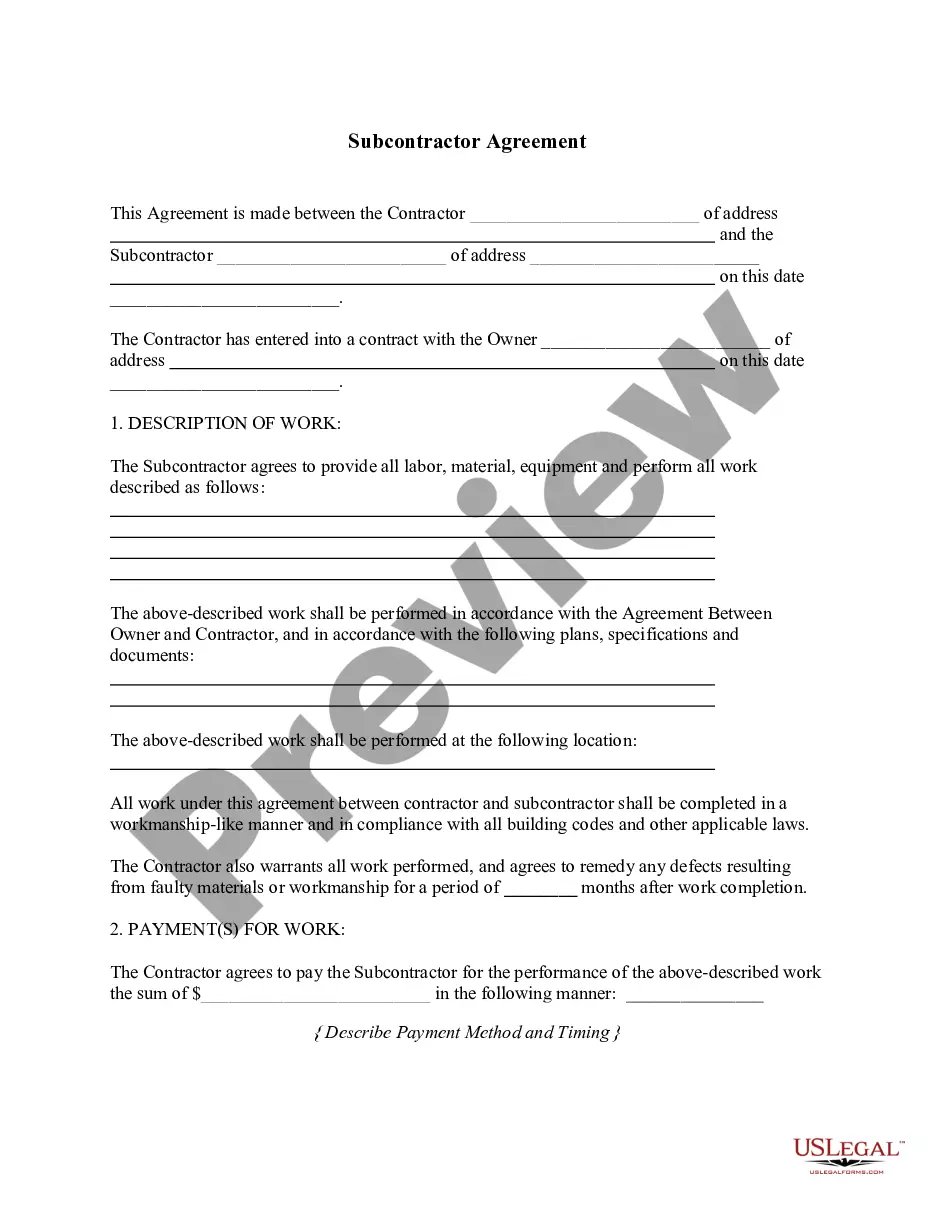
- Subcontractor's Agreement
- Contractor's Weekly Equipment Summary
- Contractor's Time and Materials Log
- Contractor's Bid Log
- Contractor's Bid Follow Up Letter
- Contractor's Summary of an Estimate
- Contractor's Final Punch List
- Construction Accident Report
- Construction Safety and Health Plan
- Change Order for Construction or Repairs by Contractor
- Certification of Completion by Contractor
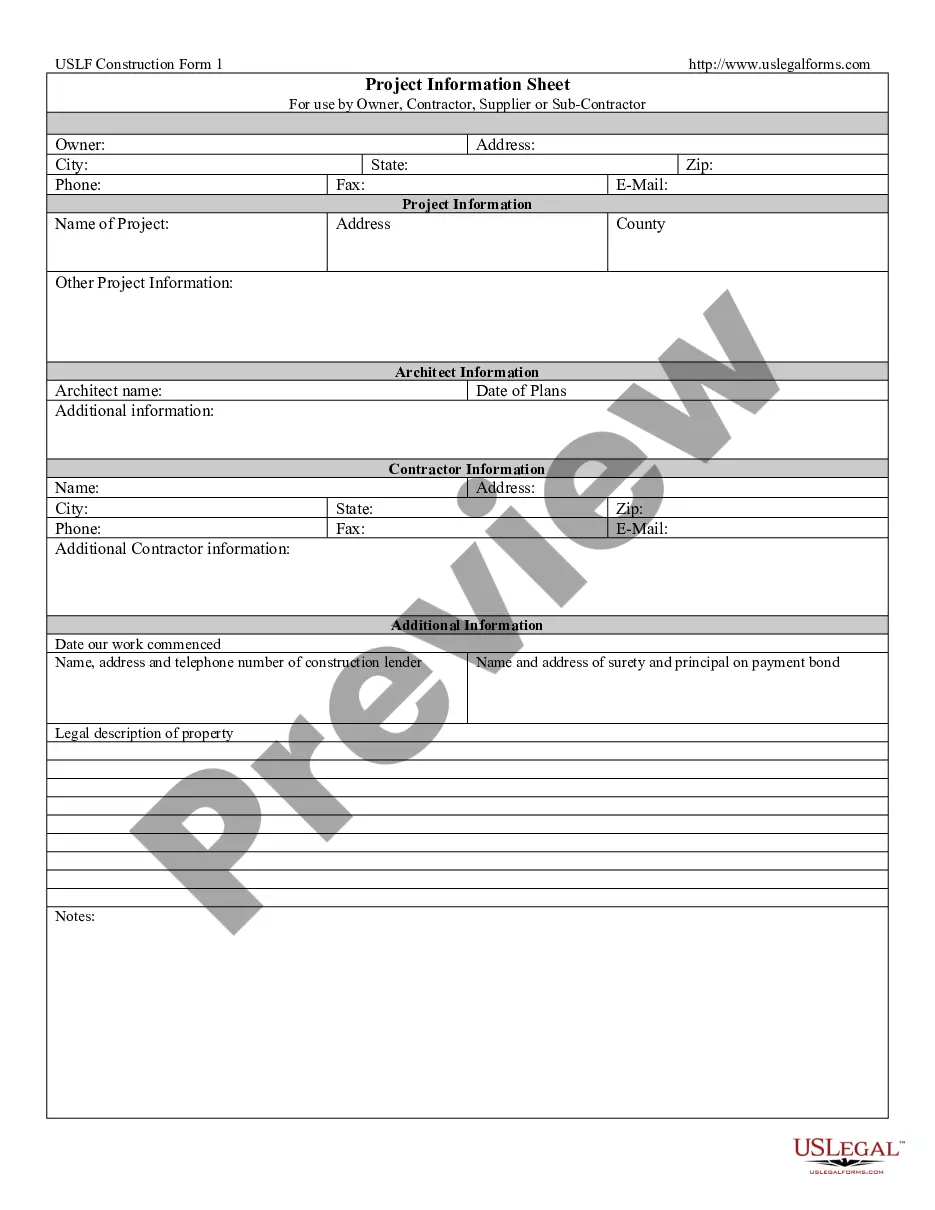
- Construction Project Information Sheet
Common use cases
Consider using this form package in the following scenarios:
- You are starting a new construction project and need to formalize agreements.
- You require documentation for changes to the initial construction contract.
- You want to track equipment usage and materials throughout the project.
- You need to report workplace accidents or ensure compliance with safety regulations.
- You want to provide clients with a clear summary of your project estimates and progress.
Who should use this form package
- Subcontractors working in the construction sector.
- Contractors who collaborate with subcontractors and need standardized documentation.
- Any construction professional looking for reliable project management forms.
- Individuals managing construction projects who need professional legal documentation.
Instructions for completing these forms
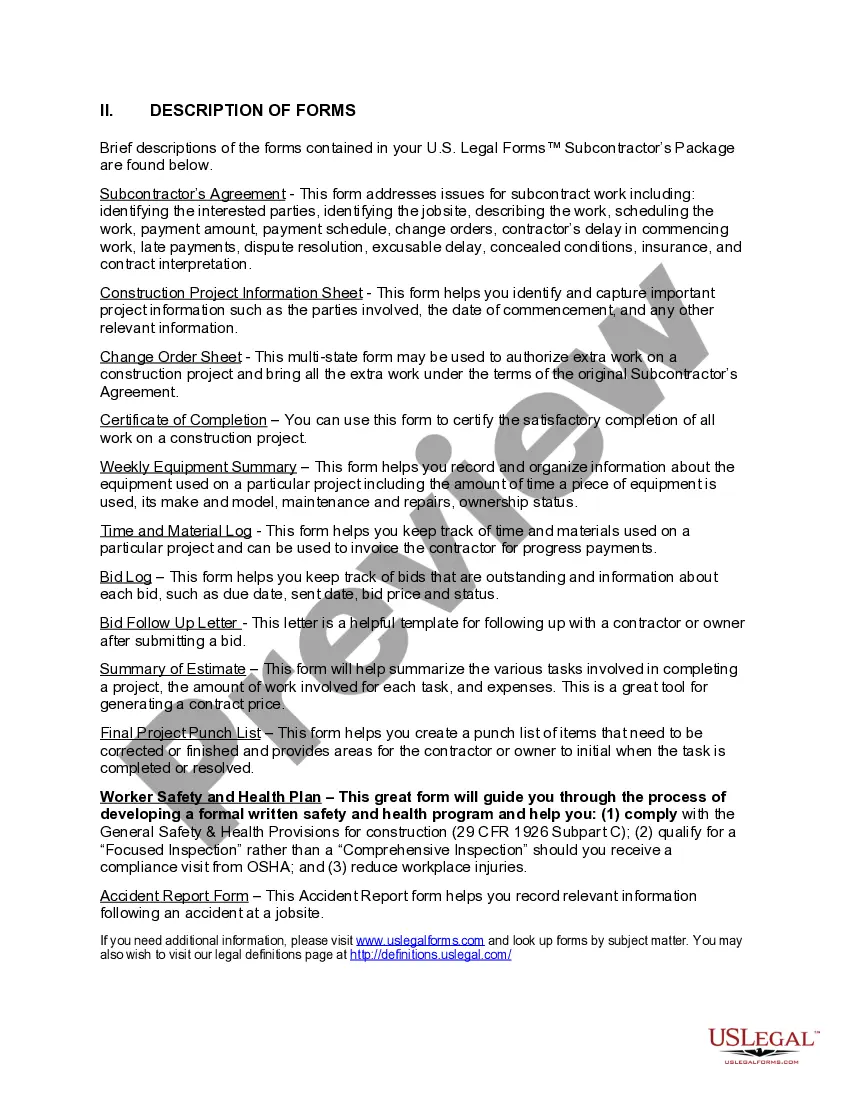
- Review the included forms to identify which ones are applicable to your project.
- Fill out the Construction Project Information Sheet with the necessary project details.
- Complete the Subcontractor's Agreement, ensuring it reflects the terms negotiated with the contractor.
- Use the Change Order Sheet to document any modifications to the original agreement.
- Maintain ongoing records using the Weekly Equipment Summary and Time and Material Log.
- Finalize your project documentation with the Certificate of Completion and Final Project Punch List.
Notarization requirements for forms in this package
Forms in this package typically do not require notarization. However, certain states or document types may still need it. US Legal Forms provides online notarization powered by Notarize, available 24/7 for your convenience.
Get your form ready online
Our built-in tools help you complete, sign, share, and store your documents in one place.
Make edits, fill in missing information, and update formatting in US Legal Forms—just like you would in MS Word.
Download a copy, print it, send it by email, or mail it via USPS—whatever works best for your next step.
Sign and collect signatures with our SignNow integration. Send to multiple recipients, set reminders, and more. Go Premium to unlock E-Sign.
If this form requires notarization, complete it online through a secure video call—no need to meet a notary in person or wait for an appointment.
We protect your documents and personal data by following strict security and privacy standards.

Make edits, fill in missing information, and update formatting in US Legal Forms—just like you would in MS Word.

Download a copy, print it, send it by email, or mail it via USPS—whatever works best for your next step.

Sign and collect signatures with our SignNow integration. Send to multiple recipients, set reminders, and more. Go Premium to unlock E-Sign.

If this form requires notarization, complete it online through a secure video call—no need to meet a notary in person or wait for an appointment.

We protect your documents and personal data by following strict security and privacy standards.
Common mistakes
- Failing to fill out all relevant fields in the Subcontractor's Agreement.
- Not documenting changes properly with the Change Order Sheet.
- Neglecting to track equipment and material usage consistently.
- Overlooking safety compliance by not using the Worker Safety and Health Plan.
- Incomplete records leading to disputes over project completion or payment.
Benefits of completing this package online
- Convenience of downloading and printing your forms at any time.
- Editability allows for customization to fit your specific project needs.
- Reliability of having attorney-drafted documents that comply with Texas law.
- Immediate access to essential forms eliminates delays in your project planning.
Legal use & context
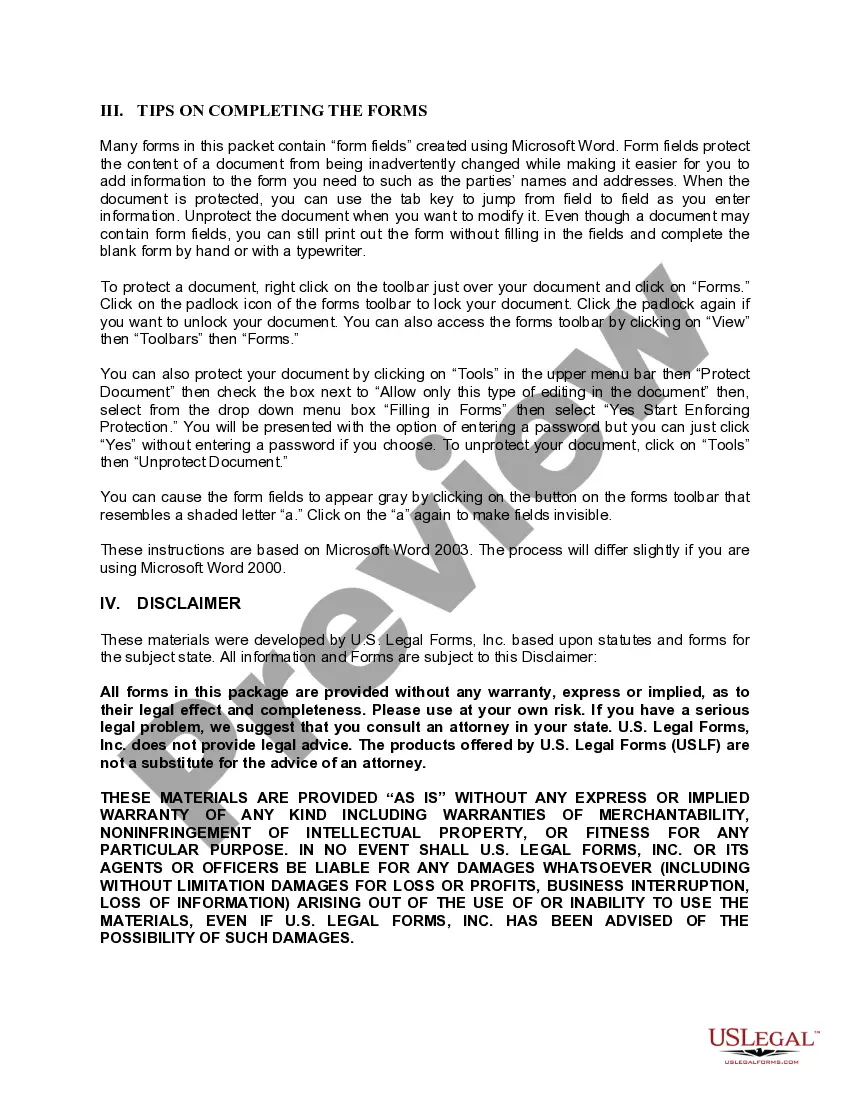
- The forms included are designed to create legally binding agreements when properly filled out.
- Following the instructions and ensuring accurate completion can help prevent disputes.
- Always consider consulting with an attorney for complex construction issues or disputes.
Main things to remember
- The Texas Subcontractors Package supports effective management of your construction projects.
- It includes essential, legally compliant documents tailored to Texas law.
- Proper completion of the included forms is crucial for protecting your rights and obligations.
Looking for another form?

Form popularity
FAQ
Yes, a W-9 is used to collect information from independent contractors and a 1099 is used to record how much they've paid that independent contractor. You need both to file your taxes.On the other hand, a 1099 form is the paperwork used to report how much that contractor earned at the end of the year.
Companies ask subcontractors to complete form W-9, which includes the worker's name, tax ID number and other information needed when the employer fills out form 1099-NEC. The employer sends form 1099-NEC to the subcontractor and the IRS.
The IRS requires contractors to fill out a Form W-9, request for Taxpayer Identification Number and Certification, which you should keep on file for at least four years after the hiring. This form is used to request the correct name and Taxpayer Identification Number, or TIN, of the worker or their entity.
Each subcontractor should complete Form W-9 before they begin any work. On the form, the subcontractor identifies their business structure type (sole proprietorship, corporation, etc.). Form W-9 also asks for the subcontractor's name and Taxpayer Identification Number (TIN).
Start with procurement standards. Execute all subcontracts prior to starting your projects. Help those who help you. Award the job to the lowest fully qualified bidder. Use contract scope checklists. Make sure you have tight clauses. Meet to review the proposed subcontract.
Tx packets displays the number of transmitted packets. Rx packets displays the number of received packets. Tx retry, % displays the amount of retried packets (in percentages).
The TX/RX switch allows you to select from Transmit/TX mode (for sending audio from a wired jack to your headphones) to Receive/RX mode (for sending music or directions wirelessly from your iPhone to a car's AUX IN or to the AUX IN of a non-Bluetooth speaker).
TX and RX are abbreviations for Transmit and Receive, respectively. Note that these metrics are referenced to the server being monitored; Transmit FROM this server, and Receive TO this server. Units are in Bytes (not bits)
The Tx level is the power in decibels per milliwatt (dBm) at which a modem transmits its signal. The Rx level is the power in dBm of the received signal.If the Rx level is under -25 dBm, the Signal-to-Noise Ratio (SNR) is likely to decrease, meaning that the speed also decreases.