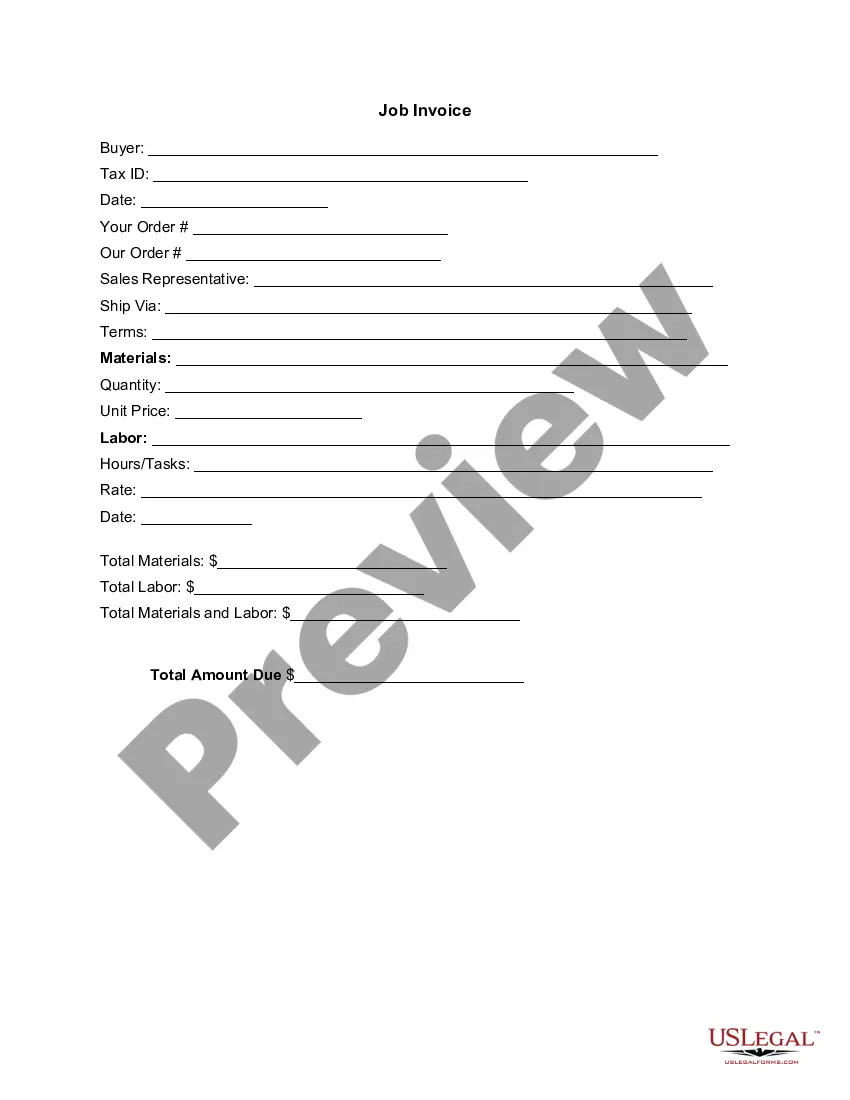
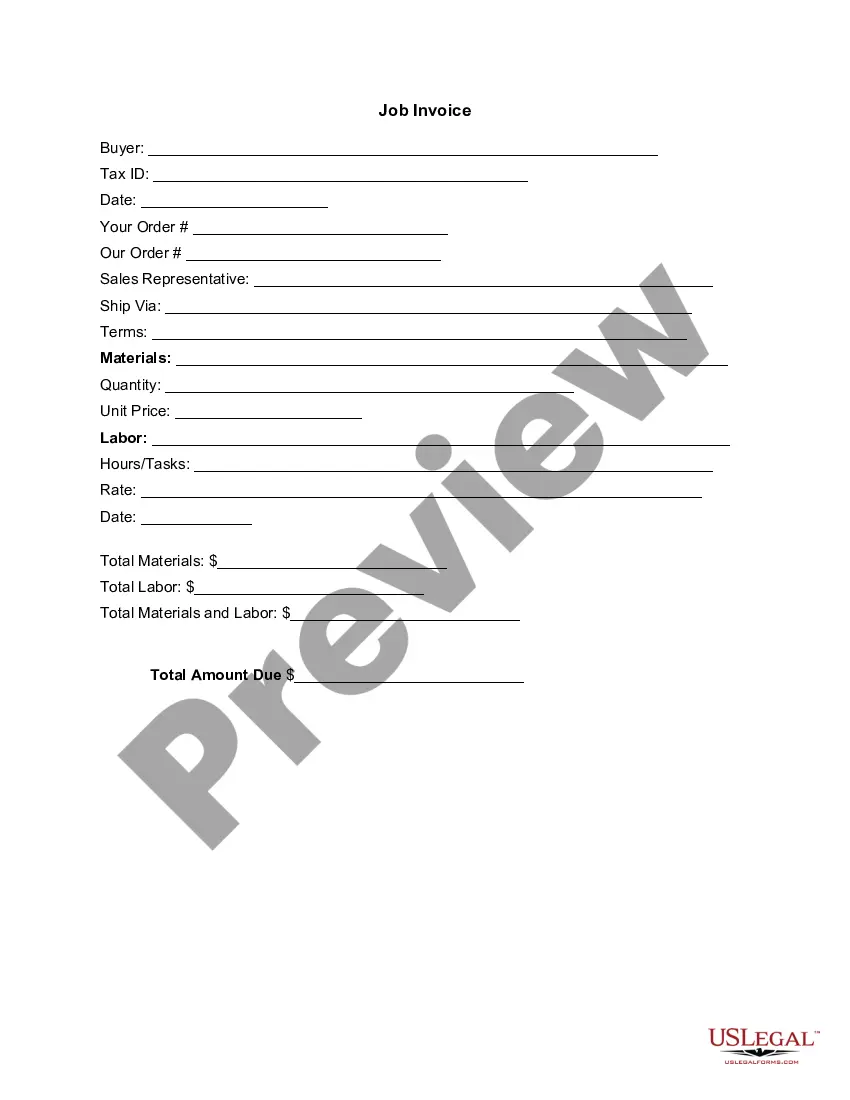
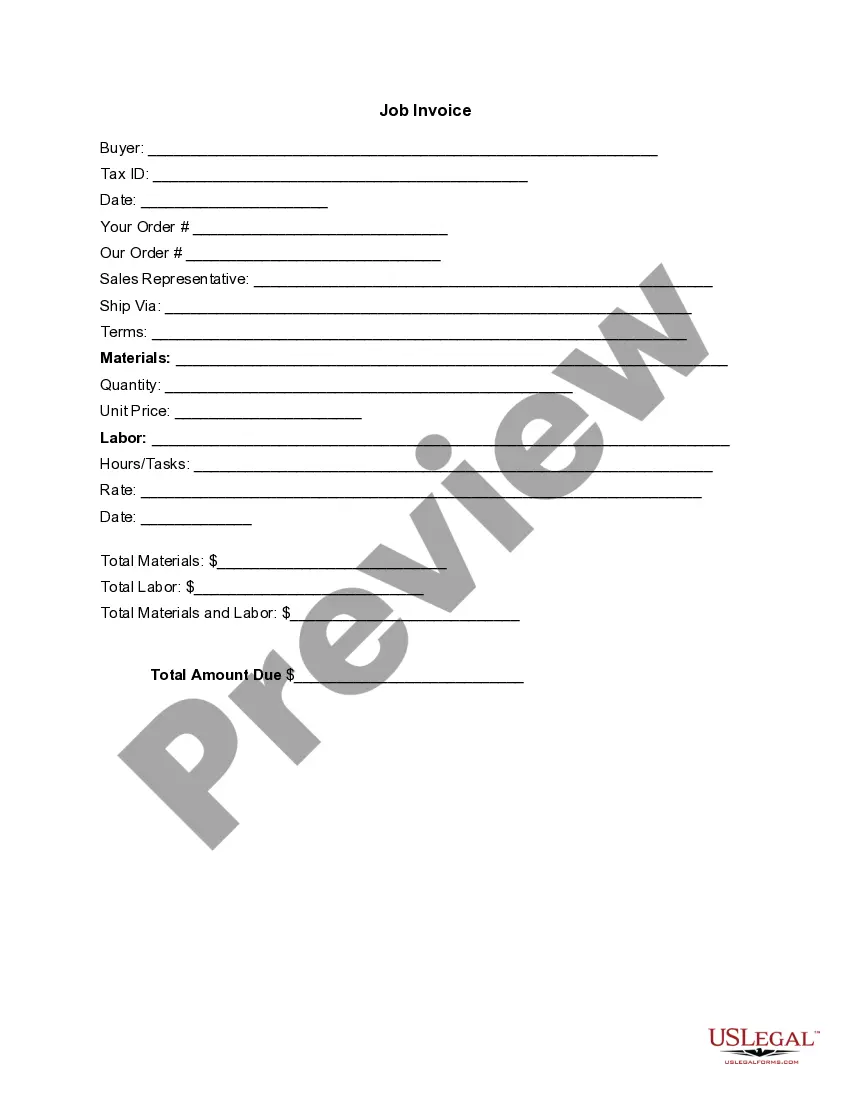
Tennessee Invoice Template for Contractor
Description

Get your form ready online
Our built-in tools help you complete, sign, share, and store your documents in one place.
Make edits, fill in missing information, and update formatting in US Legal Forms—just like you would in MS Word.
Download a copy, print it, send it by email, or mail it via USPS—whatever works best for your next step.
Sign and collect signatures with our SignNow integration. Send to multiple recipients, set reminders, and more. Go Premium to unlock E-Sign.
If this form requires notarization, complete it online through a secure video call—no need to meet a notary in person or wait for an appointment.
We protect your documents and personal data by following strict security and privacy standards.

Make edits, fill in missing information, and update formatting in US Legal Forms—just like you would in MS Word.

Download a copy, print it, send it by email, or mail it via USPS—whatever works best for your next step.

Sign and collect signatures with our SignNow integration. Send to multiple recipients, set reminders, and more. Go Premium to unlock E-Sign.

If this form requires notarization, complete it online through a secure video call—no need to meet a notary in person or wait for an appointment.

We protect your documents and personal data by following strict security and privacy standards.
Looking for another form?







How to fill out Invoice Template For Contractor?
It is feasible to invest time online looking for the sanctioned document template that fulfills the federal and state requirements you will require.
US Legal Forms offers thousands of legal templates that are reviewed by professionals.
You can obtain or create the Tennessee Invoice Template for Contractor from our platform.
If available, utilize the Preview button to view the document template as well.
- If you already possess a US Legal Forms account, you can sign in and click the Download button.
- Then, you can complete, modify, create, or sign the Tennessee Invoice Template for Contractor.
- Every legal document template you buy is yours forever.
- To receive another copy of the purchased form, head to the My documents section and press the appropriate button.
- If you are visiting the US Legal Forms website for the first time, follow the straightforward instructions below.
- First, ensure you have selected the correct document format for the area/city of your preference.
- Check the form description to guarantee you have chosen the right document.
Form popularity
FAQ
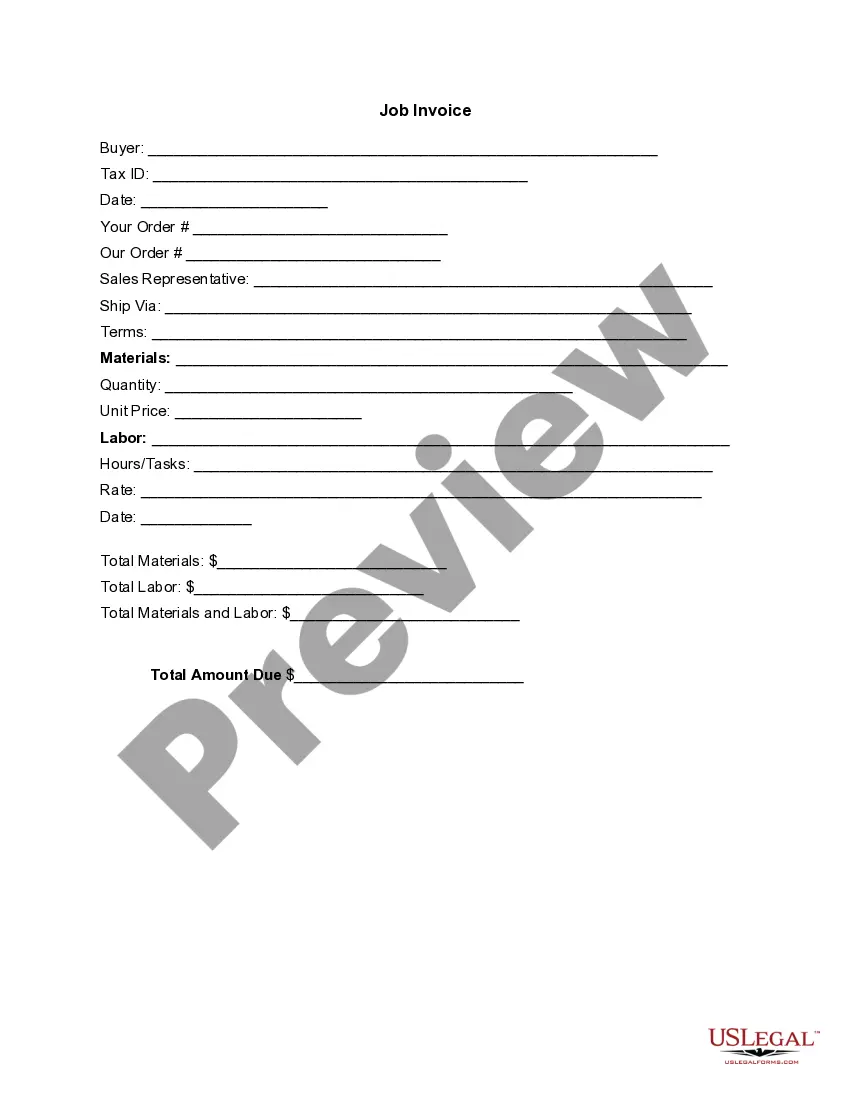
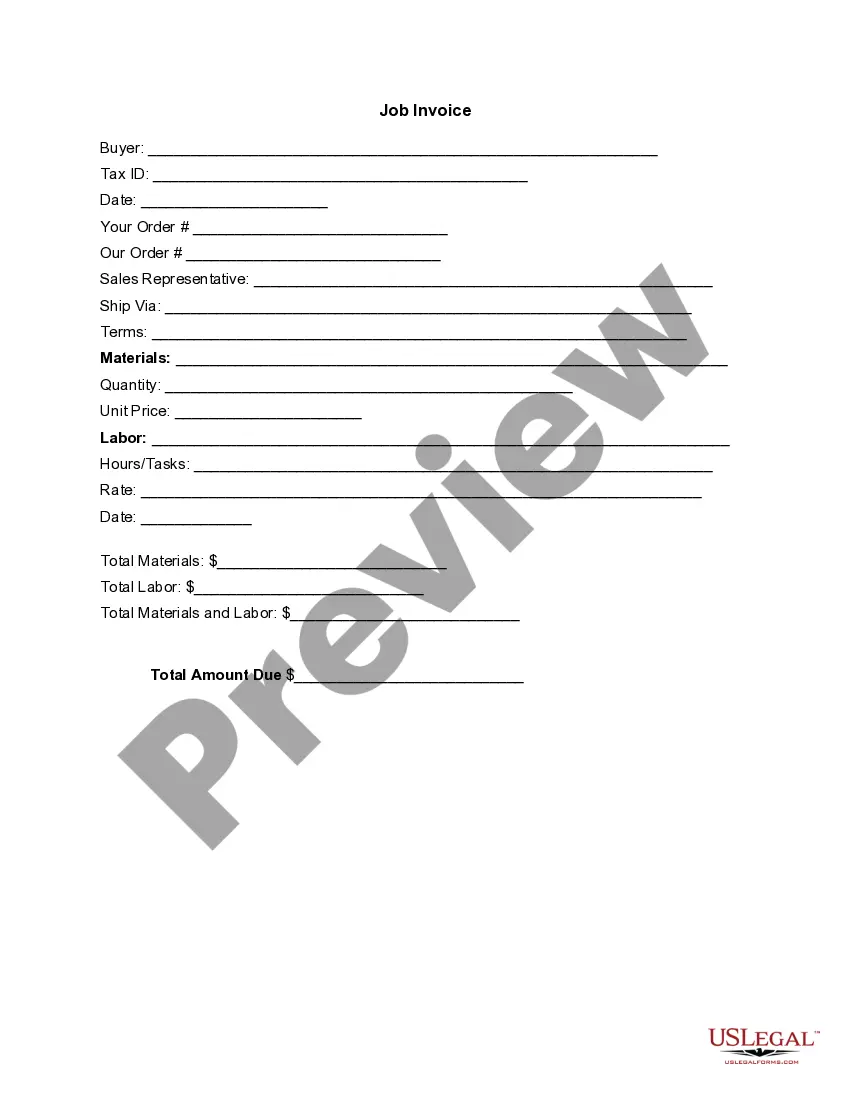
To create your own invoice template, start with a Tennessee Invoice Template for Contractor as your foundation. Begin by selecting the necessary fields such as your business name, contact information, and the details of the services provided. Then, modify the layout and design according to your preferences. After you complete this process, save your customized template for future use to simplify your invoicing tasks.
Yes, you have the option to create your own invoice template using a Tennessee Invoice Template for Contractor. Customization allows you to include your business branding, terms, and other specific details that reflect your style. By designating important elements, you can ensure your invoices meet your needs precisely. Utilizing templates can make the process easier, allowing for creativity alongside efficiency.
Yes, you can generate an invoice for your services using a Tennessee Invoice Template for Contractor. This template helps you create professional invoices easily, saving you time and effort. Just fill in your details, the client's information, and the scope of work completed. You will have an organized invoice ready for sending in no time.
To generate an invoice as a contractor, start by using a Tennessee Invoice Template for Contractor. This template simplifies the process by providing pre-set fields for your business details, services, and payment information. After filling in the required sections, you can save and send the invoice to your clients, ensuring a smooth transaction.
Invoicing yourself is legal as long as you follow standard invoicing practices and regulations. Using a Tennessee Invoice Template for Contractor can guide you through this process effectively. This ensures that the invoice contains all essential components, making it a valid document for accounting and payment purposes.
You can absolutely create an invoice yourself, especially with a Tennessee Invoice Template for Contractor. This is an efficient way to present your services and charges clearly. The template provides a user-friendly structure that helps you avoid missing important information and makes your invoice look professional.
Yes, you can create your own invoice using a Tennessee Invoice Template for Contractor. This template allows you to include all necessary details like your business name, services rendered, and payment terms. By customizing the template, you ensure that your invoice meets your business needs and complies with legal standards.
Filling out an invoice format requires careful attention to detail. Start with your contact information and that of the client, then list the services rendered, including descriptions, quantities, and rates. A Tennessee Invoice Template for Contractor can provide an effective structure, ensuring you include all critical elements and present a polished, professional invoice.
An invoice is considered legal if it contains essential information such as the seller's and buyer's details, a unique invoice number, itemized services or products, and payment terms. Additionally, when you use a Tennessee Invoice Template for Contractor, you ensure compliance with local regulations. This helps you maintain proper records and substantiates transactions in case of audits.
Yes, you can create your own invoice, but it's important to follow a proper format to ensure clarity and legality. Utilizing a Tennessee Invoice Template for Contractor will guide you in including all the necessary components, helping you avoid common mistakes. This ensures your invoice is professional-looking and meets the expectations of your clients.