Our built-in tools help you complete, sign, share, and store your documents in one place.
Make edits, fill in missing information, and update formatting in US Legal Forms—just like you would in MS Word.
Download a copy, print it, send it by email, or mail it via USPS—whatever works best for your next step.
Sign and collect signatures with our SignNow integration. Send to multiple recipients, set reminders, and more. Go Premium to unlock E-Sign.
If this form requires notarization, complete it online through a secure video call—no need to meet a notary in person or wait for an appointment.
We protect your documents and personal data by following strict security and privacy standards.

Make edits, fill in missing information, and update formatting in US Legal Forms—just like you would in MS Word.

Download a copy, print it, send it by email, or mail it via USPS—whatever works best for your next step.

Sign and collect signatures with our SignNow integration. Send to multiple recipients, set reminders, and more. Go Premium to unlock E-Sign.

If this form requires notarization, complete it online through a secure video call—no need to meet a notary in person or wait for an appointment.

We protect your documents and personal data by following strict security and privacy standards.
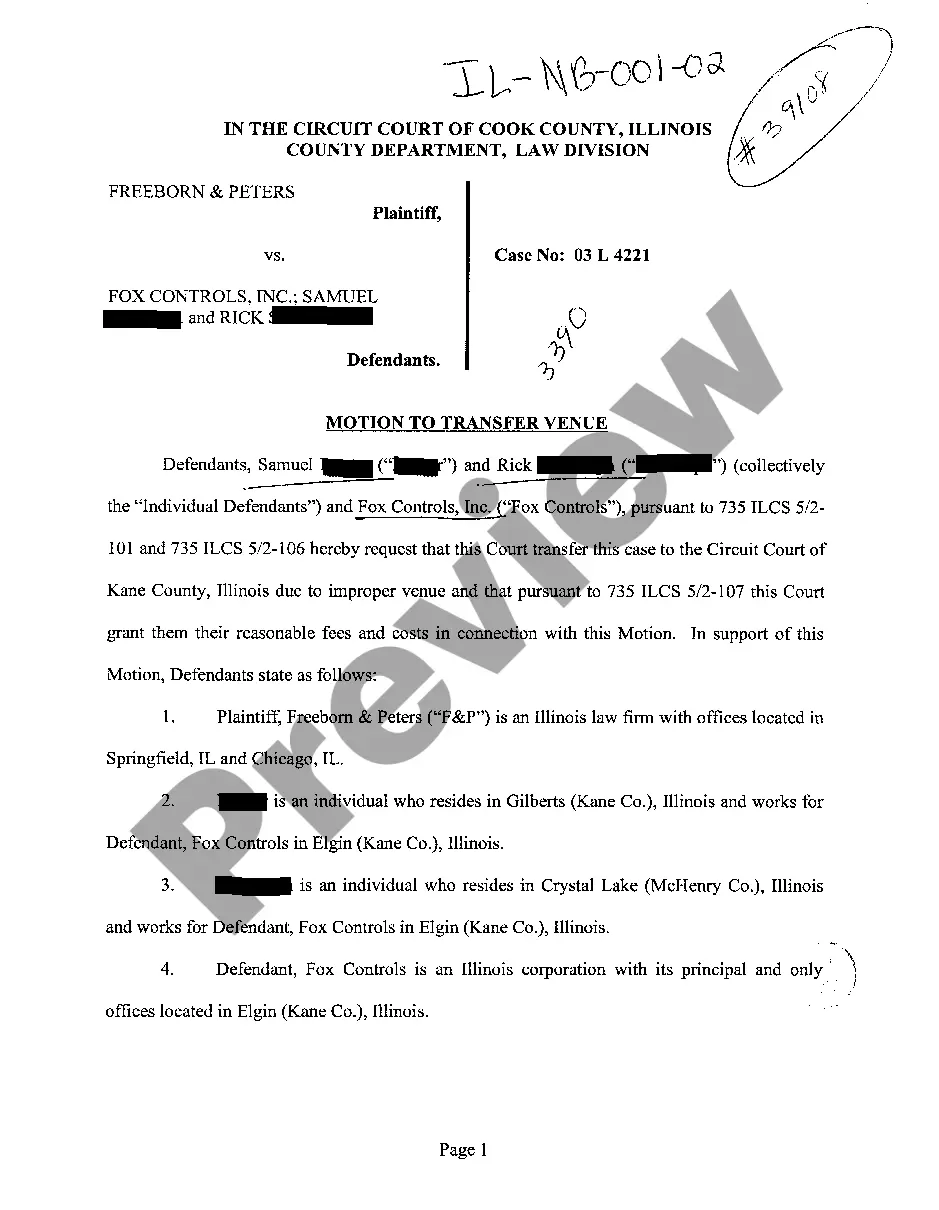
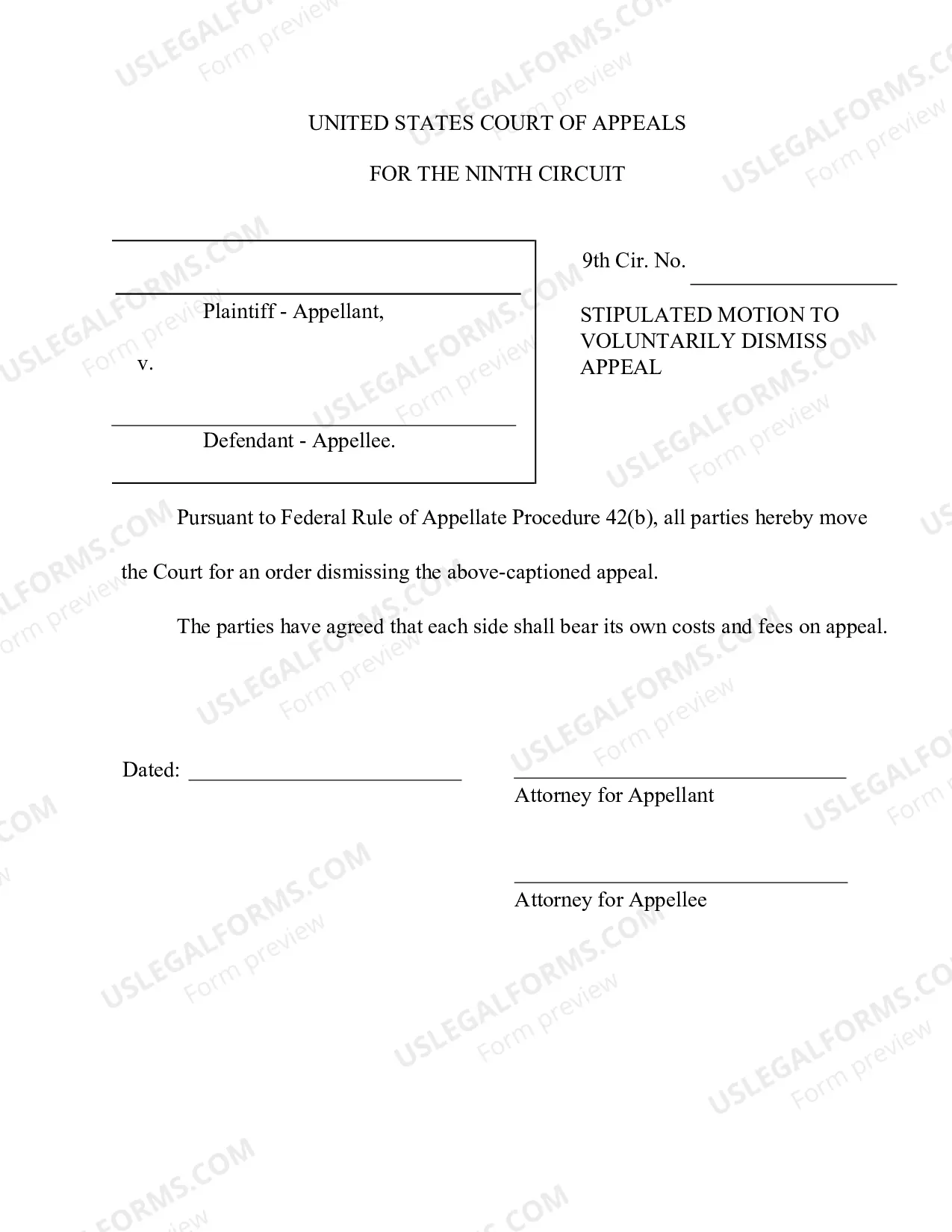
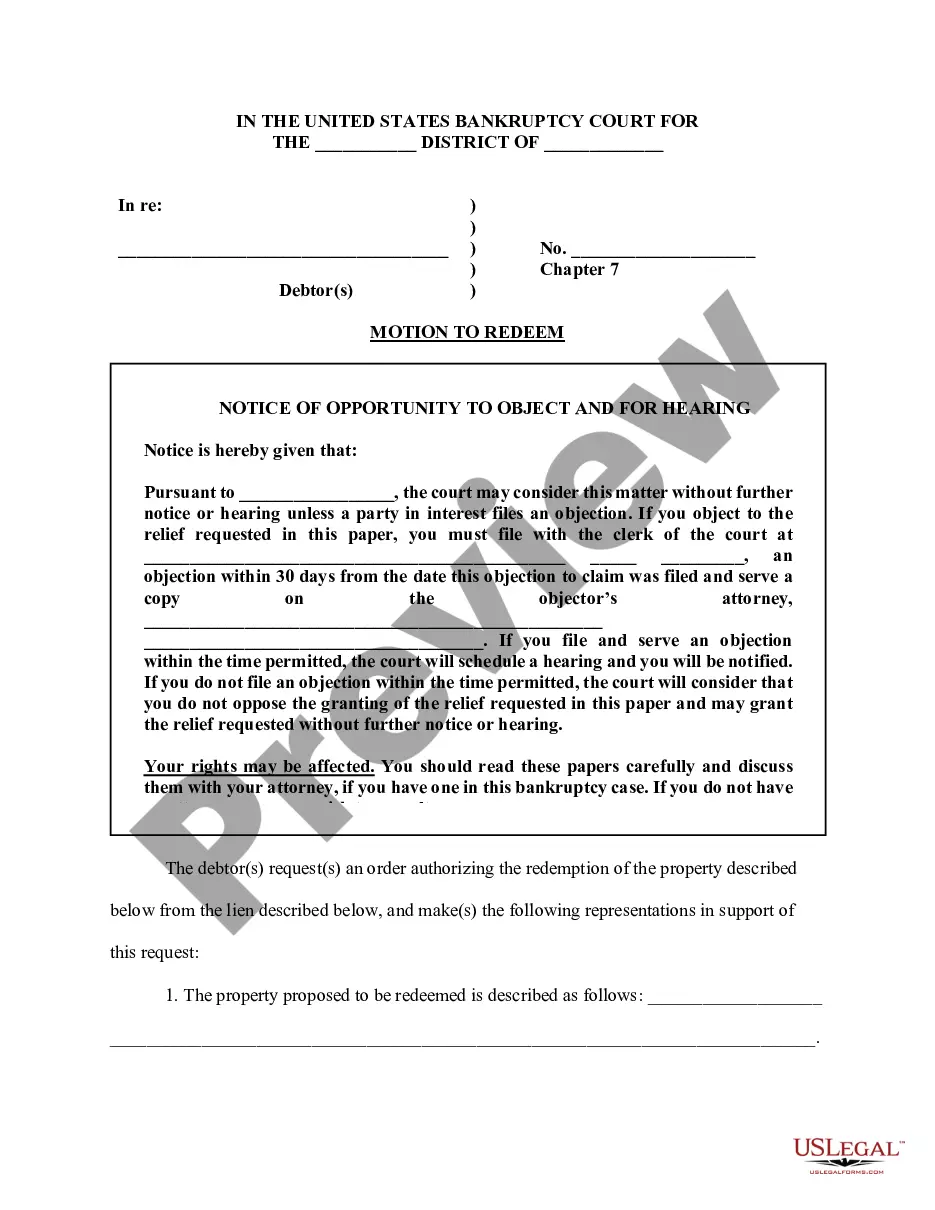
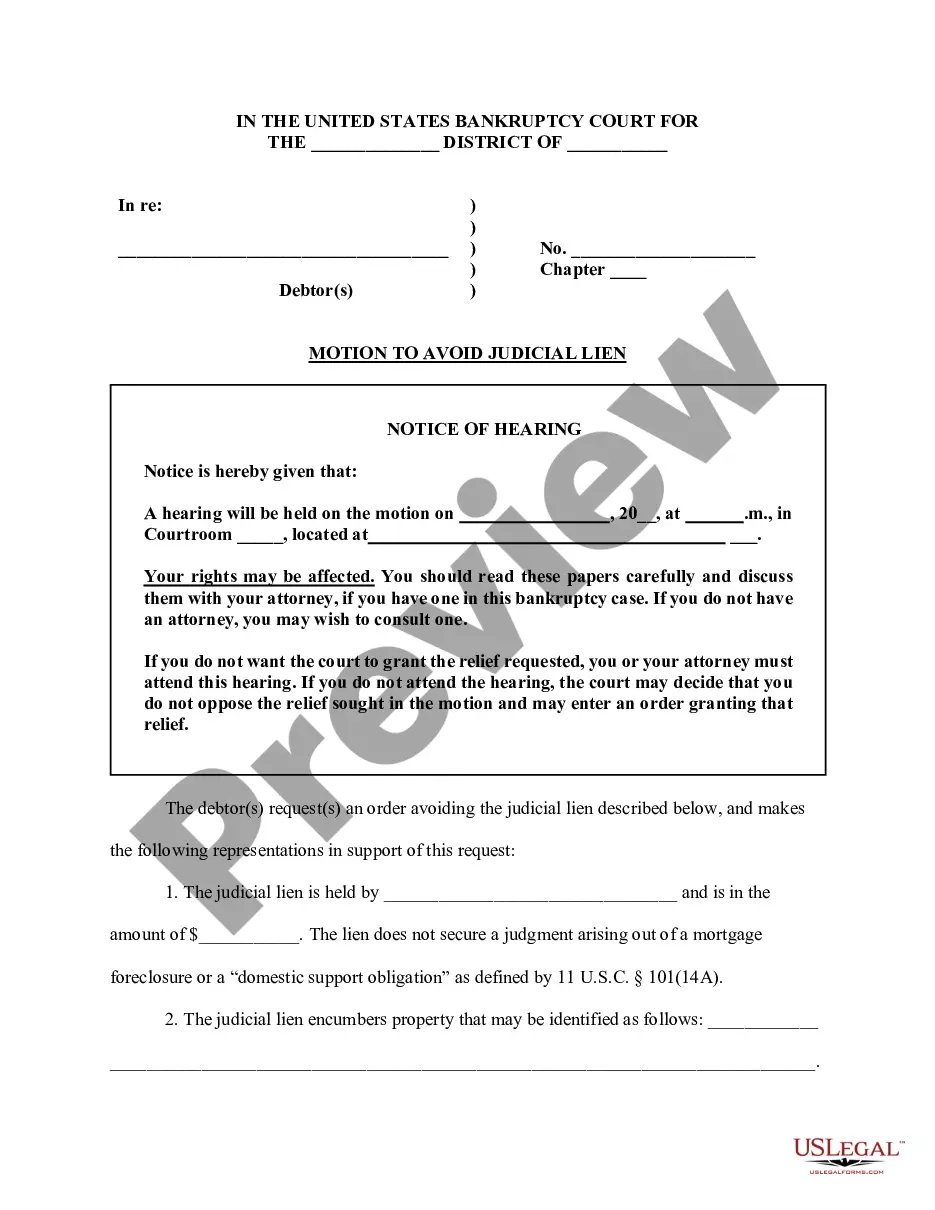
Searching for Illinois Motion To Transfer Venue forms and completing them may pose a difficulty.
To conserve time, expenses, and effort, utilize US Legal Forms to select the appropriate template specifically for your state in just a few clicks.
Our legal experts prepare all documents, so you only need to complete them.
Choose your plan on the pricing page and create an account. Decide if you prefer to pay by card or PayPal. Download the template in your desired file format. Now you can either print the Illinois Motion To Transfer Venue form or complete it using any online editor. Don’t fret about making mistakes, as your template can be used, submitted, and printed as many times as necessary. Explore US Legal Forms and gain access to around 85,000 state-specific legal and tax documents.
Fill out the forms. You have to fill out at least 2 forms, maybe more, to file your opposition. File the forms. Turn in your completed forms by mail or efiling. Serve the other party. Get ready for the hearing. Prepare an order.
An emergency motion must state exactly why it is an emergency. The emergency nature of the motion must be described by the party in a signed affidavit that is attached to the emergency motion. The first thing a judge will do before hearing an emergency motion is decide whether it is an emergency or not.
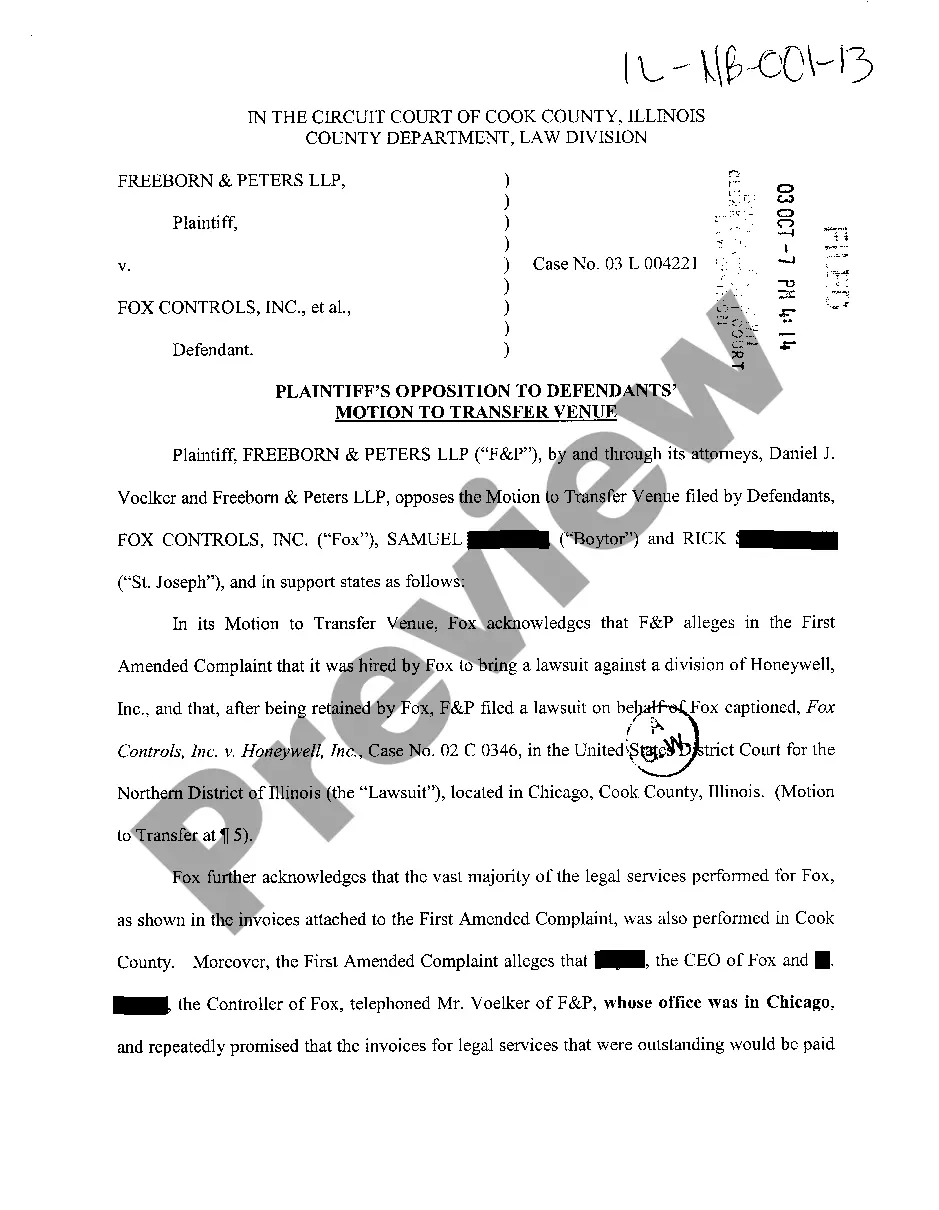
What is a venue transfer? When a judge transfers venue, your case is moved to a court in a different county. You can ask a judge to transfer venue by filing a Motion to Transfer Venue and Notice of Hearing.
Section 1404(a) of Title 28 provides that: "for the convenience of parties and witnesses, in the interest of justice, a district may transfer any civil action to any other district where it might have been brought." Any party, including plaintiff, may move for a transfer under 28 U.S.C. § 1404(a).
Step 1: File your Answer/Response to Complaint/Petition with the Circuit Clerk in the county where the court case is filed. you can use to e-file your form. Step 2: Send a copy of your Answer/Response to Complaint/Petition to the other parties.