Nevada Employment Employee Personnel File Package
What is this form package?
The Nevada Employment Employee Personnel File Package includes essential personnel forms designed to help your company maintain accurate records of all employee-related issues. This package not only aids in compliance with important federal laws but also helps protect your organization from costly mistakes. It offers vital documents tailored to fulfill the specific employment requirements in Nevada.
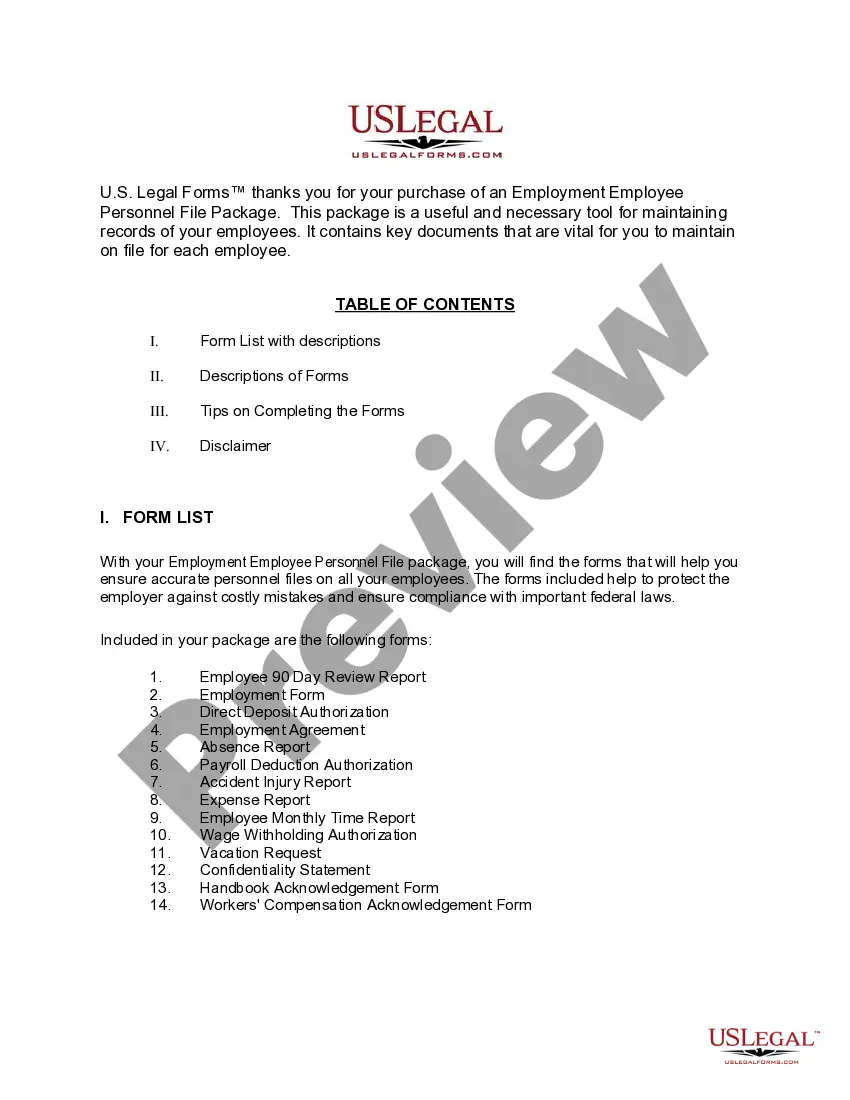
What’s included in this form package
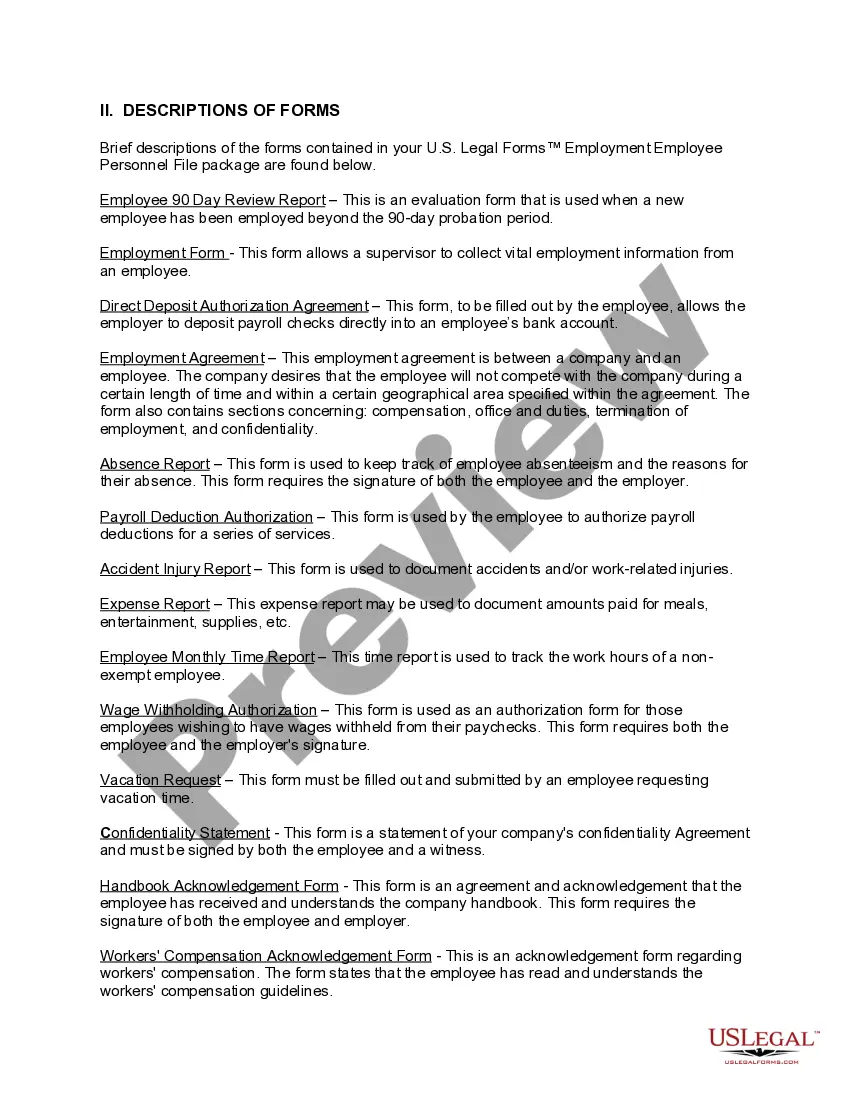
- Employment Agreement between a company and an employee
- Absence Report
- Payroll Deduction Authorization Form
- Accident - Injury Report
- Direct Deposit Authorization
- Nonexempt Employee Time Report
- Employee 90 day Review Report
- Wage Withholding Authorization
- Confidentiality Statement and Agreement for an Employee
- Employee Agreement and Handbook Acknowledgment Form
- Workers' Compensation Acknowledgment Form
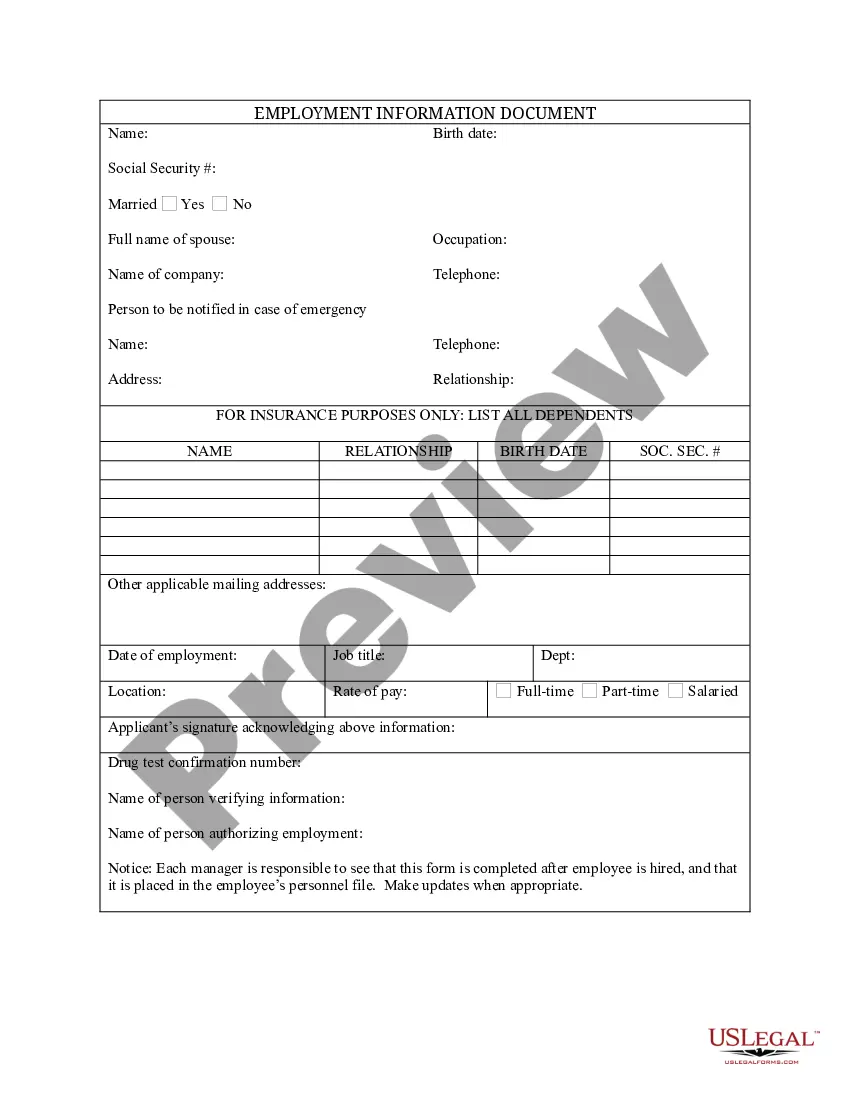
- Employment Form
- Vacation Request Form



When to use this document
This package is useful in various scenarios, including:
- Onboarding new employees to facilitate record-keeping.
- Tracking employee performance during the initial probationary period.
- Documenting employee absences and work-related incidents.
- Managing payroll setup and direct deposit arrangements.
- Handling vacation requests and ensuring workers' compensation compliance.
Who should use this form package
- Employers looking to streamline their employee record management.
- Human resource professionals in need of specific employment documentation.
- Business owners who want to comply with Nevada employment laws.
- Managers responsible for maintaining personnel files and managing employee performance.
Instructions for completing these forms
- Review the forms included in the package.
- Gather the necessary information required for each document.
- Fill out the forms, ensuring all fields are completed accurately.
- Obtain required signatures from both the employee and employer where applicable.
- Store completed forms securely within your personnel files for future reference.
Notarization requirements for forms in this package
Notarization is not commonly needed for forms in this package. However, if your state’s laws require it, our notarization service, powered by Notarize, allows you to finalize documents online 24/7 without in-person visits.
Get your form ready online
Our built-in tools help you complete, sign, share, and store your documents in one place.
Make edits, fill in missing information, and update formatting in US Legal Forms—just like you would in MS Word.
Download a copy, print it, send it by email, or mail it via USPS—whatever works best for your next step.
Sign and collect signatures with our SignNow integration. Send to multiple recipients, set reminders, and more. Go Premium to unlock E-Sign.
If this form requires notarization, complete it online through a secure video call—no need to meet a notary in person or wait for an appointment.
We protect your documents and personal data by following strict security and privacy standards.

Make edits, fill in missing information, and update formatting in US Legal Forms—just like you would in MS Word.

Download a copy, print it, send it by email, or mail it via USPS—whatever works best for your next step.

Sign and collect signatures with our SignNow integration. Send to multiple recipients, set reminders, and more. Go Premium to unlock E-Sign.

If this form requires notarization, complete it online through a secure video call—no need to meet a notary in person or wait for an appointment.

We protect your documents and personal data by following strict security and privacy standards.
Common mistakes to avoid
- Failing to collect signatures on critical documents like the Employment Agreement and Confidentiality Statement.
- Not keeping copies of submitted forms in the employee's personnel file.
- Inaccurately completing financial forms, leading to payroll issues.
- Neglecting to document specific reasons for employee absences in the Absence Report.
Why complete this package online
- Convenient access to all necessary forms in one package.
- Editable templates allow for easy modifications to fit your business's specific needs.
- Reliable documents drafted by licensed attorneys ensure legal compliance.
- Immediate downloads save time compared to traditional methods of obtaining legal forms.
Looking for another form?
Form popularity
FAQ
Both state and federal employment laws require employers to retain employment applications or resumes for at least one year and possibly longer.
Prepare yourself. Get all your basic information together: personal details, education etc. Find out what the employer wants. Check closing dates; if possible, apply before the deadline. Write your application. Give yourself enough time: writing a good job application is likely to take longer than you expect. Final checks.
Make Scanned and Photocopies of Documents Ready. Read Government Job Advertisement Carefully. Registration on the Recruitment Website. Valid E-mail ID/Mobile Number. Fill Application Form by Yourself. Choose correct category. Personal details. Fill correct and complete details.
A job application is a form that employers ask job applicants to fill out to learn about their work history. You may fill out the application through a third-party job listing site or by visiting the website of the potential employer.