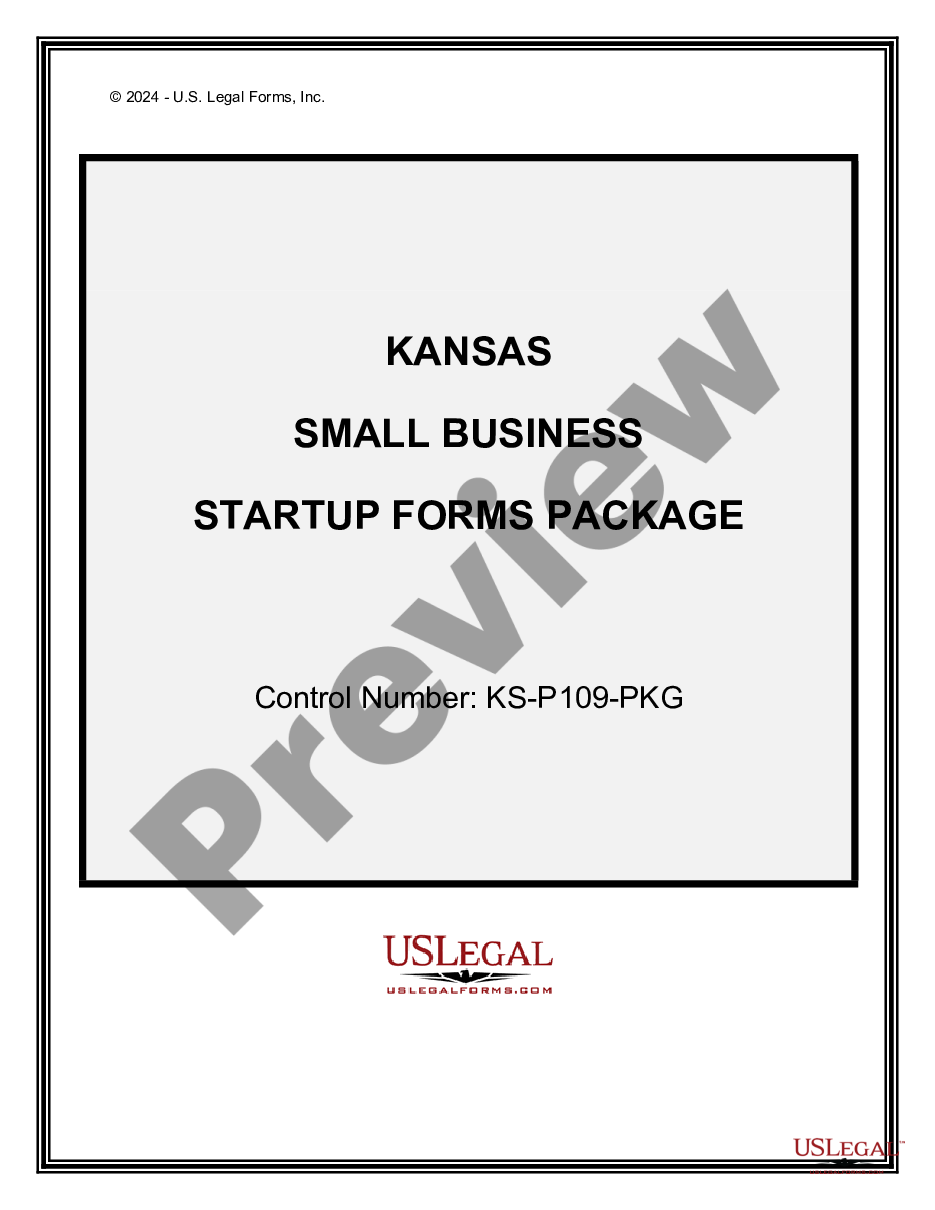
Kansas Small Business Startup Package
Overview of this form package
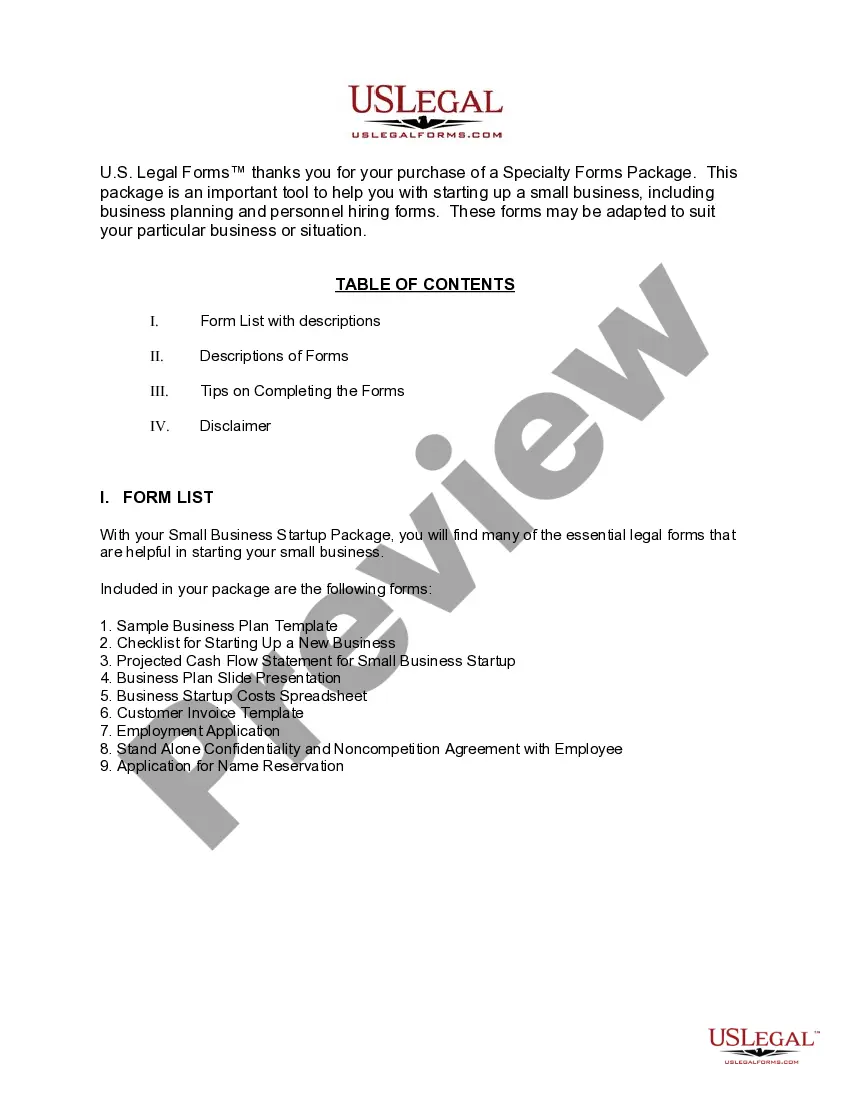
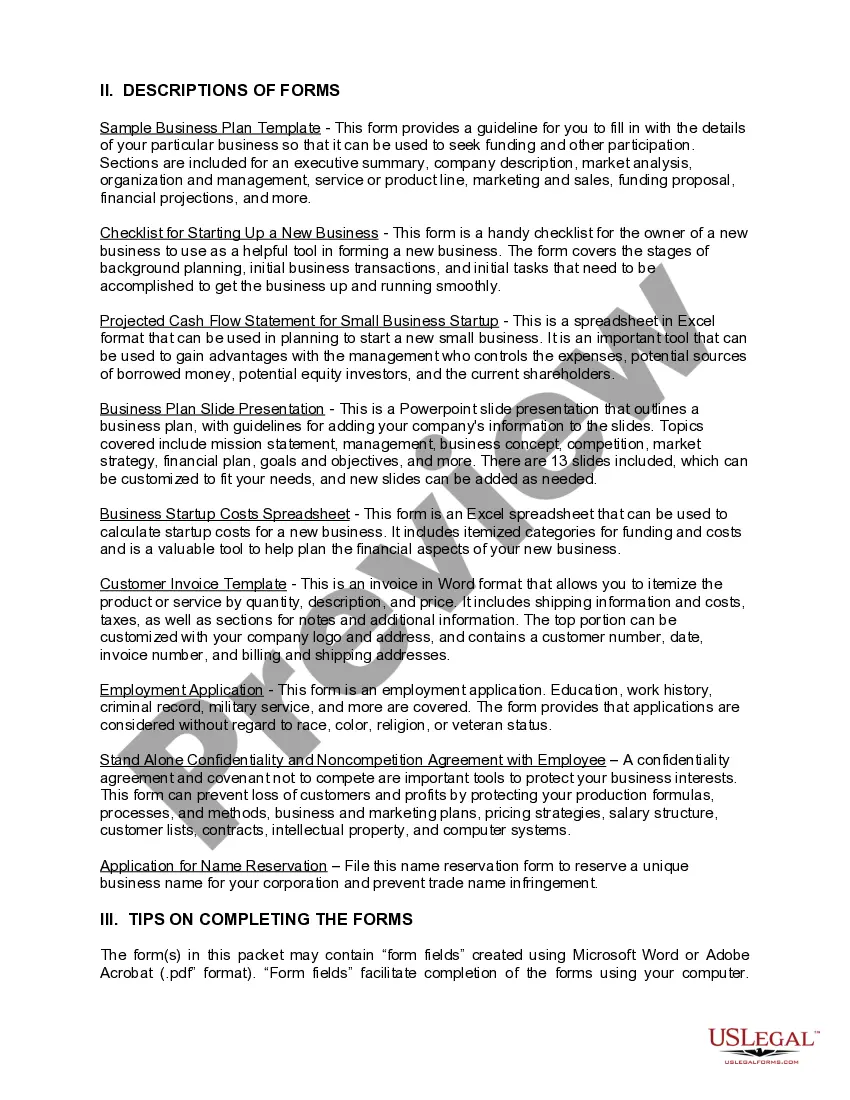
The Kansas Small Business Startup Package is a comprehensive set of legal forms designed to simplify the process of starting a new small business in Kansas. This package includes essential documents that help you implement a business plan, track necessary tasks, and present your business to potential investors or lenders effectively. Unlike other general form packages, this one is tailored specifically for entrepreneurs in Kansas, ensuring compliance with state regulations while aiding your business launch.
What’s included in this form package
When to use this form package
This form package is useful in various situations, including:
- Developing a business plan to secure funding or attract investors.
- Organizing startup tasks and ensuring all legal and operational aspects are covered.
- Calculating initial expenses and forecasting your business's cash flow.
- Creating professional invoices and applications for employment as you build your team.
- Protecting your business interests through confidentiality and non-competition agreements.
Who should use this form package
- Entrepreneurs starting a new small business in Kansas.
- Small business owners looking to formalize their operations and planning.
- Individuals seeking to present a polished business proposal to potential investors.
- Employers looking to establish a clear hiring process and protect business interests.
Completing these forms step by step
- Review all included forms to understand their purpose and requirements.
- Fill in the necessary details related to your business, such as names, addresses, and financial information.
- Prepare your business plan by utilizing the sample template provided.
- Calculate your startup costs using the startup costs spreadsheet.
- Ensure you have all required signatures and customize the customer invoice template before use.
Notarization requirements for forms in this package
Notarization is not commonly needed for forms in this package. However, if your state’s laws require it, our notarization service, powered by Notarize, allows you to finalize documents online 24/7 without in-person visits.
Get your form ready online
Our built-in tools help you complete, sign, share, and store your documents in one place.
Make edits, fill in missing information, and update formatting in US Legal Forms—just like you would in MS Word.
Download a copy, print it, send it by email, or mail it via USPS—whatever works best for your next step.
Sign and collect signatures with our SignNow integration. Send to multiple recipients, set reminders, and more. Go Premium to unlock E-Sign.
If this form requires notarization, complete it online through a secure video call—no need to meet a notary in person or wait for an appointment.
We protect your documents and personal data by following strict security and privacy standards.

Make edits, fill in missing information, and update formatting in US Legal Forms—just like you would in MS Word.

Download a copy, print it, send it by email, or mail it via USPS—whatever works best for your next step.

Sign and collect signatures with our SignNow integration. Send to multiple recipients, set reminders, and more. Go Premium to unlock E-Sign.

If this form requires notarization, complete it online through a secure video call—no need to meet a notary in person or wait for an appointment.

We protect your documents and personal data by following strict security and privacy standards.
Avoid these common issues
- Neglecting to customize the business plan template to suit your specific business needs.
- Overlooking important details in the projected cash flow statement.
- Failing to reserve a unique business name before starting operations.
- Using non-compliant versions of employee applications or agreements.
- Not regularly updating financial plans as your business evolves.
Why use this package online
- Instant access to essential forms and documents necessary for small business startups.
- Edit and customize forms to fit your business specifications easily.
- Reliable forms drafted by licensed attorneys ensure legal compliance.
- Downloadable formats enable offline completion and easy storage.
Looking for another form?

Form popularity
FAQ
Articles of Incorporation or Organization. File articles of incorporation with the state's commercial-services department to start a corporate entity. Certificate of Assumed Name. Employer Identification Number. Professional Trade Licenses. Local Licenses and Permits.
200bThe LLC filing fee is a one-time fee paid to the state to form your LLC. What's the LLC Annual Fee? 200bThe LLC annual fee is an ongoing fee paid to the state to keep your LLC in compliance and in good standing. It's usually paid every 1 or 2 years, depending on the state.
If money's tight, or you don't want to use a company formation service, we've got good news for you you can form an LLC yourself. Although you'll still need to pay your state filing fees (they're unavoidable!), you can save on the costs of having your LLC filed through a professional incorporation business.
How much does it cost to form an LLC in Kansas? The Kansas Secretary of State charges $165 to file the Articles of Organization. You can reserve your LLC name with the Kansas Secretary of State for $30 when filing online or $35 when filing by mail.
Choose a Business Idea. Decide on a Legal Structure. Choose a Name. Create Your Business Entity in Kansas. Apply for Licenses and Permits. Pick Business Location and Check Zoning. File and Report Taxes. Obtain Insurance.
Choose a Business Idea. Decide on a Legal Structure. Choose a Name. Create Your Business Entity in Kansas. Apply for Licenses and Permits. Pick Business Location and Check Zoning. File and Report Taxes. Obtain Insurance.
The least expensive way to form your LLC is filing the forms yourself, although it will depend on the filing fees in your state. Incorporation statements for LLCs are typically the Articles of Organization.
When you need a DBA The State of Kansas has no formal process for registration of a DBA on the state level, so DBA registration usually occurs on the local or county level. Each county also determines if a DBA filing is required.
STEP 1: Name your Kansas LLC. STEP 2: Choose a Resident Agent in Kansas. STEP 3: File Your Kansas LLC Articles of Organization. STEP 4: Create Your Kansas LLC Operating Agreement. STEP 5: Get an EIN.