Subpoena For Documents Massachusetts
Description
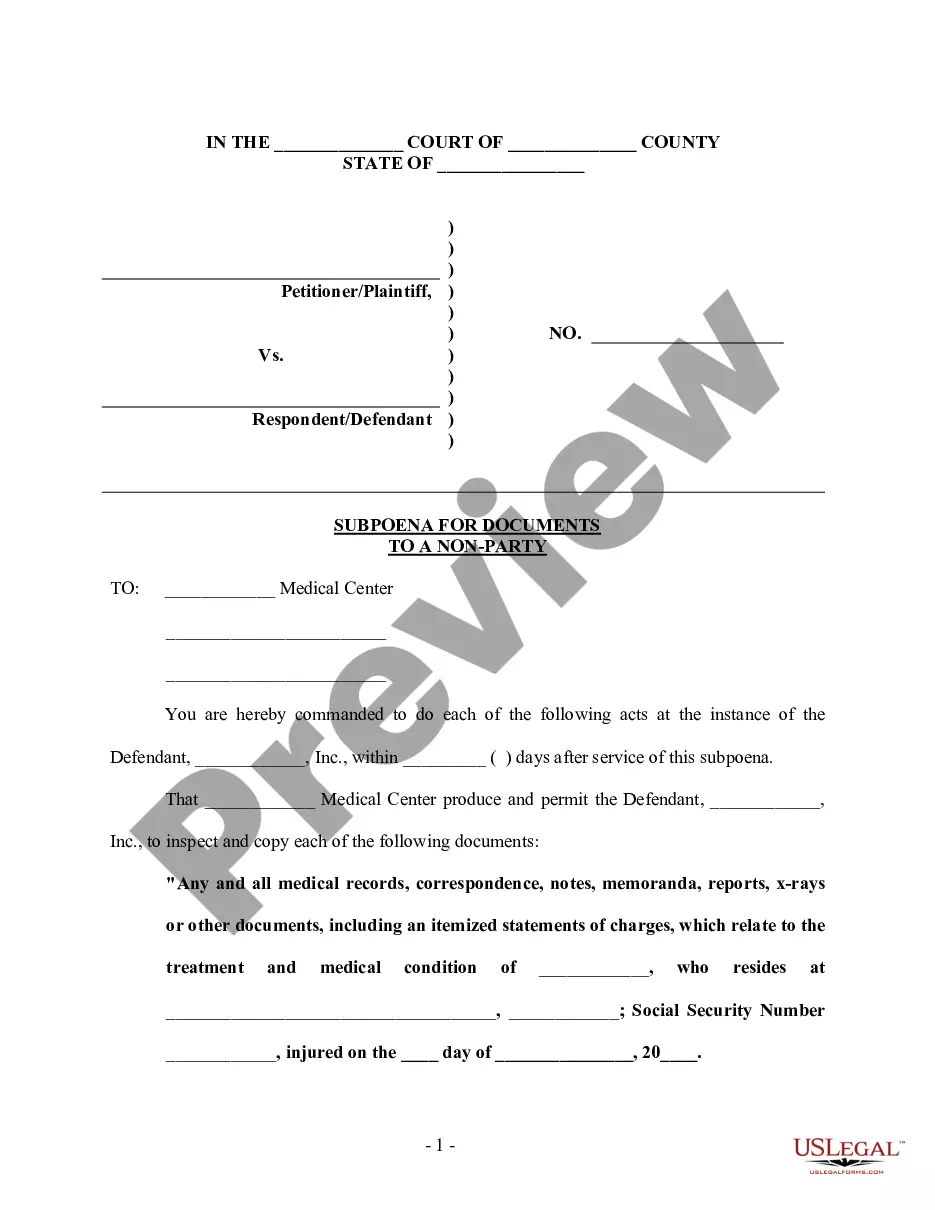
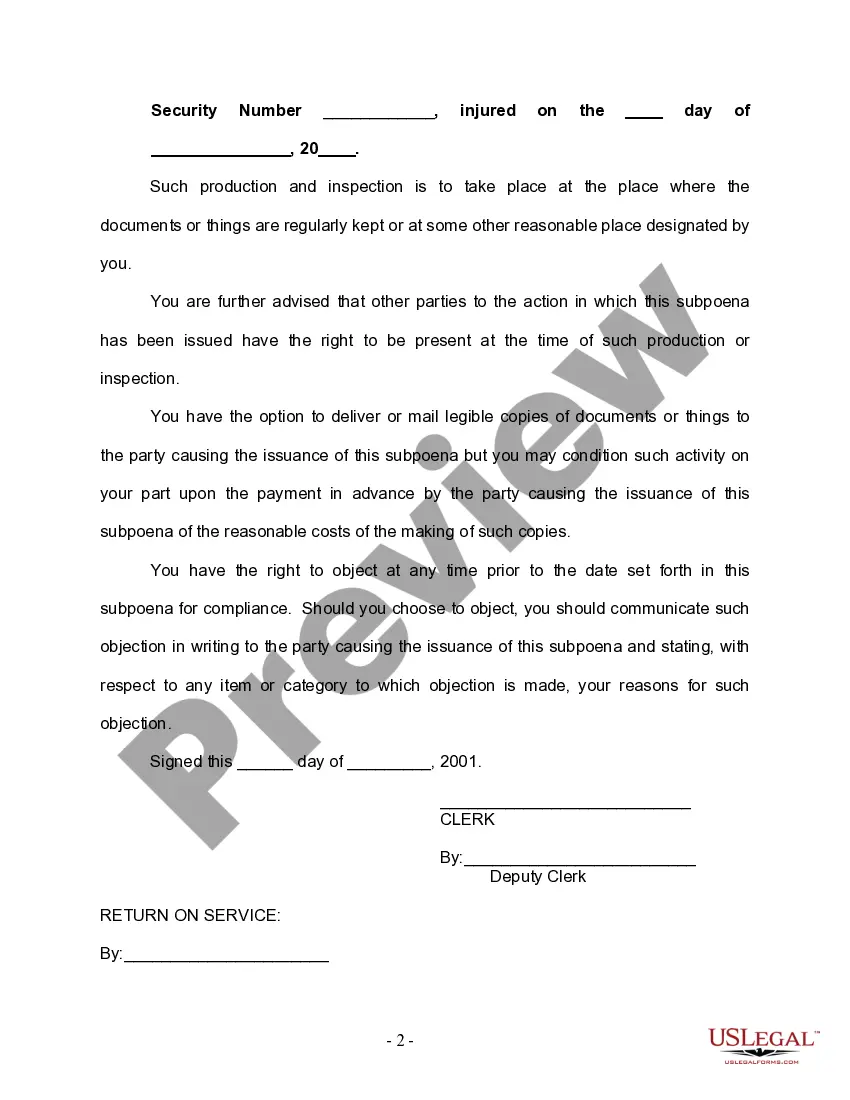

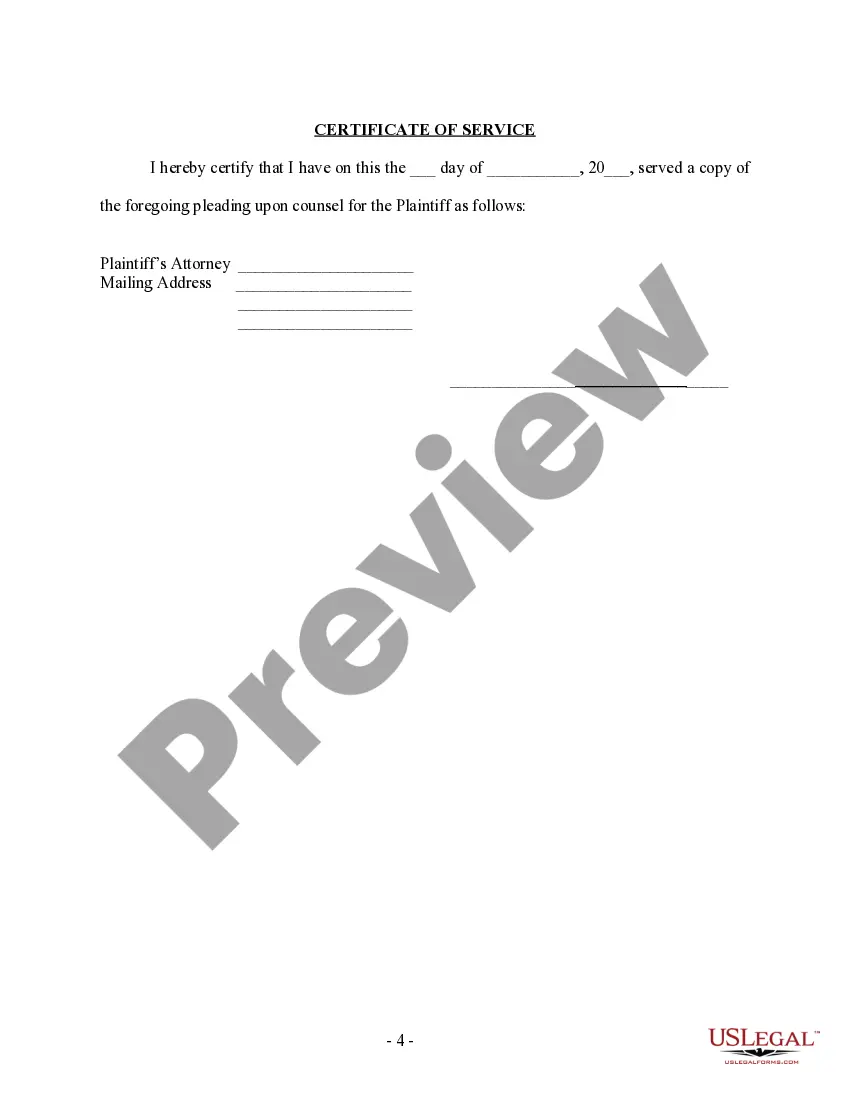
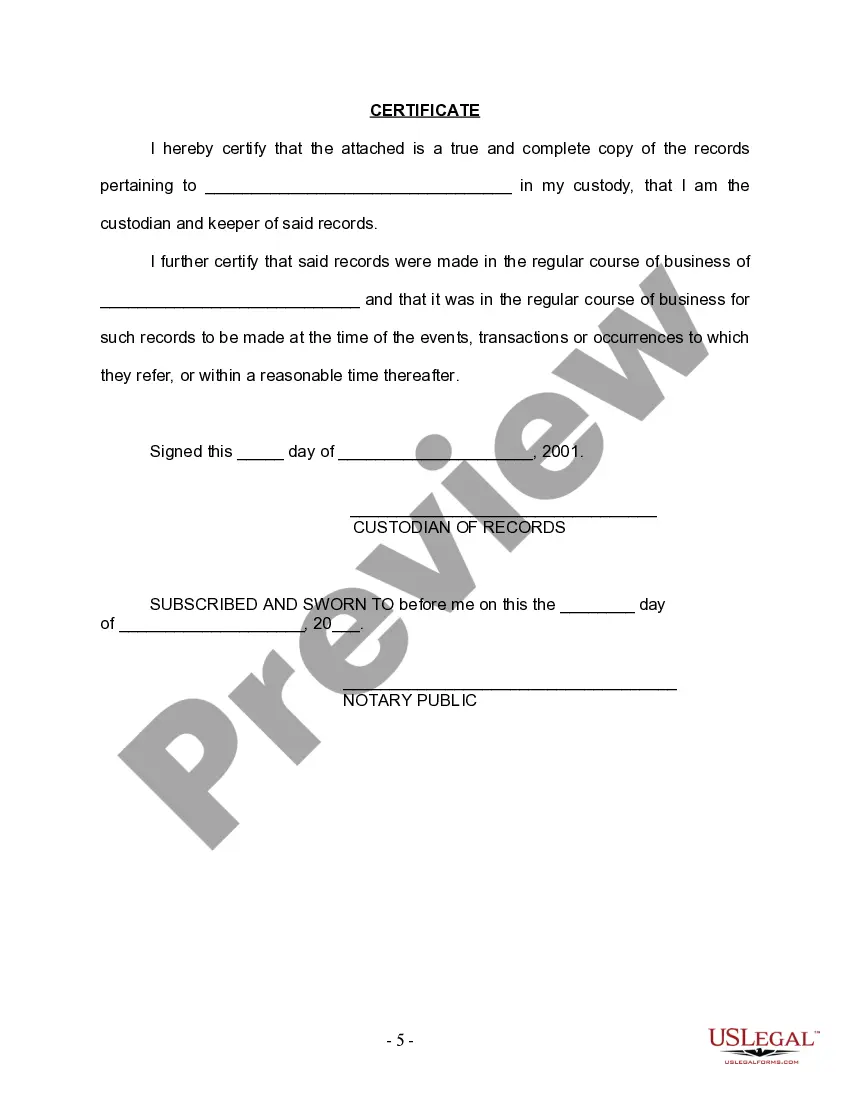
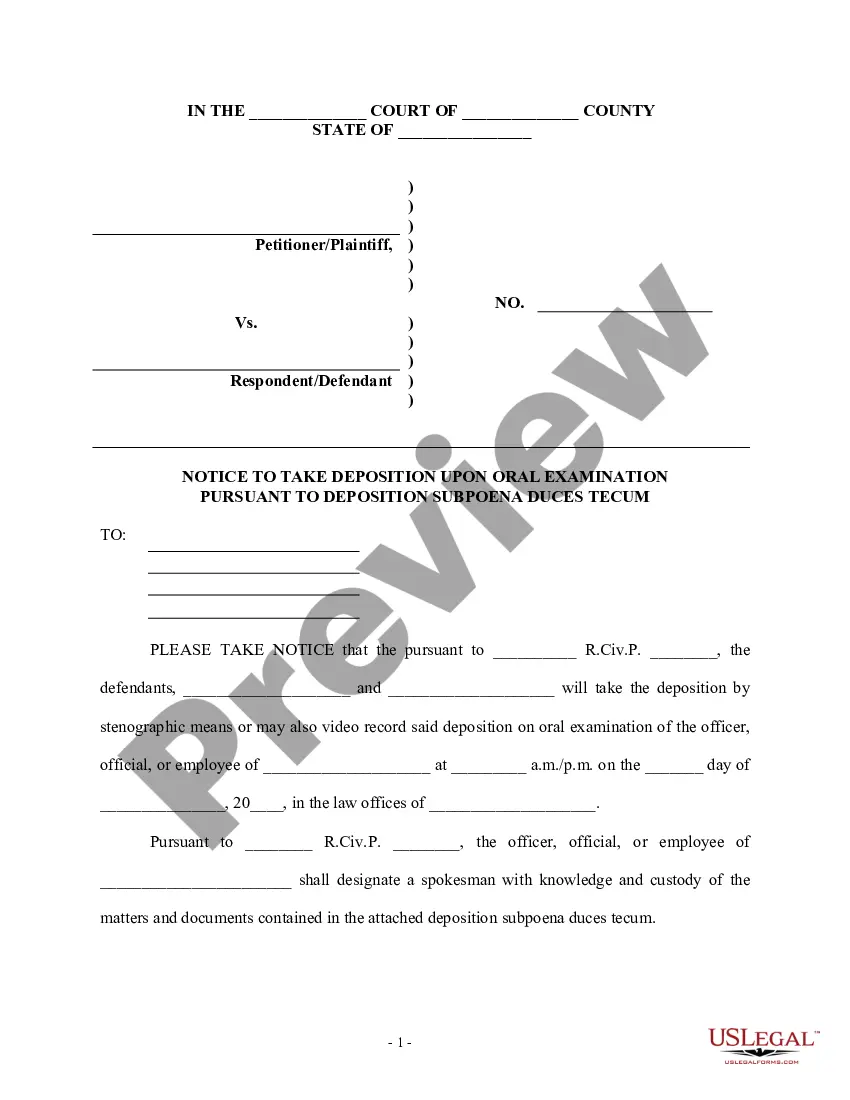
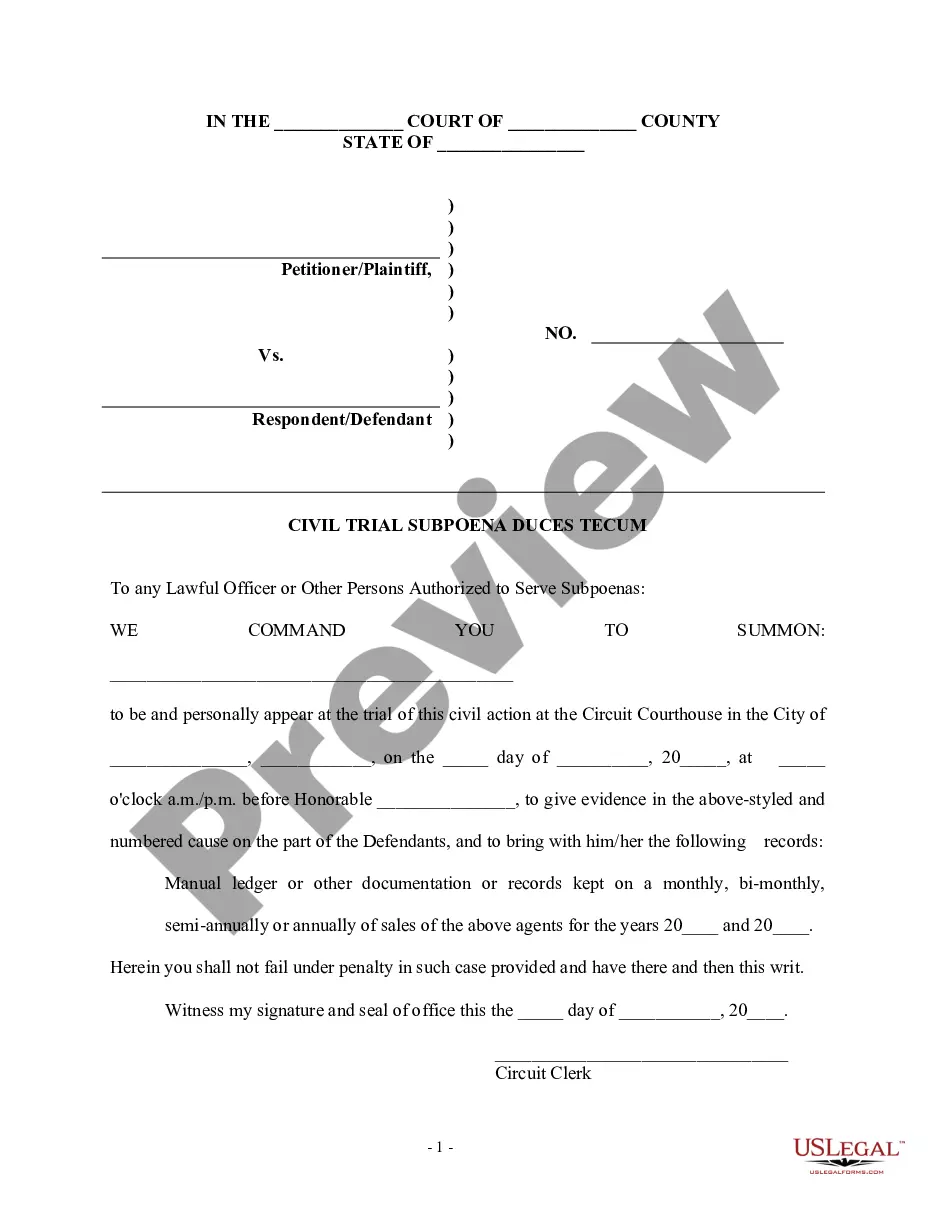
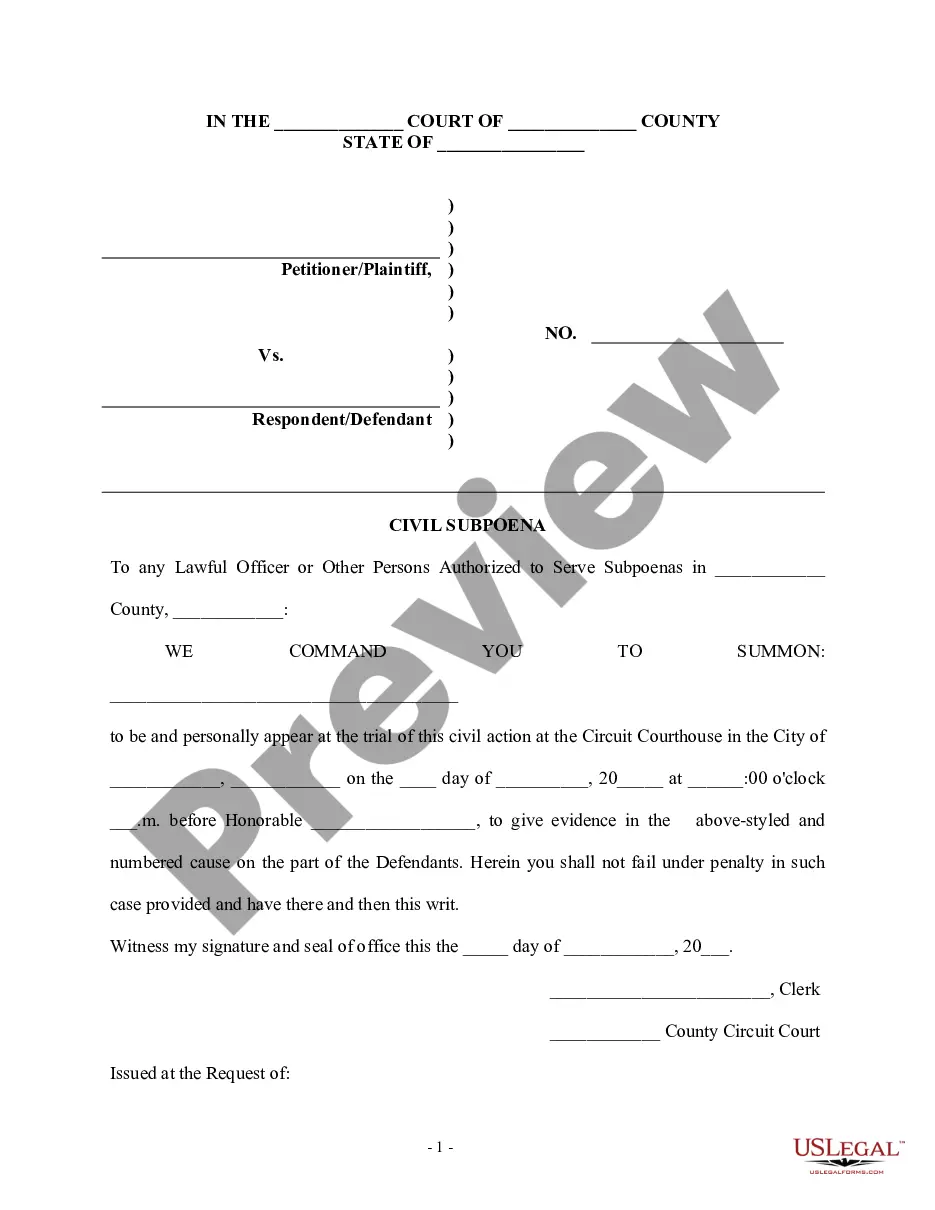
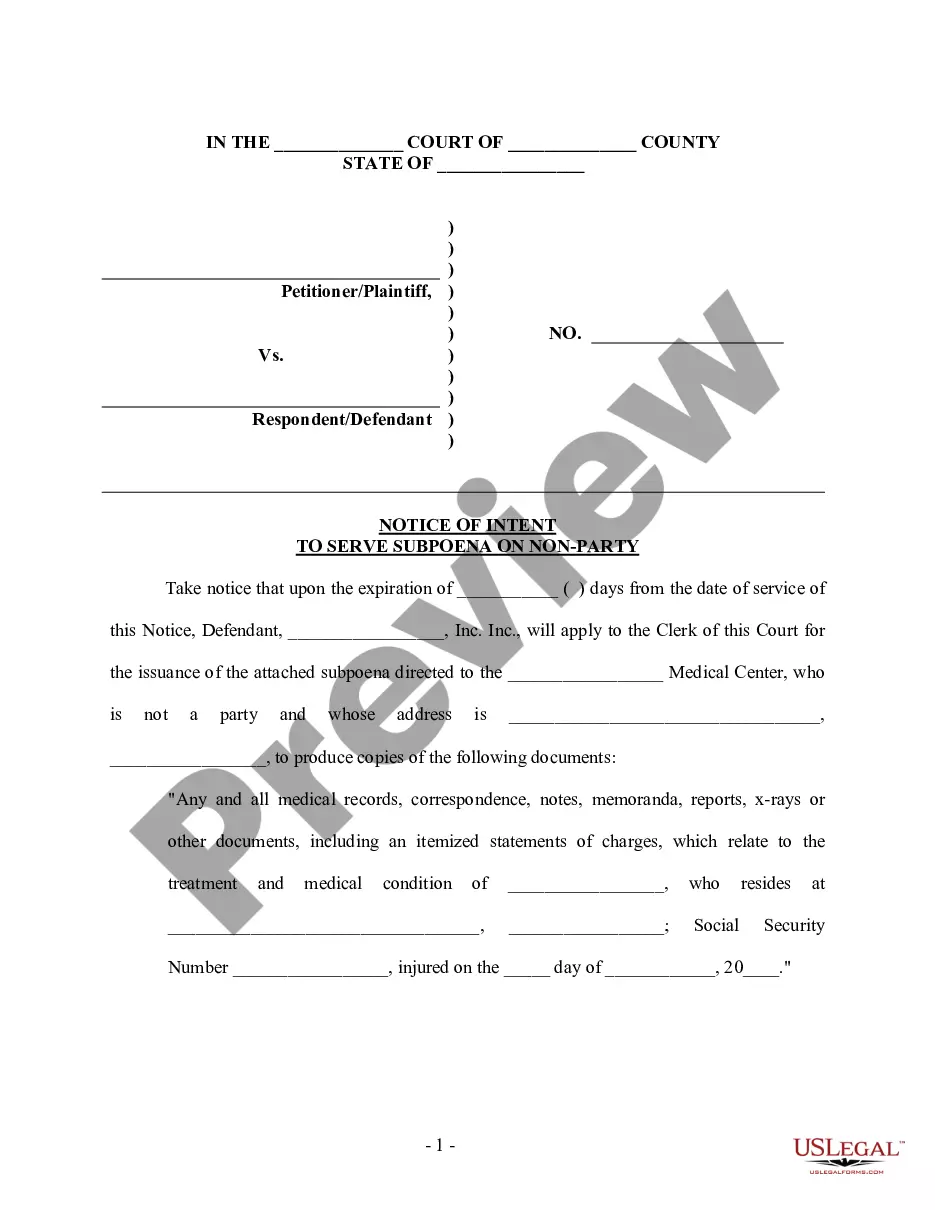
Get your form ready online
Our built-in tools help you complete, sign, share, and store your documents in one place.
Make edits, fill in missing information, and update formatting in US Legal Forms—just like you would in MS Word.
Download a copy, print it, send it by email, or mail it via USPS—whatever works best for your next step.
Sign and collect signatures with our SignNow integration. Send to multiple recipients, set reminders, and more. Go Premium to unlock E-Sign.
If this form requires notarization, complete it online through a secure video call—no need to meet a notary in person or wait for an appointment.
We protect your documents and personal data by following strict security and privacy standards.
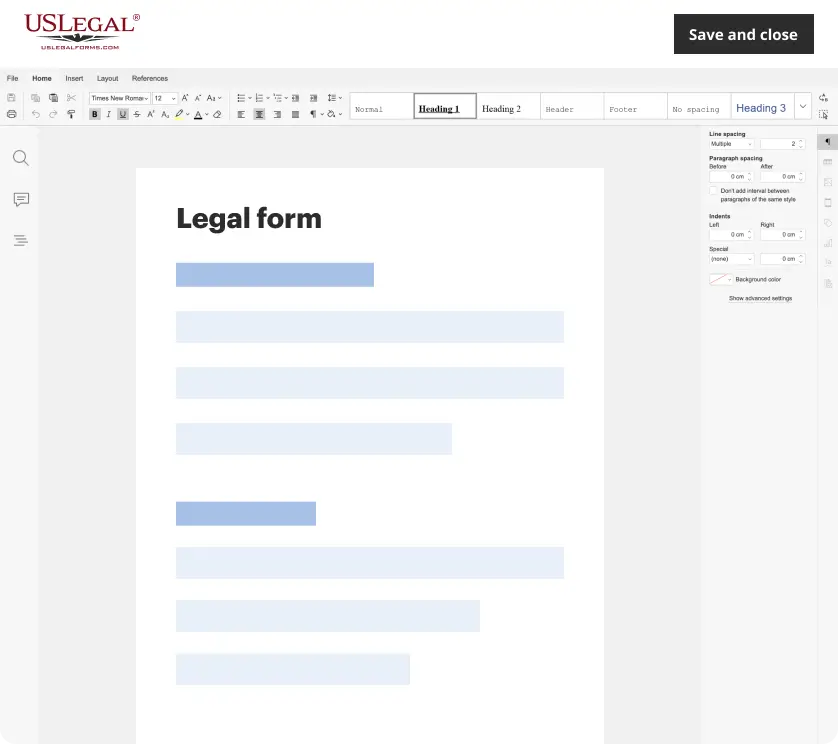
Make edits, fill in missing information, and update formatting in US Legal Forms—just like you would in MS Word.
Download a copy, print it, send it by email, or mail it via USPS—whatever works best for your next step.
Sign and collect signatures with our SignNow integration. Send to multiple recipients, set reminders, and more. Go Premium to unlock E-Sign.

If this form requires notarization, complete it online through a secure video call—no need to meet a notary in person or wait for an appointment.
We protect your documents and personal data by following strict security and privacy standards.
Looking for another form?

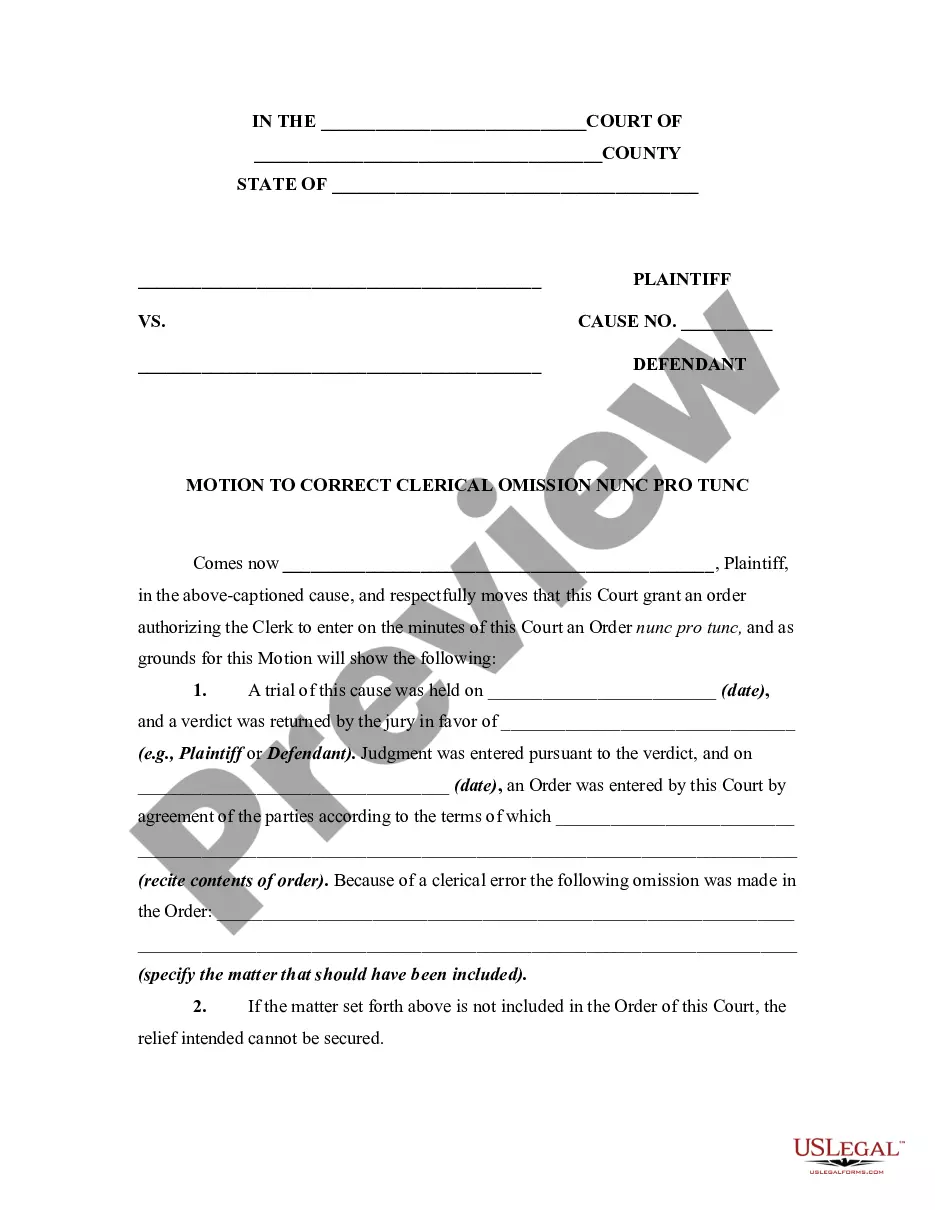
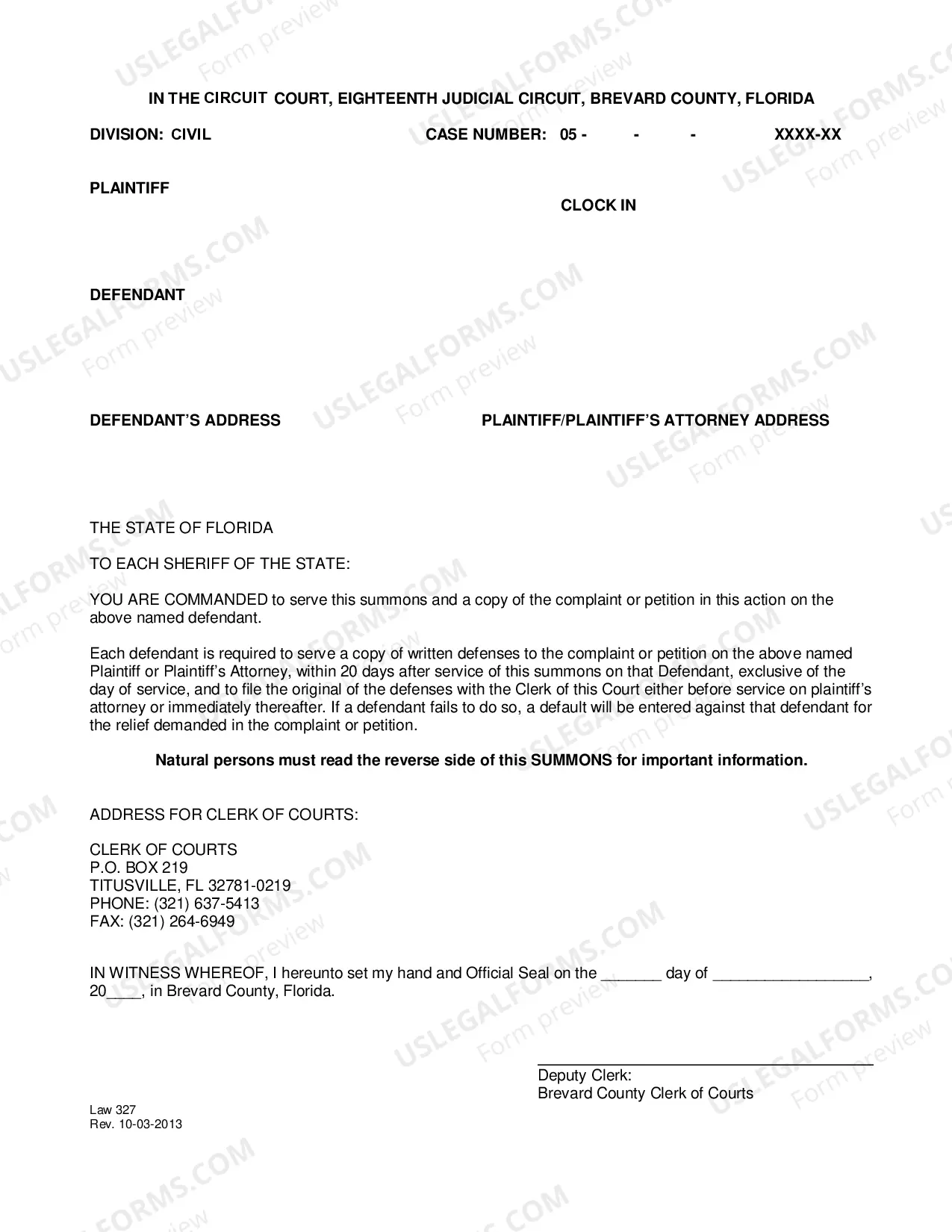
How to fill out Subpoena For Documents To A Nonparty?
Handling legal documents and processes can be a lengthy addition to your day.
Subpoena for Records Massachusetts and similar forms frequently necessitate locating them and comprehending the optimal methods to fill them out correctly.
As a result, whether you are managing financial, legal, or personal issues, utilizing a comprehensive and user-friendly online collection of forms when needed will greatly assist.
US Legal Forms is the premier online source of legal templates, featuring over 85,000 state-specific documents and numerous resources to help you complete your paperwork effortlessly.
Simply Log In to your account, locate Subpoena for Records Massachusetts, and obtain it instantly from the My documents section. You can also access forms you have previously downloaded.
- Explore the repository of pertinent documents available to you with just one click.
- US Legal Forms provides state- and county-specific forms accessible anytime for download.
- Safeguard your document handling processes with a high-quality service that enables you to create any form in minutes without extra or concealed fees.
Form popularity
FAQ
The eviction process in Kansas can differ from county to county, but they more or less are the same: Send a clear written notice. Fill out the forms. Serve the documents. Attend the trial. Wait for judgment.
Eviction Process NOTICE TO VACATE ? Written three (3) day notice to vacate, given to the tenant from the landlord notifying the tenant to leave the premises. ... FORCIBLE DETAINER ? This is an official court document consisting of a Summons and Petition. ... Trial ? The judgment will depend upon what was listed in the Petition.
To evict you, the landlord must provide a notice to you that you have 14 days to correct the problem, otherwise you will have to vacate 30 days after you get the notice. In other words, the lease will terminate 30 days after the notice date, unless you can correct the problem in 14 days.
Evicting Someone Not on the Lease Talk to the landlord (if you're a renter). Contact law enforcement /deliver an eviction notice (if required). File an eviction case with the appropriate court (if required). Attend the eviction hearing (if a hearing is required).
The next step for a landlord in the Kansas eviction process is the filing of the complaint in the appropriate Kansas court. In Johnson County, for example, the filing fee ranges anywhere between $55.50 and $121.50. Landlords may also have to pay an additional $15 in sheriff's fee for eviction execution.
A Motion to Stay (Delay) Order for Summary Eviction allows the tenant to ask the court to "stay" (pause) a summary eviction and grant the tenant up to ten more days to move. (NRS 70.010(2); JCRCP 110.) A tenant can file a motion to stay at any time after an eviction notice is served. (JCRCP 110.)
This notice states that if the breach is not solved in the next 14 days, then the lease between the tenant and landlord will end in 30 days. So if you serve or mail a 14/30-day notice to the landlord on the 31st and the problem is not solved by the 14th, then the lease would end on the 30th.