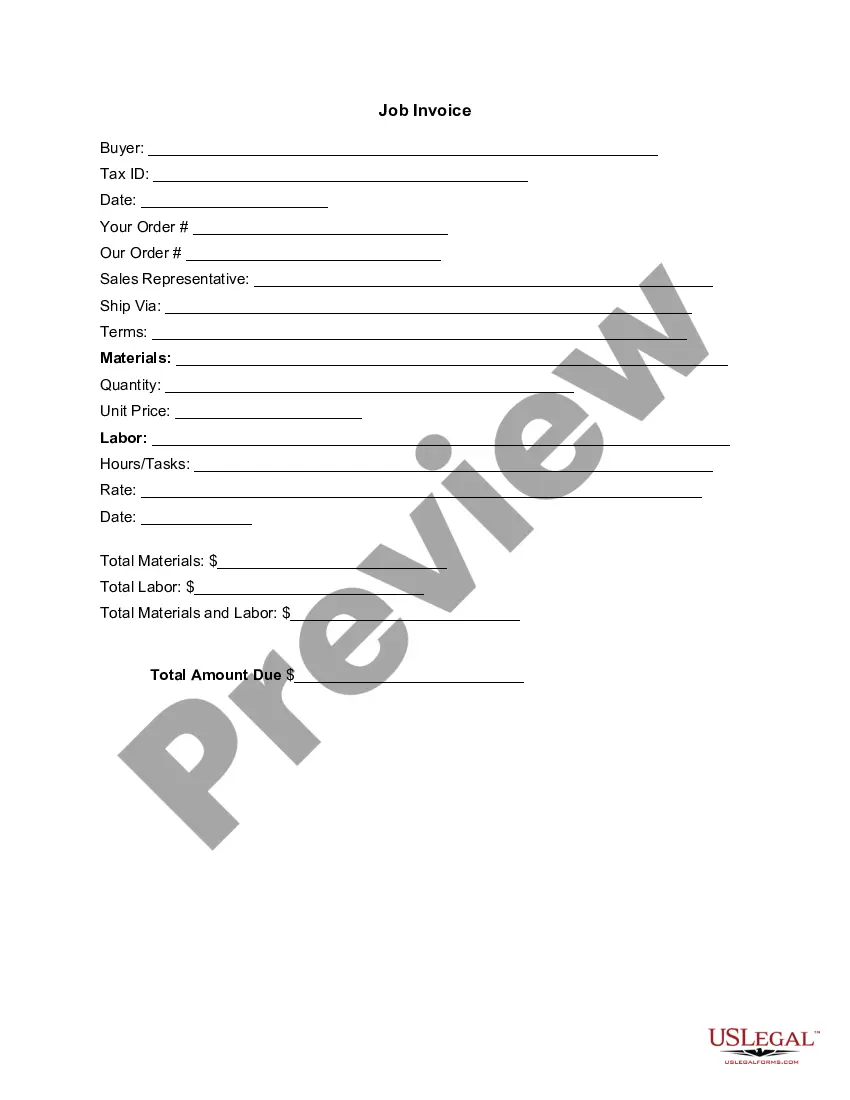
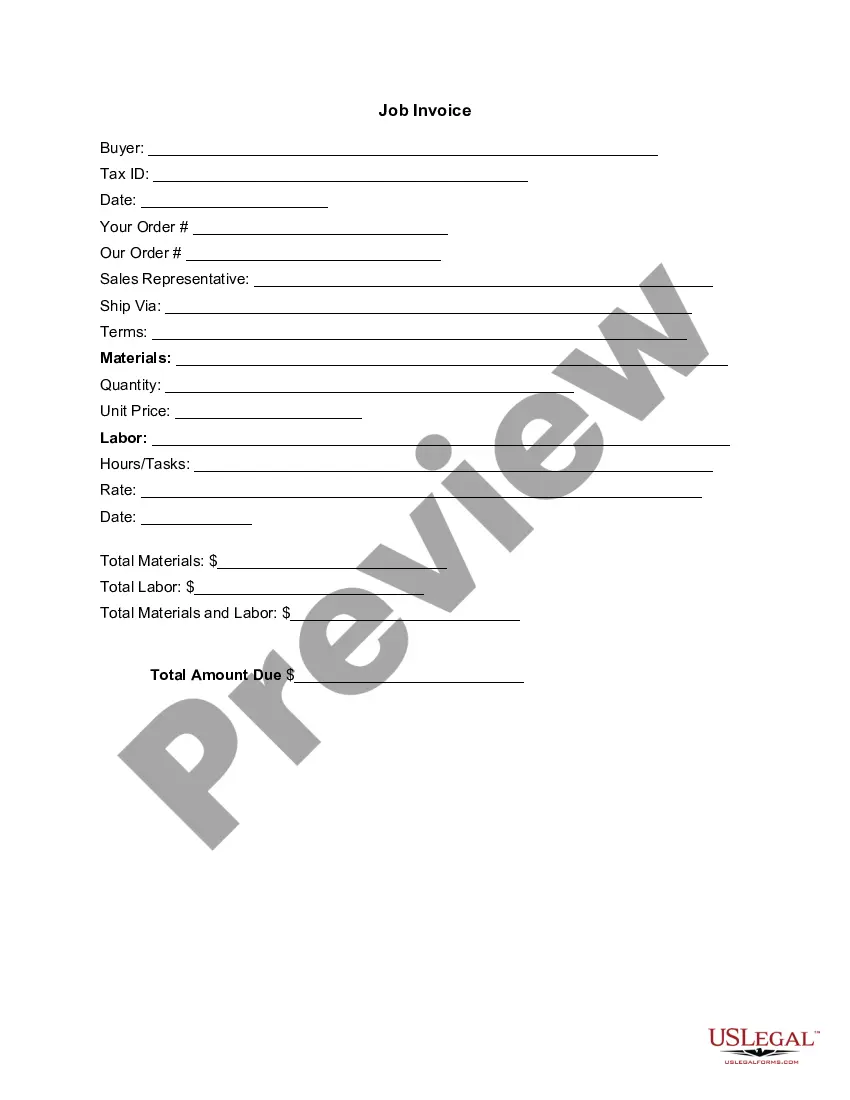
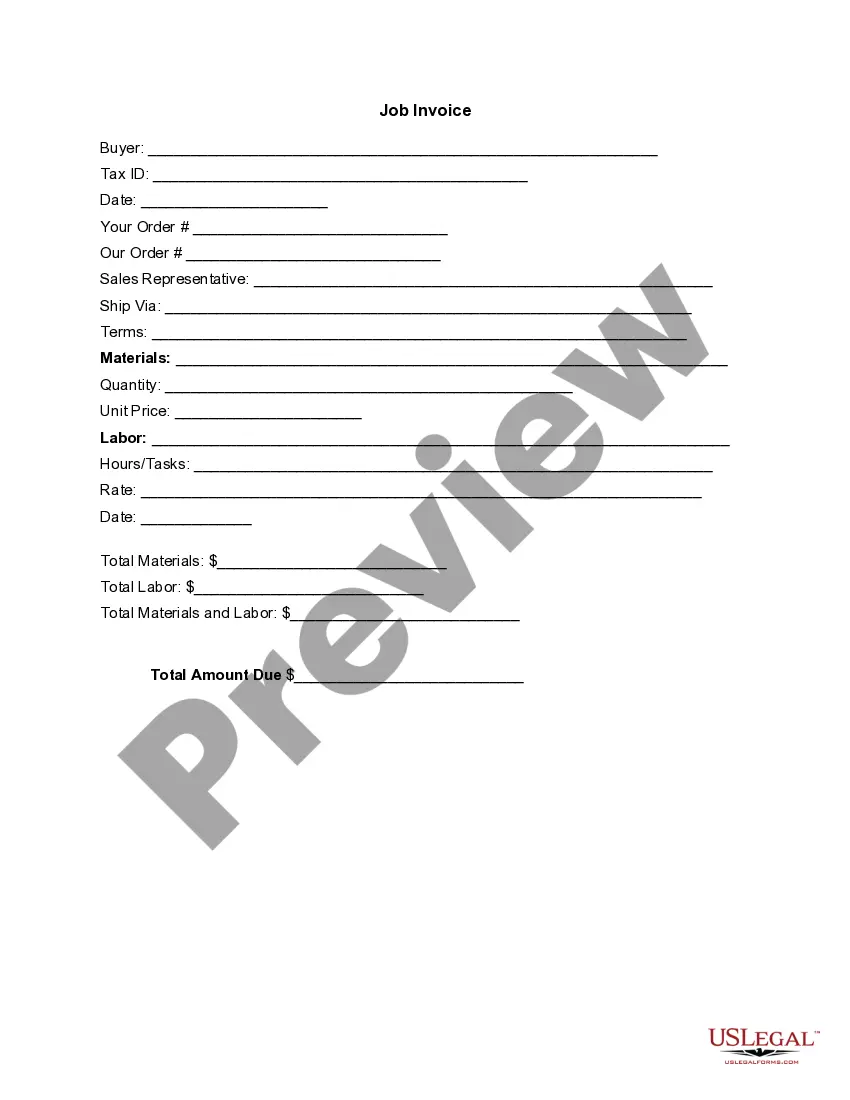
Digital Marketing Invoice For Beginners
Description

Get your form ready online
Our built-in tools help you complete, sign, share, and store your documents in one place.
Make edits, fill in missing information, and update formatting in US Legal Forms—just like you would in MS Word.
Download a copy, print it, send it by email, or mail it via USPS—whatever works best for your next step.
Sign and collect signatures with our SignNow integration. Send to multiple recipients, set reminders, and more. Go Premium to unlock E-Sign.
If this form requires notarization, complete it online through a secure video call—no need to meet a notary in person or wait for an appointment.
We protect your documents and personal data by following strict security and privacy standards.

Make edits, fill in missing information, and update formatting in US Legal Forms—just like you would in MS Word.

Download a copy, print it, send it by email, or mail it via USPS—whatever works best for your next step.

Sign and collect signatures with our SignNow integration. Send to multiple recipients, set reminders, and more. Go Premium to unlock E-Sign.

If this form requires notarization, complete it online through a secure video call—no need to meet a notary in person or wait for an appointment.

We protect your documents and personal data by following strict security and privacy standards.
Looking for another form?







How to fill out Invoice Template For Marketing Services?
It's well-known that you cannot become a legal expert instantly, nor can you learn how to swiftly create a Digital Marketing Invoice For Beginners without possessing a specialized background.
Drafting legal documents is a lengthy endeavor that necessitates specific education and expertise. So why not entrust the creation of the Digital Marketing Invoice For Beginners to the experts.
With US Legal Forms, one of the most extensive legal document repositories, you can obtain everything from court papers to templates for internal business communication. We recognize how crucial compliance and adherence to federal and local statutes and regulations are.
You can revisit your forms from the My documents tab at any time. If you are a returning customer, you can simply Log In and find and download the template from the same tab.
Regardless of the intent of your forms—whether financial, legal, or personal—our website has you covered. Try US Legal Forms today!
- Find the document you require using the search bar at the top of the page.
- Preview it (if this option is available) and read the accompanying description to ascertain whether the Digital Marketing Invoice For Beginners meets your needs.
- If you require a different template, initiate your search again.
- Create a free account and select a subscription plan to purchase the form.
- Click Buy now. Once the payment is completed, you can download the Digital Marketing Invoice For Beginners, fill it out, print it, and send it by mail to the relevant individuals or organizations.
Form popularity
FAQ
How to create a digital invoice? Set Up Your Invoicing Software: The first step to creating a digital invoice is to choose and set up your invoicing software. ... Gather Necessary Information: ... Create the Invoice: ... Send the Invoice: ... Track Payments:
What should be included in an invoice? 1. ' Invoice' ... A unique invoice number. ... Your company name and address. ... The company name and address of the customer. ... A description of the goods/services. ... The date of supply. ... The date of the invoice. ... The amount of the individual goods or services to be paid.
Learn how to write an invoice: Start with a professional layout. Include company and customer information. Add a unique invoice number, an issue date, and a due date. Write each line item with a description of services. Add up line items for total money owed. Include your payment terms and options. Add a personal note.
A marketing invoice should include: Your name or business name and contact information. The client's name and contact information. The date of the invoice. A description of the services provided. The cost of the services. The payment due date and any late fees.
The information your marketing invoice should have includes: Your contact and business information. Your customer's contact information. Invoice number. Invoice issue date. Payment due date so your client knows the deadline to pay you for your work. Marketing services provided. The amount of hours you worked.