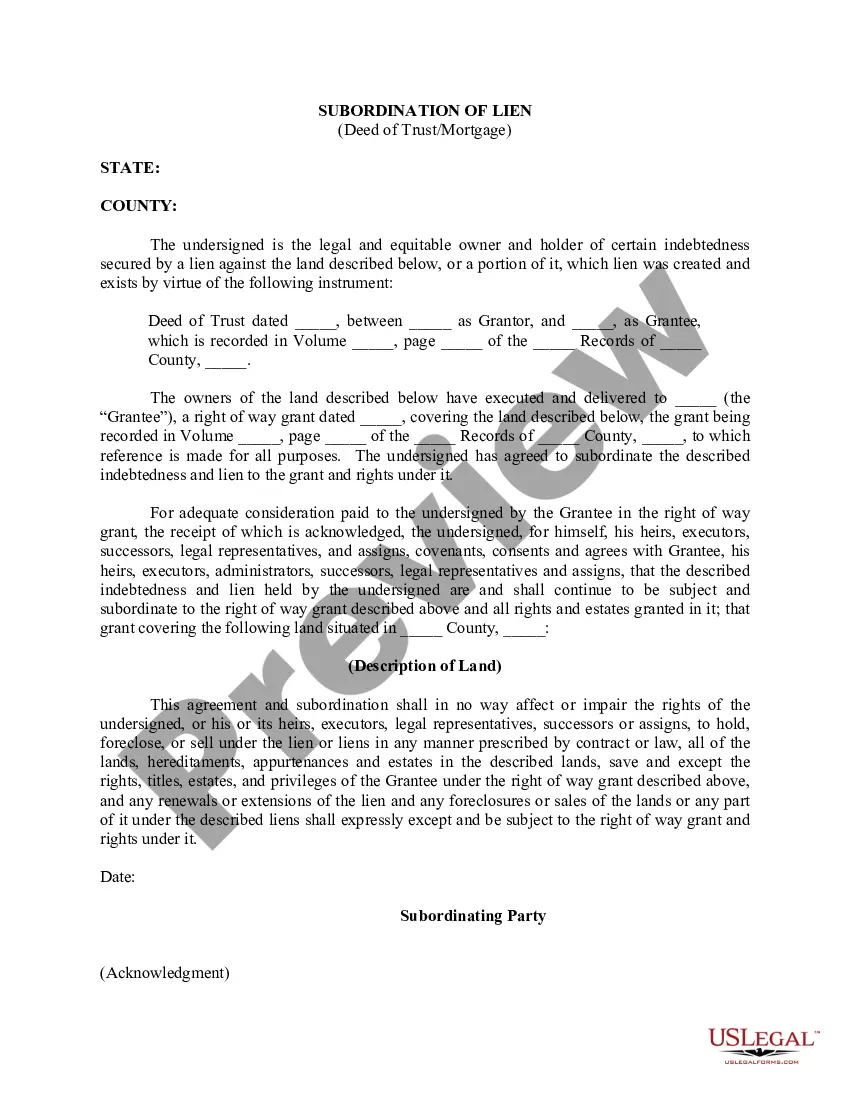
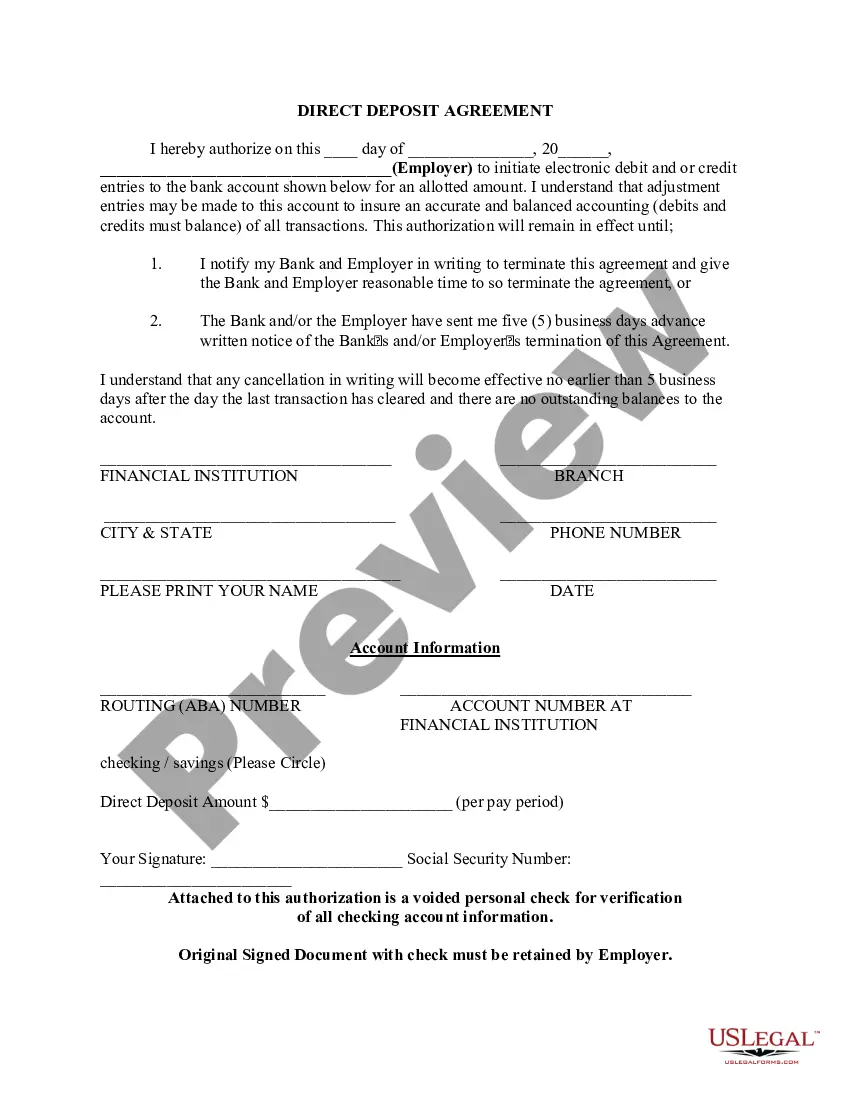
Direct Deposit Form for IRS
Overview of this form
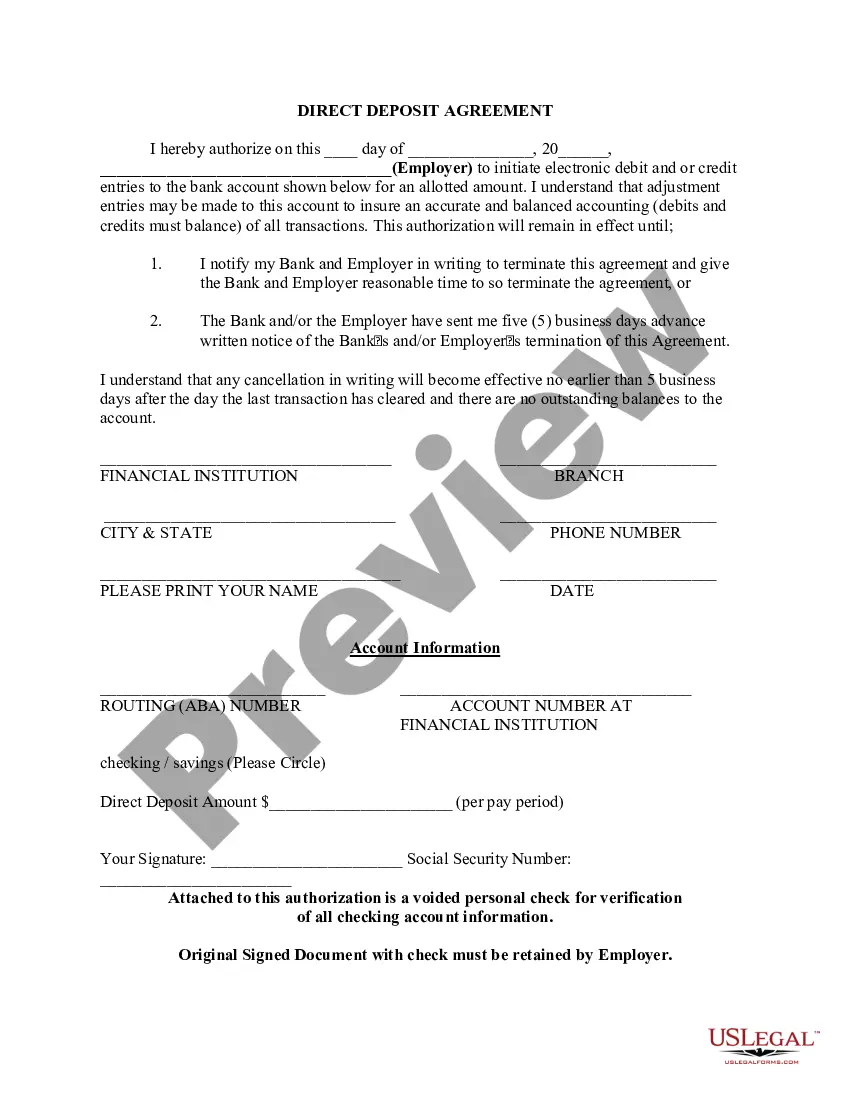
The Direct Deposit Form for IRS is a document that allows individuals to authorize electronic deposits of their tax refunds directly into their bank accounts. This form is commonly used by employees and recipients of government benefits to streamline their payment process. It differs from other payment methods by ensuring that funds are transferred electronically, offering a secure and efficient way to receive payments without delays associated with physical checks.
Key components of this form
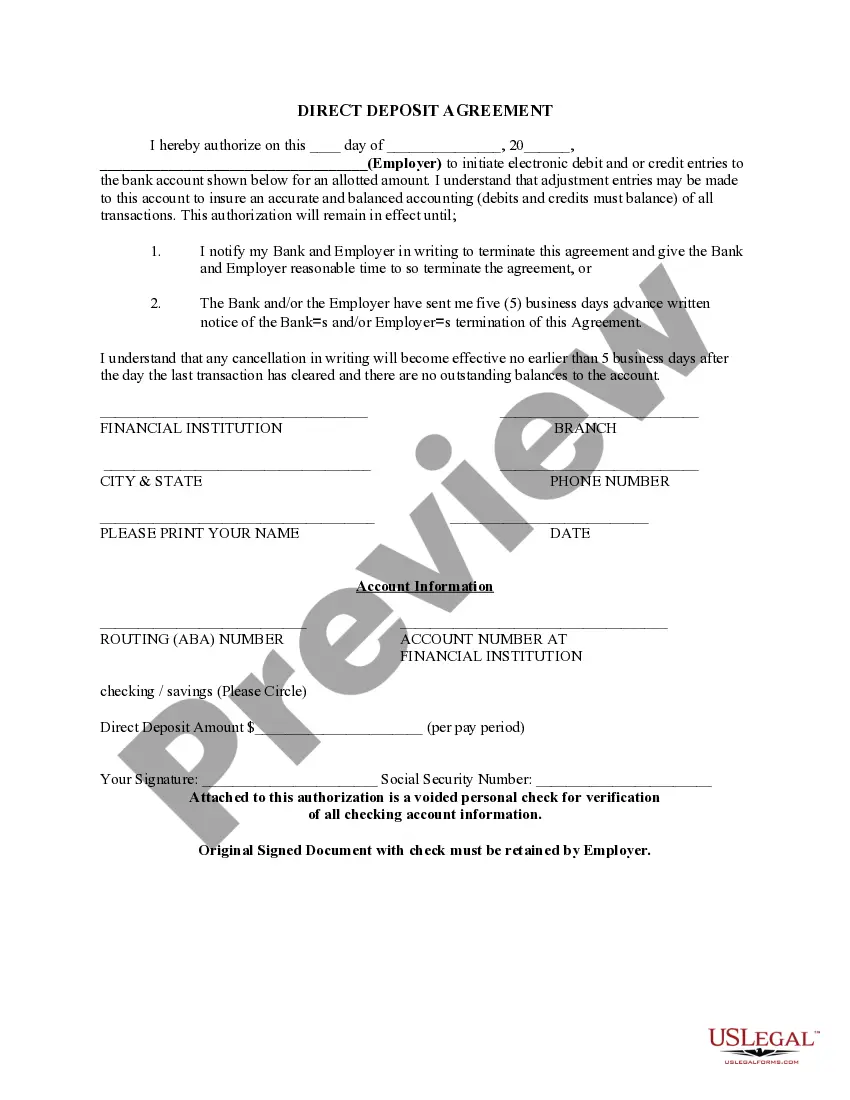
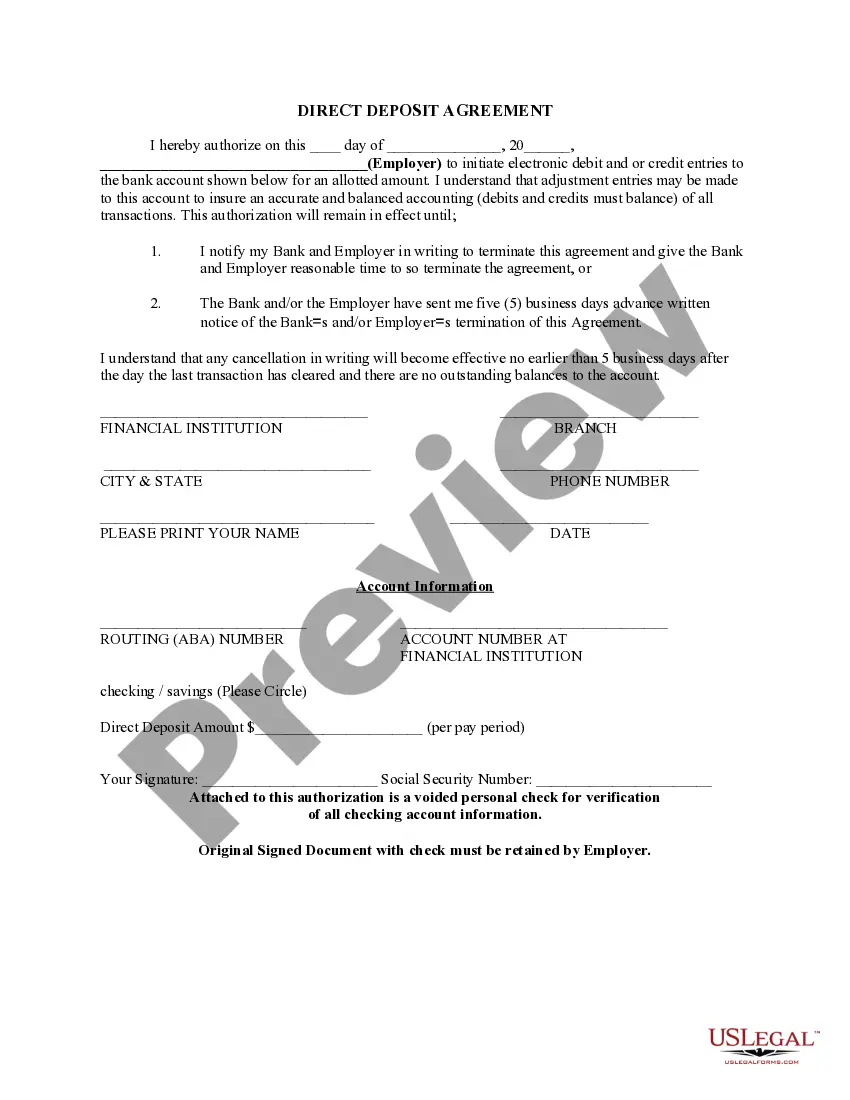
- Authorization statement: Grants permission to the employer or financial institution to initiate electronic transactions.
- Account information: Includes routing and account numbers for the bank account where funds will be deposited.
- Payment amount: Specifies the amount to be deposited per pay period.
- Signature field: Requires the account holderâs signature for verification.
- Contact information: Collects details of the financial institution for reference.


Common use cases
This form should be used when you want to receive your IRS tax refunds or any regular payments directly into your bank account. It is particularly useful for employees, individuals on social security, and those enrolled in government benefit programs who wish to avoid the wait associated with receiving checks in the mail.
Who this form is for
- Employees expecting recurring payments from their employer.
- Individuals receiving government benefits, such as Social Security.
- Anyone who prefers the convenience of electronic deposits over physical checks.
Instructions for completing this form
- Fill in the date at the top of the form.
- Provide the name of your employer or the entity making the deposits.
- Enter your bank account details, including the routing and account numbers.
- Specify the amount to be deposited per pay period.
- Sign the form and include your Social Security number as required.
- Attach a voided check for verification of your banking information.
Does this document require notarization?
This form does not typically require notarization unless specified by local law. However, it is important to follow any specific requirements your bank may have regarding the submission of this form.
Get your form ready online
Our built-in tools help you complete, sign, share, and store your documents in one place.
Make edits, fill in missing information, and update formatting in US Legal Forms—just like you would in MS Word.
Download a copy, print it, send it by email, or mail it via USPS—whatever works best for your next step.
Sign and collect signatures with our SignNow integration. Send to multiple recipients, set reminders, and more. Go Premium to unlock E-Sign.
If this form requires notarization, complete it online through a secure video call—no need to meet a notary in person or wait for an appointment.
We protect your documents and personal data by following strict security and privacy standards.

Make edits, fill in missing information, and update formatting in US Legal Forms—just like you would in MS Word.

Download a copy, print it, send it by email, or mail it via USPS—whatever works best for your next step.

Sign and collect signatures with our SignNow integration. Send to multiple recipients, set reminders, and more. Go Premium to unlock E-Sign.

If this form requires notarization, complete it online through a secure video call—no need to meet a notary in person or wait for an appointment.

We protect your documents and personal data by following strict security and privacy standards.
Avoid these common issues
- Leaving out required signatures or dates.
- Providing inaccurate bank account or routing numbers.
- Not attaching a voided check for verification.
- Failing to notify the employer or bank of any changes to the account.
Advantages of online completion
- Convenient access to the form at any time, allowing quick completion.
- Editable fields for tailoring the document to your specific needs.
- Secure handling of personal information through our platform.
- Immediate access to downloadable copies for your records.
Looking for another form?


Form popularity
FAQ
Your bank account information cannot be changed. The bank account information in Get My Payment came from one of the following sources: Your 2020 tax return.
When prompted, enter your routing number and account number. Re-enter the same information to confirm. If you've already filed your return, you can review your direct deposit information on a copy of your return.If you want to change your bank account or routing number for a tax refund, call the IRS at 800-829-1040.
Direct deposit is easy to use. Just select it as your refund method through your tax software and type in the account number and routing number. Or, tell your tax preparer you want direct deposit. You can even use direct deposit if you are one of the few people still filing by paper.
Use Form 8888 to directly deposit your refund (or part of it) to one or more accounts at a bank or other financial institution (such as a mutual fund, brokerage firm, or credit union) in the United States. This form can also be used to buy up to $5,000 in paper series I savings bonds with your refund.
Unfortunately, since December 22, 2020, taxpayers can no longer change or share their direct deposit information with the IRS via the Get My Payment tool.