Employment Contract with Administrative Assistant
Understanding this form
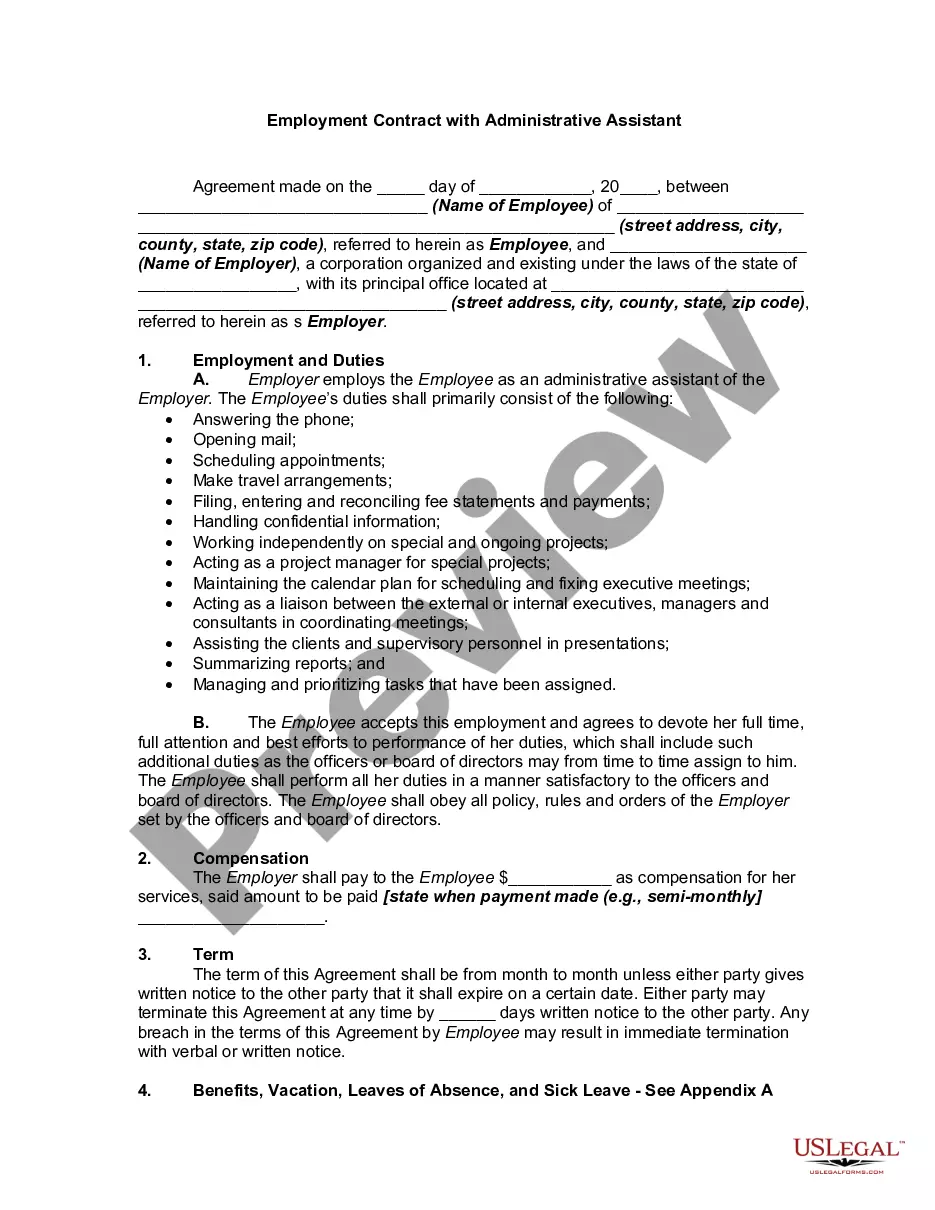
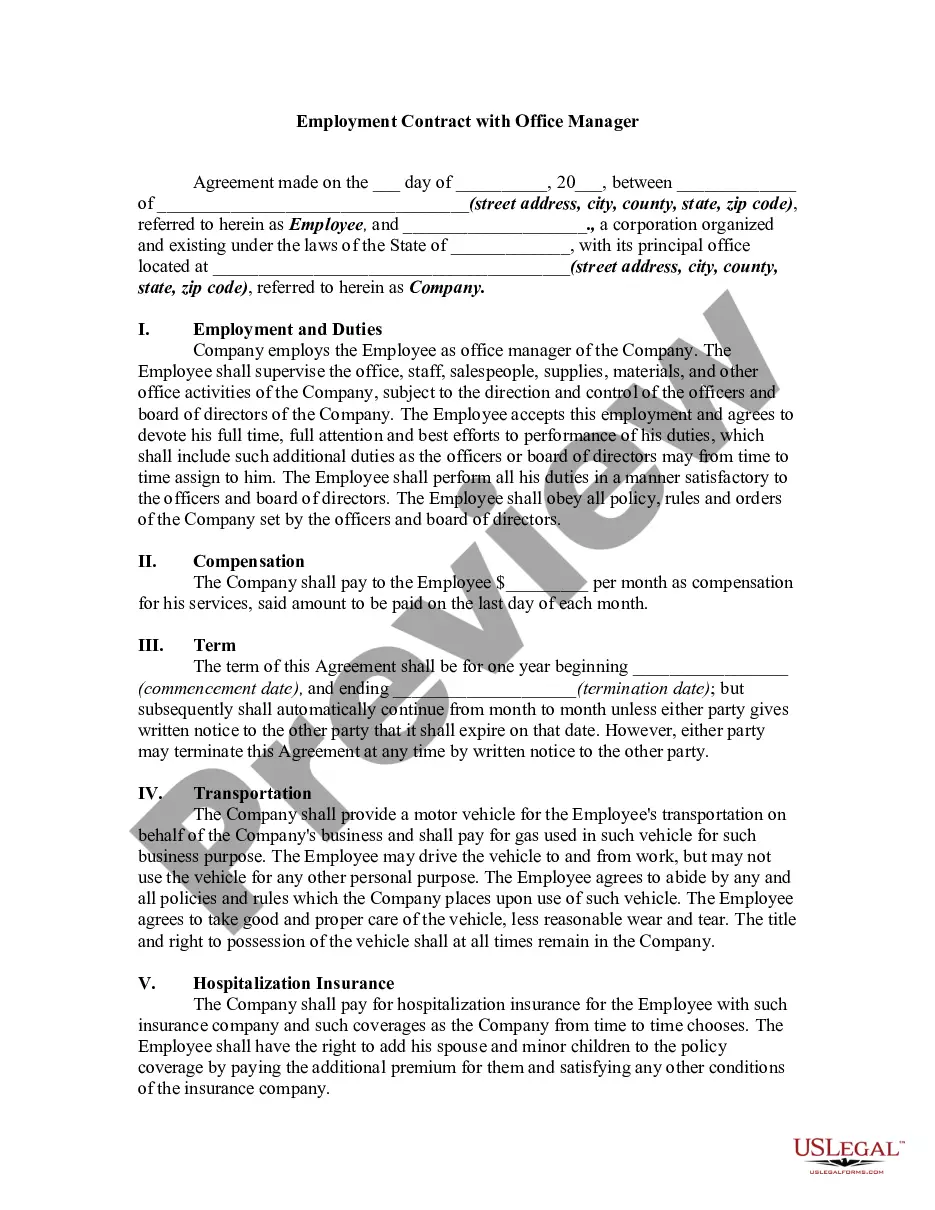
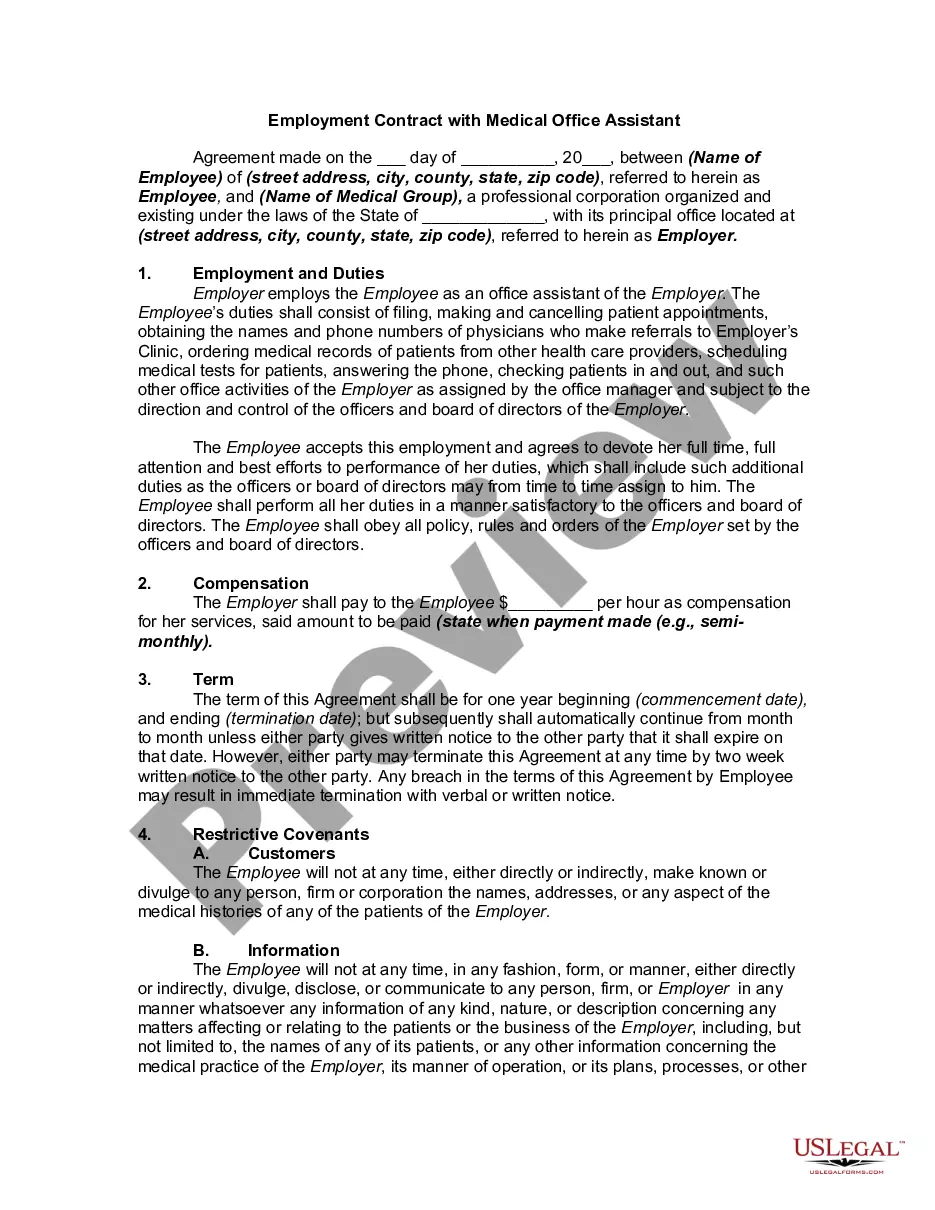
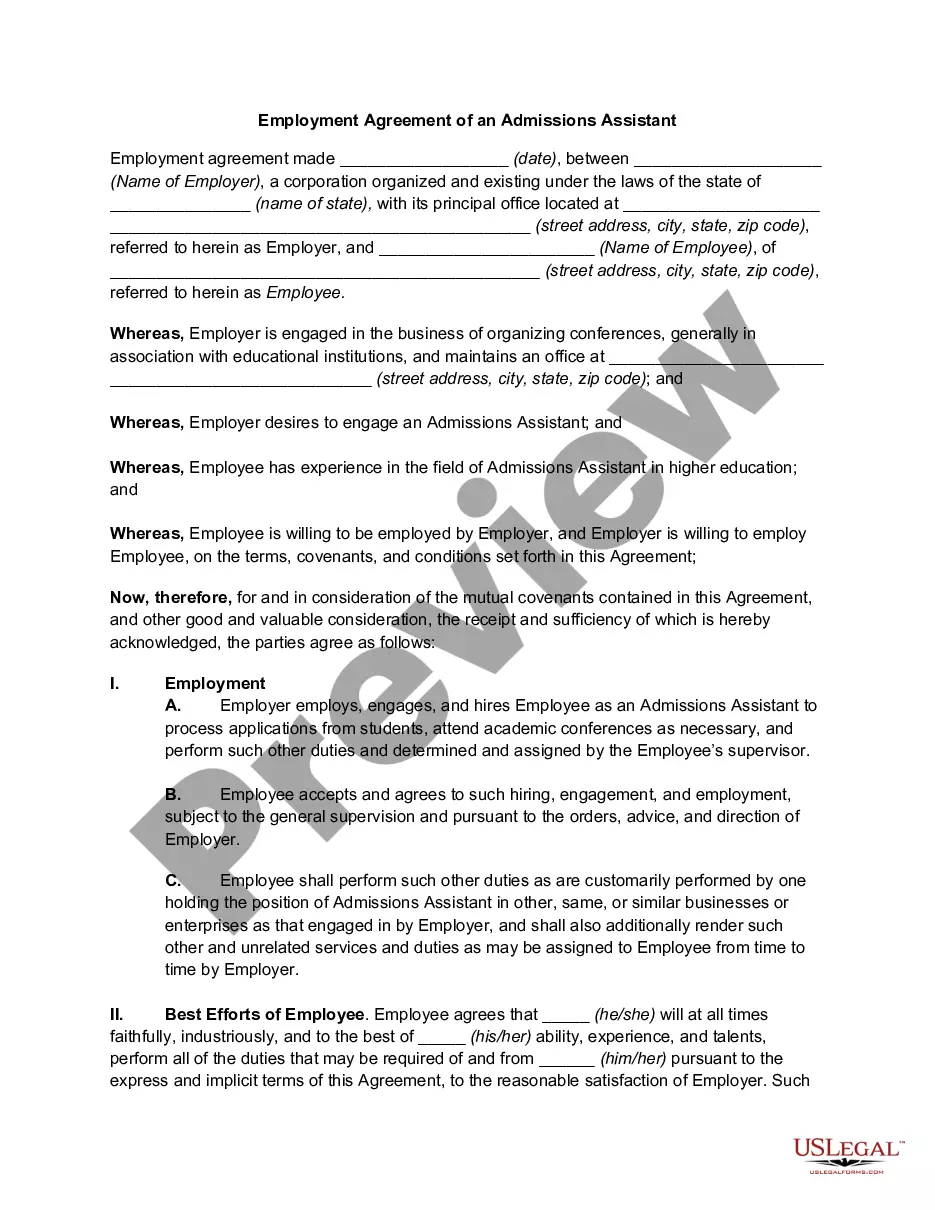
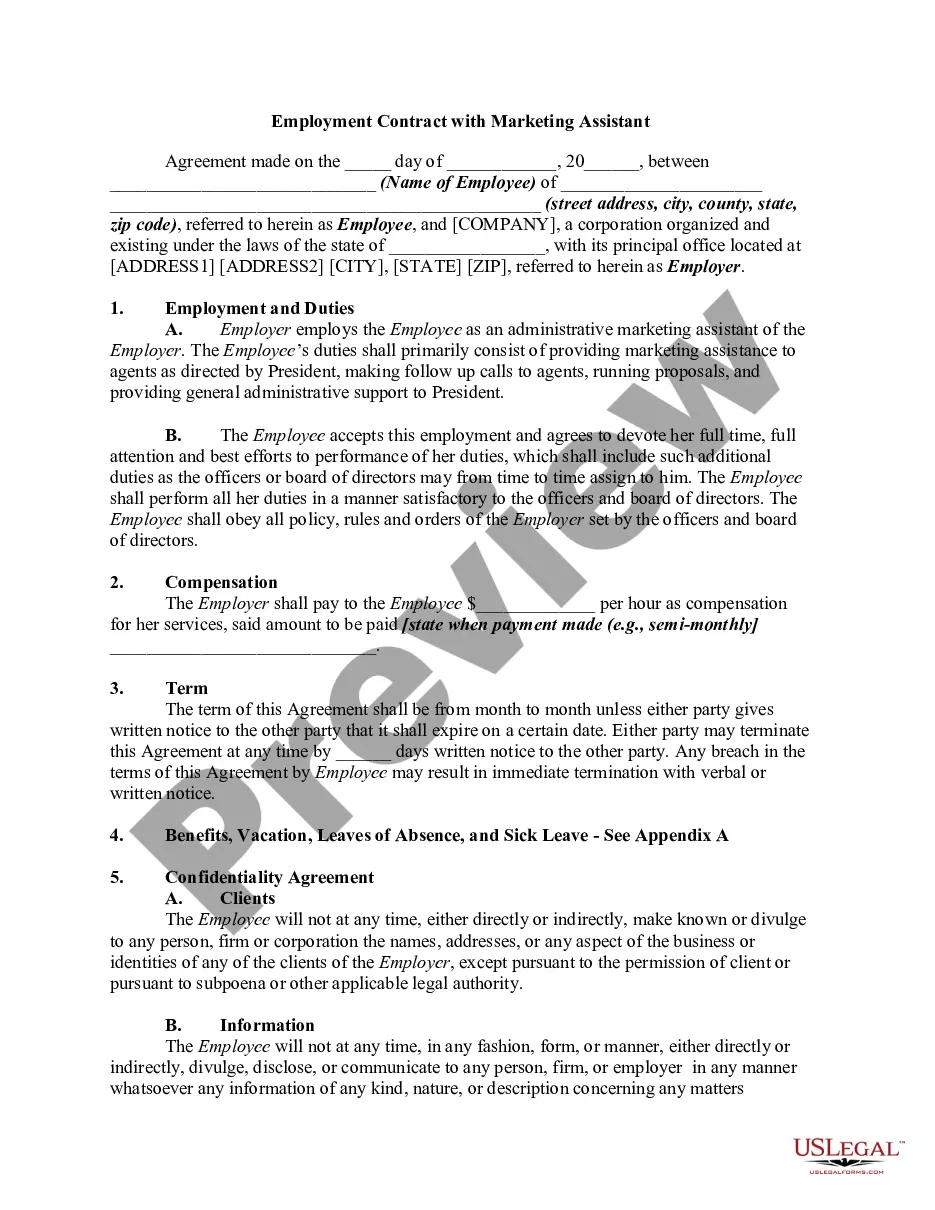
The Employment Contract with Administrative Assistant is a legal document that establishes the relationship between an employer and an administrative assistant. It outlines the duties, compensation, and expectations for both parties, ensuring clarity and legal protection. This type of contract is essential for defining roles and responsibilities, differentiating it from other employee agreements that may have different terms and conditions.
Main sections of this form
- Identification of the parties involved, including employee and employer details.
- Specific employment duties and responsibilities of the administrative assistant.
- Compensation details, including payment frequency.
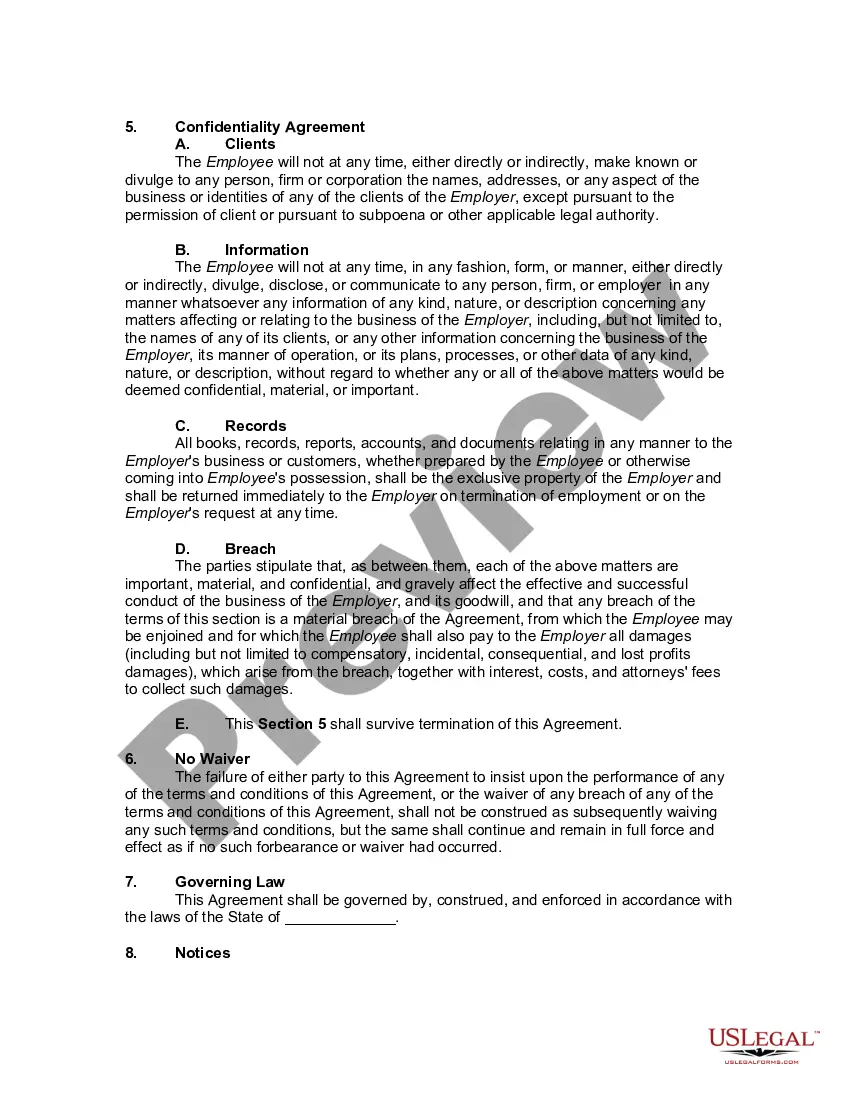
- Terms regarding the duration of employment and termination conditions.
- Confidentiality clauses to protect sensitive information.
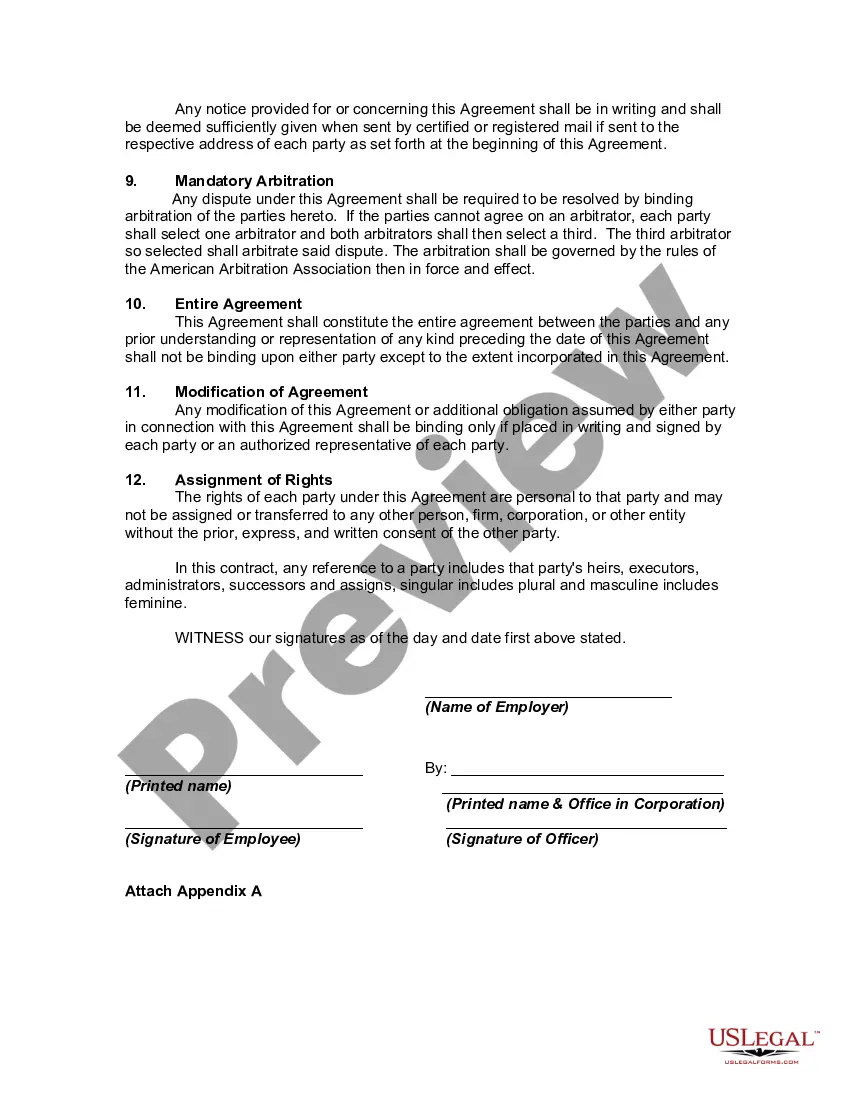
- Arbitration provisions for dispute resolution.

Situations where this form applies
This employment contract is used when hiring an administrative assistant within an organization. It is necessary when formalizing the employee's roles and responsibilities, especially in a business operating environment that requires confidentiality and specific job duties. Use this form to ensure all parties are clear on expectations and legal protections are in place.
Who needs this form
- Employers seeking to hire an administrative assistant.
- Small business owners looking for formal employment agreements.
- Human resource professionals implementing standardized contracts.
- Managers who need to clearly define job roles and address confidentiality concerns.
How to prepare this document
- Identify and enter the names and addresses of both the employer and employee.
- Clearly outline the specific duties the administrative assistant will perform.
- Detail the compensation amount and payment schedule.
- Define the terms of employment duration and conditions for termination.
- Include any confidentiality obligations and ensure both parties understand these terms.
- Sign the document in the presence of any required witnesses if necessary.
Does this form need to be notarized?
In most cases, this form does not require notarization. However, some jurisdictions or signing circumstances might. US Legal Forms offers online notarization powered by Notarize, accessible 24/7 for a quick, remote process.
Get your form ready online
Our built-in tools help you complete, sign, share, and store your documents in one place.
Make edits, fill in missing information, and update formatting in US Legal Forms—just like you would in MS Word.
Download a copy, print it, send it by email, or mail it via USPS—whatever works best for your next step.
Sign and collect signatures with our SignNow integration. Send to multiple recipients, set reminders, and more. Go Premium to unlock E-Sign.
If this form requires notarization, complete it online through a secure video call—no need to meet a notary in person or wait for an appointment.
We protect your documents and personal data by following strict security and privacy standards.

Make edits, fill in missing information, and update formatting in US Legal Forms—just like you would in MS Word.

Download a copy, print it, send it by email, or mail it via USPS—whatever works best for your next step.

Sign and collect signatures with our SignNow integration. Send to multiple recipients, set reminders, and more. Go Premium to unlock E-Sign.

If this form requires notarization, complete it online through a secure video call—no need to meet a notary in person or wait for an appointment.

We protect your documents and personal data by following strict security and privacy standards.
Typical mistakes to avoid
- Failing to specify the exact duties and responsibilities of the administrative assistant.
- Not including a clear compensation structure or payment terms.
- Overlooking state-specific legal requirements that could render the contract invalid.
- Neglecting to add termination provisions, making it difficult to end the agreement when needed.
- Not ensuring both parties sign and date the agreement, which could lead to enforceability issues.
Benefits of completing this form online
- Convenience of downloading and using a pre-drafted template tailored for your needs.
- Editable format allows customization to meet specific organizational requirements.
- Reliability of legally drafted content ensures compliance with current legal standards.
- Accessibility to forms anytime and anywhere, streamlining the hiring process.
Legal use & context
The Employment Contract with Administrative Assistant provides legal protections for both the employer and employee. It helps ensure that all terms of employment are understood and enforceable under law. However, it is recommended to consult with legal counsel to address specific legal contexts.
What to keep in mind
- Establish clear expectations to promote a successful working relationship.
- Ensure compliance with local laws regarding employment contracts.
- Use the form to protect sensitive information through confidentiality agreements.
Looking for another form?
Form popularity
FAQ
Title the employment contract. Give your employment contract a title so the person who reviews or signs the document understands what it is. Identify the parties. List the term and conditions. Outline the job responsibilities. Include compensation details. Use specific contract terms. Consult with an employment lawyer.
A clear job description. This should set out the role and duties of the employee. Salary or wage details. The nature of the employment. The reporting structure. Leave entitlements. Confidentiality. Non-compete/restraint of trade. Protection of intellectual property.
All business contracts must contain the essential elements of an agreement. The essential elements include consideration, offer and acceptance, a legal purpose, capable parties and mutual assent. Consideration means something of value must be exchanged.
If you didn't use a job description, take an hour to sit down and write out the duties you want your employee to perform. Be as specific as possible. The job description also should have included the target wage. You should consider whether or not you are paying a fair rate.
Add employment details. Agreement to employers policies, rules & regulations. Mention position related responsibilities. Compensation package. Vacation contract. Employee benefits contract. Add probation period details. Performance reviews. Termination.
Get it in writing. Keep it simple. Deal with the right person. Identify each party correctly. Spell out all of the details. Specify payment obligations. Agree on circumstances that terminate the contract. Agree on a way to resolve disputes.
Job information. Compensation and benefits. Time off, sick days, and vacation policy. Employee classification. The schedule and employment period. Confidentiality agreement. A technology privacy policy. Termination terms and conditions.