Direct Deposit Form for Employees
Overview of this form
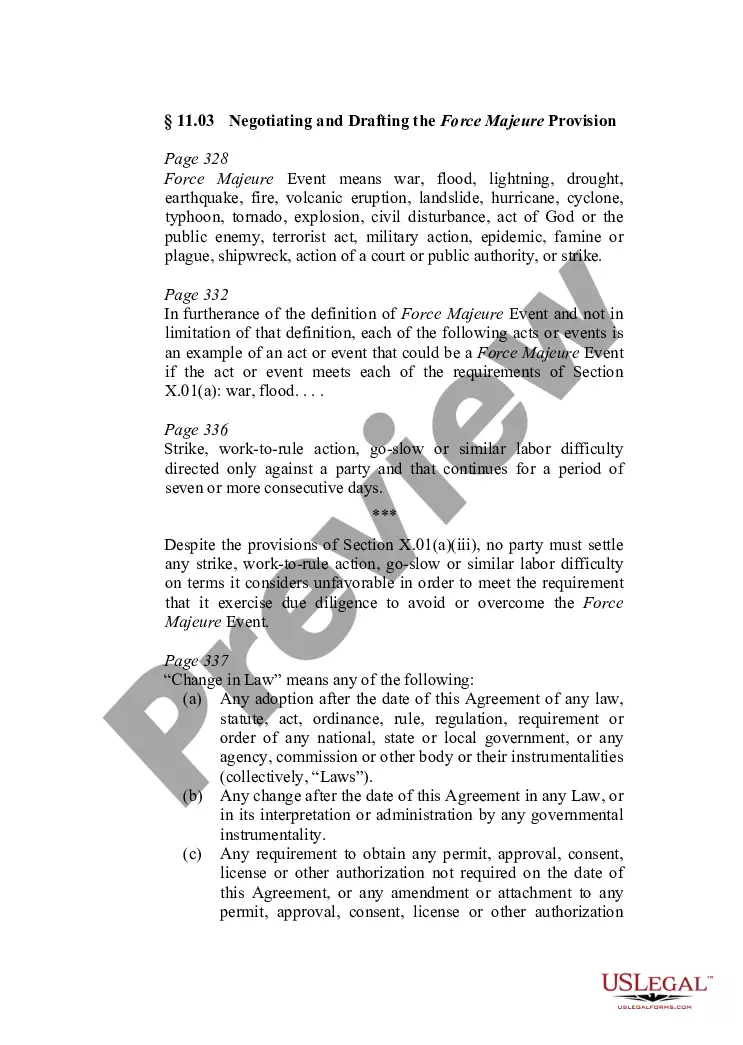
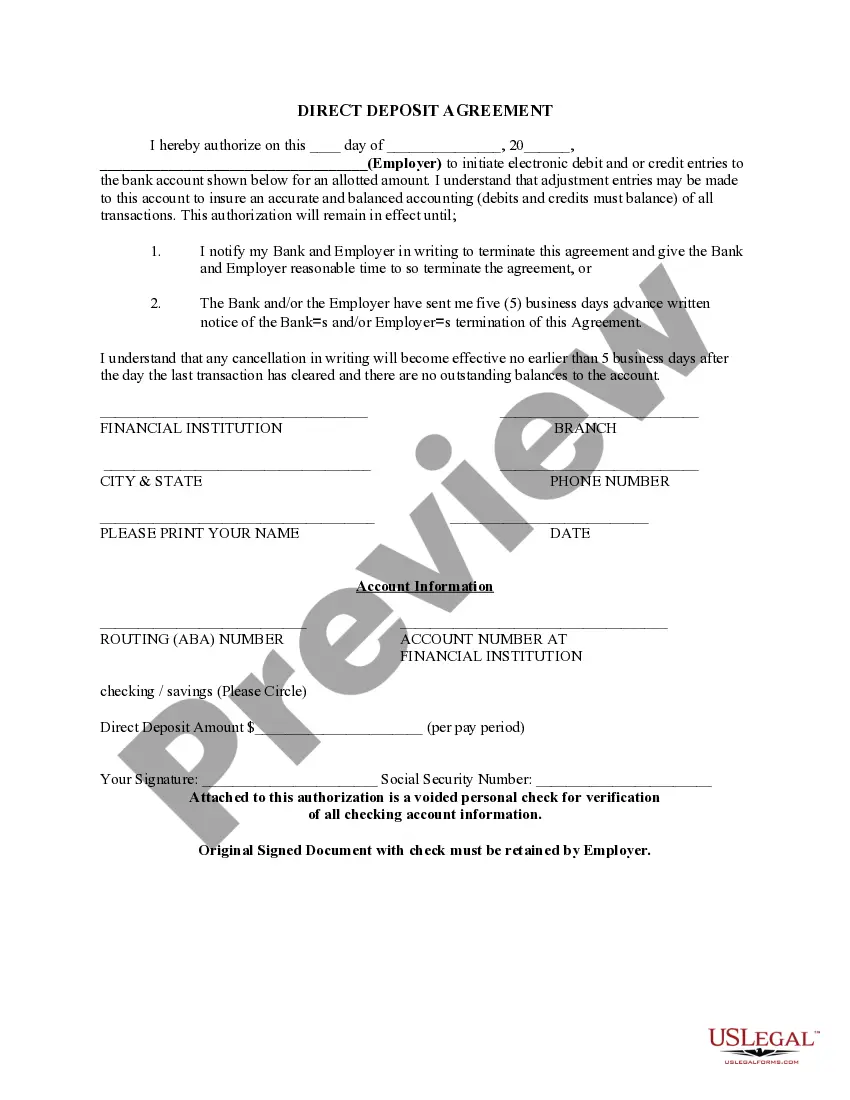
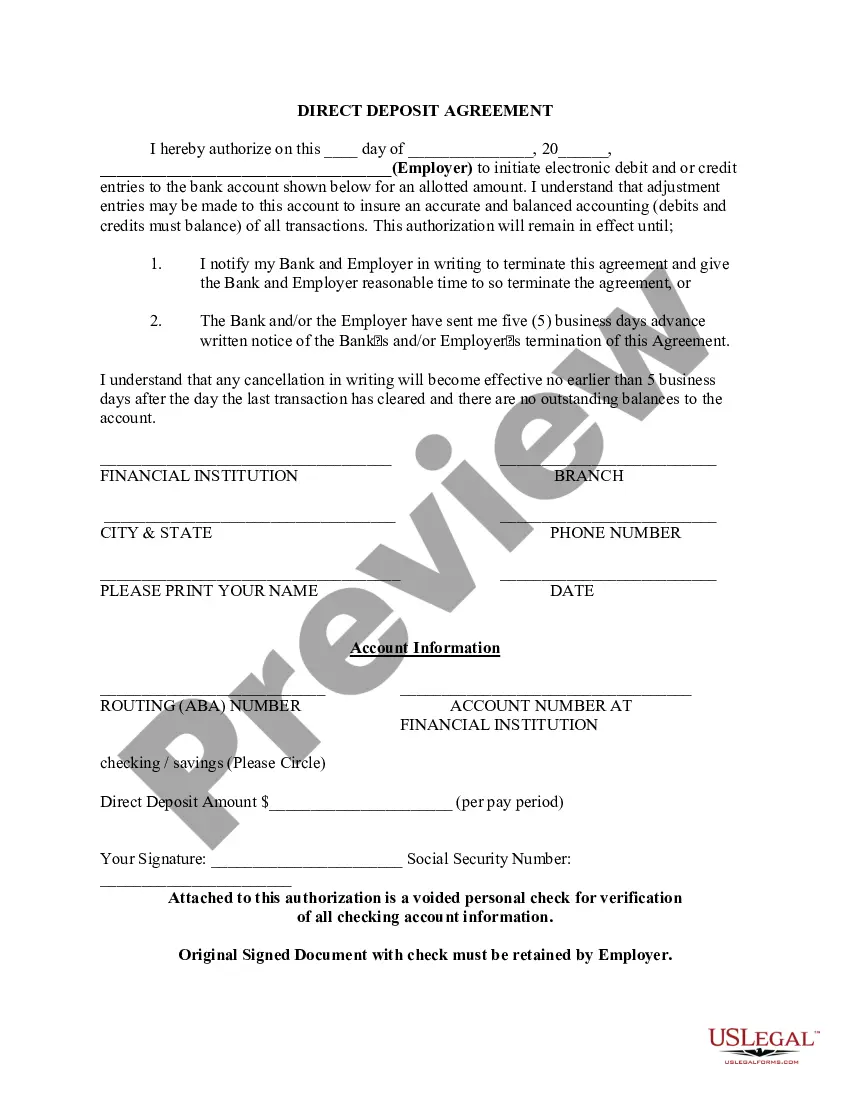
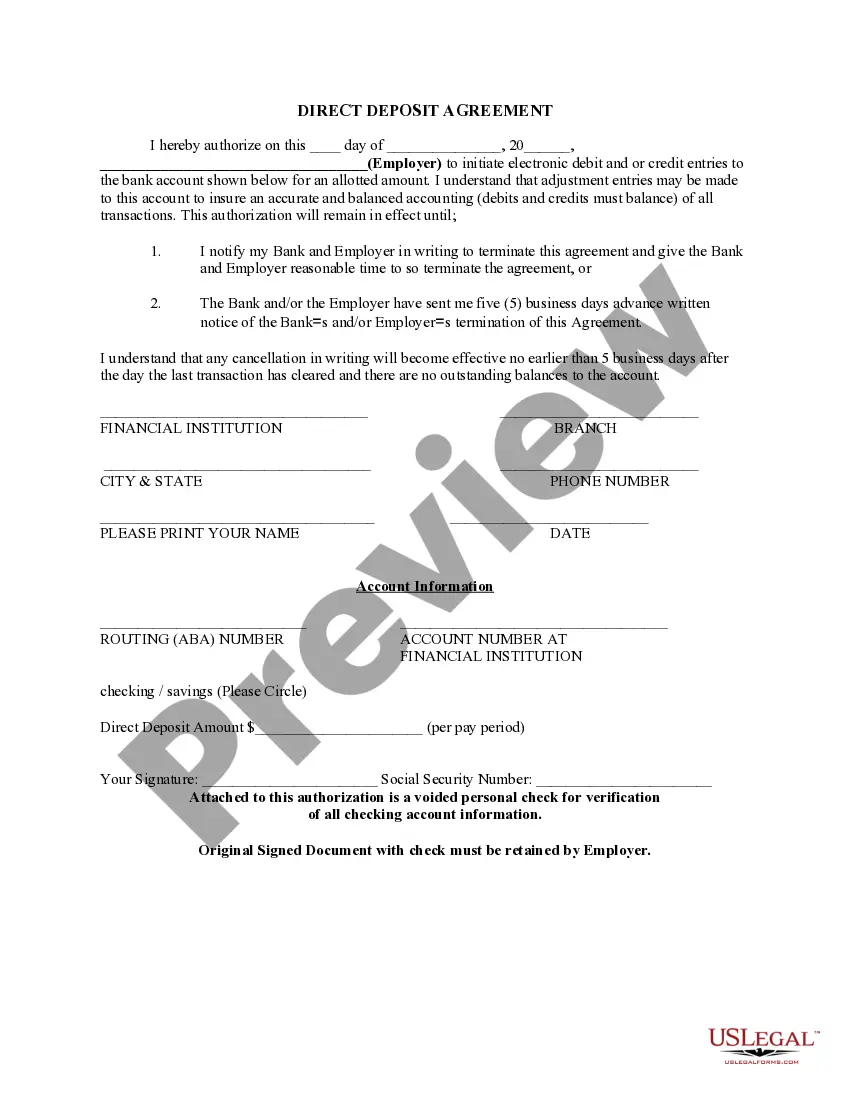
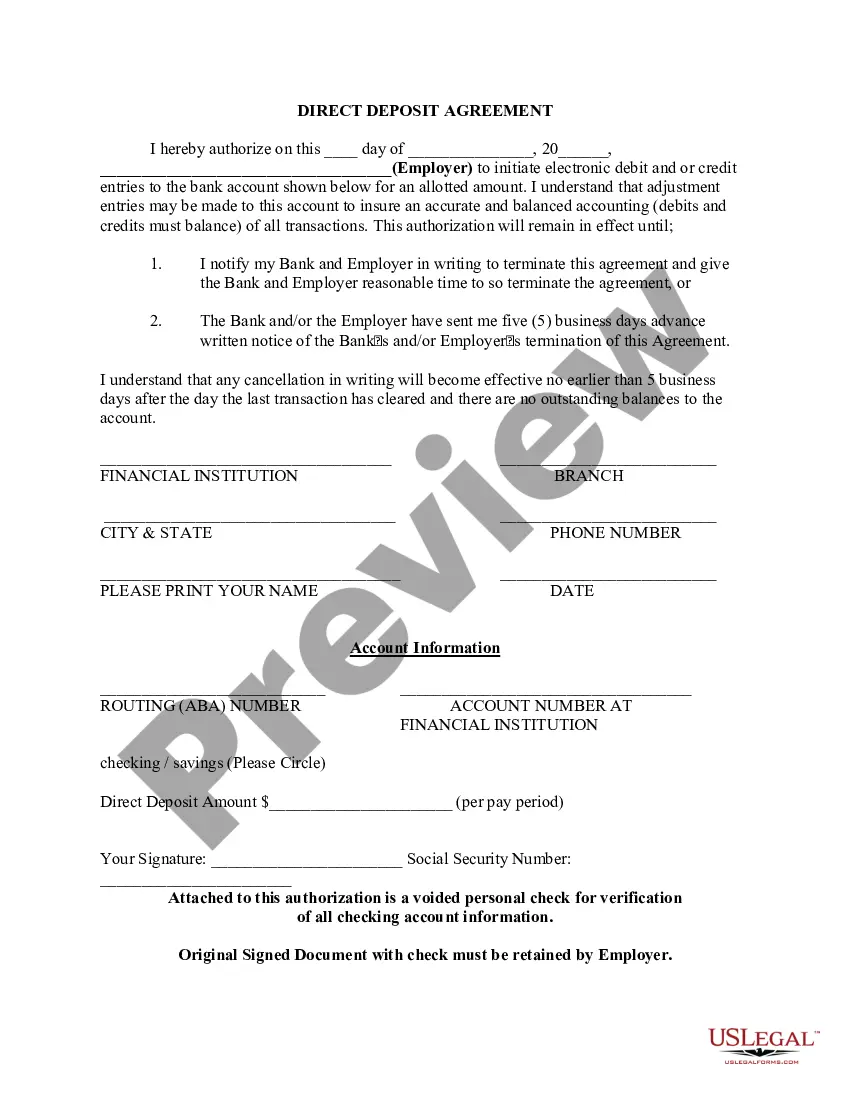
The Direct Deposit Form for Employees is a legal document that allows employees to authorize their employer to deposit their wages directly into their checking or savings account. This process streamlines payments, ensuring timely and secure delivery of funds without the need for physical checks. This form is particularly useful for employees and government benefit recipients, providing a convenient way to manage recurring payments.
Key components of this form
- Authorization statement specifying the employer's permission to process payments.
- Details for the financial institution, including the bank's name and location.
- Employee's account information, including routing and account numbers.
- Space for the employee's name, signature, and Social Security number.
- Field to indicate the desired direct deposit amount per pay period.
- Instruction to attach a voided check for verifying account information.


When to use this form
This form should be used when an employee wishes to set up or modify direct deposit for their wages. It is commonly utilized when starting a new job, changing bank accounts, or when switching from paper checks to electronic payments. Government benefit recipients may also use this form to authorize direct deposit of their payments.
Who can use this document
This form is intended for:
- Employees seeking to set up direct deposit for their payroll.
- Individuals receiving government benefits who wish to authorize direct deposit.
- Employers who need a formal authorization from employees to initiate direct deposits.
Instructions for completing this form
- Fill in the date of authorization at the top of the form.
- Enter the employerâs name and address where indicated.
- Provide your financial institution's name, branch, city, state, and phone number.
- Clearly input your account information including routing number and account number.
- Specify the amount to be deposited per pay period.
- Sign and date the form, and attach a voided check for verification.
Notarization guidance
This form does not typically require notarization unless specified by local law. Ensure to check your employer's policies on signature verification.
Get your form ready online
Our built-in tools help you complete, sign, share, and store your documents in one place.
Make edits, fill in missing information, and update formatting in US Legal Forms—just like you would in MS Word.
Download a copy, print it, send it by email, or mail it via USPS—whatever works best for your next step.
Sign and collect signatures with our SignNow integration. Send to multiple recipients, set reminders, and more. Go Premium to unlock E-Sign.
If this form requires notarization, complete it online through a secure video call—no need to meet a notary in person or wait for an appointment.
We protect your documents and personal data by following strict security and privacy standards.

Make edits, fill in missing information, and update formatting in US Legal Forms—just like you would in MS Word.

Download a copy, print it, send it by email, or mail it via USPS—whatever works best for your next step.

Sign and collect signatures with our SignNow integration. Send to multiple recipients, set reminders, and more. Go Premium to unlock E-Sign.

If this form requires notarization, complete it online through a secure video call—no need to meet a notary in person or wait for an appointment.

We protect your documents and personal data by following strict security and privacy standards.
Typical mistakes to avoid
- Forgetting to sign the form before submission.
- Entering incorrect account or routing numbers, which can delay payment.
- Not including a voided check for verification.
- Failing to keep a copy of the completed form for personal records.
Benefits of using this form online
- Convenience of completing and submitting the form from anywhere.
- Editability allows users to correct mistakes before finalizing the document.
- Access to professionally drafted, legally compliant forms.
- Quick download and easy storage for future reference.
Legal use & context
- The direct deposit authorization is a legally binding agreement between the employee and employer.
- Changes to bank information must be properly documented to prevent unauthorized access to funds.
Key takeaways
- This form is necessary for employees wanting to set up direct deposit for wages.
- Accurate completion of the form is vital to ensure smooth transactions.
- Employers may require a voided check along with the authorization form for verification purposes.
Looking for another form?
Form popularity
FAQ
Select the account you want to deposit your payroll to from the dropdown, then click on View and Print and your customized form will be presented to you.Simply print, sign and submit a copy to your employer's payroll department and your part is complete!
Ask for a copy of your employer's direct deposit signup form, or download the U.S. Bank Direct Deposit Authorization Form (PDF). Provide your U.S. Bank deposit account type (checking or savings), account number and routing number, and other required information.
If you find yourself running out of deposit slips for your troop, you can print your own. It is not necessary to get special paper to print the deposit slips on, but the tellers do appreciate it if you cut them out.
Or you can download a blank Direct Deposit Information Form (PDF) and fill in the information yourself. For accounts with checks, a diagram on the form shows you where you can find the information you'll need.
Get a direct deposit form from your employer Ask for a written or online direct deposit form. If that isn't available, ask your bank or credit union for one. We've included a list of forms from top banks, including the Capital One and Bank of America direct deposit forms.
Choose a direct deposit payroll provider. You will need to set up a payroll service. Collect information from your employees. Add employees to the payroll system. Select your deposit schedule.