Direct Deposit Form for Employees
What is this form?
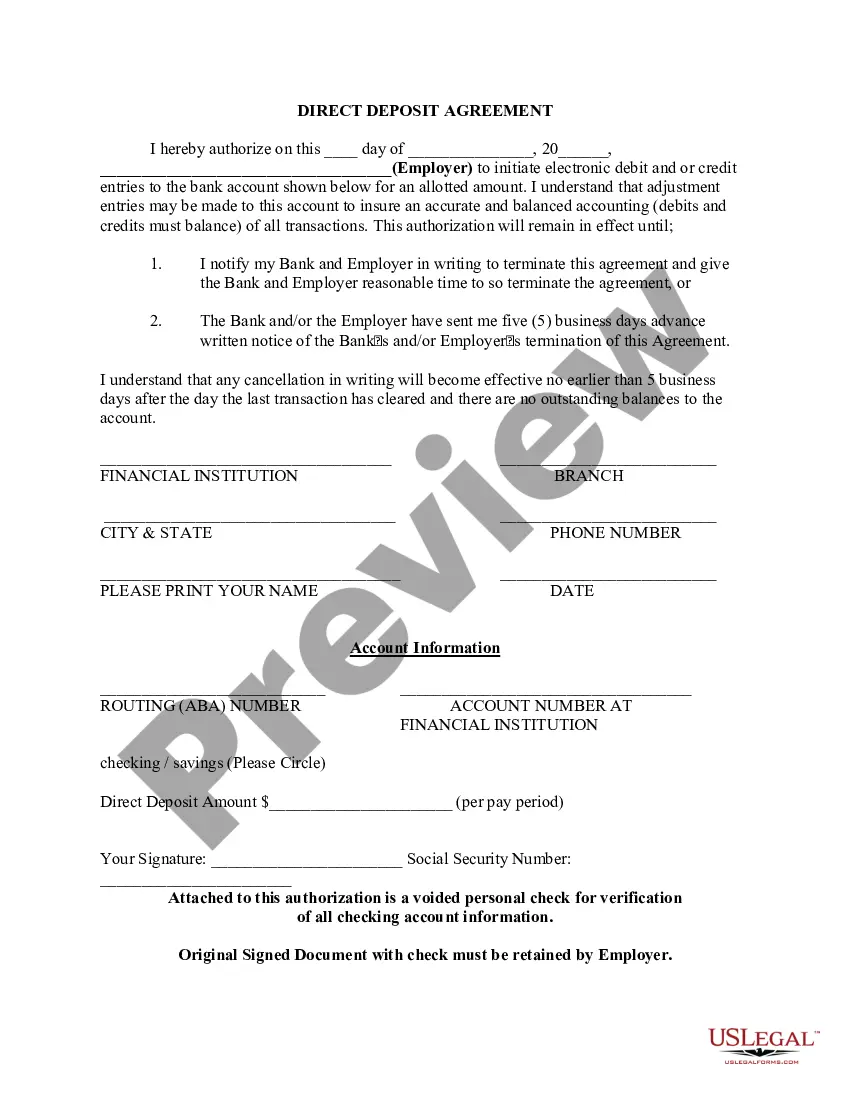
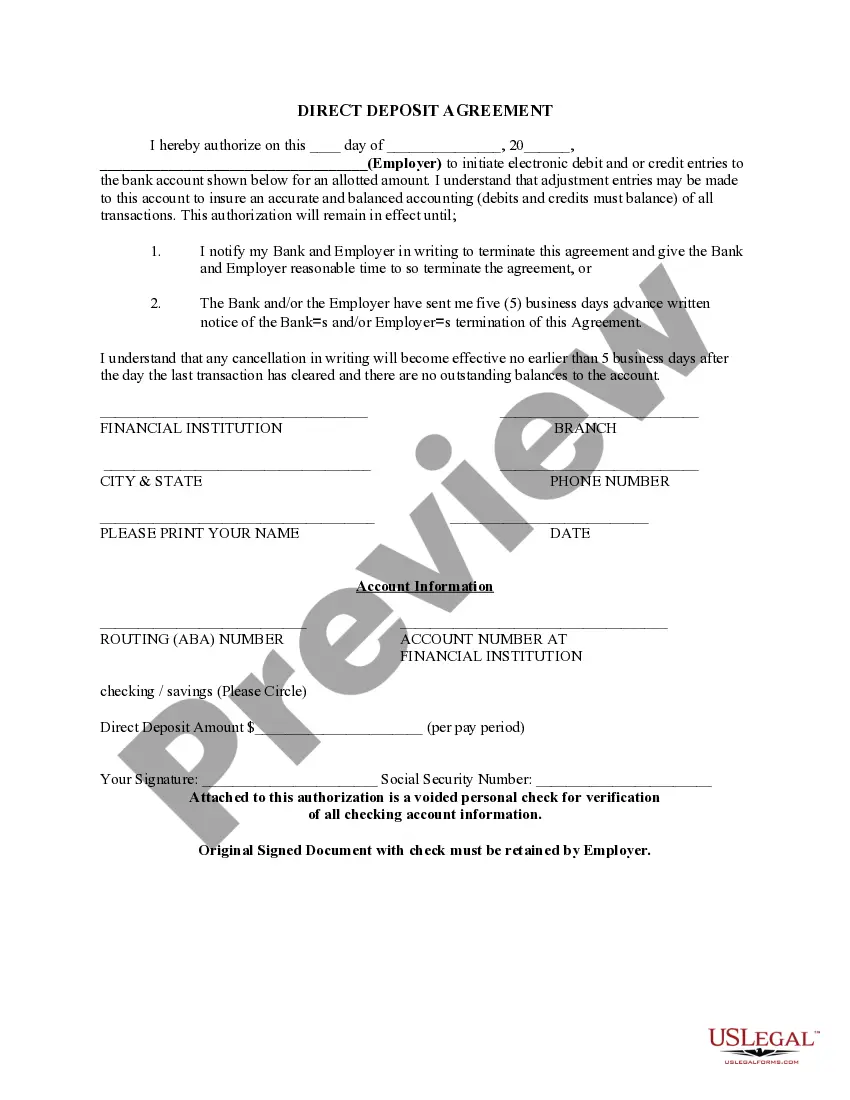
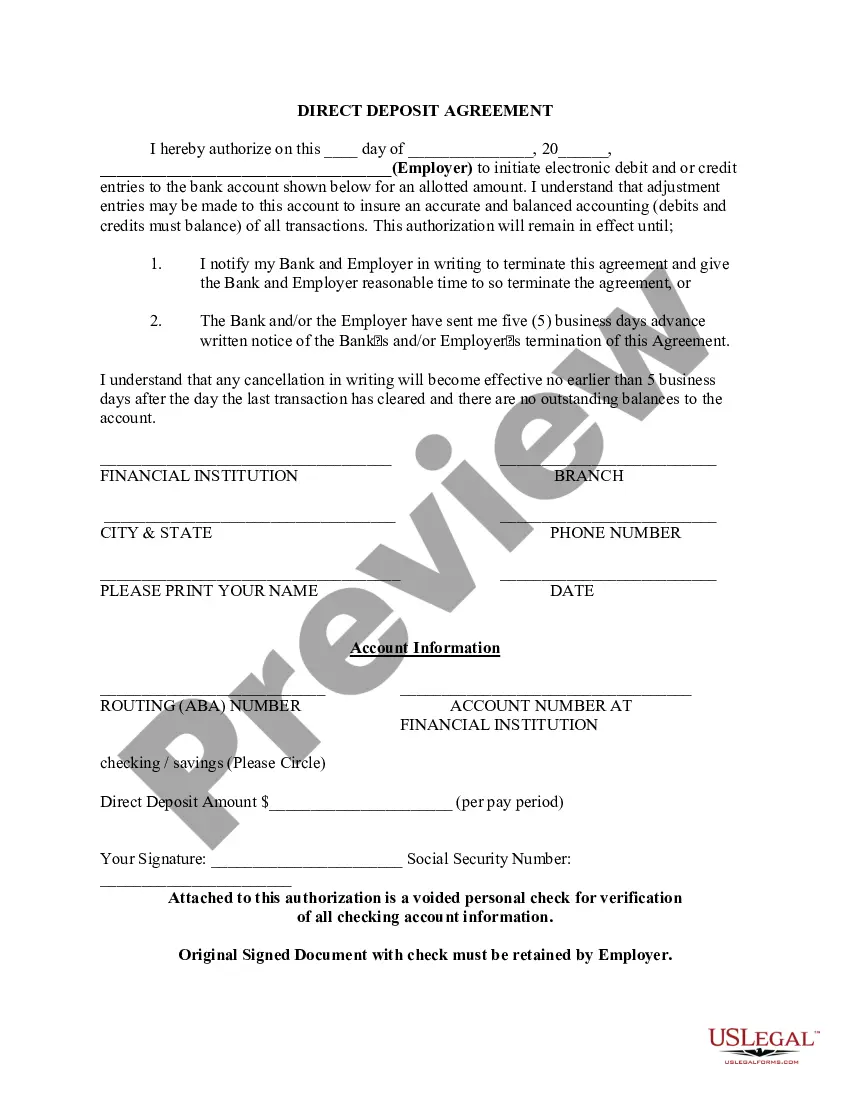
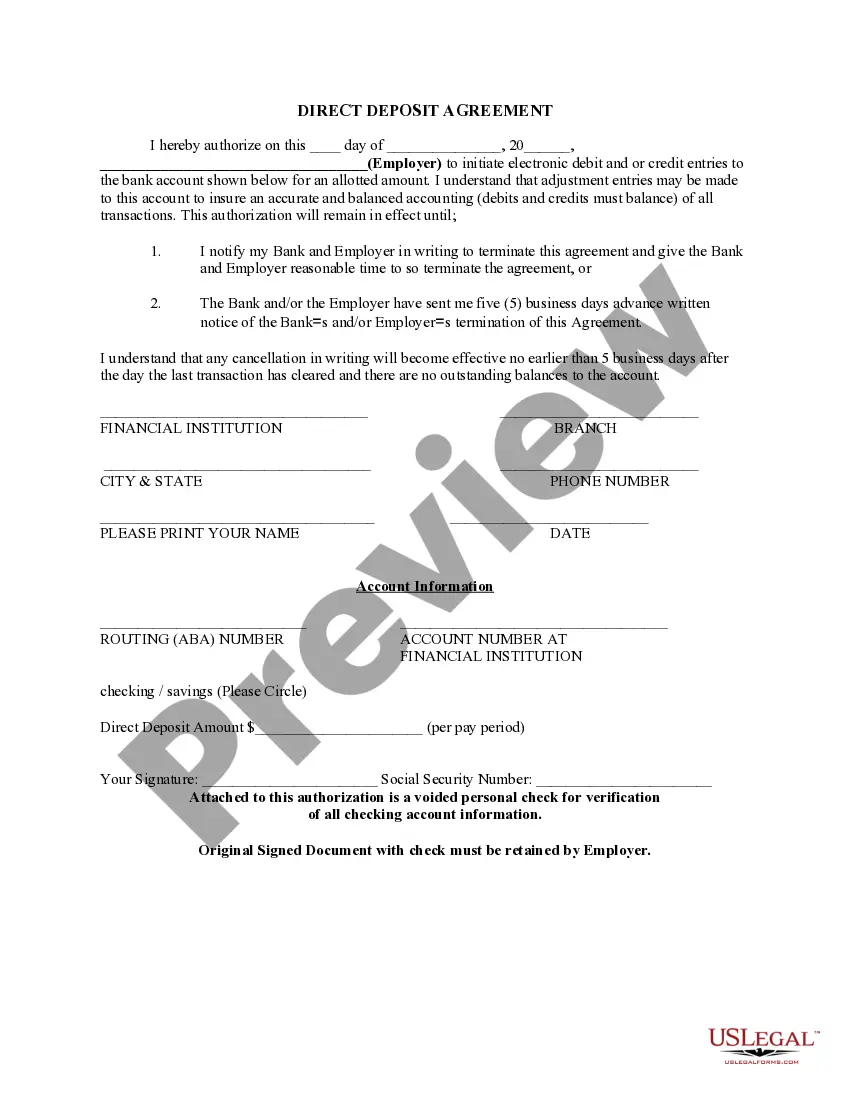
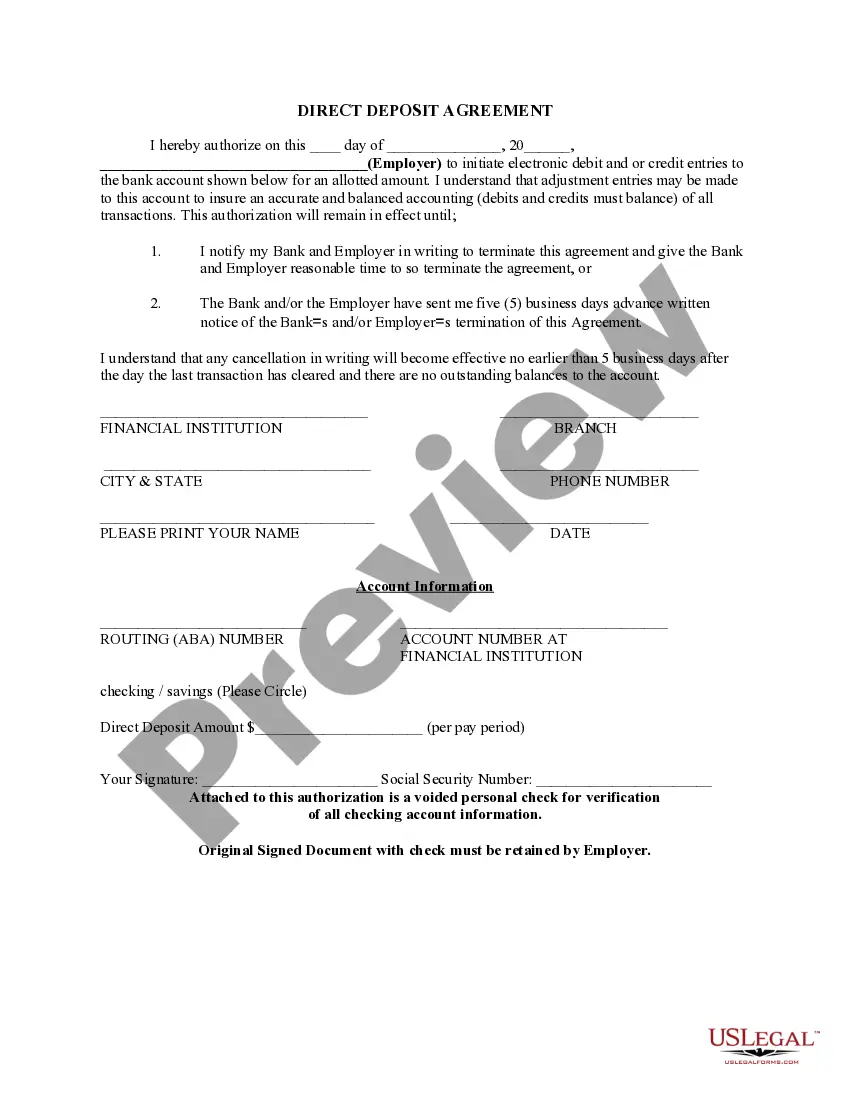
The Direct Deposit Form for Employees is a legal document that allows employees to authorize their employers to electronically deposit their wages directly into their bank accounts. This form simplifies the payment process and ensures timely payments without the need for physical checks. Unlike other payment methods, direct deposit is typically faster, more secure, and reduces the risk of lost or stolen checks.
What’s included in this form
- Date of authorization
- Employer's name and details
- Employee's name and Social Security Number
- Bank account information (including routing and account numbers)
- Amount to be deposited per pay period
- Signature of the employee
- A voided check for account verification

When to use this document
This form should be used when an employee wishes to have their wages, salaries, or other recurring payments deposited directly into their bank account. It is commonly utilized when starting a new job, changing banking information, or switching to direct deposit for the first time.
Who can use this document
This form is intended for:
- Employees who receive regular compensation from an employer
- Individuals receiving government entitlements like Social Security benefits
- Contractors who wish to receive payments via direct deposit
How to prepare this document
- Enter the date you are completing the form.
- Provide the employer's name and contact information.
- Fill in your personal information, including your Social Security Number.
- Input your bank account details, including the routing and account numbers.
- Specify the amount to be deposited each pay period.
- Sign the form and attach a voided check for bank verification.
Does this form need to be notarized?
This form does not typically require notarization unless specified by local law. Ensure you follow any specific regulations that may apply to your jurisdiction.
Get your form ready online
Our built-in tools help you complete, sign, share, and store your documents in one place.
Make edits, fill in missing information, and update formatting in US Legal Forms—just like you would in MS Word.
Download a copy, print it, send it by email, or mail it via USPS—whatever works best for your next step.
Sign and collect signatures with our SignNow integration. Send to multiple recipients, set reminders, and more. Go Premium to unlock E-Sign.
If this form requires notarization, complete it online through a secure video call—no need to meet a notary in person or wait for an appointment.
We protect your documents and personal data by following strict security and privacy standards.

Make edits, fill in missing information, and update formatting in US Legal Forms—just like you would in MS Word.

Download a copy, print it, send it by email, or mail it via USPS—whatever works best for your next step.

Sign and collect signatures with our SignNow integration. Send to multiple recipients, set reminders, and more. Go Premium to unlock E-Sign.

If this form requires notarization, complete it online through a secure video call—no need to meet a notary in person or wait for an appointment.

We protect your documents and personal data by following strict security and privacy standards.
Common mistakes
- Forgetting to sign the form, which invalidates the authorization.
- Providing incorrect bank account information, leading to failed deposits.
- Not notifying the employer of any changes to banking details after submission.
Why use this form online
- Convenience of downloading and completing the form from home.
- Editability allows corrections before printing.
- Reliability in securely submitting the form to your employer.
Quick recap
- The Direct Deposit Form streamlines the payment process for employees and employers.
- Accurate and complete information is crucial to avoid payment issues.
- Regularly review and update your bank account details with your employer as needed.
Looking for another form?
Form popularity
FAQ
Select the account you want to deposit your payroll to from the dropdown, then click on View and Print and your customized form will be presented to you.Simply print, sign and submit a copy to your employer's payroll department and your part is complete!
Ask for a copy of your employer's direct deposit signup form, or download the U.S. Bank Direct Deposit Authorization Form (PDF). Provide your U.S. Bank deposit account type (checking or savings), account number and routing number, and other required information.
If you find yourself running out of deposit slips for your troop, you can print your own. It is not necessary to get special paper to print the deposit slips on, but the tellers do appreciate it if you cut them out.
Or you can download a blank Direct Deposit Information Form (PDF) and fill in the information yourself. For accounts with checks, a diagram on the form shows you where you can find the information you'll need.
Get a direct deposit form from your employer Ask for a written or online direct deposit form. If that isn't available, ask your bank or credit union for one. We've included a list of forms from top banks, including the Capital One and Bank of America direct deposit forms.
Choose a direct deposit payroll provider. You will need to set up a payroll service. Collect information from your employees. Add employees to the payroll system. Select your deposit schedule.