Memo from Employer regarding Employee Request for Leave
Understanding this form
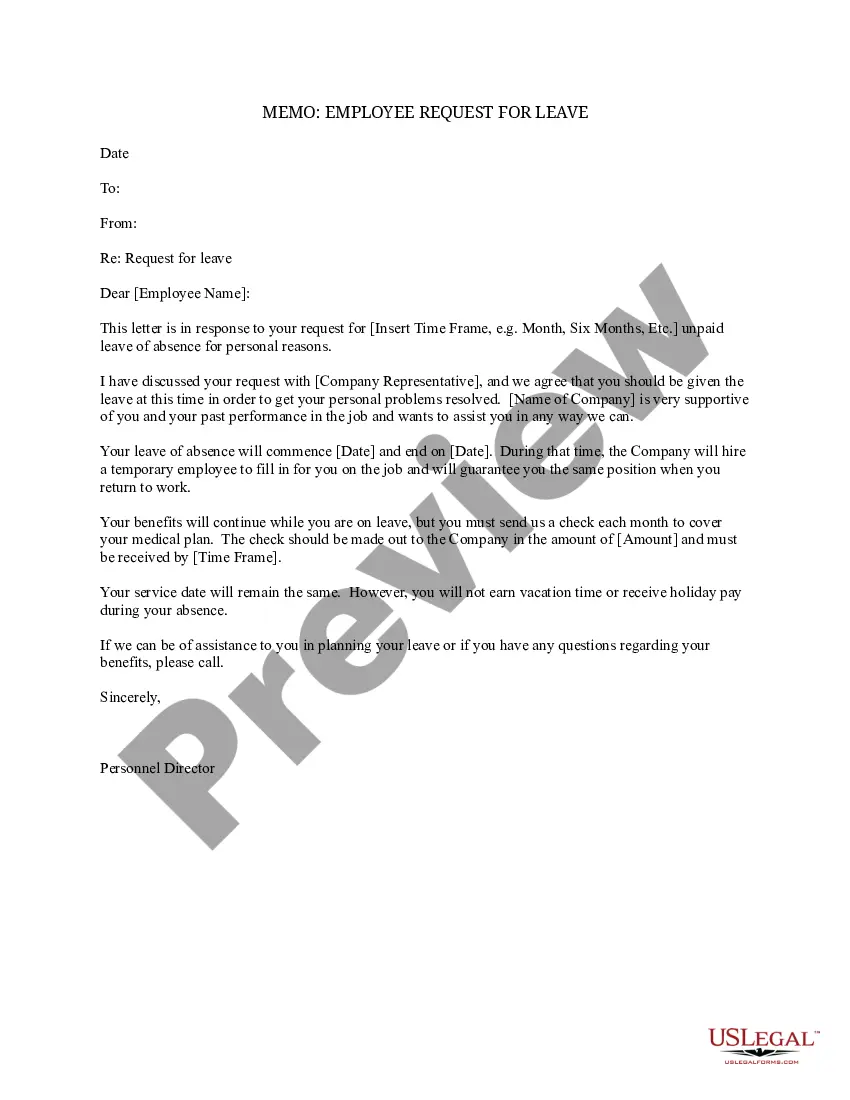
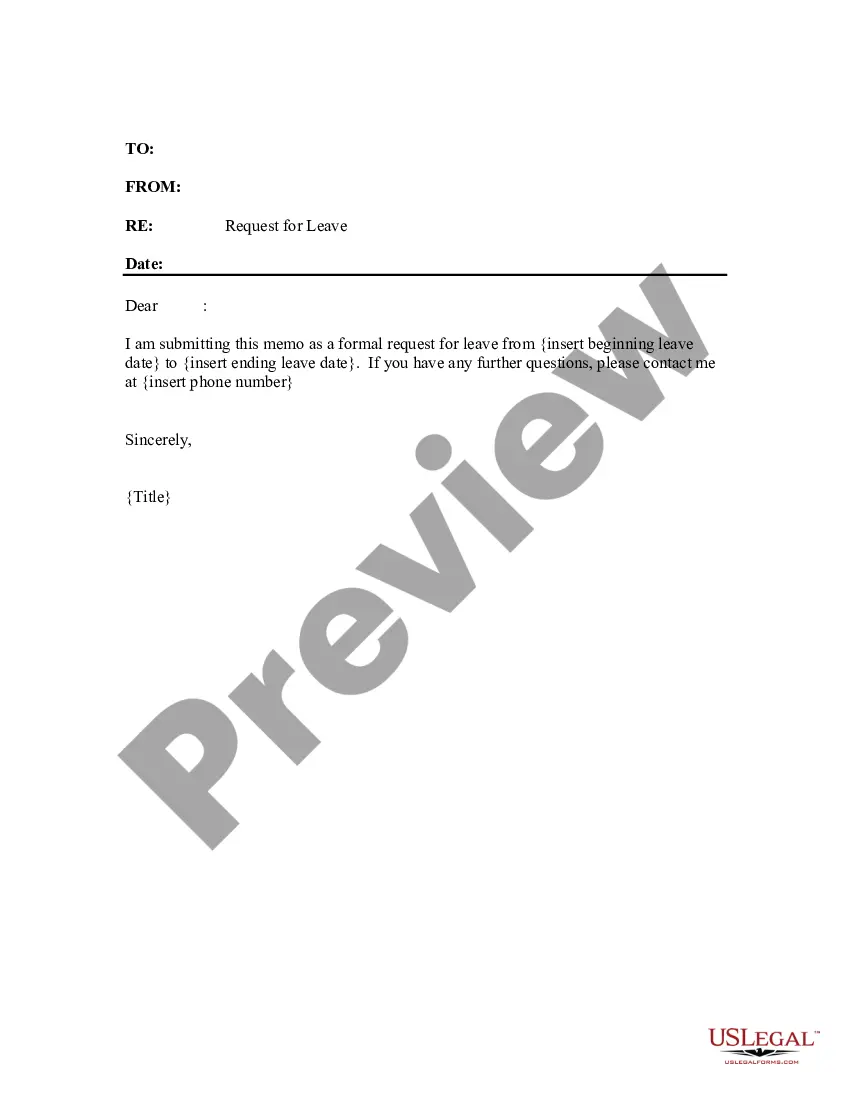
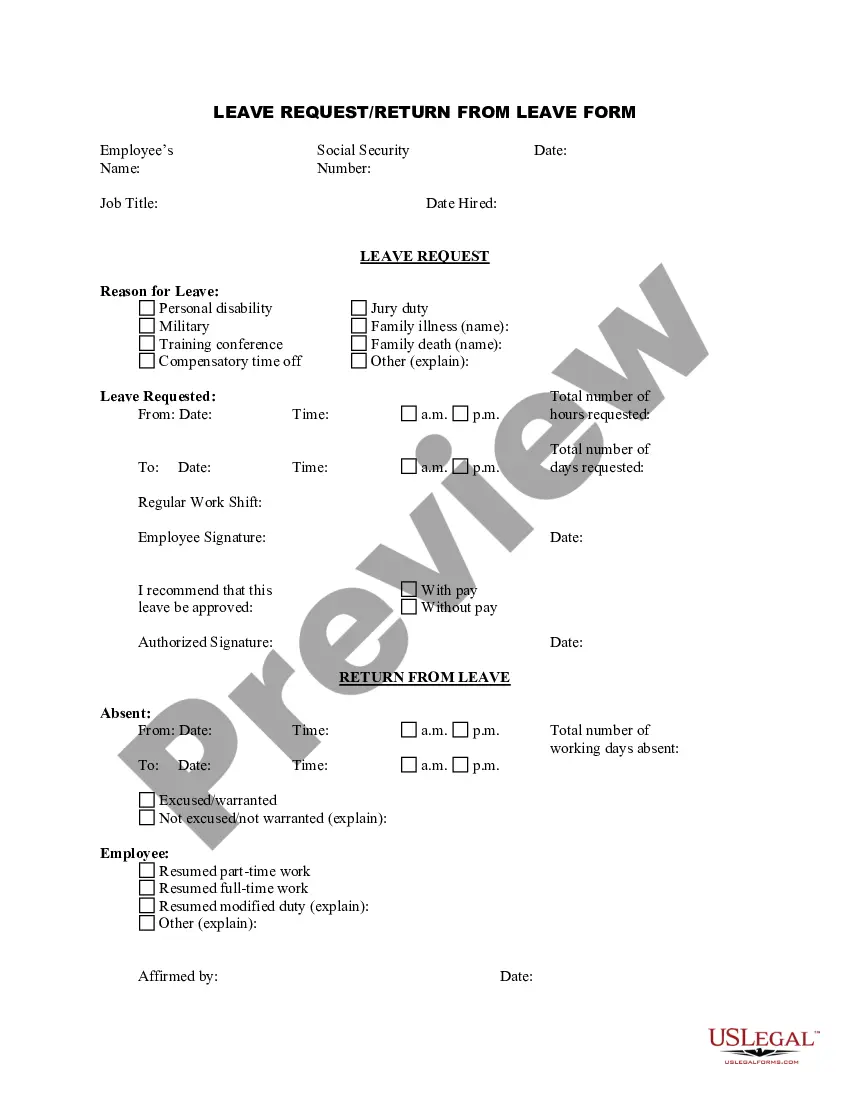
The Memo from Employer regarding Employee Request for Leave is a formal document used by employers to communicate decisions regarding an employee's request for leave. This memo serves to notify the employee whether their request has been approved, along with any specific conditions or details regarding the leave. It differs from other leave forms by focusing explicitly on the employer's response to the employee's leave request.
Main sections of this form
- Date of the memo
- Employee's name and contact information
- Details of the leave request (duration and reason)
- Approval status and conditions of the leave
- Information about benefits during the leave
- Contact information for further assistance

When to use this document
This form should be used when an employee formally requests time away from work for personal reasons. The memo is utilized to communicate the decision regarding the request, including potential conditions tied to the employer's approval. It is an essential document for maintaining clarity and professionalism in employer-employee communications.
Who should use this form
- Employers or HR personnel responding to leave requests.
- Managers overseeing employee leave applications.
- Human resources departments in organizations of all sizes.
How to complete this form
- Identify the date of the memo and fill it in at the top.
- Enter the employee's name and other necessary details.
- Specify the duration and reason for the requested leave.
- Indicate the approval status clearly, including any conditions for the leave.
- Include information regarding the handling of benefits during the leave period.
- Sign the memo and provide contact information for follow-up questions.
Does this form need to be notarized?
This form does not typically require notarization unless specified by local law.
Get your form ready online
Our built-in tools help you complete, sign, share, and store your documents in one place.
Make edits, fill in missing information, and update formatting in US Legal Forms—just like you would in MS Word.
Download a copy, print it, send it by email, or mail it via USPS—whatever works best for your next step.
Sign and collect signatures with our SignNow integration. Send to multiple recipients, set reminders, and more. Go Premium to unlock E-Sign.
If this form requires notarization, complete it online through a secure video call—no need to meet a notary in person or wait for an appointment.
We protect your documents and personal data by following strict security and privacy standards.

Make edits, fill in missing information, and update formatting in US Legal Forms—just like you would in MS Word.

Download a copy, print it, send it by email, or mail it via USPS—whatever works best for your next step.

Sign and collect signatures with our SignNow integration. Send to multiple recipients, set reminders, and more. Go Premium to unlock E-Sign.

If this form requires notarization, complete it online through a secure video call—no need to meet a notary in person or wait for an appointment.

We protect your documents and personal data by following strict security and privacy standards.
Common mistakes to avoid
- Failing to include the date of the memo.
- Not clearly stating the approval status.
- Omitting necessary employee information.
- Using vague language regarding leave conditions.
- Forgetting to sign the memo.
Advantages of online completion
- Convenience of immediate access and download.
- Editability to customize according to specific scenarios.
- Reliability due to attorney-drafted templates that comply with legal standards.
Quick recap
- This memo formalizes the decision regarding an employeeâs leave request.
- Clear communication helps prevent misunderstandings.
- Using a standard template can streamline the process and ensure compliance.
Looking for another form?








Form popularity
FAQ
Understand your legal rights regarding time off and pay. Make the request in person. Give sufficient advance notice. If possible, work with your boss to develop an agreeable plan. Keep track of relevant paperwork.
Check company policies. Before making a request for a leave of absence, check your company's policies by looking at your employee handbook or contacting an HR representative. Speak to your supervisor. Put your request in writing. Give advance notice. Offer to help.
1For the purpose of documentation.2For your company's approval procedures.3Use a polite and pleasant tone.4Provide your reason.5Provide clear details.6Submit your request ahead of time.7Company requirements.8Your replacement or the person in charge.50 Simple Leave Request Emails (Free Samples\nprintabletemplates.com > medical > leave-request-emails
Understand your legal rights regarding time off and pay. Make the request in person. Give sufficient advance notice. If possible, work with your boss to develop an agreeable plan. Keep track of relevant paperwork.
Salutation. Purpose of the application (subject) Reason for leave. Number of leaves needed (particular dates) Work plan during your absence. Contact information. Signature.
Example Letter #2 I am happy to approve your request for vacation leave from July 1 to July 12. You deserve a good break. Rest up and have a lot of fun. We will all benefit from your renewed energy.
Request for a leave of absence, The dates you expect to be away from work, The date you plan to return to work, An offer to provide assistance, if feasible, Thanks for considering your request.