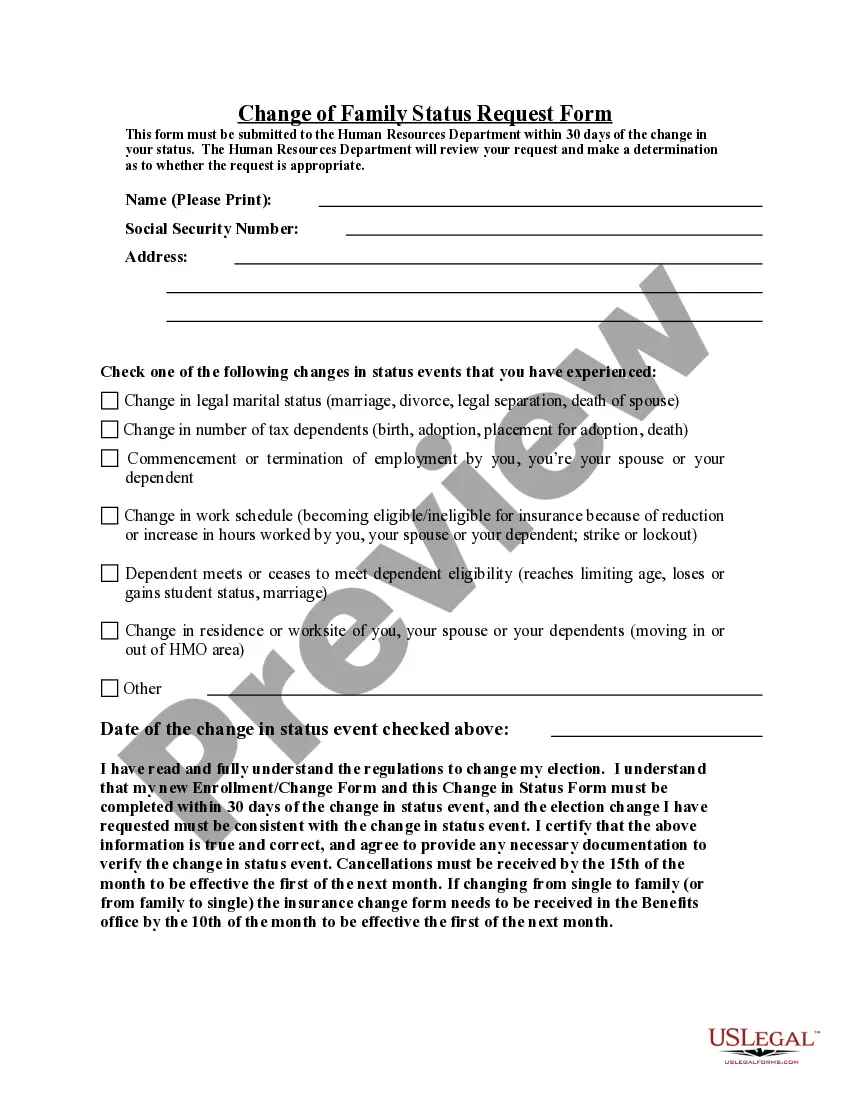
Change of Family Status Request Form
What is this form?
The Change of Family Status Request Form allows employees to formally document changes in their family situation that may impact company benefits. This form differentiates itself from other HR-related documents by specifically addressing adjustments in family status, such as changes in tax dependents or employment status affecting insurance eligibility.
Form components explained
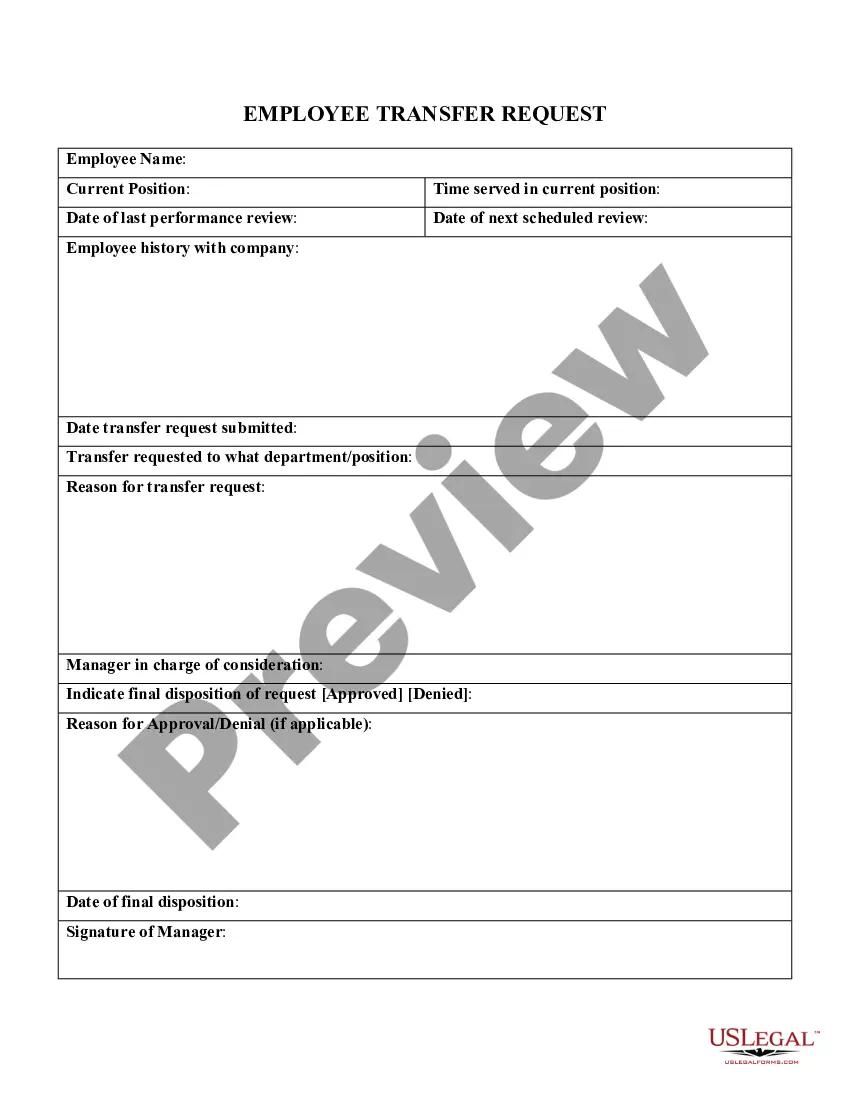
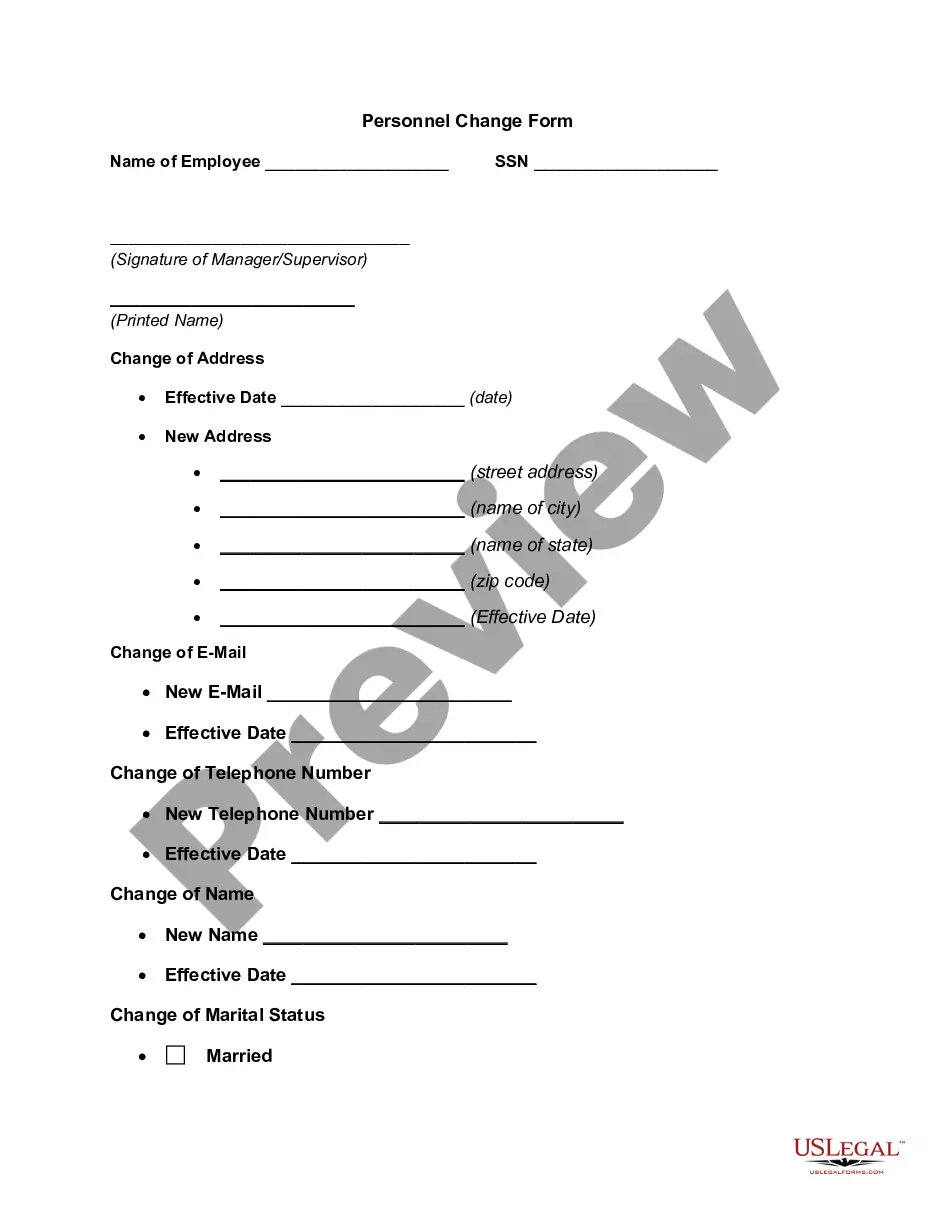
- Employee information section, including name and department.
- Details surrounding the change in family status, such as birth, adoption, or death of a dependent.
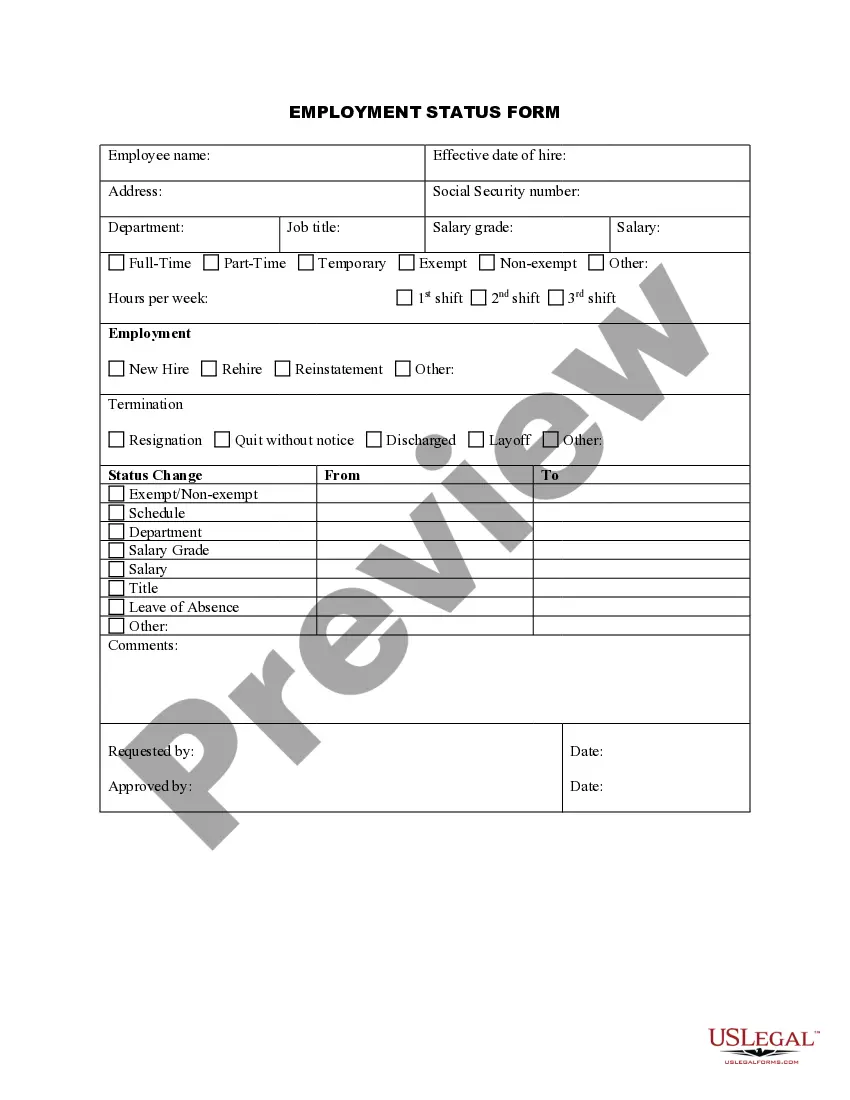
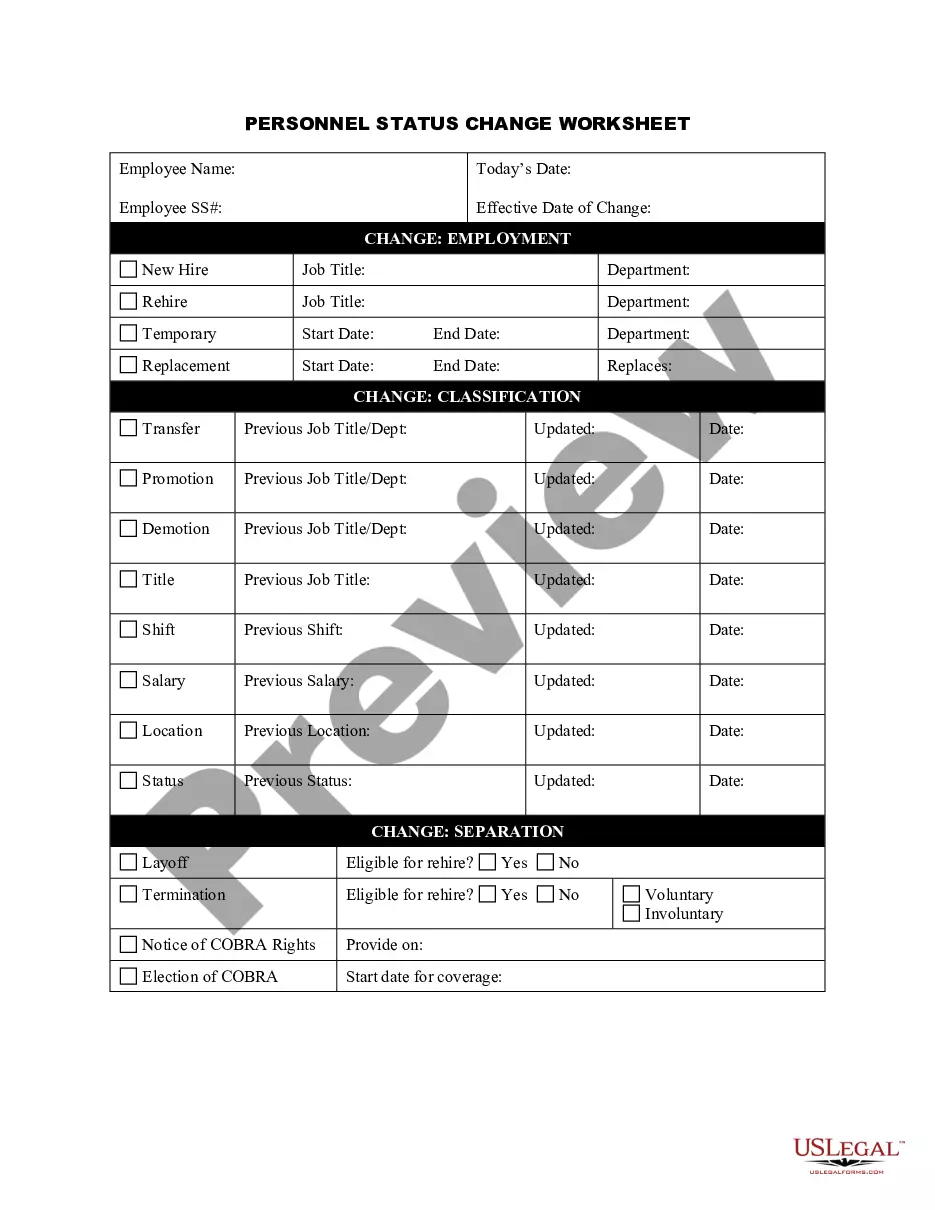
- Employment status updates for the employee, spouse, or dependents.
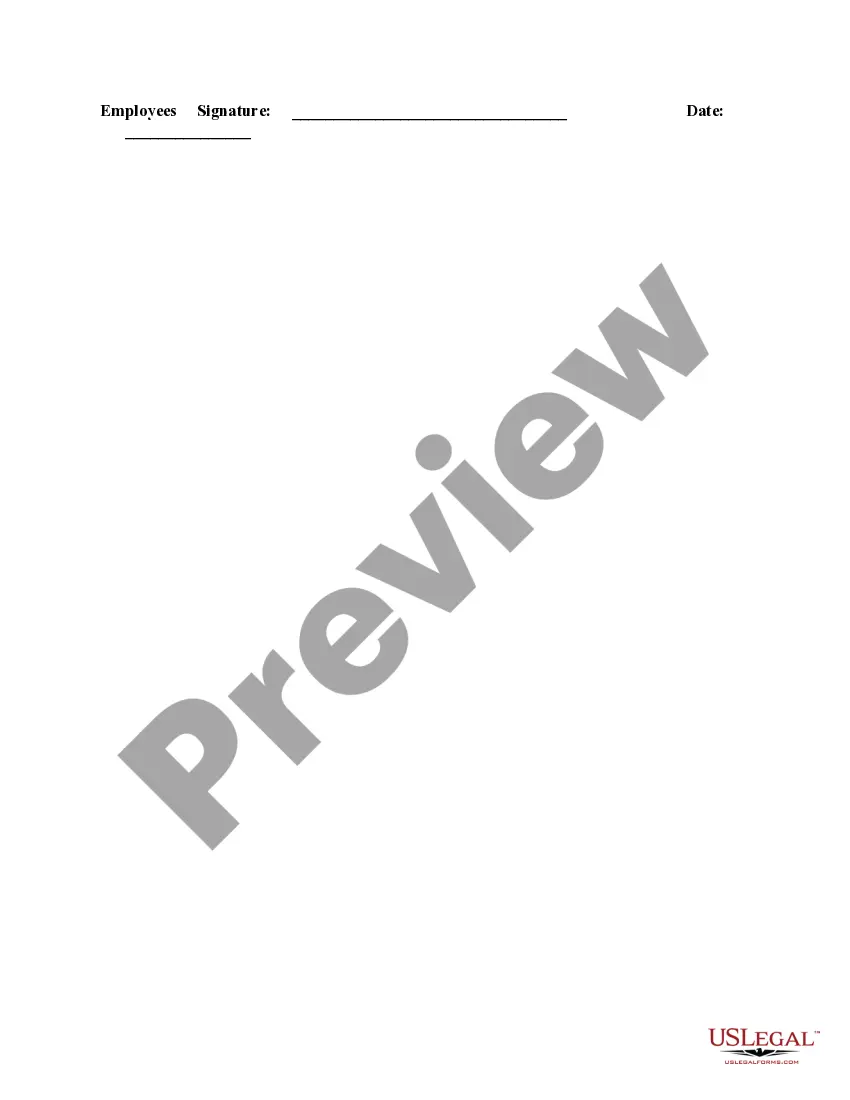
- Certification of the accuracy of submitted information, requiring the employee's signature and date.
- Submission deadlines for changes to ensure timely updates to benefits.

When to use this form
This form should be used when an employee experiences significant changes in their family structure, such as the birth or adoption of a child, or a death in the family. Additionally, it is required when there are changes in employment status that affect benefit eligibility, such as a spouse or dependent starting or ending their job.
Who this form is for
This form is intended for:
- Employees who have experienced changes in their family status.
- Employees needing to update their benefits information due to changes in tax dependents.
- Employees looking to register for company benefits after a spouse's employment status changes.
Instructions for completing this form
- Fill in your personal information accurately, including your name and department.
- Indicate the nature of the family status change in the specified section.
- Provide details regarding employment statuses that will affect benefit eligibility.
- Sign and date the form to certify the information provided is true and correct.
- Submit the completed form to the Human Resources Department within the specified time frame.
Does this form need to be notarized?
This form usually doesn’t need to be notarized. However, local laws or specific transactions may require it. Our online notarization service, powered by Notarize, lets you complete it remotely through a secure video session, available 24/7.
Get your form ready online
Our built-in tools help you complete, sign, share, and store your documents in one place.
Make edits, fill in missing information, and update formatting in US Legal Forms—just like you would in MS Word.
Download a copy, print it, send it by email, or mail it via USPS—whatever works best for your next step.
Sign and collect signatures with our SignNow integration. Send to multiple recipients, set reminders, and more. Go Premium to unlock E-Sign.
If this form requires notarization, complete it online through a secure video call—no need to meet a notary in person or wait for an appointment.
We protect your documents and personal data by following strict security and privacy standards.

Make edits, fill in missing information, and update formatting in US Legal Forms—just like you would in MS Word.

Download a copy, print it, send it by email, or mail it via USPS—whatever works best for your next step.

Sign and collect signatures with our SignNow integration. Send to multiple recipients, set reminders, and more. Go Premium to unlock E-Sign.

If this form requires notarization, complete it online through a secure video call—no need to meet a notary in person or wait for an appointment.

We protect your documents and personal data by following strict security and privacy standards.
Common mistakes
- Failing to submit the form within the 30-day requirement after the change.
- Not providing necessary documentation to verify the change in status.
- Omitting crucial details about employment status changes.
Why use this form online
- Immediate access to a reliable, attorney-drafted document.
- Easily downloadable for your convenience and personal use.
- Editable form to tailor the contents to your specific situation.
Quick recap
- Use the Change of Family Status Request Form to update your benefits based on life changes.
- Submit the form within 30 days after the status change to ensure eligibility.
- Provide accurate information and necessary documentation to avoid delays.