Personnel Change Notice
About this form
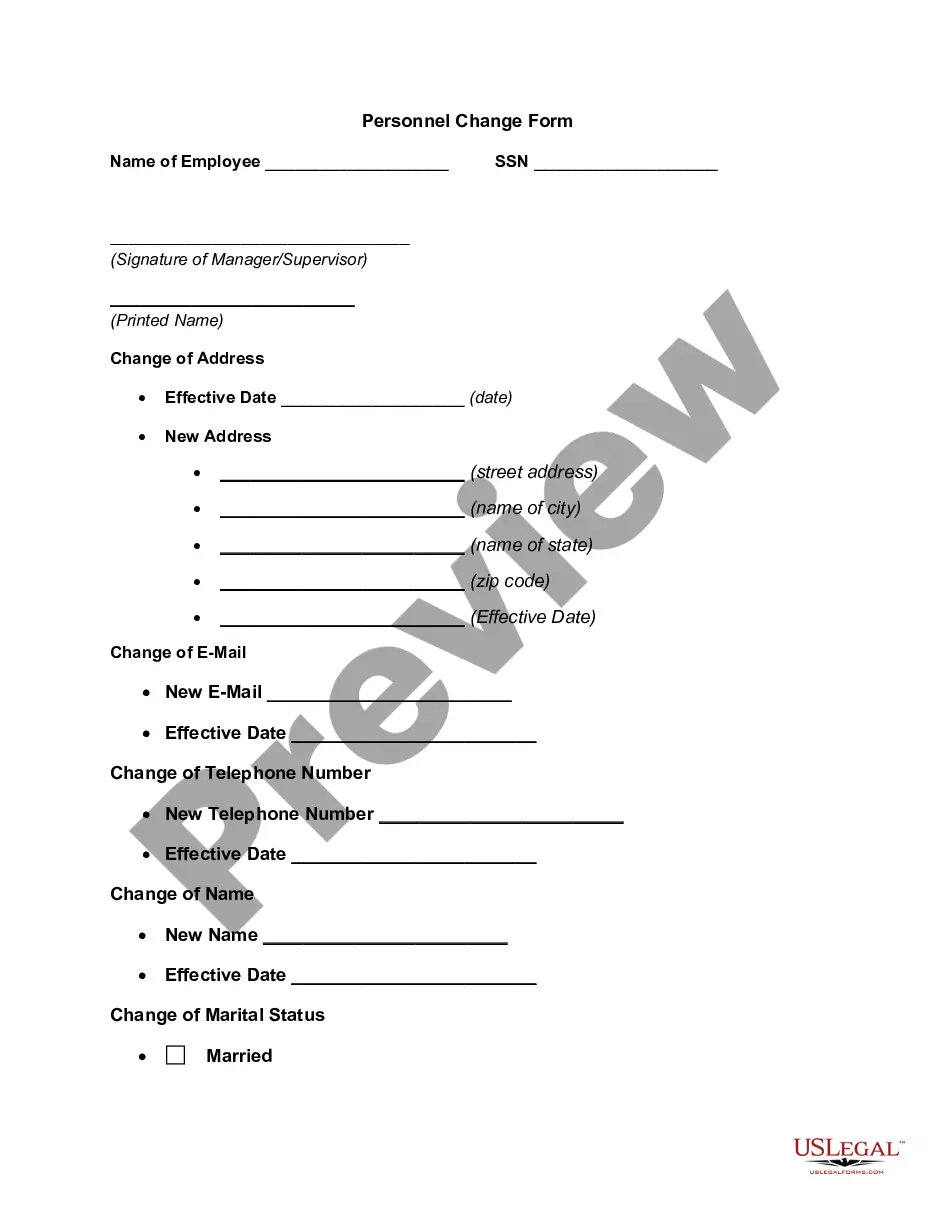
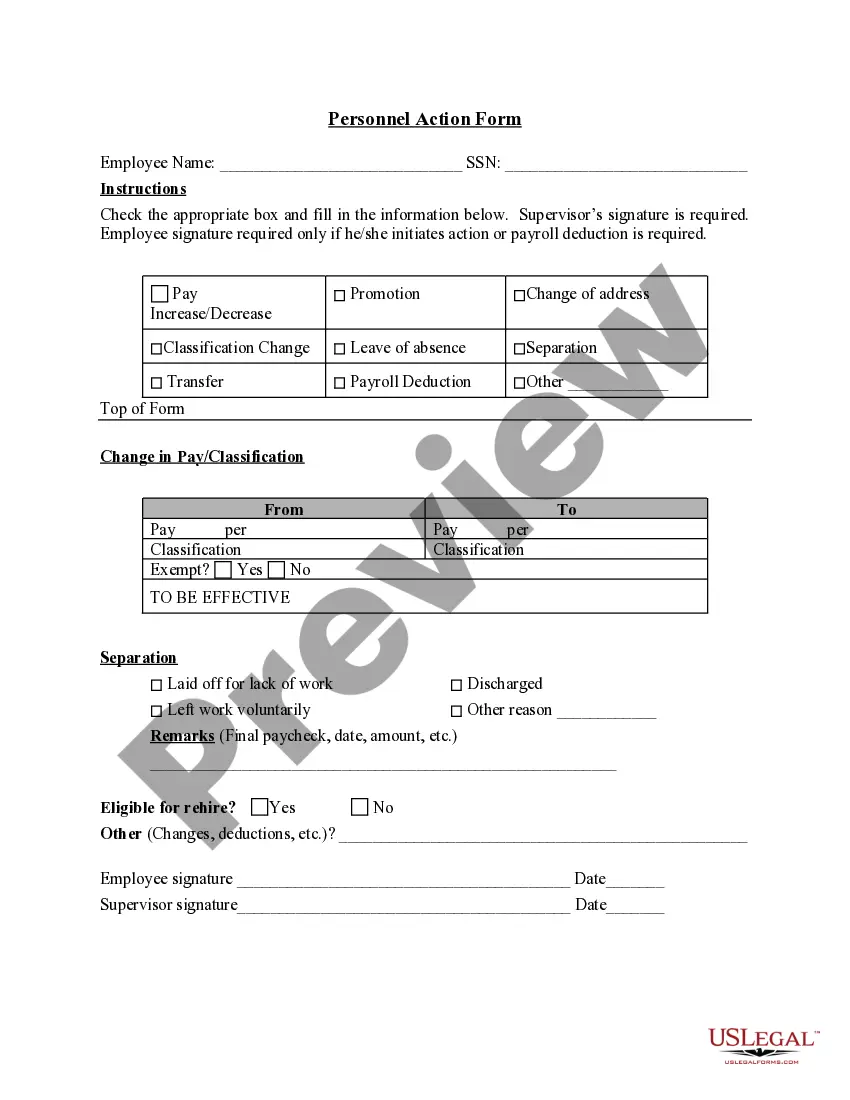
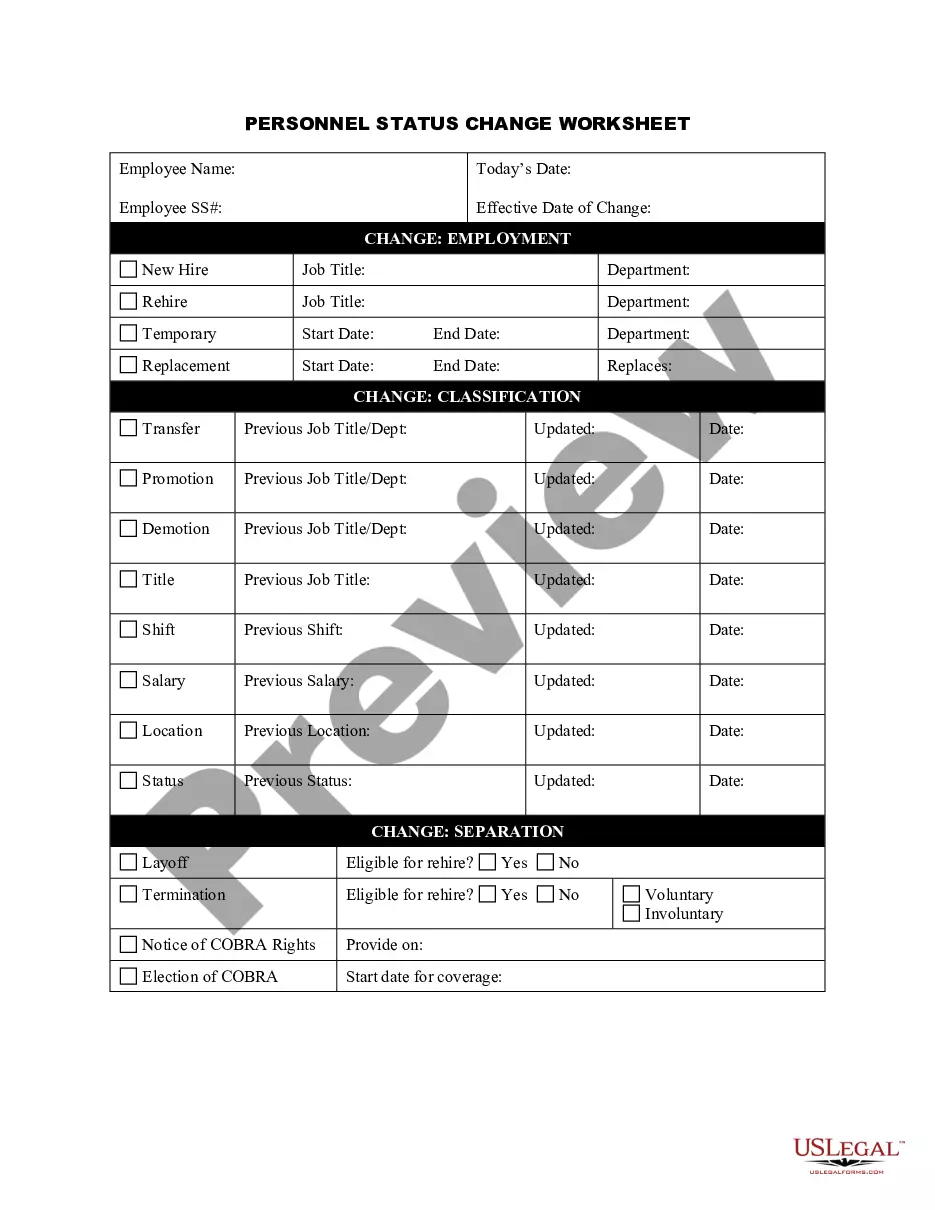
The Personnel Change Notice is a legal form that records changes in personnel data within an organization. Unlike other HR forms, such as employee termination letters or job offer letters, this form specifically documents adjustments to employee details, ensuring proper record-keeping and compliance with labor regulations.
What’s included in this form
- Employee identification: Include the employee's name, position, and identification number.
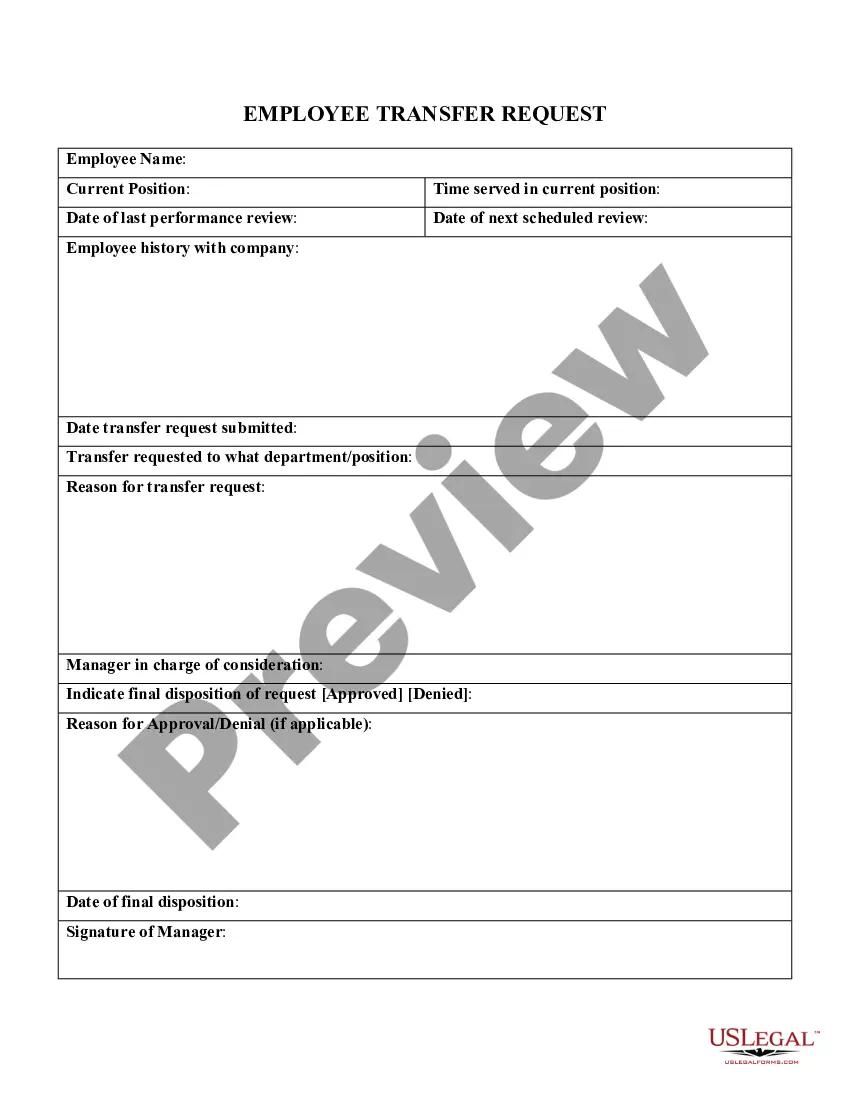
- Change type: Specify whether the change is due to a promotion, transfer, or other modifications.
- Date of change: Clearly document the date the change becomes effective.
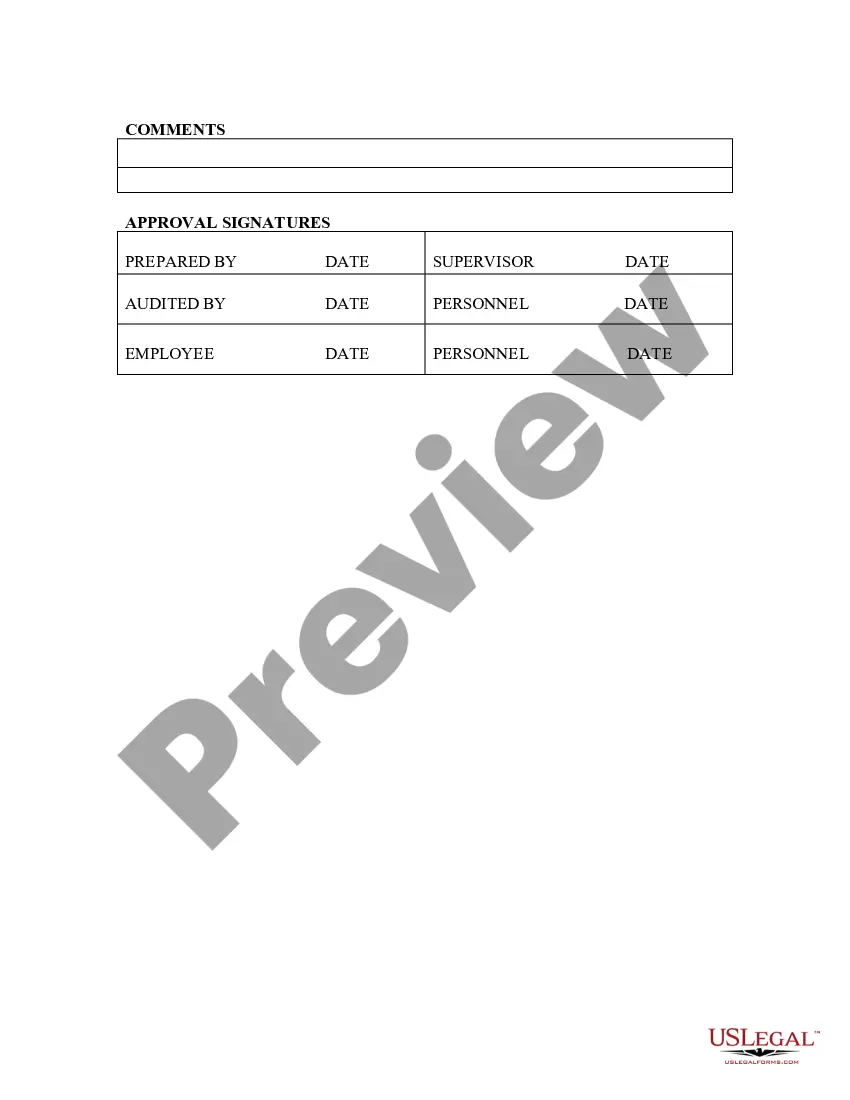
- Manager's approval: Include a section for the supervisor's signature to validate the change.
- Notes: Provide space for any additional comments or instructions related to the change.


When to use this document
This form is necessary when a company needs to formally document any personnel changes, such as promotions, departmental transfers, or position modifications. It is typically used to update internal records and notify relevant departments, such as payroll and human resources, of the adjustments.
Who this form is for
- Human resource professionals who manage employee records.
- Managers responsible for personnel changes within their teams.
- Business owners needing to maintain accurate employee information.
Steps to complete this form
- Identify the employee by entering their full name and position.
- Select the type of personnel change from the options provided.
- Enter the date when the change will take effect.
- Have the supervising manager sign and date the form for approval.
- Add any relevant notes regarding the change in the designated section.
Notarization requirements for this form
This form does not typically require notarization unless specified by local law. Always check state-specific regulations to confirm any notarization needs.
Get your form ready online
Our built-in tools help you complete, sign, share, and store your documents in one place.
Make edits, fill in missing information, and update formatting in US Legal Forms—just like you would in MS Word.
Download a copy, print it, send it by email, or mail it via USPS—whatever works best for your next step.
Sign and collect signatures with our SignNow integration. Send to multiple recipients, set reminders, and more. Go Premium to unlock E-Sign.
If this form requires notarization, complete it online through a secure video call—no need to meet a notary in person or wait for an appointment.
We protect your documents and personal data by following strict security and privacy standards.

Make edits, fill in missing information, and update formatting in US Legal Forms—just like you would in MS Word.

Download a copy, print it, send it by email, or mail it via USPS—whatever works best for your next step.

Sign and collect signatures with our SignNow integration. Send to multiple recipients, set reminders, and more. Go Premium to unlock E-Sign.

If this form requires notarization, complete it online through a secure video call—no need to meet a notary in person or wait for an appointment.

We protect your documents and personal data by following strict security and privacy standards.
Typical mistakes to avoid
- Failing to include the effective date of the change.
- Omitting signatures from the relevant managers.
- Not specifying the type of change clearly.
Why complete this form online
- Convenience: Easily fill out and store the form digitally.
- Editability: Make quick changes without starting from scratch.
- Reliability: Ensure compliance with legal standards and internal policies.
Legal use & context
- The form helps ensure that employee changes are documented properly and in compliance with labor laws.
- It serves as legal evidence of employment status changes in case of disputes.
Main things to remember
- The Personnel Change Notice is essential for tracking employee personnel changes.
- Complete all sections accurately to maintain proper records.
- Always secure appropriate managerial approvals before finalizing changes.
Looking for another form?

Form popularity
FAQ
Be straightforward and concise. Keep it short. Motivate others to achieve the same objectives. Use the letter for your advantage. Write to avoid questions later. Avoid nonsense.
PCN (Parent-country nationals) are employees whose nationality is the same as that of the firm headquarters for example, a German employee of a German company who is working at a Chinese subsidiary.
Full name. Start date. Job role. Department. Direct supervisor. Key responsibilities. Academic background. Professional background.
Plan more time than you ever thought necessary to prepare the content, the delivery, and the necessary follow-up. Equip all levels of management to explain the context. Describe the organizational pain, and how the new solution alleviates it. Personalize both the impact and the resolution.
Direct the announcement appropriately. Get to the point. Include the departure date. If appropriate, include the circumstances of the employee's departure. Discuss the next steps. Invite your team to a farewell event, if applicable. Show your gratitude. Sign off.
Personnel changes include hiring and firing as well as promotions, organizational changes, voluntary quits, mass layoffs and acquisitions. Handling these situations can be challenging for small business owners without an HR department.
First of all, Really Understand the Change. Process and Reflect. Think from your team's perspective. Phase in big changes. Communicate the change clearly. Discuss as a team. Discuss one-on-one. Offer support throughout the transition (and ongoing).
Change management is the process of helping individuals and your organization transition from the current state to the desired state. It involves tools, skills, and best practices in areas that include: Executive leadership and support.Addressing factors that will create resistance to change.
The SF-50, Notification of Personnel Action Form is a very important document. It is your written documentation of a personnel action that affects your position or pay. Keep it with your records because it could be used to make employment, pay, and qualifications decisions about you in the future.