South Carolina Written Revocation of Will
Understanding this form
The Written Revocation of Will is a legal document used to formally revoke a previously created will. Unlike a new will that often contains a revocation clause, this specific revocation ensures clarity about your intention to disregard any prior wills. It provides additional evidence that no previous will should be probated, safeguarding your current wishes from being challenged by heirs who might favor an older version of your will. This form is particularly important when you want to eliminate any confusion regarding the validity of your past wills.
Form components explained
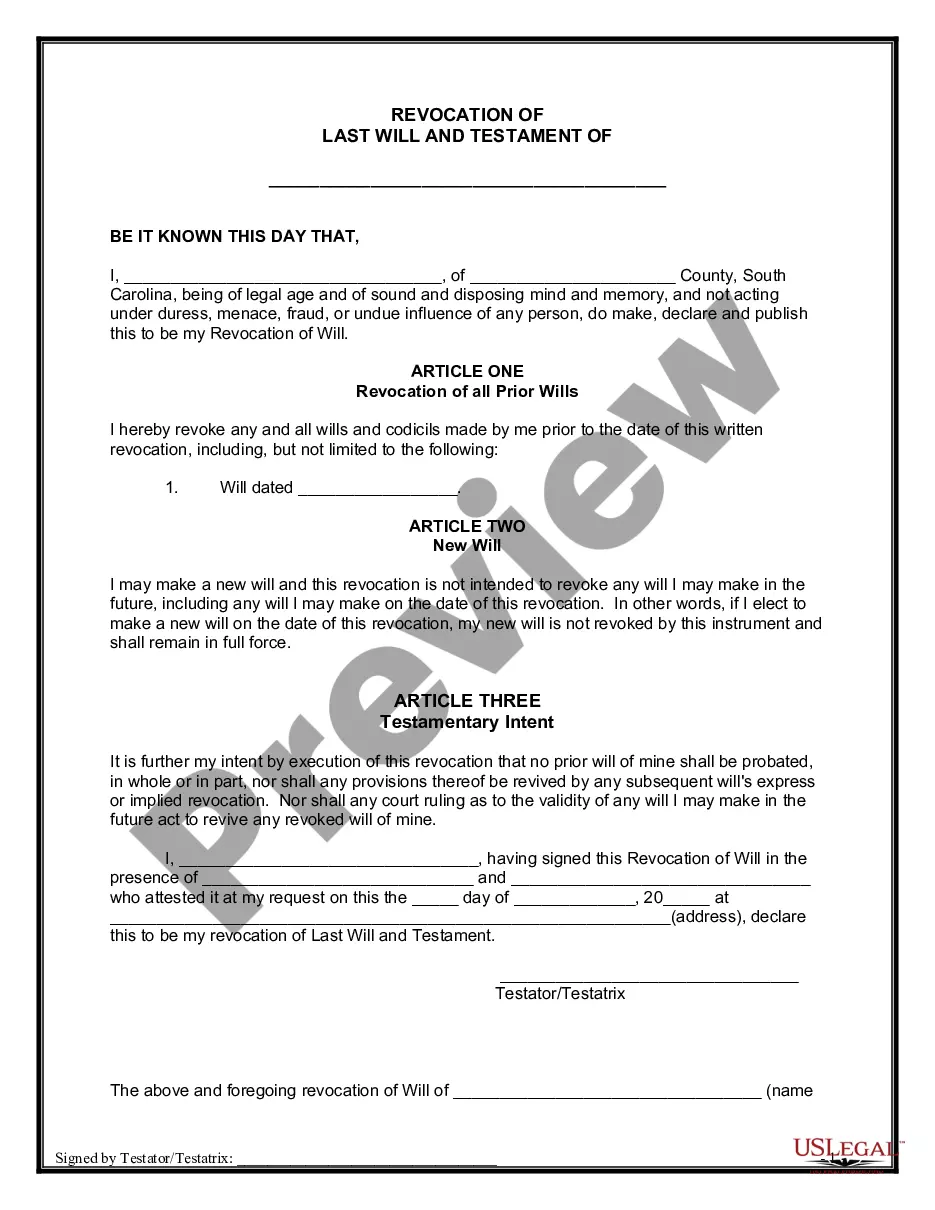
- Declaration of revocation of all prior wills and codicils.
- Indication that a new will may be made in the future without nullifying this revocation.
- Statement of testamentary intent to prevent any prior will from being probated.
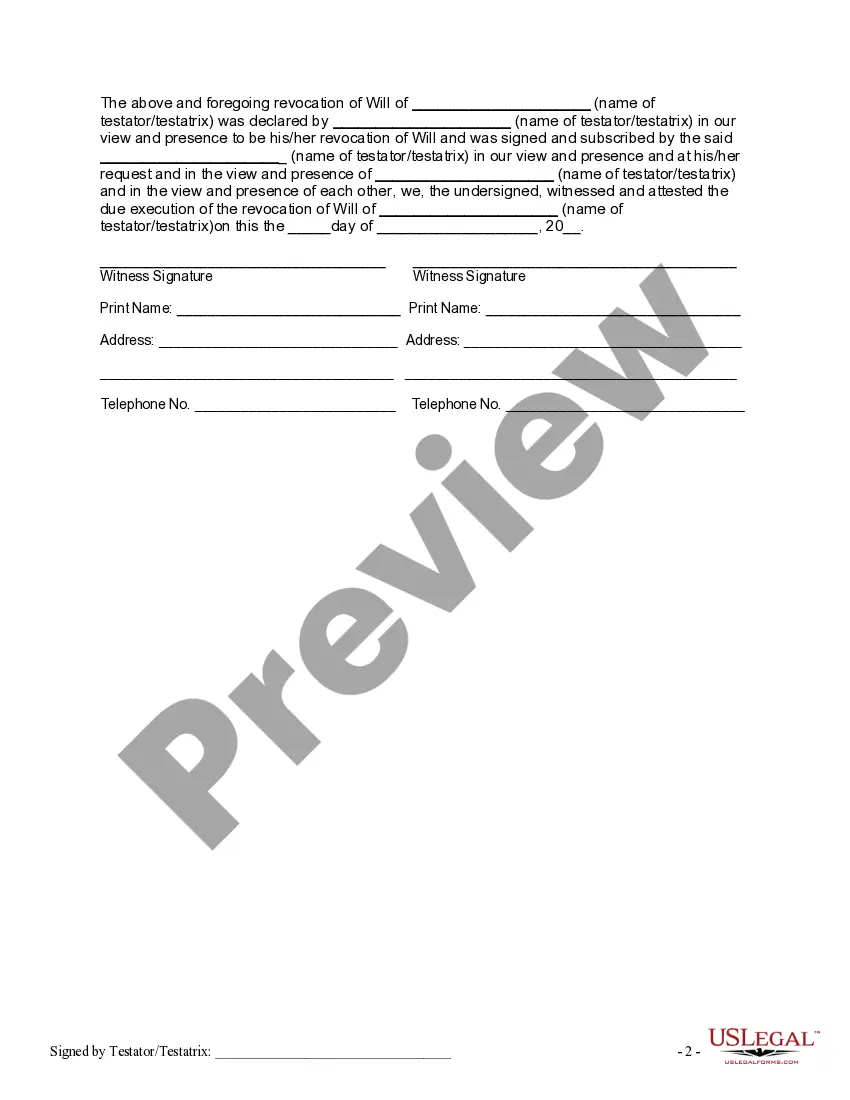
- Signature line for the testator/testatrix, along with witness signatures.
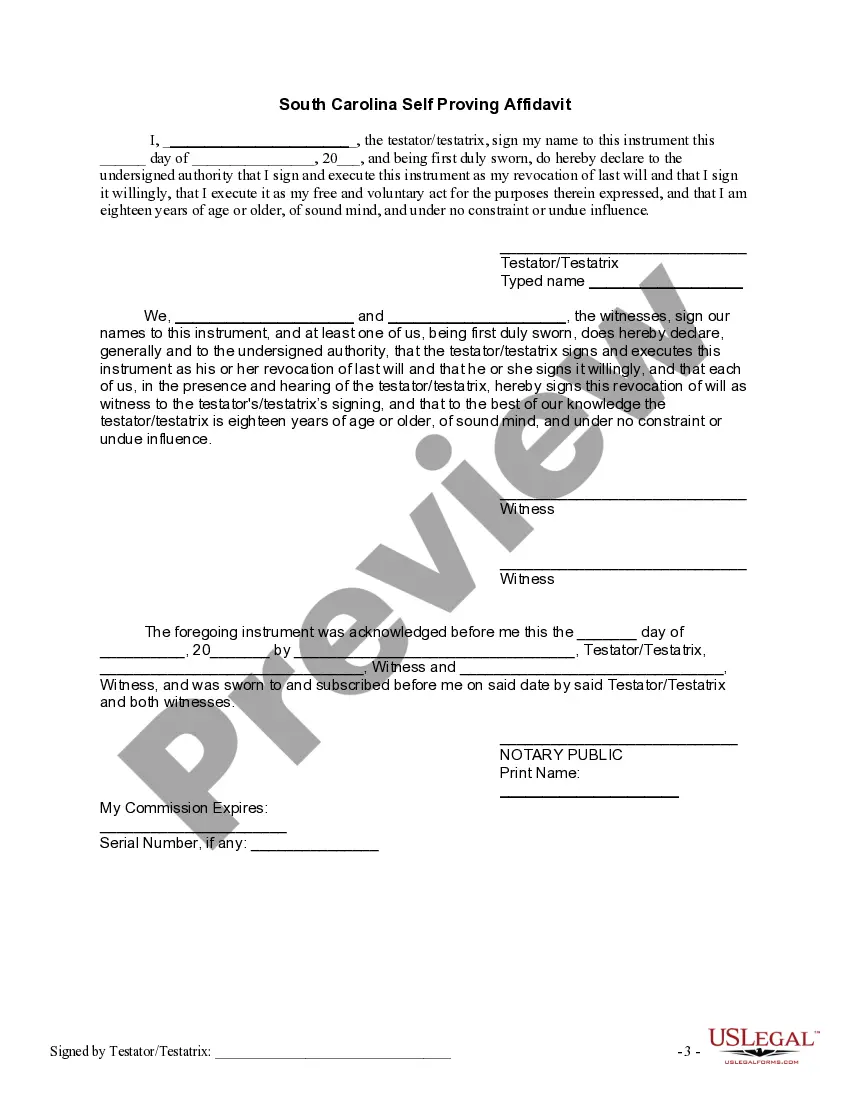
- Self-proving affidavit section for added legal validity.
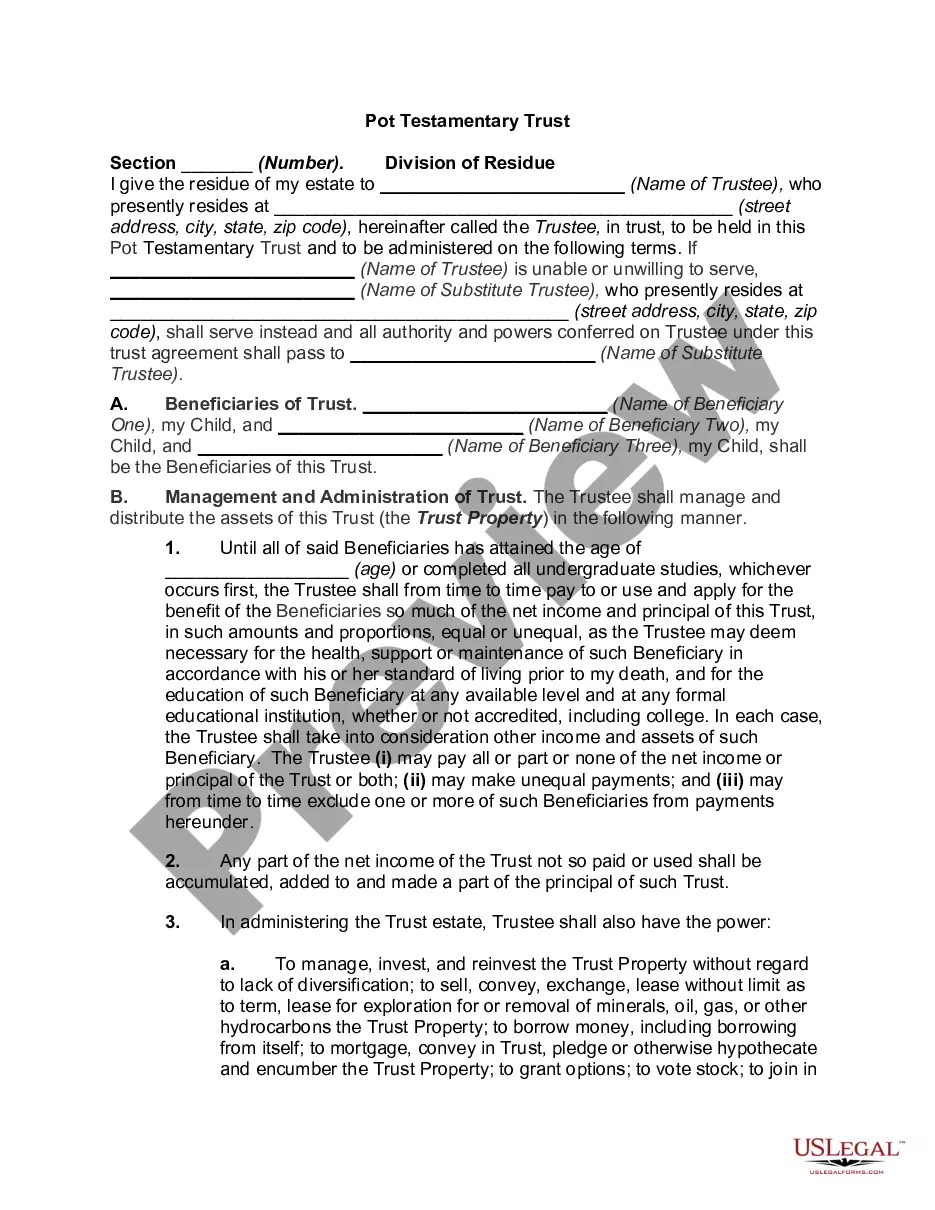


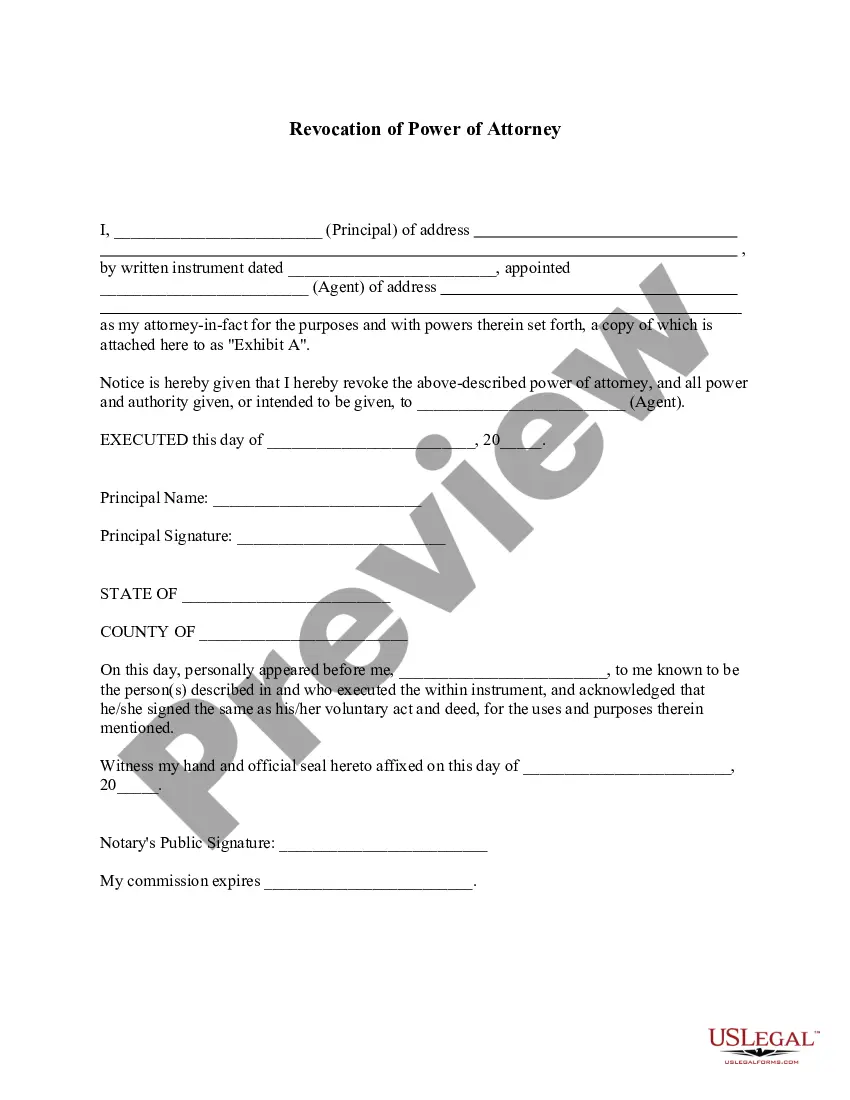
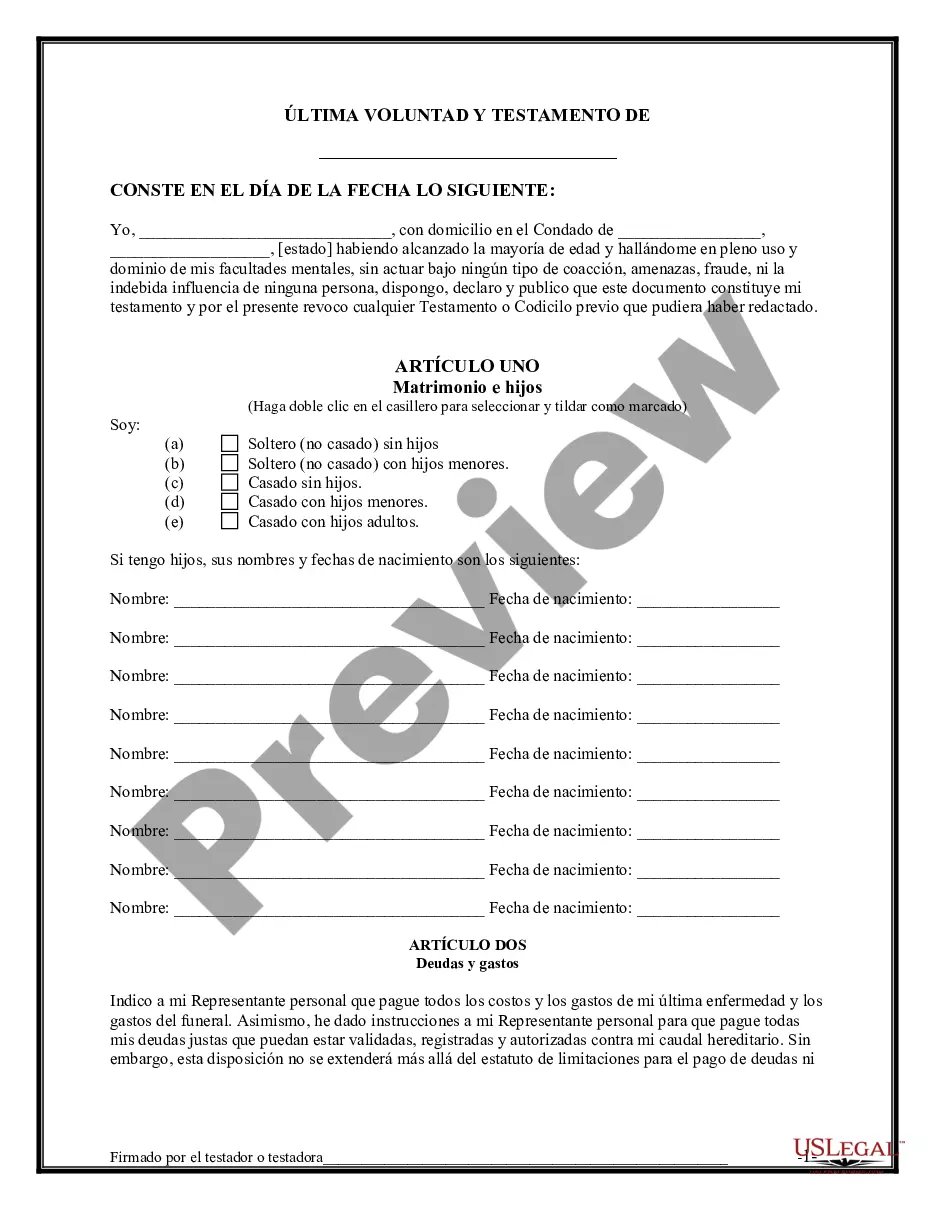
Situations where this form applies
This form should be used when you have decided to revoke a previous will and you want to ensure that your heirs and the court recognize this change. It is particularly useful in situations where you may have modified your estate plan but want to reinforce that earlier documents should no longer hold legal power. For instance, if your circumstances have changed or if you have created a new will that does not expressly revoke your old will, this form clarifies your intentions.
Who this form is for
- Individuals creating a new will while wanting to revoke previous versions.
- People who wish to clarify their estate planning intentions for their heirs.
- Anyone concerned about potential disputes regarding prior wills.
- Residents of South Carolina or anyone whose estate is subject to South Carolina law.
Instructions for completing this form
- Enter your name and county of residence at the top of the document.
- Clearly state the date of the will you are revoking.
- Sign the document in the presence of at least two witnesses.
- Ensure that the witnesses sign as well, affirming they witnessed your signature.
- Consider completing the self-proving affidavit for added legal validity.
Does this document require notarization?
This form does not typically require notarization unless specified by local law. However, using the self-proving affidavit within the document can enhance its validity and reduce challenges in probate court.
Get your form ready online
Our built-in tools help you complete, sign, share, and store your documents in one place.
Make edits, fill in missing information, and update formatting in US Legal Forms—just like you would in MS Word.
Download a copy, print it, send it by email, or mail it via USPS—whatever works best for your next step.
Sign and collect signatures with our SignNow integration. Send to multiple recipients, set reminders, and more. Go Premium to unlock E-Sign.
If this form requires notarization, complete it online through a secure video call—no need to meet a notary in person or wait for an appointment.
We protect your documents and personal data by following strict security and privacy standards.

Make edits, fill in missing information, and update formatting in US Legal Forms—just like you would in MS Word.

Download a copy, print it, send it by email, or mail it via USPS—whatever works best for your next step.

Sign and collect signatures with our SignNow integration. Send to multiple recipients, set reminders, and more. Go Premium to unlock E-Sign.

If this form requires notarization, complete it online through a secure video call—no need to meet a notary in person or wait for an appointment.

We protect your documents and personal data by following strict security and privacy standards.
Common mistakes
- Failing to sign the document in front of witnesses.
- Not including specific details about the will being revoked.
- Not documenting the date of this revocation effectively.
- Overlooking the self-proving affidavit if required by state law.
Benefits of completing this form online
- Convenience of downloading and printing the document at any time.
- Editable fields allow you to personalize the form easily.
- Access to legal guidance ensures that the form meets applicable laws.
- Instant access to updates based on changing laws.
What to keep in mind
- The Written Revocation of Will serves to formally revoke any previous wills.
- It is essential for preventing old wills from influencing estate decisions.
- Ensure proper witnessing and notarization to uphold the documentâs legality.
Looking for another form?
Form popularity
FAQ
Handwritten wills prepared in South Carolina are not legal. However, a holographic will created in another state may be valid in South Carolina.
Alberta Wills can be changed at any time simply by visiting your lawyer.In some situations, wills are automatically revoked, such as when you get married. Consider making an entirely new will when you need to make major changes and using a codicil for small changes.
Generally, you can revoke a will by (1) destroying the old will, (2) creating a new will or (3) making changes to an existing will. In some circumstances, simply giving away all or your property and assets before you die can have the effect of revoking a will (subject to estate tax penalties).
A will can be contested on the grounds that it was not properly drafted, signed or witnessed in accordance with the applicable requirements. Lack of capacity: Under South Carolina probate law, the person making or changing a will is required to have a certain mental competency for the change to be considered valid.
You can make your own will in South Carolina, using Nolo's do-it-yourself will software or online will programs. However, you may want to consult a lawyer in some situations. For example, if you think that your will might be contested or if you want to disinherit your spouse, you should talk with an attorney.
Your will is revoked automatically in certain situations: If you marry or enter into a civil partnership, your will is revoked, unless your will was unless the later will was made with the marriage or civil partnership clearly in mind If you make another will, the first will you made is revoked.
Most people revoke one will by making another, which supersedes the old one. That's why most wills begin with a sentence like "I hereby revoke all previous wills and codicils." (A codicil is an addition to a will; they aren't very common these days.)
Can You Revoke a Will After the Death of the Testator? A will can only be canceled by the testator. A power of attorney does not grant the right to revoke a will. Therefore, no one else can cancel a will after the death of the testator.
A Will can either be destroyed directly by the Testator or by the Testator giving directions to a third party in their presence.Wills are also revoked by marriage or civil partnership, but interestingly a Will is not revoked by divorce.