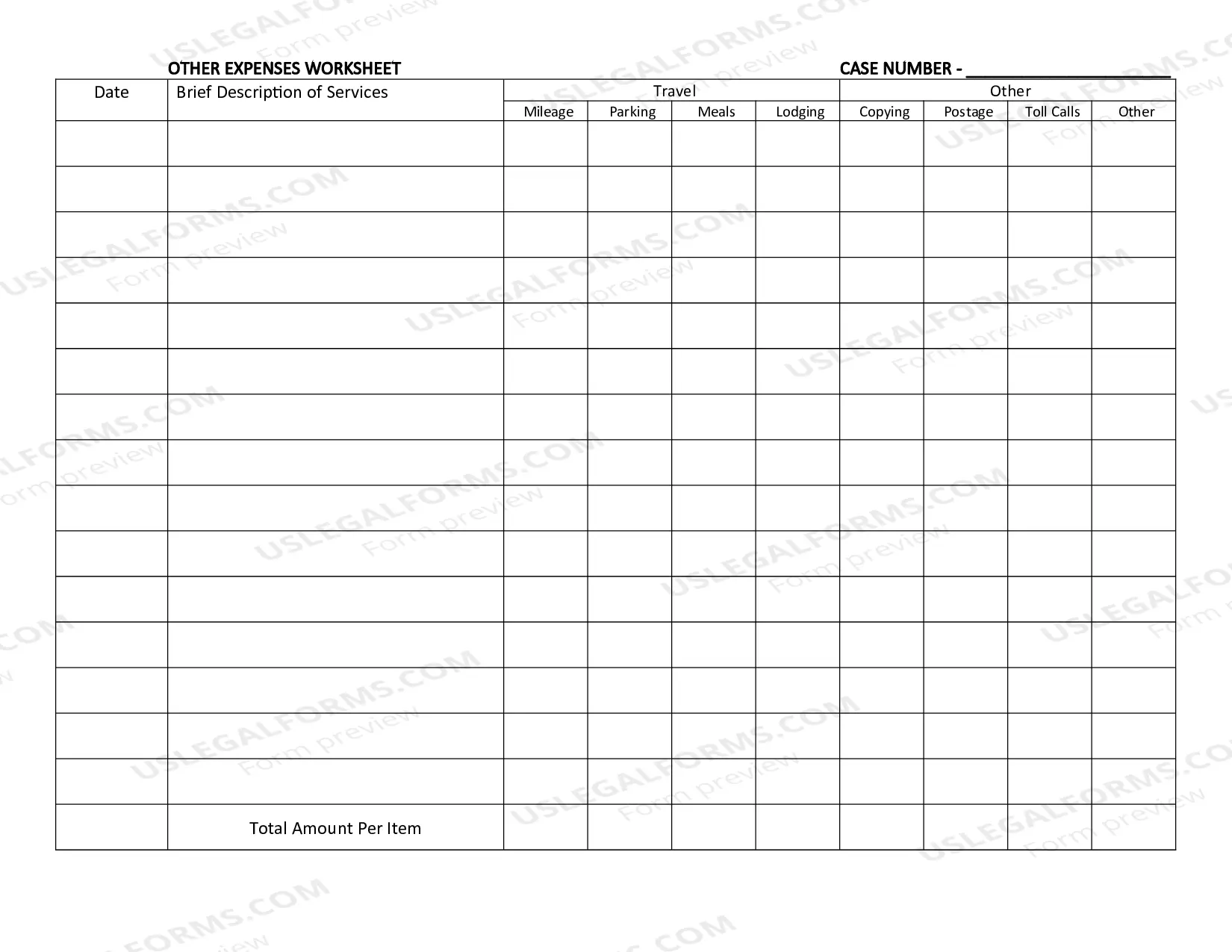
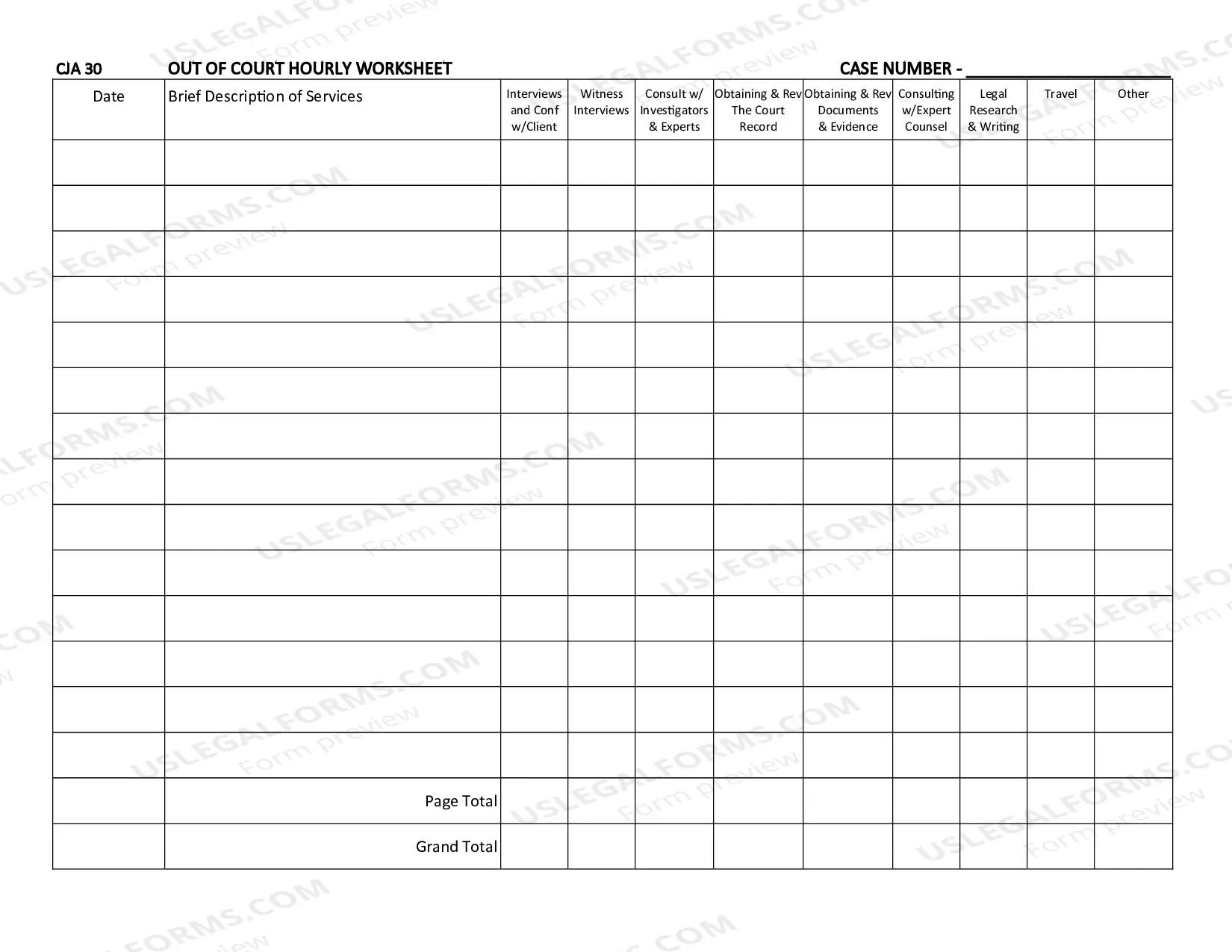
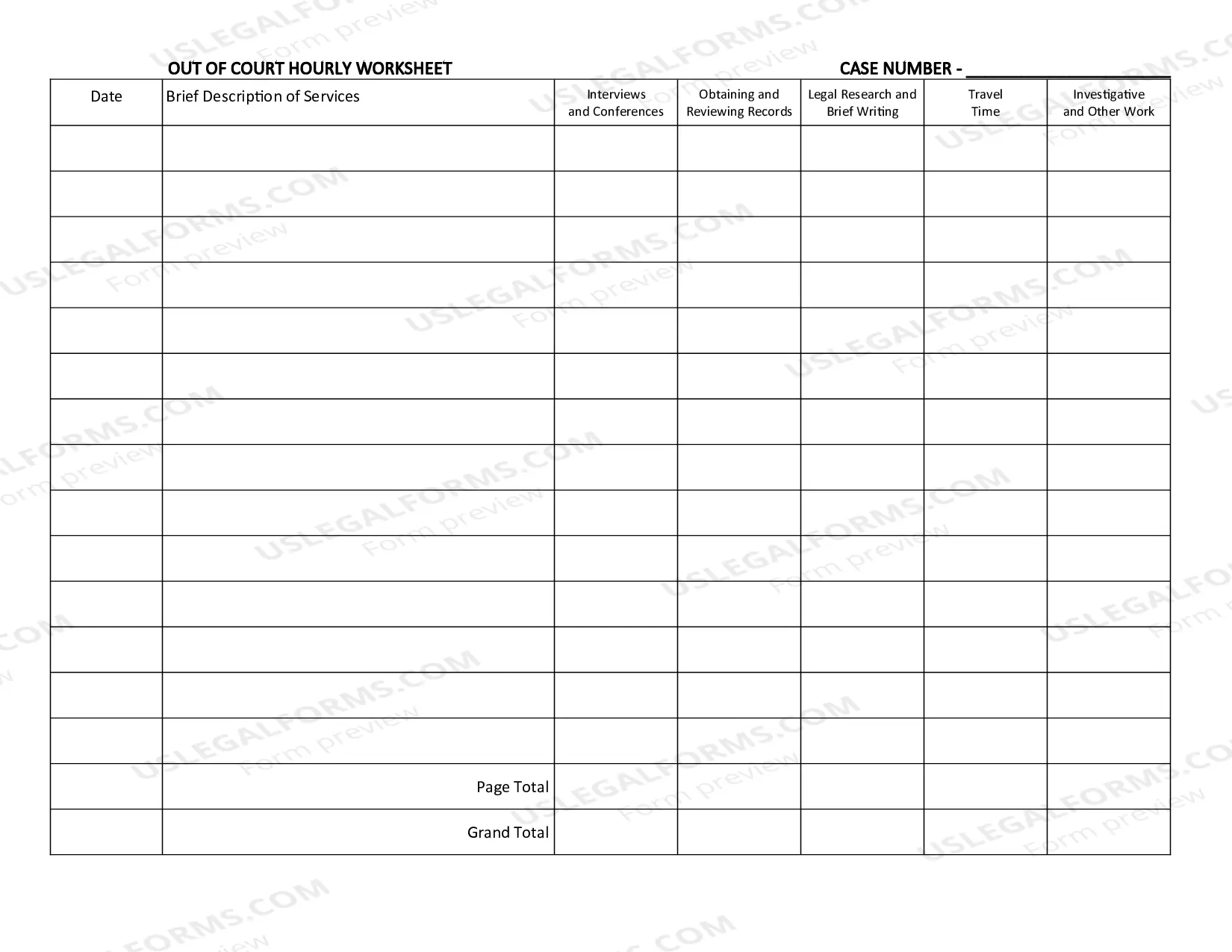
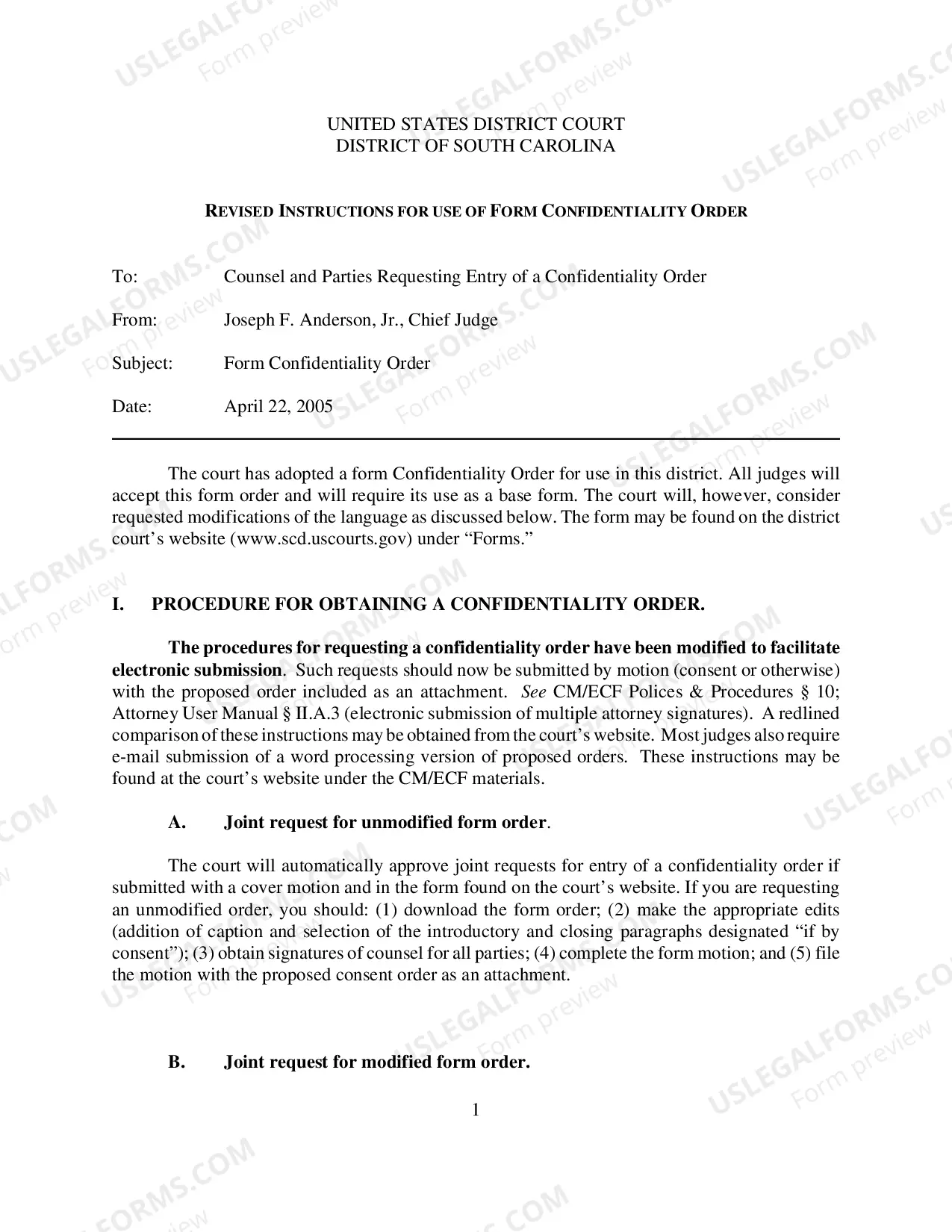
Order Form with Terms and Conditions
Understanding this form
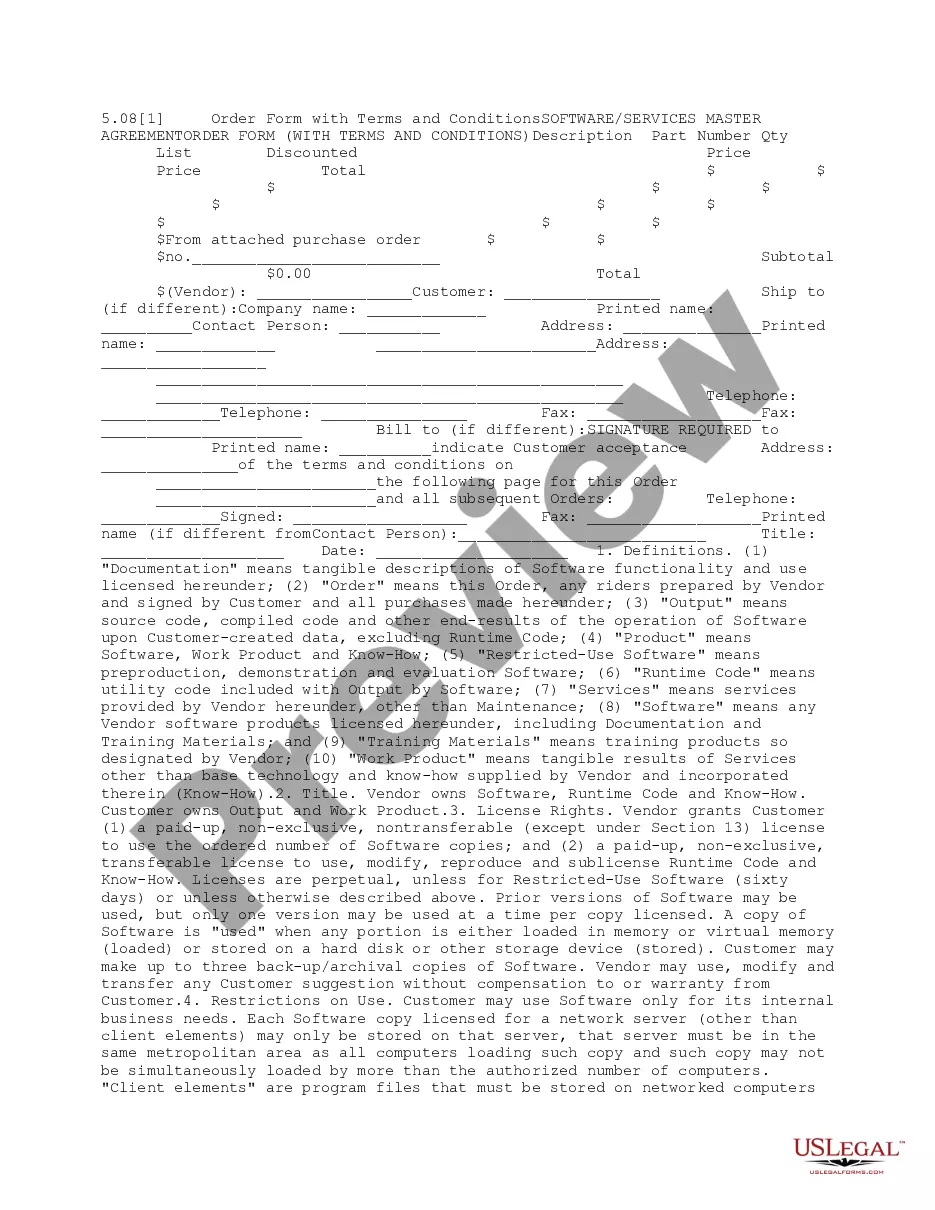
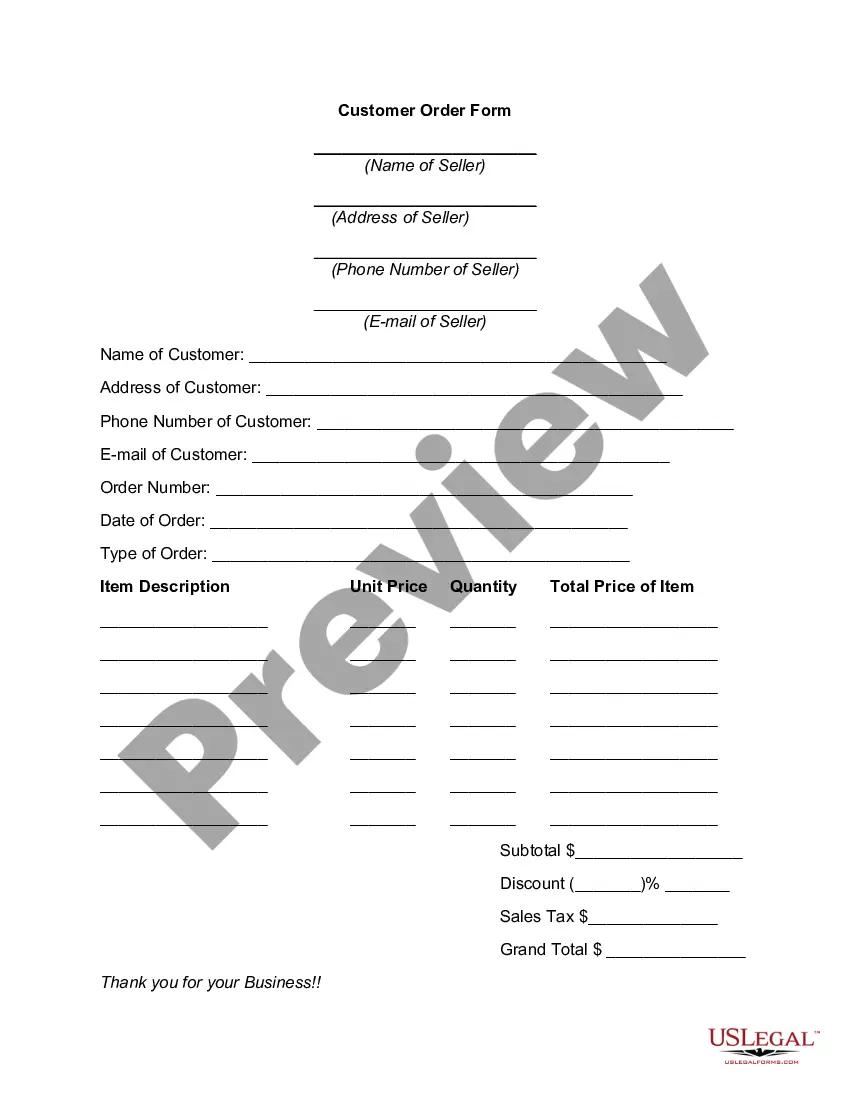
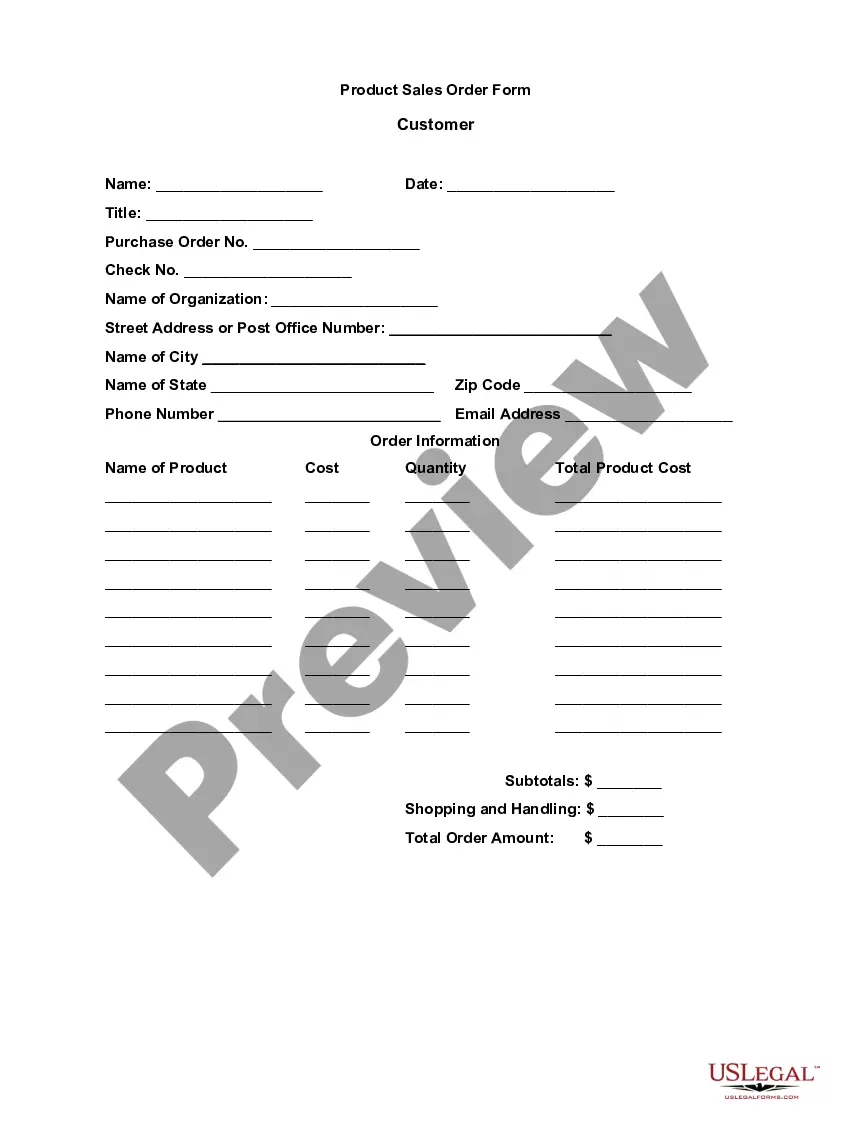
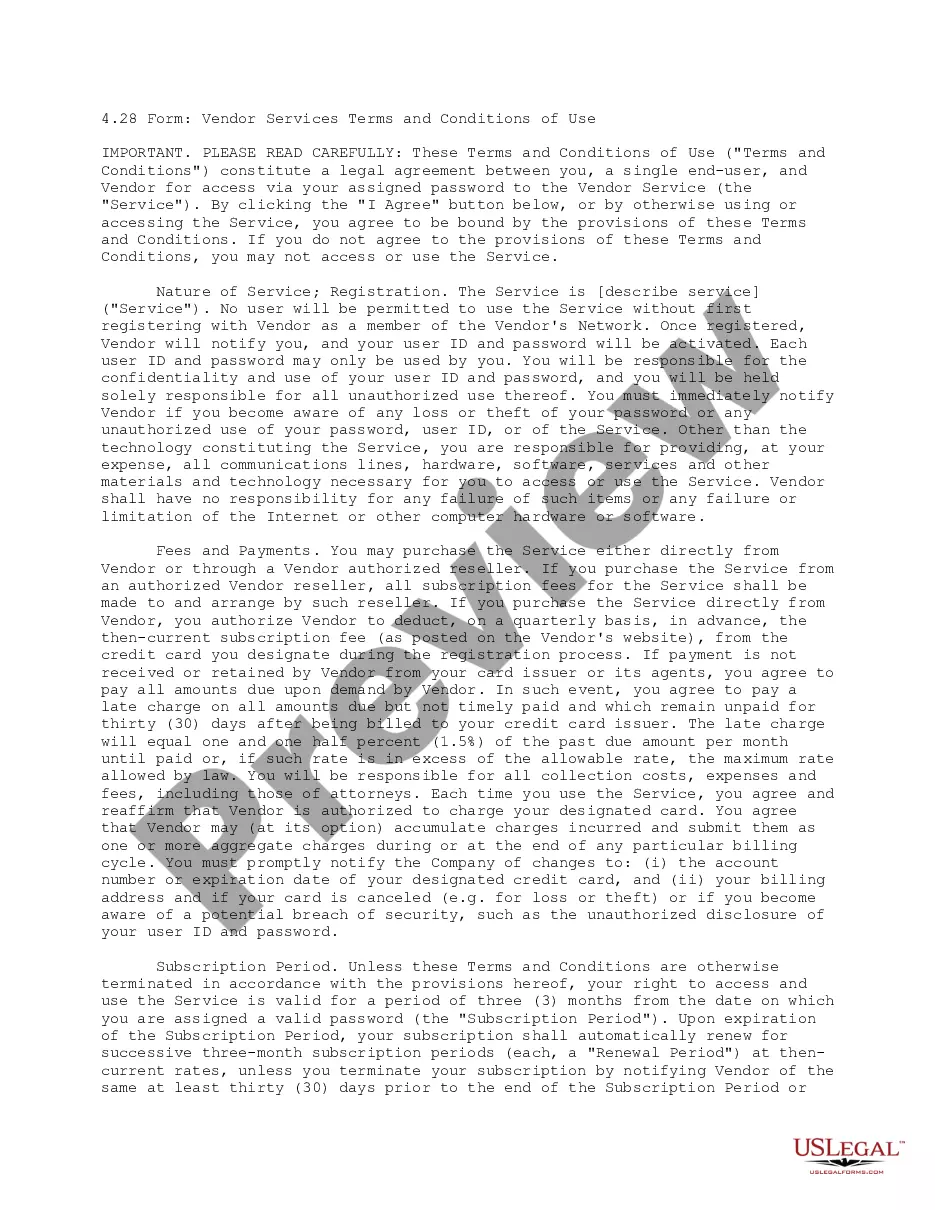
The Order Form with Terms and Conditions is a legal document used to formalize agreements for software and services. This form includes essential terms regarding license rights, payment, use restrictions, and maintenance of the software, providing a clear framework for both parties. It serves as a foundational tool for businesses seeking to clarify the specifics of their software and service agreements, distinguishing it from more generalized order forms.
Form components explained
- Order details including item descriptions, quantities, and pricing.
- License rights outlining how software can be used.
- Payment terms including due dates and taxation details.
- Indemnification provisions defining liability limits.
- Confidential information clauses protecting proprietary data.
- Termination conditions specifying when the order can be ended.


When to use this form
This form should be used when a business or individual wants to order software or services and needs to establish the specific terms of that order. It is particularly useful in situations where detailed agreements about usage rights, payments, and conditions of service are necessary to protect both buyer and seller interests.
Who can use this document
- Businesses looking to purchase software or services for internal use.
- Individuals engaged in contracts with service vendors for specific software solutions.
- Vendors who need to clearly outline their service terms to clients.
How to prepare this document
- Identify the parties involved: include the vendor and customer information.
- List the software or services being ordered with quantities and pricing.
- Specify the payment terms and any applicable taxes.
- Fill in the signature fields to indicate acceptance of the terms.
- Ensure that all required information is accurate and complete before submission.
Is notarization required?
Notarization is not commonly needed for this form. However, certain documents or local rules may make it necessary. Our notarization service, powered by Notarize, allows you to finalize it securely online anytime, day or night.
Get your form ready online
Our built-in tools help you complete, sign, share, and store your documents in one place.
Make edits, fill in missing information, and update formatting in US Legal Forms—just like you would in MS Word.
Download a copy, print it, send it by email, or mail it via USPS—whatever works best for your next step.
Sign and collect signatures with our SignNow integration. Send to multiple recipients, set reminders, and more. Go Premium to unlock E-Sign.
If this form requires notarization, complete it online through a secure video call—no need to meet a notary in person or wait for an appointment.
We protect your documents and personal data by following strict security and privacy standards.

Make edits, fill in missing information, and update formatting in US Legal Forms—just like you would in MS Word.

Download a copy, print it, send it by email, or mail it via USPS—whatever works best for your next step.

Sign and collect signatures with our SignNow integration. Send to multiple recipients, set reminders, and more. Go Premium to unlock E-Sign.

If this form requires notarization, complete it online through a secure video call—no need to meet a notary in person or wait for an appointment.

We protect your documents and personal data by following strict security and privacy standards.
Avoid these common issues
- Failing to review the terms and conditions thoroughly before signing.
- Omitting necessary signatures or dates, which could invalidate the form.
- Not clearly defining the services or software being ordered, leading to potential misunderstandings.
Benefits of completing this form online
- Convenient access to a customizable template that can be easily filled out.
- Ability to save and edit the form as needed before finalization.
- Confidence in using professionally drafted terms that comply with legal standards.
Key takeaways
- The Order Form with Terms and Conditions is essential for legally binding software or service purchases.
- Covers important aspects such as licensing, payment, and indemnification for both parties.
- Should be completed carefully to ensure clear communication and compliance.
Looking for another form?

Form popularity
FAQ
Writing Your Terms and Conditions. Start with a statement regarding the acceptance of your terms and conditions. Your very first paragraph should always be an acceptance of terms clause. This clause ensures that your users understand that by using your service they are accepting the terms and conditions.
Ownership and copyright of the website's content. acceptable and unacceptable use of the website and content. registration, password and security procedures. availability of the website. use of cookies. links to other websites.
When you hire a lawyer in the Priori network, drafting terms and conditions typically costs anywhere from $300 to $5,000. Drafting a privacy policy may cost anywhere from $275 for simple policies to $5,000 for more complex documents.
A brief introduction. The effective date. Jurisdiction/governing law. Link to your Privacy Policy. Contact information. Limitation of liability and disclaimer of warranties. Rules of conduct. User restrictions.
Limitations of liability. Intellectual property/trademark protection. Pricing and payment terms, including shipping, returns, exchanges and cancellations. Product information. Dispute resolution.
Introduction. Right to make changes to the agreement. User guidelines (rules, restrictions, requirements) Copyright and intellectual property. Governing law. Warranty disclaimer. Limitation of liability.
Open Google forms. Decide where you will place your Terms and Conditions. Decide whether you will include a link to your terms or include the entire text inside the form. Now that your Terms and Conditions has been uploaded, you need to add the option to agree or decline.
Review Competitor Sites. Agreement to be Bound. Prohibited Uses. Service Interruptions and Updates. Term, Termination, and Survival. Subscriber Data and Legal Compliance. Confidential Information. Indemnification and Limitation of Liability.
Rule #1: Don't call it an order form. Rule #2: Make your response form an affirmation and phrase the copy consistently in the first person tense of your prospect. Rule #3: Restate the main benefit, so the prospect is clear about why he's responding. Rule #4: Make the terms crystal clear.