Customer Order Form
What is this form?
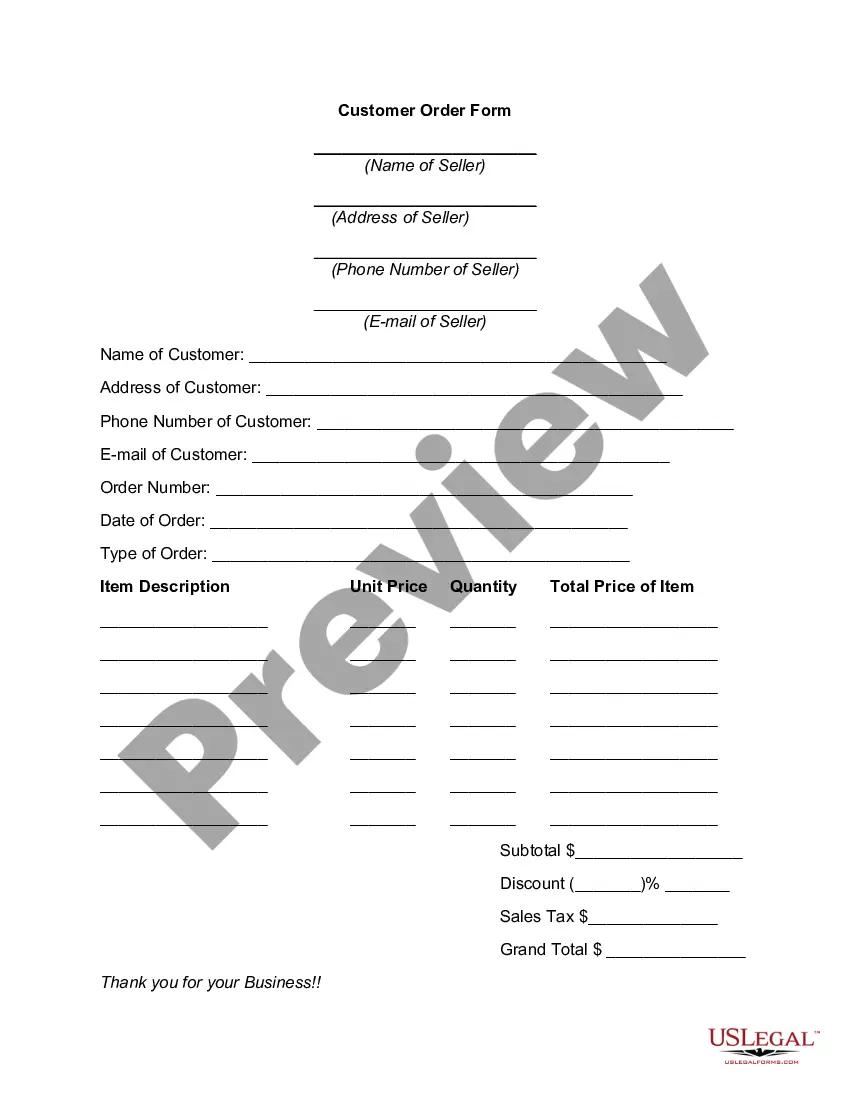
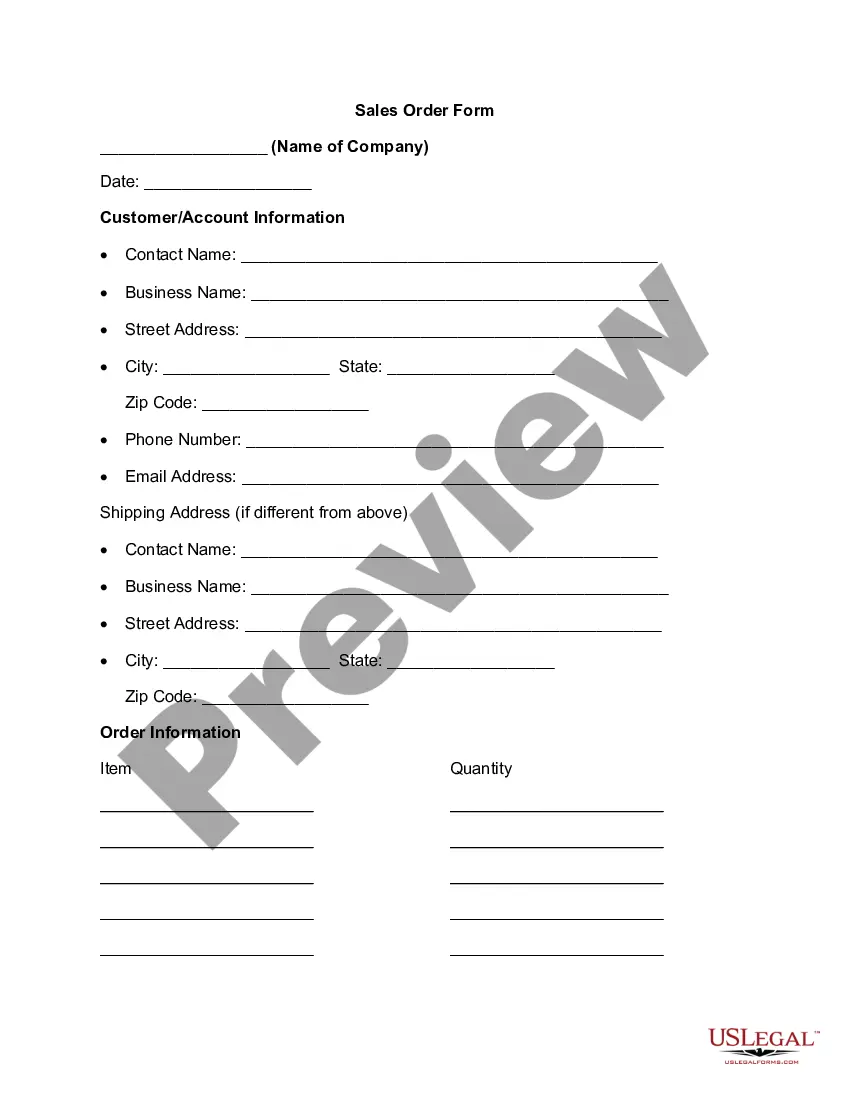
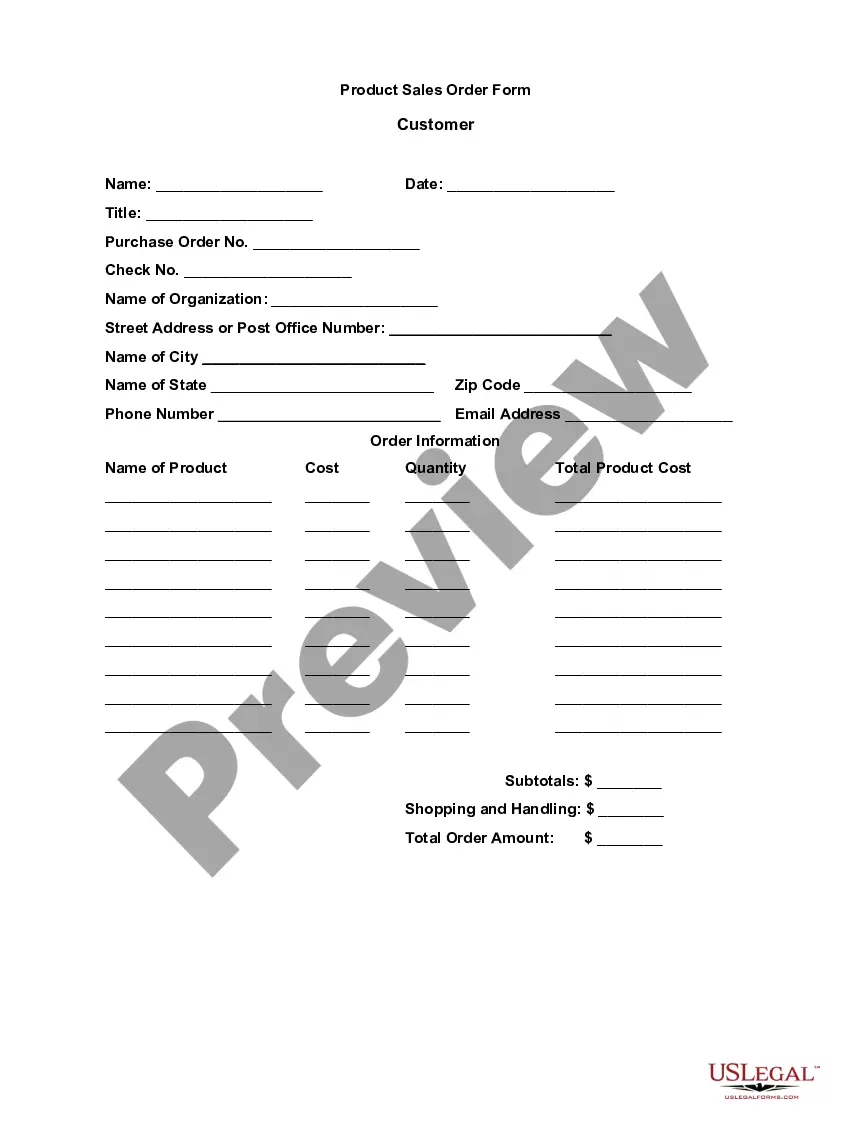
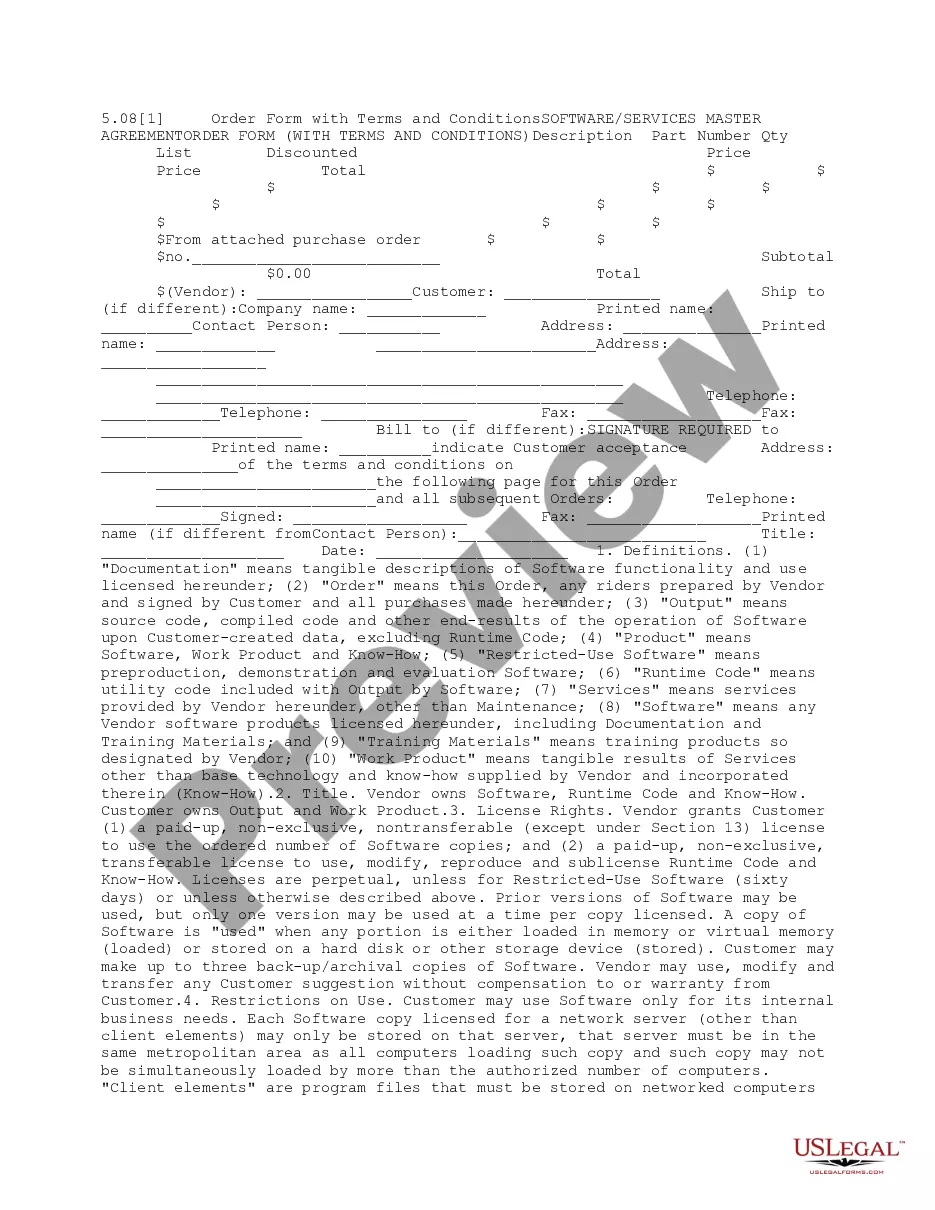
The Customer Order Form is a structured document that facilitates the purchase of goods or services between a seller and a customer. This form serves as a formal record of the transaction, including essential details such as the items ordered, their prices, and buyer and seller contact information. Unlike generic customer forms, this specific Customer Order Form includes comprehensive sections for item descriptions and pricing, ensuring clarity in the transaction process.
Key components of this form
- Name and address of the seller
- Name and address of the customer
- Order number and date of order
- Type of order
- Item description with unit price and quantity
- Subtotal, discount, sales tax, and grand total sections
When to use this document
This Customer Order Form should be used when a seller needs to document an order placed by a customer. It is particularly useful for small businesses or individuals who sell products or services and want to keep a formal record of transactions. The form can be used for a variety of purchases, whether for retail sales, custom orders, or service agreements.
Who needs this form
- Small business owners selling goods or services
- Independent contractors offering services
- Retailers looking to maintain order records
- Any seller who requires a clear record of customer transactions
How to prepare this document
- Enter the name, address, phone number, and email of the seller at the top of the form.
- Provide the customer's name, address, phone number, and email in the designated fields.
- Fill in the order number and the date of the order accurately.
- Detail the type of order and list each item, including description, unit price, and quantity.
- Calculate the subtotal, apply any discounts or sales tax, and ensure the grand total is correct.
Notarization requirements for this form
This form does not typically require notarization unless specified by local law. It can be used as a straightforward agreement between the seller and customer without the need for an official witness.
Get your form ready online
Our built-in tools help you complete, sign, share, and store your documents in one place.
Make edits, fill in missing information, and update formatting in US Legal Forms—just like you would in MS Word.
Download a copy, print it, send it by email, or mail it via USPS—whatever works best for your next step.
Sign and collect signatures with our SignNow integration. Send to multiple recipients, set reminders, and more. Go Premium to unlock E-Sign.
If this form requires notarization, complete it online through a secure video call—no need to meet a notary in person or wait for an appointment.
We protect your documents and personal data by following strict security and privacy standards.

Make edits, fill in missing information, and update formatting in US Legal Forms—just like you would in MS Word.

Download a copy, print it, send it by email, or mail it via USPS—whatever works best for your next step.

Sign and collect signatures with our SignNow integration. Send to multiple recipients, set reminders, and more. Go Premium to unlock E-Sign.

If this form requires notarization, complete it online through a secure video call—no need to meet a notary in person or wait for an appointment.

We protect your documents and personal data by following strict security and privacy standards.
Common mistakes
- Failing to include complete contact information for both seller and customer.
- Omitting the order number or date, which can lead to confusion.
- Calculating the grand total incorrectly after discounts and taxes.
- Not providing a clear description of the items ordered.
Benefits of using this form online
- Easy to customize and fill out with accurate details.
- Instantly downloadable for immediate use.
- Reduces the risk of human error in calculations.
- Promotes professionalism in business transactions.
Looking for another form?
Form popularity
FAQ
Your company's legal name and physical address. Your company's delivery address. A purchaser section. Billing information for suppliers to send invoices. A space for agreed-upon pricing, quantities and specific order details. Requested delivery date. Payment terms.
Rule #1: Don't call it an order form. Rule #2: Make your response form an affirmation and phrase the copy consistently in the first person tense of your prospect. Rule #3: Restate the main benefit, so the prospect is clear about why he's responding. Rule #4: Make the terms crystal clear.
A customer registration form lets clients sign up for an account or service with a specific company.In order to encourage clients to sign up, you'll need your Customer Registration Forms to look good.
Pick your order form tool. Determine your order form fields. Set up your payment processing system. Customize and brand your order form. Create a confirmation page to display after customers place an order.
Pick your order form tool. Determine your order form fields. Set up your payment processing system. Customize and brand your order form. Create a confirmation page to display after customers place an order.
Enter the name of the database field (column headings). Enter data into the database. We are keeping order in the format of the cells. To use the database turn to tools «DATAA». Assign the name of the database. Select the range of data - from the first to the last cell.
A customer order is a commercial document issued by the customer/buyer of the goods/materials to the seller/producer. It is a document highlighting the buyer's requirements about the goods or services needed by him.
An order form is a document buyers use to request merchandise from a wholesaler, manufacturer or retailer.For example, if you own a printing company, your customers can fill in an order form with information regarding their prints, such as the required dimension and paper type.