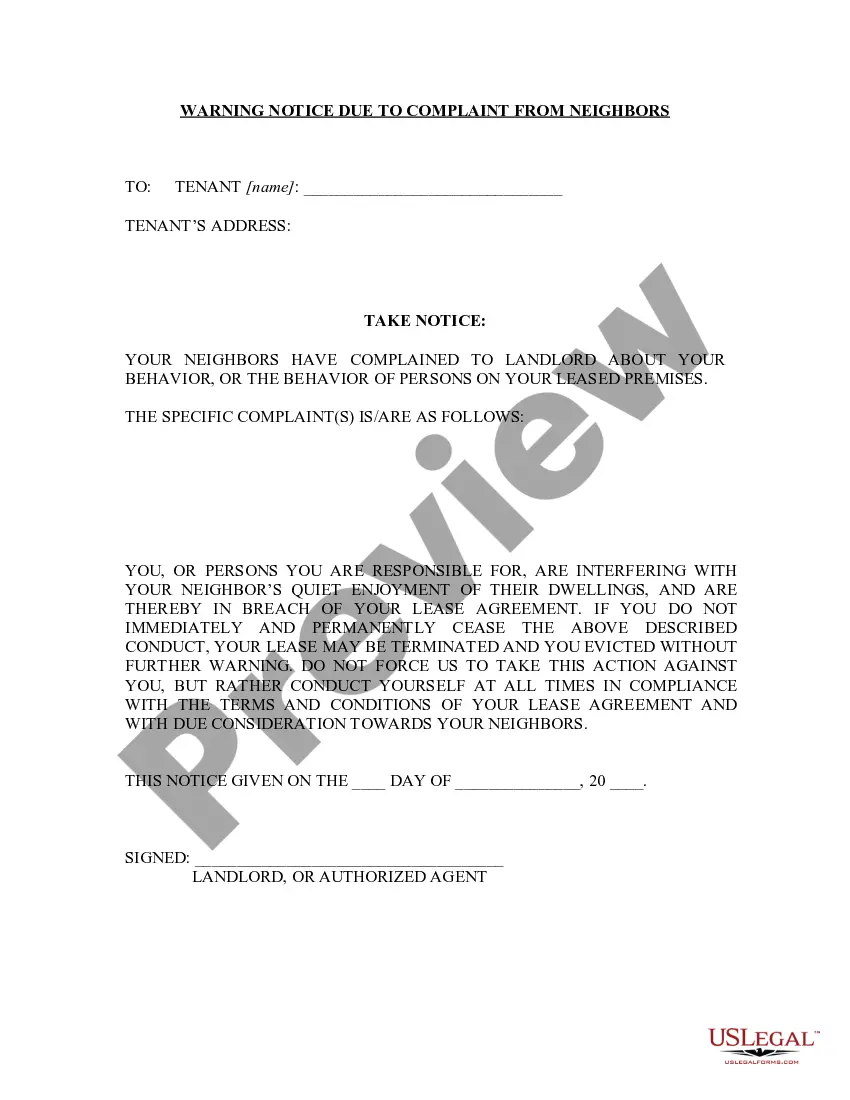
Shipping and Order Form for Software Purchase
About this form
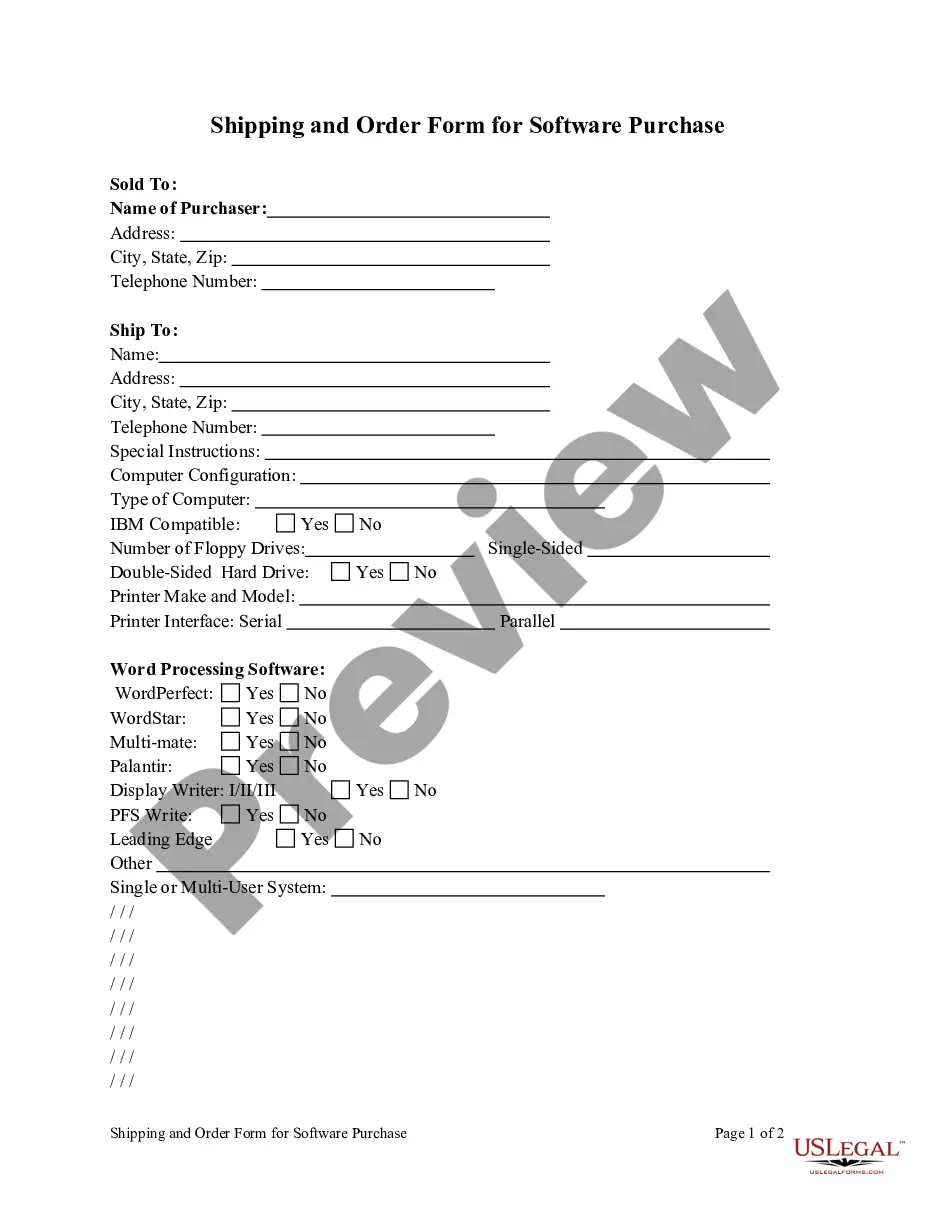
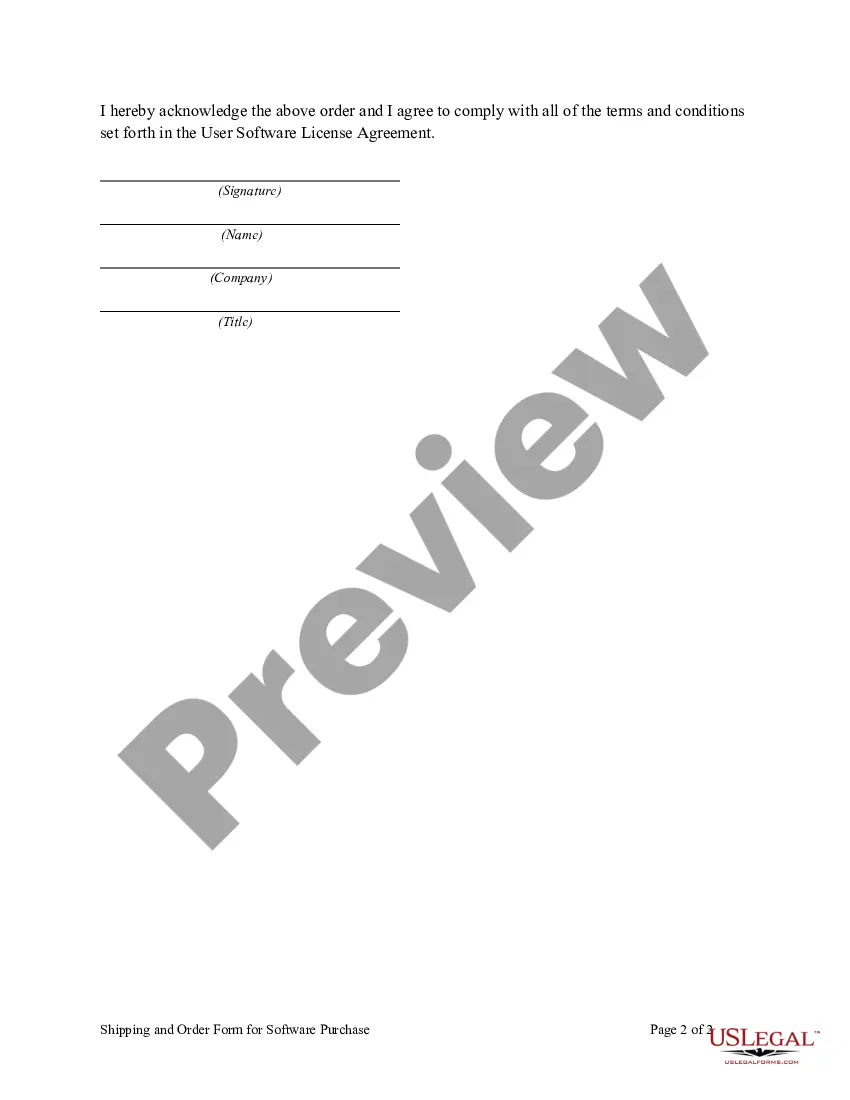
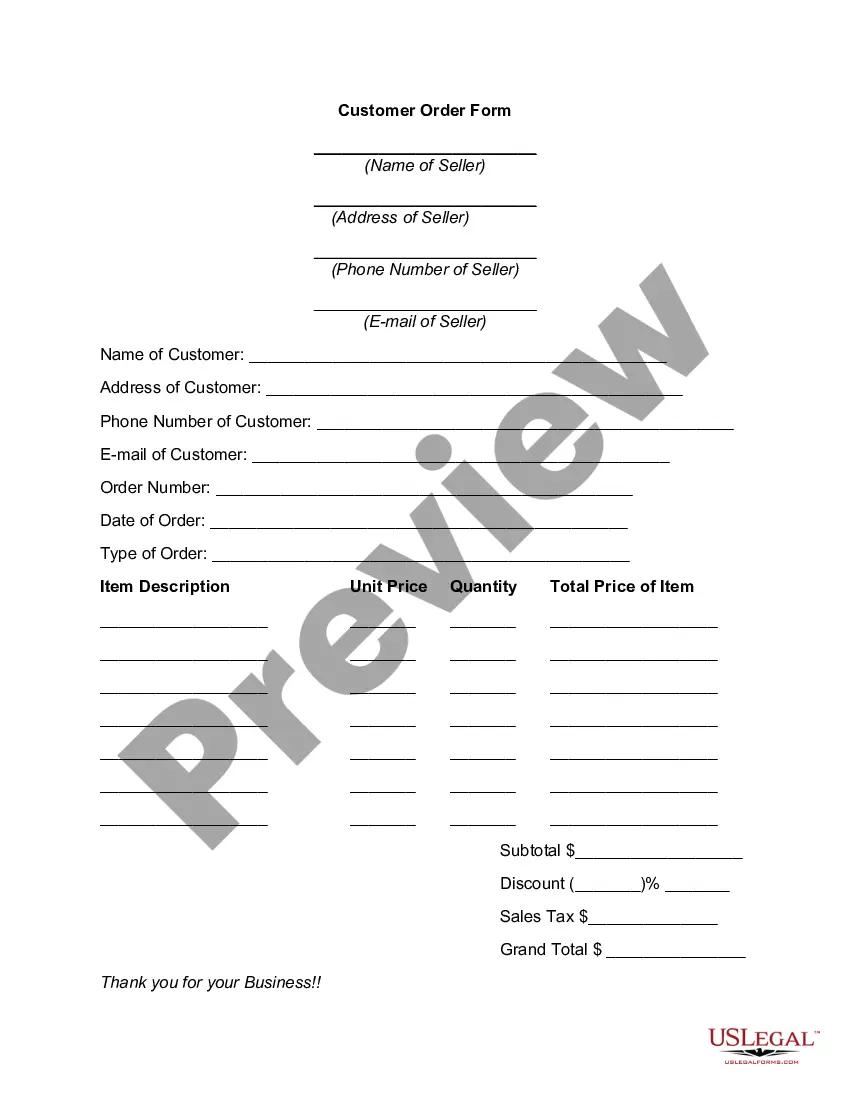
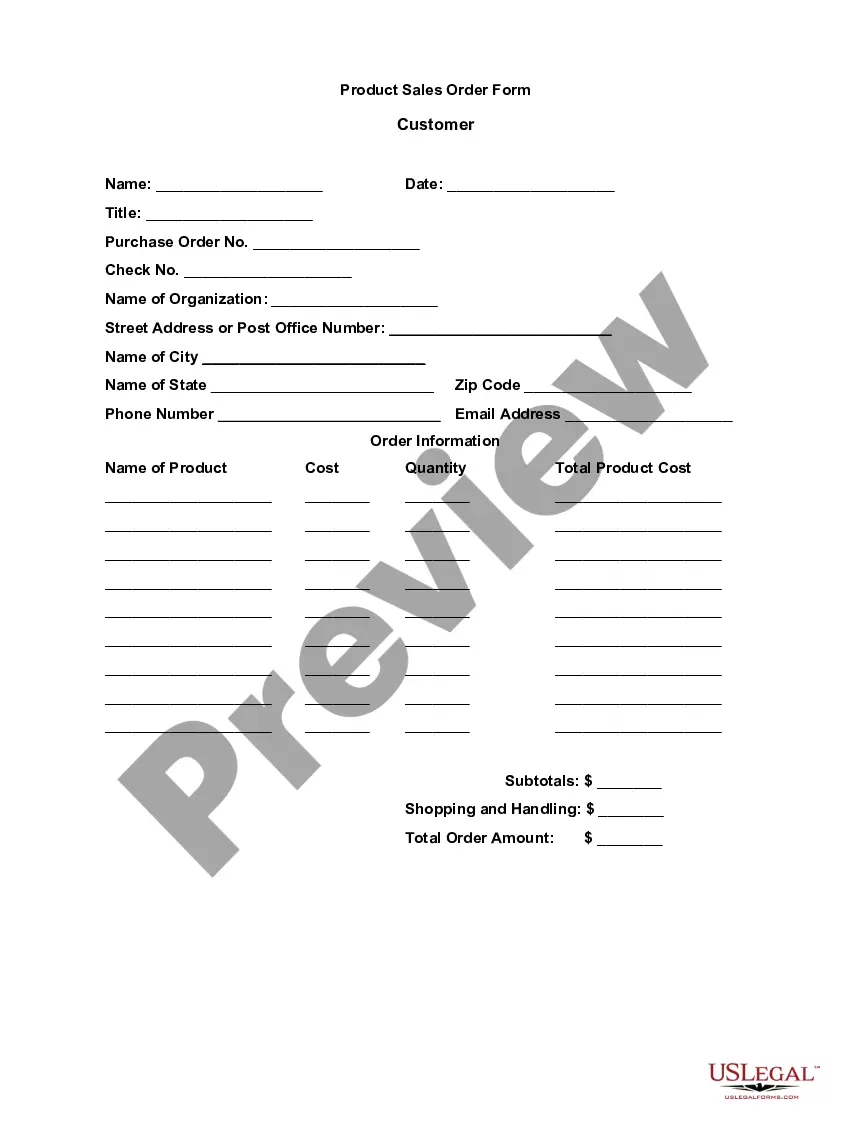
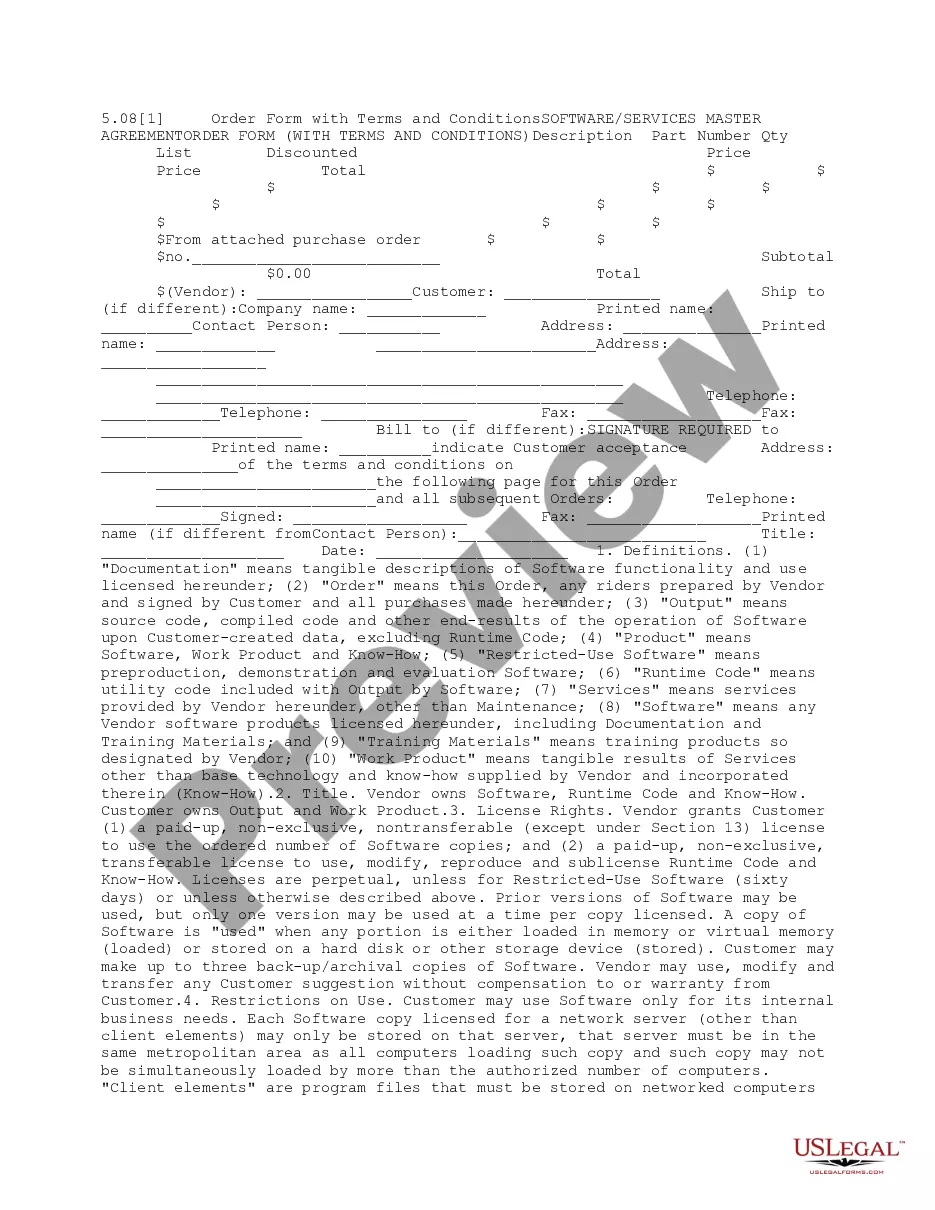
The Shipping and Order Form for Software Purchase is a legal document used by buyers and sellers involved in the sale of software products. This form outlines the specific products being ordered, the terms of the sale, and the obligations of both parties. It ensures that the agreement is clear and legally binding once completed, differentiating it from simpler invoice forms or informal purchase agreements.
Key parts of this document
- Contact information of the buyer and seller
- Detailed description of the software products or services being purchased
- Pricing information and payment terms
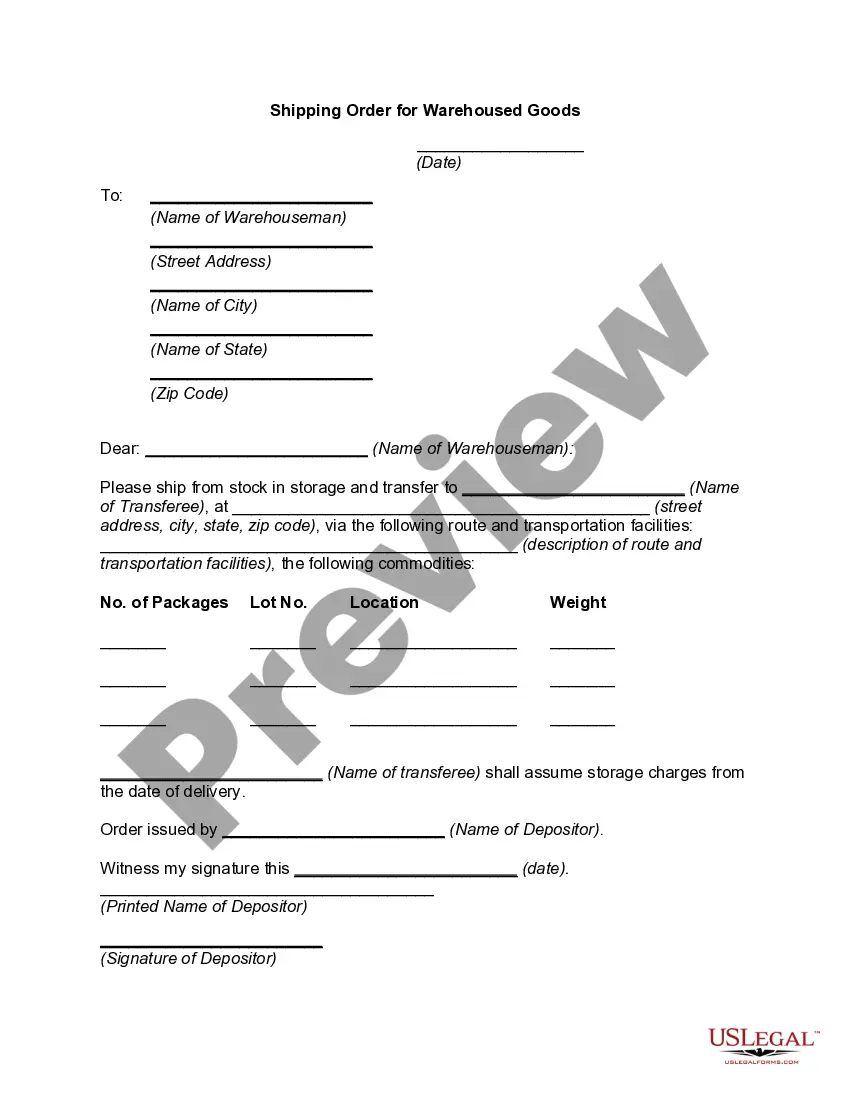
- Shipping details and delivery timelines
- Legal disclaimers and acknowledgment of the binding nature of the order
When this form is needed
This form is essential when a buyer intends to purchase software and requires a formal record of the transaction. Use this form to clarify the details of the order, such as software specifications, pricing, and shipping details. It is particularly useful for businesses that regularly engage in software sales or need to document large orders for auditing purposes.
Who this form is for
This form is suitable for:
- Small businesses purchasing software for internal use
- Software developers selling their products
- Companies managing multiple software product orders
- Buyers who require clarity in their purchases
Steps to complete this form
- Identify the parties involved: fill in the names and contact information of both the buyer and seller.
- List the software products being purchased: clearly specify each product and any relevant details.
- Fill in the pricing details: include the cost of each item and the total amount due.
- Specify the shipping information: indicate how and when the software will be delivered.
- Review and sign: ensure that both parties understand and agree to the terms before signing the form.
Does this form need to be notarized?
Notarization is not commonly needed for this form. However, certain documents or local rules may make it necessary. Our notarization service, powered by Notarize, allows you to finalize it securely online anytime, day or night.
Get your form ready online
Our built-in tools help you complete, sign, share, and store your documents in one place.
Make edits, fill in missing information, and update formatting in US Legal Forms—just like you would in MS Word.
Download a copy, print it, send it by email, or mail it via USPS—whatever works best for your next step.
Sign and collect signatures with our SignNow integration. Send to multiple recipients, set reminders, and more. Go Premium to unlock E-Sign.
If this form requires notarization, complete it online through a secure video call—no need to meet a notary in person or wait for an appointment.
We protect your documents and personal data by following strict security and privacy standards.

Make edits, fill in missing information, and update formatting in US Legal Forms—just like you would in MS Word.

Download a copy, print it, send it by email, or mail it via USPS—whatever works best for your next step.

Sign and collect signatures with our SignNow integration. Send to multiple recipients, set reminders, and more. Go Premium to unlock E-Sign.

If this form requires notarization, complete it online through a secure video call—no need to meet a notary in person or wait for an appointment.

We protect your documents and personal data by following strict security and privacy standards.
Avoid these common issues
- Missing contact information for either party
- Inaccurate product descriptions or pricing
- Failure to specify shipping terms
- Not reviewing the form for completeness before signing
- Ignoring local laws that may affect the purchase
Advantages of online completion
- Convenient and quick access to editable templates
- Helps ensure accuracy by prompting necessary information
- Accessible from anywhere, reducing the need for physical paperwork
- Provides a reliable record of the transaction in case of future disputes
Main things to remember
- The Shipping and Order Form is essential for documenting software purchases.
- Ensure all product and payment details are clearly outlined to avoid disputes.
- The form is versatile enough for use in multiple states.
- Take advantage of the convenience offered by online forms for accuracy and reliability.
Looking for another form?
Form popularity
FAQ
Create your own forms. List the steps in the process. Design workflow. Define roles and access. Implement the PO system. Obtain feedback and improve.
Rule #1: Don't call it an order form. Rule #2: Make your response form an affirmation and phrase the copy consistently in the first person tense of your prospect. Rule #3: Restate the main benefit, so the prospect is clear about why he's responding. Rule #4: Make the terms crystal clear.
A purchase order is used by a buyer to place an order and is issued before delivery. An invoice is issued by a seller using invoicing software after an order is delivered. It defines the amount the buyer owes for the purchased goods and the date by which the buyer needs to pay.
1) Save Time. 2) Help With Budgeting. 3) Enable Planning. 4) Handle Unexpected Expenses. 5) Eliminate Goof-Ups. 6) Provide Legal Protection. 7) Control Spending. 8) Track Spending.
Create your own forms. List the steps in the process. Design workflow. Define roles and access. Implement the PO system. Obtain feedback and improve.
COMPANY DETAILS. These are the details of our organisation. PURCHASE ORDER NO. This is often printed on the document. DATE OF ORDER. Always write in the current date. DATE REQUIRED. TO. SHIP TO. QUANTITY ORDERED, PART NUMBER, DESCRIPTION, UNIT PRICE AND TOTAL. ADDITIONAL PURCHASES.
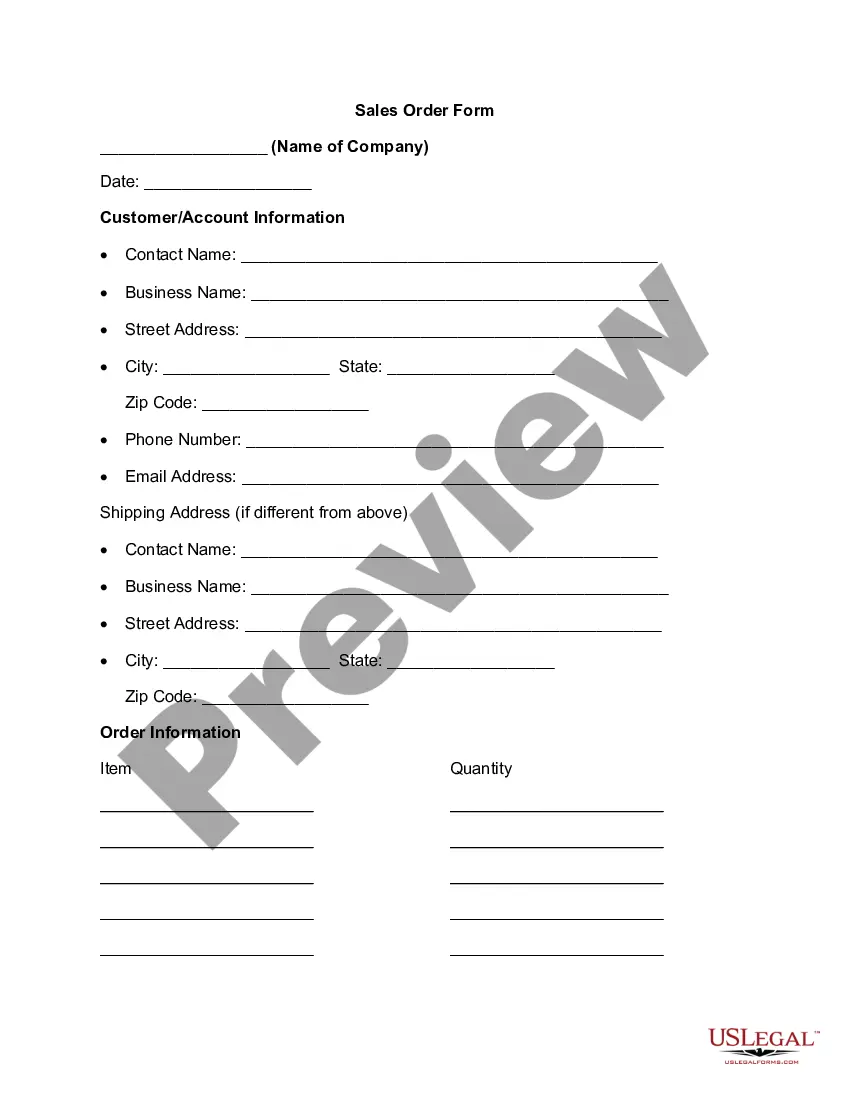
No matter what format you choose, a purchase order generally includes the following details: A purchase order number and issue date for tracking. Company information, including contact information for both the requisitioner and vendor. Order details, such as item numbers, descriptions, costs, and quantities needed.
Pick your order form tool. Determine your order form fields. Set up your payment processing system. Customize and brand your order form. Create a confirmation page to display after customers place an order.