Product Sales Order Form
Overview of this form
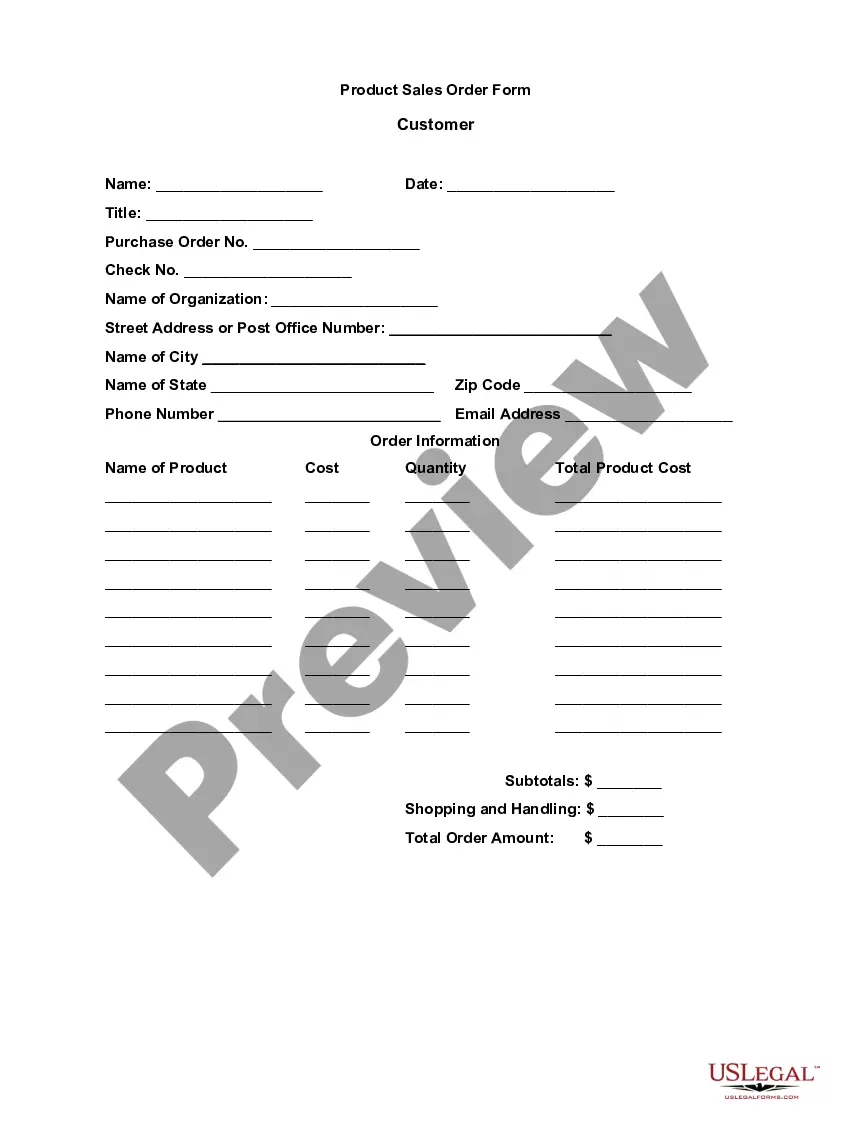
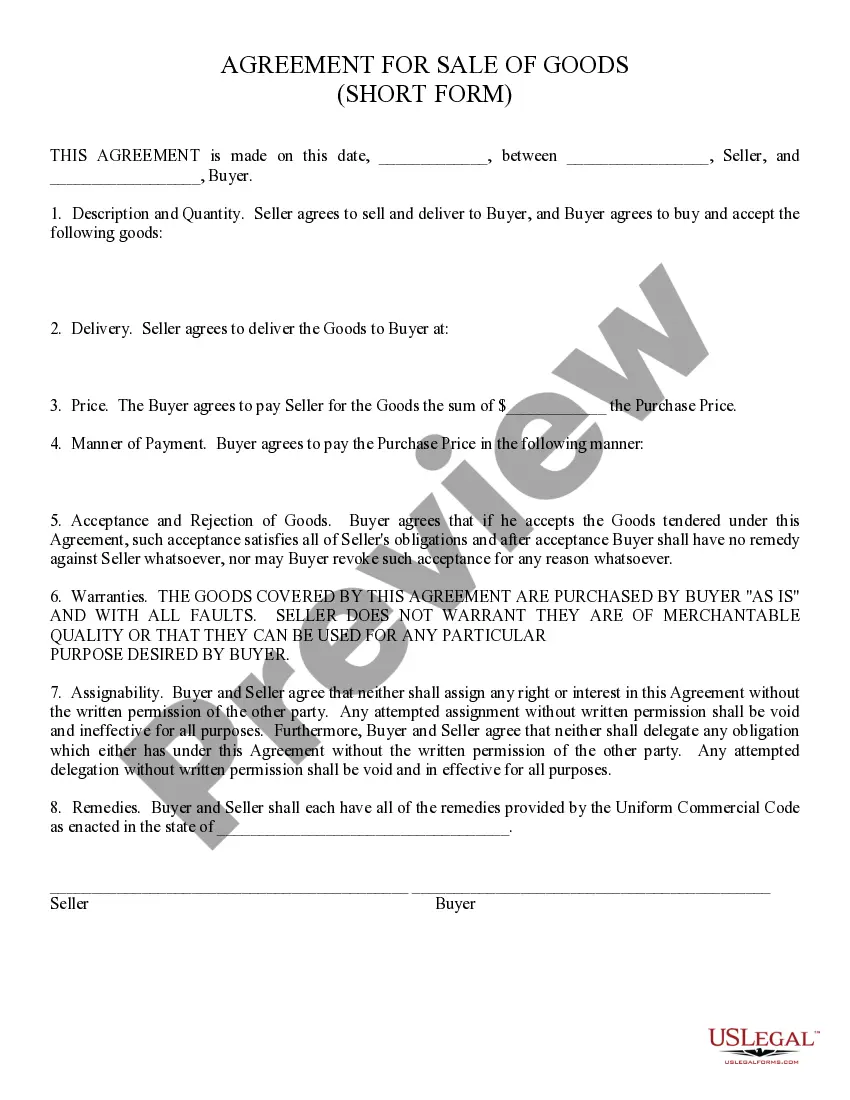
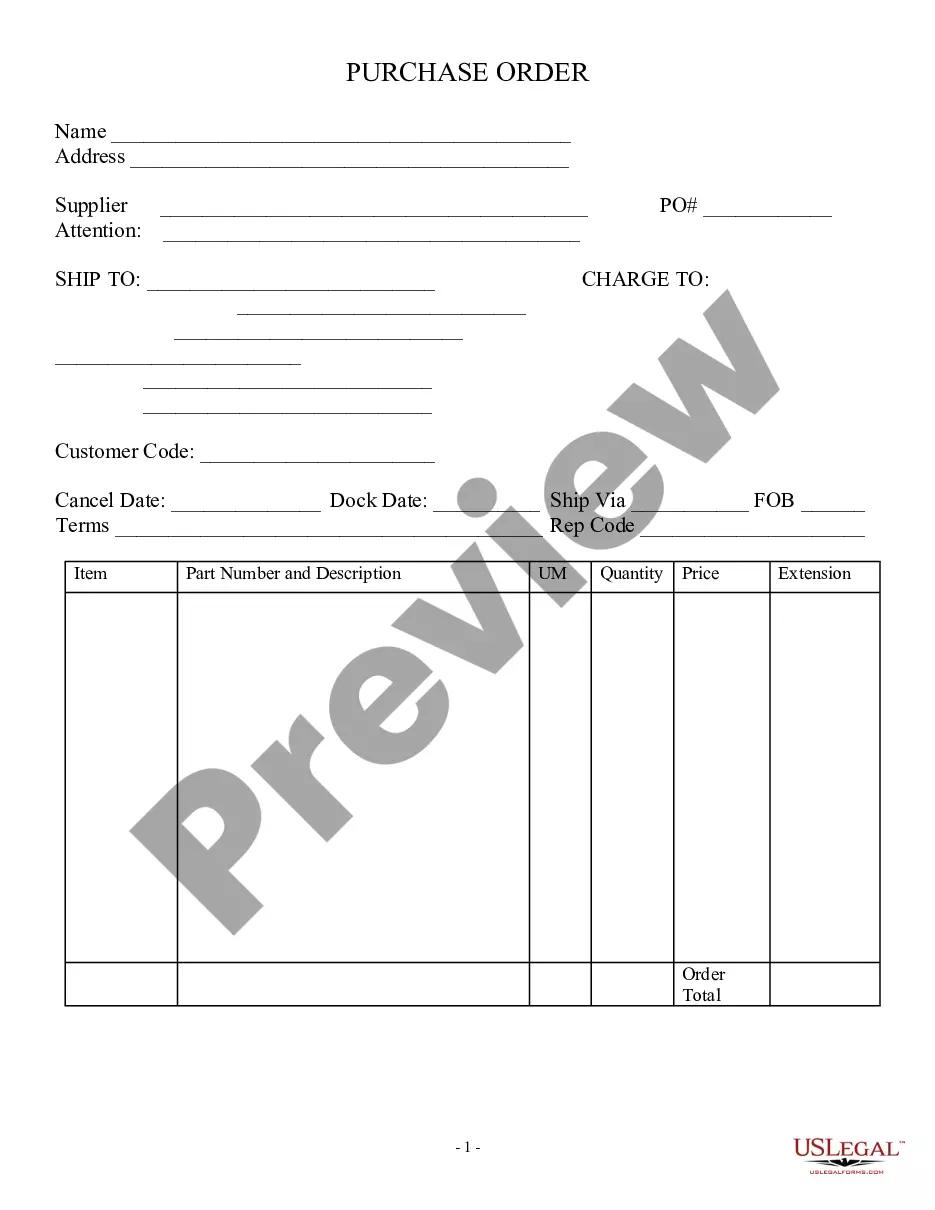
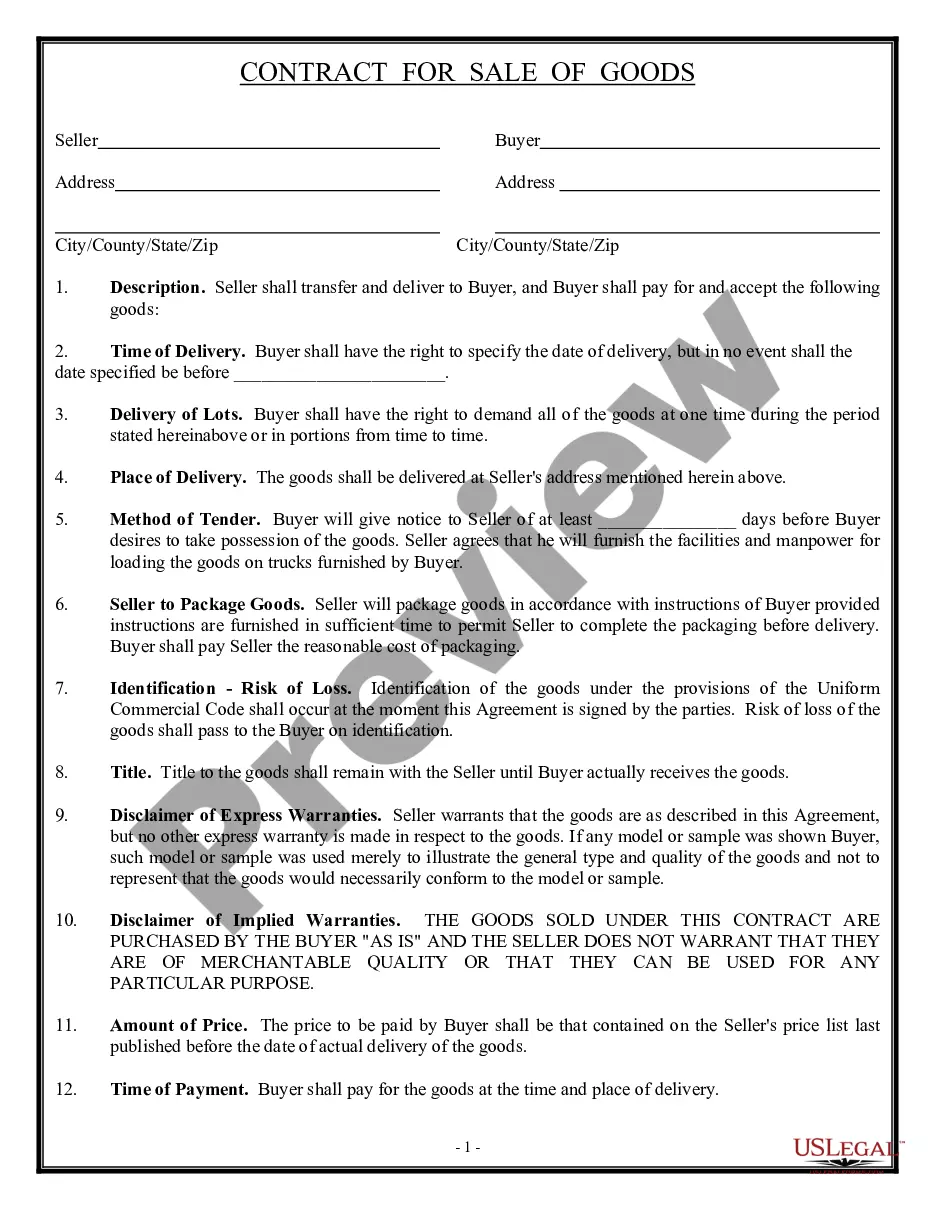
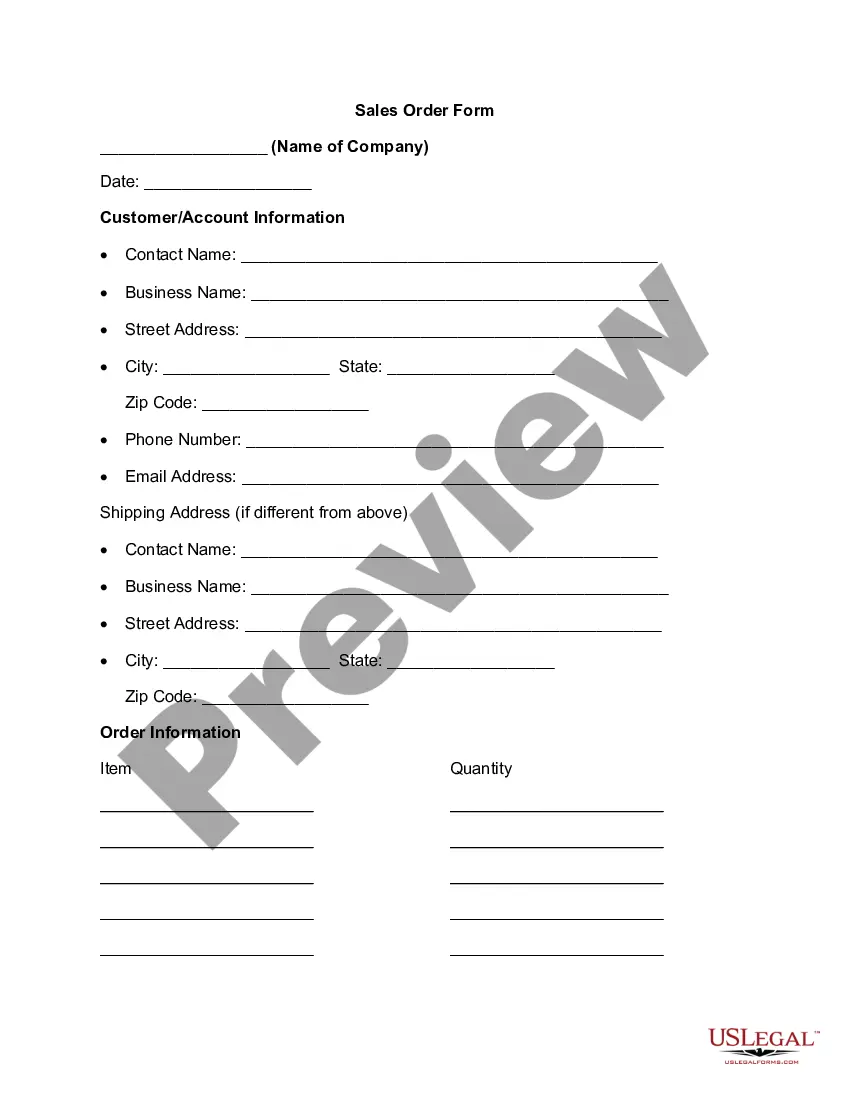
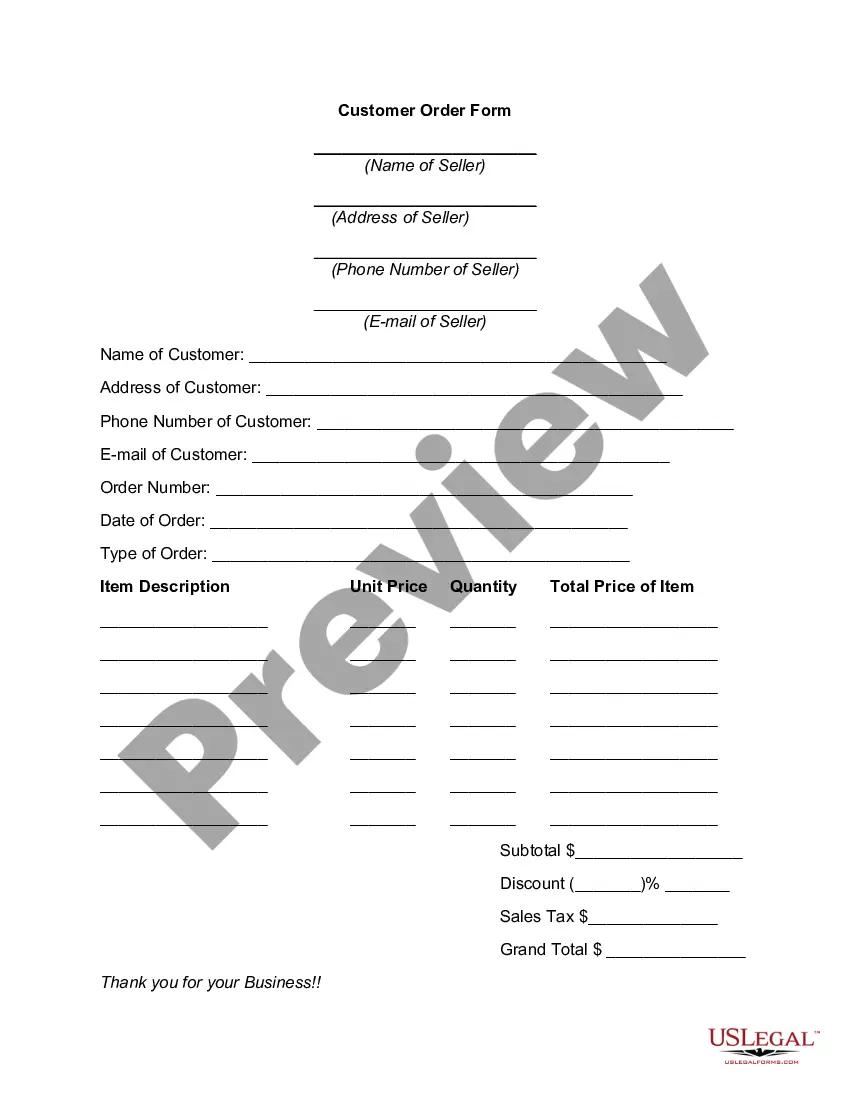
The Product Sales Order Form is an internal document used by businesses to facilitate sales transactions. It clearly outlines the details of a sale and helps communicate essential information to the sales staff. This form differs from purchase orders as it is primarily for internal use, documenting customer needs and order specifics without being sent to external suppliers or vendors.
Key parts of this document
- Customer information section, including name, date, title, and contact details.
- Order information that lists product names, costs, quantities, and calculated totals.
- Subtotals for products and an overview of total order amount, including shipping and handling costs.
When this form is needed
This form is essential when a business receives an order from a customer and needs to document the details of the transaction. It can be used during in-store purchases, online sales, or any situation where a customer places an order that requires processing by a sales team. Utilizing this form helps ensure accurate order fulfillment and record-keeping.
Who this form is for
- Businesses that sell products directly to customers.
- Sales representatives using the form to track customer orders.
- Accounting departments needing to verify transaction details for invoicing and financial records.
Steps to complete this form
- Start by filling out the customer information, including name, date, contact details, and organization.
- List each product being ordered, specifying the product name, cost, and quantity.
- Calculate the total for each product and summarize the subtotals.
- Add any shopping and handling fees to the subtotal to determine the total order amount.
- Review the completed form for accuracy before submitting it to the sales team.
Is notarization required?
This form does not typically require notarization unless specified by local law.
Get your form ready online
Our built-in tools help you complete, sign, share, and store your documents in one place.
Make edits, fill in missing information, and update formatting in US Legal Forms—just like you would in MS Word.
Download a copy, print it, send it by email, or mail it via USPS—whatever works best for your next step.
Sign and collect signatures with our SignNow integration. Send to multiple recipients, set reminders, and more. Go Premium to unlock E-Sign.
If this form requires notarization, complete it online through a secure video call—no need to meet a notary in person or wait for an appointment.
We protect your documents and personal data by following strict security and privacy standards.

Make edits, fill in missing information, and update formatting in US Legal Forms—just like you would in MS Word.

Download a copy, print it, send it by email, or mail it via USPS—whatever works best for your next step.

Sign and collect signatures with our SignNow integration. Send to multiple recipients, set reminders, and more. Go Premium to unlock E-Sign.

If this form requires notarization, complete it online through a secure video call—no need to meet a notary in person or wait for an appointment.

We protect your documents and personal data by following strict security and privacy standards.
Mistakes to watch out for
- Failing to include all required customer information.
- Incorrectly calculating total costs or subtotals.
- Neglecting to verify product specifications like name and quantity.
Advantages of online completion
- Easy to download and print for immediate use.
- Editable fields allow for customization based on specific order details.
- Reliable document creation helps ensure compliance with sales procedures.
Summary of main points
- The Product Sales Order Form is essential for documenting sales transactions within a business.
- Ensure all customer and product details are accurate to facilitate smooth order processing.
- The form can be customized for use in various states, adjusting for specific legal requirements as needed.
Looking for another form?



Form popularity
FAQ
Click the Installed Templates link. Type sales order, order form, order sheet or sales form into the Search Microsoft Office Online field at the top of the window. Click the right-pointing arrow to begin the search.
A sales order form (also called a work order form, especially when providing services) is one of the most basic forms used in a business.An order form formalizes the sales order so both the customer and the business understand exactly what's being ordered, when & where it will be delivered, and the price being paid.
A space for agreed-upon pricing, quantities and specific order details. The body of the purchase order should provide enough space to include a description, pricing, quantity and specific shipping requirements, such as refrigeration, for each item being ordered on the purchase order form.
From the DATA tab, select Data Validation. Click Data Validation in the drop-down list. In the dialog box, select List from the Allow drop-down menu. In the source field, type the choices you'd like your drop down menu to include, separated by commas. Click OK.
Pick your order form tool. Determine your order form fields. Set up your payment processing system. Customize and brand your order form. Create a confirmation page to display after customers place an order.
Right-click on any of the existing icons in the Quick Access Toolbar. Click on 'Customize Quick Access Toolbar'. In the 'Excel Options' dialog box that opens, select the 'All Commands' option from the drop-down. Scroll down the list of commands and select 'Form'. Click on the 'Add' button. Click OK.
Rule #1: Don't call it an order form. Rule #2: Make your response form an affirmation and phrase the copy consistently in the first person tense of your prospect. Rule #3: Restate the main benefit, so the prospect is clear about why he's responding. Rule #4: Make the terms crystal clear.
A sales order is a document generated by the seller specifying the details about the product or services ordered by the customer. Along with the product and service details, sales order consists of price, quantity, terms, and conditions etc.
The sales order confirms the terms of a transaction between a buyer and seller. The seller generates the order, often in response to a purchase order. The seller may send this document to the customer or rely on it solely for internal use. The sales order details the quantity, price, delivery time frame, and more.