Self-Employed Surveyor Services Contract
Understanding this form
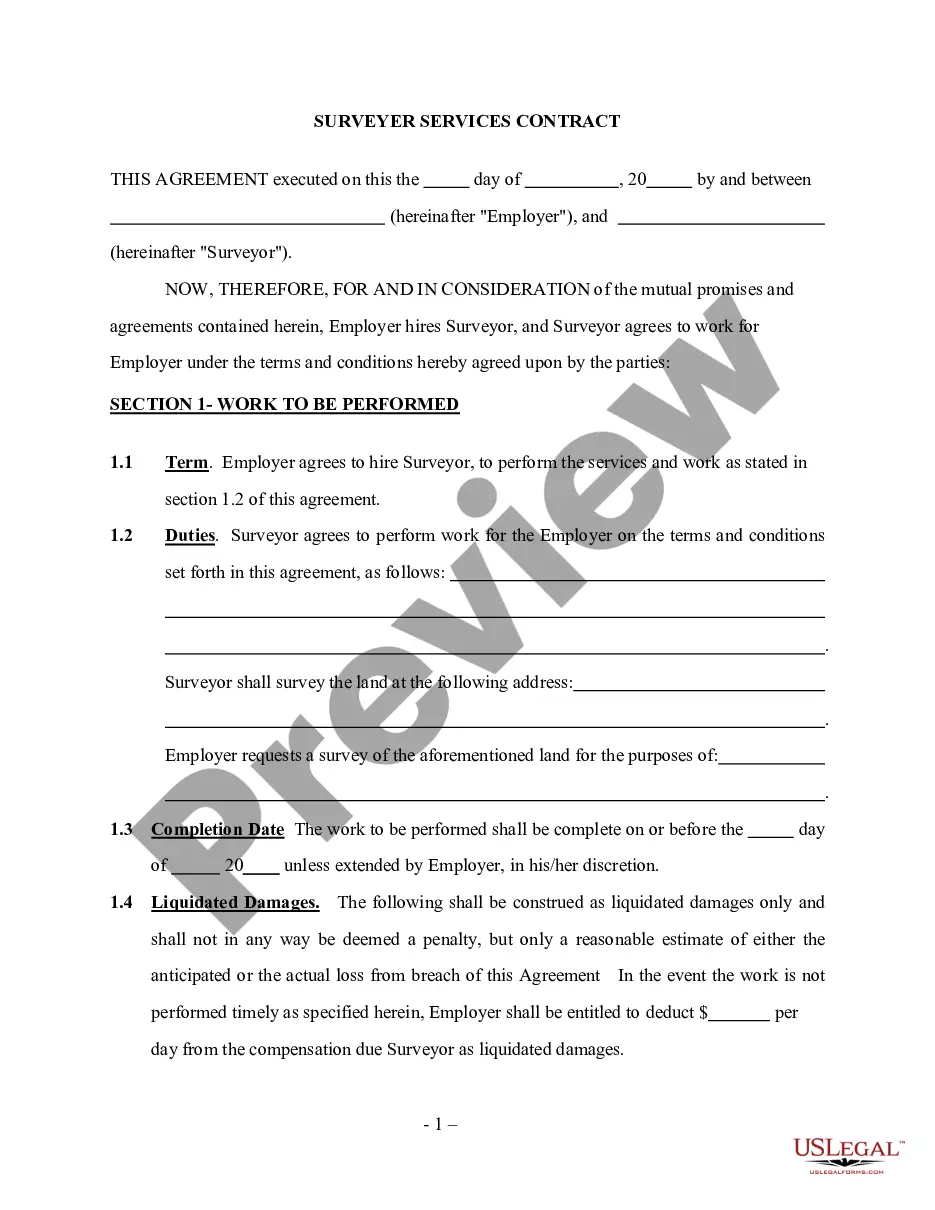
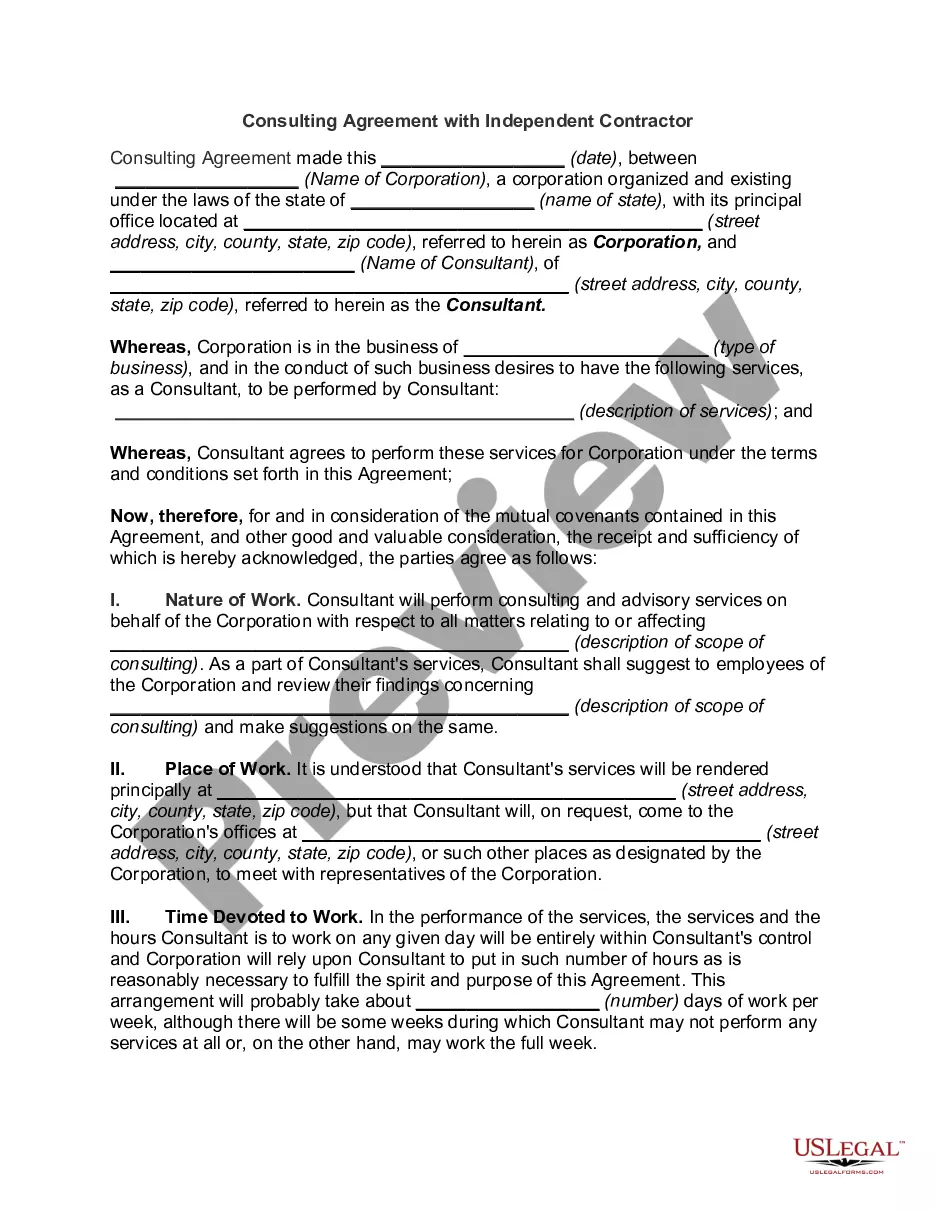
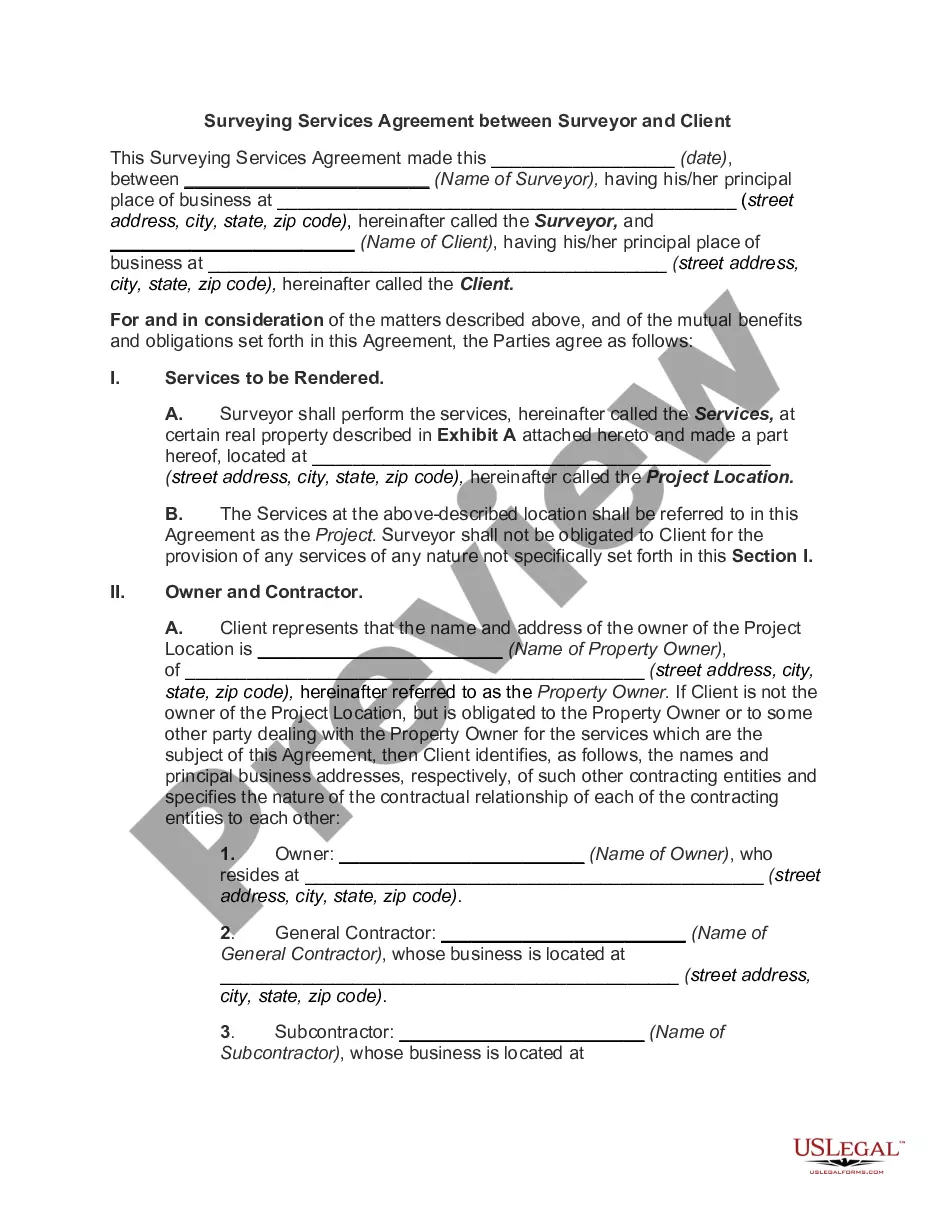
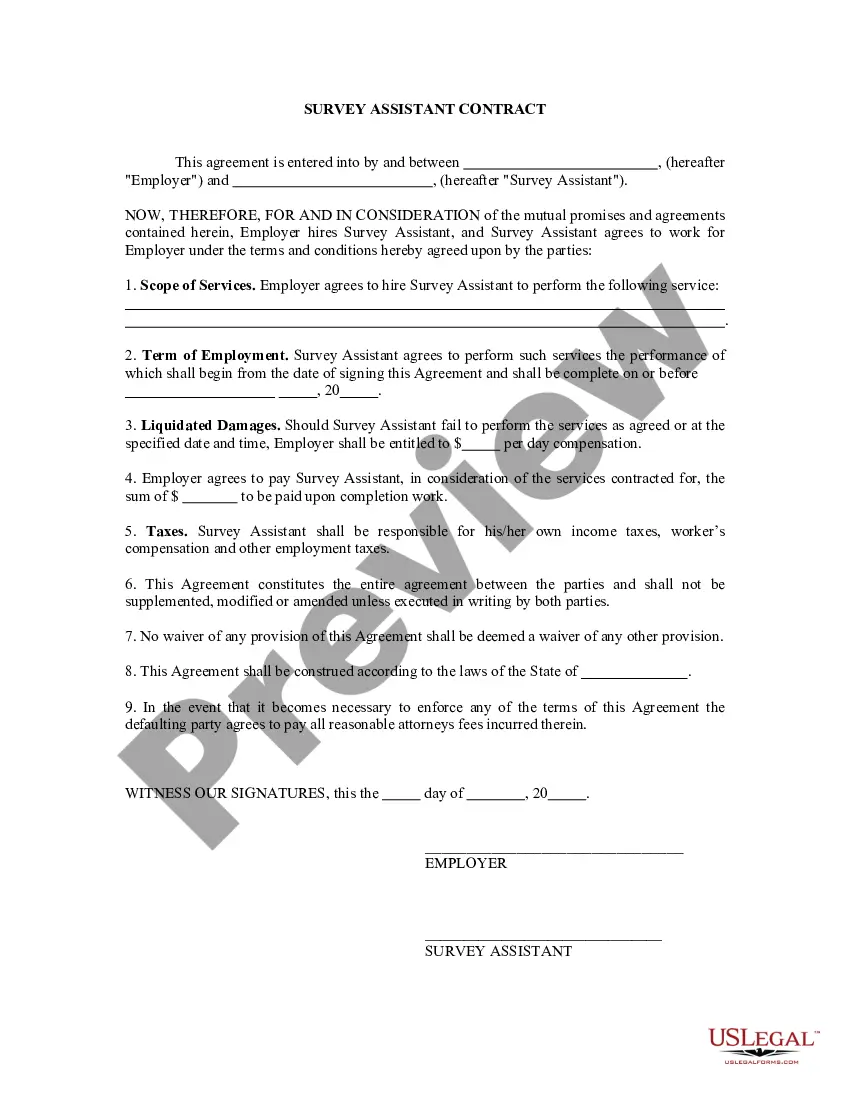
The Self-Employed Surveyor Services Contract is a legal document that formalizes an agreement between an employer and a surveyor. This contract specifies the scope of work the surveyor will perform in relation to surveying a particular piece of land. Unlike general employment contracts, this form clarifies that the surveyor operates as an independent contractor, outlining the nature of their work and responsibilities without establishing an employer-employee relationship.
Key parts of this document
- Work to be performed: Defines the specific surveying services agreed upon.
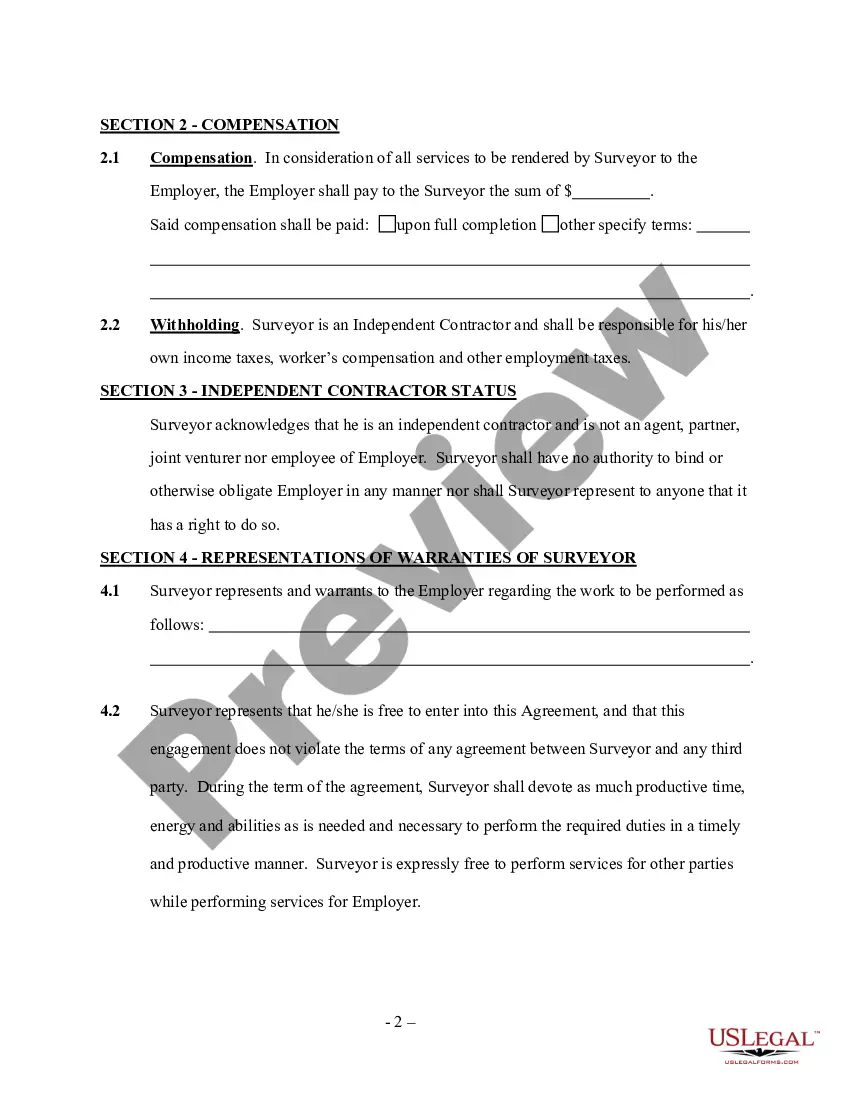
- Independent contractor status: Establishes that the surveyor is not an employee of the employer.
- Representations and warranties of the surveyor: Details assurances made by the surveyor to the employer.
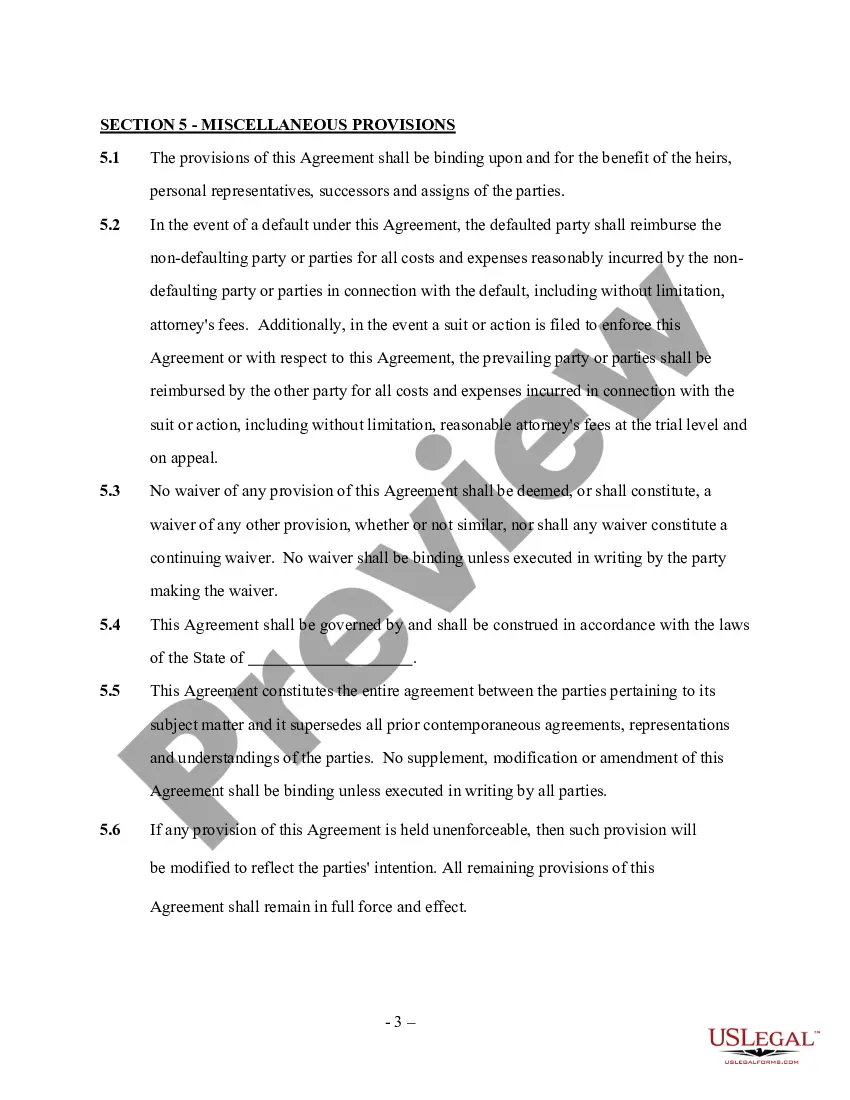
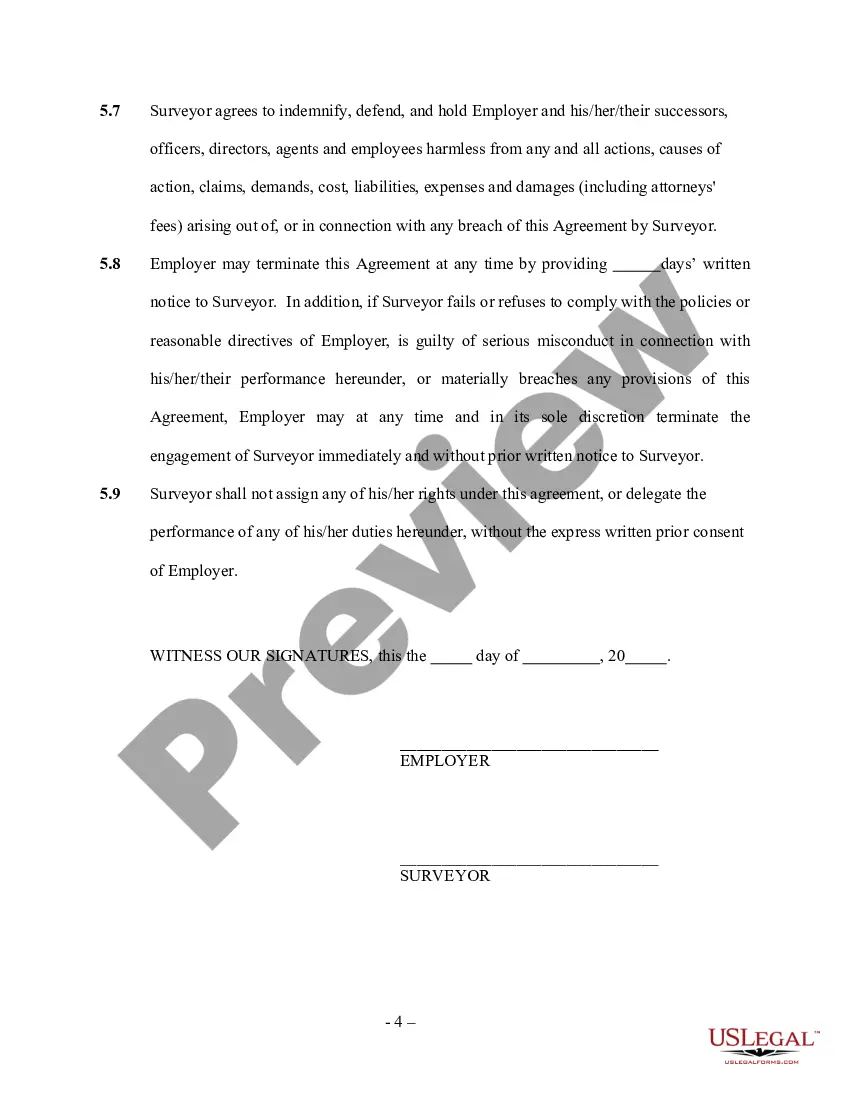
- Miscellaneous provisions: Includes clauses regarding enforceability, liabilities, and waiver of terms.

When to use this document
This form should be used when an employer hires a surveyor to conduct specific surveying work. It is relevant in situations such as real estate developments, land purchases, or any scenario where accurate land measurements and surveys are necessary. Using this contract ensures clarity on the expectations and responsibilities of each party involved.
Intended users of this form
- Employers or property owners seeking surveying services.
- Self-employed surveyors who need a formal agreement to outline their services and responsibilities.
- Real estate developers looking to ensure legal and clear agreements with independent contractors.
How to complete this form
- Identify the parties involved: Enter the names and contact information of the employer and the surveyor.
- Specify the work to be performed: Outline the exact surveying tasks agreed upon.
- Define the contract duration: Indicate the start date and duration of the services to be performed.
- Include compensation details: State the payment amount and terms for the services rendered.
- Both parties should sign: Ensure all parties sign the agreement to make it legally binding.
Does this document require notarization?
This form usually doesn’t need to be notarized. However, local laws or specific transactions may require it. Our online notarization service, powered by Notarize, lets you complete it remotely through a secure video session, available 24/7.
Get your form ready online
Our built-in tools help you complete, sign, share, and store your documents in one place.
Make edits, fill in missing information, and update formatting in US Legal Forms—just like you would in MS Word.
Download a copy, print it, send it by email, or mail it via USPS—whatever works best for your next step.
Sign and collect signatures with our SignNow integration. Send to multiple recipients, set reminders, and more. Go Premium to unlock E-Sign.
If this form requires notarization, complete it online through a secure video call—no need to meet a notary in person or wait for an appointment.
We protect your documents and personal data by following strict security and privacy standards.

Make edits, fill in missing information, and update formatting in US Legal Forms—just like you would in MS Word.

Download a copy, print it, send it by email, or mail it via USPS—whatever works best for your next step.

Sign and collect signatures with our SignNow integration. Send to multiple recipients, set reminders, and more. Go Premium to unlock E-Sign.

If this form requires notarization, complete it online through a secure video call—no need to meet a notary in person or wait for an appointment.

We protect your documents and personal data by following strict security and privacy standards.
Typical mistakes to avoid
- Failing to clearly define the scope of work.
- Not specifying the payment terms, which can lead to disputes.
- Omitting signatures, rendering the contract unenforceable.
- Neglecting to include start and end dates for the services.
Benefits of using this form online
- Convenient access to legal forms at any time.
- Editability to customize the form according to specific requirements.
- Reliable templates drafted by licensed attorneys, ensuring legal compliance.
Looking for another form?
Form popularity
FAQ
Payer's (that's you!) name, address, and phone number. Your TIN (Taxpayer Identification Number) Recipient's TIN. Recipient's name and address. Your account number, if applicable. Amount you paid the recipient in the tax year.
Nonemployee compensation is fees, commissions, or any other compensation paid by a business to an individual who is not an employee. Nonemployee compensation is reported on Form 1099-MISC.
As an independent contractor, report your income on Schedule C of Form 1040, Profit or Loss from Business. You must pay self-employment taxes on net earnings exceeding $400. For those taxes, you must submit Schedule SE, Form 1040, the self-employment tax.
In the past, compensation of $600 or more paid to non-employees for services in the course of a trade or business was reported on the Form 1099-MISC. But, compensation of $600 or more paid to non-employees in 2020 and subsequent years is now required to be reported on the Form 1099-NEC.
From within your TaxAct® return (Online or Desktop), click on the Federal tab. Click Form 1099-MISC to expand the category and then click 7-Nonemployee compensation. On the screen titled Federal Q&A - Form 1099-MISC, Box 7, choose which schedule you will use and click Continue.
The short answer is yes, you can fill out a 1099 by hand, but there's a little more to it than that. Handwriting your tax forms comes with a long list of rules from the IRS since handwritten forms need to be scanned by their machines.
If you paid someone who is not your employee, such as a subcontractor, attorney or accountant $600 or more for services provided during the year, a Form 1099-NEC needs to be completed, and a copy of 1099-NEC must be provided to the independent contractor by January 31 of the year following payment.
Enter your information in the 'payer' section. Fill in your tax ID number. As a business owner, enter the contractor's tax ID number which is found on their form W-9. Fill out the account number you have assigned to the independent contractor. Enter the total amount you paid the independent contractor in box 7.
Gather the required information. Submit Copy A to the IRS. Submit copy B to the independent contractor. Submit form 1096. Check if you need to submit 1099 forms with your state.