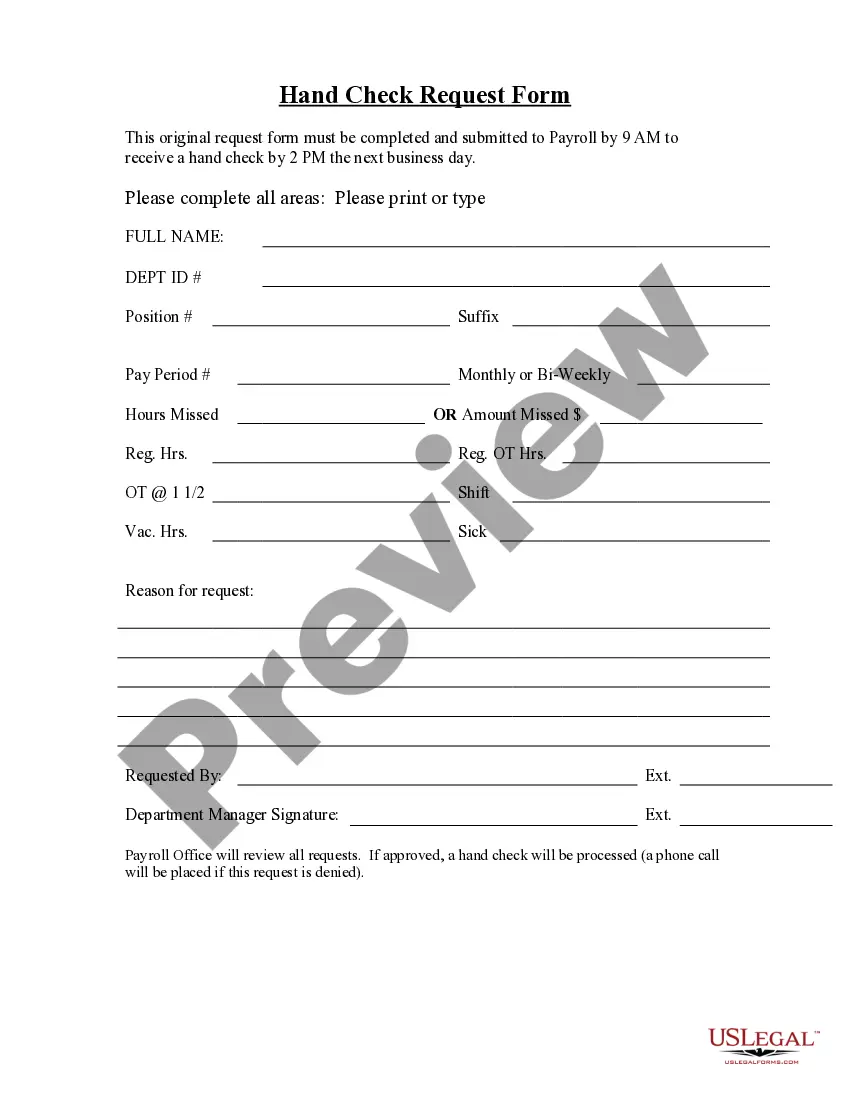
Hand Check Request Form
What this document covers
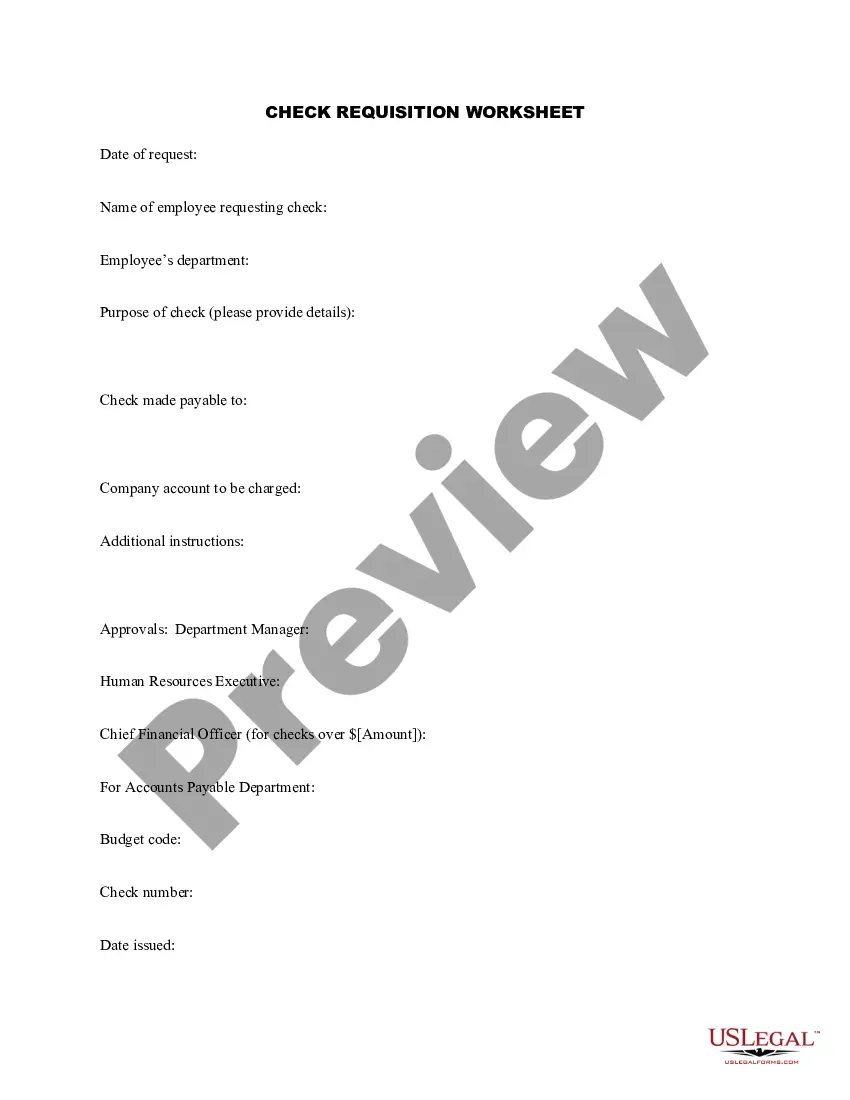
The Hand Check Request Form is a legal document used by payroll departments to request the issuance of a hand check. Unlike standard payroll checks, which are processed through regular payroll cycles, this form allows for immediate payment to an employee under certain circumstances. It helps to ensure that employees receive their wages promptly when regular processing is not feasible.
Main sections of this form
- Employee information: Name, identification number, and contact details.
- Details of the hand check request: Amount requested and reason for urgency.
- Authorization fields: Signatures from the employee and the payroll manager.
- Payment method: Instructions on how the check will be delivered to the employee.
- Processing date: Date on which the request is to be processed.
When to use this document
This form is typically used in situations where urgent payment is necessary, such as when an employee needs immediate financial assistance or when payroll deadlines have been missed. It is essential for ensuring compliance with payment obligations under labor laws in such cases.
Intended users of this form
This form is intended for:
- Payroll department staff responsible for processing employee payments.
- Human resources professionals managing employee compensation.
- Employees seeking immediate payment for completed work.
How to prepare this document
- Enter the employee's personal information in the designated fields.
- Specify the amount requested and provide a clear reason for the request.
- Obtain the necessary signatures from both the employee and the payroll manager.
- Indicate the mode of delivery for the hand check.
- Submit the form to the payroll department for processing on the specified date.
Is notarization required?
This form does not typically require notarization unless specified by local law. Ensure that all signatures are correctly obtained before submission to the payroll department.
Get your form ready online
Our built-in tools help you complete, sign, share, and store your documents in one place.
Make edits, fill in missing information, and update formatting in US Legal Forms—just like you would in MS Word.
Download a copy, print it, send it by email, or mail it via USPS—whatever works best for your next step.
Sign and collect signatures with our SignNow integration. Send to multiple recipients, set reminders, and more. Go Premium to unlock E-Sign.
If this form requires notarization, complete it online through a secure video call—no need to meet a notary in person or wait for an appointment.
We protect your documents and personal data by following strict security and privacy standards.

Make edits, fill in missing information, and update formatting in US Legal Forms—just like you would in MS Word.

Download a copy, print it, send it by email, or mail it via USPS—whatever works best for your next step.

Sign and collect signatures with our SignNow integration. Send to multiple recipients, set reminders, and more. Go Premium to unlock E-Sign.

If this form requires notarization, complete it online through a secure video call—no need to meet a notary in person or wait for an appointment.

We protect your documents and personal data by following strict security and privacy standards.
Common mistakes to avoid
- Failing to provide complete employee information.
- Omitting necessary signatures, which can delay processing.
- Not specifying a reason for the request, leading to confusion.
- Incorrectly indicating the payment method.
Advantages of online completion
- Convenient access to the form at any time, allowing for quick requests.
- Editability to customize the form according to specific needs.
- Reliability of obtaining a properly formatted legal document.
Quick recap
- The Hand Check Request Form facilitates urgent payment needs for employees.
- Ensure all necessary fields are completed accurately to avoid processing delays.
- Proper approval from the payroll supervisor is crucial for validation.