Computer Network Installation and Maintenance Agreement
What this document covers
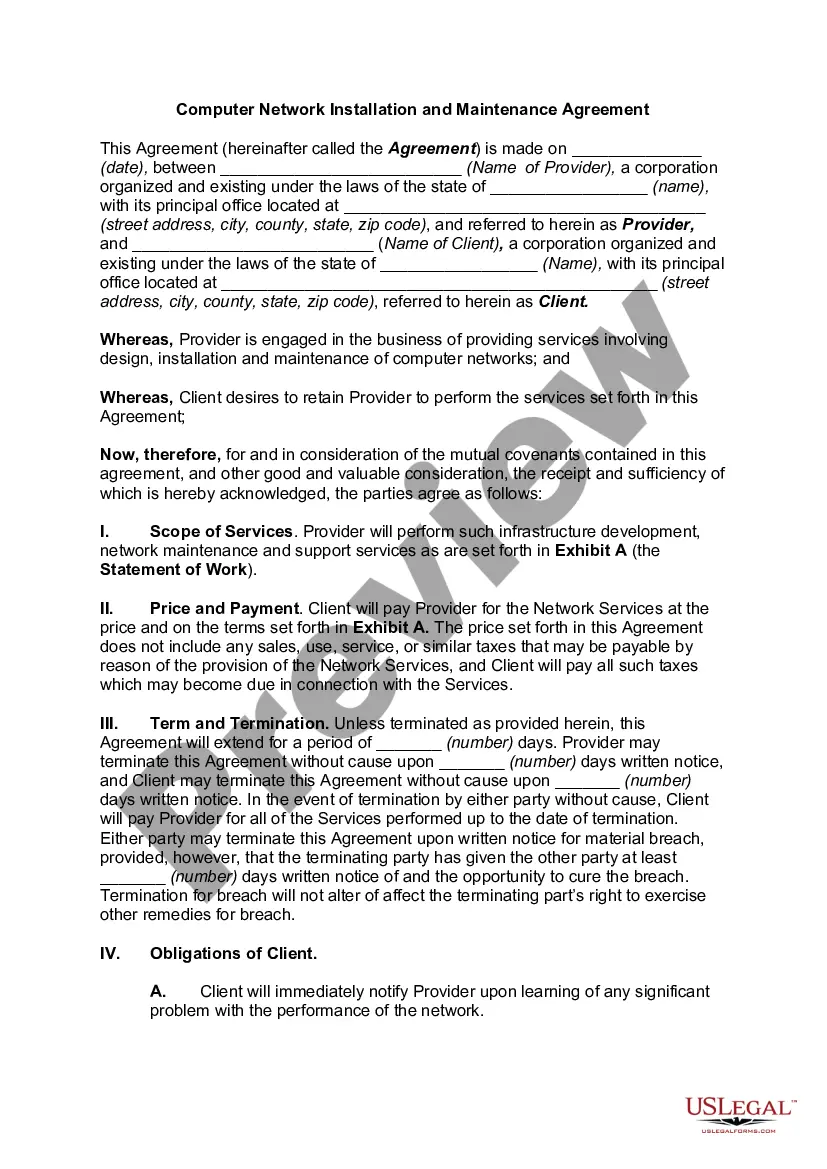
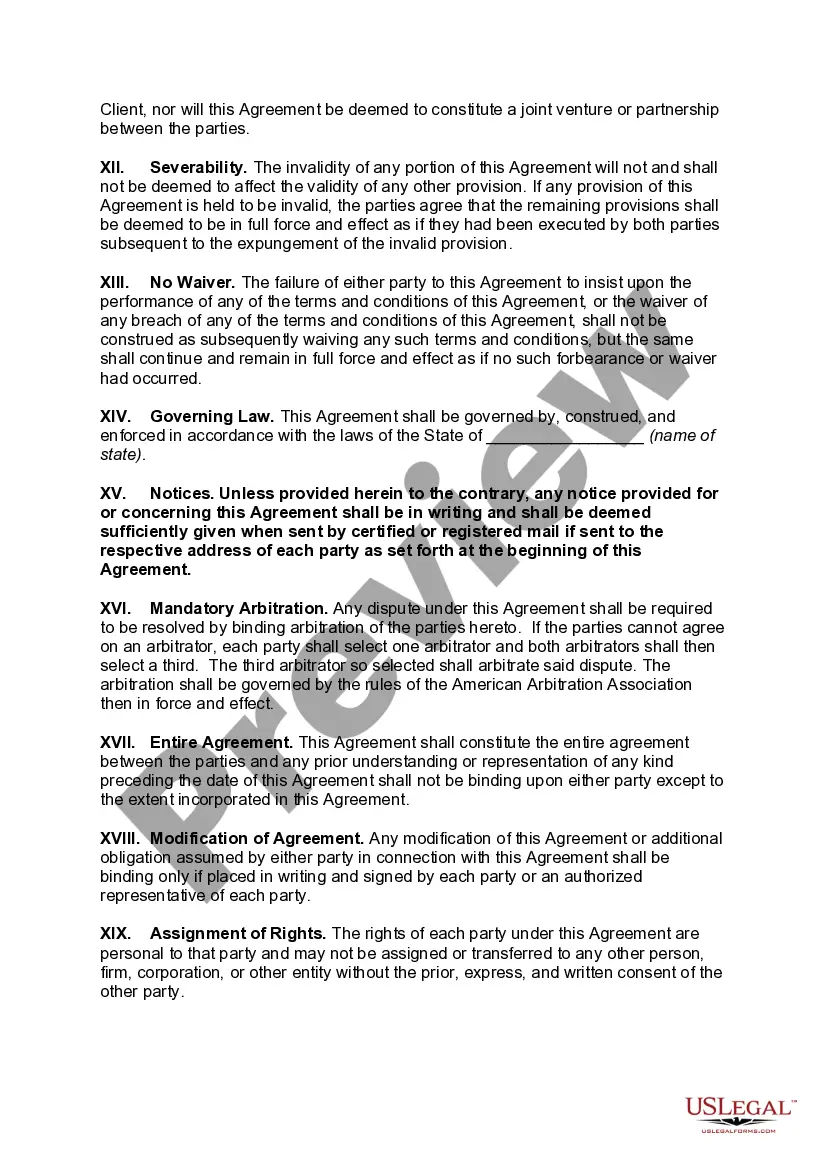
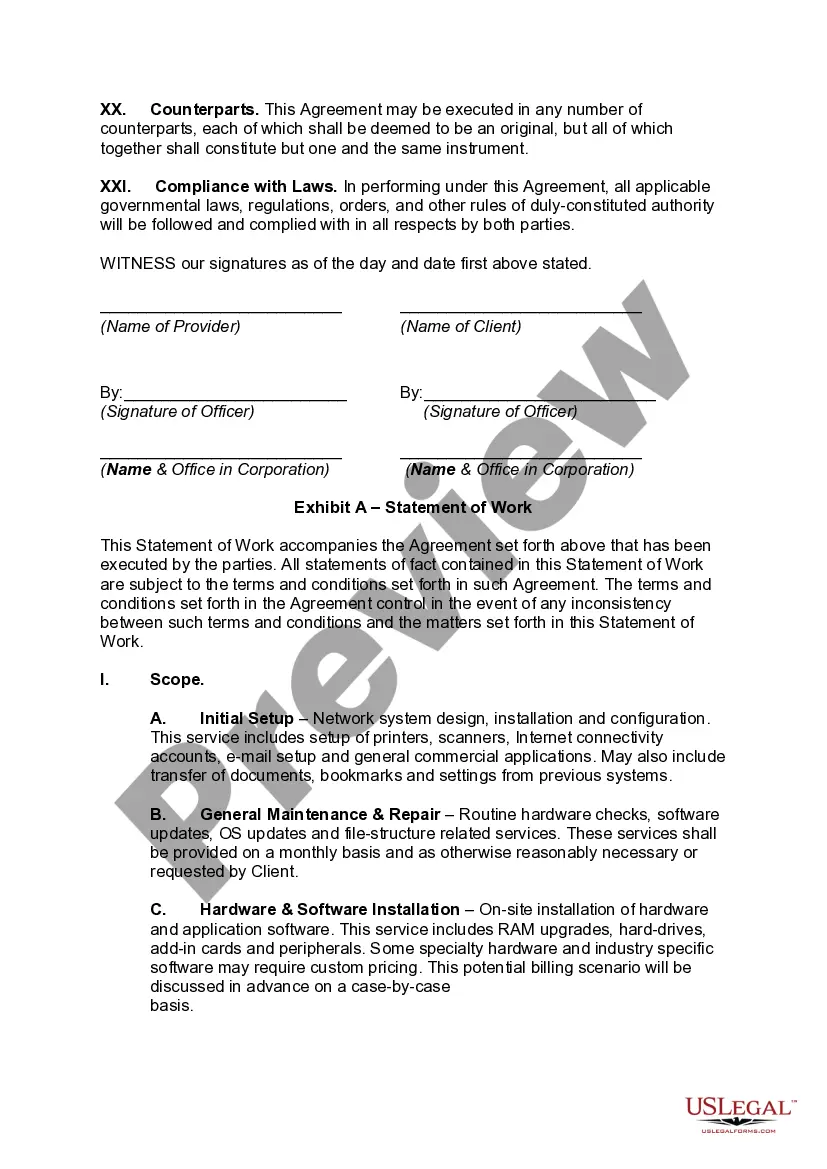
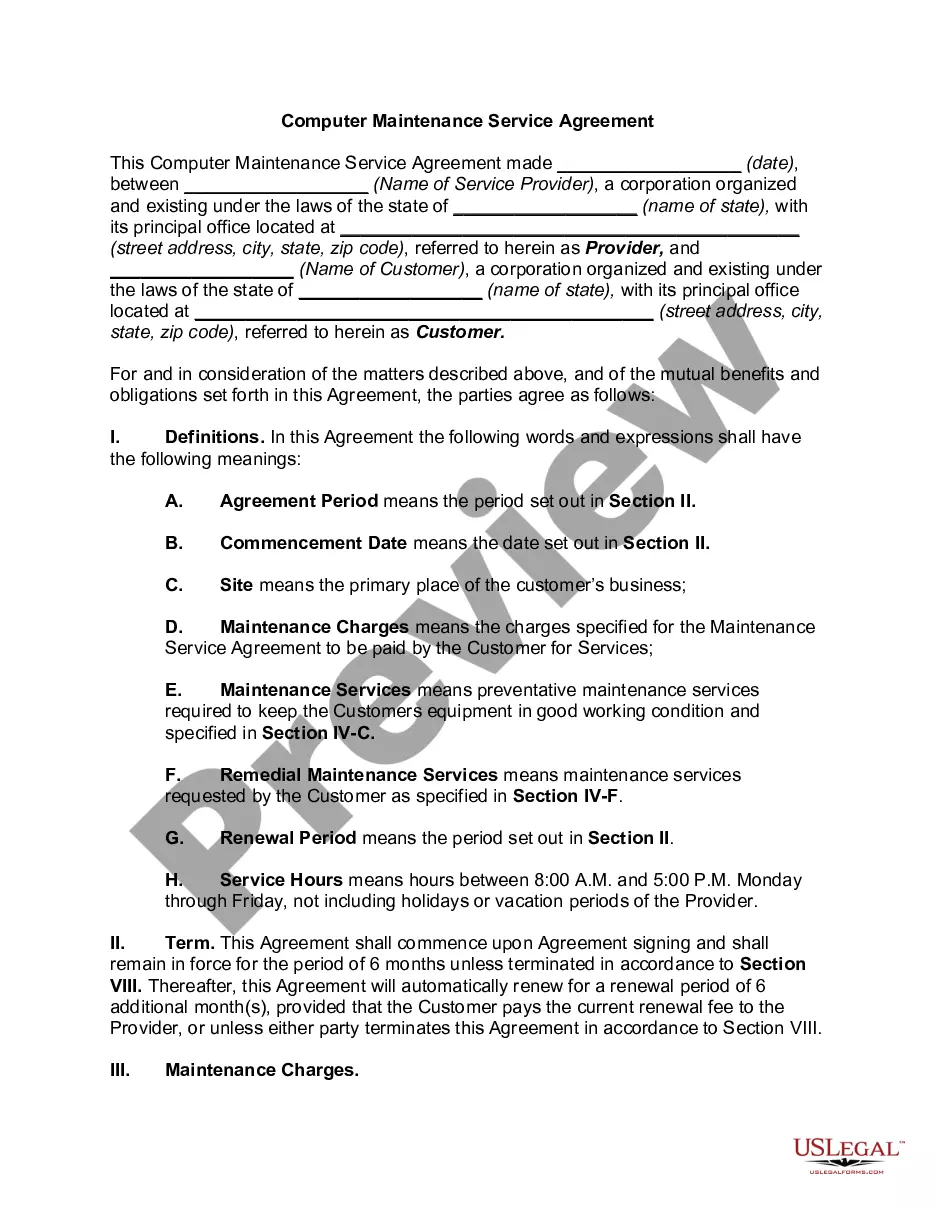
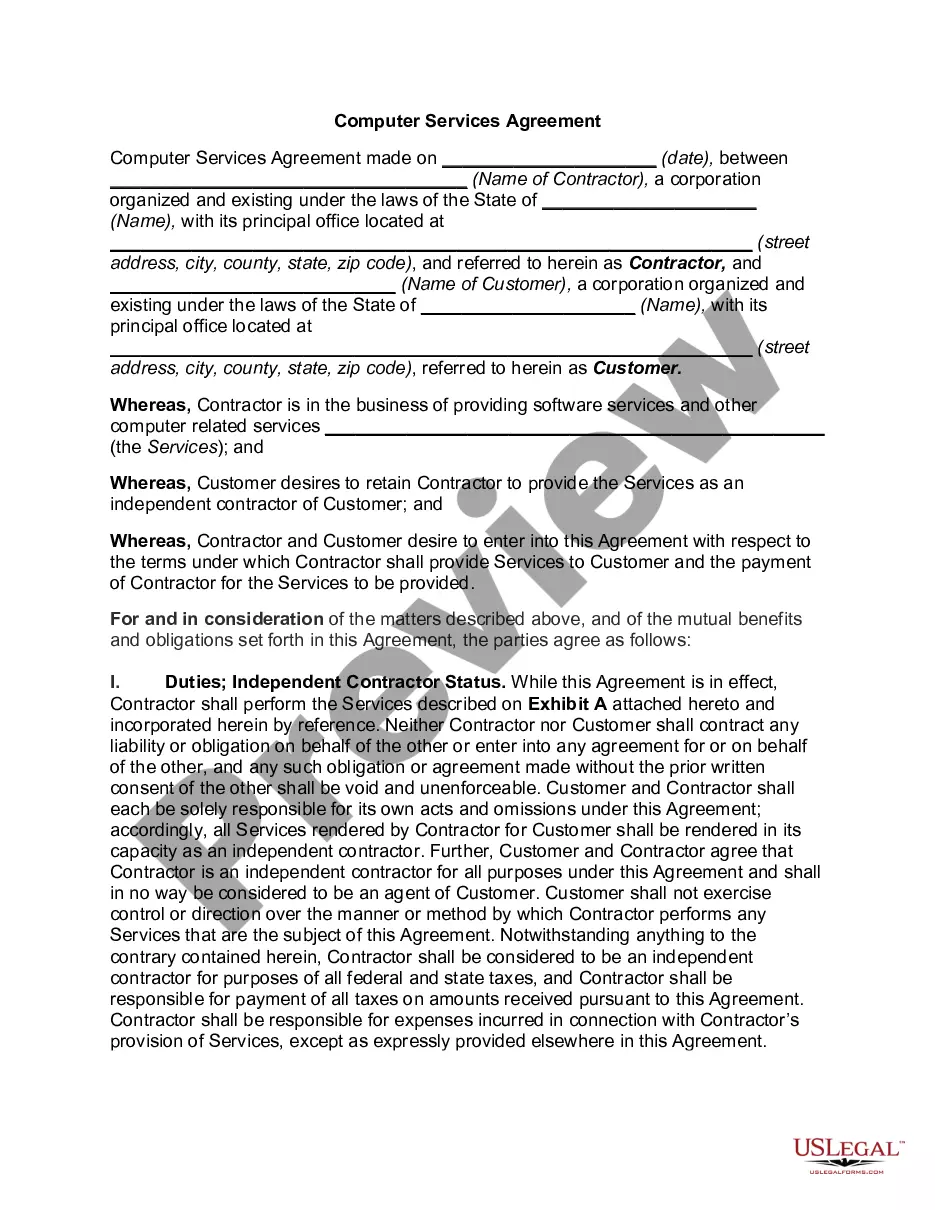
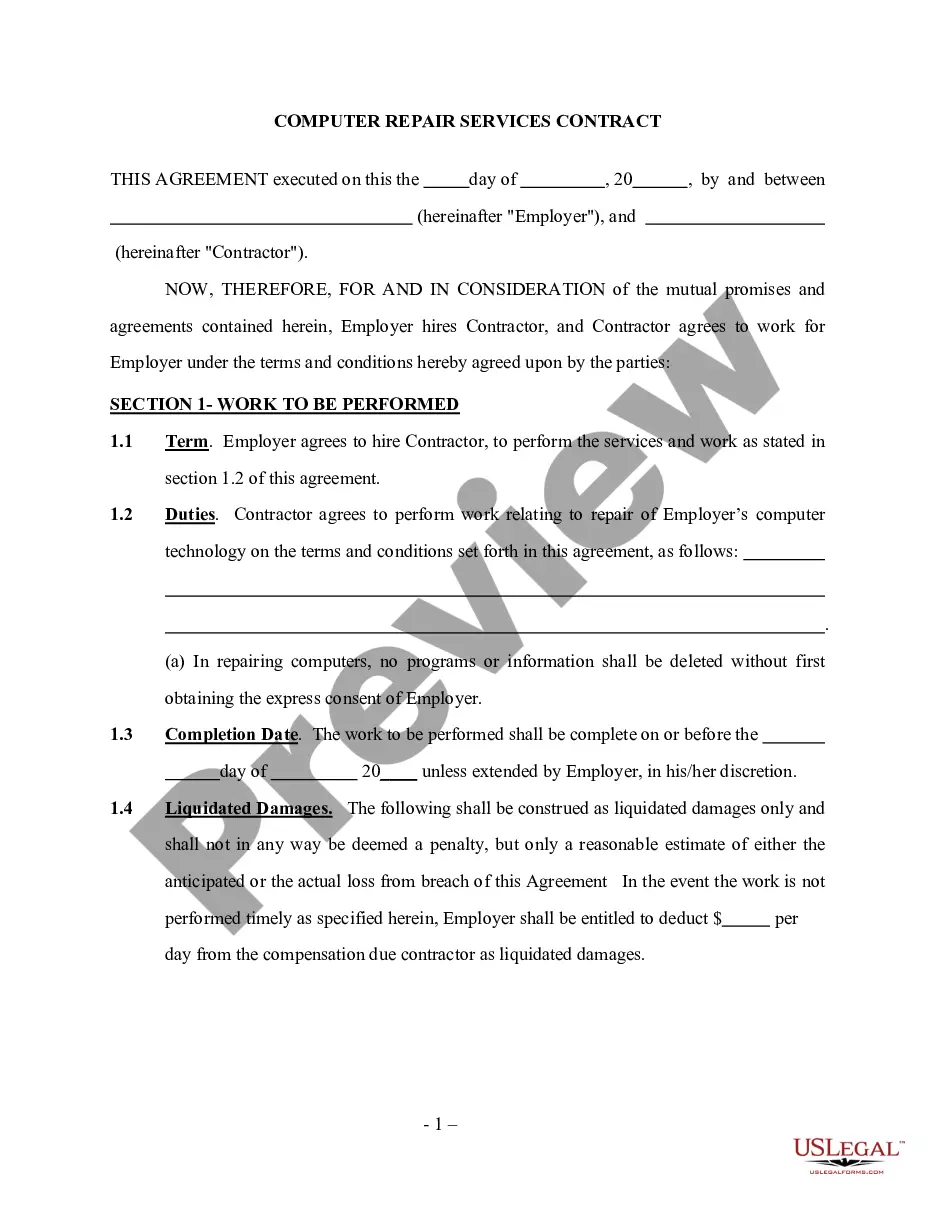
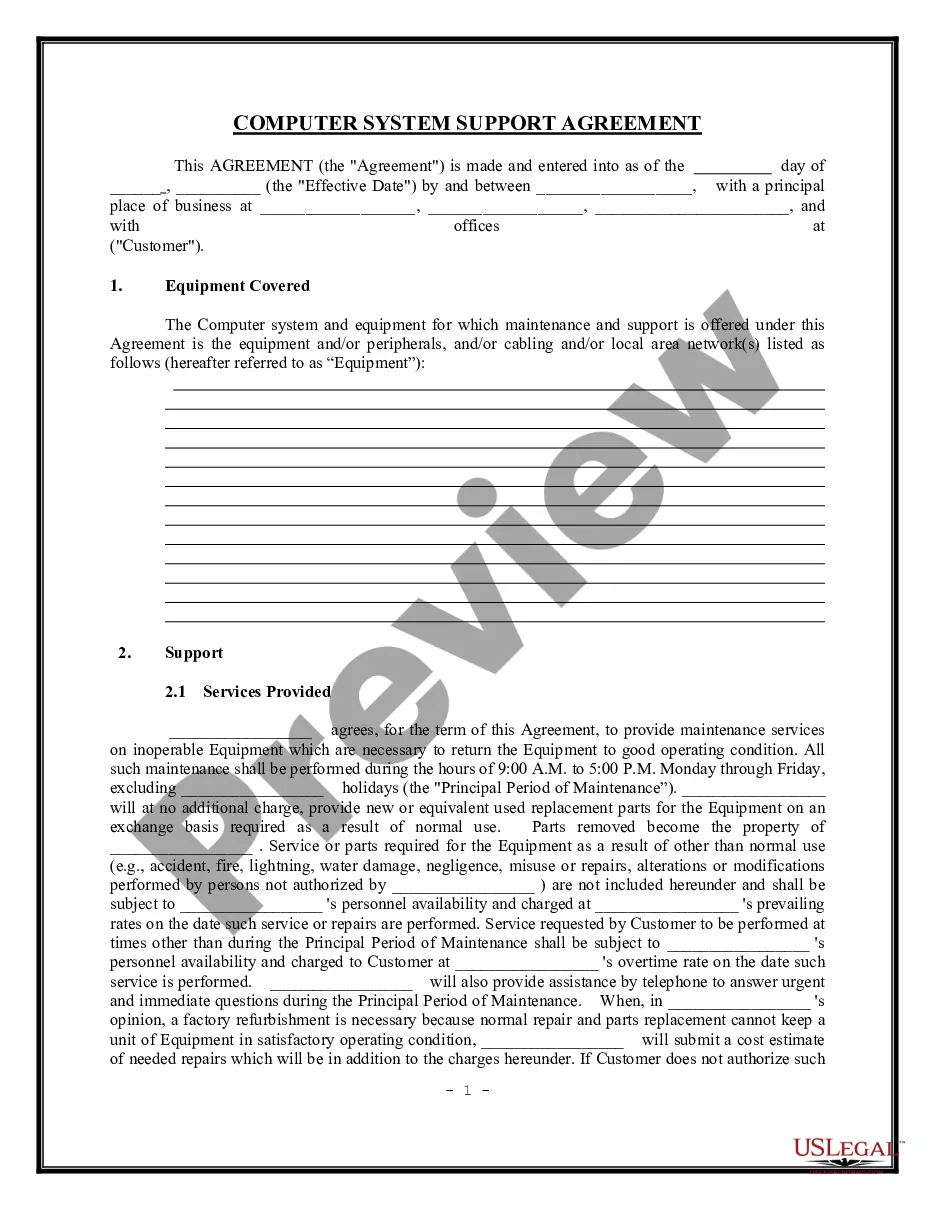
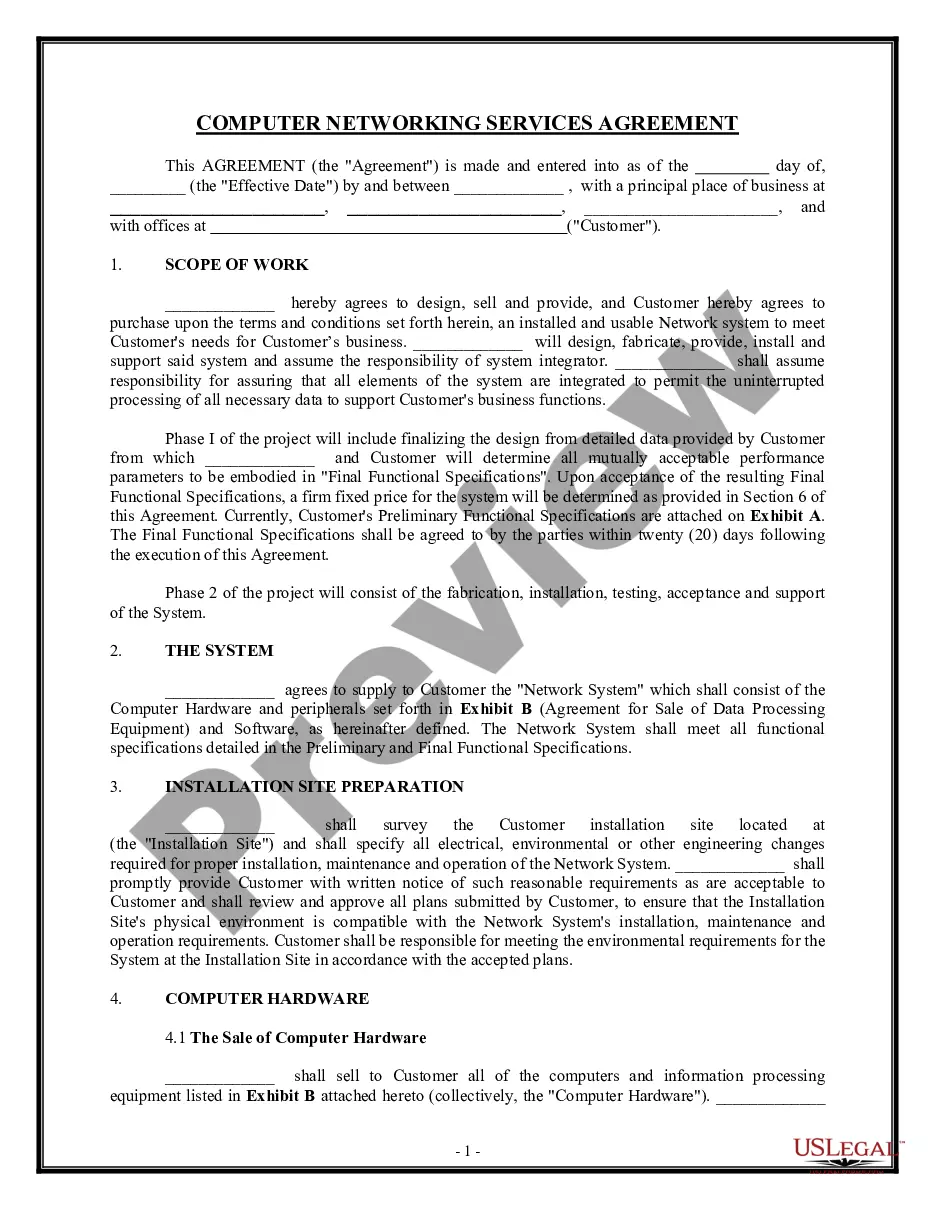
The Computer Network Installation and Maintenance Agreement is a legal document that outlines the terms and conditions between a service provider and a client regarding the design, installation, and ongoing maintenance of computer networks. This agreement is essential for ensuring that both parties understand their responsibilities, payment terms, and the scope of services provided. It differs from other contracts by focusing specifically on computer network services, which may include hardware installation, software maintenance, and data security measures.
Key parts of this document
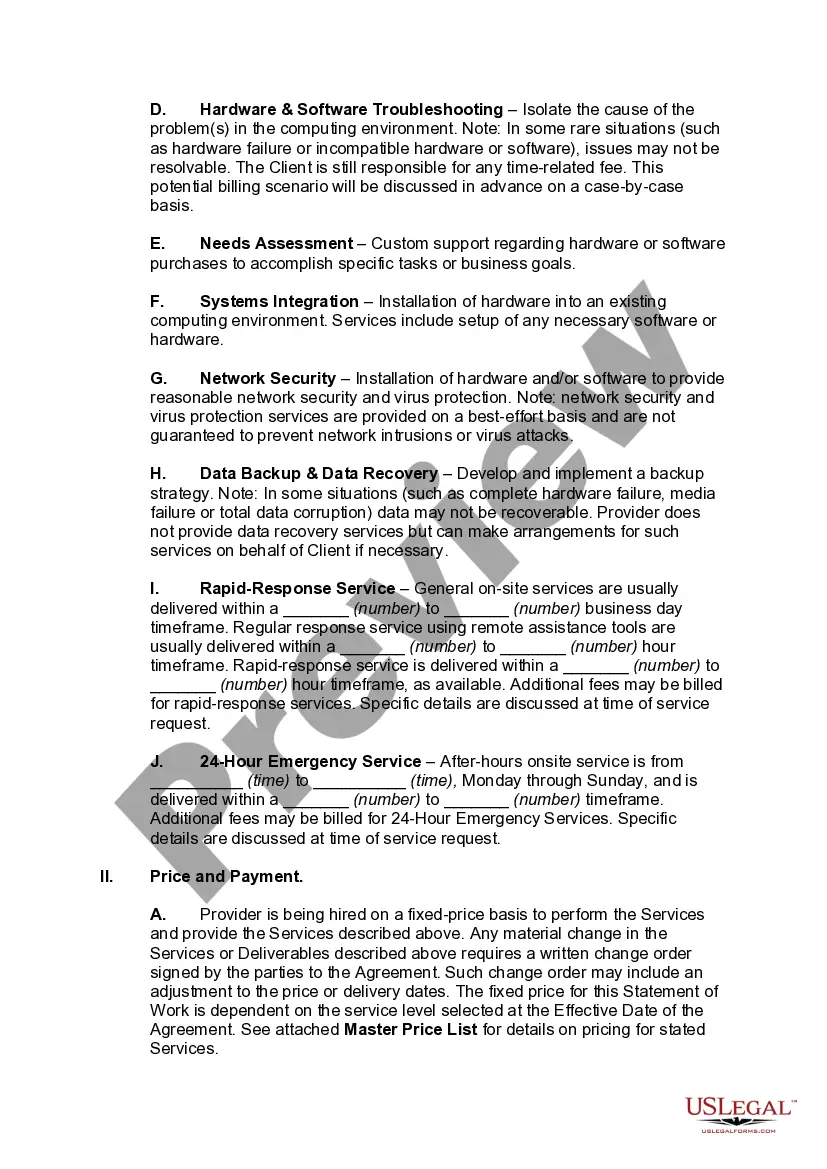
- Scope of Services: Details the specific services to be provided, including installation, maintenance, and support.
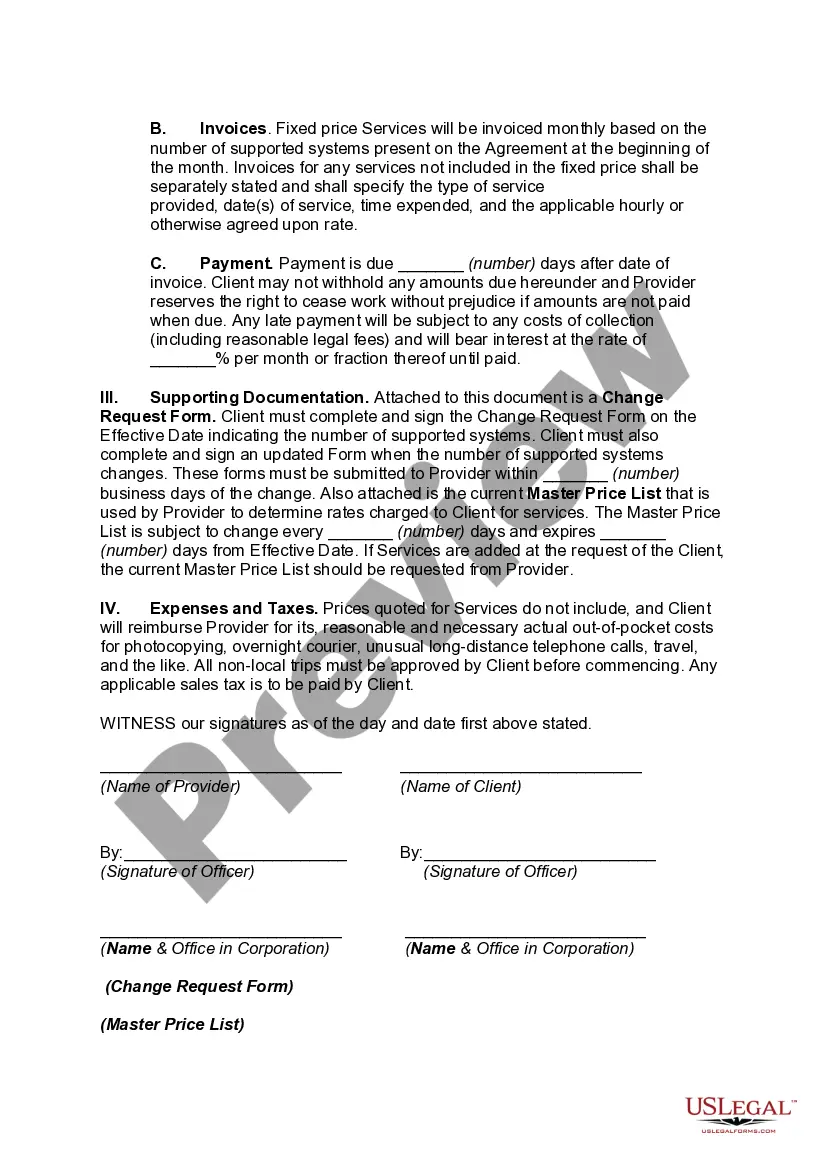
- Price and Payment: Outlines the payment structure, including any applicable taxes.
- Term and Termination: Specifies the duration of the agreement and the conditions under which either party may terminate it.
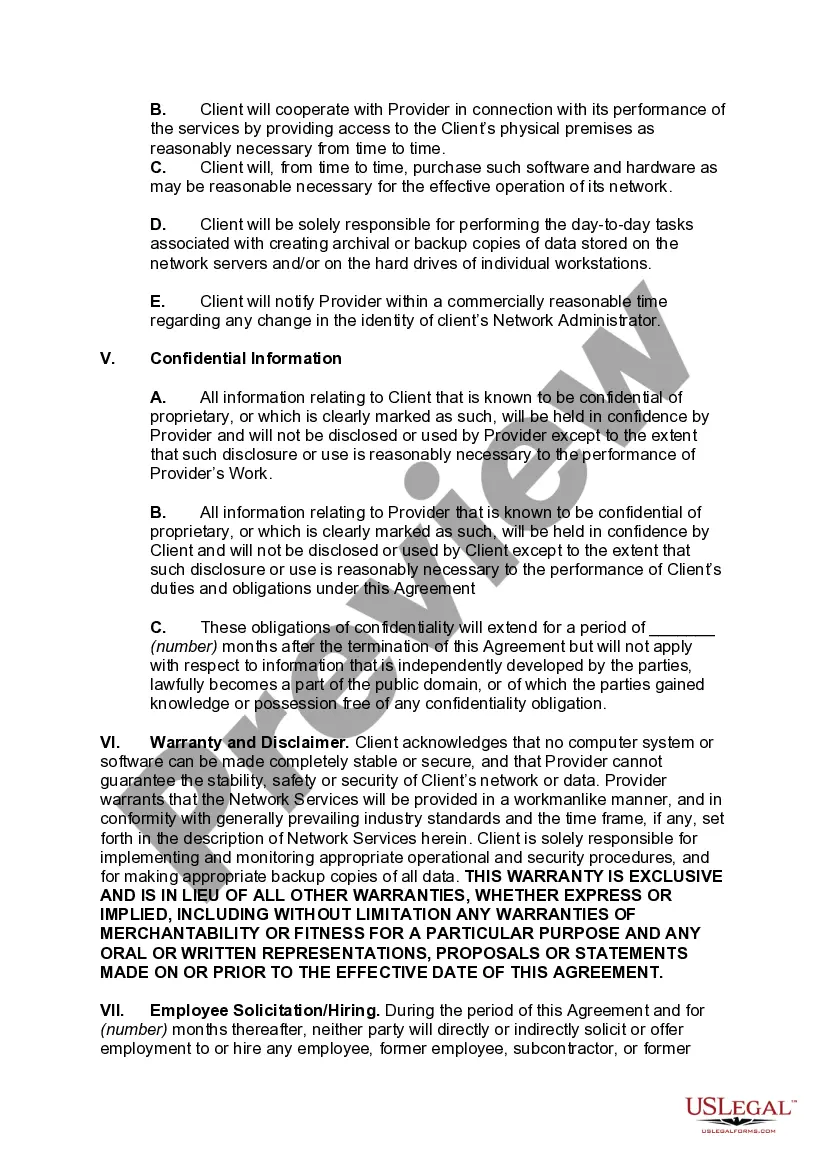
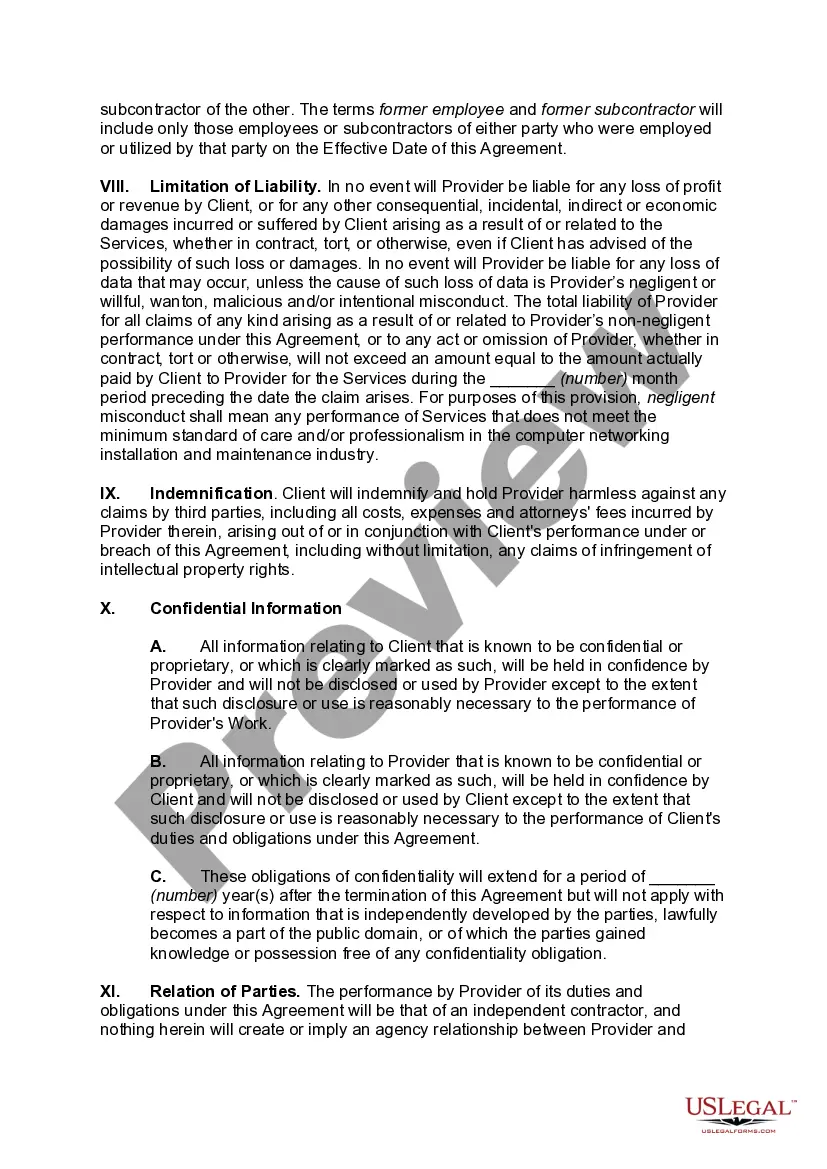
- Confidential Information: Protects proprietary information shared between the parties.
- Warranty and Disclaimer: States the limitations of the service providerâs liabilities and guarantees.
- Indemnification: Addresses the responsibilities of the client in case of third-party claims.
Common use cases
This agreement is necessary when a business intends to hire a service provider for the design, installation, and maintenance of its computer network. It is particularly relevant for organizations that rely heavily on computer systems for their operations and need assurance that their data and network infrastructure will be maintained effectively and securely.
Intended users of this form
This agreement is suitable for:
- Businesses looking to establish formal relationships with IT service providers.
- IT professionals offering network installation and maintenance services.
- Organizations seeking to clarify their obligations and protect sensitive information while working with third-party providers.
Steps to complete this form
- Identify the parties involved: Fill in the names and addresses of the service provider and client.
- Define the scope of services: Specify the types of services the provider will deliver, as detailed in Exhibit A.
- Set payment terms: Clearly outline the pricing structure and payment schedule.
- Include duration and termination clauses: Indicate the length of the agreement and how either party can terminate it.
- Sign and date the agreement: Both parties should sign and date the document to make it legally binding.
Does this document require notarization?
This form does not typically require notarization to be legally valid. However, some jurisdictions or document types may still require it. US Legal Forms provides secure online notarization powered by Notarize, available 24/7 for added convenience.
Get your form ready online
Our built-in tools help you complete, sign, share, and store your documents in one place.
Make edits, fill in missing information, and update formatting in US Legal Forms—just like you would in MS Word.
Download a copy, print it, send it by email, or mail it via USPS—whatever works best for your next step.
Sign and collect signatures with our SignNow integration. Send to multiple recipients, set reminders, and more. Go Premium to unlock E-Sign.
If this form requires notarization, complete it online through a secure video call—no need to meet a notary in person or wait for an appointment.
We protect your documents and personal data by following strict security and privacy standards.

Make edits, fill in missing information, and update formatting in US Legal Forms—just like you would in MS Word.

Download a copy, print it, send it by email, or mail it via USPS—whatever works best for your next step.

Sign and collect signatures with our SignNow integration. Send to multiple recipients, set reminders, and more. Go Premium to unlock E-Sign.

If this form requires notarization, complete it online through a secure video call—no need to meet a notary in person or wait for an appointment.

We protect your documents and personal data by following strict security and privacy standards.
Common mistakes
- Failing to clearly define the scope of services, leading to misunderstandings later.
- Not specifying payment terms or deadlines, which can result in disputes.
- Leaving out confidentiality clauses, risking the exposure of sensitive information.
- Not including termination conditions, which could complicate the exit process.
- Overlooking state-specific legal requirements that may impact the enforceability of the agreement.
Benefits of completing this form online
- Convenience: Downloadable and editable forms can be completed from anywhere.
- Time-saving: Quickly fill out and finalize the agreement without delays.
- Legally reliable: Forms are drafted by licensed attorneys, ensuring adherence to legal standards.
Looking for another form?
Form popularity
FAQ
Troubleshooting network problems. Hardware and software installation/configuration. Monitoring and improving network performance. Planning for future network growth.
Installing, replacing, and upgrading hardware and software is an important part of network maintenance because it ensures that your IT network is not made vulnerable by outdated technology. Upgrading hardware and software can include everything from replacing older or failed hardware to upgrading patch levels.
There are basically two main approaches to handling network maintenancestructured and interrupt-driven. A structured approach means you have systems in place to prevent problems before they happen. Even if a problem does arise, you're well prepared to handle the situation.
Maintaining your computer network is important because there are many factors that can go wrong on a daily basis. Regular maintenance can keep the big problems away, while helping to maintain your networks optimal performance.
Network access agreements are agreements between licenced carriers in which a carrier (First Carrier) gives another carrier (Second Carrier) access to its network, which the Second Carrier can then access to provide telecommunications services to end customers or other wholesale carriers.
Network maintenance basically means you have to do what it takes in order to keep a network up and running and it includes a number of tasks: Troubleshooting network problems. Hardware and software installation/configuration. Monitoring and improving network performance.
This Network Services Agreement ("Agreement") is a legal agreement between you and Provider. It states the terms and conditions under which you may use Provider's facilities and systems and protects the efforts of Provider to develop and maintain its facilities and systems and to ensure quality of service.
Back up your data. Clean dust from your computer. Clean up your cabling, and everything else too. Organize your installation disks. Run antivirus and spyware and scans regularly. Clean up your software. Clean up your OS.