Checklist - Conducting a Brainstorming Session
About this form
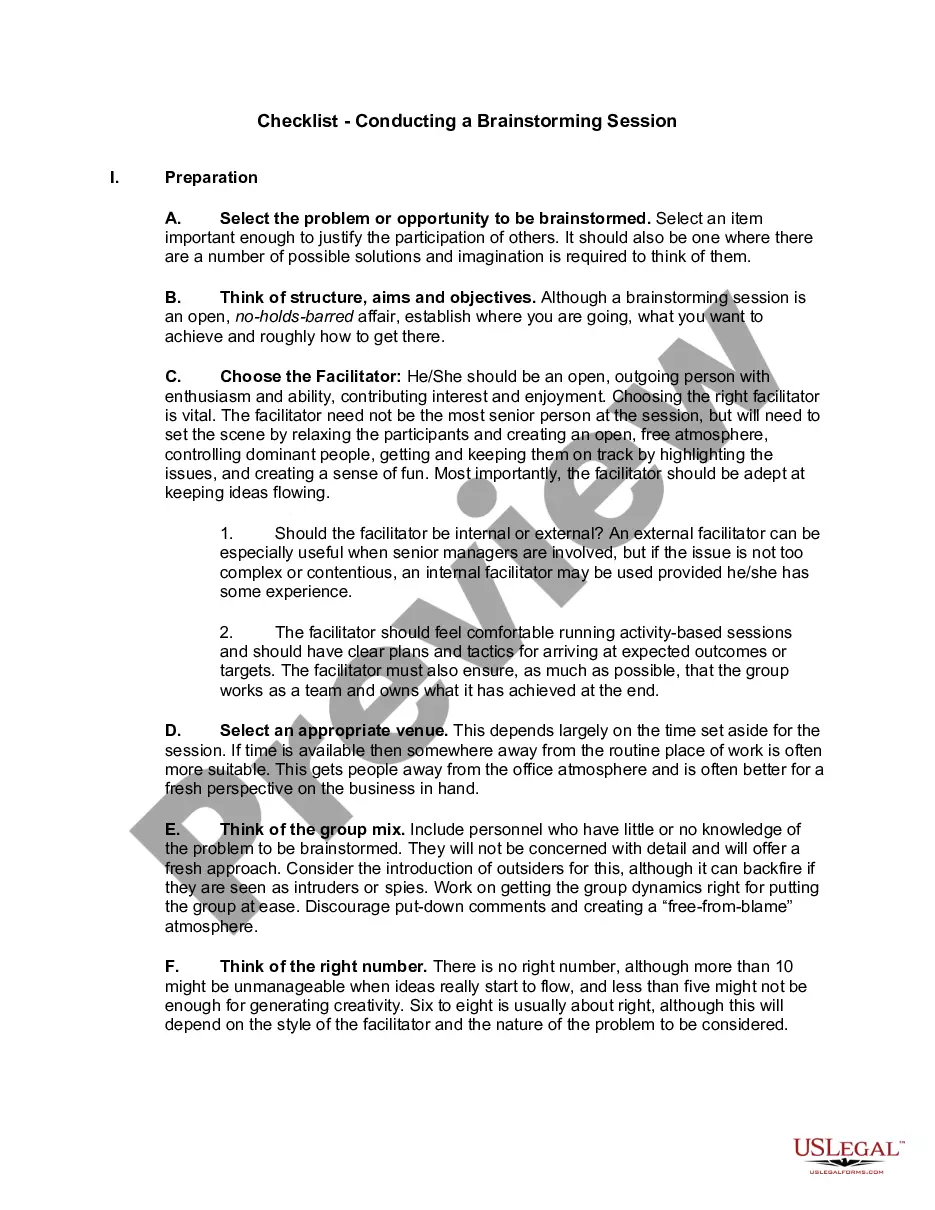
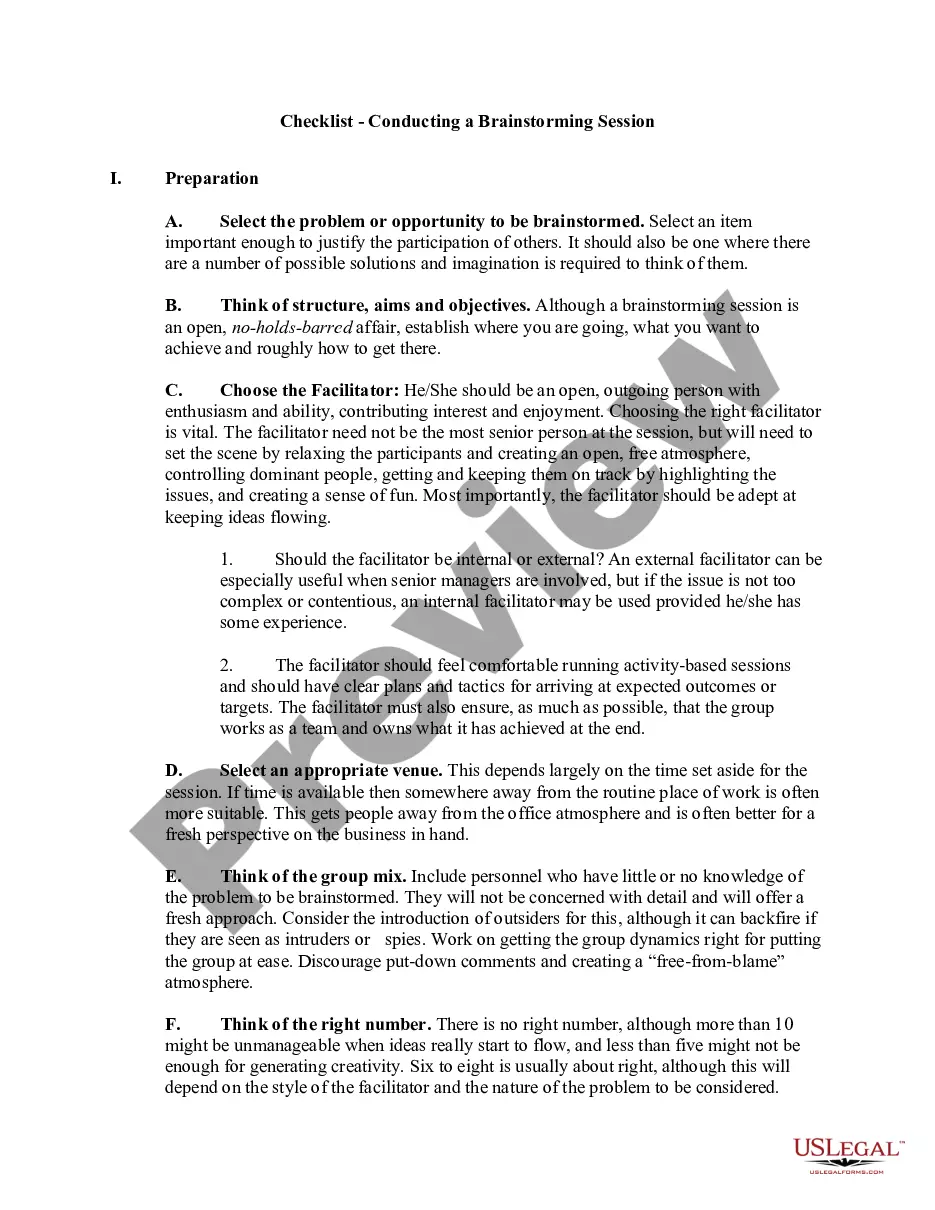
The Checklist for Conducting a Brainstorming Session is a practical guide designed to help managers effectively facilitate brainstorming sessions. This form is invaluable for generating ideas and solving problems through collaborative efforts. Unlike other brainstorming tools, this checklist provides structured steps to ensure that even those new to the technique can confidently lead a session, ultimately fostering creativity and innovation.
Form components explained
- Preparation: Steps to select the problem and structure the session.
- Facilitator selection: Criteria for choosing an effective facilitator.
- Group dynamics: Guidelines for choosing participants and fostering a collaborative atmosphere.
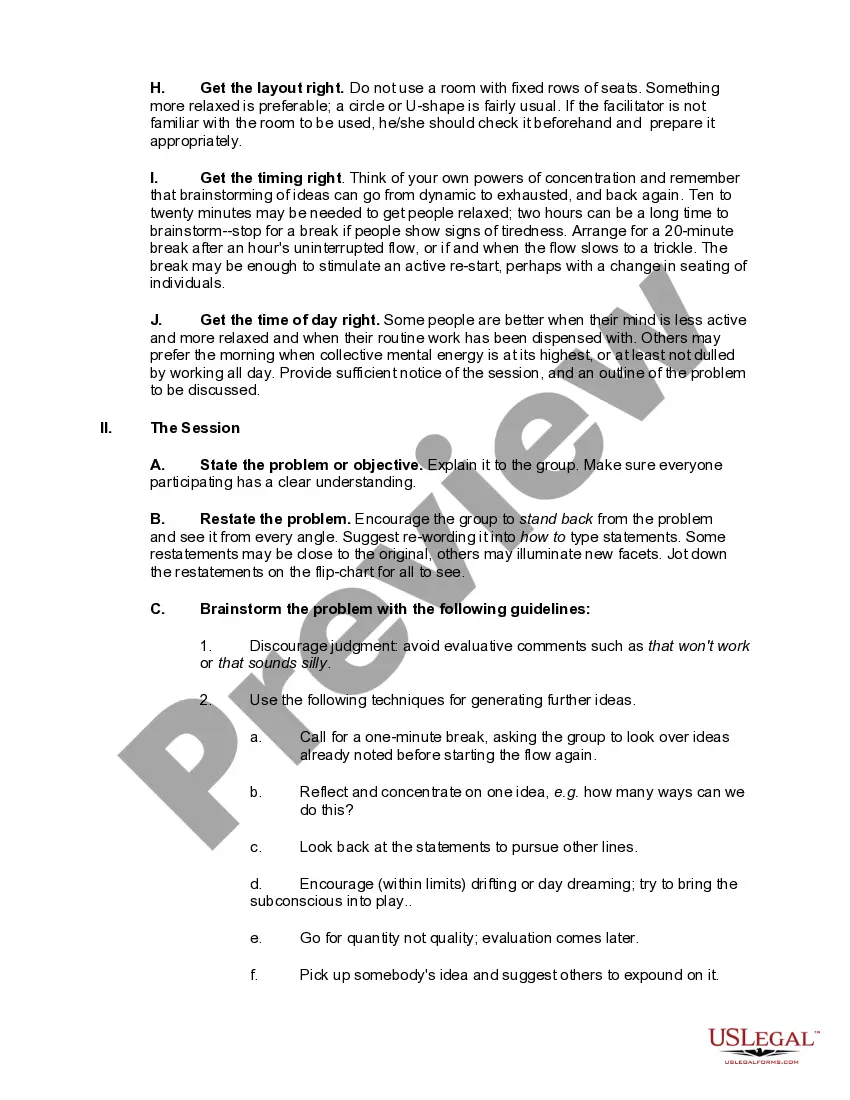
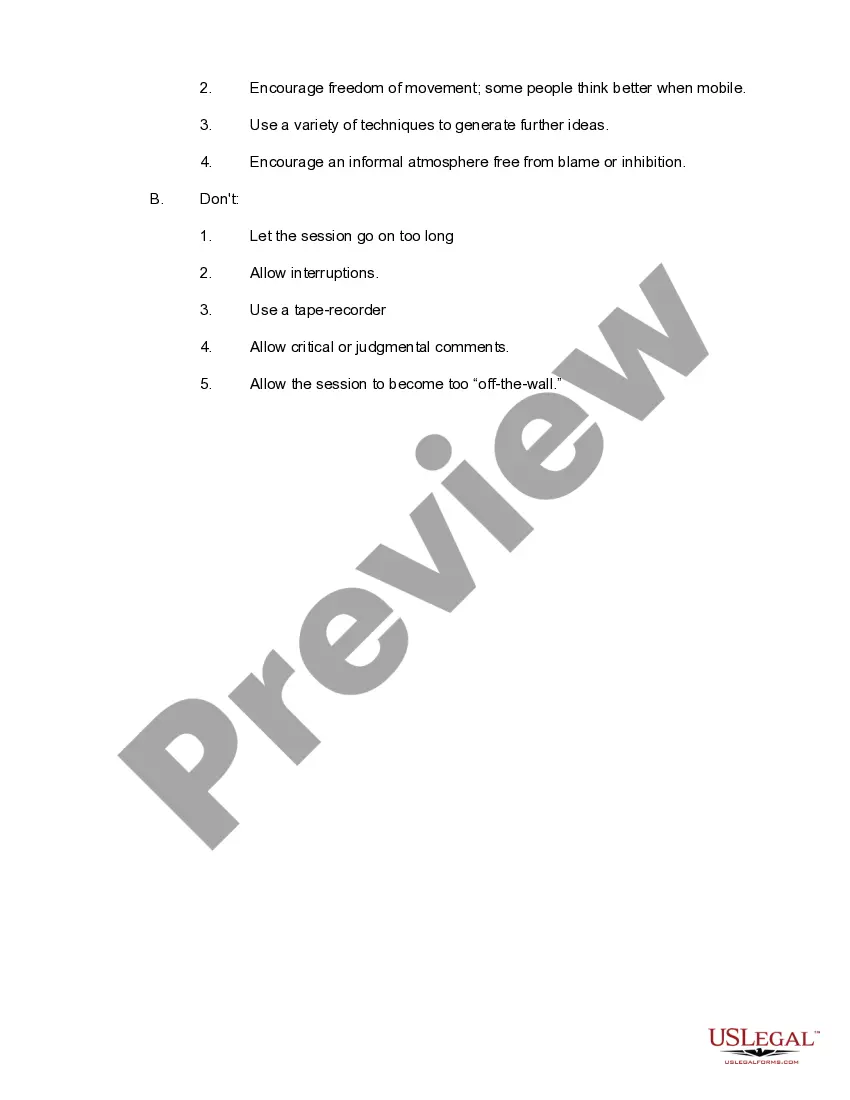
- Session guidelines: Best practices for running the brainstorming session, including a focus on idea generation without judgment.
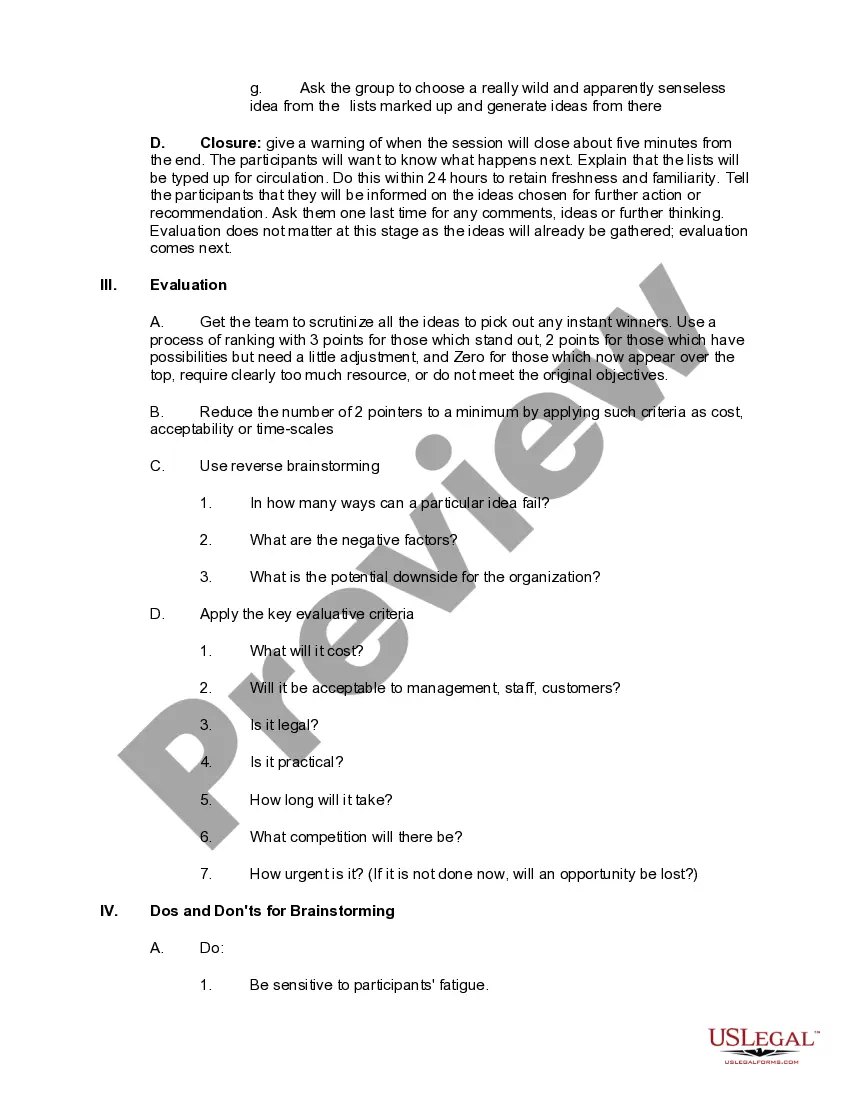
- Evaluation: Methods to assess and prioritize ideas generated during the session.
- Dos and Don'ts: Essential tips to ensure a productive brainstorming experience.
When this form is needed
This checklist is useful when you want to address a specific problem or opportunity that requires input from a group. It is ideal in scenarios such as team meetings focused on project development, strategic planning sessions, or creative endeavors where diverse ideas are needed to generate innovative solutions.
Who this form is for
- Managers looking to enhance team collaboration and creativity.
- Team leaders assigned to solve specific problems or innovate processes.
- Organizational facilitators in charge of conducting brainstorming sessions.
- Employees seeking to improve their skills in leading group discussions.
How to prepare this document
- Identify the specific problem or opportunity to be brainstormed.
- Select an appropriate facilitator and ensure they prepare effectively.
- Gather a diverse group of participants and set a welcoming atmosphere.
- Follow the structured guidelines during the session to encourage free-flowing ideas.
- Evaluate the ideas generated using a ranking system to select actionable insights.
Does this document require notarization?
This form does not typically require notarization unless specified by local law.
Get your form ready online
Our built-in tools help you complete, sign, share, and store your documents in one place.
Make edits, fill in missing information, and update formatting in US Legal Forms—just like you would in MS Word.
Download a copy, print it, send it by email, or mail it via USPS—whatever works best for your next step.
Sign and collect signatures with our SignNow integration. Send to multiple recipients, set reminders, and more. Go Premium to unlock E-Sign.
If this form requires notarization, complete it online through a secure video call—no need to meet a notary in person or wait for an appointment.
We protect your documents and personal data by following strict security and privacy standards.

Make edits, fill in missing information, and update formatting in US Legal Forms—just like you would in MS Word.

Download a copy, print it, send it by email, or mail it via USPS—whatever works best for your next step.

Sign and collect signatures with our SignNow integration. Send to multiple recipients, set reminders, and more. Go Premium to unlock E-Sign.

If this form requires notarization, complete it online through a secure video call—no need to meet a notary in person or wait for an appointment.

We protect your documents and personal data by following strict security and privacy standards.
Typical mistakes to avoid
- Allowing critical comments that stifle creative thinking.
- Not clearly defining the problem before starting the session.
- Failure to manage participant fatigue and attention spans.
- Overcrowding the session with too many participants.
Advantages of online completion
- Convenient access to the checklist anytime and anywhere.
- Easy to download and customize for specific needs and preferences.
- Reliable framework developed by licensed attorneys to guide the brainstorming process.
Legal use & context
- The checklist is a practical tool meant to facilitate productive discussions and idea generation.
- It adheres to best practices for collaborative processes within organizations.
- While it does not create legally binding agreements, the outcomes from sessions can lead to actionable plans that may have legal implications.
Key takeaways
- Preparation and the right environment are essential for successful brainstorming.
- Effective facilitation can significantly enhance group dynamics.
- Encouraging a judgment-free atmosphere boosts creativity.
- Evaluating ideas systematically helps in identifying practical solutions.
Looking for another form?
Form popularity
FAQ
Defer judgement. You never know where a good idea is going to come from. Encourage wild ideas. Wild ideas can often give rise to creative leaps. Build on the ideas of others. Stay focused on the topic. One conversation at a time. Be visual. Go for quantity.
Thorough, big-picture planning, advance preparation, a sound process, and strong, active leadership throughout the process are essential. While multiple factors contribute to a successful brainstorm, we have identified three overall categories, which we refer to as the 3 Pillars of Brainstorming Success.
Focus on quantity. NO criticism. Encourage wild ideas. Combine and improve ideas.
A sheet to help students brainstorm about how people enjoy God's creations. Students are required to brainstorm the different ways people enjoy creation (e.g. mountains - skiing, snowboarding, hiking, mountain climbing). Students then need to choose two of their ideas from their brainstorm and then.
Cluster similar ideas together. Before the end of the session, spend ten minutes as a group identifying similar ideas and physically moving post-its to bucket them together. Vote on favorites. Document the brainstorm. Prioritize Ideas. Commit to next steps.
Brainstorming is an efficient way to define their requirements. Users can come up with very innovative ideas or requirements. This can help gather ideas and creative solutions from stakeholders in a short time. Users or stakeholders can come up with ideas that they have seen or experienced elsewhere.
Define the problem. The first step should be to determine a problem question that the brainstorming session will address. Lay out the context and definitions. Pick an appropriate facilitator. Invite the right people. Set the agenda. Holding the session.
What you should include in Brainstorm Documentation? Facilitator: Name of the facilitator moderating the brainstorming session. 200dGoals / Issues: List the top goals you're trying to achieve or the problems you are trying to solve with the session. 200dResearch: Include web links, stats, competitor info, etc.
Brainstorming is a short group session where all participants are allowed to say whatever they feel is important to the topic of discussion. After that, a facilitator leads the group in organizing and prioritizing the results.