Contractor Quote, Proposal and Contract
Overview of this form
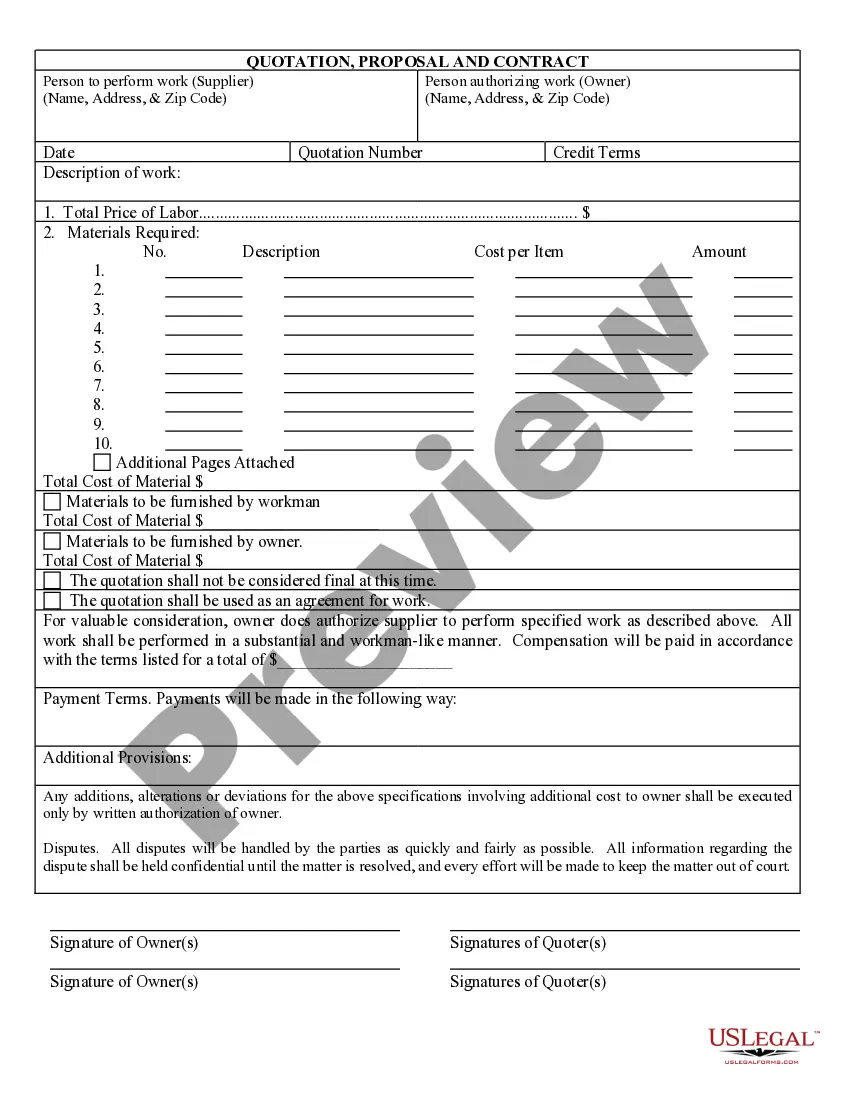
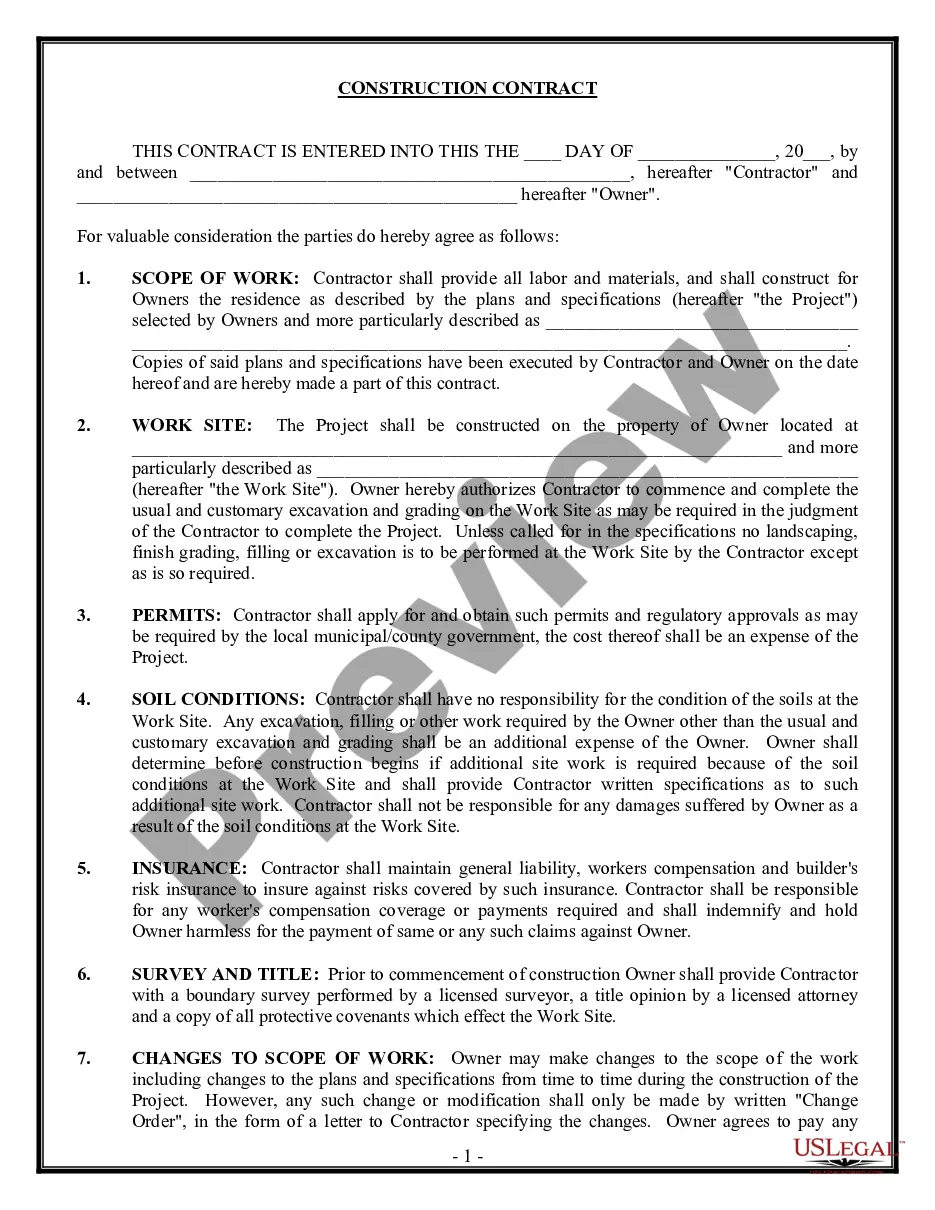
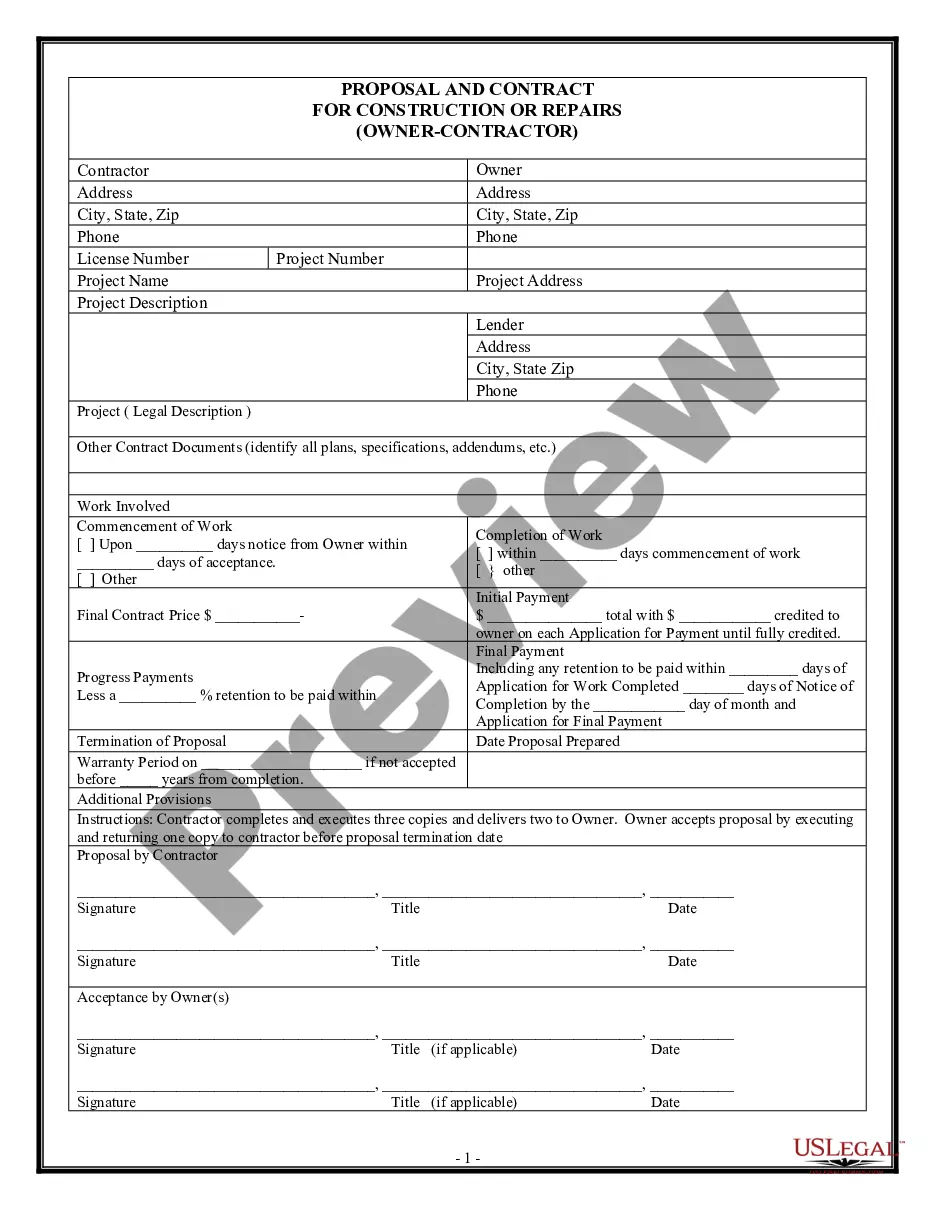
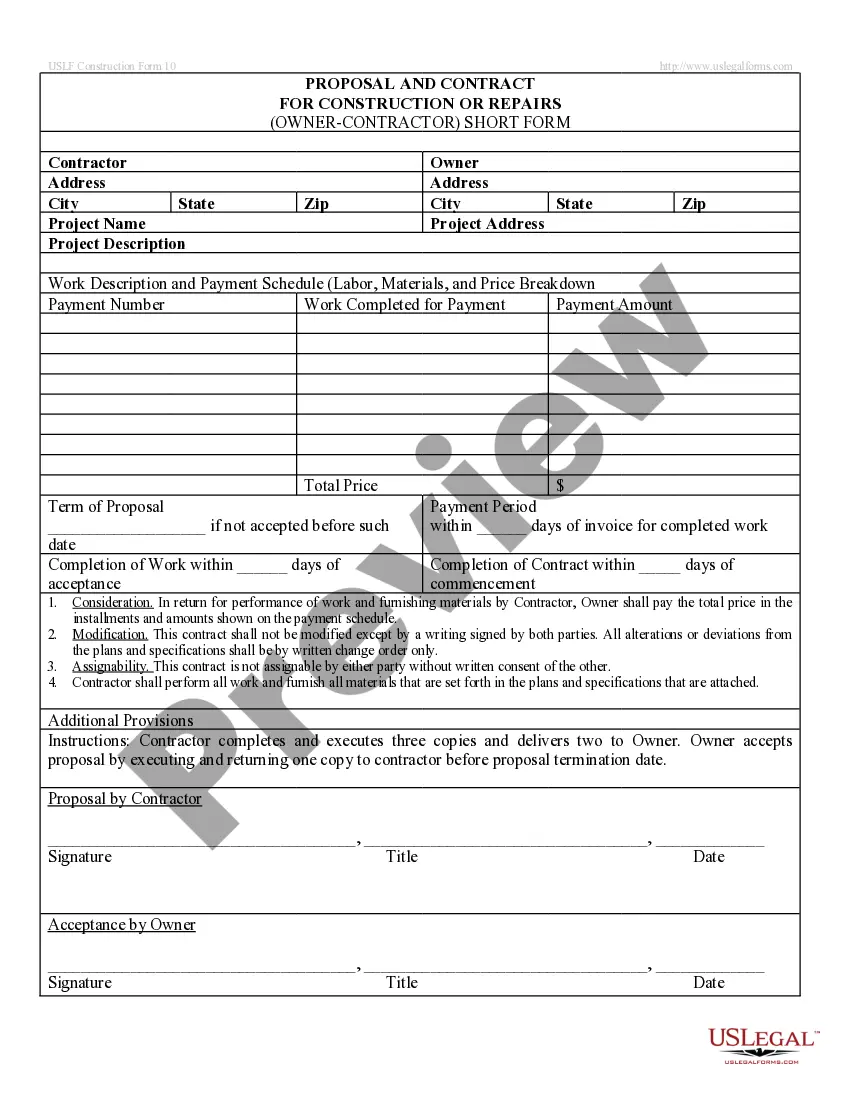
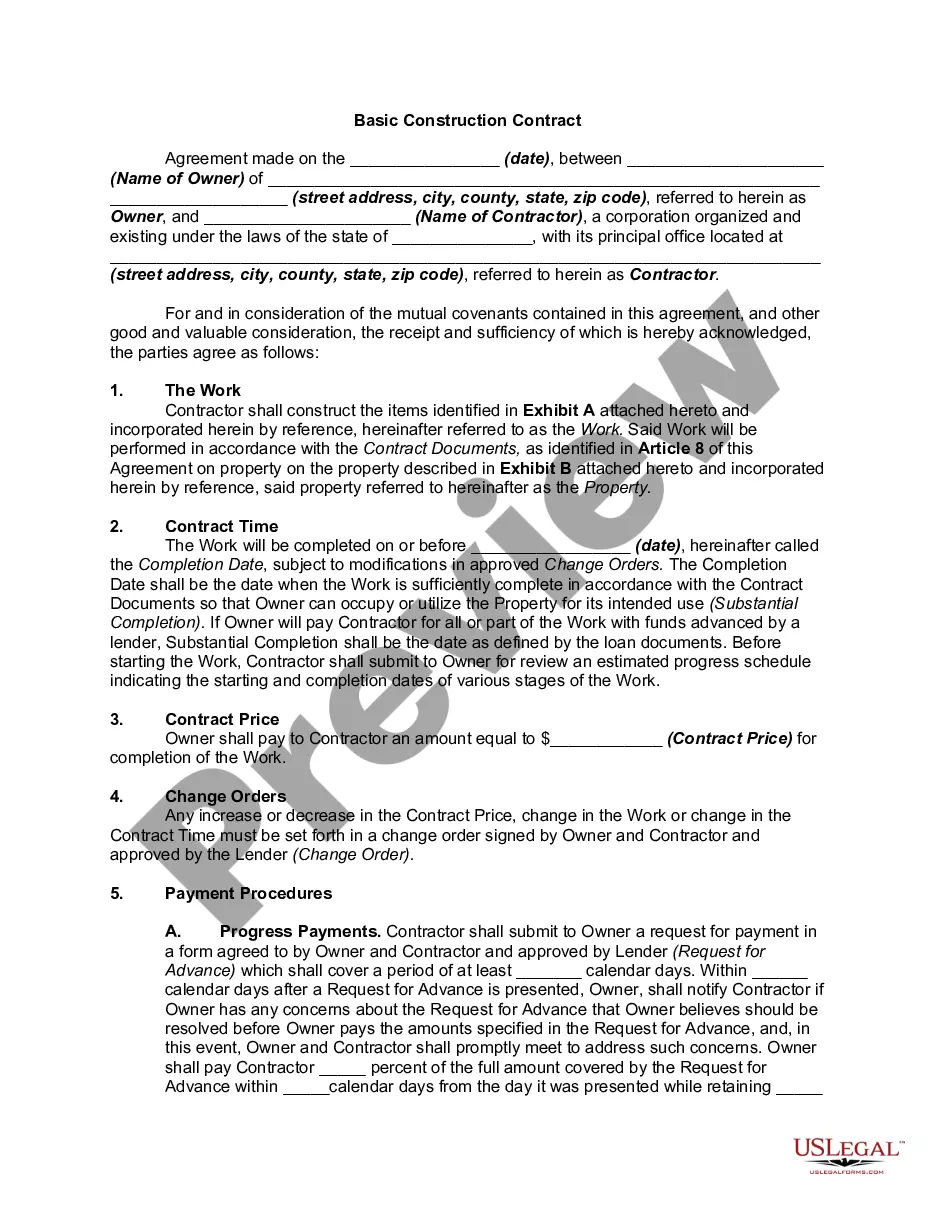
The Contractor Quote, Proposal and Contract form is a legal document that combines a quotation and a contract for construction or renovation work. This form outlines the details of the project, including a description of the work, total cost, and payment terms. Unlike simple quotes or proposals, this form serves as a binding agreement between the contractor and the owner, ensuring all parties understand the scope of work and costs involved.
Form components explained
- Description of the work to be performed
- Total price for labor and materials
- Payment terms and methods
- Signatures of both the owner and contractor
- Indication of materials provided by the owner
Common use cases
This form is beneficial when hiring a contractor for a home renovation or construction project. Use it when you need a clear agreement that outlines the expected work, costs, and payment arrangements between you and the contractor. It can also be used in situations where there is a need for formal documentation of the agreement to prevent misunderstandings or disputes.
Who this form is for
This form is intended for homeowners or property owners who are engaging contractors for renovation or construction work. It is also suitable for contractors who need to provide detailed quotes and secure a formal agreement with clients.
Steps to complete this form
- Identify the parties involved: list the owner and contractor names.
- Clearly describe the scope of work to be done.
- Enter the total cost for materials and labor.
- Outline the payment terms and how payments will be made.
- Both parties should sign the document to indicate agreement.
Does this form need to be notarized?
This form does not typically require notarization to be legally valid. However, some jurisdictions or document types may still require it. US Legal Forms provides secure online notarization powered by Notarize, available 24/7 for added convenience.
Get your form ready online
Our built-in tools help you complete, sign, share, and store your documents in one place.
Make edits, fill in missing information, and update formatting in US Legal Forms—just like you would in MS Word.
Download a copy, print it, send it by email, or mail it via USPS—whatever works best for your next step.
Sign and collect signatures with our SignNow integration. Send to multiple recipients, set reminders, and more. Go Premium to unlock E-Sign.
If this form requires notarization, complete it online through a secure video call—no need to meet a notary in person or wait for an appointment.
We protect your documents and personal data by following strict security and privacy standards.

Make edits, fill in missing information, and update formatting in US Legal Forms—just like you would in MS Word.

Download a copy, print it, send it by email, or mail it via USPS—whatever works best for your next step.

Sign and collect signatures with our SignNow integration. Send to multiple recipients, set reminders, and more. Go Premium to unlock E-Sign.

If this form requires notarization, complete it online through a secure video call—no need to meet a notary in person or wait for an appointment.

We protect your documents and personal data by following strict security and privacy standards.
Typical mistakes to avoid
- Neglecting to clearly define the scope of work.
- Failing to include detailed payment terms.
- Not obtaining signatures from both parties.
- Overlooking the addition of any materials that the owner must supply.
Why use this form online
- Convenient access: download and fill out at your convenience.
- Editability: easily make changes as needed before finalizing.
- Reliability: ensures that the form is compliant with legal standards.
Legal use & context
- Establishes a legally binding agreement between the owner and contractor.
- Clarifies obligations and expectations for both parties.
- Provides a reference point in case of disputes related to work performed.
What to keep in mind
- The Contractor Quote, Proposal and Contract form serves as both a quotation and a legally binding contract.
- Ensure to specify all details concerning work, costs, and payment terms.
- Obtain signatures from both the owner and contractor to finalize the agreement.
Looking for another form?
Form popularity
FAQ
Select a Template. Creating winning quotes is a learning process. Add Client Information. Make sure you include who the quote is for. Enter the Quote Number. Include a Date of Issue. Enter Products or Services. Add Terms and Conditions. Include Notes. Add Optional Details.
Introduce the quote using your own words followed by : a colon if you have written a complete sentence or a comma if you use a phrase such as 'according to' along with the authors name. End the quote with a fullstop and the footnote number.
In American English, use double quotation marks for quotations and single quotation marks for quotations within quotations. In British English, use single quotation marks for quotations and double quotation marks for quotations within quotations.
First you need to do is to create a new document. You can then start choosing the template that you want. Start downloading the Template. Make a heading for your quotation. Display the date and the quotation number. Outline the prices information.
A formal quote is a type of document used by businesses of any size to provide a price for a given product or service. Formal quotes typically include a description of the work or service being offered and also has a contract for the recipient to sign.
Filters. The definition of a quotation is words or phrases that are taken from someone else or from literary work or the asking price of something. An example of a quotation is when you take a passage from Shakespeare and repeat it as written without changing any of the words.
Make your quotation header. This involves placing your company letterhead, business name, address, and so on. Write down the parties involved. Write down a description of the goods or services provided.
Start the quotation on a new line, with the entire quote indented 1 inch from the left margin while maintaining double-spacing. Your parenthetical citation should come after the closing punctuation mark. When quoting verse, maintain original line breaks. (You should maintain double-spacing throughout your essay.)
Job description. Explain the work you'll be doing. Materials and labor. Provide a high-level view of the necessary materials and labor and the costs for each. Total cost. Clearly and correctly tally up the total costs of the project. This is a big one. Sales and company contact info.