Service Invoice 3
What this document covers
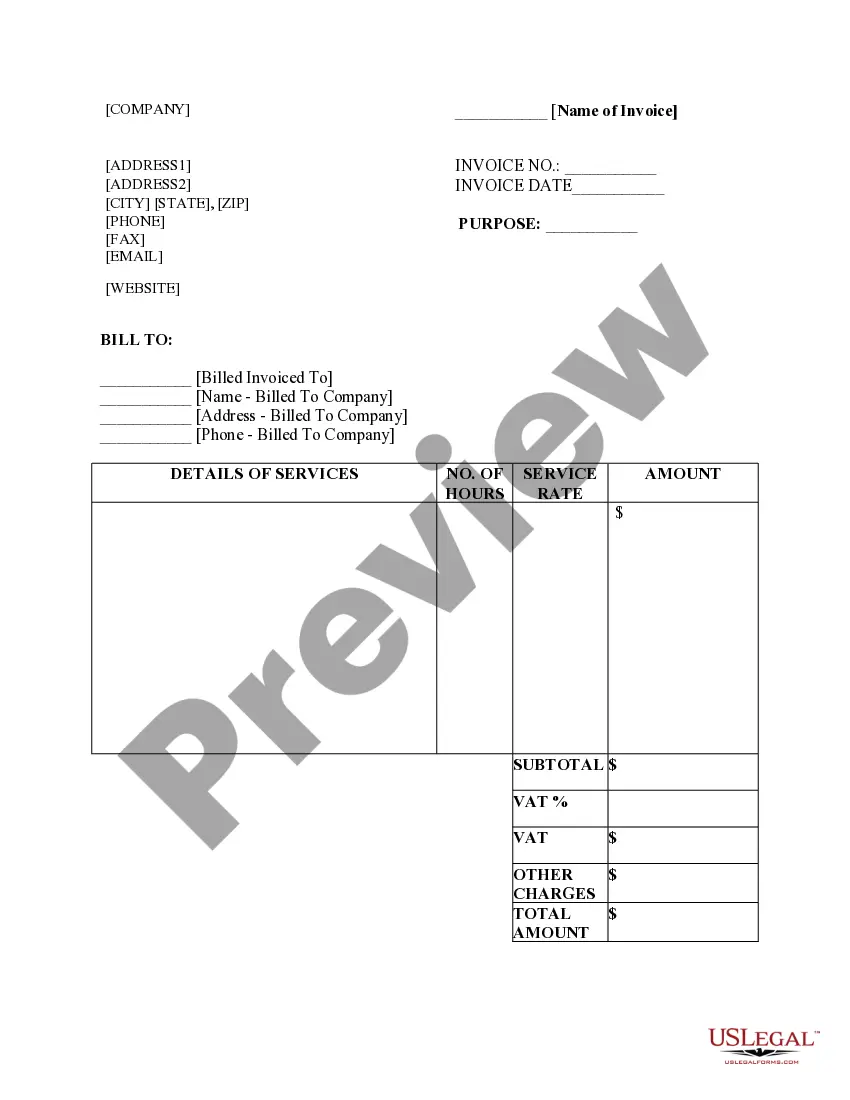
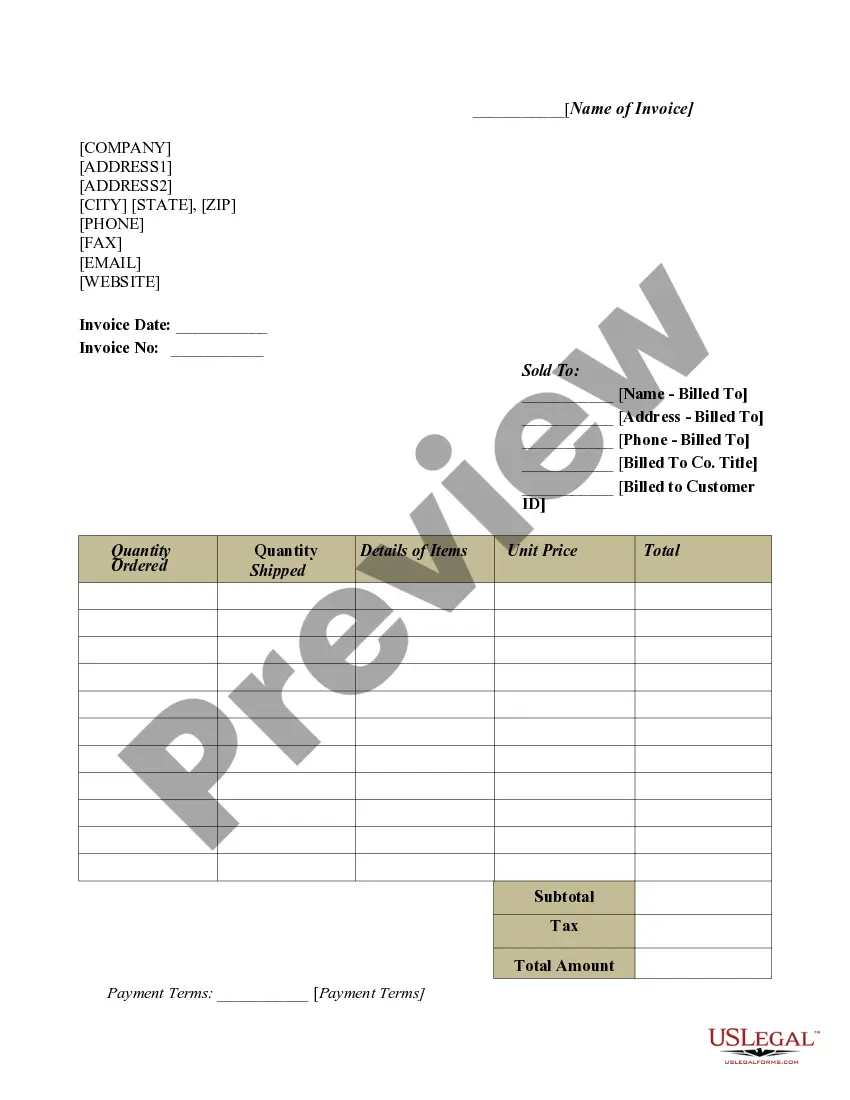
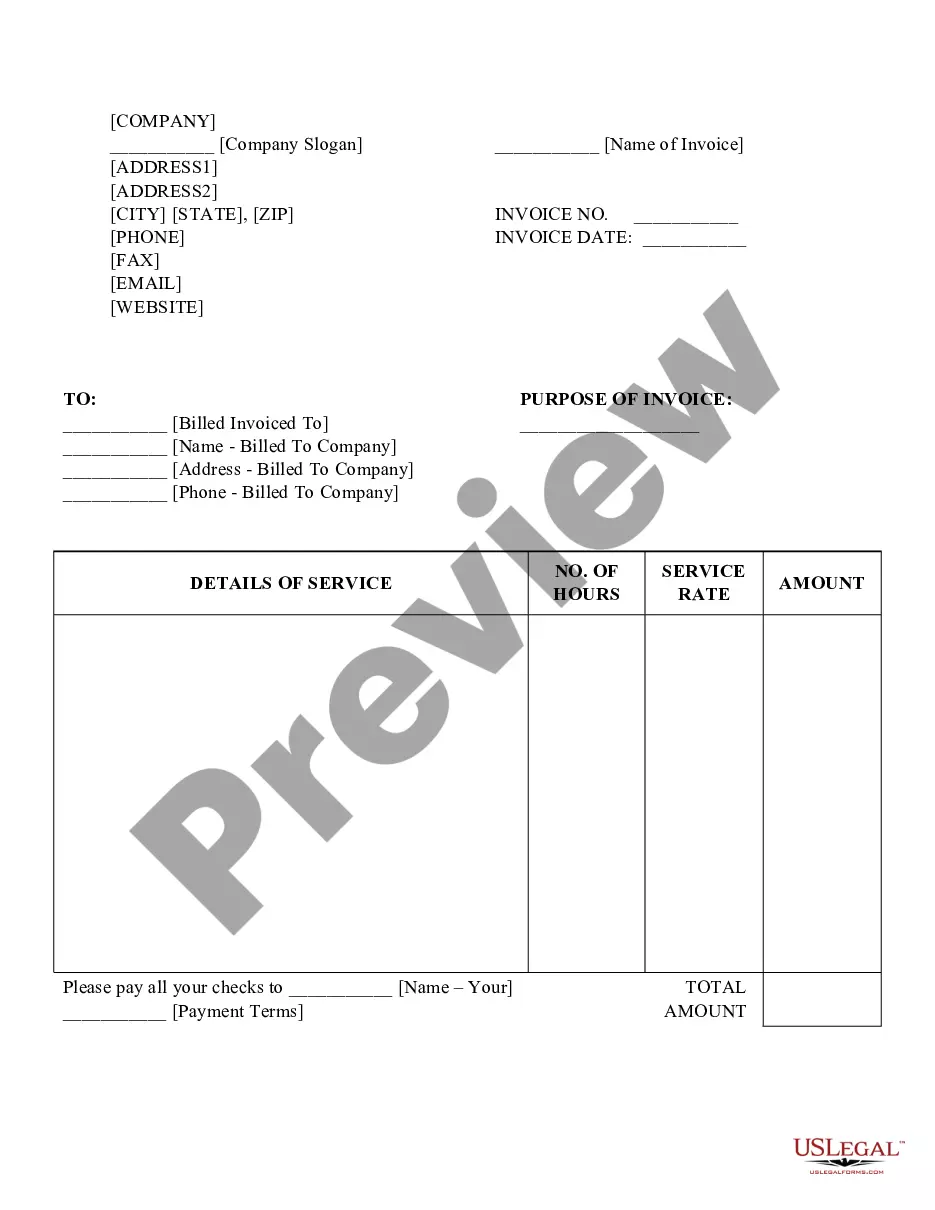
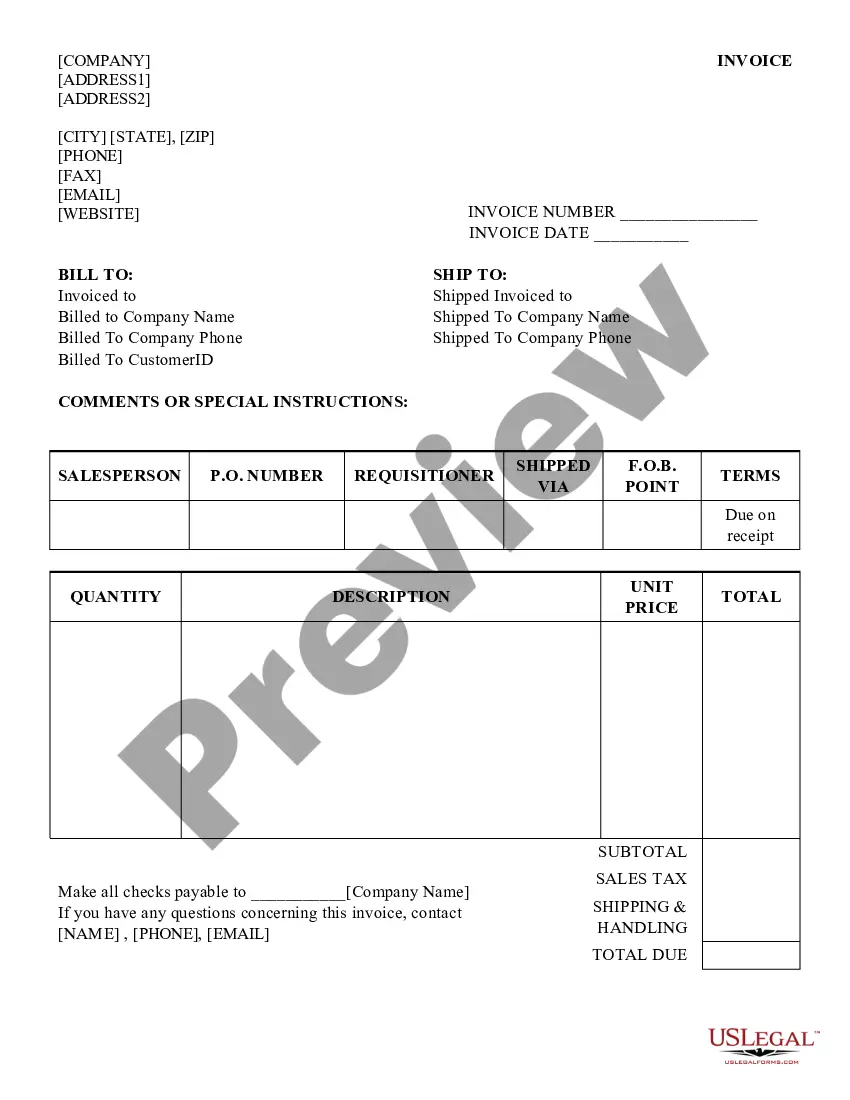
The Service Invoice 3 is a commercial document that outlines the services provided by a seller to a buyer, detailing the products, quantities, and agreed prices. It serves as a formal request for payment and helps businesses maintain accurate financial records. Unlike other invoice forms, this template is specifically designed to capture service-based transactions and includes essential fields for service details, hours worked, and charges incurred.
What’s included in this form
- Name and address of the seller
- Invoice number and date
- Contact information of both parties
- Details of services provided, including hours and rates
- Breakdown of subtotal, VAT, other charges, and total amount


When to use this document
This form should be used when a business needs to bill a client for services rendered. It is applicable in situations where a detailed account of services, hours worked, and pricing needs to be documented. Common scenarios include freelance work, contractor services, and consulting projects.
Who can use this document
- Service providers such as freelancers, consultants, and contractors
- Businesses issuing invoices for services rendered to clients
- Individuals managing service-related billing for personal projects
Instructions for completing this form
- Identify and enter your name and business address at the top.
- Fill in the invoice number and date for record-keeping.
- Provide the contact information of the client or company being billed.
- Detail the services provided, including the number of hours worked and the service rate.
- Calculate and list the subtotal, VAT, other charges, and total amount due.
Does this form need to be notarized?
This form does not typically require notarization to be legally valid. However, some jurisdictions or document types may still require it. US Legal Forms provides secure online notarization powered by Notarize, available 24/7 for added convenience.
Get your form ready online
Our built-in tools help you complete, sign, share, and store your documents in one place.
Make edits, fill in missing information, and update formatting in US Legal Forms—just like you would in MS Word.
Download a copy, print it, send it by email, or mail it via USPS—whatever works best for your next step.
Sign and collect signatures with our SignNow integration. Send to multiple recipients, set reminders, and more. Go Premium to unlock E-Sign.
If this form requires notarization, complete it online through a secure video call—no need to meet a notary in person or wait for an appointment.
We protect your documents and personal data by following strict security and privacy standards.

Make edits, fill in missing information, and update formatting in US Legal Forms—just like you would in MS Word.

Download a copy, print it, send it by email, or mail it via USPS—whatever works best for your next step.

Sign and collect signatures with our SignNow integration. Send to multiple recipients, set reminders, and more. Go Premium to unlock E-Sign.

If this form requires notarization, complete it online through a secure video call—no need to meet a notary in person or wait for an appointment.

We protect your documents and personal data by following strict security and privacy standards.
Avoid these common issues
- Not including an invoice number, which can cause confusion in record-keeping.
- Failing to detail the services provided, leading to disputes over payment.
- Incorrectly calculating totals, taxes, or additional charges.
Benefits of completing this form online
- Convenience of accessing the template anytime, anywhere.
- Editability allows for quick updates and adjustments before sending.
- Reliability in ensuring all essential details are included for professional invoicing.
Legal use & context
- This invoice is a legal document that creates an obligation for the client to pay.
- It serves as proof of the services rendered and can be crucial in case of disputes.
- Specific requirements may vary based on local jurisdiction and industry regulations.
Summary of main points
- The Service Invoice 3 is essential for documenting services and requesting payment.
- Fill out all fields accurately to avoid errors and ensure smooth transactions.
- This form can be adapted to meet specific state requirements if necessary.
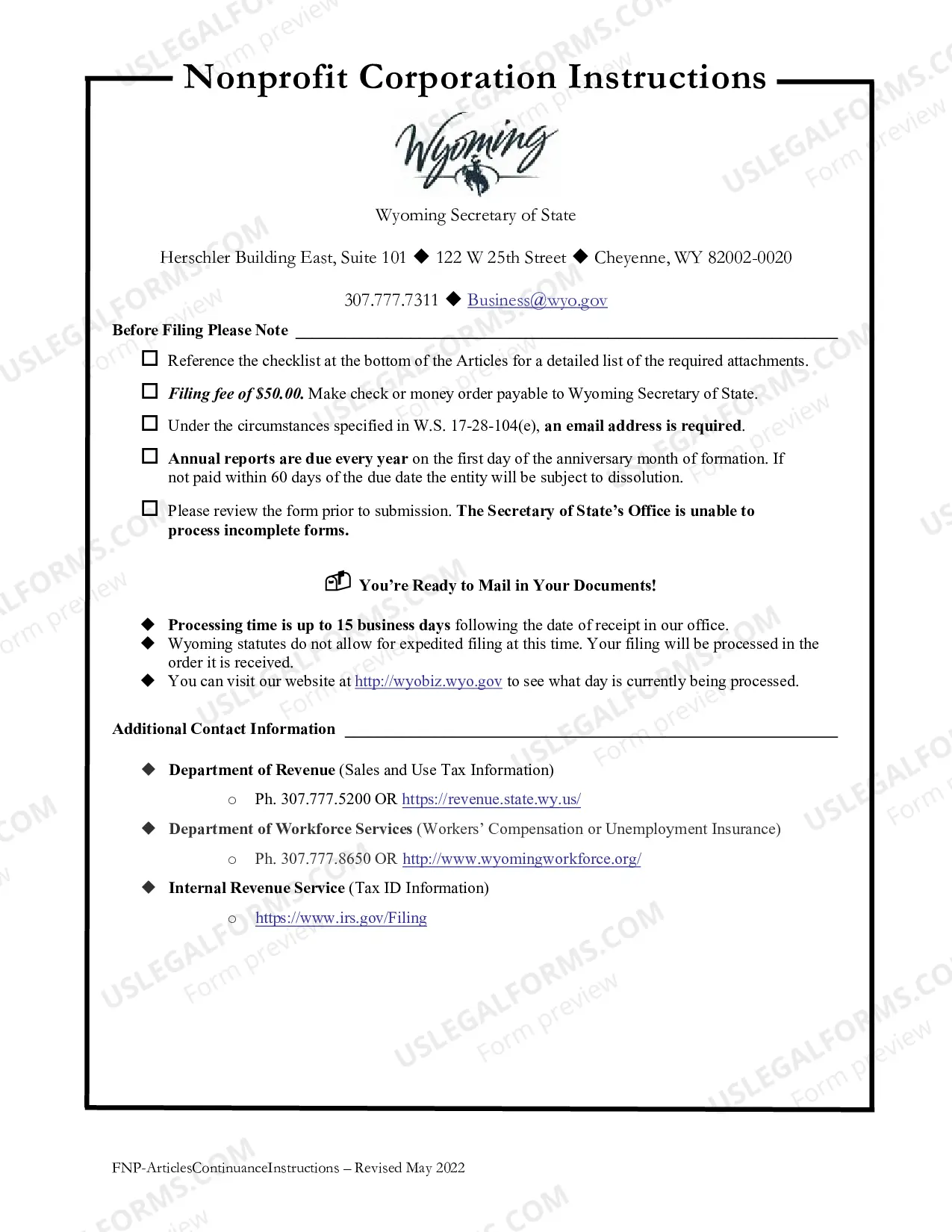
Looking for another form?
Form popularity
FAQ
Meaning of service invoice An invoice prepared and issued by a service-oriented business for its services is called a service invoice. Service invoices help in keeping the business organised and help keep track of services rendered to various clients.
It's best to send an invoice after the job is done. When you need a deposit from your client, invoice before the job so you can get that payment upfront.
An HVAC invoice is a document that may be completed by any company that sells and installs HVAC units into homes or businesses to detail charges for services rendered. The same document may be used by contractors who would only units for companies who outsource their installations to contractors.
2. Sales Invoice is a primary sales document for sale of goods while Billing Invoice is a supplemental sales document for sale of service. Sales Invoice is considered the primary or most important document for sale of goods because it is the legal proof that a sale or transfer of goods has happened.
Service invoices include information such as the name of the service provider, the name of the client, the date of service, a description of the services provided, the amount charged for the services, and any applicable taxes or fees.
An invoice is a demand for payment (delivered either electronically or physically) that's sent by the seller after the sale of goods/services has been completed, but before payment has been made. In essence, invoices are used to ensure that your business gets paid.
How to Make a Service Invoice Add Your Business Logo.Include Your Contact Details.Add the Client's Contact Information.Assign a Unique Invoice Number.Include the Invoice Date.Set the Payment Due Date.Create an Itemized List of Services.Add the Total Amount Due.