Employment Application for Event Vendor
Understanding this form
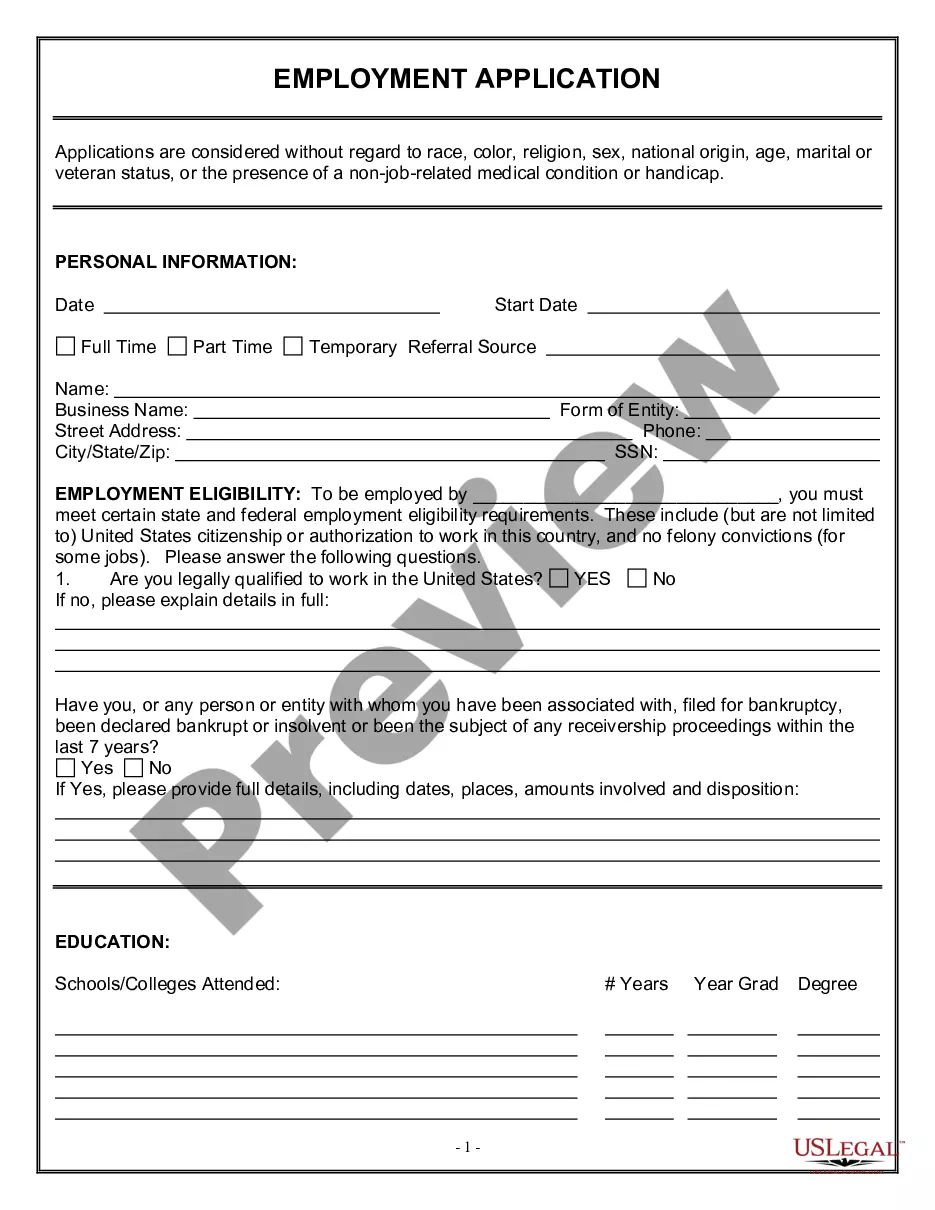
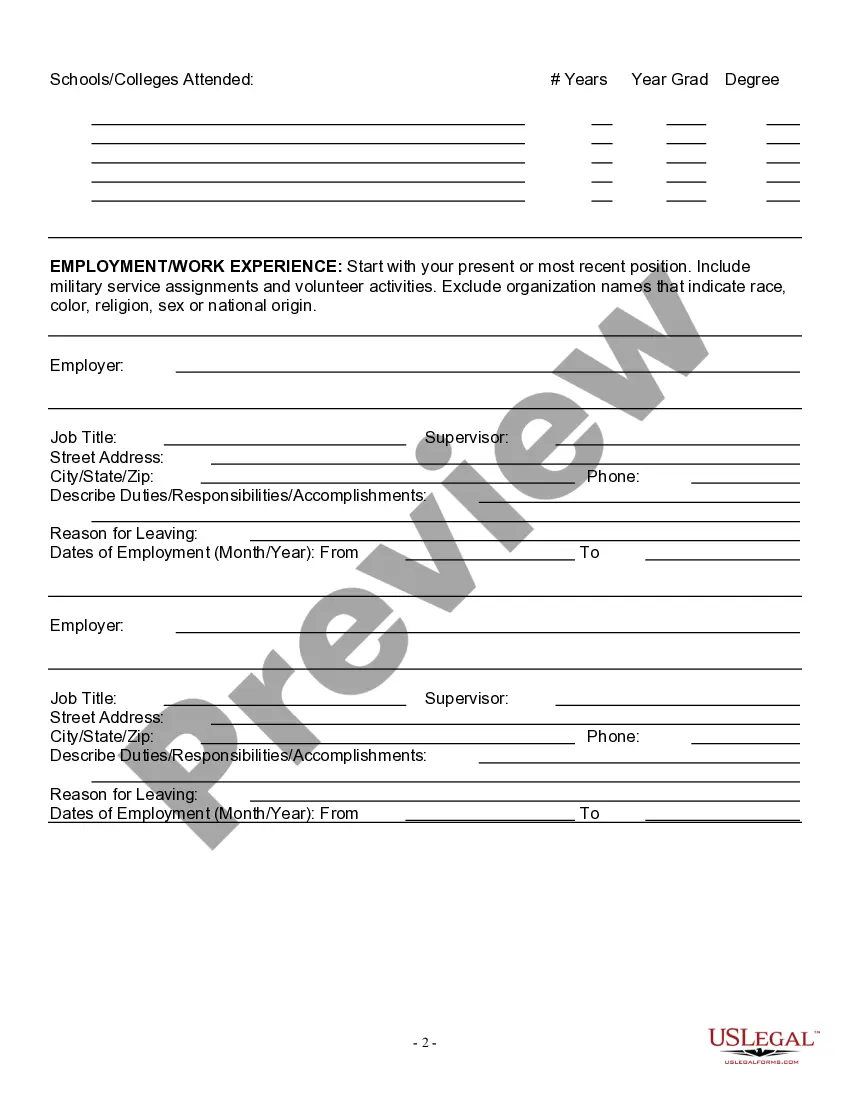
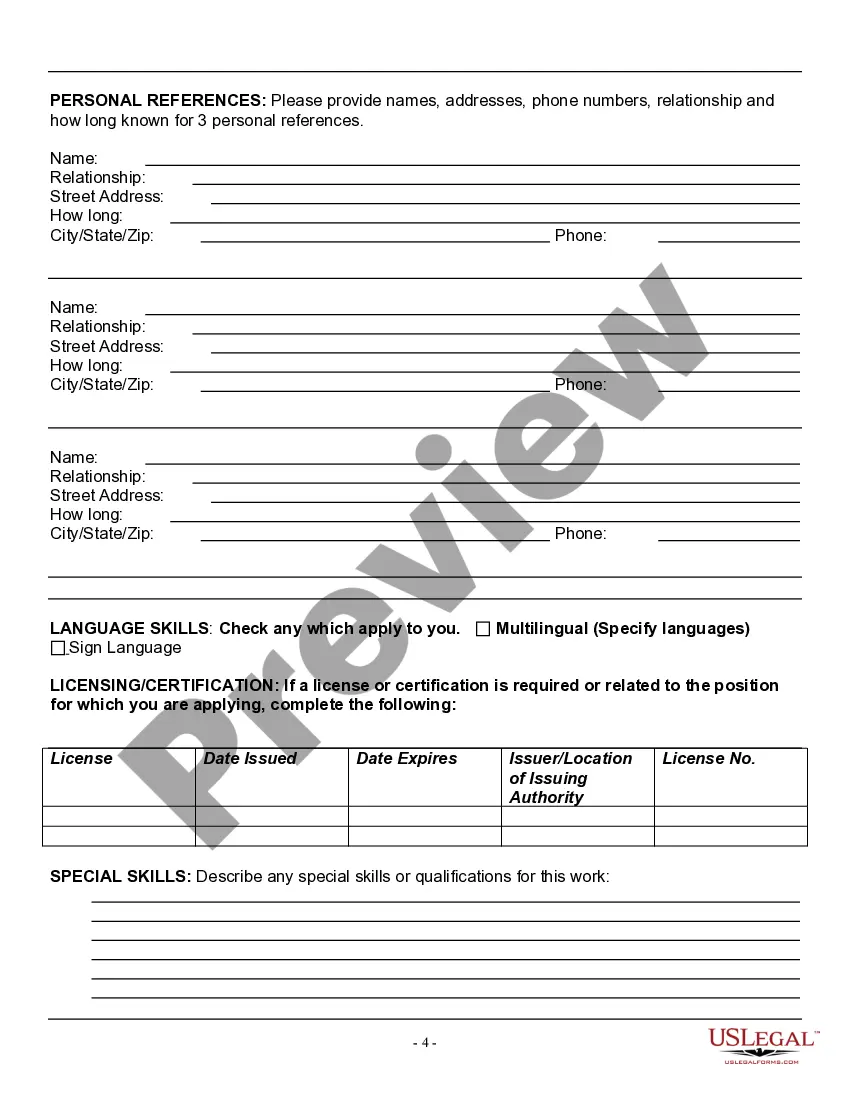
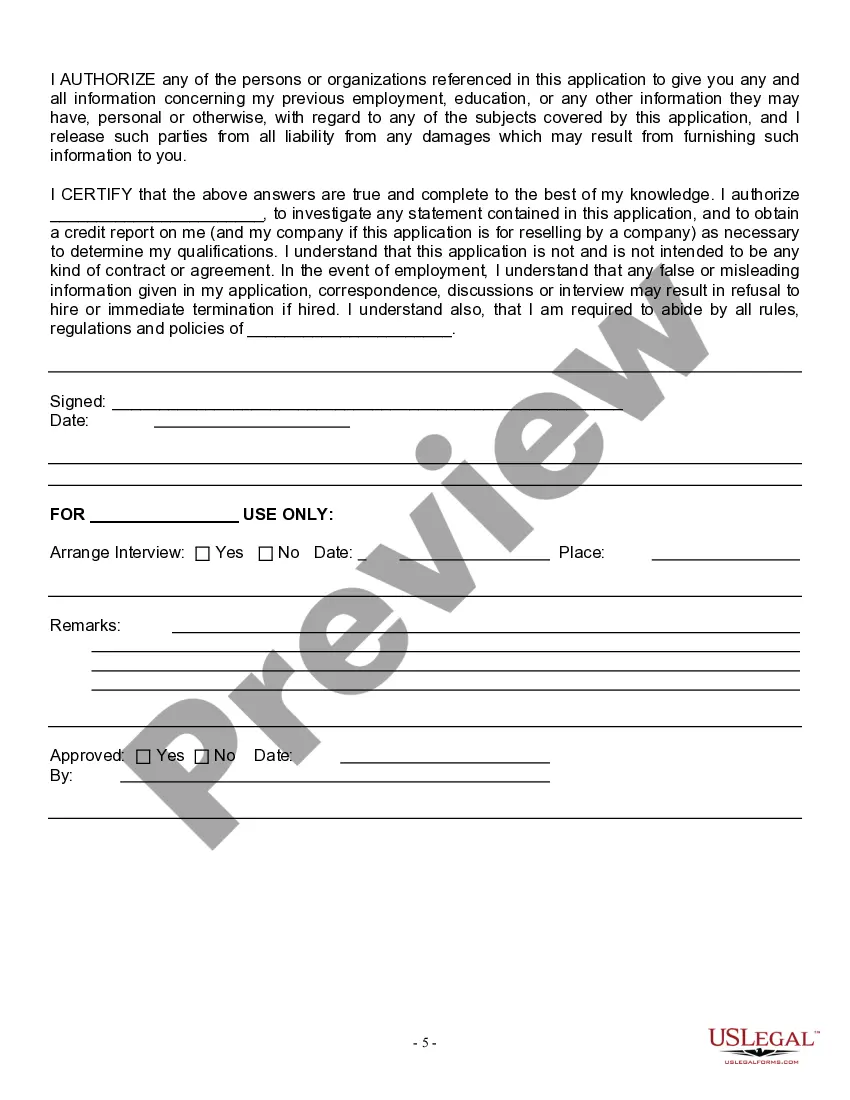
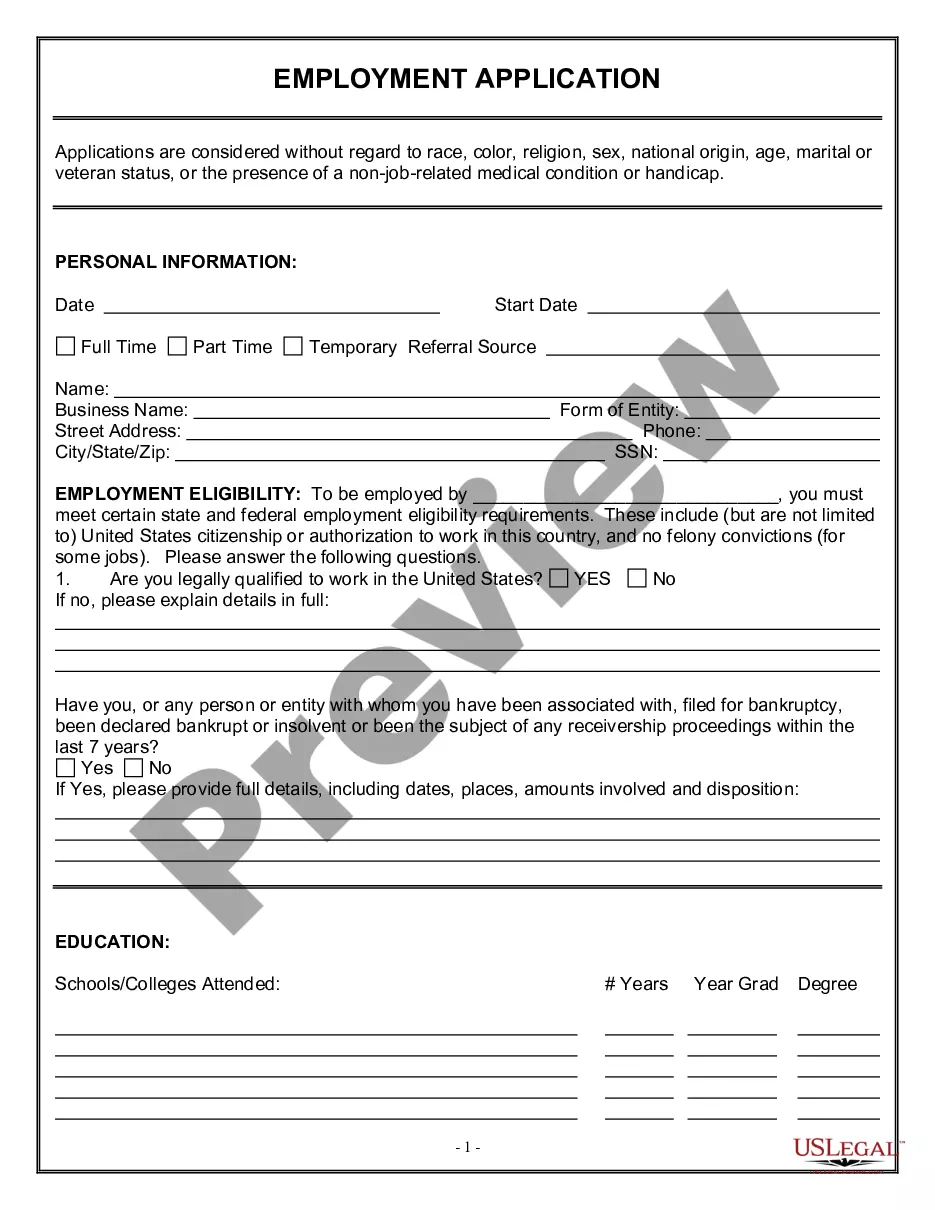
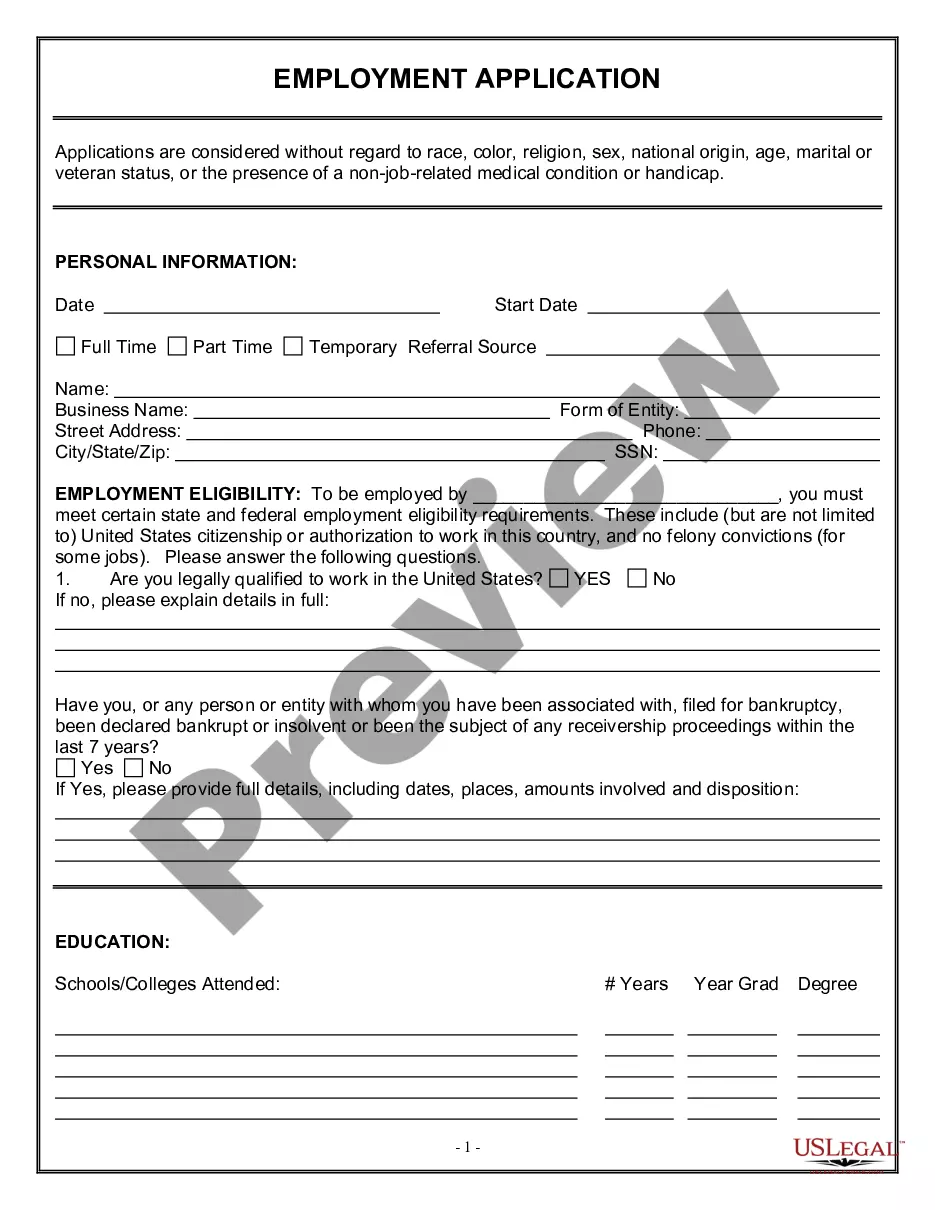
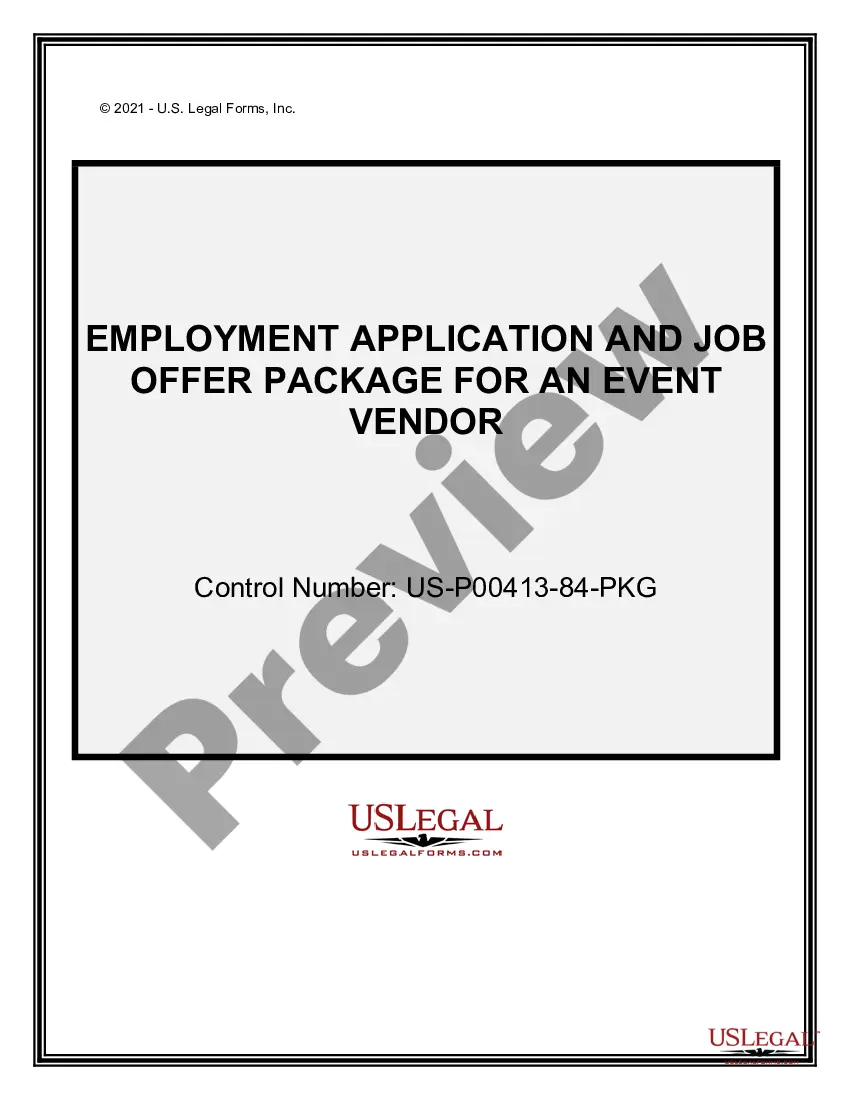
The Employment Application for Event Vendor is a legal document used by businesses to gather essential information from potential event vendors seeking employment. This form is crucial for assessing the qualifications and eligibility of applicants for positions related to event services, distinguishing it from other types of job applications that may not cater specifically to vendor roles.
Main sections of this form
- Personal information section to collect basic applicant details.
- Eligibility verification regarding the right to work in the United States.
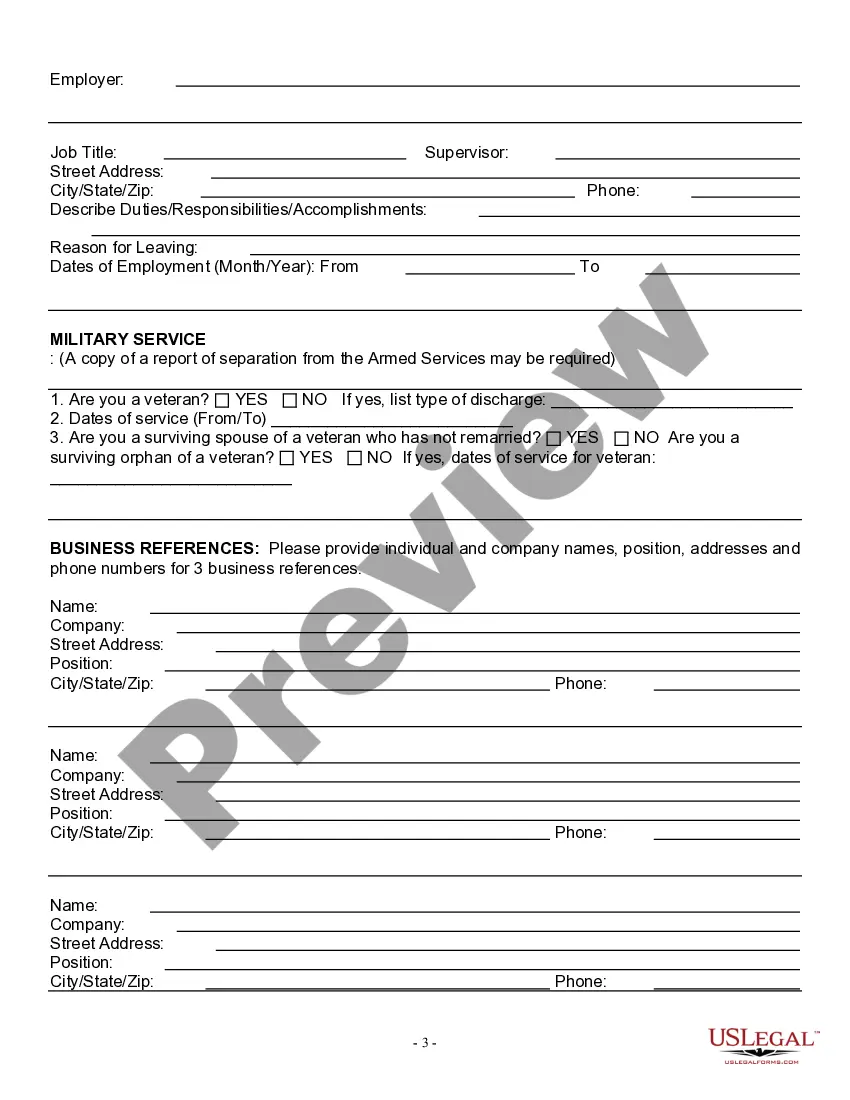
- Questions related to veterans' status, including inquiries about surviving spouses and children of veterans.
- Equal opportunity statement ensuring non-discrimination in the hiring process.

Situations where this form applies
This form should be used when a business is hiring vendors for events, such as fairs, festivals, or corporate gatherings. It helps employers comply with fair hiring practices while efficiently gathering relevant information from prospective applicants.
Who should use this form
The following individuals or entities should utilize the Employment Application for Event Vendor:
- Employers seeking event vendors for temporary or seasonal positions.
- Human resources departments in charge of vendor recruitment.
- Event management companies requiring standardized applications for vendor services.
- Individuals or groups organizing events who need to hire vendors.
Completing this form step by step
- Provide your personal information, including your name and contact details.
- Indicate whether you are legally authorized to work in the U.S.
- Fill in the dates of service if you have experience related to the event vendor role.
- Answer questions about veteran status truthfully, including any relevant details.
- Review the application for accuracy before submission.
Does this form need to be notarized?
This form does not typically require notarization unless specified by local law. Ensure all information is accurate and complete to avoid delays in the hiring process.
Get your form ready online
Our built-in tools help you complete, sign, share, and store your documents in one place.
Make edits, fill in missing information, and update formatting in US Legal Forms—just like you would in MS Word.
Download a copy, print it, send it by email, or mail it via USPS—whatever works best for your next step.
Sign and collect signatures with our SignNow integration. Send to multiple recipients, set reminders, and more. Go Premium to unlock E-Sign.
If this form requires notarization, complete it online through a secure video call—no need to meet a notary in person or wait for an appointment.
We protect your documents and personal data by following strict security and privacy standards.

Make edits, fill in missing information, and update formatting in US Legal Forms—just like you would in MS Word.

Download a copy, print it, send it by email, or mail it via USPS—whatever works best for your next step.

Sign and collect signatures with our SignNow integration. Send to multiple recipients, set reminders, and more. Go Premium to unlock E-Sign.

If this form requires notarization, complete it online through a secure video call—no need to meet a notary in person or wait for an appointment.

We protect your documents and personal data by following strict security and privacy standards.
Common mistakes to avoid
- Failing to provide complete personal information.
- Omitting details regarding eligibility to work in the U.S.
- Not reviewing the application for errors or omissions.
- Providing inaccurate information about veteran status.
Why complete this form online
- Convenient access to the form from anywhere at any time.
- Editable fields allow for easy customization and accuracy.
- Reliable data collection method that can streamline the hiring process.
Looking for another form?
Form popularity
FAQ
Personal information - give basic details, such as name and email address. Educational background - provide information on your academic achievements, including the institutions you've attended, courses taken and qualifications gained.
Type "Employment Application" in the "Templates on Office Online" box and click the "Search" button. Select "Employment Application 2-pp Online Form" in the "Search Results" list. Click the "Download" button, and an application will open as a new Word document.
Vendor registration is the process of collecting key information from outside suppliers of goods and services and entering that information into a system to manage the relationship. The registration system used is typically electronic or Internet-based, but can be handled through a paper process.
Vendors complete a vendor application form when they apply to sell products or services at a conference, festival, or fair. The form includes vendor names, contact information, tax ID, booth preferences, payment information (if applicable), and details on their offerings.
Be choosy. Before filling out an application form do your research. Don't dive straight in. Have a good read of the form before you start writing. Match your skills with the job description. Stick to the word count. Make sure you include all the information needed. Check and check again. Make a copy.
VCF - A form (or series of forms) all new suppliers complete including company information, product information/specifications etc.
Keep it short. You don't want your application form to be multiple pages this will make many applicants lose interest halfway through. Go through the application yourself. Provide options. Ask original questions. Guide applicants through the process.
How a Vendor Works. A vendor, also known as a supplier, is a person or a business entity that sells something. Large retail store chains such as Target, for example, generally have a list of vendors from which they purchase goods at wholesale prices that they then sell at retail prices to their customers.