Tennessee Buy Sell Agreement Package
What this form package covers
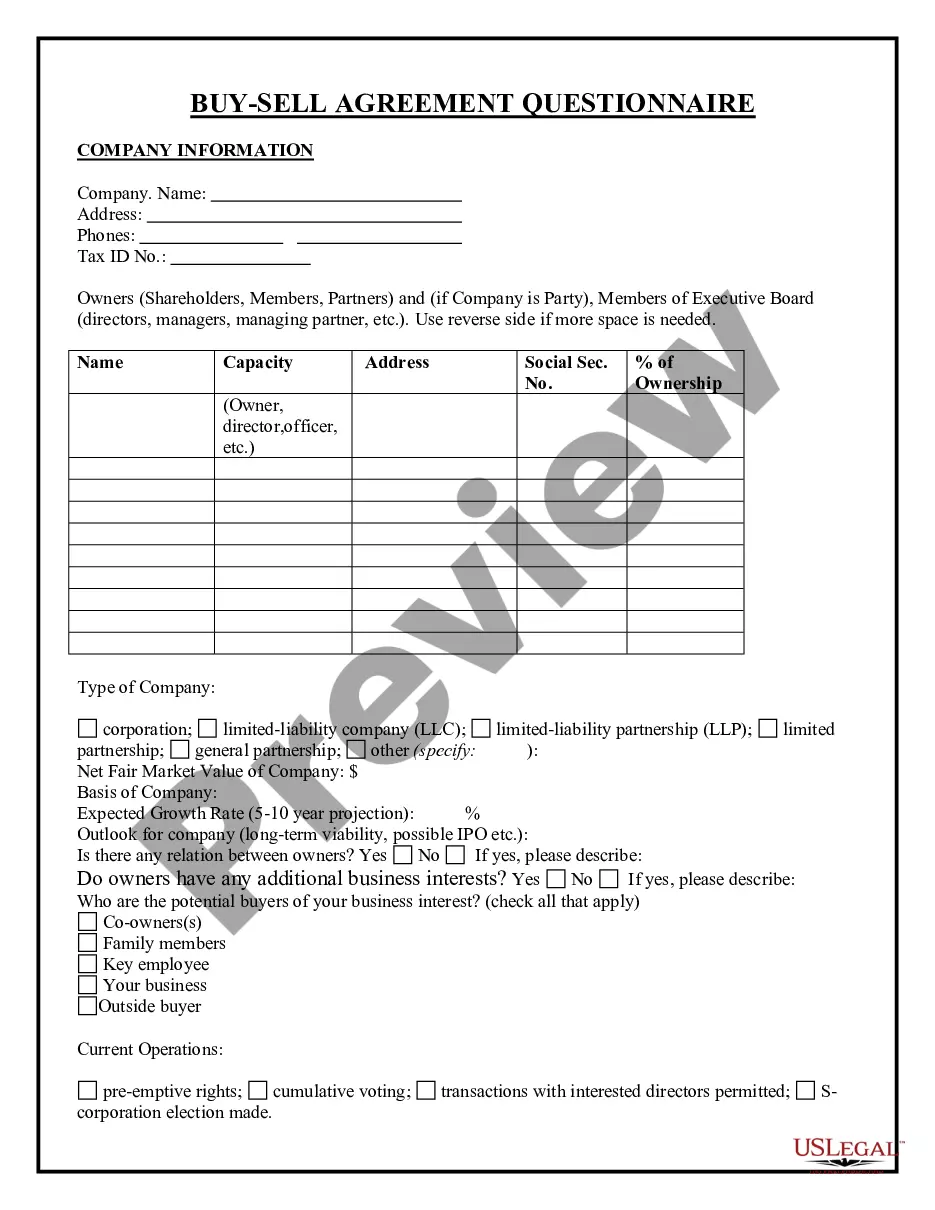
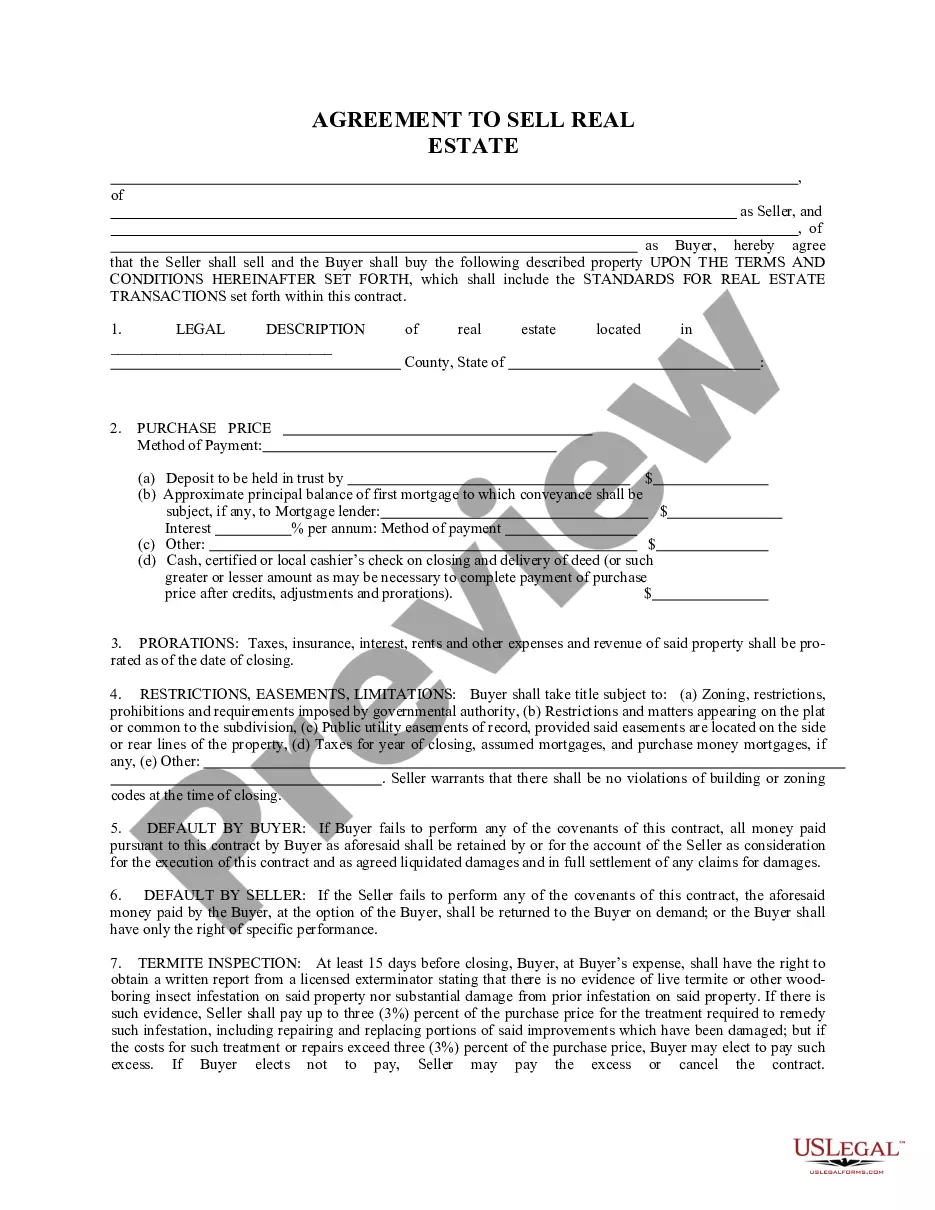
The Tennessee Buy Sell Agreement Package is a collection of legal forms designed to facilitate the sale of a partner's or shareholder's interest in a business. Unlike other legal agreements, this package specifically provides the necessary documentation to ensure that the terms of the buy-sell agreement are clear, thereby controlling the transfer of ownership and safeguarding the interests of all parties involved.
What’s included in this form package
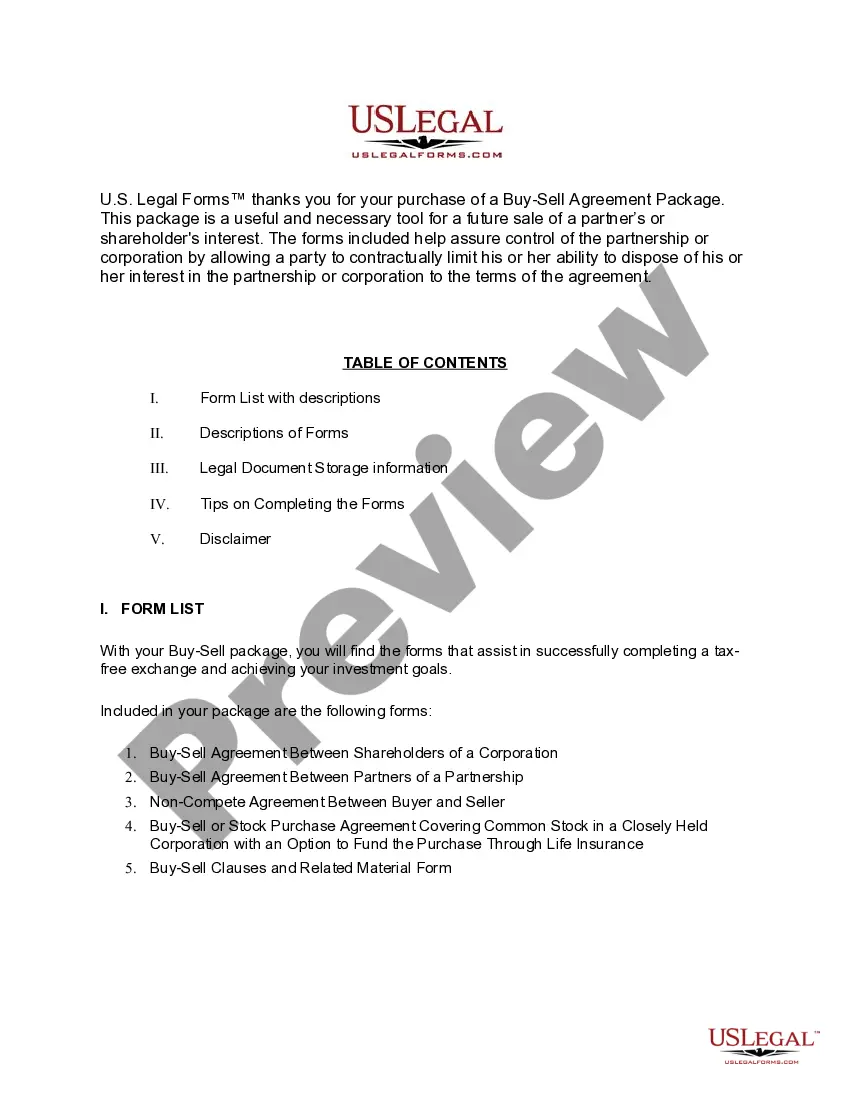
- Buy Sell Agreement Between Shareholders and a Corporation
- Buy Sell Agreement Between Partners of a Partnership
- Buy Sell or Stock Purchase Agreement Covering Common Stock in Closely Held Corporation with Option to Fund Purchase through Life Insurance
- Noncompetition Agreement between Buyer and Seller of Business
- Buy Sell Clauses and Related Material
When this form package is needed
This form package is useful in various scenarios, including:
- When a partner or shareholder wishes to sell their interest in a business.
- In the event of a partner's death or disability, requiring the sale of their interest.
- To establish terms for the transfer of ownership that protect remaining partners or shareholders.
- When creating a non-compete agreement to prevent competition between the buyer and seller.
Who can use this document
- Business owners and partners involved in partnerships or closely held corporations.
- Shareholders in a corporation considering the sale of their stock.
- Estate representatives of deceased partners or shareholders managing the transfer of interest.
- Individuals entering into agreements related to business ownership transitions.
Instructions for completing these forms
- Review all included forms carefully to understand the requirements and structure.
- Identify the parties involved, including their roles and ownership interests.
- Enter accurate and specific details regarding the terms of the buy-sell agreement.
- Have all parties sign the necessary agreements, ensuring compliance with witness and notarization requirements if needed.
- Store the completed forms in a secure location for future reference.
Notarization guidance for this package
Forms in this package typically do not require notarization. However, certain states or document types may still need it. US Legal Forms provides online notarization powered by Notarize, available 24/7 for your convenience.
Get your form ready online
Our built-in tools help you complete, sign, share, and store your documents in one place.
Make edits, fill in missing information, and update formatting in US Legal Forms—just like you would in MS Word.
Download a copy, print it, send it by email, or mail it via USPS—whatever works best for your next step.
Sign and collect signatures with our SignNow integration. Send to multiple recipients, set reminders, and more. Go Premium to unlock E-Sign.
If this form requires notarization, complete it online through a secure video call—no need to meet a notary in person or wait for an appointment.
We protect your documents and personal data by following strict security and privacy standards.

Make edits, fill in missing information, and update formatting in US Legal Forms—just like you would in MS Word.

Download a copy, print it, send it by email, or mail it via USPS—whatever works best for your next step.

Sign and collect signatures with our SignNow integration. Send to multiple recipients, set reminders, and more. Go Premium to unlock E-Sign.

If this form requires notarization, complete it online through a secure video call—no need to meet a notary in person or wait for an appointment.

We protect your documents and personal data by following strict security and privacy standards.
Common mistakes to avoid
- Failing to specify the purchase price or valuation method for the interest being sold.
- Not including obligations regarding the sale of interest in the event of death or disability.
- Neglecting to review the non-compete agreements for enforceability.
- Omitting signatures or witness information from the forms.
Benefits of using this package online
- Convenience of downloading and printing forms at your convenience.
- Editability allows for customized agreements that reflect your specific circumstances.
- Access to reliable, attorney-drafted forms that meet legal standards.
- Instant availability without the need for in-person consultations.
Looking for another form?




Form popularity
FAQ
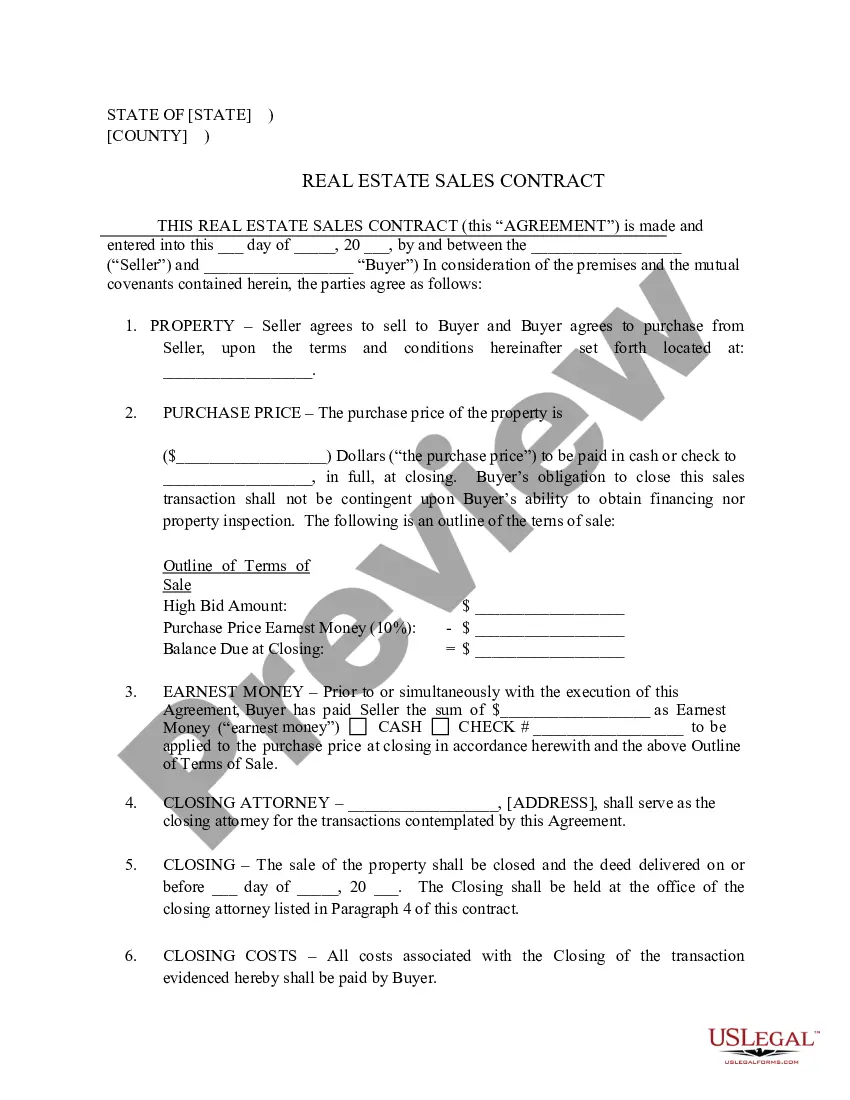
Buyer and seller information. Property details. Pricing and financing. Fixtures and appliances included/excluded in the sale. Closing and possession dates. Earnest money deposit amount. Closing costs and who is responsible for paying.
At the top of the page, you should center the title between the left- and right-hand margins. Title your document something like Purchase and Sale Agreement or Agreement to Purchase Real Estate. Identify the parties to the sale. You need to identify the purchaser and the seller at the start of your agreement.
Buyer and seller information. Property details. Pricing and financing. Fixtures and appliances included/excluded in the sale. Closing and possession dates. Earnest money deposit amount. Closing costs and who is responsible for paying.
The seller's agent is typically the person who draws up a real estate purchase agreement.
A purchase agreement is a legal document that is signed by both the buyer and the seller. Once it is signed by both parties, it is a legally binding contract. The seller can only accept the offer by signing the document, not by just providing the goods.
The identity of the buyer and seller. A description of the property being purchased. The purchase price. The terms as to how and when payment is to be made. The terms as to how, when, and where the goods will be delivered to the purchaser.
A real estate deal can take a turn for the worst if the contract is not carefully written to include all the legal stipulations for both the buyer and seller.You can write your own real estate purchase agreement without paying any money as long as you include certain specifics about your home.