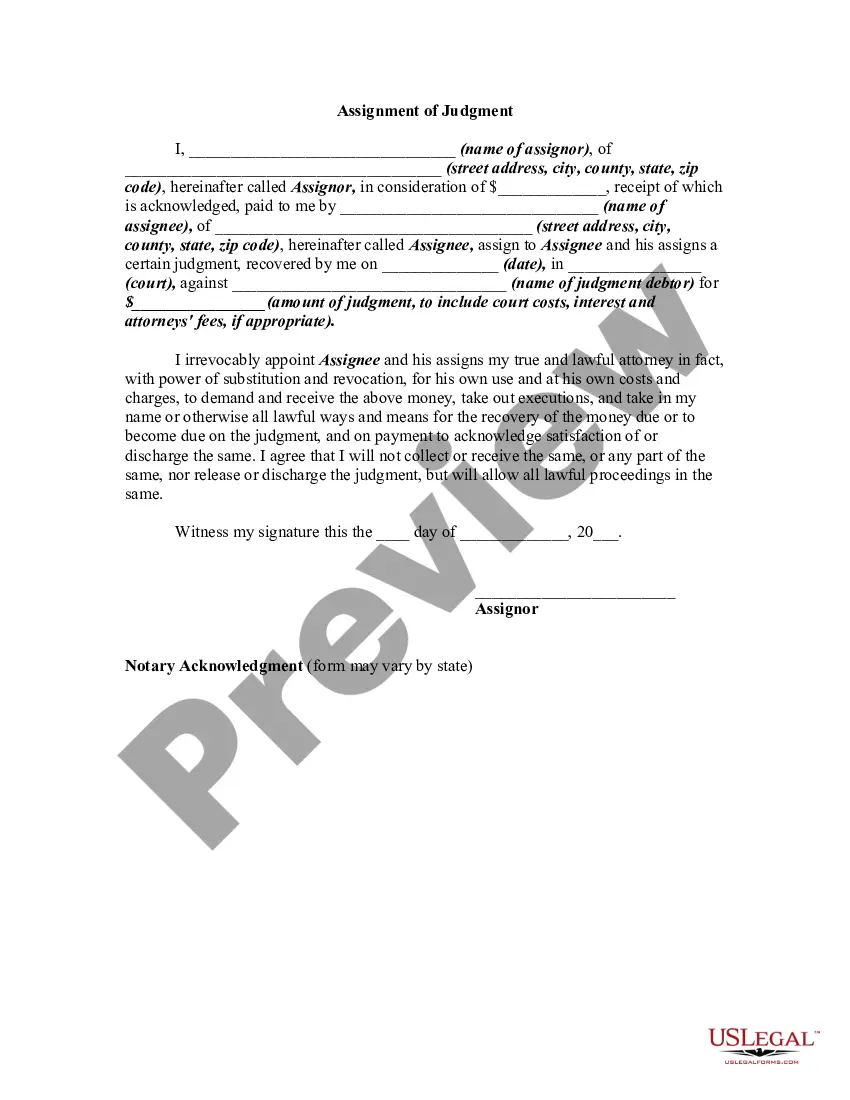
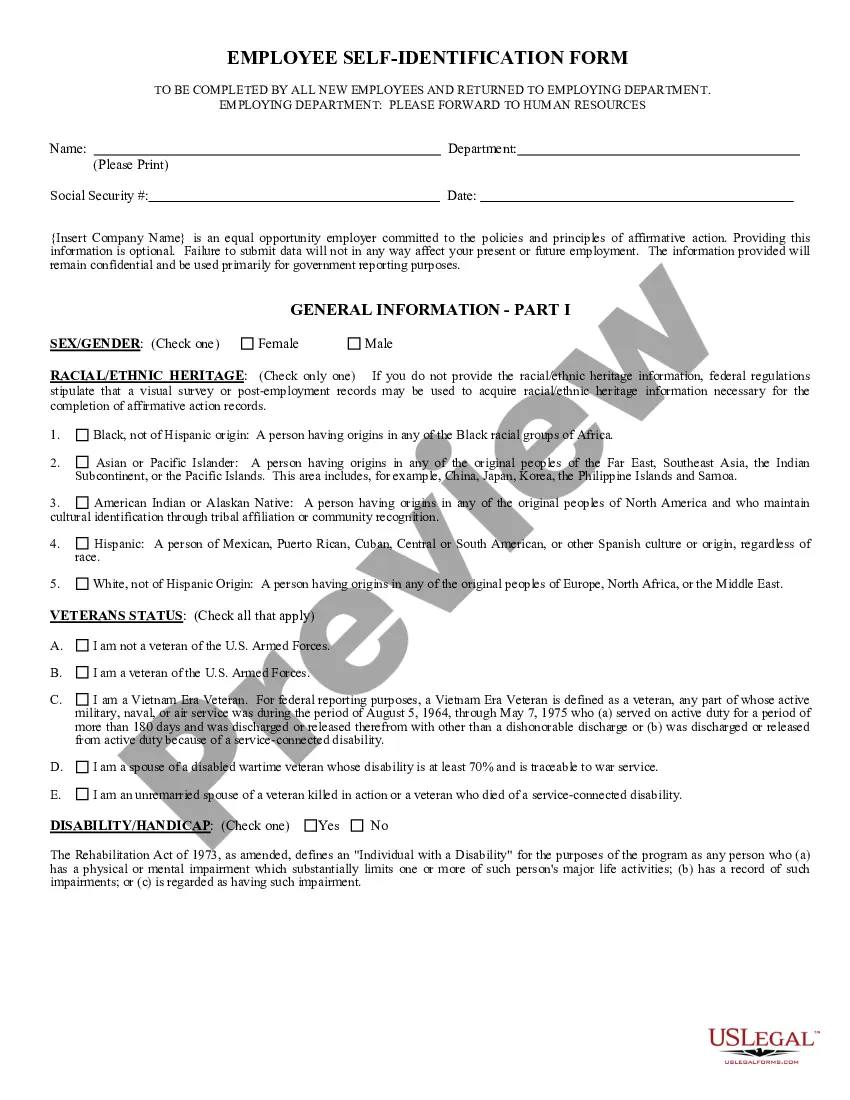
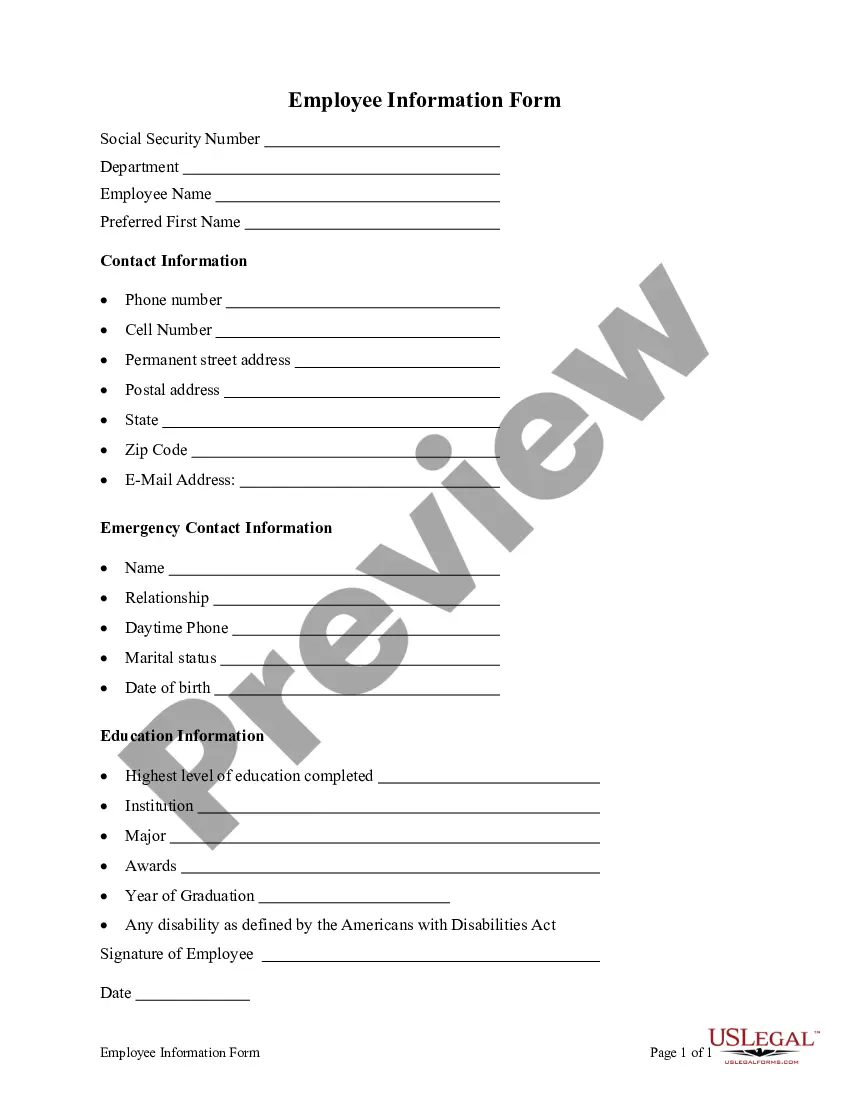
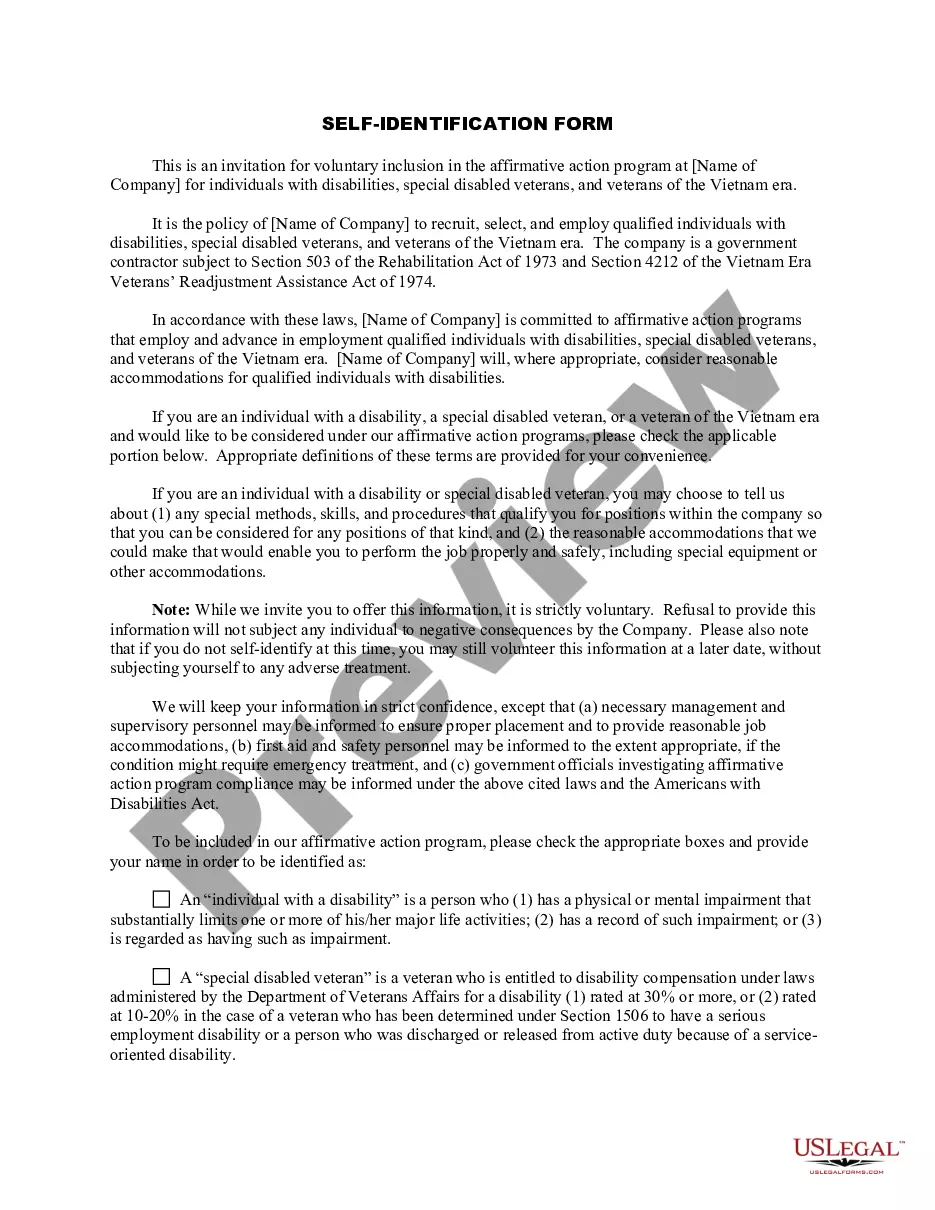
South Carolina Employee Self-Identification Form
Description


Get your form ready online
Our built-in tools help you complete, sign, share, and store your documents in one place.
Make edits, fill in missing information, and update formatting in US Legal Forms—just like you would in MS Word.
Download a copy, print it, send it by email, or mail it via USPS—whatever works best for your next step.
Sign and collect signatures with our SignNow integration. Send to multiple recipients, set reminders, and more. Go Premium to unlock E-Sign.
If this form requires notarization, complete it online through a secure video call—no need to meet a notary in person or wait for an appointment.
We protect your documents and personal data by following strict security and privacy standards.

Make edits, fill in missing information, and update formatting in US Legal Forms—just like you would in MS Word.

Download a copy, print it, send it by email, or mail it via USPS—whatever works best for your next step.

Sign and collect signatures with our SignNow integration. Send to multiple recipients, set reminders, and more. Go Premium to unlock E-Sign.

If this form requires notarization, complete it online through a secure video call—no need to meet a notary in person or wait for an appointment.

We protect your documents and personal data by following strict security and privacy standards.
Looking for another form?




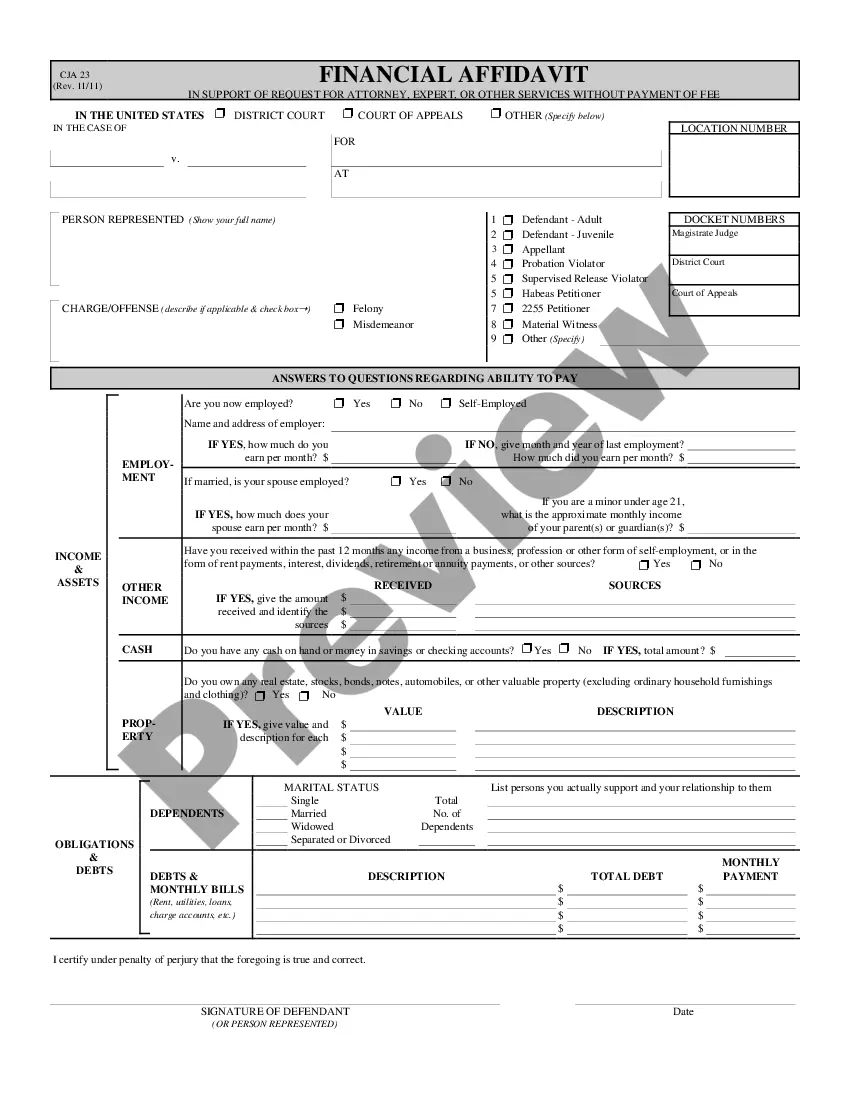



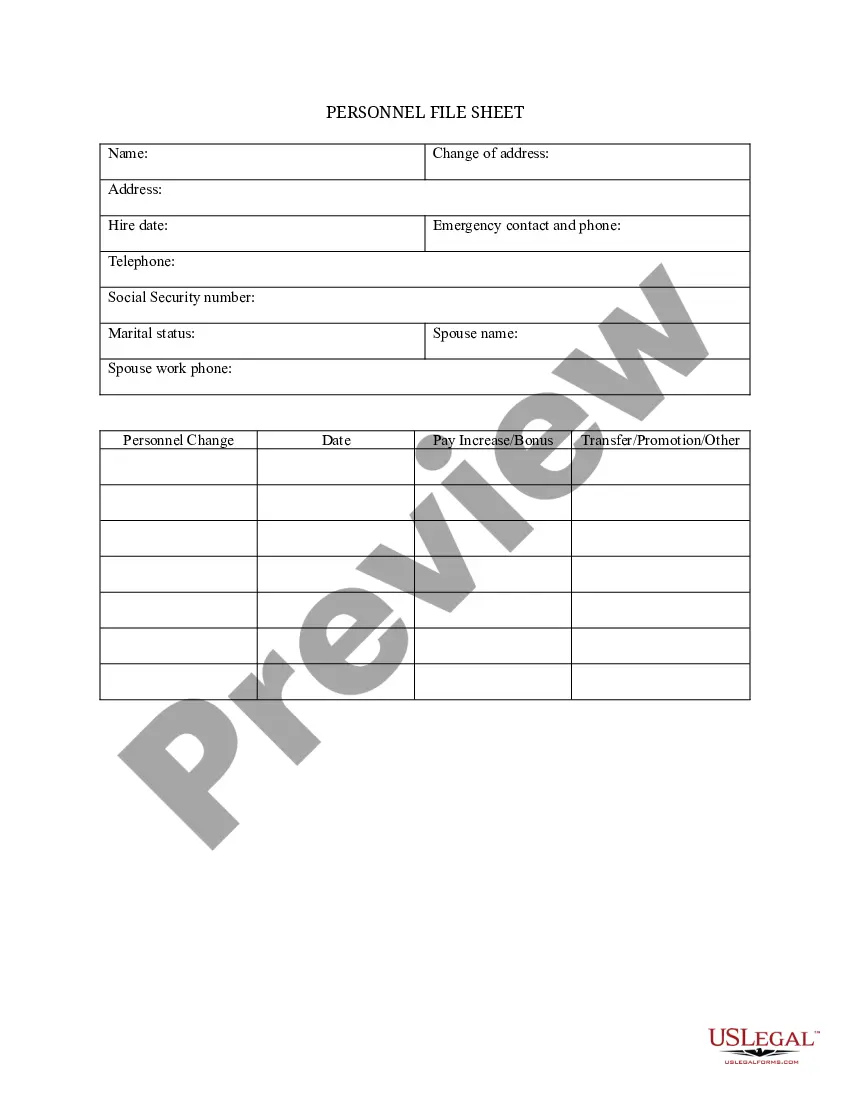
How to fill out Employee Self-Identification Form?
Are you currently in a scenario where you require documentation for various business or personal reasons almost all the time.
There is a wide selection of legal document templates accessible online, but finding forms you can trust is not easy.
US Legal Forms offers an extensive range of template options, such as the South Carolina Employee Self-Identification Form, which are designed to meet state and federal regulations.
Once you find the appropriate form, click Buy now.
Select a payment plan you prefer, enter the required information to process your payment, and complete your order using your PayPal or Visa or Mastercard. Choose a convenient file format and download your copy. Access all the document templates you have purchased in the My documents list. You can obtain an additional copy of the South Carolina Employee Self-Identification Form at any time, if needed. Just navigate to the necessary template to download or print the document format. Utilize US Legal Forms, the most extensive collection of legal forms, to save time and avoid errors. The service provides professionally crafted legal document templates suitable for a variety of purposes. Create an account on US Legal Forms and start simplifying your life.
- If you are already familiar with the US Legal Forms website and have an account, simply Log In.
- Then, you will be able to download the South Carolina Employee Self-Identification Form template.
- If you do not have an account and wish to start using US Legal Forms, follow these steps.
- Find the template you need and ensure it is for the correct city/region.
- Utilize the Preview option to inspect the template.
- Read the description to confirm you have selected the right template.
- If the template is not what you are seeking, use the Search area to locate the form that fulfills your needs.
Form popularity
FAQ
To obtain a South Carolina withholding number, you can register your business through the South Carolina Department of Revenue. This process involves providing necessary business information through an online application. Utilizing the South Carolina Employee Self-Identification Form can help ensure that all the vital details are included.
How Many Allowances Should I Claim if I'm Single? If you are single and have one job, you can claim 1 allowance. There's also the option of requesting 2 allowances if you are single and have one job.
How do I fill out a W-4?Step 1: Enter your personal information. In this section you'll enter your name, address, filing status and Social Security number.Step 2: Complete if you have multiple jobs or two earners in your household.Step 3: Claim Dependents.Step 4: Other Adjustments.Step 5: Sign your form.
Employee instructionsComplete the SC W-4 so your employer can withhold the correct South Carolina Income Tax from your pay. If you have too much tax withheld, you will receive a refund when you file your tax return.
Help for SCEIS Users Or, call (803) 896-0001 (select option 2 for SCEIS help).
South Carolina Income Taxes and SC State Tax Forms. South Carolina State Income Taxes for Tax Year 2021 (January 1 - Dec. 31, 2021) can be completed and e-Filed now along with a Federal or IRS Income Tax Return (or you can learn how to only prepare and file a SC state return).
The following states opted to create their own state W-4 forms: Delaware, Idaho, Nebraska, Oregon, South Carolina, and Wisconsin whereas Colorado, New Mexico, North Dakota, and Utah will adopt the new inputs that the 2020 Federal W-4 put forth.
South Carolina Department of Disabilities and Special Needs.
The IRS has released an updated Tax Withholding Estimator and a FAQ page to assist in filling out the Form W-4. You may also visit the SC Department of Revenue website for information regarding the SC W-4. The university cannot offer tax advice but we may be able to assist with general questions on the form.
The South Carolina Enterprise Information System (SCEIS) will standardize and streamline business processes within the government of South Carolina, using best business practices to achieve cost-effective and efficient delivery of services.