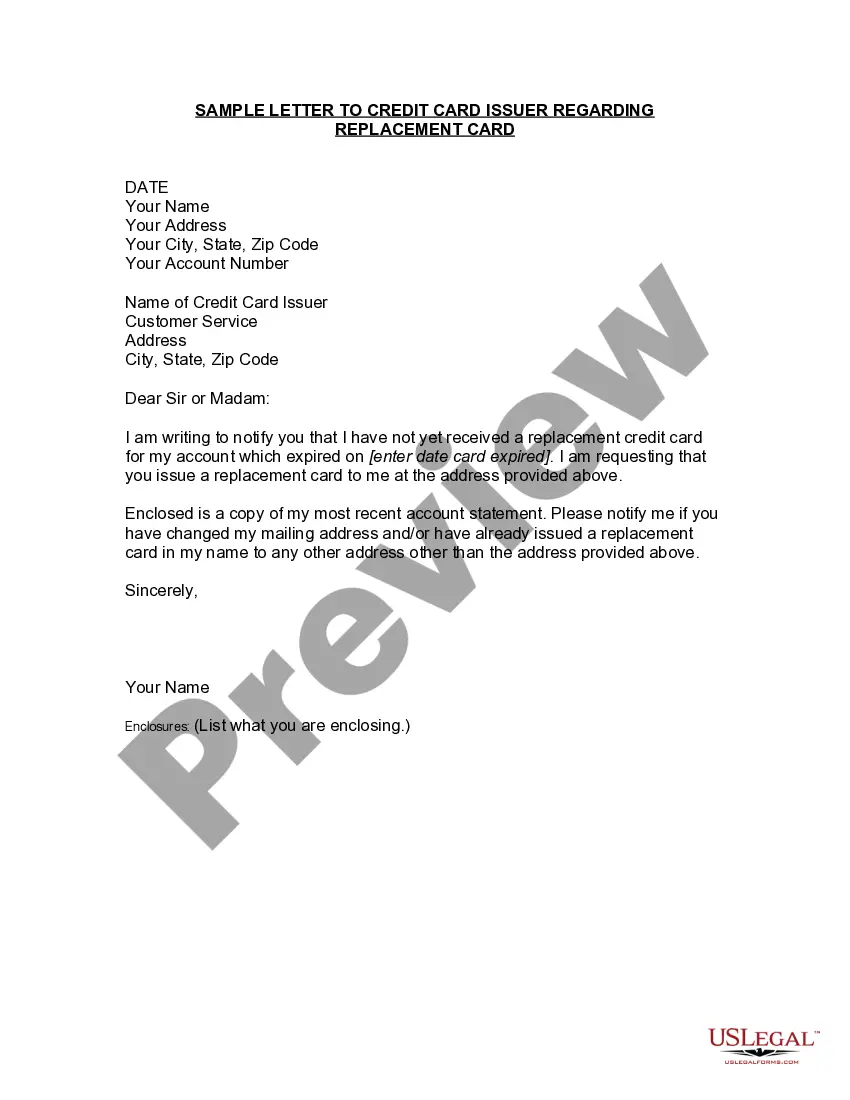
South Carolina Employment Information Form
Description



Get your form ready online
Our built-in tools help you complete, sign, share, and store your documents in one place.
Make edits, fill in missing information, and update formatting in US Legal Forms—just like you would in MS Word.
Download a copy, print it, send it by email, or mail it via USPS—whatever works best for your next step.
Sign and collect signatures with our SignNow integration. Send to multiple recipients, set reminders, and more. Go Premium to unlock E-Sign.
If this form requires notarization, complete it online through a secure video call—no need to meet a notary in person or wait for an appointment.
We protect your documents and personal data by following strict security and privacy standards.

Make edits, fill in missing information, and update formatting in US Legal Forms—just like you would in MS Word.

Download a copy, print it, send it by email, or mail it via USPS—whatever works best for your next step.

Sign and collect signatures with our SignNow integration. Send to multiple recipients, set reminders, and more. Go Premium to unlock E-Sign.

If this form requires notarization, complete it online through a secure video call—no need to meet a notary in person or wait for an appointment.

We protect your documents and personal data by following strict security and privacy standards.
Looking for another form?



How to fill out Employment Information Form?
US Legal Forms - one of the largest collections of legal documents in the United States - offers a variety of legal form templates that you can download or create.
By using the website, you can access thousands of forms for business and personal purposes, categorized by type, state, or keywords. You can find the latest forms, such as the South Carolina Employment Information Form, in seconds.
If you already have an account, Log In to download the South Carolina Employment Information Form from the US Legal Forms library. The Download button will be available on every form you view. You can access all your previously acquired forms in the My documents section of your account.
Make modifications. Complete, edit, print, and sign the downloaded South Carolina Employment Information Form.
Any template you add to your account has no expiration and belongs to you permanently. Therefore, if you wish to download or produce another copy, simply return to the My documents section and click on the form you need.
- If you're using US Legal Forms for the first time, follow these simple instructions to get started.
- Ensure you have selected the correct form for your area/state. Click the Preview button to review the form's content. Read the description to make sure you have selected the right form.
- If the form does not meet your requirements, use the Search bar at the top of the screen to find the one that does.
- When you are satisfied with the form, confirm your selection by clicking the Purchase now button. Afterwards, select a pricing plan you prefer and provide your information to register for an account.
- Process the transaction. Use a credit card or PayPal account to complete the payment.
- Choose the file format and download the form to your device.
Form popularity
FAQ
In addition to the contribution rate there is also an assessment, known as the Contingency Assessment, of . 06% on the taxable wages reported each quarter. In some cases, it may be possible to report wages and pay compensation in a companies' home state.
If you have not completed your work searches through SCWOS for the upcoming week, the system will show an indicator of N in the SC Work Search Confirmation field on the Claimant Confirmation History screen in the CSS Portal. This indicator will update once the upcoming benefit week becomes available to file.
Am I required to look for work while receiving unemployment insurance benefits? Starting April 18, 2021, the job search requirement in SCWOS (SC Works Online Services) began. Claimants are required to complete two weekly job searches in SCWOS in order to remain eligible for Unemployment Insurance benefits.
Click on the MyBenefits button. Enter your username and password in the appropriate fields to login to your MyBenefits Portal account. The Quick Links section will now be listed on the far left side of your MyBenefits Portal Dashboard. Click on the View my 1099G for 2021 link to view and download your 1099G.
INSTRUCTIONS FOR STATEMENT TO CORRECT INFORMATION (FORM UCE-120-C) This form is used to correct errors on previously filed "Employer Quarterly Contribution and Wage Reports" (Form UCE-101 and UCE-120). The completed form should be mailed to: One form should be submitted for each quarter to be corrected.
Employment and workforce waives the weekly search requirement for individuals who are unemployed due to Covid-19 and extends the tax deadline for employers. The S.C.
To be monetarily eligible for UI benefits, you must:Have at least $1,092 in covered employment (with an employer who paid UI taxes) during the base period's highest quarter.Have earned at least $4,455 from covered employment during the base period.More items...
SC UCE-120 InformationEvery employer must file this report for each calendar quarter showing each employee who was in employment at any time during the quarter. Employers must report the entire wage list on Form UCE-120.
How long does the appeals process take? It could take 60-120 days from the date you send in your appeal request to receive a decision on your appeal.