Customer Satisfaction Survey Instructions
Overview of this form
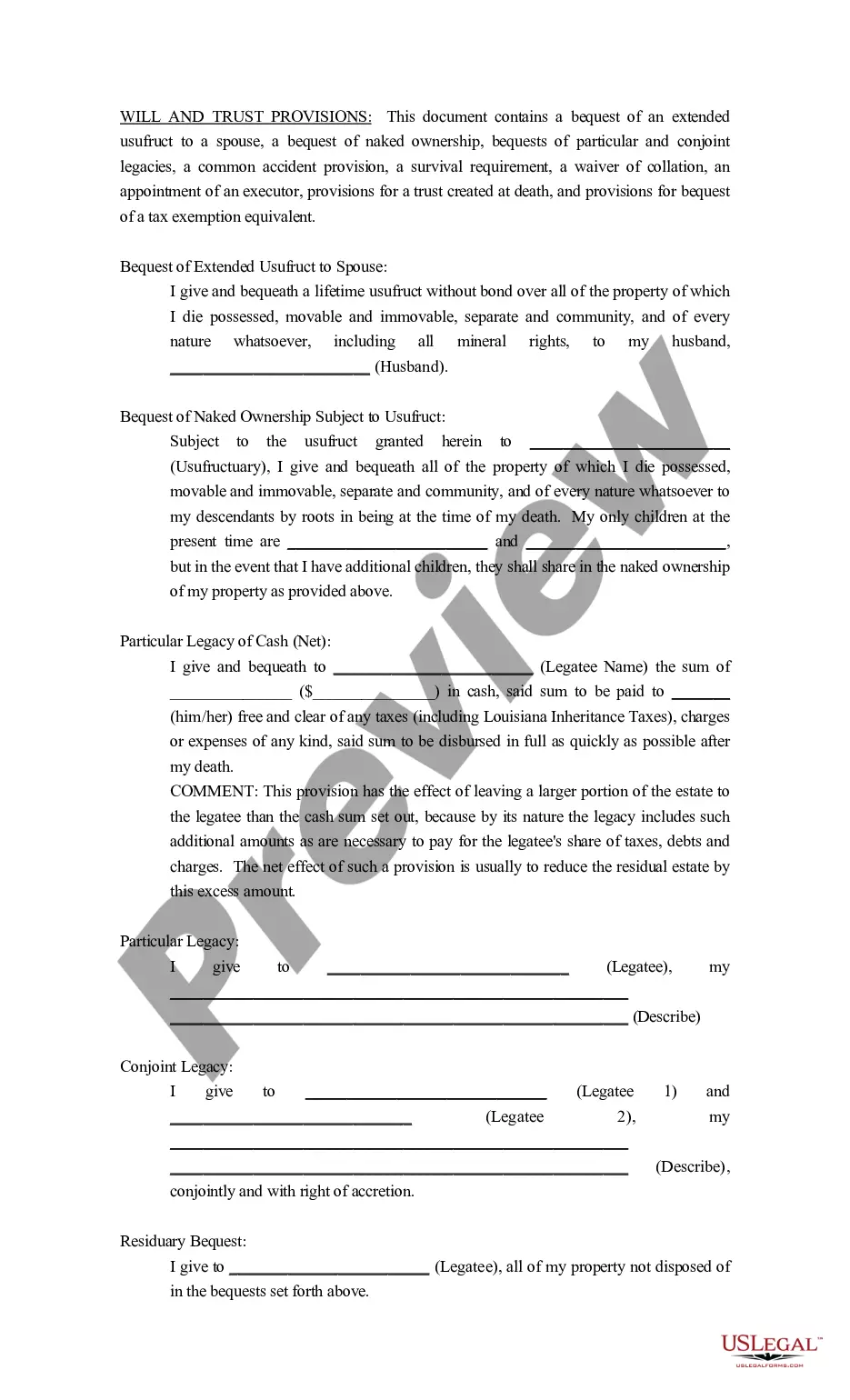
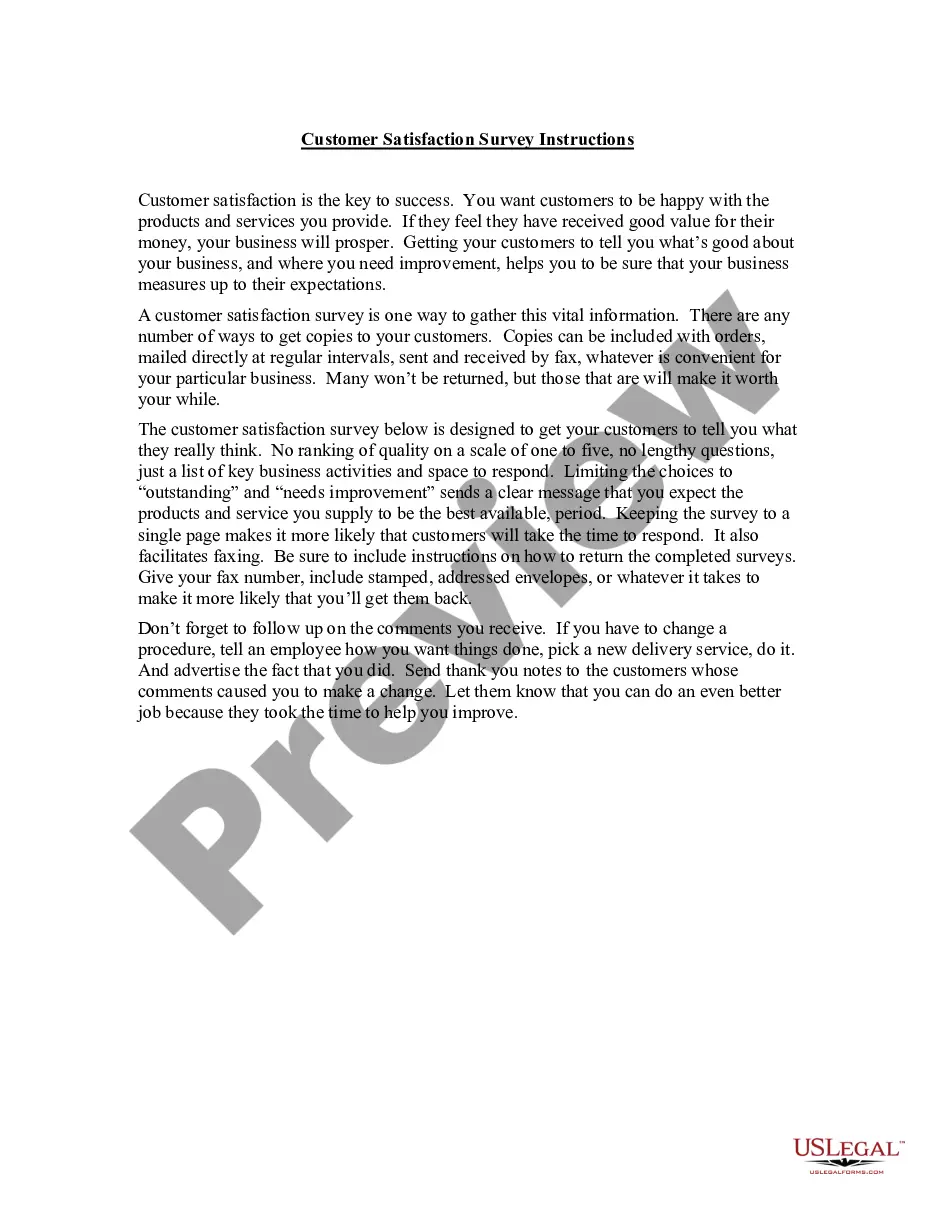
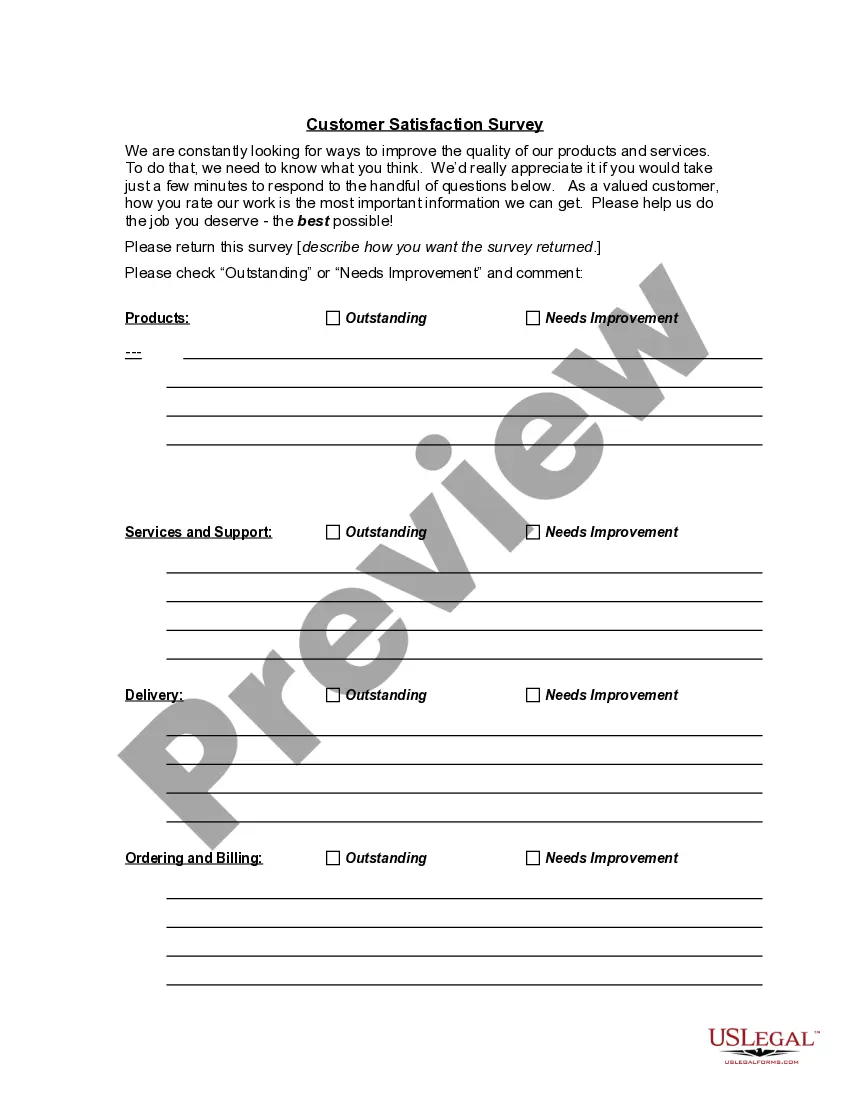
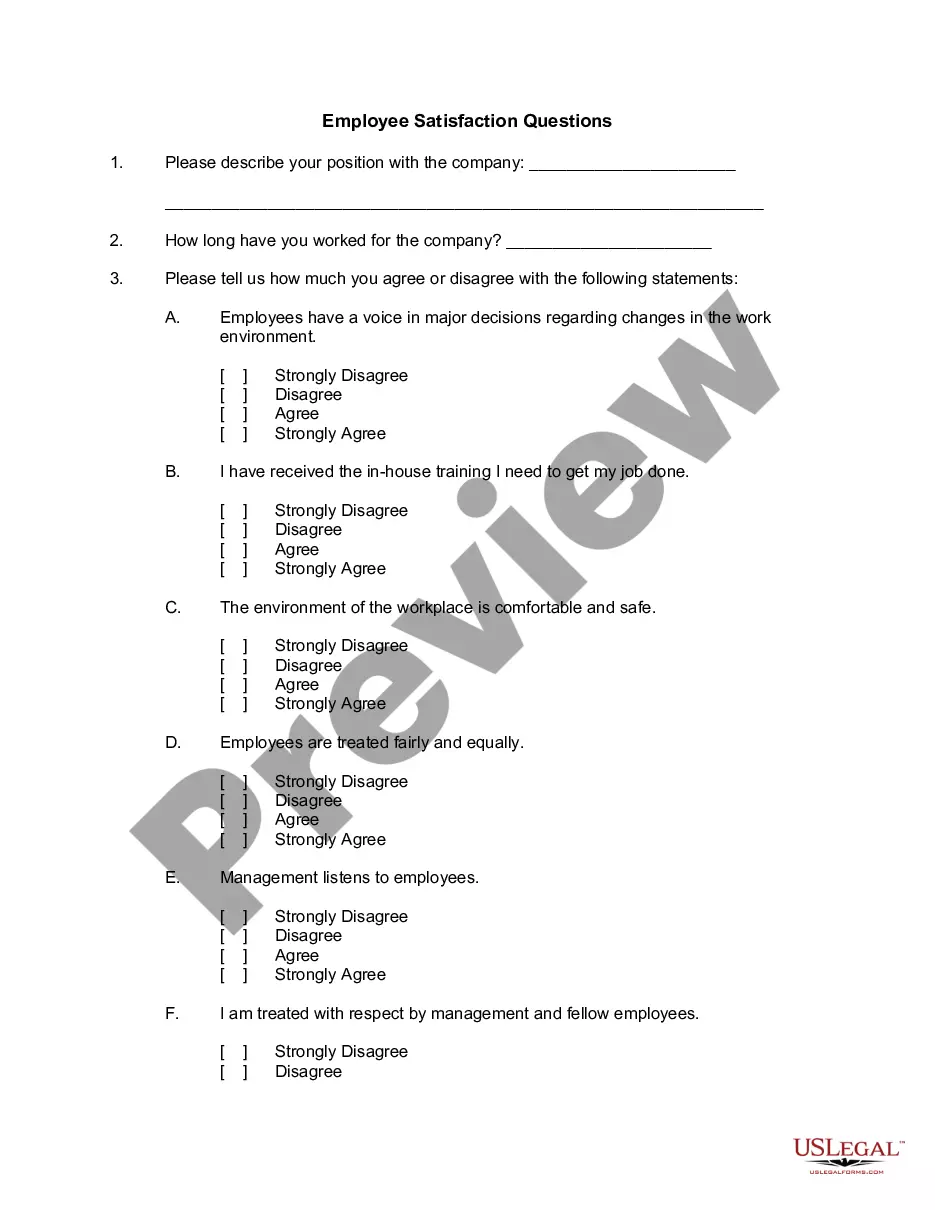
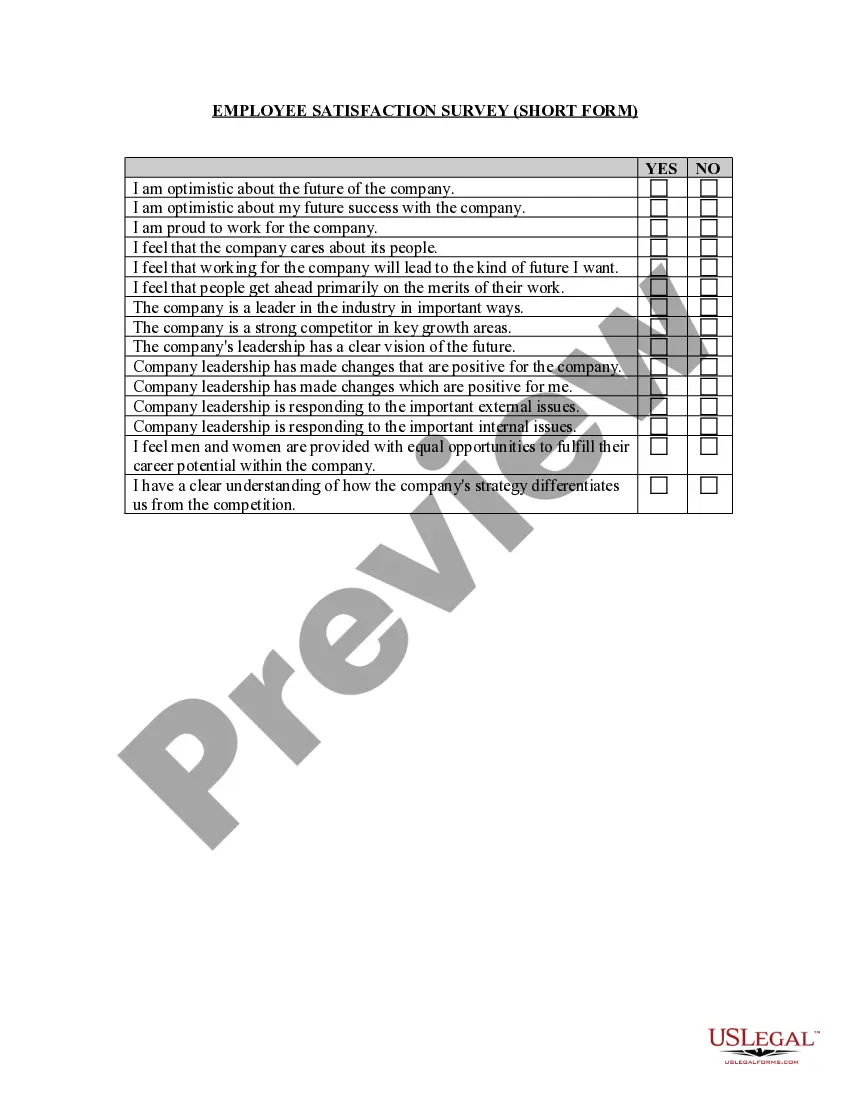
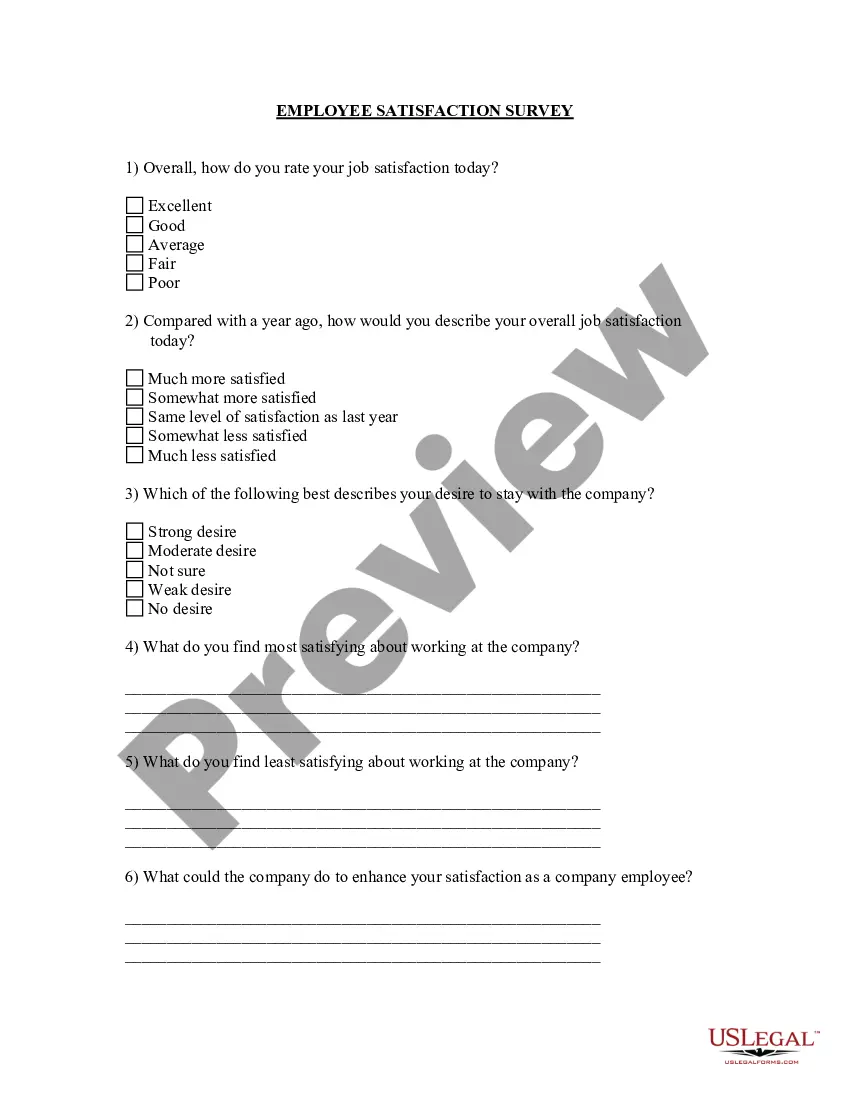
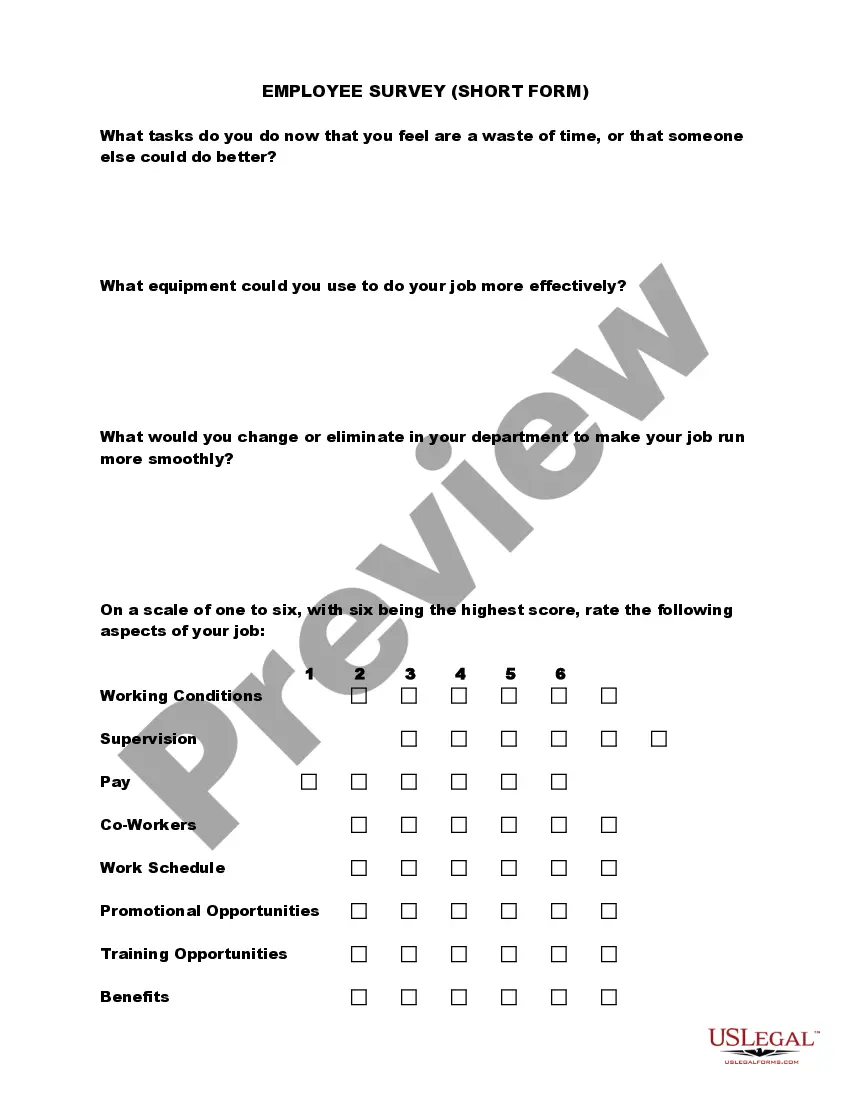
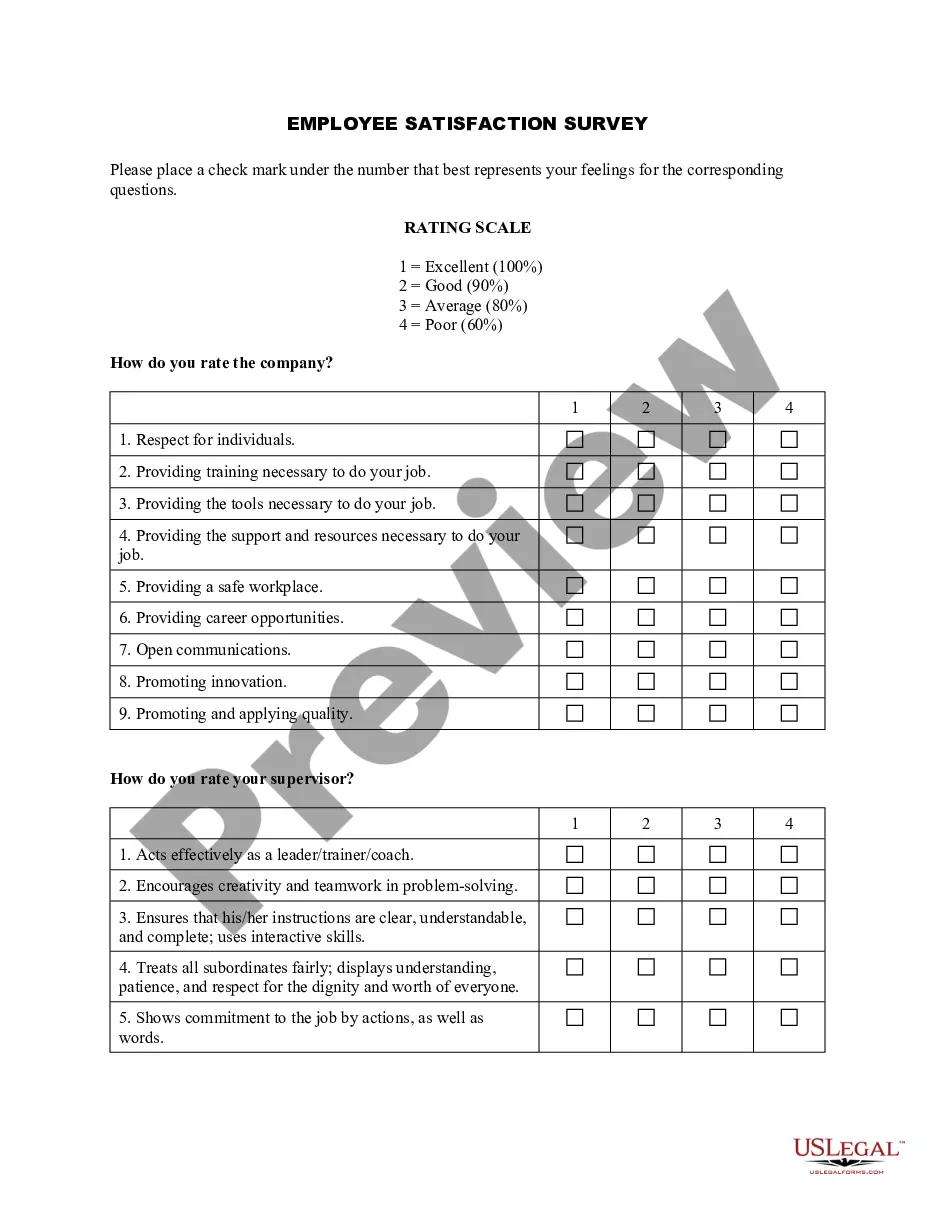
The Customer Satisfaction Survey Instructions provide a structured way for businesses to gauge customer opinions on their products and services. Unlike generic surveys, this form specifically targets key areas such as product quality, customer support, and delivery efficiency, making it easier for businesses to identify strengths and weaknesses through direct feedback.
Key parts of this document
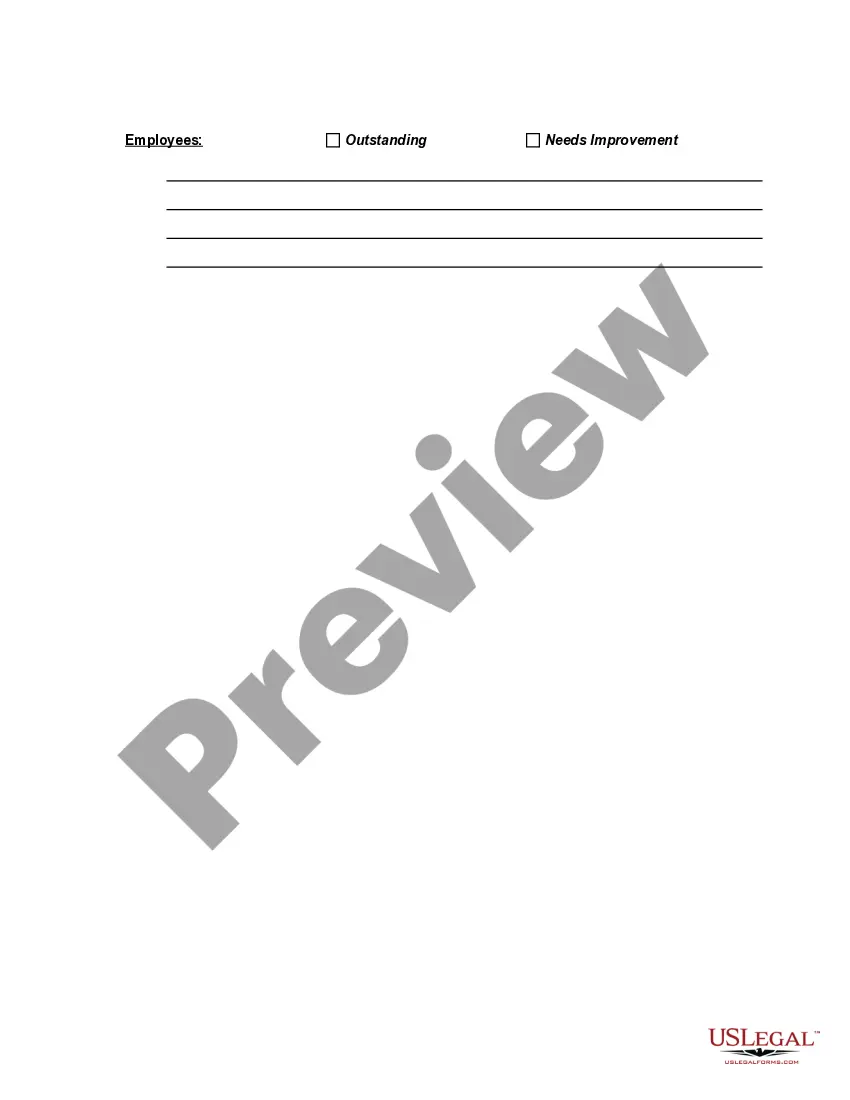
- A section for customers to rate key business activities as either outstanding or needing improvement.
- Space for additional comments from customers to provide specific feedback.
- Clear instructions for returning the completed survey, ensuring ease of response.
- Conciseness, with the survey designed to fit on a single page for quick completion.
When this form is needed
This form should be used by businesses that want to collect feedback from their customers. It's particularly useful after a purchase or a significant interaction with customer support. Businesses can utilize this survey to monitor satisfaction levels, gather insights for improvement, and foster a customer-centric culture.
Who this form is for
- Business owners seeking to understand customer satisfaction and improve services.
- Customer service managers wanting to assess feedback and implement changes.
- Marketing professionals interested in analyzing customer insights for strategic decision-making.
Completing this form step by step
- Distribute the survey to customers following a purchase or service interaction.
- Ask customers to rate their experience regarding products, customer support, and delivery.
- Encourage customers to provide additional comments in the space provided.
- Include details on how to return the completed survey, such as providing a fax number or pre-addressed envelope.
- Follow up on feedback, making necessary improvements and communicating changes to customers.
Notarization requirements for this form
Notarization is generally not required for this form. However, certain states or situations might demand it. You can complete notarization online through US Legal Forms, powered by Notarize, using a verified video call available anytime.
Get your form ready online
Our built-in tools help you complete, sign, share, and store your documents in one place.
Make edits, fill in missing information, and update formatting in US Legal Forms—just like you would in MS Word.
Download a copy, print it, send it by email, or mail it via USPS—whatever works best for your next step.
Sign and collect signatures with our SignNow integration. Send to multiple recipients, set reminders, and more. Go Premium to unlock E-Sign.
If this form requires notarization, complete it online through a secure video call—no need to meet a notary in person or wait for an appointment.
We protect your documents and personal data by following strict security and privacy standards.

Make edits, fill in missing information, and update formatting in US Legal Forms—just like you would in MS Word.

Download a copy, print it, send it by email, or mail it via USPS—whatever works best for your next step.

Sign and collect signatures with our SignNow integration. Send to multiple recipients, set reminders, and more. Go Premium to unlock E-Sign.

If this form requires notarization, complete it online through a secure video call—no need to meet a notary in person or wait for an appointment.

We protect your documents and personal data by following strict security and privacy standards.
Common mistakes
- Not providing clear return instructions, which can lead to surveys not being submitted.
- Including too many questions, which may discourage customers from completing the survey.
- Failing to act on feedback received, which can cause customers to feel unheard.
Benefits of completing this form online
- Convenient for customers to fill out at their leisure, increasing response rates.
- Easily editable to fit specific business needs or changes in focus areas.
- Reliable collection of feedback, allowing for quick analysis of customer sentiments.
Legal use & context
- This survey does not have any special legal requirements for use.
- Responses are voluntary and should be kept confidential to encourage honest feedback.
Quick recap
- The Customer Satisfaction Survey Instructions form is essential for gathering valuable customer feedback.
- Clear instructions and a simple format encourage participation.
- Following up on feedback can enhance customer relationships and lead to business improvements.
Looking for another form?

Form popularity
FAQ
Use a Clear Email Subject Line. Say Who Has Been Asked to Participate. Explain the Survey's Purpose. Create Urgency With a Deadline. Mention Time Needed to Participate. Explain Incentives.
Be clear. Say you're surveying on customer satisfaction for a hotel stay. Be specific. Don't ask questions about broad concepts or ideas; ask about specific concepts or ideas (i.e. being a good person is general; being polite to waiters is specific). Ask a lot of questions.
Customer satisfaction is defined as a measurement that determines how happy customers are with a company's products, services, and capabilities. Customer satisfaction information, including surveys and ratings, can help a company determine how to best improve or changes its products and services.
Do Your Homework. Rely on Past Experience. Target Questions to Areas of Concern. Determine the Format. Make It Easy for the Customer. Once Complete, Look for Trends. Always Follow Up. Follow Up With Staff, Too.
Your name or the name of the company or organization you represent. The goal of the survey or what you're trying to find out. How you'll be using the responses to make a difference. If the responses are anonymous, confidential, or tracked.
1. Answers should be clear and concise. Don't use 'extreme absolutes' 3. Answers should be 'collectively exhaustive' Limit your answer options per question. Provide 'No Opinion' answer options (when necessary) Good survey answers are 'Mutually Exclusive'
Focus on asking closed-ended questions. Keep your survey questions neutral. Keep a balanced set of answer choices. Don't ask for two things at once. Keep your questions different from each other. Let most of your questions be optional to answer. Do a test drive.
Simple Salutation Personalisation. Tell Them Why They are Receiving the Invite. Don't Tell Them How Great You Are. Explain the Purpose of the Survey. Give a Realistic Estimate of the Time it Will Take. Give Them a Place to Ask Questions. Show Them the Survey Link.
Focus on asking closed-ended questions. Keep your survey questions neutral. Keep a balanced set of answer choices. Don't ask for two things at once. Keep your questions different from each other. Let most of your questions be optional to answer. Do a test drive.