This form is a business type form that is formatted to allow you to complete the form using Adobe Acrobat or Word. The word files have been formatted to allow completion by entry into fields. Some of the forms under this category are rather simple while others are more complex. The formatting is worth the small cost.
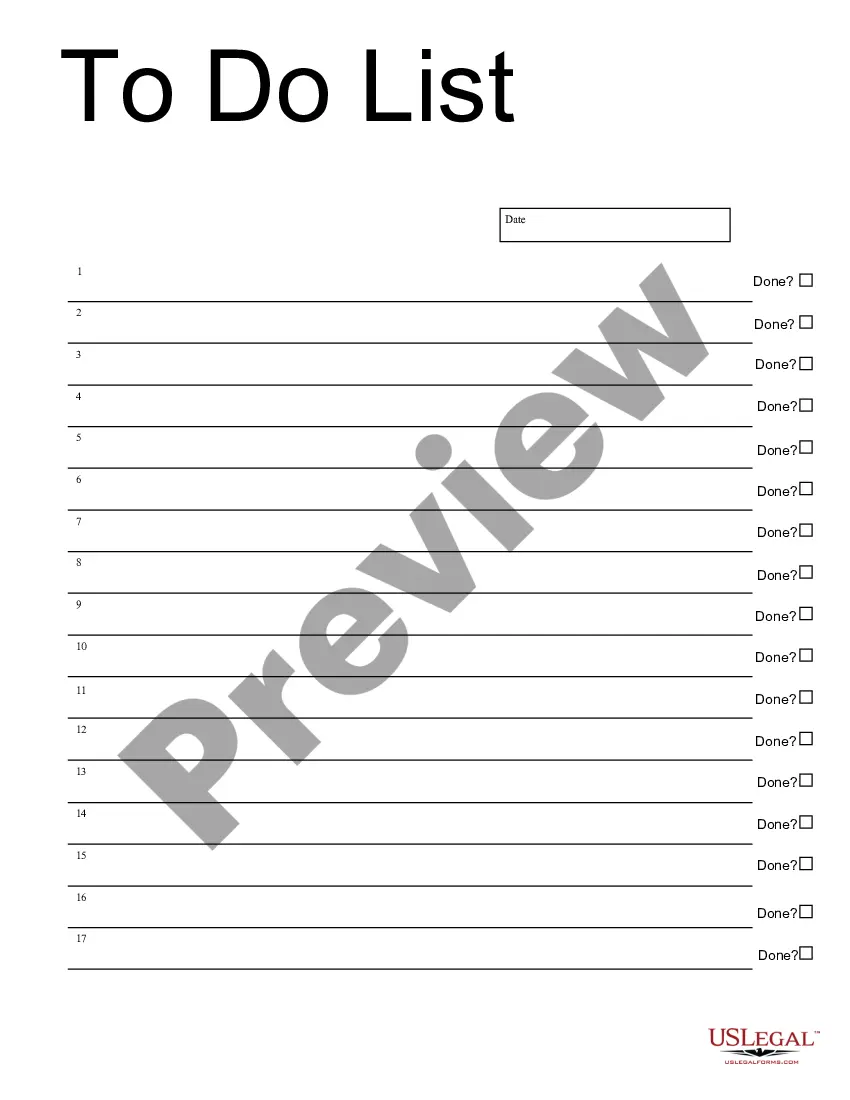
South Carolina To Do List
Category:
State:
Multi-State
Control #:
US-209-AZ
Format:
Word;
PDF;
Rich Text
Instant download
Description
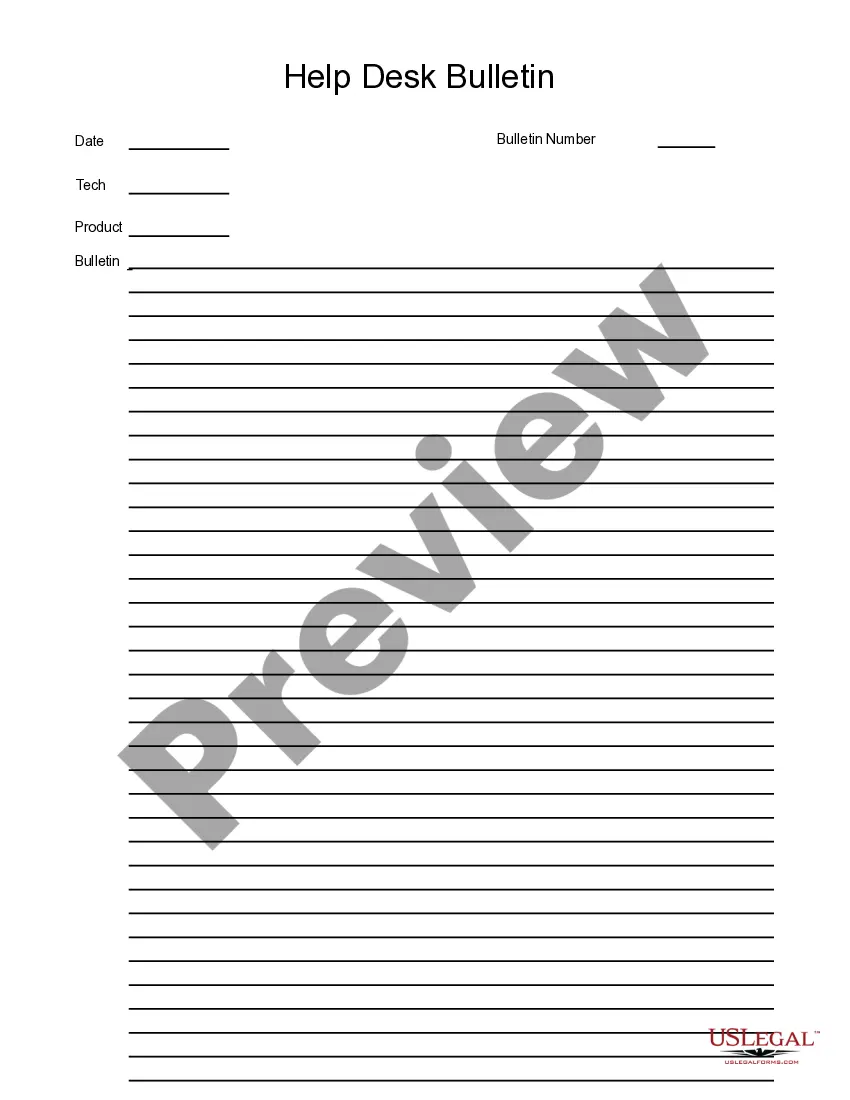
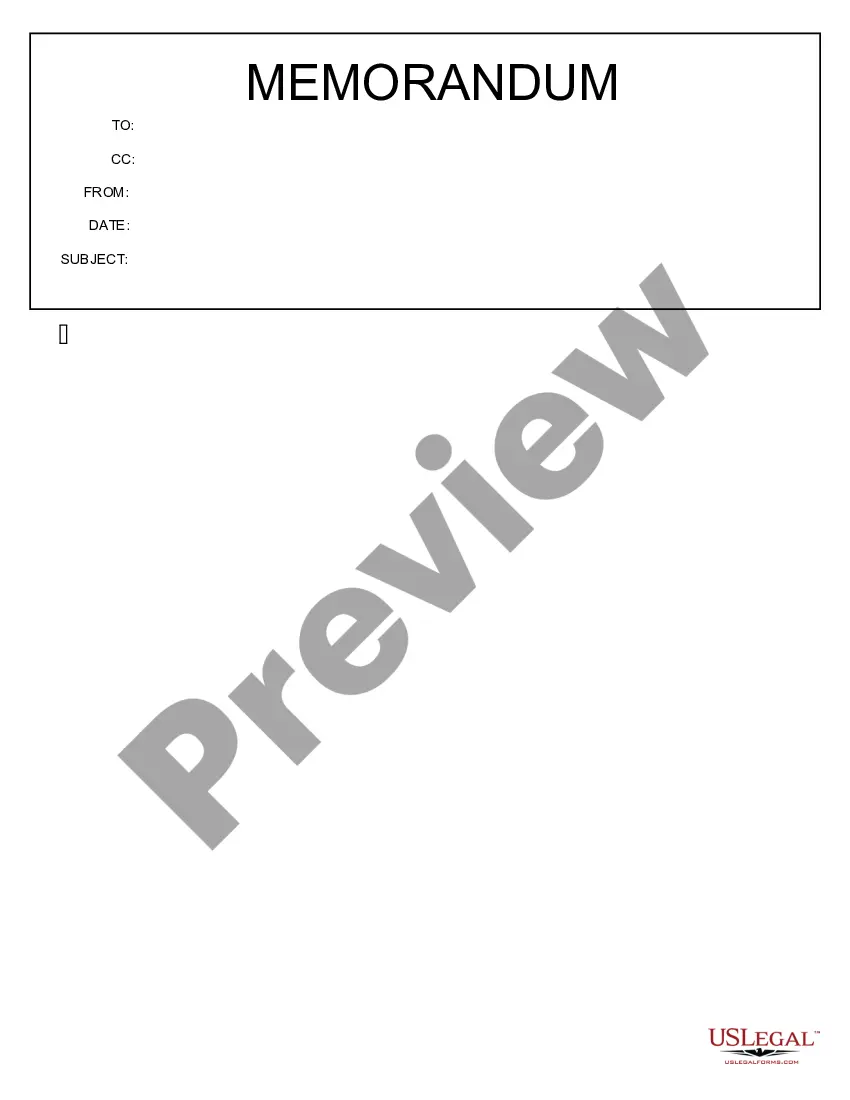
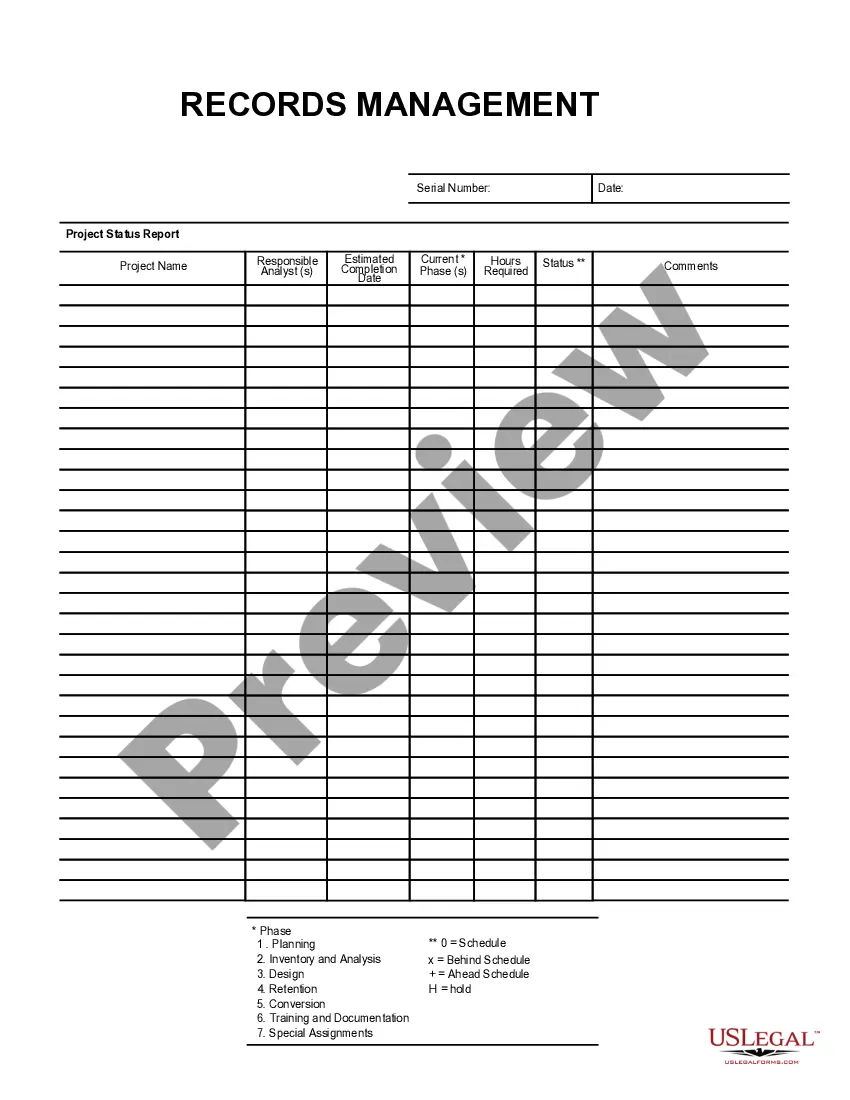
Get your form ready online
Our built-in tools help you complete, sign, share, and store your documents in one place.
Built-in online Word editor
Make edits, fill in missing information, and update formatting in US Legal Forms—just like you would in MS Word.
Export easily
Download a copy, print it, send it by email, or mail it via USPS—whatever works best for your next step.
E-sign your document
Sign and collect signatures with our SignNow integration. Send to multiple recipients, set reminders, and more. Go Premium to unlock E-Sign.
Notarize online 24/7
If this form requires notarization, complete it online through a secure video call—no need to meet a notary in person or wait for an appointment.
Store your document securely
We protect your documents and personal data by following strict security and privacy standards.

Make edits, fill in missing information, and update formatting in US Legal Forms—just like you would in MS Word.

Download a copy, print it, send it by email, or mail it via USPS—whatever works best for your next step.

Sign and collect signatures with our SignNow integration. Send to multiple recipients, set reminders, and more. Go Premium to unlock E-Sign.

If this form requires notarization, complete it online through a secure video call—no need to meet a notary in person or wait for an appointment.

We protect your documents and personal data by following strict security and privacy standards.
Looking for another form?


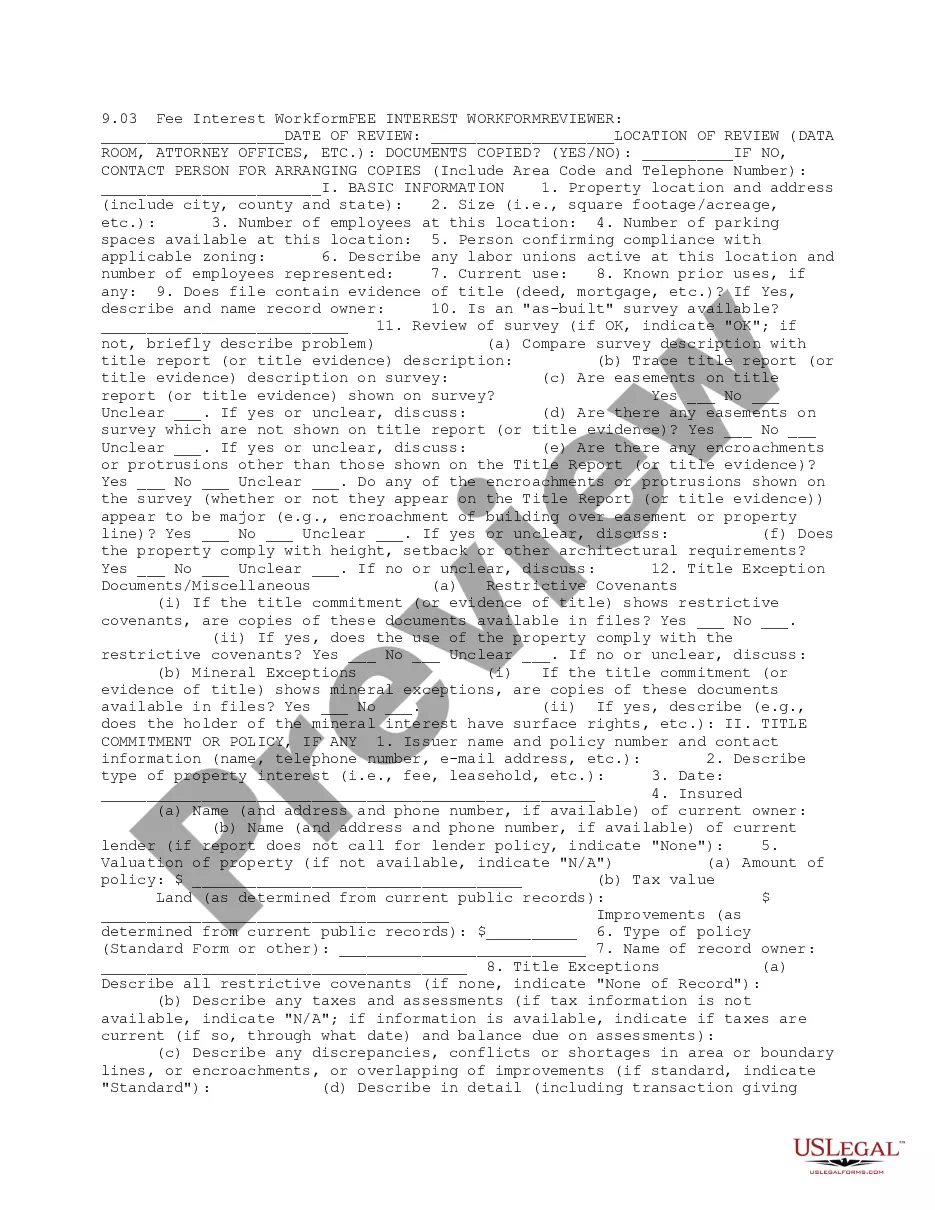
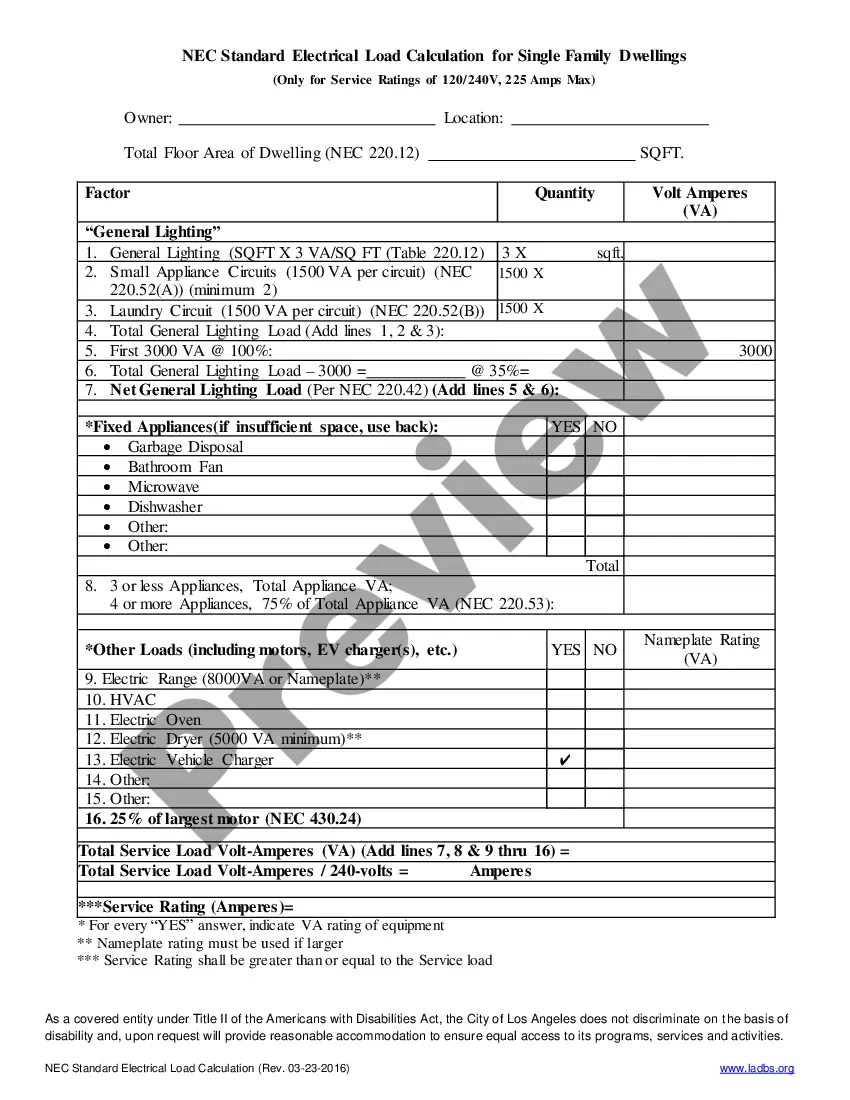

How to fill out To Do List?
If you want to aggregate, fetch, or create authentic document templates, utilize US Legal Forms, the largest selection of legal forms available online. Take advantage of the site’s user-friendly and efficient search to locate the documents you require.
Various templates for business and personal purposes are organized by categories and states, or keywords. Use US Legal Forms to locate the South Carolina To Do List with just a few clicks.
If you are already a US Legal Forms user, Log In to your account and click on the Download button to obtain the South Carolina To Do List. You can also access forms you previously downloaded in the My documents section of your account.
Every legal document template you purchase is yours permanently. You have access to all forms you downloaded in your account. Navigate to the My documents section and choose a form to print or download again.
Complete and download, and print the South Carolina To Do List with US Legal Forms. There are thousands of professional and state-specific forms available for your business or personal needs.
- Step 1. Ensure you have selected the form for the correct city/state.
- Step 2. Use the Preview option to review the form's content. Don't forget to check the description.
- Step 3. If you are not satisfied with the form, use the Search area at the top of the screen to find other versions of the legal form template.
- Step 4. Once you have found the form you need, click on the Get now button. Choose the pricing plan you prefer and add your credentials to register for the account.
- Step 5. Complete the transaction. You can use your Visa or MasterCard or PayPal account to finalize the transaction.
- Step 6. Select the format of your legal form and download it to your device.
- Step 7. Complete, modify, print or sign the South Carolina To Do List.
Form popularity
FAQ
25 Best Things to Do in South Carolina Fun Activities & Stuff to Do!Charleston Historic District.Myrtle Beach.Magnolia Plantation and Gardens Charleston.South Carolina State Museum Columbia.Greenville Zoo.Caesars Head State Park Cleveland.White Point Garden Charleston.Riverbanks Zoo and Garden Columbia.More items...
South Carolina is known for its beaches, golf courses, and historic districts. It ranks 40th in size and the 23rd in population. Its most influential cities are Charleston, Myrtle Beach, Columbia, Greenville, Spartanburg and Florence.
Here Are The 9 Most Beautiful Places In South Carolina That You Must Visit ASAPCypress Gardens - Moncks Corner.Pretty Place - Cleveland.Old Sheldon Church ruins, Yemassee.Yellow Branch Falls - between Walhalla and Mountain Rest.Botany Bay - Edisto Island.Bald Rock Heritage Preserve - Cleveland.Lake Jocassee - Salem.More items...?
South Carolina is known for: Beaches. Fishing and hunting. Golf courses....Popular Iconic South Carolina FoodsSouth Carolina-Style Barbecue.Boiled Peanuts.Frogmore Stew.Oyster Roast.Collard Greens.Shrimp and Grits.Pimento Cheese.Okra.More items...?01-Mar-2022
South Carolina is a southeastern state known for its beaches, golf courses, and historic districts. It's the 40th largest state in area and the 23rd largest in population, and it was the eighth state to officially ratify the U.S. Constitution.
Middleton Place is currently ranked the Number One attraction in South Carolina by TripAdvisor.com. Explore 65 lush acres of gardens, a working stable yard, the museum house, and take some history tours.
The Most Beautiful Places in South CarolinaKing's Creek Falls.Congaree National Park.Hilton Head Island beaches.Caesar's Head State Park.Yellow branch falls.Falls Park on the Reedy.Charleston historic district.Isle of Palms.More items...?
The state is known for its family-friendly and affordable beaches, warm weather and hundreds of golf courses. In addition to tourism and manufacturing, major South Carolina industries include government, professional and business services.