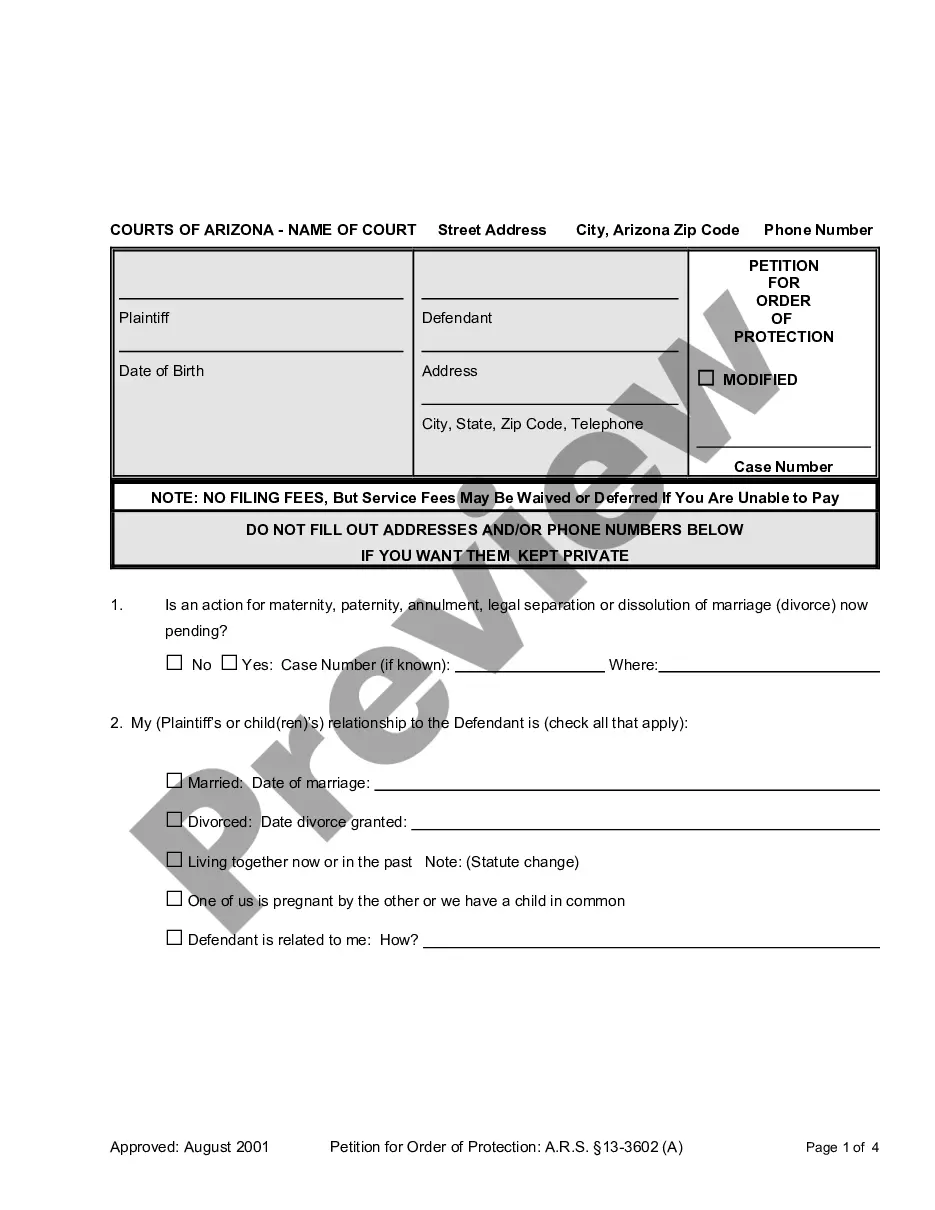
Receipt Acknowledgement
What is this form?
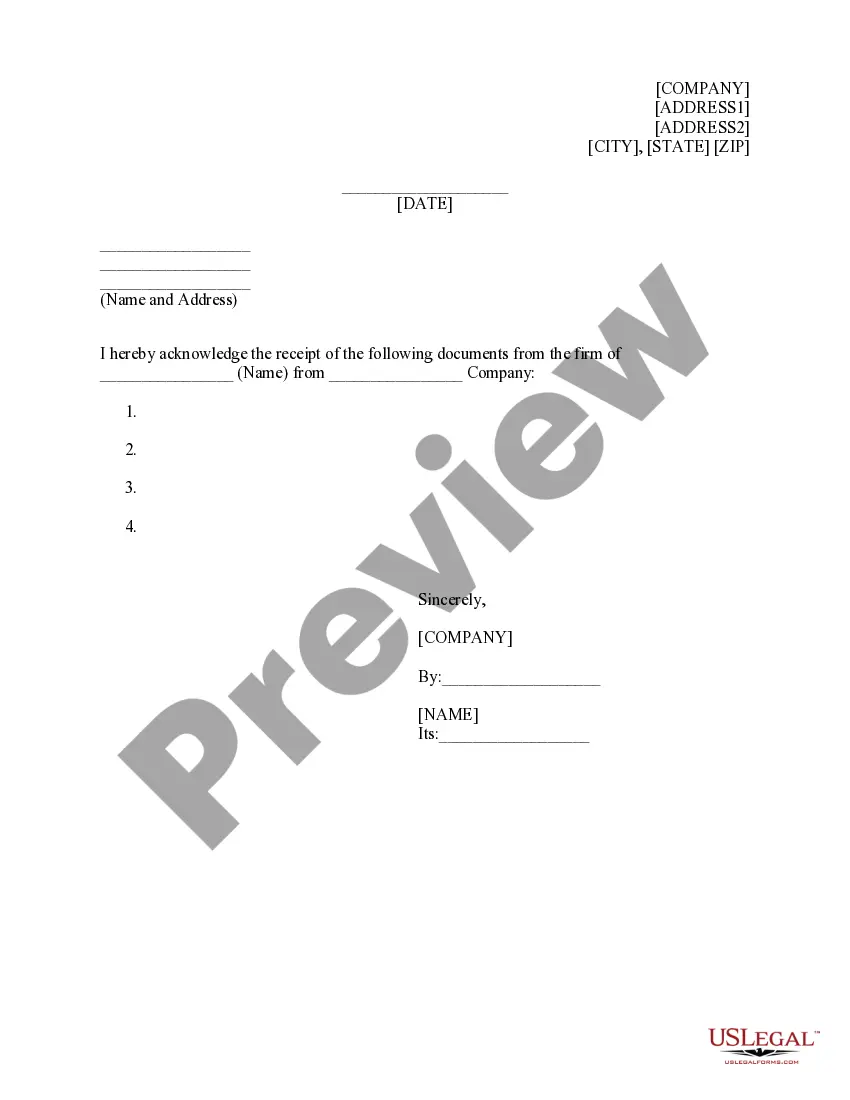
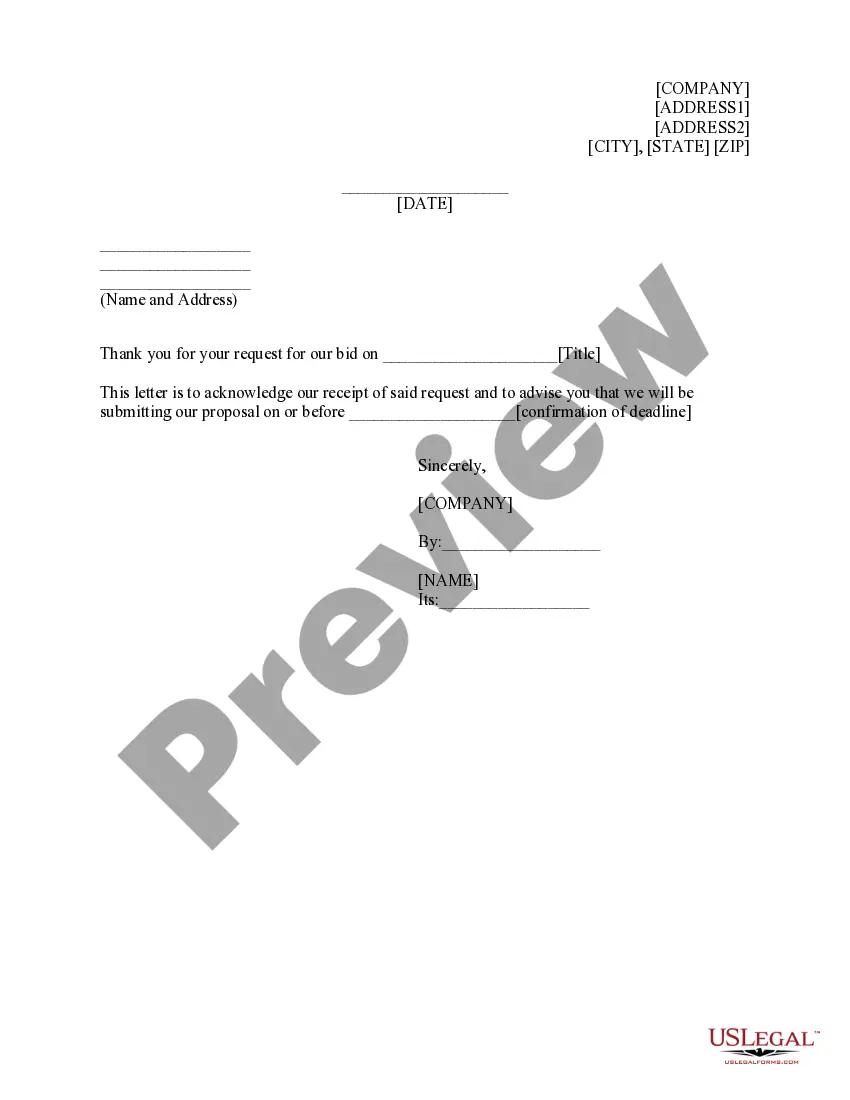
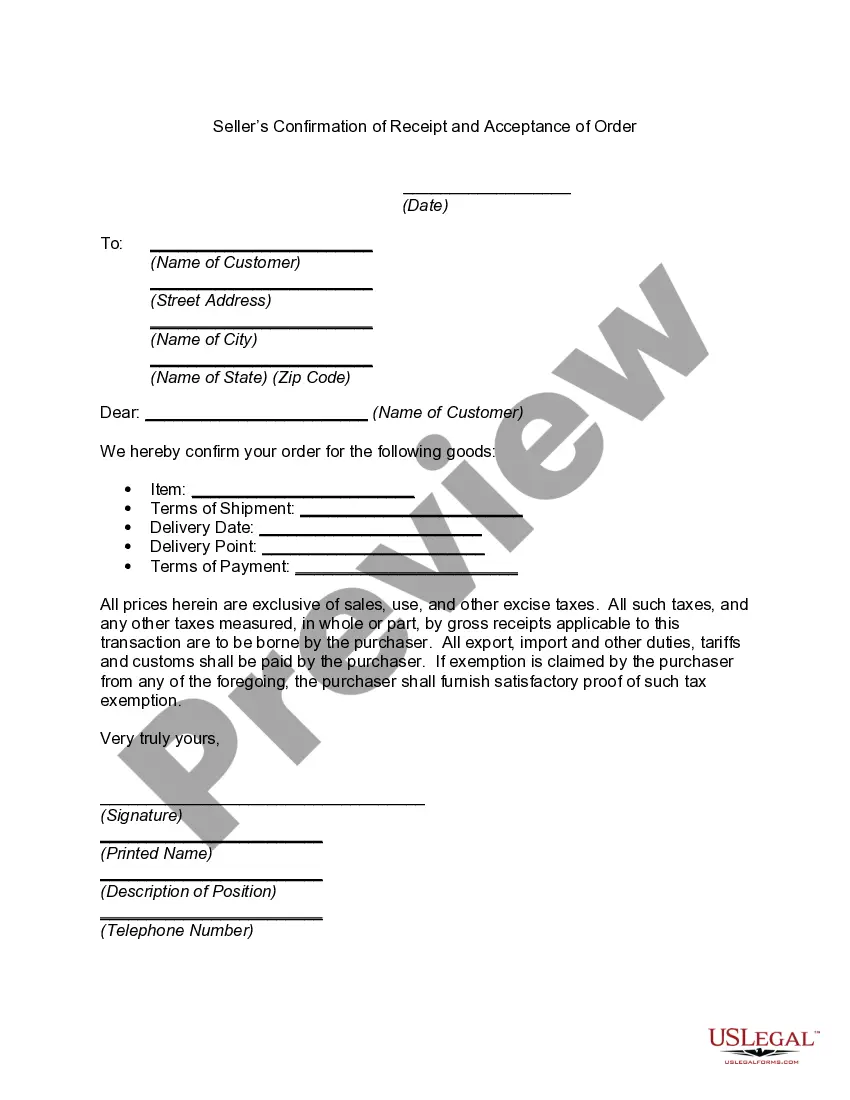
The Receipt Acknowledgement form is a legal document used to confirm the receipt of specific documents from a firm or company. This form ensures that the sender has proof that the recipient has received the documents, which can be crucial in legal and business transactions. Unlike general acknowledgment letters, this form is specifically structured to maintain legal integrity and clarity in communication regarding document transfers.
Key components of this form
- Address fields for the sender and recipient.
- Date of receipt.
- Name and address of the firm or company providing the documents.
- List of documents being acknowledged.
- Signature block for the recipient, including name and title.

When to use this form
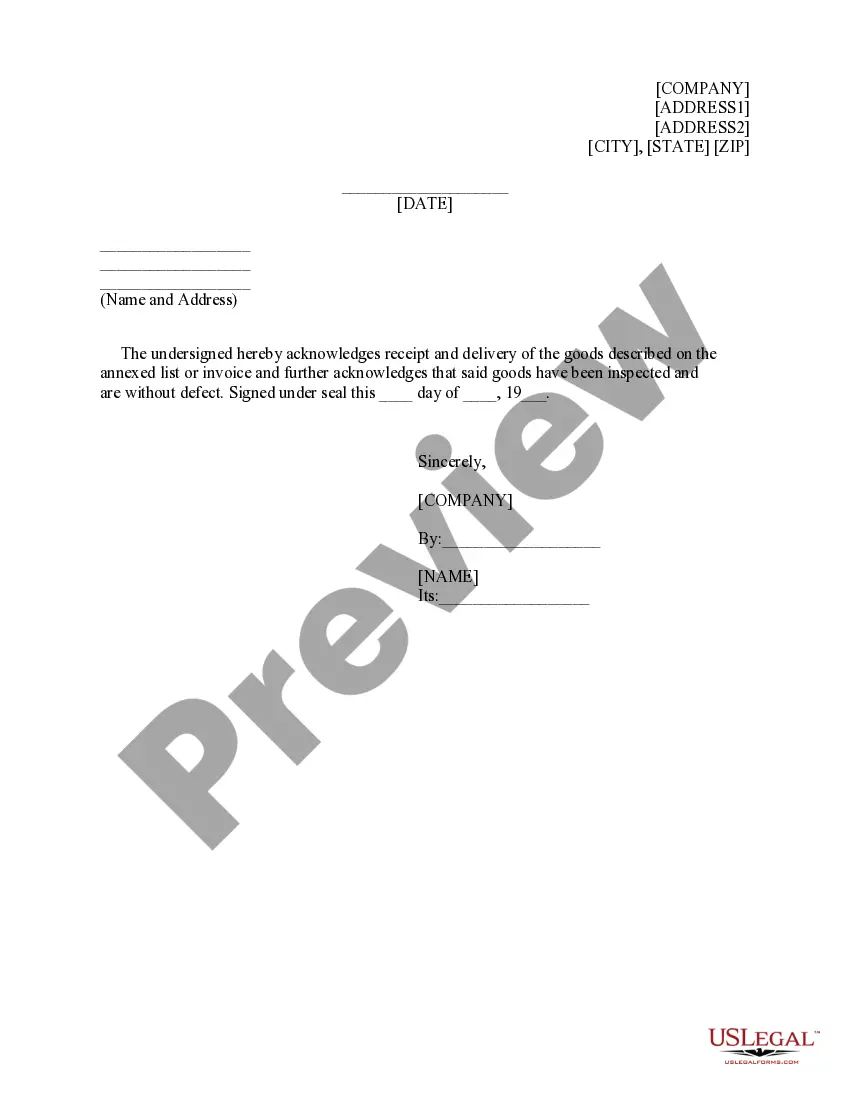
This form is typically used when a party needs to acknowledge the receipt of important documents, such as contracts, agreements, or official notifications. It can be utilized in various contexts, including corporate settings, legal proceedings, or personal matters where confirmation of document delivery is required.
Who can use this document
This form is suitable for:
- Businesses confirming the receipt of important documents.
- Individuals receiving legal or official documentation.
- Law firms sending documents to clients who need to verify receipt.
Completing this form step by step
- Enter the address information of both the sender and recipient at the top of the form.
- Specify the date of receipt.
- Fill in the name and address of the firm or company from which the documents are being received.
- List all documents that are being acknowledged as received.
- Sign the form, including your name and title, to finalize the acknowledgment.
Is notarization required?
This form usually doesn’t need to be notarized. However, local laws or specific transactions may require it. Our online notarization service, powered by Notarize, lets you complete it remotely through a secure video session, available 24/7.
Get your form ready online
Our built-in tools help you complete, sign, share, and store your documents in one place.
Make edits, fill in missing information, and update formatting in US Legal Forms—just like you would in MS Word.
Download a copy, print it, send it by email, or mail it via USPS—whatever works best for your next step.
Sign and collect signatures with our SignNow integration. Send to multiple recipients, set reminders, and more. Go Premium to unlock E-Sign.
If this form requires notarization, complete it online through a secure video call—no need to meet a notary in person or wait for an appointment.
We protect your documents and personal data by following strict security and privacy standards.

Make edits, fill in missing information, and update formatting in US Legal Forms—just like you would in MS Word.

Download a copy, print it, send it by email, or mail it via USPS—whatever works best for your next step.

Sign and collect signatures with our SignNow integration. Send to multiple recipients, set reminders, and more. Go Premium to unlock E-Sign.

If this form requires notarization, complete it online through a secure video call—no need to meet a notary in person or wait for an appointment.

We protect your documents and personal data by following strict security and privacy standards.
Mistakes to watch out for
- Failing to list all received documents clearly.
- Not signing the form, which can render it invalid.
- Entering incorrect address details for either party.
Benefits of using this form online
- Convenient access to a professionally drafted acknowledgment form.
- Immediate download and customizable functionality.
- Enhanced organization and documentation of received materials.
Looking for another form?
Form popularity
FAQ
Professional etiquette dictates that you email acknowledging receipt of the item once it has arrived. Understanding how to acknowledge receipt can help you send appropriate emails that sustain working relationships.
How to phrase your acknowledgements I am deeply indebted to. I would like to express my deepest appreciation to. I would like to express my deepest gratitude to. I'm extremely grateful to. This endeavor would not have been possible without. I could not have undertaken this journey without. Words cannot express my gratitude to.
How to Write the Best Payment Acknowledgement Emails Write a Concise Subject Line. Confirm That the Payment Was Received. Provide Additional Purchase Information. Attach the Payment Receipt. Inform the Recipient About Promotions. Include Your Contact Information. Conclusion.
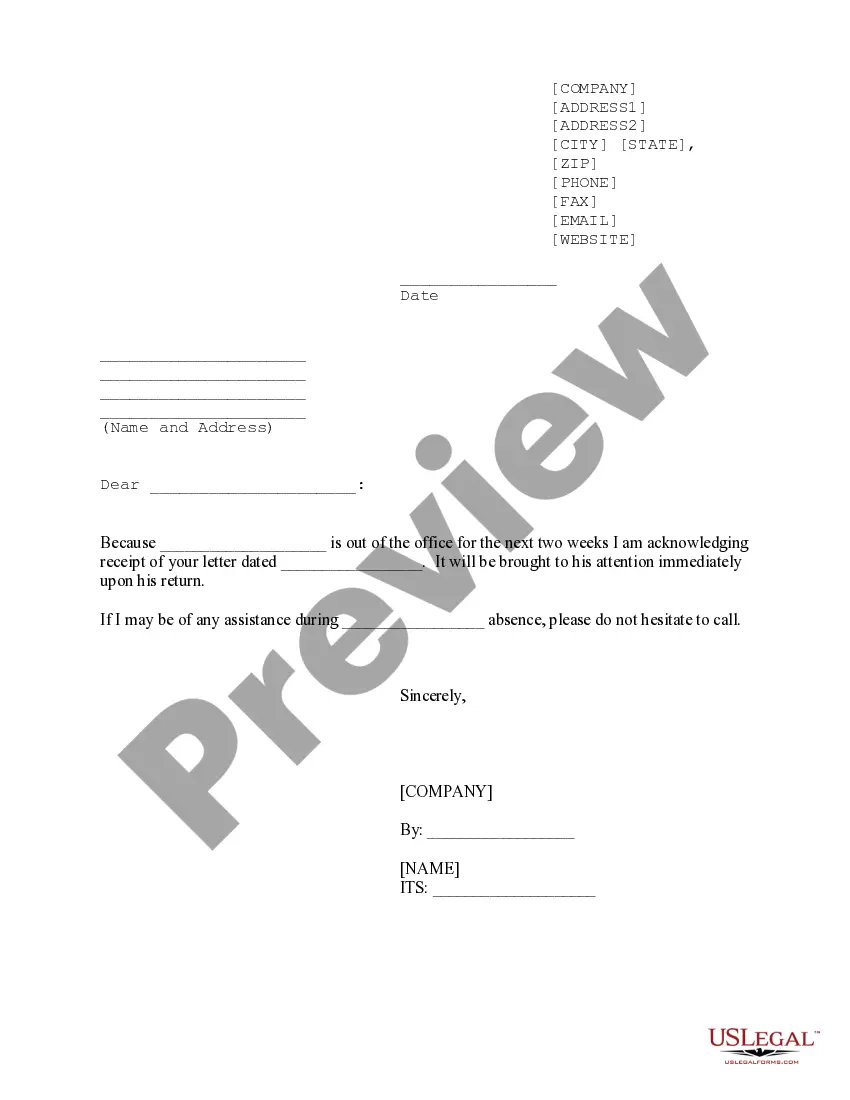
An acknowledgement receipt email lets the sender know you have received their email and you are looking into it. It takes the pressure off your support agents to provide a response and gives them a little more time to look into the email.
I, employee's first and last name, acknowledge receipt of a printed copy of the handbook and agree to abide by the policies and guidelines outlined within as a condition of my employment with company name.
An acknowledging receipt, also called an acknowledgment receipt, is a document that managers and supervisors primarily use to confirm that they've received a document, payment or another business-related item.